Unlocking the internet: why you need a free VPN with unlimited data
Ever felt the frustration of being throttled while streaming your favorite series or gaming online due to data limits? You’re not alone, and there’s a solution. A free VPN with unlimited data can help you browse, stream, and play without hitting a monthly VPN allowance. Better yet, the right service can protect your privacy while keeping your connection smooth. This guide explains why data caps happen, why many free VPNs feel limited, and how to use a no-data-limit VPN such as BeFreeVPN in a practical, safe way.
1. The Problem: Data Caps and Slow Connections Ruining Your Experience
Modern internet use is data-heavy. Streaming in HD, joining video calls, downloading game updates, backing up photos, and browsing social media can all use more data than expected. When limits appear, the experience can fall apart quickly.
For many people, the most obvious issue is streaming. You start a movie, and at first everything looks fine. Then the video drops in quality, buffers repeatedly, or stops loading at the worst possible moment. Some platforms adjust quality automatically when the connection becomes unstable, but that does not make the experience less frustrating.
Daily internet users can also face unexpected slowdowns from their internet service provider. In some cases, an ISP may reduce speeds during busy periods or after heavy usage. This can affect ordinary tasks like opening websites, using cloud storage, or joining an online class.
At the same time, many people turn to free VPN apps for privacy or access reasons, only to meet another limit: a small daily or monthly data allowance. Traditional free VPNs often restrict usage because their servers cost money to run. That means users may get privacy for a short time, but not enough data for streaming, gaming, or regular browsing.
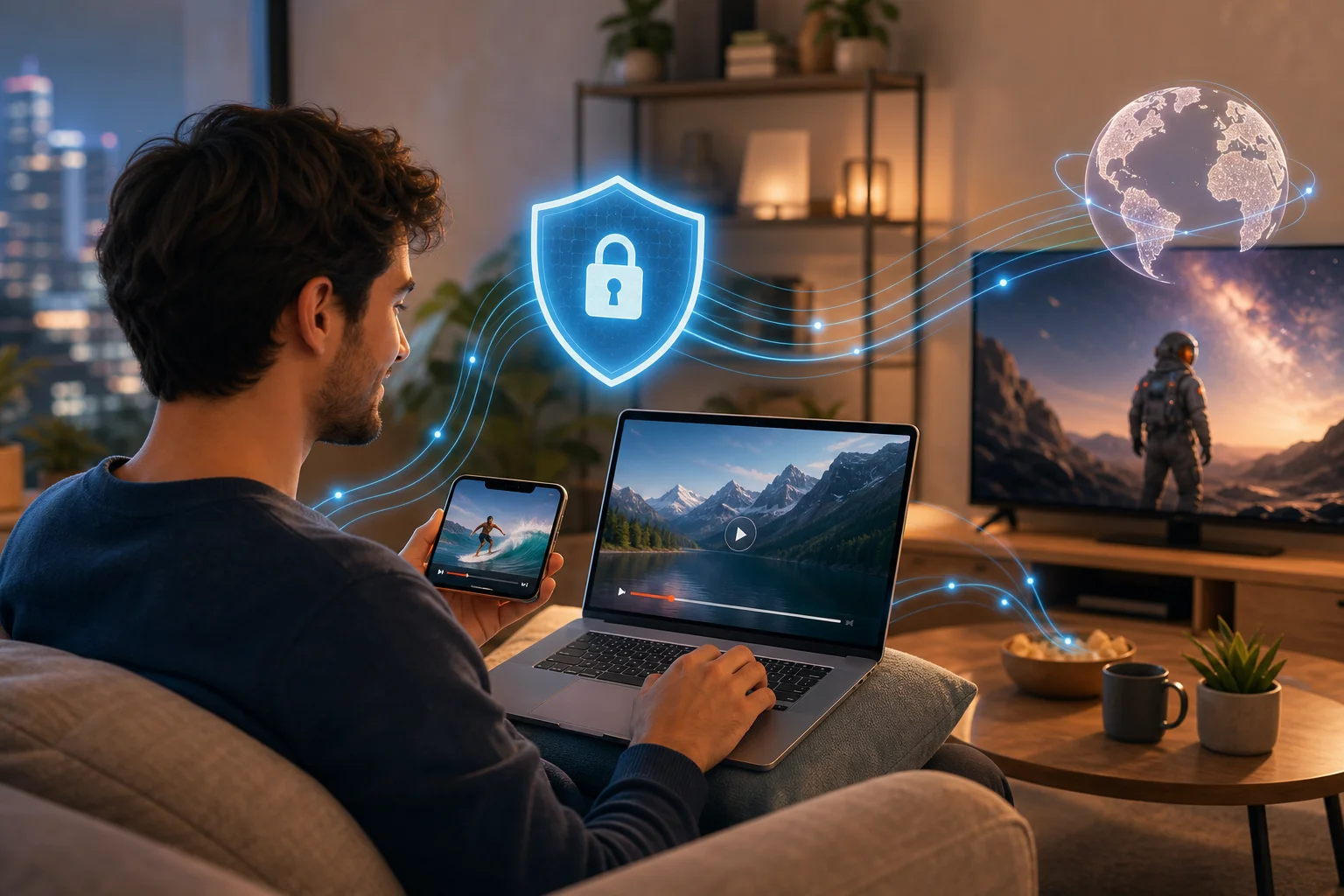
The result is a common problem: you want safer, more open internet access, but you do not want your VPN to become another bottleneck.
2. Why It Happens: Understanding Data Caps and Slowdowns
Data caps and slow connections usually come from a mix of network management, server costs, and misunderstanding about how VPNs work.
ISPs Use Limits to Manage Network Traffic
Internet service providers manage large networks shared by many customers. During peak times, they may use bandwidth management tools to keep the network stable. Some plans also include specific data limits, after which speeds may drop or extra charges may apply.
Not every slowdown is deliberate throttling. Wi-Fi interference, old routers, crowded local networks, and weak mobile signals can all reduce speed. However, data-heavy activities make these issues more visible.
Many Free VPNs Cap Data to Control Server Load
A VPN routes your traffic through secure servers. Those servers need bandwidth, maintenance, and infrastructure. To reduce costs, many free VPN providers set strict data limits, limit server locations, or slow free users during busy hours.
That is why a free VPN may work well for checking email but fail when you want to stream, download, or stay connected all day. If you need everyday protection, a free VPN with unlimited data is far more practical than one that stops after a few hundred megabytes.
The VPN Speed Myth Is Only Partly True
One of the biggest misconceptions is that VPNs always slow down your connection. A VPN can add a small amount of overhead because it encrypts traffic and routes it through another server. But that does not mean every VPN will feel slow.
In fact, speed depends on several factors:
- The distance to the VPN server
- Server load at the time you connect
- Your base internet speed
- VPN protocol and app quality
- Whether your ISP is slowing certain types of traffic
A well-optimized VPN server can feel fast enough for daily browsing and streaming. In some situations, especially where traffic shaping is involved, a VPN may even make certain activities feel more stable. The key is choosing the right provider and server.
3. The Solution: How to Use a Free VPN with Unlimited Data—Step by Step
The best solution is simple: choose a VPN that does not force you to count every megabyte. A service such as BeFreeVPN is designed for users who want free VPN access with unlimited data and an easy setup process.
Here is a clear step-by-step approach.
Step 1: Choose a Trusted Free VPN Provider
Start with a provider that clearly states its data policy. Look for no data limits, a simple app, and transparent privacy information. BeFreeVPN is a practical option if you want unlimited data without a complicated sign-up process.
Before installing any VPN, check the basics:
- Does it offer unlimited VPN data?
- Does it support your device?
- Is the app easy to use?
- Does the provider explain its privacy practices?
- Are there speed-optimized servers?
A free VPN should still respect your security. Avoid unknown apps with vague permissions, aggressive ads, or unclear ownership.
Step 2: Install the VPN App on Your Device
Next, install the VPN app on the device you use most. Many users start with a smartphone, but a good VPN should work across common platforms such as desktop and mobile devices.
After installation, open the app and review the available connection options. If the VPN does not require registration, you can usually connect faster and avoid sharing unnecessary personal details.
Step 3: Connect to a Speed-Optimized Server
For the best results, choose a server optimized for speed or a location close to you. A nearby server often gives lower latency, which matters for gaming, video calls, and fast browsing.
If you want to access content that is available in another region, connect to a server in that region. However, remember that distance can affect performance. If one server feels slow, switch to another and test again.
Step 4: Monitor Your Connection Speed
Finally, check how your connection performs. You do not need advanced tools. A simple speed test before and after connecting can show changes in download speed, upload speed, and latency.
Use the VPN while doing real tasks too. Try loading your usual websites, watching a video, or joining a call. This gives a more accurate picture than numbers alone.
| Step | What to Do | Why It Helps |
|---|---|---|
| 1 | Choose a no-data-limit VPN | Prevents usage caps from interrupting browsing or streaming |
| 2 | Install the app on your device | Makes protection available where you need it most |
| 3 | Select a speed-optimized server | Improves stability and reduces unnecessary lag |
| 4 | Test real-world performance | Helps you find the best server for your connection |
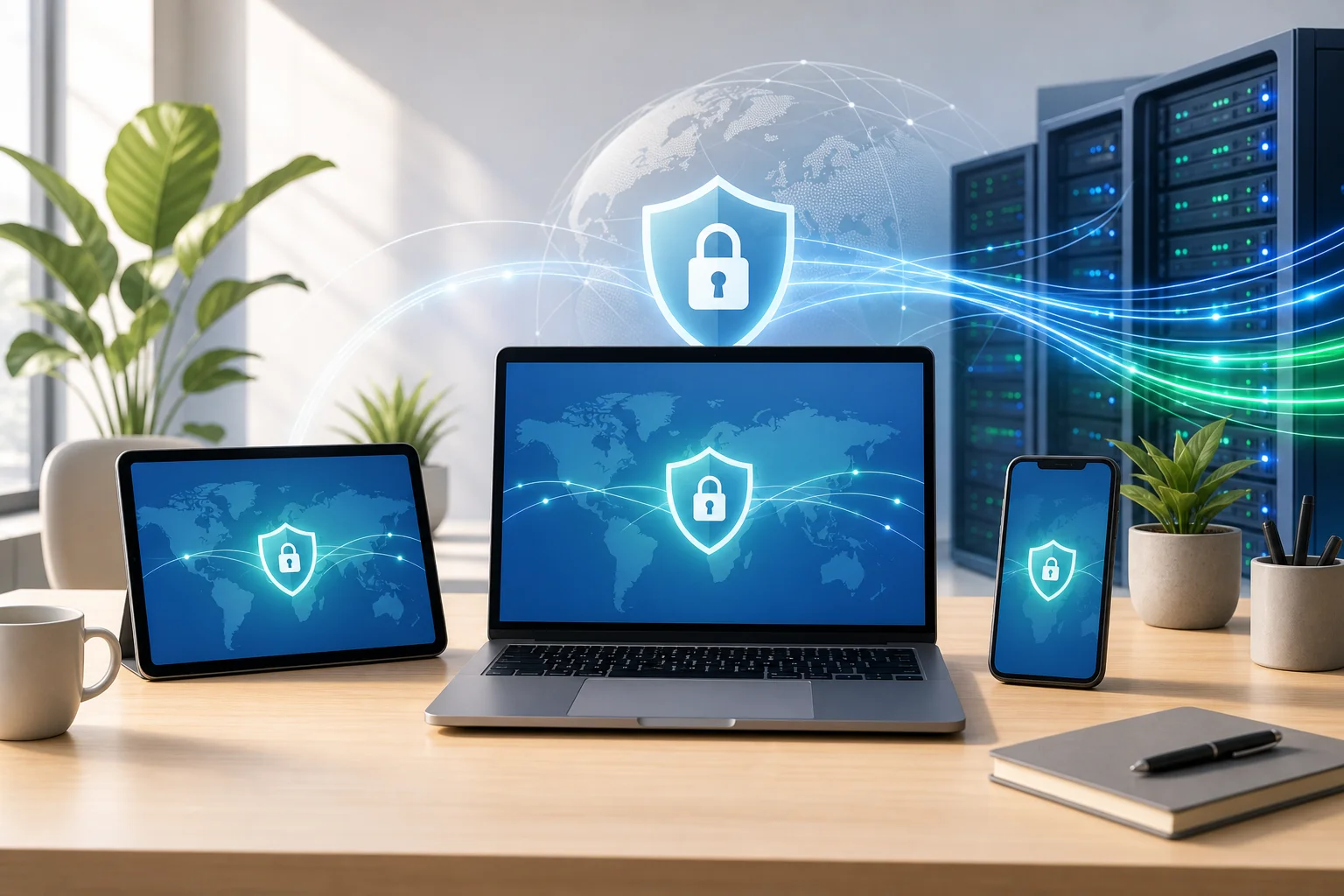
4. Results/Benefits: Experience Seamless Internet Freedom
Using a free VPN with unlimited data can change the way you experience the web. Instead of saving your VPN allowance for “important” moments, you can keep it on during everyday browsing.
Unlock Access Without Worrying About VPN Data Limits
Unlimited VPN data means you can stream, browse, research, and message without constantly checking how much data remains inside the VPN app. This is especially helpful for people who use public Wi-Fi, travel often, or rely on mobile devices throughout the day.
A VPN can also help you access your favorite content more flexibly when location-based restrictions are involved. Availability depends on the platform and region, but having server options gives you more control over your browsing experience.
Enjoy Smooth Speeds When the VPN Is Set Up Correctly
A VPN does not automatically make every connection faster. However, a well-chosen server can keep your experience smooth. If your ISP is shaping certain traffic, encrypted VPN traffic may help reduce that interference. If the issue is weak Wi-Fi or a slow base plan, the VPN cannot fix the root cause, but it can still protect your connection.
The main point is this: the idea that every VPN is slow is outdated. With unlimited data and speed-focused servers, a free VPN can be suitable for normal daily use.
Improve Privacy While You Browse
A VPN encrypts your internet traffic between your device and the VPN server. This is useful on public Wi-Fi in airports, hotels, cafés, and shared workspaces. It helps reduce exposure to local network snooping and adds a layer of privacy to your browsing.
It is not a complete privacy solution by itself. You should still use strong passwords, keep apps updated, enable two-factor authentication, and avoid suspicious links. But as part of a safer browsing routine, a VPN is a strong first step.
FAQ: Free VPN with Unlimited Data
Is a free VPN with unlimited data really free?
Some VPNs offer free access with no data limits. Always review the provider’s terms and privacy information so you understand how the service is supported and what features are included.
Will a free unlimited VPN slow down my internet?
Not always. A VPN can add some overhead, but performance depends on server quality, distance, network congestion, and your original internet speed. Choosing a nearby or speed-optimized server usually helps.
Can I use an unlimited free VPN for streaming?
Yes, you can use a no-data-limit VPN for streaming, provided the server is fast enough and the streaming service works with that connection. If playback buffers, try another server or lower the video quality slightly.
Is BeFreeVPN suitable for everyday browsing?
BeFreeVPN is designed for simple, free VPN access with unlimited data, making it a useful option for everyday browsing, streaming, and privacy on supported devices.
Conclusion: Browse More Freely Without Counting Data
Data caps, buffering, and throttled connections can make the internet feel smaller than it should. A free VPN with unlimited data helps solve that problem by giving you privacy and continuous access without forcing you to ration your usage. Choose a trusted provider, connect to a fast server, and test what works best for your device and location. Experience the internet without limits! Try BeFreeVPN today for free, no registration required, and enjoy unlimited data on any device.