4 posts tagged with "family-online-safety"

View All Tags

Top FAQs About VPN for Laptop Free Options

· 9 min read

Curious about how a free VPN can safeguard your laptop and family? Discover the essentials right here. If you are searching for a vpn for laptop free, you likely want simple privacy protection without adding another paid subscription. This FAQ explains how free VPNs can support safer family browsing, protect children’s online activity, work across multiple devices, and affect internet speed. It also shows what to check before trusting any free VPN service.

A free VPN is not a complete security solution. However, when used with good passwords, safe browsing habits, device updates, and parental controls, it can add a useful privacy layer for everyday laptop use.

Is it safe to use a free VPN on my laptop for family browsing?

Yes, a free VPN can be safe for family browsing if you choose one with clear privacy practices and basic security features. Free VPNs like BeFreeVPN can offer encryption that helps protect browsing data on public Wi-Fi, shared networks, and everyday home connections.

A VPN creates an encrypted tunnel between your laptop and the VPN server. As a result, your internet provider, local network users, or people on unsecured Wi-Fi have a harder time seeing the details of your browsing activity. This is especially useful when family members use laptops in airports, cafés, hotels, schools, or libraries.

Still, not every free VPN is equal. Before installing a free VPN for your laptop, review these points:

What to checkWhy it matters for families
Encryption standardsHelps protect browsing data from basic network snooping
Data logging policyShows whether the provider stores browsing-related information
Device supportMakes it easier to protect more than one laptop or phone
Bandwidth limitsAffects how long family members can browse or stream
Ease of useReduces setup mistakes for children or less technical users

Free options may not include every advanced feature found in premium VPNs, such as dedicated IP addresses, specialty streaming servers, or advanced threat blocking. Even so, they can be useful for general family browsing, especially when your goal is basic privacy and safer connections.
free VPN for laptop family browsing

How can a free VPN contribute to my child’s online safety on a laptop?

A free VPN can support your child’s online safety by hiding the laptop’s IP address and making tracking more difficult. This adds a privacy layer when children browse websites, use learning platforms, play games, or connect to public Wi-Fi.

However, a VPN is not a parental control tool by itself. It does not replace supervision, content filters, screen-time rules, or safe-search settings. Instead, it works best as one part of a broader family safety setup.

A practical setup for safer browsing

Follow these steps to create a stronger online safety routine for a child’s laptop:

  1. Install a trusted free VPN. Choose a service with clear data policies and simple controls. BeFreeVPN is designed to make secure access easier without a complicated setup.
  2. Turn on parental controls. Use built-in tools from your operating system, browser, or security provider to filter content and manage screen time.
  3. Use child-safe accounts. Give children standard user accounts rather than administrator access, so they cannot easily change security settings.
  4. Keep software updated. Browser, system, and app updates often fix security flaws.
  5. Talk about online risks. Teach children not to share personal information, click unknown links, or download suspicious files.
  6. Review activity together. Keep online safety open and calm. Monitoring works better when children understand the reason behind it.

A VPN can reduce exposure to some tracking and network-level risks, but it is not foolproof. For example, it cannot stop a child from entering personal details on an unsafe site, downloading malware, or talking to strangers online. That is why pairing a VPN with parental controls and regular conversations is essential.

What devices can I connect to a free VPN simultaneously?

Most free VPNs allow only a limited number of simultaneous connections. Some may support one device at a time, while others allow several laptops, phones, or tablets. Limits vary by provider, so you should always check the terms before choosing a free VPN for family use.

For households, multi-device support matters. One parent may work on a laptop, another family member may browse on a tablet, and a child may use a school laptop. If your VPN only protects one device, the rest of the household may remain exposed on public or shared networks.

BeFreeVPN works on multiple devices seamlessly, making it a practical option for families that need straightforward protection across several screens. This can be helpful when different people in the home use laptops at the same time for homework, remote work, entertainment, and online shopping.

When comparing free VPN services, look for:

  • The number of allowed simultaneous connections
  • Compatibility with Windows, macOS, Android, iOS, and browsers
  • Whether registration is required
  • Whether speed or data limits apply per device
  • How easy it is to install and disconnect

A free VPN is ideal for basic household use when everyone needs simple privacy protection. However, if your family streams heavily, transfers large files, or needs advanced security tools, you may want to compare free and paid plans carefully.
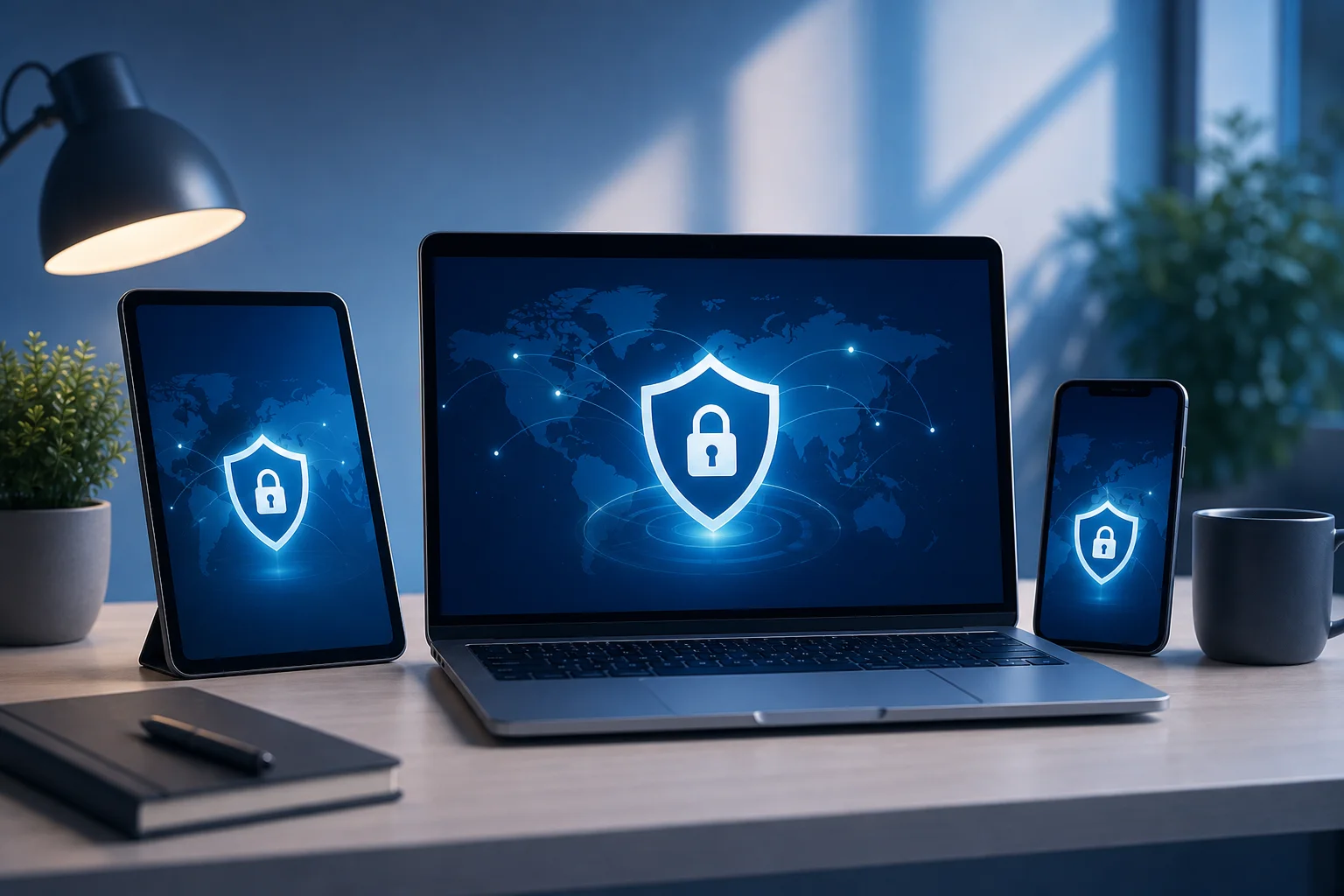
free VPN on multiple devices

Will using a free VPN slow down my laptop’s internet speed?

Yes, a VPN can slow down your laptop’s internet speed in some situations. This happens because your data is encrypted and routed through a VPN server before reaching the website or app you are using. That extra step can add delay.

Free VPNs may also have bandwidth limits, fewer server choices, or more users on the same servers. These factors can contribute to slower speeds, especially during busy hours. You may notice this when streaming video, joining video calls, downloading large files, or gaming online.

That said, speed loss is not always severe. A well-optimised free VPN can maintain reasonable performance for normal browsing, email, school research, and online shopping. BeFreeVPN is positioned as a simple option for users who want basic protection while keeping everyday speeds usable.

To improve VPN performance on a laptop:

  • Connect to the nearest available VPN server when possible.
  • Close unused tabs and background apps.
  • Avoid running large downloads during video calls.
  • Test your connection with and without the VPN.
  • Use a reliable Wi-Fi network or wired connection when available.

If a free VPN makes your internet unusably slow, try another server or review whether the free plan has data restrictions. For most families, the goal is balance: enough privacy to browse more safely, with enough speed to keep school, work, and entertainment running smoothly.

Is it true that free VPNs are ineffective at covering digital footprints?

No, it is not always true. A common myth is that all free VPNs are unreliable or useless. In reality, some free VPNs, including BeFreeVPN, can offer useful privacy features for everyday browsing. They may hide your IP address, encrypt traffic, and reduce some forms of network-level tracking.

However, it is important to understand what a VPN can and cannot do. A VPN can help mask your location from websites and protect data from local network snooping. It can also make it harder for advertisers or platforms to connect activity to your real IP address.

But a VPN does not erase your full digital footprint. Websites may still identify users through account logins, cookies, browser fingerprinting, device IDs, and information you enter manually. For example, if you sign in to a social media account, that platform still knows it is you, even if your VPN is active.

To evaluate whether a free VPN is worth using, check:

  • Whether it has a clear no-logs or minimal-logs policy
  • What data it collects to operate the service
  • Whether it requires an account or personal details
  • Whether it uses encryption for connections
  • Whether it displays intrusive ads or sells user data

Free VPNs are usually not as strong as premium privacy suites. They may lack advanced leak protection, specialty servers, or larger server networks. Even so, they can still provide basic privacy enhancements for families who want a safer browsing experience without paying upfront.

Quick answers about free VPNs for laptops

Can I use a free VPN on a school or work laptop?

Sometimes, but you should check the school or employer’s device policy first. Some managed laptops restrict VPN installation or require approved security tools only.

Do I need a VPN at home?

A VPN can still be useful at home because it hides your IP address from websites and adds privacy from network-level tracking. It is especially helpful if several family members share the same connection.

Is a free VPN enough for online banking?

A free VPN can add encryption on public Wi-Fi, but banking safety also depends on the bank’s secure website, strong passwords, two-factor authentication, and malware-free devices. Avoid banking on unknown public networks when possible.

Should children always browse with a VPN turned on?

For most families, keeping the VPN on during everyday browsing is a sensible habit. Still, parents should also use content filters, safe-search settings, and age-appropriate supervision.

Conclusion: choose a free VPN for laptops with care

A free VPN for your laptop can help protect family browsing, improve privacy, and support children’s online safety when used alongside parental controls and smart habits. It may not replace a full security suite, but it can be a practical first step. Discover how BeFreeVPN can secure your family's laptops without cost or registration, offering peace of mind online.
VPN for Free for Computer: Top 5 FAQ Answered

· 8 min read

Are you looking to protect your family's online activities without breaking the bank? Discover the essential insights about using a VPN for free on your computer. If you are searching for a vpn for free for computer, this FAQ explains what free VPNs do, how safe they are, how they work across household devices, and what limits families should expect before relying on one every day.

A free VPN can be a practical first step for safer browsing at home. However, it is important to understand both the benefits and the trade-offs so you can choose a service that fits your family’s needs.

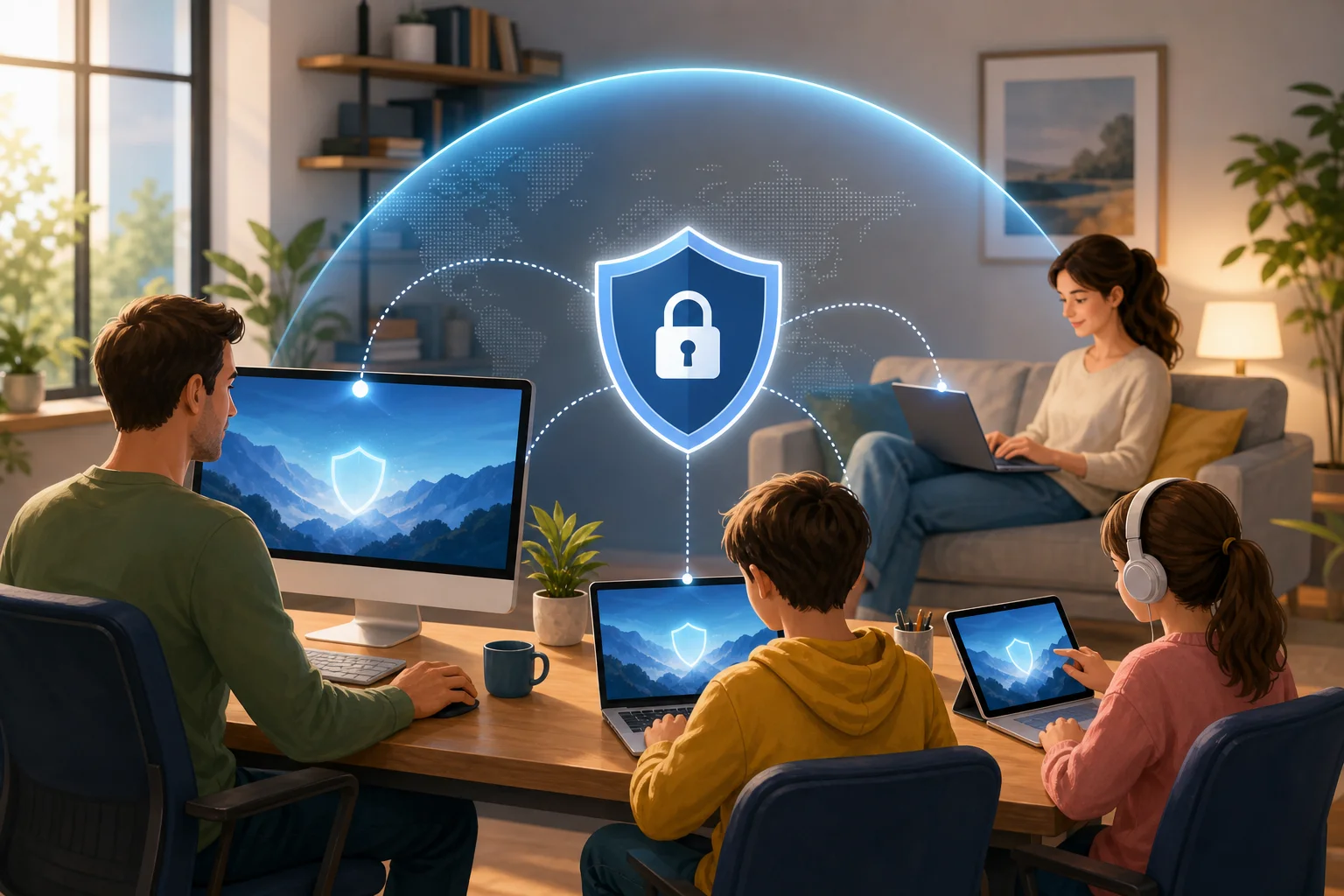
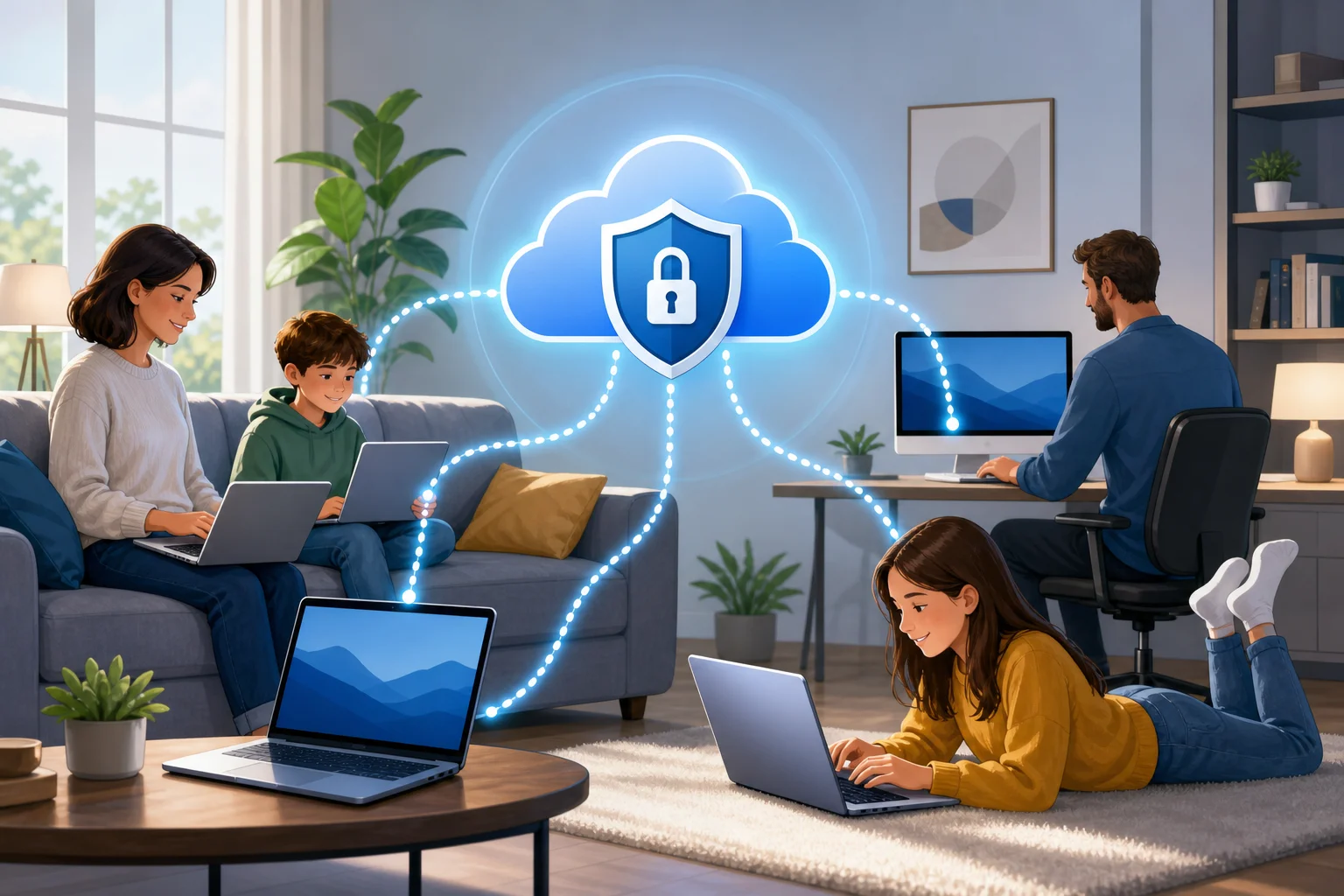
free VPN for family computer

What is a VPN for free for computers and how does it work?

A VPN for free for computers is a virtual private network app that you can install on a desktop or laptop without paying a subscription fee. Once turned on, it creates an encrypted tunnel between your computer and the VPN provider’s server. This helps keep your internet traffic more private from local network snoops, public Wi-Fi risks, and some forms of tracking.

In simple terms, a free VPN works in three main ways:

  1. It encrypts your internet connection. Your browsing data is wrapped in encryption before it travels across the internet, making it harder for others on the same network to read.
  2. It masks your IP address. Websites usually see the VPN server’s IP address instead of your home IP address. This can improve anonymity and reduce direct exposure of your location.
  3. It can help access restricted content. Because your visible IP address changes, some region-based blocks or network restrictions may be bypassed, depending on the VPN server and the website’s rules.

For families, the appeal is clear. A free VPN can help secure multiple computer users without adding another monthly bill. Parents may use it on a shared desktop, a child’s laptop, or a family computer used for homework, shopping, streaming, and banking.

That said, a VPN is not a complete security solution. It does not replace antivirus software, strong passwords, operating system updates, or parental controls. Instead, it adds a privacy layer that helps protect everyday browsing.

Is a VPN for free safe to use on home computers?

Yes, a free VPN can be safe on home computers, but safety depends heavily on the provider. Free VPNs are not automatically unsafe. Some reputable services offer a free plan as a way to introduce users to their product. Others may rely on ads, limited features, or paid upgrades to support the service.

The key is to avoid unknown apps that make unrealistic promises. A trustworthy free VPN should explain its privacy policy clearly, avoid unnecessary permissions, and provide secure VPN protocols.

Quick safety checklist for choosing a free VPN

Use this comparison table before installing a free VPN on a family computer:

What to checkWhy it mattersFamily-friendly tip
Clear privacy policyShows how data is handledAvoid services that are vague about logging
No registration or minimal data requiredReduces personal information sharedUseful for shared household devices
Data limitsFree plans may cap monthly useCheck if limits fit homework, browsing, and light streaming
Device supportEnsures it works on your computersLook for Windows, macOS, and browser compatibility
ReputationHelps avoid risky appsChoose services with transparent information and updates

A common myth is that free VPNs are inherently dangerous. That is not accurate. A reputable free VPN can still protect against basic threats, especially on public Wi-Fi or shared networks. However, families should be aware of potential privacy concerns, ads, speed limits, and data caps. If a free service appears to have no business model and no privacy details, treat it with caution.

Can I use a free VPN on multiple computers in my household?

In many cases, yes. Several free VPNs allow installation on more than one device, which is useful for family sharing. For example, you may want protection on a parent’s work laptop, a child’s school computer, and a shared desktop in the living room.

However, free plans often come with restrictions. Some limit the number of simultaneous connections. Others allow multiple installs but provide a monthly data cap per account or per device. Before choosing a free VPN for computers, check whether the usage limits match your household’s routine.

How to set up a free VPN across family computers

Follow these simple steps:

  1. List your devices. Include Windows PCs, Macs, shared desktops, and laptops used by children.
  2. Check platform support. Make sure the VPN offers apps or setup instructions for each computer.
  3. Review connection limits. Confirm how many devices can use the VPN at the same time.
  4. Install from the official source. Download only from the provider’s website or a trusted app store.
  5. Turn on auto-connect if available. This helps protect users who may forget to enable the VPN.
  6. Test browsing and video calls. Make sure speeds are usable for schoolwork, family calls, and normal browsing.
  7. Explain the basics to children. Teach them that the VPN supports privacy, but safe online behavior still matters.

Easy setup is especially important for families. If the app is too confusing, younger users may turn it off or ignore it. Look for a clean interface, simple connect button, and clear status indicator.

free VPN on multiple computers

How can a VPN for free protect children online?

A free VPN can support children’s online safety by adding privacy and reducing exposure of personal location details. When a child uses a shared computer or school laptop at home, the VPN can mask the household IP address and make browsing less directly tied to the family’s physical location.

Some VPN services also include security features such as malicious site warnings, DNS filtering, or blocking for harmful websites and content. These tools can help reduce access to unsafe pages. Still, not every free VPN includes content blocking. For stronger child protection, use the VPN together with parental controls, safe search settings, browser restrictions, and open conversations about online risks.

A VPN can also help when children use shared devices outside the home, such as on public Wi-Fi at libraries, cafés, airports, or hotels. In those cases, encryption is valuable because public networks are easier for attackers to monitor.

For families, the best approach is layered protection:

  • Use a VPN for privacy and safer connections.
  • Enable parental controls on computers and browsers.
  • Keep devices updated.
  • Teach children not to share personal details online.
  • Review downloads, games, and websites together.

In short, a free VPN is not a digital babysitter. But it can be a helpful part of a safer browsing setup for children and shared household computers.

What limitations should I expect with a VPN for free for computers?

Free VPNs can be useful, but they usually have limits compared with paid versions. Understanding these limits helps families set realistic expectations and avoid frustration.

The most common limitation is a data usage cap. A free VPN may work well for web browsing, email, and light research but may run out quickly if the family streams video, downloads large files, or uses video calls for long periods.

Another common limit is fewer server locations. Paid VPNs often provide many countries and city-level options, while free plans may offer only a small selection. This can affect speed and access to region-specific content.

You may also notice slower speeds. Free servers can be more crowded because many users share limited resources. During peak hours, pages may load more slowly or streaming quality may drop.

Other possible limitations include:

  • Fewer advanced privacy settings.
  • Limited customer support.
  • Restrictions on simultaneous connections.
  • No dedicated streaming or gaming servers.
  • Occasional prompts to upgrade to a paid plan.

These drawbacks do not mean a free VPN is useless. For many families, a no-cost VPN is enough for basic privacy, safer browsing on shared networks, and protecting a computer during everyday tasks. The key is to match the tool to the job. If your family needs heavy streaming, constant downloads, or many devices online at once, you may eventually need a more advanced plan.

Final thoughts: should your family use a free VPN on computers?

A free VPN for computer use can be a smart starting point for families that want better privacy without extra cost. It encrypts your connection, masks your IP address, helps protect shared devices, and can support safer browsing for children when combined with parental controls and good digital habits.

Choose a reputable provider, understand the limits, and install it carefully on each household computer. Most importantly, treat a VPN as one part of a broader family safety plan.

Protect your family's online presence effortlessly with BeFreeVPN — a free, no-registration solution perfect for all your devices.

The Ultimate FAQ Guide to VPN for Free for Computer: Ensuring Family Safety Online

· 8 min read

Wondering if you can protect your family's online activities for free? This guide explores the best options for a VPN for free for computer use, with practical tips for multiple devices and children's safety. You will learn what a VPN does, where free VPNs are useful, what limits to expect, and how to choose a safer service for home computers, laptops, tablets, and phones.

free VPN for computer family safety

What is a VPN and how does it benefit my computer?

A VPN, or Virtual Private Network, creates an encrypted connection between your computer and the internet. Instead of sending your browsing activity directly through your internet provider or a public Wi-Fi network, the VPN routes it through a secure server. This helps keep your family's online activity more private.

For a home computer, a VPN can offer three main benefits:

  • Privacy for everyday browsing: Encryption makes it harder for outsiders to see what websites your family visits, especially on shared or unsecured networks.
  • Safer public Wi-Fi use: If your child or another family member uses a laptop at school, a library, an airport, or a café, a VPN can reduce the risk of snooping by attackers on the same network.
  • Access to broader online content: A VPN may help bypass some geo-restrictions, allowing family members to reach legitimate educational, entertainment, or travel-related content that may vary by location.

However, a VPN is not a complete security solution by itself. It does not replace antivirus software, strong passwords, software updates, or careful online behavior. Think of it as one layer in your family's digital safety plan.

Are there truly free VPN options available for computers?

Yes. There are free VPN options for computers, including services such as BeFreeVPN, which offers free use with no registration. Many VPN providers also offer a free tier alongside paid plans.

That said, free VPNs often come with trade-offs. Common limits include slower speeds, fewer server locations, device limits, or data caps. These limits may be fine for light browsing, checking email, school research, or occasional public Wi-Fi use. They may be less ideal for streaming, gaming, or large downloads.

Quick comparison: free VPN vs paid VPN for family computers

FeatureFree VPN for computerPaid VPN plan
CostNo monthly paymentMonthly or yearly fee
RegistrationSome require an account; some, like BeFreeVPN, may notUsually required
SpeedMay be slower during busy timesOften faster and more consistent
Data limitsMay include capsUsually unlimited
Server choiceOften limitedLarger choice of countries and servers
Family useGood for basic protectionBetter for heavy use and many devices

When choosing any free VPN for your family's computers, focus on trust. Look for a clear privacy policy, transparent terms, modern encryption, and a statement about whether user activity is logged. Avoid unknown apps that promise unlimited everything but give no details about how they protect data.

How can a free VPN ensure my children's safety online?

A free VPN can support children's online safety by making their connection more private and reducing exposure on unsecured networks. For example, if your child uses a laptop on public Wi-Fi, the VPN can help protect logins, browsing sessions, and school-related activity from network snooping.

Some VPN services also include extra safety tools, such as malicious site warnings, DNS filtering, or content-blocking options. These features can help restrict access to harmful or inappropriate websites. Still, not every free VPN includes them, so check the feature list before installing.

A VPN can also mask your child's IP address from websites and services. This does not make a child anonymous in every situation, but it can reduce tracking based on location and network identity.

Steps to make a free VPN safer for children

  1. Choose a reputable free VPN. Read the privacy policy and avoid services with unclear ownership or aggressive advertising.
  2. Install it from the official website or trusted app store. This helps avoid fake installers and malware.
  3. Turn on the VPN before your child uses public Wi-Fi. Make this a simple family rule.
  4. Add parental controls. Use built-in Windows, macOS, browser, or router controls to manage websites, screen time, and downloads.
  5. Use safe search and child accounts. These tools work alongside a VPN and help filter inappropriate results.
  6. Talk about online safety. Explain scams, oversharing, suspicious links, and privacy in age-appropriate language.

In short, a VPN helps protect the connection. Parental controls help manage content. Good family habits help children make safer choices.

children online safety with VPN

What devices can I use a free VPN on with my family?

Most free VPNs are compatible with common computers, including Windows PCs and macOS laptops or desktops. This makes them practical for homework, remote work, browsing, and shared household devices.

Many VPNs also support smartphones and tablets. That matters because children often move between devices during the day. If a VPN is available for Windows, macOS, Android, and iOS, it is easier to create a consistent safety routine at home and on the go.

Some VPN services can also be installed on a router. Router setup can protect every connected device in the home, including computers, tablets, phones, and some smart TVs. However, router VPN setup may be more technical, and free VPNs do not always support it. Check the provider's setup guides before relying on this option.

For families, the best setup is usually simple:

  • Install the VPN app on each main computer.
  • Add the VPN to phones and tablets if supported.
  • Use router-level parental controls where available.
  • Keep antivirus and operating system updates turned on.

This balanced approach gives your household broader protection without making daily internet use too complicated.

Is it true that free VPNs compromise my online security?

Not always. It is a myth that every free VPN is unsafe. However, it is also true that some free VPNs have weak privacy practices, intrusive ads, limited encryption, or unclear data policies. That is why research matters.

A reputable free VPN should explain what data it collects, how it protects users, and whether it logs browsing activity. Services like BeFreeVPN are positioned as privacy-friendly options, with no registration required and a no-logs approach. For families, fewer required personal details can be a meaningful advantage.

Before installing a free VPN on a family computer, ask these questions:

  • Does the provider clearly state its privacy policy?
  • Does it require unnecessary personal information?
  • Does it use modern VPN protocols and encryption?
  • Does it show too many ads or redirect searches?
  • Is the app available from official, trusted sources?
  • Are the limitations clear, such as speed or server access?

If the answer to these questions is unclear, choose another provider. A trustworthy free VPN should make safety easy to understand, not hidden behind vague claims.

Common FAQ: choosing the best free VPN for family computers

What is the best free VPN for a computer at home?

The best free VPN is one that is reputable, easy to use, transparent about privacy, and compatible with your operating system. BeFreeVPN is one option for users who want a free VPN with no registration.

Can I use one free VPN on multiple family devices?

Sometimes. Many VPNs support several platforms, but free plans may limit simultaneous connections. If you need coverage for several computers, phones, and tablets, check the provider's device rules first.

Will a VPN make my computer completely safe?

No. A VPN protects your internet connection, but it does not stop every threat. Use it with antivirus software, parental controls, strong passwords, and regular updates.

Is a free VPN good enough for children?

A free VPN can be good enough for basic privacy and safer public Wi-Fi use. For stronger filtering, use parental controls and safe-search tools alongside the VPN.

Conclusion: should your family use a free VPN for computers?

A free VPN for computers can be a smart first step for family online safety. It can encrypt browsing, protect laptops on public Wi-Fi, and make everyday internet use more private. Still, choose carefully. Look for a service with clear privacy practices, simple setup, and support for the devices your household uses most.

Ready to protect your family's online safety? Try BeFreeVPN for free, with no registration, and secure multiple devices effortlessly.

The ultimate FAQ guide to anonymous VPN for home

· 10 min read

Are you concerned about your family's online privacy? Discover how an anonymous VPN can provide safety and convenience for multiple devices in your home. An anonymous VPN for home encrypts your internet connection, helps hide your IP address, and gives every family member a more private way to browse, stream, learn, and work online.

For households, privacy is not just about one laptop. It often involves phones, tablets, smart TVs, school devices, and shared Wi-Fi. This FAQ explains what an anonymous VPN can and cannot do, how it supports safer browsing for families, and what features to check before choosing one.

anonymous VPN for home network