Unlocking seamless YouTube streaming: a VPN for YouTube case study with BeFreeVPN
Imagine effortlessly streaming your favorite YouTube videos without buffering or restrictions, thanks to one powerful tool. In this case study, we look at how Alex, a digital nomad, used a VPN for YouTube to reduce location blocks, improve playback stability, and keep access simple while moving between countries. Rather than offering generic advice, this story focuses on a practical streaming setup with BeFreeVPN, a free, no-registration VPN option built for quick access.
For intermediate users, the challenge is rarely “what is a VPN?” It is choosing a tool that works smoothly for video, does not slow every session down, and is easy enough to use every day. Alex needed exactly that.
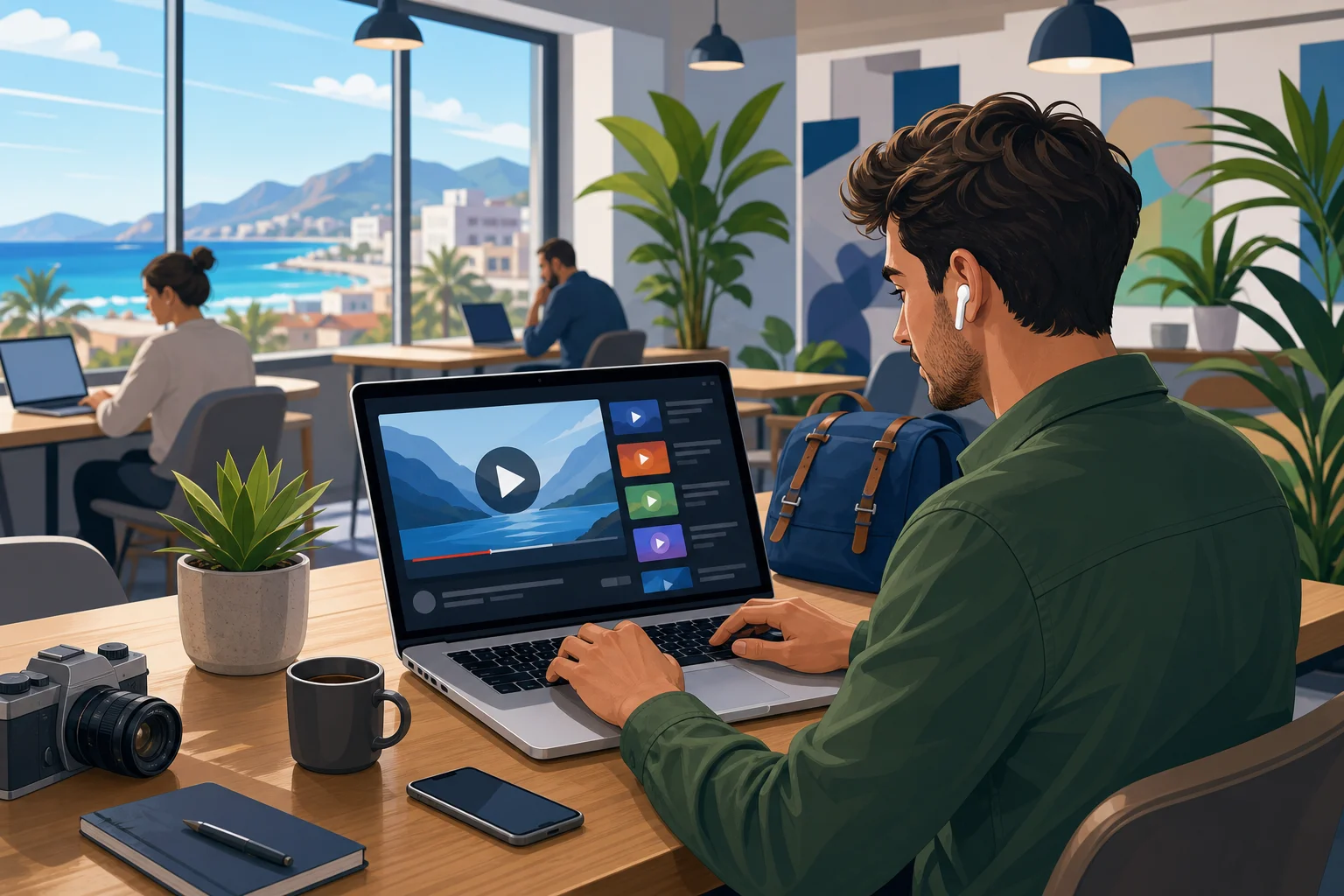
1. Meet Alex: The Avid YouTube Enthusiast
Alex works remotely as a video editor and content strategist. His days often start with YouTube tutorials, creator interviews, product reviews, analytics walkthroughs, and client research. After work, he uses the same platform for music sessions, travel channels, gaming videos, and long-form documentaries.
Because Alex is a digital nomad, his connection point changes often. One month he is in Portugal. The next, he may be working from Thailand, Mexico, or Turkey. Each location brings different networks, internet routes, and content availability.
At first, Alex treated YouTube access as something that should “just work.” However, that assumption broke down quickly. Videos that were available in one country were sometimes unavailable in another. Some live streams had regional limits. Certain music videos, sports clips, or licensed content simply would not play.
In addition, performance was inconsistent. Hotel Wi-Fi, coworking networks, and short-term apartment connections could be fast on paper but unstable during peak hours. Alex needed YouTube for both productivity and relaxation, so constant interruptions were more than a minor annoyance.
His goal was clear: find a reliable, simple, free VPN for YouTube that could help him watch more consistently without adding a complicated login process or technical overhead.
2. The Challenge: Accessing YouTube Without Compromises
Alex’s problem had three parts: content access, playback quality, and usability.
First, he frequently encountered location-based restrictions. This was not limited to entertainment. Sometimes, client research required checking ads, channel formats, or regional creator trends. If YouTube content was unavailable from his current country, his work slowed down.
Second, buffering made long sessions difficult. A short loading pause may be tolerable once. But when Alex was reviewing a 40-minute tutorial or comparing multiple product demos, repeated buffering broke his focus. He wanted a VPN for YouTube without buffering, or at least one that would not make buffering worse.
Third, the VPN market felt crowded. Searching for the best VPN for YouTube brought up premium tools, browser extensions, free apps with unclear limits, and services that required accounts before testing. Alex was not against paid tools in principle, but he wanted a no-friction option first. Finding a reliable free solution seemed daunting.
He also cared about other platforms. YouTube was the main priority, but his routine included Spotify during work, Netflix at night, and occasional TikTok and Twitch sessions. A VPN that only helped one site would be less useful than a broader VPN for online streaming.
| Streaming need | Alex’s issue | What he looked for |
|---|---|---|
| YouTube videos and live streams | Regional restrictions and buffering | A fast VPN for YouTube with simple server access |
| Spotify music | Catalog differences while traveling | A VPN for Spotify that stays stable in the background |
| Netflix and other video apps | Access changes by location | A practical VPN for Netflix and general streaming |
| TikTok and Twitch | Regional availability and network instability | A VPN for TikTok and VPN for Twitch without slowdowns |
| Public or shared Wi-Fi | Inconsistent routes and privacy concerns | A no-registration VPN that is quick to enable |
The key point: Alex did not want a perfect laboratory benchmark. He wanted a dependable daily workflow.
3. The Solution: Discovering BeFreeVPN
Alex found BeFreeVPN while looking for a free VPN for YouTube that did not force him through a long registration process. The appeal was immediate: no account creation, no payment barrier, and a lightweight path to connect before opening YouTube.
BeFreeVPN matched his main requirements in three ways.
First, it was easy to start. Alex did not need to create a profile just to test whether a video would load. That mattered because his location changed often, and he wanted a tool he could use quickly from different networks.
Second, it helped bypass geo-restrictions. By routing his connection through another VPN location, Alex could check whether content availability changed and access videos that were restricted in his current region. As always, he still needed to respect local laws and platform terms, but the technical barrier was reduced.
Third, playback improved in his real-world use. A VPN can sometimes slow a connection if the server is overloaded or far away. However, in Alex’s case, choosing a suitable route through BeFreeVPN often gave him more consistent playback than relying only on the local network path.
How Alex set up BeFreeVPN for YouTube
Alex followed a simple process that became part of his daily routine:
- Check the local connection first. He opened YouTube and tested a normal video to see whether the issue was general Wi-Fi instability or content access.
- Enable BeFreeVPN. When he hit a regional block or repeated buffering, he connected through BeFreeVPN.
- Choose a practical VPN location. He selected a location close enough for speed but suitable for the content he needed.
- Refresh YouTube. He reloaded the page or restarted the app so YouTube could detect the new route.
- Test playback quality. He watched the first minute, checked resolution stability, and then continued working or streaming.
- Keep the setup minimal. Because BeFreeVPN did not require registration, he could use it quickly without managing another account.
This workflow also helped him answer a common question: how to watch YouTube with VPN without overcomplicating the process. For Alex, the best setup was not the most technical one. It was the one he would actually use.
4. Results: A Seamless YouTube Experience
After adding BeFreeVPN to his streaming routine, Alex noticed a clear improvement in day-to-day usability. Previously restricted videos became accessible more often when he selected an appropriate VPN location. Live streams loaded more reliably. Long tutorials were easier to watch from start to finish.
Most importantly, Alex’s buffering problem became manageable. During his normal viewing sessions, he experienced effectively zero buffering when the local internet connection was healthy and the VPN route was well matched. That distinction matters: no VPN can fix a completely broken Wi-Fi network. But a good VPN can improve routing consistency and help avoid some regional or network-based friction.
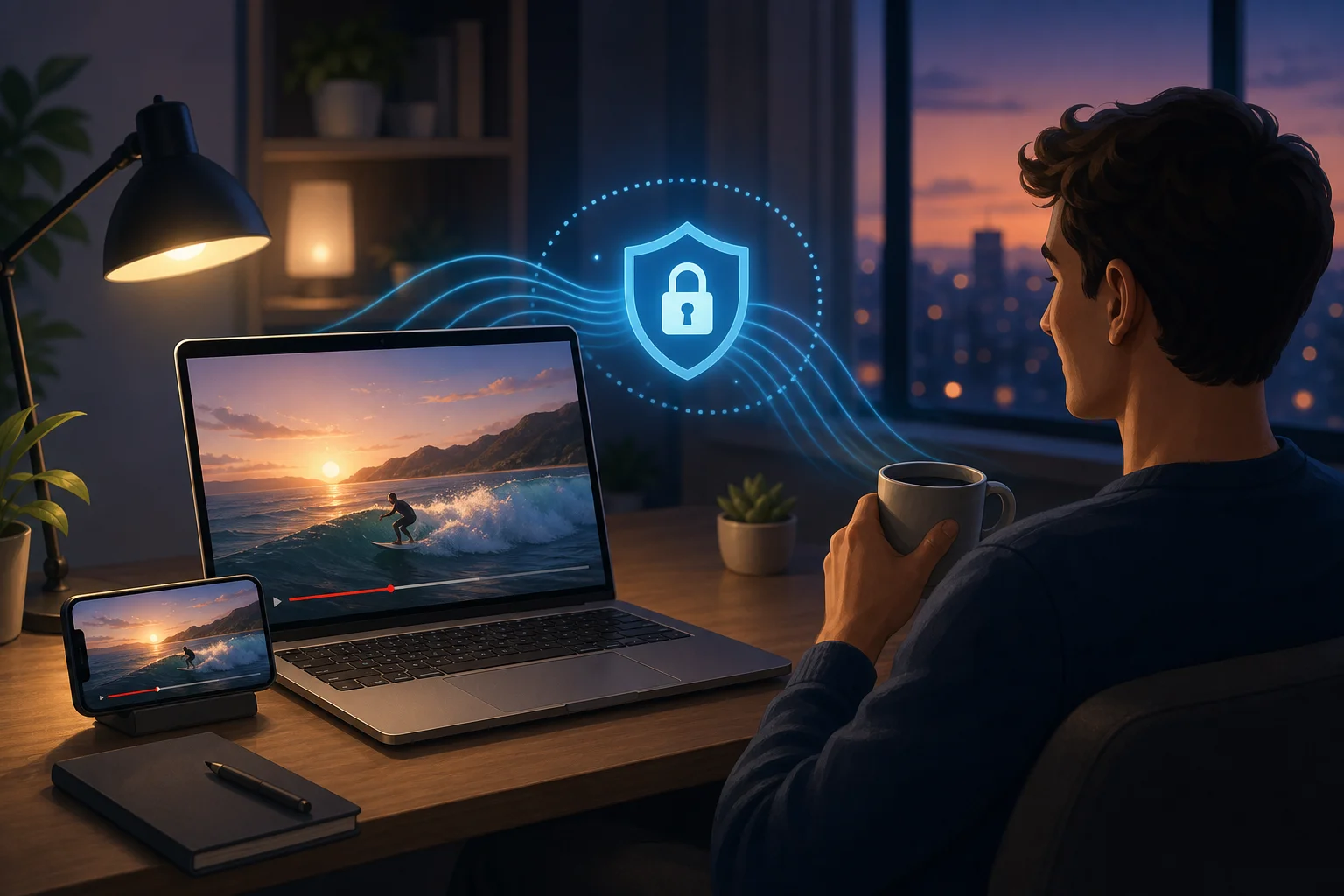
The benefits also extended beyond YouTube. Alex tested BeFreeVPN with other services in his routine and found it useful for general streaming access. For example, he used it as a VPN for Spotify when music availability changed while traveling. He also tested it as a VPN for TikTok and VPN for Twitch when content access or network performance felt inconsistent.
For video-on-demand services, Alex treated the VPN as a helpful access tool rather than a magic switch. Platforms such as Netflix, Hulu, Prime Video, Disney Plus, and HBO Max use their own licensing rules and VPN detection systems. Still, BeFreeVPN gave him a practical option when he needed a VPN for Netflix, a VPN for Prime Video, a VPN for Disney Plus, a VPN for Hulu, or a VPN for HBO Max during travel.
In other words, BeFreeVPN became more than a single-purpose YouTube fix. It became Alex’s default VPN for online streaming when he wanted quick access without registration.
What changed in Alex’s streaming workflow
Before BeFreeVPN, Alex often wasted time switching networks, lowering video quality, or searching for mirrored content. Afterward, his process became simpler:
- If YouTube showed a location restriction, he turned on BeFreeVPN.
- If playback stalled repeatedly, he tested a different VPN route.
- If he moved to a new country, he used the VPN before assuming content was unavailable.
- If another platform had similar access issues, he tried the same method.
This saved time and reduced frustration. It also made Alex more confident that he could work from different regions without losing access to important video resources.
5. Takeaways: The Power of BeFreeVPN for Streamers
Alex’s experience highlights a useful lesson: the best VPN for YouTube is not only about raw speed. It is about the full streaming experience. A good option should be easy to start, stable enough for video, flexible across regions, and practical for daily use.
For Alex, BeFreeVPN delivered that balance. It offered a cost-free way to test different routes, access more content, and keep YouTube running smoothly while traveling. The no-registration model was especially valuable because it removed a common barrier. He could connect, test, and watch.
The case study also shows why streamers often search beyond one platform. Someone looking for a free VPN for Netflix may also need a free VPN for YouTube, a free VPN for Spotify, or a free VPN for online streaming. The same applies to users comparing the best VPN for Netflix, best VPN for TikTok, best VPN for Twitch, best VPN for Disney Plus, best VPN for Prime Video, best VPN for Hulu, or best VPN for HBO Max. Their underlying need is similar: stable, flexible access to the content they care about.
Platform-by-platform streaming considerations
| Platform | Common VPN search intent | Practical note |
|---|---|---|
| YouTube | How to watch YouTube with VPN | Refresh the app or page after connecting to the VPN. |
| Netflix | How to watch Netflix with VPN | Availability varies by region and platform rules. |
| TikTok | How to watch TikTok with VPN | Choose a stable route for smooth short-form video playback. |
| Twitch | How to watch Twitch with VPN | Low latency matters for live streams and chat. |
| Spotify | How to watch Spotify with VPN | A steady background connection is more important than peak speed. |
| Disney Plus | How to watch Disney Plus with VPN | Check local access rules and subscription availability. |
| Prime Video | How to watch Prime Video with VPN | Streaming rights can differ by country. |
| Hulu | How to watch Hulu with VPN | Availability may depend on account region and service policies. |
| HBO Max | How to watch HBO Max with VPN | Use a reliable connection for HD playback. |
If your priority is a VPN for online streaming without buffering, remember that server choice, distance, device performance, and local network quality all matter. A VPN can help, but it works best when paired with a stable internet connection.
FAQ: Using a VPN for YouTube and Other Streaming Platforms
What is the best VPN for YouTube?
The best VPN for YouTube is one that combines reliable streaming speed, easy access, and consistent regional flexibility. In Alex’s case, BeFreeVPN worked well because it was free, required no registration, and was simple enough to use every day.
Is there a free VPN for YouTube that does not require registration?
Yes. BeFreeVPN is positioned as a free, no-registration option, which made it a strong fit for Alex’s travel-heavy routine. As with any free VPN, performance can vary by network conditions and server availability.
How do I watch YouTube with a VPN?
Connect to the VPN, choose a suitable location, reopen or refresh YouTube, and then test the video. If playback is slow, try another route or a closer location. This is the same basic process Alex used with BeFreeVPN.
Can I get a VPN for YouTube without buffering?
A VPN can reduce buffering when poor routing, regional throttling, or access restrictions are part of the problem. However, no VPN can guarantee perfect playback on every network. For best results, use a stable connection, pick a nearby VPN location when possible, and avoid overloaded Wi-Fi.
Does the same VPN help with Netflix, TikTok, Twitch, Spotify, and other services?
Often, yes. A strong streaming VPN can help across multiple platforms, including Netflix, TikTok, Twitch, Spotify, Disney Plus, Prime Video, Hulu, HBO Max, and general online streaming. Still, each service has its own rules, regional catalogs, and detection methods.
Conclusion: Stream YouTube With Less Friction
Alex’s story shows how a simple VPN can make a real difference for a frequent YouTube user. By choosing BeFreeVPN, he reduced access issues, improved streaming consistency, and gained a flexible tool for other platforms too. If you want fewer interruptions and easier access while traveling or using shared networks, experience YouTube without limitations with BeFreeVPN, offering free, no-registration access to your favorite content anytime, anywhere.