Unlocking global streaming: Alex’s VPN for laptop without registration case study with BeFreeVPN
Imagine accessing your favorite shows from anywhere without any registration hassle. Alex, a remote worker, did just that with BeFreeVPN. In this case study, we look at how a vpn for laptop without registration helped him reduce setup friction, handle geo-restricted streaming more smoothly, and keep his entertainment routine simple while moving between countries.
For digital nomads, the laptop is often the main screen for work and downtime. Yet travel can make streaming feel inconsistent. Catalogs change by region, some sites block access, and many VPN tools ask for accounts before you can even test a connection. Alex wanted something faster: open the laptop, connect, and stream without creating another profile.
1. Meet Alex: The Remote Worker Seeking Seamless Streaming
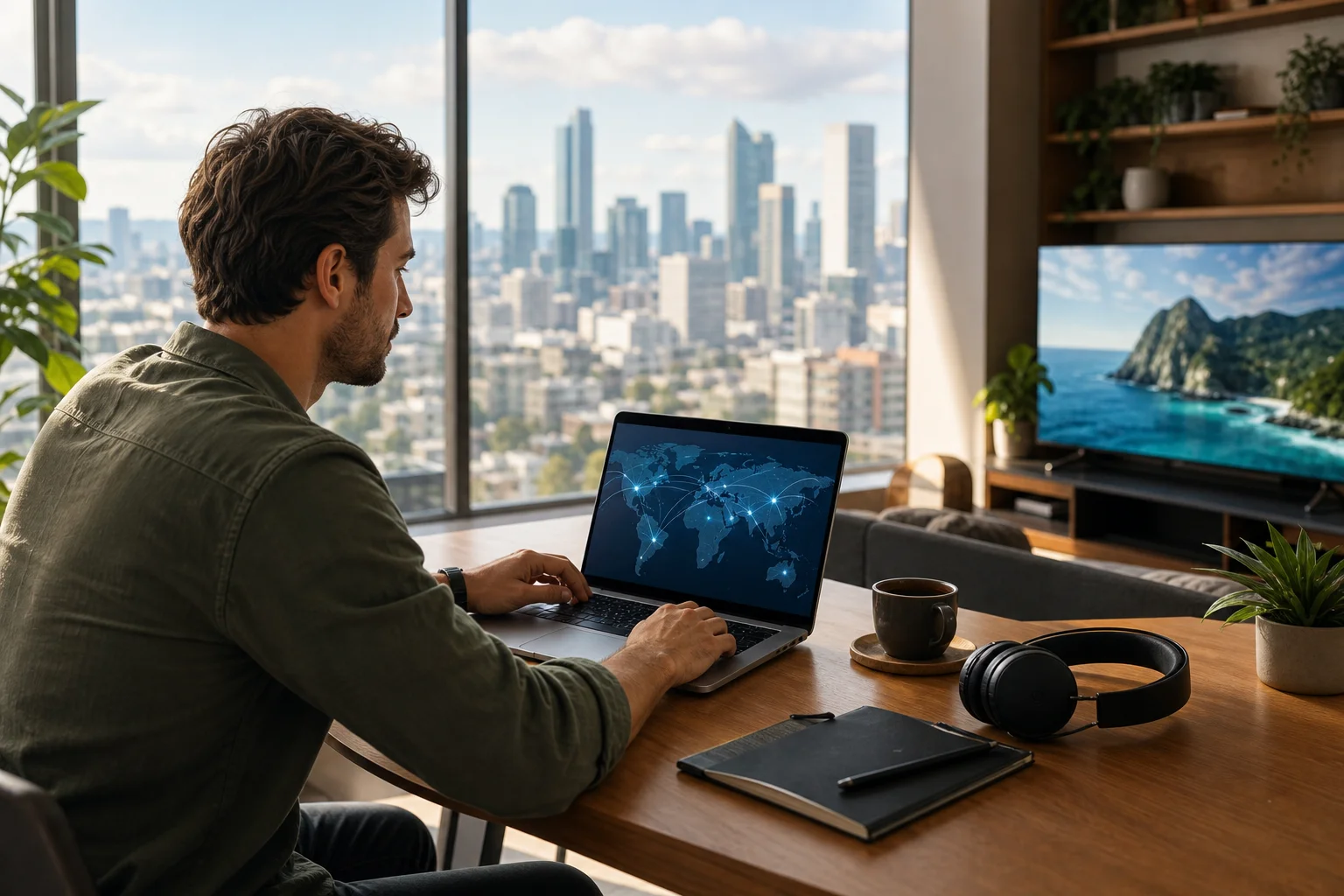
Alex is a digital nomad who works from short-term rentals, coworking spaces, airport lounges, and hotel rooms. His job is flexible, but his schedule is not always predictable. Some days end in Lisbon. Others end in Bangkok or Buenos Aires. After long work sessions, he likes to relax with international shows, documentaries, and movies from his laptop.
Streaming is part of how Alex stays connected to culture. He follows shows from different regions, watches films in multiple languages, and often uses entertainment as a way to unwind after client calls. His laptop is the center of that routine because it travels with him and offers a larger screen than his phone.
However, travel created a recurring problem. The same streaming site that worked in one country might show a different library in another. In some places, content would not load at all. Even when Alex had a valid subscription, geo-restrictions could change what he was able to watch.
At first, he accepted this as part of remote life. Then it became disruptive. When a new episode was available in one location but blocked in the next, the experience felt fragmented. Alex did not need a complicated security setup. He needed a simple VPN for his laptop that could help him connect through another region quickly, without forcing him through registration screens.
2. The Challenge: Navigating Geo-Restrictions Without Hassle
Geo-restrictions are common on streaming platforms. Content licensing can vary by country, and services may use location checks to decide what appears in a catalog. For travelers like Alex, this means access can change even if the device, subscription, and account stay the same.
The inconvenience showed up in several ways:
- A favorite show would disappear while Alex was abroad.
- Streaming pages would load, but playback would fail.
- Regional catalogs would change unexpectedly.
- Public Wi-Fi networks sometimes made connections less stable.
- Testing different VPN apps took too much time.
Traditional VPNs did not always solve the problem smoothly. Many required email registration, account confirmation, trial activation, or payment details before Alex could connect. Some apps asked for personal information just to test the service. Others required multiple setup steps, browser extensions, or manual configuration.
For a remote worker, that friction matters. Alex often moved between locations with limited downtime. If he had only 30 minutes before bed, he did not want to spend 15 of them creating accounts, verifying emails, or comparing plan tiers.
He also wanted a laptop-first experience. Mobile VPN apps are common, but Alex did most of his streaming on a notebook computer. He needed a tool that worked naturally on a laptop, connected quickly, and did not add registration barriers.
In short, Alex’s challenge was not just “find a VPN.” It was more specific: find a free VPN for laptop use, without registration, that could support a smoother streaming routine while traveling.
3. The Solution: BeFreeVPN on a Laptop Without Registration
Alex found BeFreeVPN while looking for a no-registration VPN option that would not slow him down at the first step. The appeal was direct: BeFreeVPN offered a free VPN experience without requiring a sign-up process before use.
That mattered because Alex did not want to exchange an email address or create another account just to access basic VPN functionality. He wanted to test the service immediately on his laptop and see whether it fit his travel routine.
How Alex Set Up BeFreeVPN Without Sign-Up
The setup was simple and suited to his laptop workflow:
- Downloaded the BeFreeVPN app on his laptop from the available source.
- Opened the application without creating a new account.
- Selected a VPN location based on the content region he wanted to access.
- Connected to the VPN before opening the streaming service.
- Tested playback quality and changed locations if needed.
This step-by-step process reduced the biggest problem Alex had with other tools: delay. There was no email verification loop, no onboarding questionnaire, and no need to remember another password.
Of course, Alex also learned to be practical. Streaming access can depend on platform policies, licensing rules, and detection systems. A VPN may improve access in many cases, but users should still follow the terms of the streaming services they use and local laws in their location.
BeFreeVPN Compared with Typical Registration-Based VPNs
| Feature | BeFreeVPN for laptop | Many traditional VPNs |
|---|---|---|
| Registration | No registration needed to get started | Often requires email or account creation |
| Setup speed | Quick connection flow | May include verification or trial steps |
| Cost barrier | Free access | Often limited trials or paid plans |
| Laptop convenience | Designed for quick desktop use | Varies by provider and app quality |
| Best fit | Users who want low-friction access | Users who need advanced account features |
This comparison helped Alex see why BeFreeVPN matched his use case. He was not trying to manage a corporate network. He was not setting up a complex privacy stack. He needed a lightweight, no-registration VPN for laptop streaming while moving between regions.
4. Results: Unrestricted Content Streaming on the Go
Once Alex added BeFreeVPN to his laptop routine, his streaming experience became easier to manage. Instead of starting each evening by guessing whether a site would work, he could connect to a chosen VPN location first and then open the streaming platform.
The change was most noticeable during travel days. In the past, arriving in a new country meant checking which services still worked and which catalogs had changed. With BeFreeVPN, Alex had a faster way to test regional access and keep his viewing plans flexible.
He used it to explore content from different countries, keep up with shows while traveling, and reduce the frustration of sudden geo-blocks. The result was not about bypassing every possible restriction. It was about giving him a simpler, more consistent way to connect from his laptop.
What Improved for Alex
Several practical improvements stood out:
- Less setup time: No registration meant he could connect quickly.
- Fewer interruptions: He spent less time switching tools or creating accounts.
- Better travel fit: The workflow worked well in hotels, rentals, and coworking spaces.
- More flexible viewing: He could test different locations when content availability changed.
- Simpler laptop use: Everything happened on the device he already used for streaming.
Speed and quality were also important. Alex found that a usable VPN had to support smooth playback, not just connect successfully. BeFreeVPN helped him maintain a practical streaming experience on his laptop, especially when paired with stable Wi-Fi and a nearby VPN location.
As with any VPN, performance can vary based on network conditions, distance to the selected server, device setup, and the streaming platform itself. Alex learned to choose locations carefully and avoid overcrowded public networks when possible. That made the experience more reliable.
5. Takeaways: The Simplicity of BeFreeVPN for Laptops
Alex’s experience shows that the best VPN is not always the one with the longest feature list. For many laptop users, the best option is the one that solves the immediate problem with the least friction.
A VPN for laptop without registration can be useful when you want to:
- Connect quickly while traveling.
- Avoid creating another online account.
- Test VPN access before committing to a paid tool.
- Stream from a laptop instead of a phone.
- Reduce hassle when moving between countries.
BeFreeVPN stood out because it matched Alex’s real needs. It was free to start, did not require registration, and worked with the laptop-centered way he consumed content. That combination made it easier for him to keep streaming as part of his digital nomad lifestyle.
Key Lessons from Alex’s Case
First, setup friction matters. If a VPN takes too long to access, many users will abandon it before testing whether it works.
Second, laptop usability matters. A clean desktop experience is important for people who stream, work, and travel from the same machine.
Third, speed should be judged in context. A VPN can only perform as well as the local network allows. Choosing a sensible server location and using stable Wi-Fi can make a real difference.
Finally, no-registration access is valuable for users who want privacy-conscious simplicity. It reduces the amount of information needed to begin and makes the tool easier to use in temporary travel situations.
FAQ: VPN for Laptop Without Registration
Is a VPN for laptop without registration safe to use?
It can be, but safety depends on the provider’s practices, app quality, and privacy approach. Choose a service that is transparent, easy to install, and does not ask for unnecessary personal details. Also keep your operating system and browser updated.
Can I use BeFreeVPN for streaming while traveling?
Yes, BeFreeVPN can be used on a laptop to help access streaming content while traveling. Availability may still depend on the streaming platform, regional licensing, and connection quality, so results can vary.
Why choose a no-registration VPN instead of a standard VPN account?
A no-registration VPN reduces friction. You do not need to create an account, confirm an email, or manage another password before connecting. This is useful for travelers, students, and remote workers who want fast access on a laptop.
Will a free VPN without registration always be fast?
Not always. VPN speed depends on your internet connection, server distance, network congestion, and device performance. For better results, use a stable Wi-Fi connection and select a location that is close to your desired region when possible.
Do I still need to follow streaming service rules?
Yes. A VPN is a connection tool, not a license to ignore platform terms. Always use streaming services responsibly and follow applicable laws and service agreements.
Conclusion: A Simpler Way to Stream from a Laptop
Alex’s case shows how the right tool can remove everyday friction. By choosing BeFreeVPN, he found a practical VPN for laptop without registration that supported his travel-heavy routine and made streaming feel less complicated. He no longer had to start with sign-up forms or account setup. Instead, he could connect, test access, and get back to watching.
Experience a new level of streaming freedom on your laptop with BeFreeVPN, offering completely free access without the need for registration.