4 posts tagged with "fast-vpn"

View All Tags

How to set up a VPN for router with fast connection

· 9 min read

Frustrated with how using a VPN on your router bogs down your internet speed? You're not alone. A vpn for router with fast connection can protect every device on your network, but the wrong setup may turn streaming, gaming, video calls, and browsing into a slow, unreliable experience. The good news is that router VPN speed problems usually have clear causes and practical fixes. This guide explains why slowdowns happen and how to improve performance without giving up privacy.

A VPN on a router is useful because it secures traffic for phones, laptops, smart TVs, consoles, and connected home devices from one central point. However, that convenience also means your router must do extra work. If the router, VPN server, or settings are not suited for speed, the entire household can feel the impact.
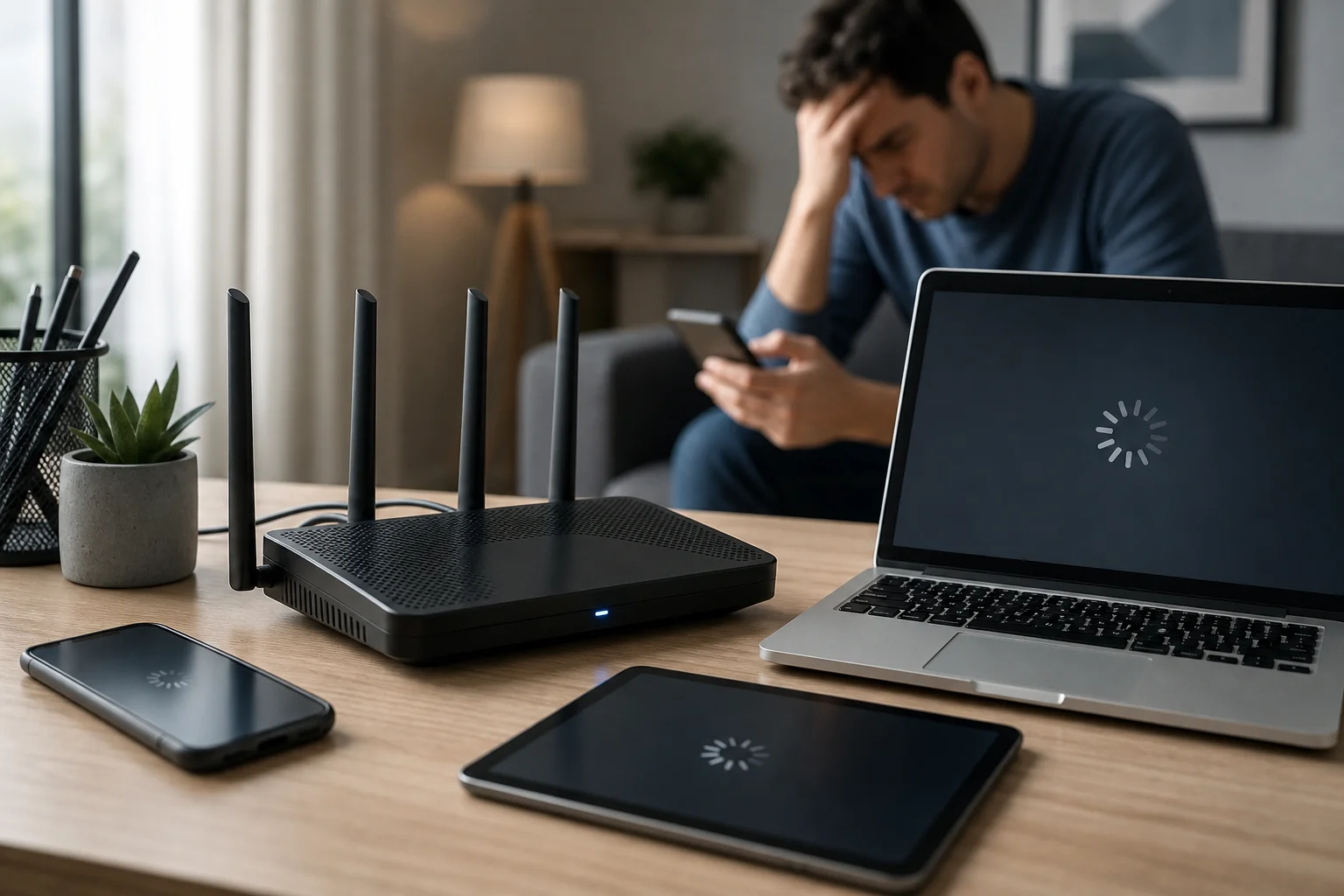
VPN router speed problem

The frustration of slow VPN connections on routers​

Using a VPN often causes internet speeds to drop, and the effect can feel worse when the VPN runs on a router. Instead of one device handling encryption, your router becomes the gateway for all encrypted traffic. If several people are online at once, the router may struggle to keep up.

This slowdown affects everyday tasks in different ways:

  • Streaming: Videos may buffer, drop to lower quality, or fail to load quickly.
  • Gaming: Higher latency can cause lag, delayed reactions, and unstable matches.
  • Browsing: Websites may feel sluggish, especially if pages contain many images, scripts, or videos.
  • Video calls: Meetings can freeze, audio may cut out, and screen sharing can stutter.
  • Smart home devices: Cameras, speakers, and hubs may respond more slowly.

The frustration often comes from a reasonable expectation: you want privacy and security, but you do not want your internet to feel broken. Many people assume this trade-off is unavoidable. In reality, a VPN usually adds some overhead, but it should not make your connection unusable. With the right router, provider, protocol, and server choice, a fast VPN connection on your router is achievable.

Why do VPNs slow down your connection?​

A VPN creates a secure tunnel between your network and a remote server. That process is valuable, but it adds extra steps to each connection. Understanding those steps helps you find the real bottleneck instead of guessing.

Encryption adds processing work​

VPN encryption protects your data from being easily read while it travels across the internet. However, encryption and decryption require processing power. On a laptop or modern phone, this is often handled well. On an older or low-powered router, it can become a major speed limit.

For example, your internet plan may support high download speeds, but your router’s CPU may only process VPN traffic at a much lower rate. In that case, upgrading your plan will not fix the issue. The router is the bottleneck, not the internet service.

Router hardware may be inadequate​

Not every router is built for VPN use. Some models support VPN settings but lack the power to run them efficiently. Others require complicated firmware changes, which can create stability issues if done incorrectly.

Important hardware factors include:

  • CPU performance
  • Available memory
  • Support for modern VPN protocols
  • Firmware quality and update frequency
  • Heat management under heavy use

If your router is several years old, was supplied as a basic ISP device, or has limited VPN options, it may not be the best choice for a speed-focused setup.

VPN server load can create bottlenecks​

Even with a strong router, your VPN server matters. If too many users connect to the same server, speeds may fall. Distance also plays a role. A server on the other side of the world usually increases latency compared with a nearby server.

A reliable VPN provider should offer fast servers, stable routing, and enough locations to help you avoid overloaded routes. Services like BeFreeVPN are useful for quick, no-registration access when you want a simple way to browse more safely without a long setup process.

Steps to achieve a fast VPN connection on your router​

The best solution is not one single trick. It is a set of practical improvements that work together. Start with the biggest bottlenecks first: router capability, VPN provider quality, server choice, and protocol settings.
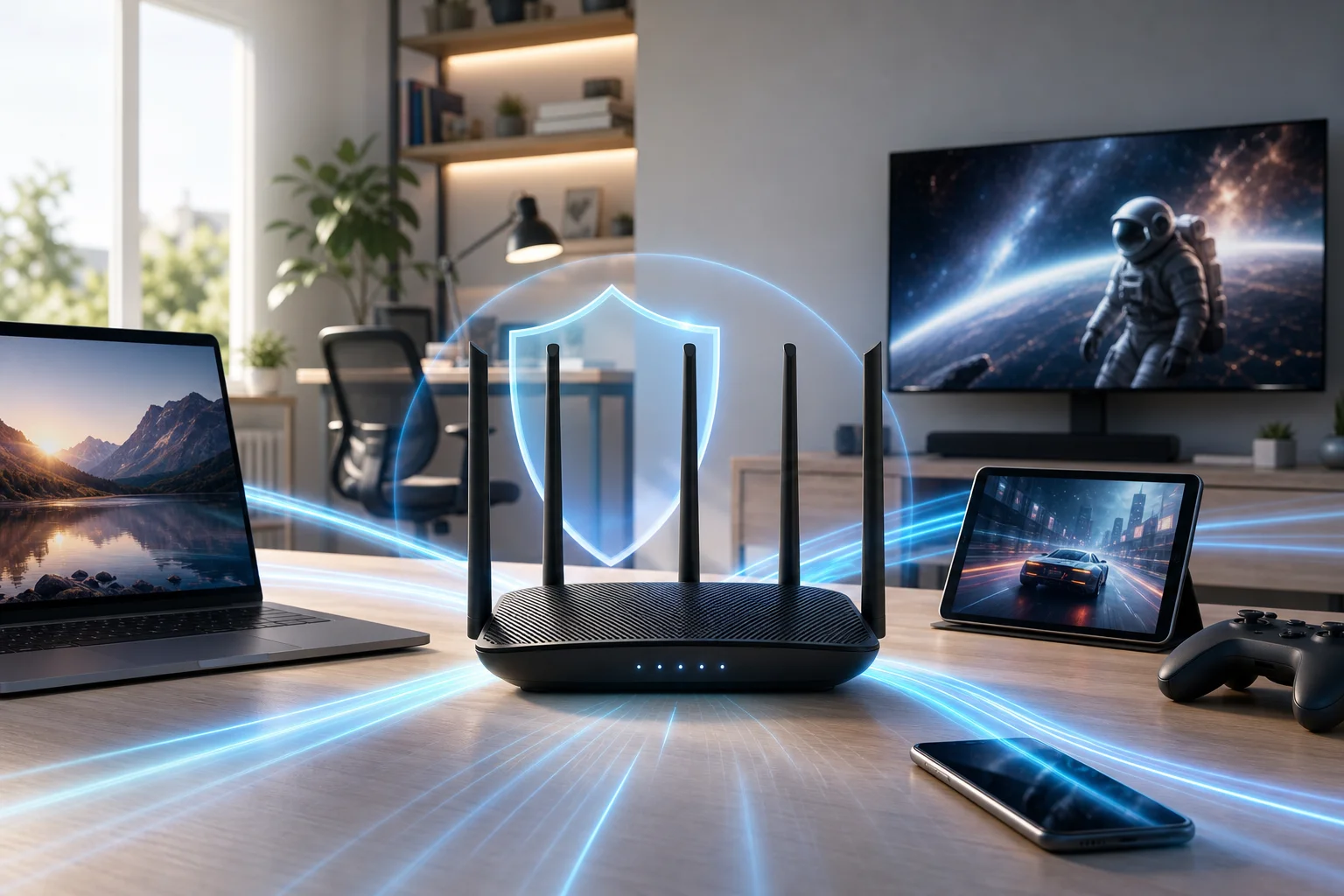
Fast VPN router setup

Step-by-step router VPN speed checklist​

  1. Test your speed without the VPN
    Run a speed test while connected normally. This gives you a baseline. If your non-VPN speed is already poor, fix your internet connection or Wi-Fi coverage before tuning the VPN.

  2. Test your speed with the VPN enabled
    Compare download speed, upload speed, and ping. A modest drop is normal. A severe drop points to a router, server, or configuration problem.

  3. Choose a router that handles VPNs efficiently
    Look for routers with strong processors, enough memory, stable firmware, and clear VPN support. If you use OpenVPN, router CPU power matters a lot. If your router supports WireGuard or another lightweight modern protocol, speeds may improve significantly.

  4. Select a fast VPN provider
    Use a provider known for stable server performance and simple access. BeFreeVPN is a practical option for users who value fast browsing, privacy, and the convenience of a free no-registration service.

  5. Pick a nearby VPN server
    In most cases, the closer the server, the lower the latency. For gaming, video calls, and general browsing, choose the nearest reliable location unless you need a specific region.

  6. Use a faster VPN protocol when available
    Protocol choice can change performance. WireGuard is often faster and lighter than older options. OpenVPN can still be secure and dependable, but it may be slower on low-powered routers.

  7. Reduce unnecessary router workload
    Turn off features you do not use, such as heavy traffic monitoring, complex filtering, or extra logging. These tools can be useful, but they may consume resources.

  8. Keep firmware updated
    Firmware updates can improve stability, fix security issues, and sometimes improve VPN performance. Use official firmware unless you understand the risks and benefits of custom options.

  9. Improve Wi-Fi performance
    A slow wireless connection can look like a VPN problem. Place your router centrally, use 5 GHz or 6 GHz Wi-Fi when possible, and avoid crowded channels.

  10. Use split tunneling if supported
    Some routers and VPN services let you choose which devices or apps use the VPN. This can free bandwidth for devices that do not need VPN protection.

Quick comparison of common speed fixes​

ProblemLikely causePractical solution
Speed drops heavily after VPN is enabledRouter CPU is underpoweredUpgrade to a VPN-capable router
Ping is high during gamingVPN server is far awayChoose a closer server
Streaming buffers oftenServer load or weak Wi-FiChange server and improve Wi-Fi signal
Browsing feels inconsistentProtocol or DNS issueTry a faster protocol and reliable DNS settings
Only some devices need privacyAll traffic forced through VPNUse split tunneling if available

These steps help you move from trial and error to a clear problem-solution approach. Start with measurement, then change one setting at a time so you know what actually improves speed.

Results and benefits of a speed-optimized VPN connection​

When your router VPN setup is optimized, the difference is easy to feel. Pages load faster, videos start sooner, and calls become more stable. More importantly, you can keep the privacy benefits of a VPN without treating slow speeds as the cost of protection.

A well-tuned VPN router can help you:

  • Enjoy smoother streaming: A faster route reduces buffering and quality drops.
  • Improve gaming stability: Lower latency helps reduce lag and disconnects.
  • Protect multiple devices at once: Phones, laptops, smart TVs, and consoles can use the same secure connection.
  • Simplify household privacy: You do not need to install a VPN app on every device.
  • Secure devices that do not support VPN apps: Many smart TVs, consoles, and IoT devices benefit from router-level protection.

There is also a convenience factor. BeFreeVPN’s free, no-registration approach makes it easier to access VPN protection quickly, especially for users who want secure browsing without creating an account first. For router users, pairing a capable device with a lightweight, speed-focused VPN setup can make privacy feel practical rather than frustrating.

Frequently asked questions about fast VPN router setup​

Can a VPN on a router ever be as fast as no VPN?​

Usually, a VPN adds some overhead because your traffic is encrypted and routed through a VPN server. However, with a strong router, nearby server, and efficient protocol, the speed difference can be small enough that normal browsing, streaming, and gaming still feel smooth.

What is the best router for a fast VPN connection?​

The best choice is a router with strong CPU performance, enough memory, reliable firmware, and support for modern VPN protocols. Avoid choosing only by Wi-Fi speed ratings. A router can have fast Wi-Fi but still perform poorly when encrypting VPN traffic.

Does server location affect VPN router speed?​

Yes. A closer server usually means lower latency and better responsiveness. If you do not need a specific country, choose a nearby server with stable performance.

Why is my VPN faster on my phone than on my router?​

Your phone may have a much stronger processor than your router. When the VPN app runs on the phone, the phone handles encryption. When the VPN runs on the router, the router handles encryption for every connected device.

Should I use a VPN on every device instead of the router?​

It depends. Router-level VPN protection is convenient for whole-home coverage. Device-level apps may offer more control and better speed on powerful devices. Some users combine both methods: router VPN for general protection and app-based VPN for specific needs.

Conclusion​

A slow VPN router setup is frustrating, but it is not a dead end. In most cases, speed problems come from limited router hardware, inefficient settings, distant servers, or overloaded VPN routes. By testing your baseline speed, choosing a VPN-capable router, selecting nearby servers, using efficient protocols, and keeping your setup clean, you can create a fast VPN connection that protects your network without ruining everyday performance.

Experience faster and safer internet with BeFreeVPN's no-registration service, perfect for quick and secure browsing on your router.
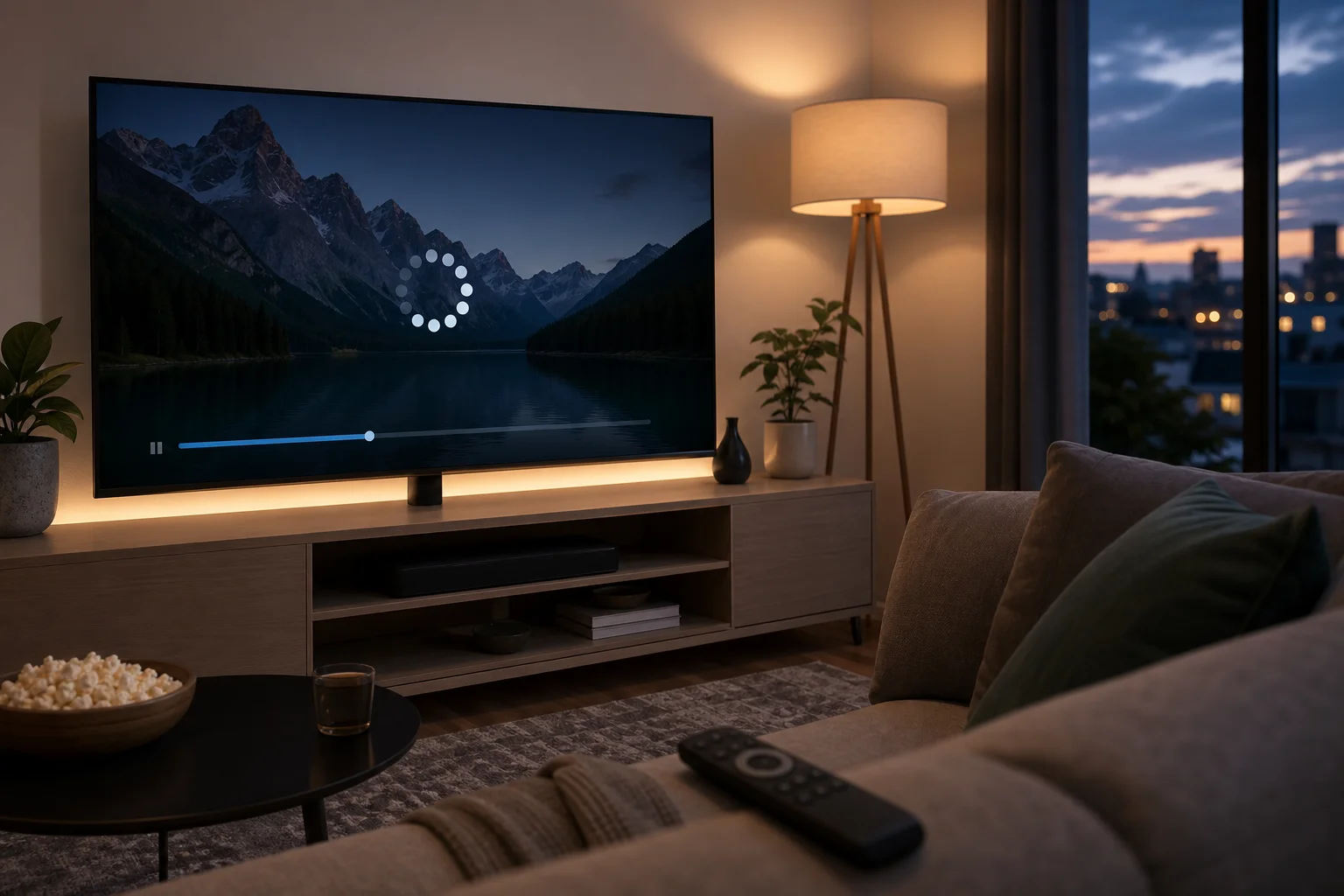
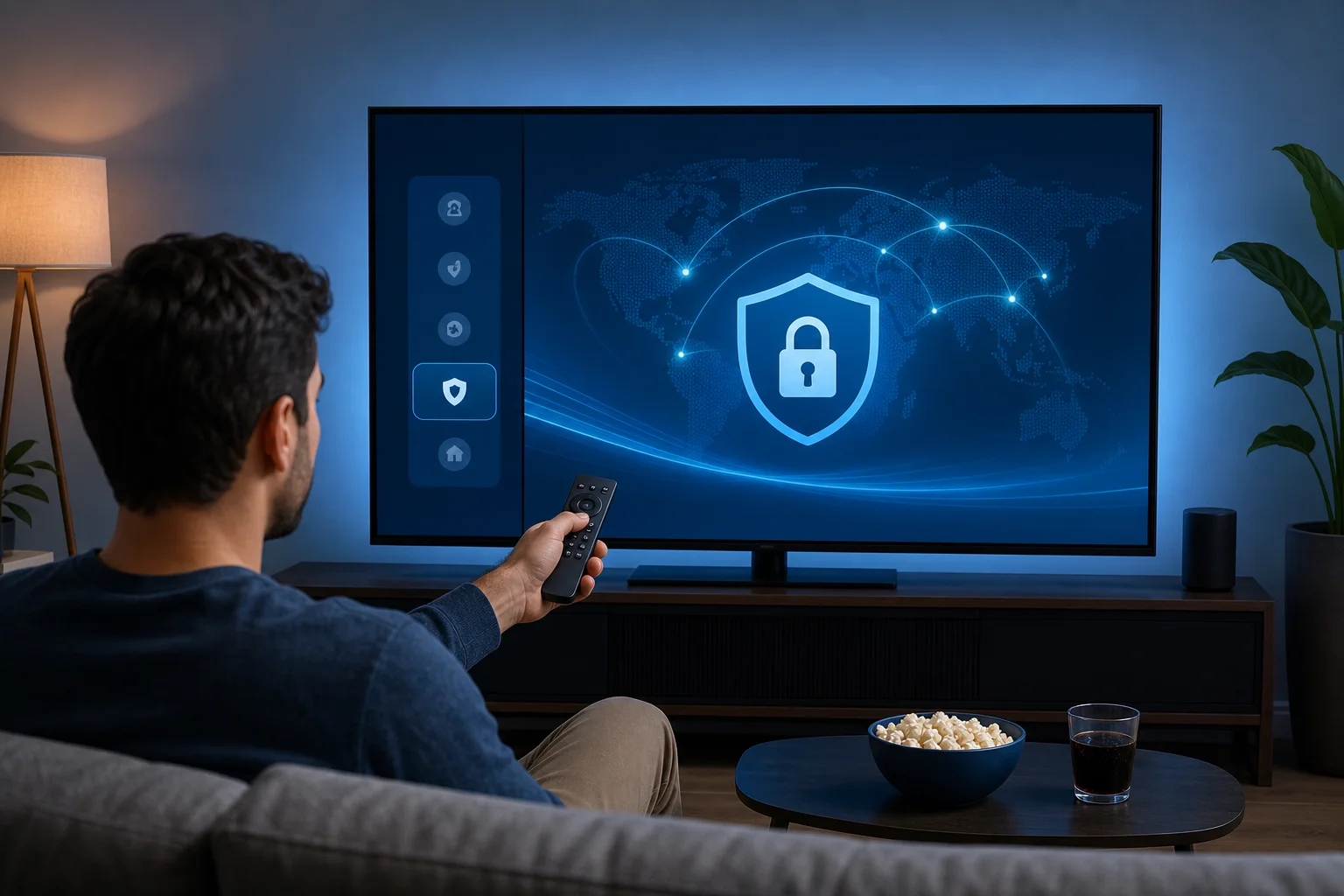
Solving slow connections: the best VPN for Android TV with fast connection

· 9 min read

Frustrated by lagging streams and buffering while enjoying your favorite shows on Android TV? There's a solution that brings speed without compromise. If you are looking for a vpn for android tv with fast connection, the goal is simple: keep streams stable, reduce slowdowns, and avoid a complicated setup. This guide explains why Android TV streaming can become sluggish, how a fast VPN can help, and how to set up BeFreeVPN for smoother viewing.

1. The Problem: Slow Streaming on Android TV​

Android TV is built for comfort. You open an app, choose a movie, and expect it to play. Yet many users deal with buffering, sudden quality drops, frozen screens, and long loading circles, especially in the evening or on weekends.

This is frustrating because the issue often appears at the worst time. A show may start in full HD, then drop to a blurry picture. A live sports stream may lag behind. A movie may pause every few minutes, even when your internet plan seems fast enough.

Common symptoms include:

  • Streams that buffer during peak hours
  • Video quality switching from HD or 4K to low resolution
  • Apps loading slowly or timing out
  • Smooth playback on a phone but poor playback on Android TV
  • Better performance at night or early morning than during busy hours

For many people, the biggest problem is not just speed. It is uncertainty. You may not know whether the cause is your internet provider, Wi-Fi, the streaming app, or the Android TV device itself. As a result, users often try random fixes: restarting the router, clearing app cache, changing HDMI ports, or lowering the video quality.

Some of those steps can help. However, they do not always solve the core issue. Worse, many solutions sound too technical. Not everyone wants to adjust router firmware, change DNS settings, or connect extra hardware just to watch TV.

android tv buffering vpn solution

That is why a simple, performance-focused VPN approach can be useful. The key is choosing a VPN built for fast connections, not one that adds more delays.

2. Why It Happens: Understanding the Speed Drop​

Slow streaming on Android TV can come from more than one source. Before choosing a solution, it helps to understand what may be happening in the background.

ISP throttling during heavy streaming​

Internet service providers may manage network traffic during busy periods. In some cases, streaming traffic can be slowed when many users are online at the same time. This is often called throttling or traffic shaping.

You may notice this pattern if your connection is fast during general browsing but slow when streaming video. It may also happen more often in the evening, when more households are watching content.

A VPN can help because it encrypts your traffic. This makes it harder for your provider to see the type of traffic you are using. As a result, your streaming connection may become more stable when throttling is the cause.

Android TV network configuration issues​

Android TV devices are convenient, but they are not always perfectly tuned for every home network. Speed can suffer because of:

  • Weak Wi-Fi signal behind the TV
  • Too many devices connected to the same router
  • Outdated Android TV software
  • Old streaming app versions
  • Router placement far from the TV
  • Congested 2.4 GHz Wi-Fi networks

If possible, use a 5 GHz Wi-Fi connection or an Ethernet cable. Also, keep your Android TV system and streaming apps updated. These basic checks can improve performance before you even install a VPN.

Why some VPNs make streaming slower​

A VPN routes your traffic through an encrypted server. This adds extra steps between your Android TV and the streaming service. If the VPN server is overloaded, far away, or poorly optimized, the result can be slower speeds and more buffering.

That is why choosing any random VPN is not enough. You need a fast VPN for Android TV that focuses on minimal speed loss, simple app performance, and reliable server connections. A lightweight, user-friendly option like BeFreeVPN is designed to make this process easier for everyday users.

3. The Solution: Using a Fast VPN for Android TV​

The right VPN can solve several problems at once. It can reduce the impact of ISP throttling, improve connection consistency, and add privacy while you stream. However, speed should be the main priority for Android TV.

What to look for in a VPN for Android TV with fast connection​

Use this quick comparison when choosing a VPN for streaming:

FeatureWhy it matters for Android TV
Fast serversHelps reduce buffering and quality drops
Minimal speed lossKeeps HD and 4K streams more stable
Simple Android TV appAvoids complex setup or router changes
No registration barrierLets you start faster with less friction
Easy server switchingHelps you find the best connection quickly
Stable performancePrevents disconnects during long viewing sessions

BeFreeVPN fits this problem-solution use case because it focuses on a straightforward experience: install, connect, and stream without unnecessary steps.

Step-by-step guide: Install BeFreeVPN on Android TV​

Follow these steps to get started:

  1. Open Google Play Store on your Android TV.
    Use your remote to go to the Apps section, then open the Play Store.

  2. Search for BeFreeVPN.
    Type the app name into the search bar. If your remote has voice input, you can use that to make the search faster.

  3. Install the app.
    Select BeFreeVPN from the results and choose Install. Wait until the download is complete.

  4. Open BeFreeVPN.
    Launch the app from the Play Store or your Android TV app list.

  5. Allow VPN permissions.
    Android TV will ask you to approve the VPN connection. This is normal. Confirm the request so the VPN can protect and route your traffic.

  6. Connect to a server.
    Choose a nearby or recommended server for the best speed. In general, the closer the server, the lower the delay.

  7. Open your streaming app.
    Return to your preferred streaming service and test playback.

This setup avoids complex router configuration and works directly on Android TV.

fast vpn for android tv setup

Configure BeFreeVPN for optimal streaming performance​

After installation, small choices can make a big difference. For the fastest connection, try these settings and habits:

  • Choose a nearby server first. Shorter distance often means better speed.
  • Switch servers if buffering continues. Another server may be less busy.
  • Use 5 GHz Wi-Fi when available. It is usually faster than 2.4 GHz at short range.
  • Close unused apps. Background apps can use bandwidth and memory.
  • Restart the Android TV after setup. This can refresh network behavior.
  • Keep BeFreeVPN updated. Updates may improve stability and compatibility.

If you still see buffering, test your connection without the VPN, then with the VPN. This helps you understand whether the issue is throttling, Wi-Fi strength, or the streaming service itself.

4. Results and Benefits: Enhanced Viewing Experience​

A fast VPN should not feel like another technical layer. It should feel invisible. Once connected, your Android TV should stream with fewer interruptions and a more consistent picture.

Buffer-free streaming with better consistency​

When your connection is stable, your streaming app can maintain higher quality for longer. That means fewer drops from HD to low resolution and fewer pauses during important scenes.

Of course, no VPN can fix every possible network issue. If your base internet connection is very slow or your Wi-Fi signal is weak, you may still need to improve your home network. However, when throttling or unstable routing is part of the problem, a fast VPN can make a noticeable difference.

Bypass ISP throttling for a steadier connection​

Because a VPN encrypts your traffic, it can help prevent your ISP from easily identifying and slowing specific streaming activity. This may lead to a more stable experience during busy hours.

This benefit is especially useful if your internet works well for browsing but struggles with streaming. In that case, your raw speed may not be the issue. The route your traffic takes may be the problem.

Hassle-free setup for everyday users​

Many people avoid VPNs because they expect a difficult setup. Android TV users, in particular, do not want to type long passwords, change router settings, or follow advanced networking guides.

BeFreeVPN keeps the process simple. Install the app, approve the connection, choose a server, and start watching. This makes it practical for families, casual streamers, and anyone who wants a quick fix without a technical learning curve.

FAQ: Fast VPNs for Android TV​

Will a VPN always make Android TV faster?​

No. A VPN is not a magic speed booster. It can help when throttling, poor routing, or network restrictions are causing slowdowns. For best results, use a fast VPN server and make sure your Wi-Fi signal is strong.

What is the best VPN server location for streaming?​

Usually, the best choice is a nearby server because it reduces latency. If a nearby server is slow, switch to another location and test again.

Can I use a VPN on Android TV without changing router settings?​

Yes. If the VPN offers an Android TV app, you can install it directly from the Play Store. BeFreeVPN is designed for a simple app-based setup, so you do not need advanced router changes.

Why does my Android TV buffer even with fast internet?​

Fast internet does not always mean stable streaming. Buffering can be caused by ISP throttling, weak Wi-Fi, crowded networks, outdated apps, or overloaded streaming servers.

Is BeFreeVPN suitable for beginners?​

Yes. BeFreeVPN is built for easy use, making it a practical choice if you want a fast VPN for Android TV without a complicated setup process.

Conclusion: Fix Slow Android TV Streaming the Simple Way​

Slow streaming can ruin a relaxing night, but you do not have to accept constant buffering. Start with the basics: improve Wi-Fi, update your apps, and restart your device. Then use a VPN that prioritizes speed and simplicity. A fast VPN for Android TV can help reduce throttling, stabilize playback, and make streaming feel smooth again.

Switch to BeFreeVPN for your Android TV today and enjoy fast, buffer-free streaming without the need for registration.

Discover a reliable VPN without registration for speed and performance

· 8 min read

Are you frustrated by the slow speeds and cumbersome sign-ups of most VPN services? You’re not alone—many users are looking for a straightforward, fast solution. A reliable VPN without registration can help you protect your privacy, browse freely, and stay productive without handing over personal details before you even connect. In this guide, we’ll look at why many VPNs feel slow or difficult to use, and how BeFreeVPN offers a simpler path to private, high-performance browsing.

reliable VPN without registration

How to find a secure VPN without registration: the ultimate solution

· 9 min read

Are you tired of slow internet speeds whenever you use a VPN? You're not alone in your frustration—many users face this dilemma, especially when dealing with registration requirements. But what if there was a way to enjoy both speed and security without the hassle? A secure VPN without registration can help you protect your online privacy, reduce setup friction, and get online faster—especially when you choose a service built for quick, account-free access.

VPNs should make online privacy easier, not more complicated. Yet many people install a VPN expecting peace of mind and end up dealing with login screens, email confirmations, limited servers, and sluggish browsing. This guide explains why that happens and how BeFreeVPN offers a simpler path: download, connect, and browse securely without creating an account.