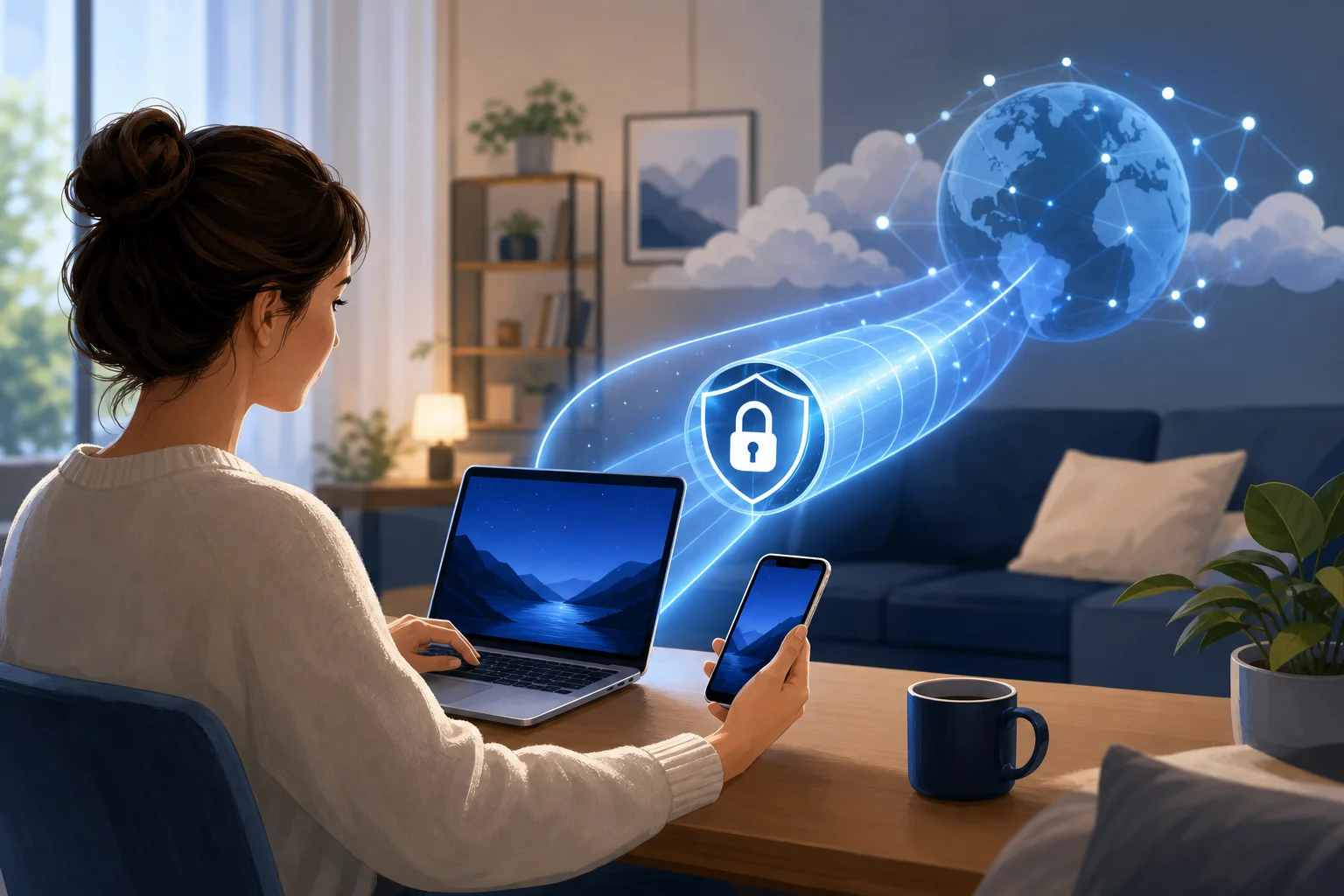
How Alex streamlined streaming with a personal VPN for computer use
Imagine wanting to stream your favorite shows but constantly hitting those frustrating geo-restrictions. Alex faced this daily—until he discovered a personal VPN for computer use that fit his routine. This case study follows how he used BeFreeVPN to simplify access, improve privacy on public Wi-Fi, and make streaming from his computer feel less limited and more reliable.
For Alex, the goal was not to overcomplicate his setup. He wanted a simple way to browse, work, and stream with more flexibility. Like many remote workers, he used his laptop for almost everything: video calls, cloud documents, travel planning, and evening entertainment. A personal VPN became the missing layer that helped connect those needs.
Meet Alex: The Digital Enthusiast
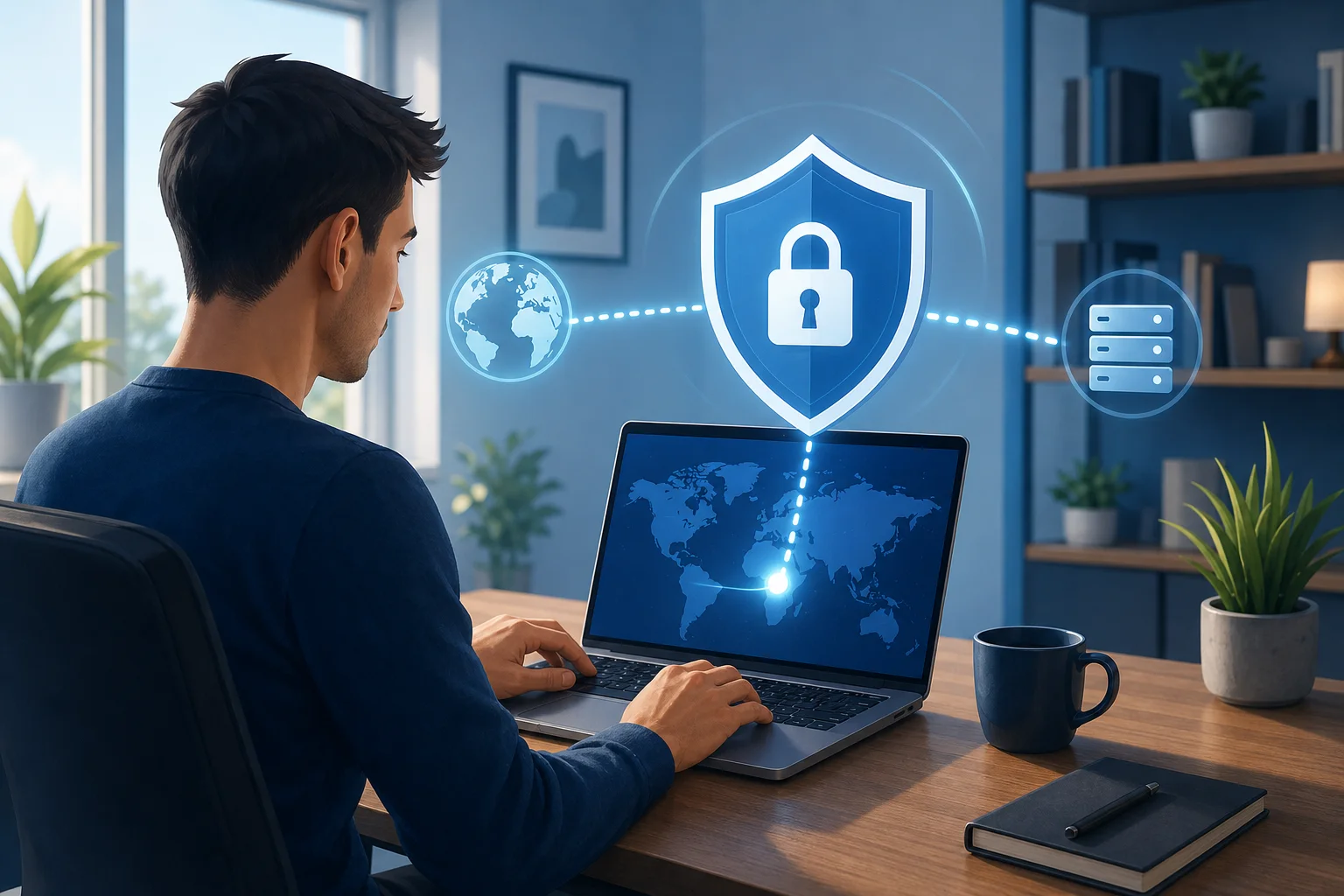
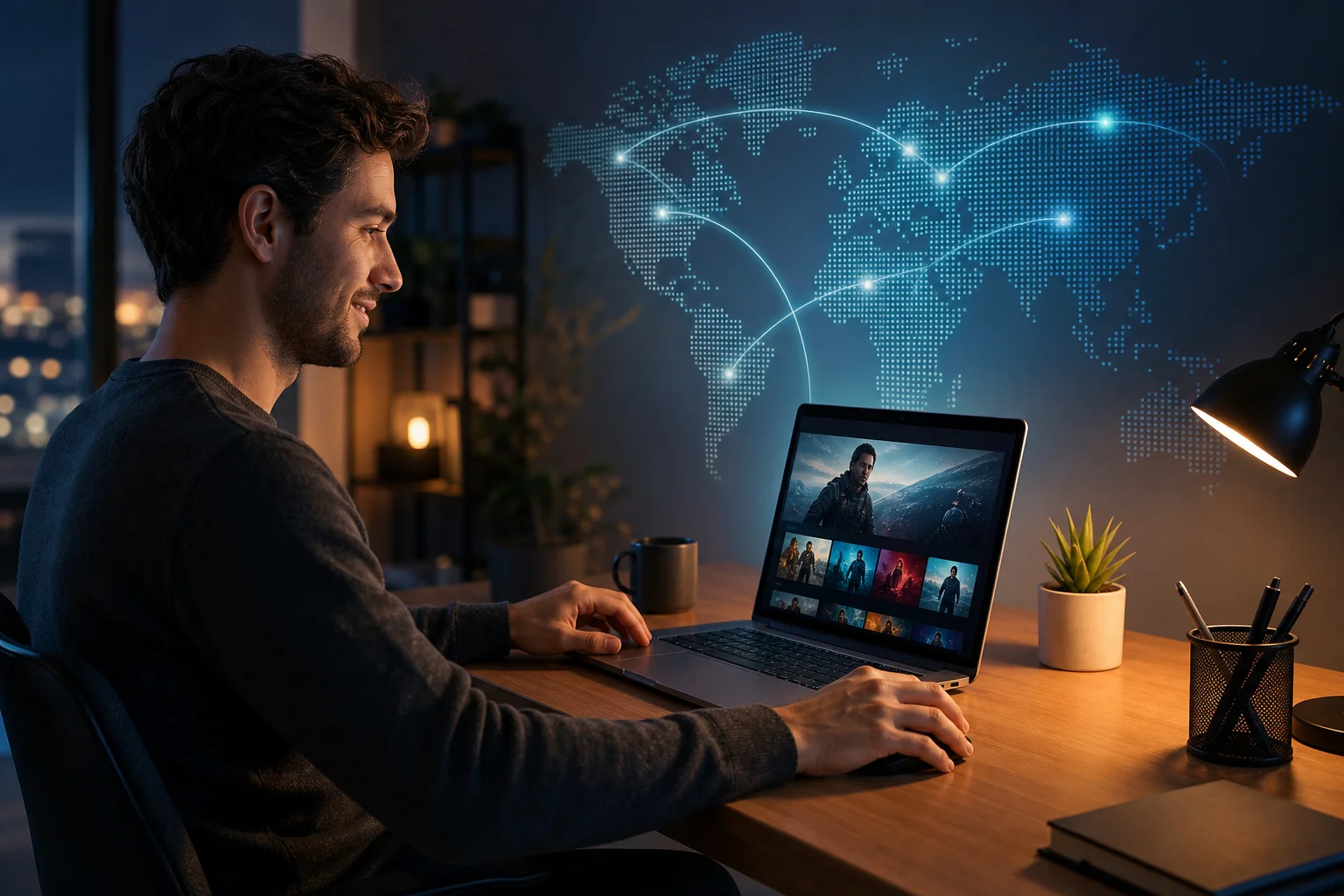
Alex is a tech-savvy remote worker who splits his time between home, coworking spaces, and occasional travel. His computer is the center of his day. In the morning, it is his office. In the evening, it becomes his home cinema.
He follows international film releases, documentaries, and niche shows that often launch in different regions at different times. Sometimes, a series would be available to friends abroad but not visible from his location. Other times, a streaming library would change when he travelled, leaving him unable to continue a show he had already started.
That inconsistency became frustrating. Alex understood that streaming platforms use regional licensing rules. Still, he wanted a smoother way to manage his digital experience without switching devices, relying on risky browser extensions, or wasting time searching for workarounds.
His ideal solution needed to meet three practical requirements:
- Work directly on his computer, not only on a phone.
- Help reduce location-based limitations while browsing and streaming.
- Add privacy when he used public Wi-Fi for work.
In short, Alex needed a personal VPN for his computer that was simple enough for daily use but capable enough for both entertainment and remote work.
The Challenge: Overcoming Geo-Restrictions
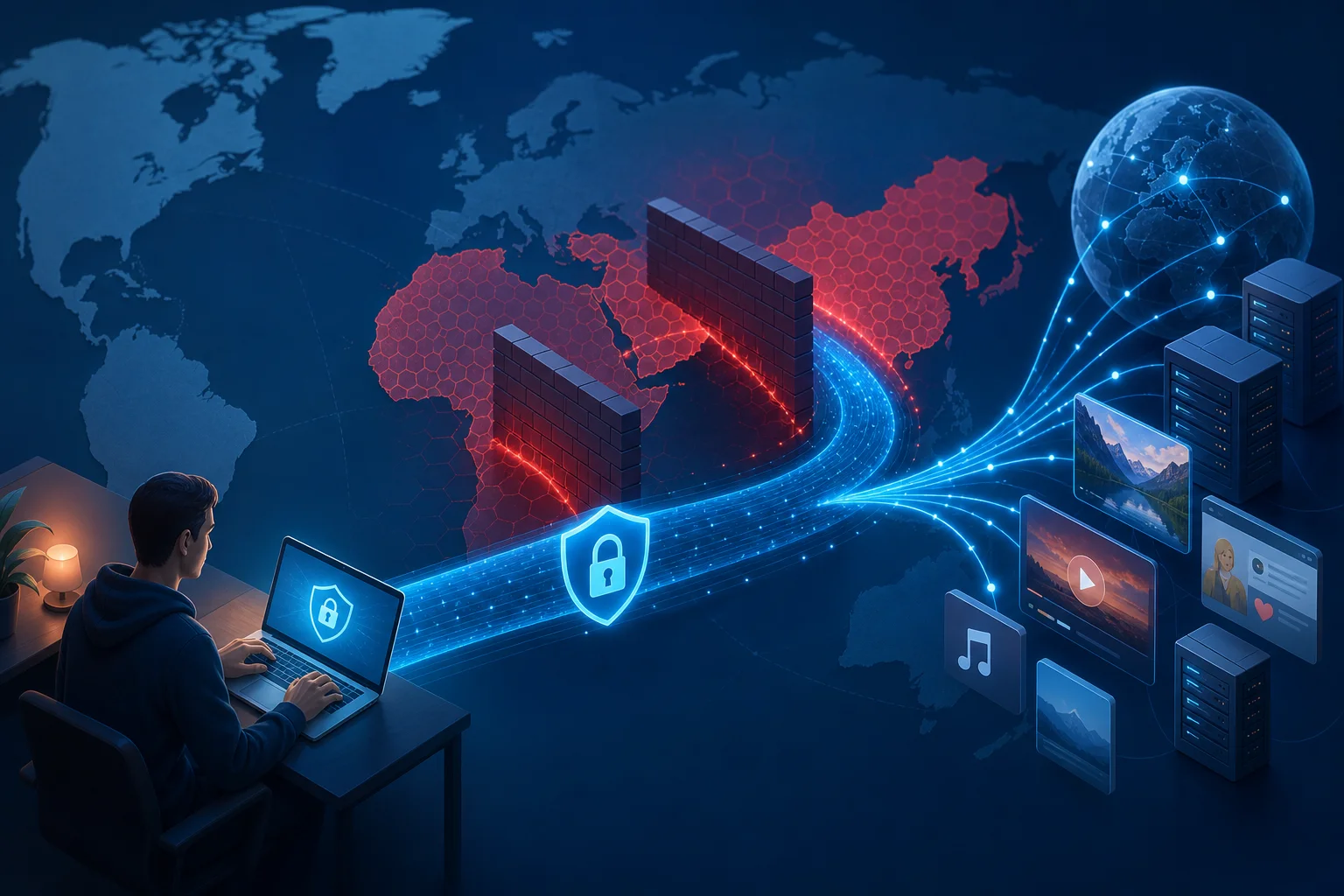
Alex’s main challenge was access. He often encountered messages such as “content not available in your region” or saw a smaller catalog than expected. This was especially common when he tried to stream international films, sports documentaries, or shows released first in another market.
However, geo-restrictions were only part of the problem. Because Alex worked remotely, he also used hotel Wi-Fi, airport networks, and coffee shop connections. Those networks were convenient but not always trustworthy. He wanted to avoid exposing browsing activity or work sessions on shared networks.
At first, Alex considered several options. Some looked helpful, but each had a drawback.
| Option Alex considered | Why it seemed useful | Why it fell short |
|---|---|---|
| Free browser proxy extensions | Quick to install in one browser | Often limited to browser traffic and less suitable for full-computer protection |
| Smart DNS tools | Can help with some location-based streaming issues | Usually does not encrypt traffic like a VPN |
| Mobile-only VPN apps | Useful on a phone | Did not solve the problem on his main computer |
| Manual network tweaks | Offered more control | Too time-consuming for daily streaming and work |
| Waiting for regional releases | Fully compliant with local availability | Did not solve access delays or travel-related catalog changes |
Alex also learned that not every VPN is equal. Some services require long sign-up flows. Others make it hard to change locations or understand whether the connection is active. He wanted a tool he could use without becoming a network administrator.
Just as important, Alex wanted to act responsibly. He knew that streaming services may have terms that govern regional access. So, his aim was to choose a privacy-focused VPN, understand the rules of each platform, and avoid suspicious tools that promised too much.
The Solution: Implementing a Personal VPN
After comparing his options, Alex chose BeFreeVPN as his personal VPN for computer streaming and remote browsing. The appeal was straightforward: it offered a simple VPN experience and did not require registration. For Alex, that mattered because he wanted to get started quickly without creating yet another account.
BeFreeVPN also suited the way he used his computer. Instead of managing different tools for different tasks, he could use one VPN connection before opening his streaming service, browser, or work tools. That made the workflow cleaner.
How Alex set up BeFreeVPN on his computer
Alex followed a simple setup process. For users who want a featured-snippet-style checklist, the steps look like this:
- Download the VPN app for the computer. Alex started by installing BeFreeVPN on the device he used most often.
- Open the app. He did not need to complete a long registration process, which removed friction.
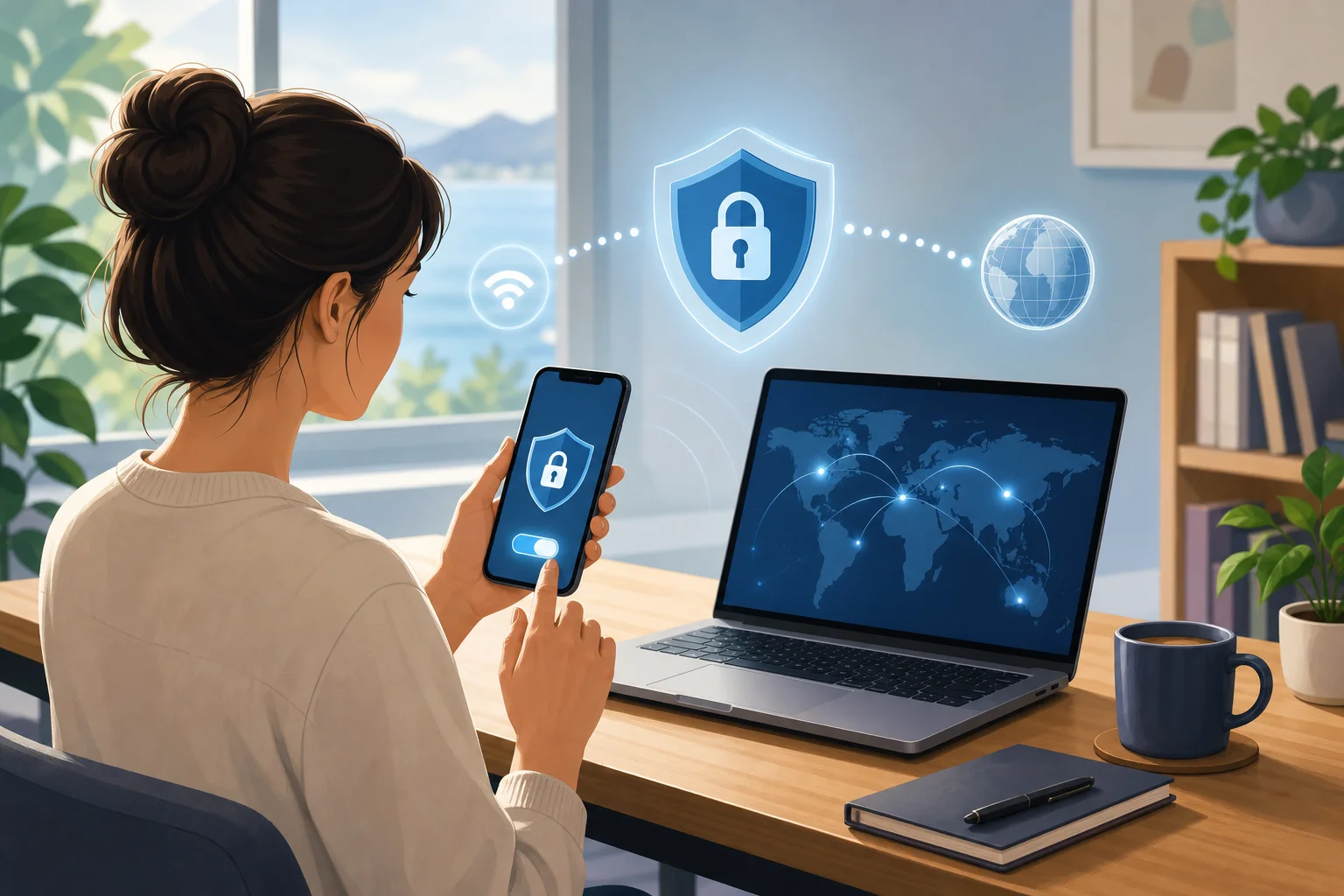
- Choose a suitable VPN location. He selected a server location based on what he needed to access or where he wanted his connection to appear.
- Connect before browsing or streaming. Once connected, he opened his streaming platform and checked availability.
- Test performance. Alex tried a few locations to find the best balance between access and smooth playback.
- Use the VPN on public Wi-Fi. When working outside his home, he connected first, then opened email, documents, and communication tools.
This step-by-step routine became second nature. Instead of troubleshooting every time a catalog changed, Alex had a repeatable process.
Why no registration mattered
The no-registration feature stood out because it matched Alex’s preference for simplicity. He did not want to spend time verifying email addresses, managing another password, or sharing more personal details than necessary just to test a VPN connection.
For intermediate users like Alex, this is a real usability benefit. A VPN may offer strong features, but if it feels inconvenient, people stop using it. BeFreeVPN reduced that barrier and made privacy easier to keep switched on.
Results: Expanding Horizons
After adding BeFreeVPN to his computer, Alex noticed the biggest change in how predictable his streaming routine became. Instead of running into a block and abandoning the session, he could connect through the VPN and check whether the platform offered the content in the selected location.
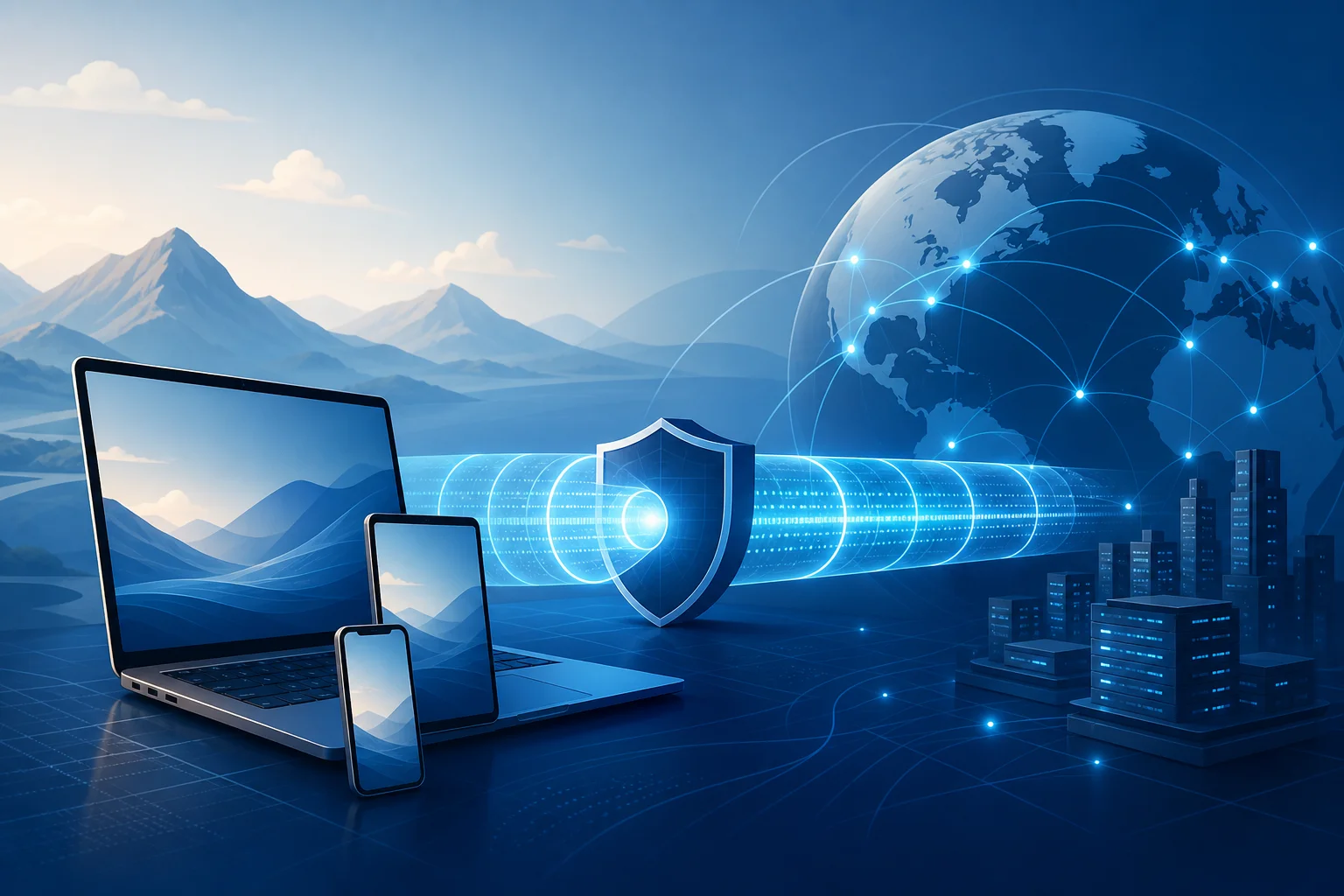
This helped him access streaming experiences that were previously unavailable from his normal connection. For example, when traveling, he could maintain a more consistent browsing environment and avoid sudden changes caused by local networks. When exploring international catalogs, he had a practical way to view content availability across regions, subject to each platform’s rules.
Alex also appreciated the smoother workflow. He was not jumping between questionable plug-ins or temporary proxy sites. He had one computer-based VPN tool that he could open, connect, and use.
Streaming quality and speed
Alex’s experience with streaming improved because he began testing VPN locations before settling in for a film or show. While VPN performance can vary based on server load, distance, network conditions, and the streaming platform itself, he found that choosing an appropriate location helped him maintain stable playback.
He also learned a useful habit: if one location felt slow, he switched to another. This simple adjustment often helped reduce buffering. More importantly, it gave him control. Instead of assuming the problem was his computer or the platform, he had a clear troubleshooting path.
Security and privacy for remote work
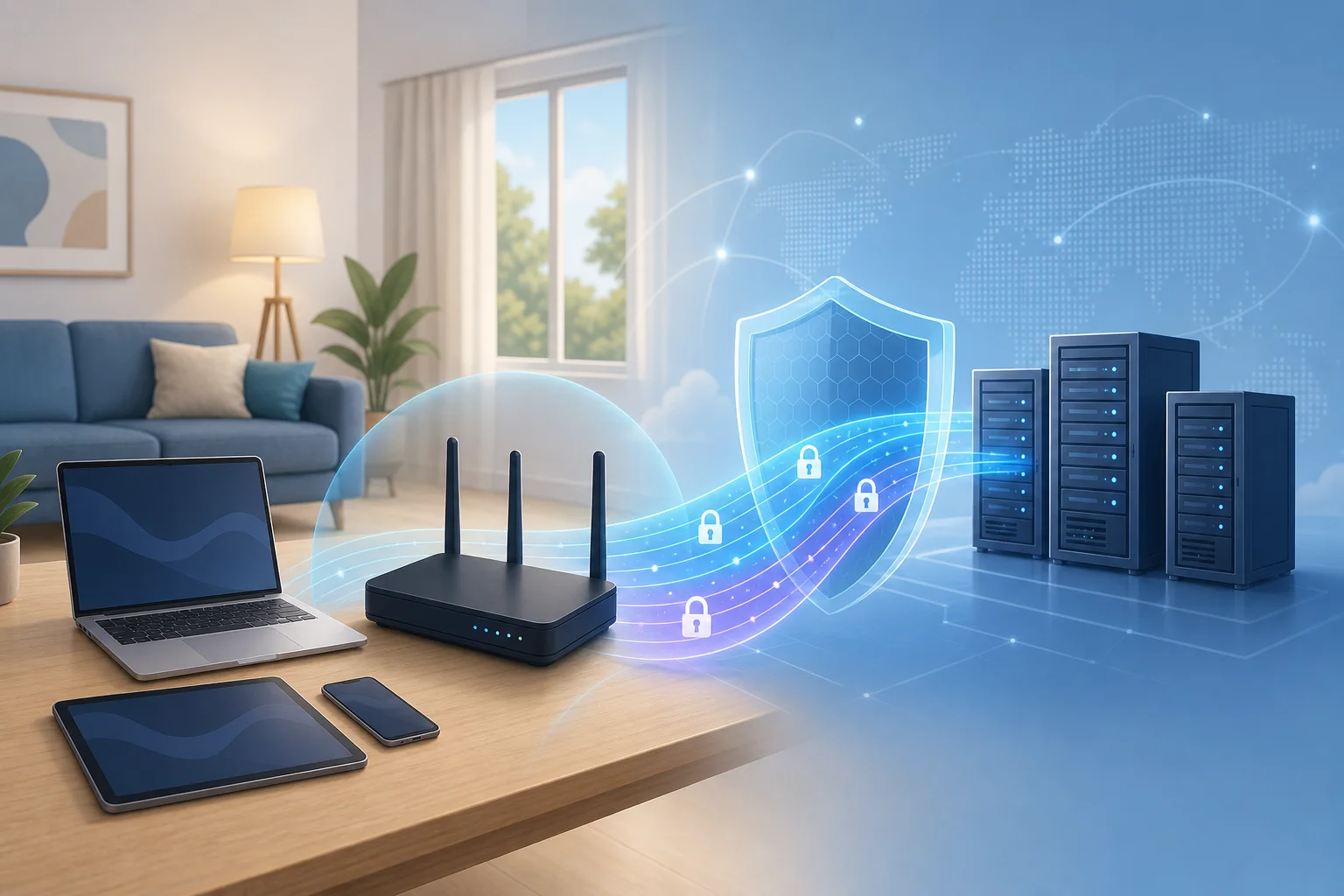
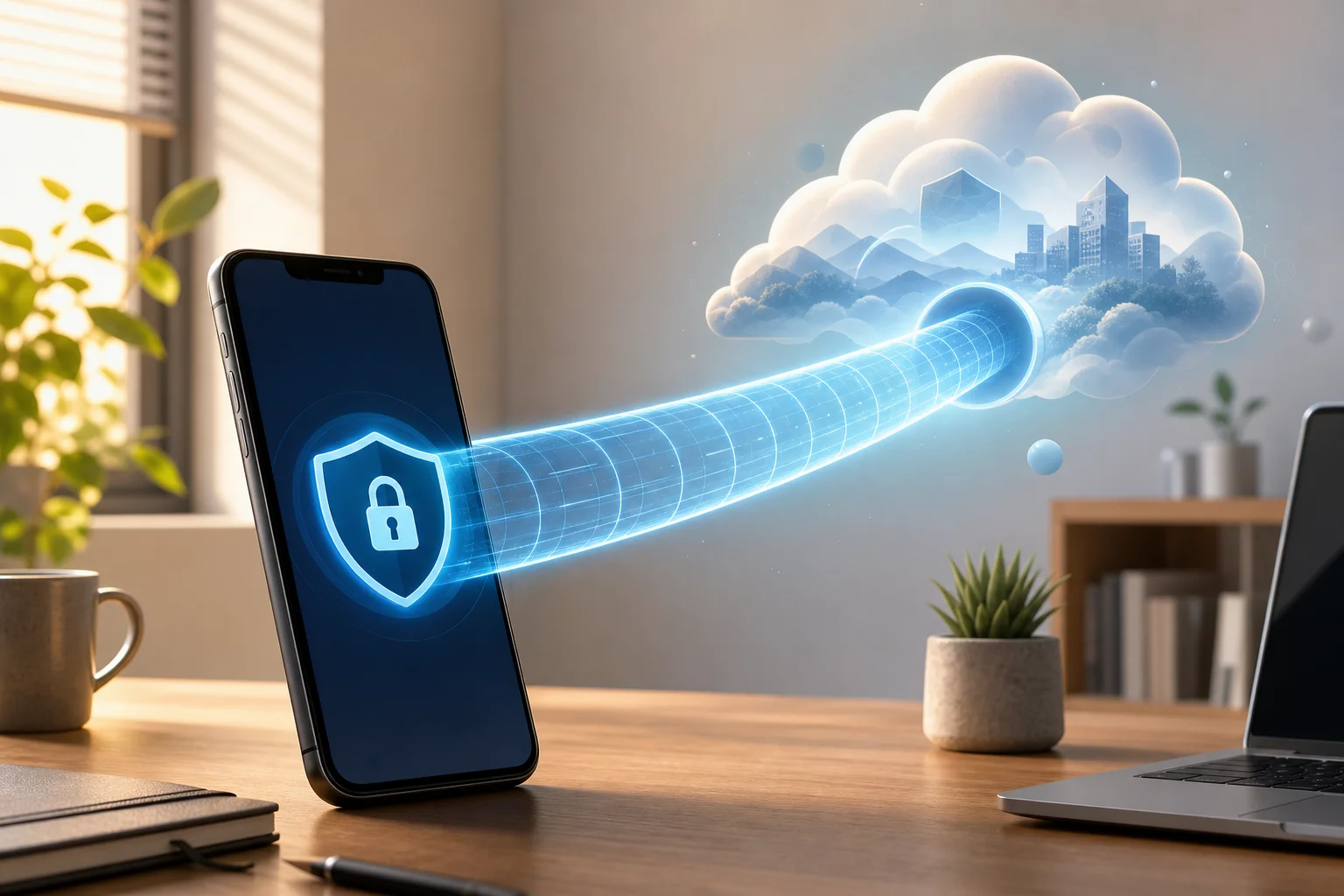
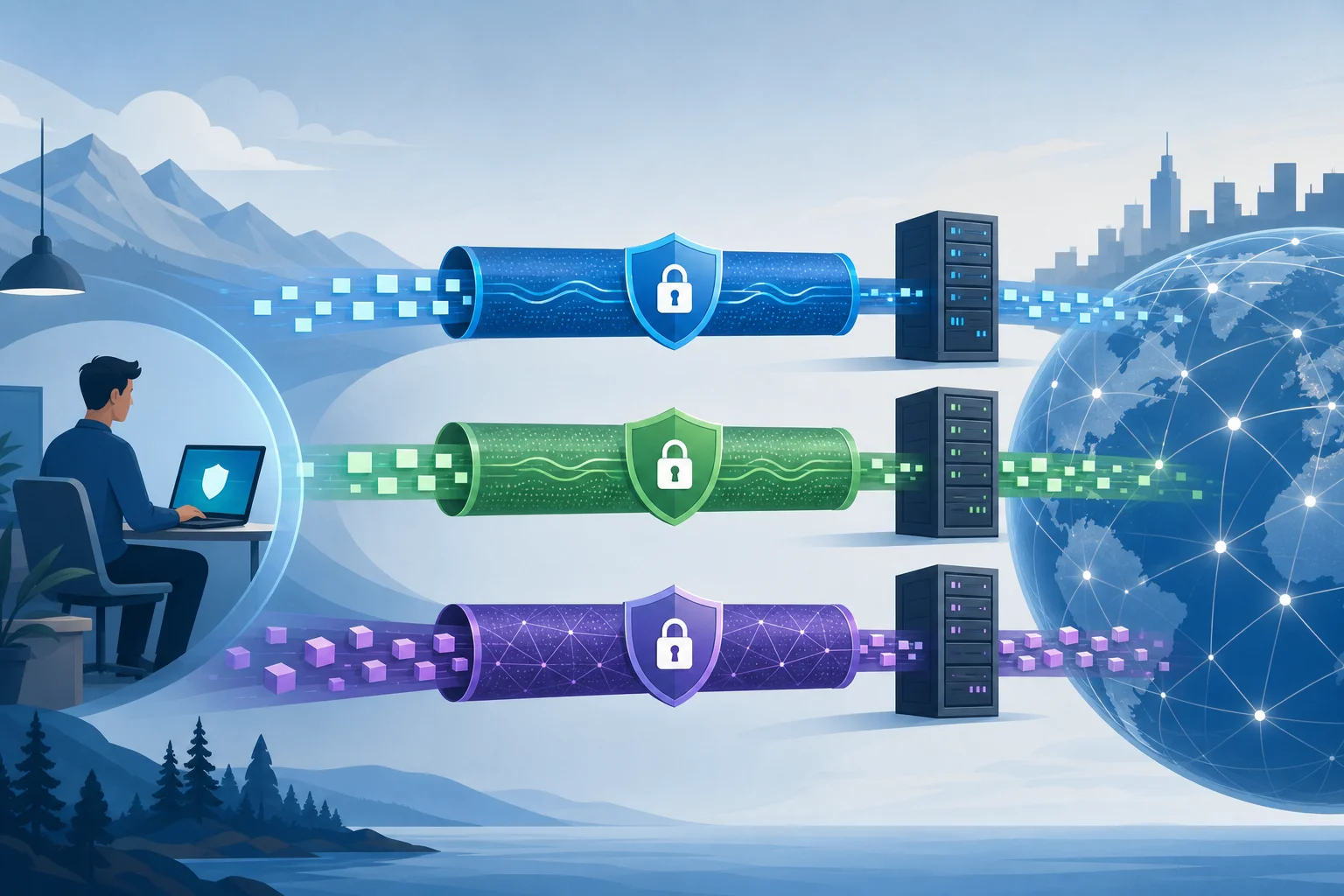
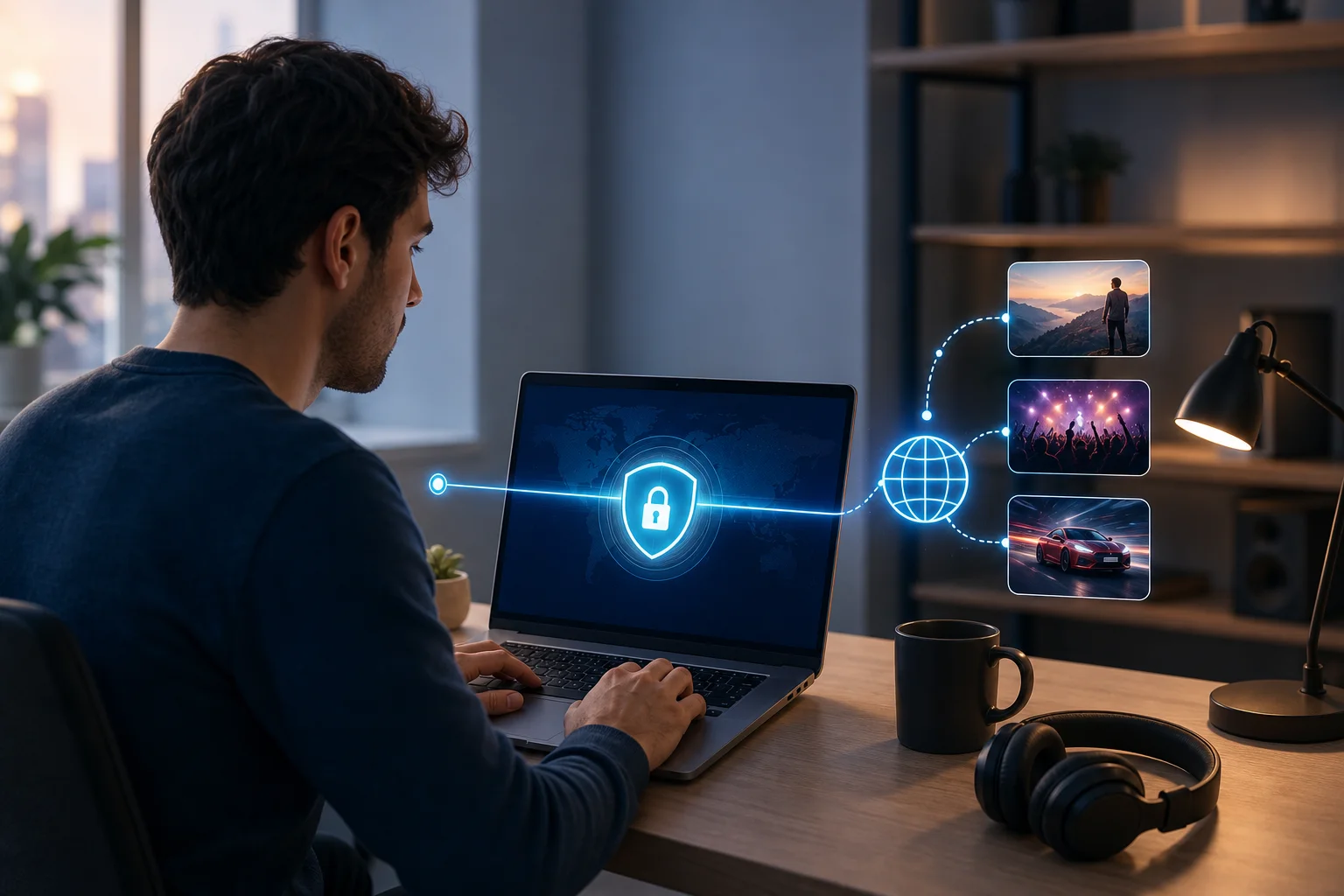
The benefits extended beyond streaming. When Alex worked from cafés or shared workspaces, he used BeFreeVPN before opening work tools. A VPN encrypts traffic between the computer and the VPN server, which helps reduce exposure on public Wi-Fi.
That added layer gave him more confidence. It did not replace good security habits, such as using strong passwords, enabling multi-factor authentication, and keeping software updated. However, it became a useful part of his remote work setup.
For Alex, the result was a more streamlined digital life. Entertainment became easier to manage. Public Wi-Fi felt less risky. And his computer became the single place where work, privacy, and streaming could coexist more smoothly.
Takeaways: What Alex Learned
Alex’s experience shows that a personal VPN for computer users can be useful when the goal is flexibility, privacy, and simplicity. It is not just a tool for advanced users. It can be part of a practical daily routine.
His main lessons were clear:
- Choose a VPN designed for the device you use most. Since Alex streams and works on his computer, a computer-friendly VPN mattered more than a mobile-only option.
- Keep the setup simple. The fewer steps required, the more likely you are to use the VPN consistently.
- Test locations for performance. Streaming quality can change depending on the server and network path.
- Use a VPN before joining public Wi-Fi sessions. This helps protect browsing activity on shared networks.
- Respect platform rules. A VPN can improve privacy and access flexibility, but streaming availability still depends on licensing and service terms.
Alex’s advice to others is practical: do not wait until you are blocked, buffering, or connected to an unknown Wi-Fi network. Set up your VPN before you need it. Learn how it works. Then make it part of your normal computer routine.
He also recommends choosing a user-friendly VPN like BeFreeVPN if you want fewer barriers. The no-registration approach helped him start faster, and the simple workflow made it easier to keep using the VPN over time.
FAQ: Personal VPN for Computer Streaming
What is a personal VPN for computer use?
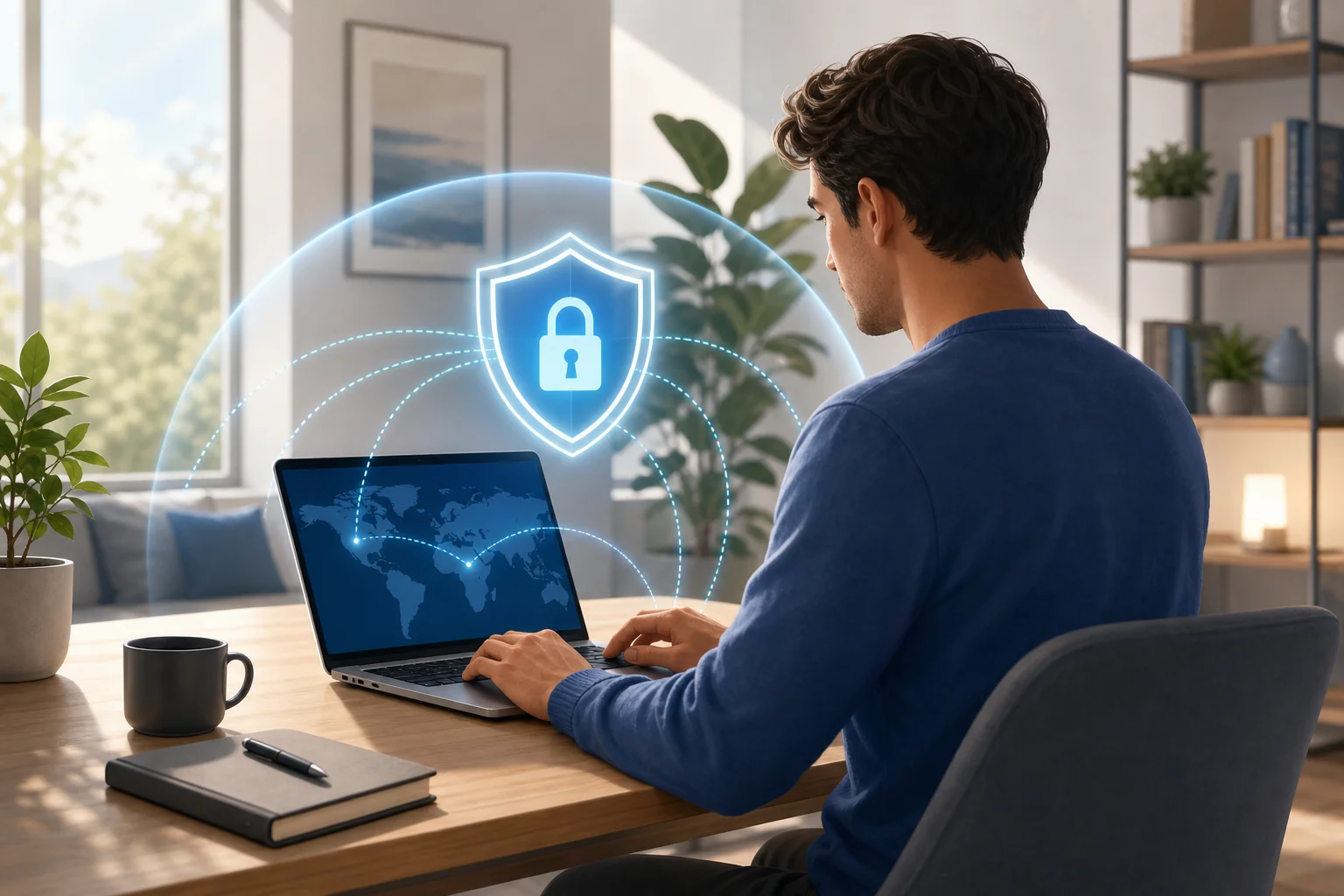
A personal VPN for computer use is an app or service that routes your computer’s internet traffic through a VPN server. This can help improve privacy, protect traffic on public Wi-Fi, and provide more location flexibility while browsing.
Can a VPN help with geo-restricted streaming content?
A VPN can help you appear to browse from a different location, which may affect what content a streaming platform shows. However, access depends on the platform’s licensing rules and terms of service, so users should review and follow those rules.
Will a VPN always improve streaming speed?
Not always. A VPN may improve stability in some situations, but it can also slow traffic if the server is far away or busy. For the best experience, test several server locations and use a reliable internet connection.
Is a no-registration VPN useful for everyday users?
Yes, especially for users who value simplicity. A no-registration VPN can reduce setup friction and make it easier to start protecting your connection without creating another account.
Conclusion: A Simpler Way to Stream and Work
Alex’s case shows how the right VPN can make a computer feel more capable. By using BeFreeVPN, he created a simpler path to global streaming exploration, more consistent access while traveling, and stronger privacy on public Wi-Fi. Explore BeFreeVPN today for a seamless, no-registration experience and unlock the full potential of your streaming platforms on your computer.