4 posts tagged with "data-protection"

View All Tags

Why Choose the Best Rated VPN 2026 for Privacy and Security

· 9 min read

With digital threats evolving every day, choosing the best rated VPN in 2026 could be your frontline defense for privacy. If you are searching for the best rated VPN 2026, this beginner-friendly guide will help you understand what matters most: personal data protection, simple setup, strong encryption, and privacy-first features. You do not need to be technical to make a smart choice. You only need to know what a VPN does, what it cannot do, and which features are worth trusting.

best rated VPN privacy protection

What Is a VPN and Why Does It Matter in 2026?

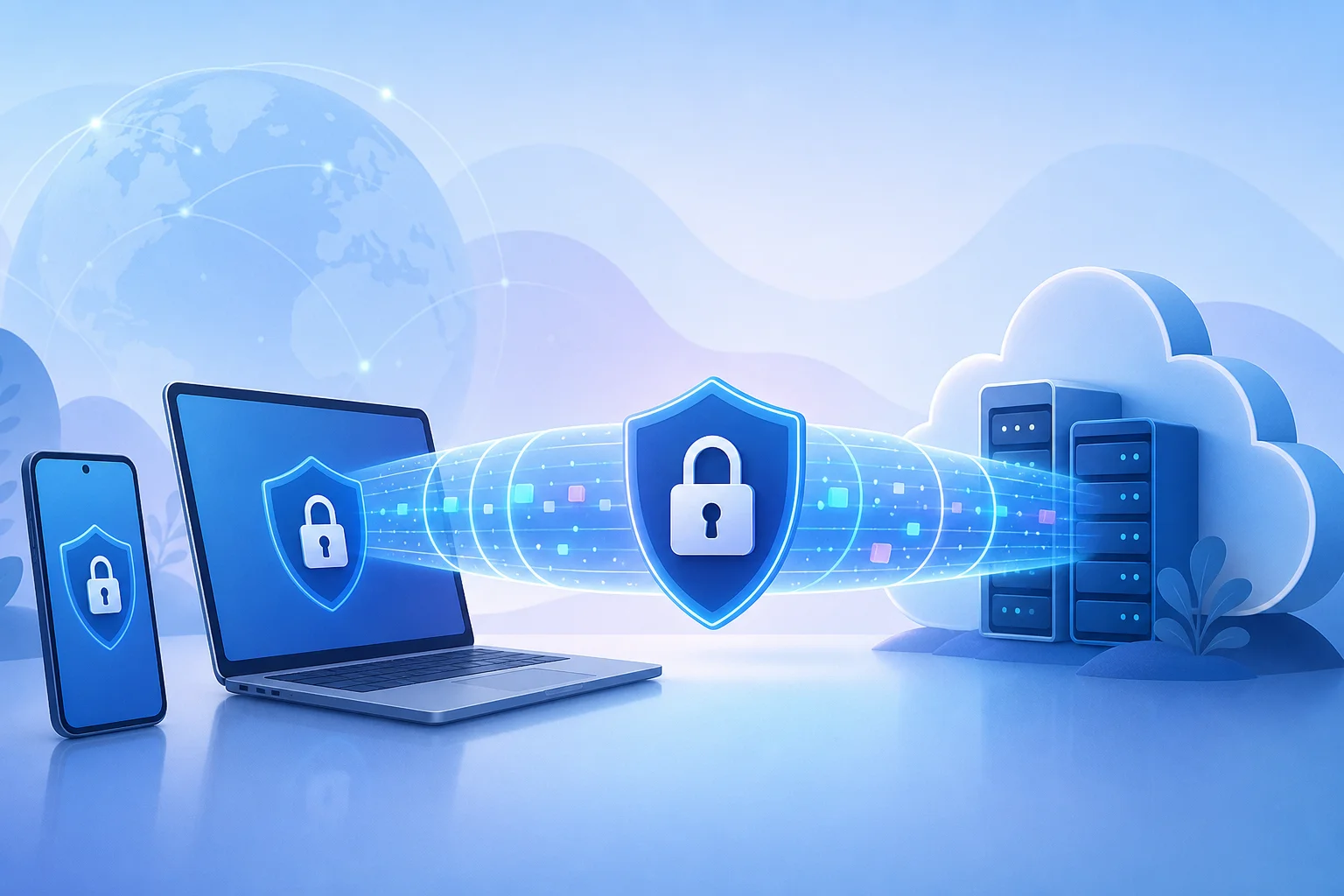
A VPN, or virtual private network, is a tool that creates a secure connection between your device and the internet. Instead of sending your traffic directly through your internet provider or a public Wi-Fi network, a VPN routes it through an encrypted tunnel. This makes it harder for outsiders to see what you are doing online.

In simple terms, a VPN helps protect three important things:

  • Your location: It can mask your real IP address.
  • Your browsing activity: It can reduce tracking by networks and third parties.
  • Your personal data: It can help protect information sent over unsafe connections.

This matters more in 2026 because everyday internet use has become more connected. People manage bank accounts, medical portals, work documents, shopping profiles, cloud storage, and private messages across multiple devices. At the same time, threats have become more targeted. Fake Wi-Fi hotspots, phishing pages, device tracking, data brokers, credential theft, and invasive advertising all create privacy risks.

A VPN is not magic. It will not stop every scam, remove malware, or make you completely anonymous. However, it is a practical privacy layer. For beginners, that layer can make a big difference, especially when using public Wi-Fi in airports, hotels, cafés, coworking spaces, or schools.

Why Privacy Is the Key Feature of the Best Rated VPNs in 2026

Speed and streaming access often get attention, but privacy should be the core reason to use a VPN. The best rated VPNs in 2026 are not just fast. They are designed to limit how much personal information is exposed, collected, or stored.

Online privacy matters because your data can reveal more than you think. Your IP address can suggest your city, internet provider, and browsing patterns. Your traffic can show which services you use. Over time, trackers can build profiles based on your habits, interests, location, and devices.

A privacy-focused VPN helps reduce that exposure. Here are the features beginners should understand.

Key privacy features to look for

  • Strong encryption: This scrambles your internet traffic so it is difficult to read if intercepted.
  • No-log policy: A good VPN should clearly state that it does not keep records of your browsing activity.
  • Kill switch: If the VPN connection drops, this feature can block internet traffic to prevent accidental exposure.
  • DNS leak protection: This helps make sure your web requests stay inside the VPN tunnel.
  • Modern VPN protocols: Protocols such as WireGuard or OpenVPN are commonly used for secure, reliable connections.
  • Transparent privacy policy: The provider should explain what data it collects, why it collects it, and how long it keeps it.

These features protect personal data by reducing weak points. For example, encryption helps defend against snooping on public Wi-Fi. A kill switch reduces the chance of your real IP address appearing if the connection fails. A no-log approach limits the amount of information that could be exposed if a provider receives data requests or suffers a breach.

For beginners, the main idea is simple: choose a VPN that collects as little as possible and explains its privacy practices clearly.

How Beginners Can Choose the Best Rated VPN in 2026

Choosing a VPN can feel confusing because many services use similar words: secure, private, fast, unlimited, anonymous. Instead of trying to compare every technical detail, use a simple checklist.

Step-by-step VPN checklist for beginners

  1. Start with privacy, not price. A cheap VPN is not a good deal if it tracks too much data or has unclear policies.
  2. Check the no-log policy. Look for clear wording about browsing history, IP addresses, connection timestamps, and retained data.
  3. Look for strong encryption. The VPN should use trusted encryption and modern protocols.
  4. Confirm there is a kill switch. This is important for preventing accidental data leaks.
  5. Review ease of use. A beginner-friendly VPN should connect in a few taps and make settings easy to understand.
  6. Check device support. Make sure it works on the devices you use most, such as phones, laptops, tablets, or browsers.
  7. Read the privacy policy. Avoid providers that make vague claims or hide important details.
  8. Look for reliable support and updates. A VPN should improve as threats change.

Beginner comparison table: what matters most

FeatureWhy it mattersBeginner tip
No-log policyLimits stored activity dataPrefer clear, simple privacy wording
EncryptionProtects traffic from snoopingLook for modern protocols and secure defaults
Kill switchPrevents exposure if VPN disconnectsTurn it on if available
User-friendly appReduces setup mistakesChoose simple controls over complex menus
DNS leak protectionKeeps requests inside the VPN tunnelUse built-in leak protection when offered
Regular updatesFixes bugs and security issuesAvoid abandoned or outdated apps

Common beginner concerns

Many new users worry that a VPN will be hard to set up. In most cases, it is not. A good VPN app should let you choose a server and connect with one button. You may also wonder whether a VPN slows down your internet. Some slowdown is possible because traffic is encrypted and routed through a VPN server, but a well-built service should still feel smooth for browsing, messaging, and everyday use.

Another common question is whether a free VPN is safe. Some free VPNs may limit speed, locations, or features. Others may collect more data than expected. Always read the privacy policy before trusting any VPN, free or paid.

What Makes a VPN Best Rated in 2026 for Data Protection?

A VPN becomes best rated for data protection when it combines strong technology with trustworthy behavior. Ratings should not be based only on marketing claims. They should consider how well the VPN protects user data in real-world situations.

VPN data protection encryption

Core criteria for data protection

Encryption quality: Strong encryption helps protect your traffic from interception. This is especially useful on shared networks where attackers may try to monitor activity.

No-log policies: A no-log policy means the provider does not store details about what you do online. The best policies are specific, easy to read, and supported by transparency reports or independent audits when available.

Leak prevention: Even with a VPN enabled, leaks can happen if DNS requests or IP details escape the encrypted tunnel. Data-protection-focused VPNs include tools to prevent this.

Security updates: Threats change. A VPN that was secure years ago may not be enough today if it is not maintained. Regular app updates, protocol improvements, and quick bug fixes matter.

Support and documentation: Beginners need clear help. Good support pages explain setup, privacy settings, troubleshooting, and security options in plain language.

Minimal data collection: Some services collect account details, device data, payment information, or diagnostics. The best privacy-focused VPNs collect only what is necessary to run the service.

Encryption and no-log policies explained simply

Encryption is like placing your internet traffic in a locked box before it travels across the network. Anyone who sees the box cannot easily read what is inside. A no-log policy is different. It is about what the VPN provider records after your traffic passes through its systems.

Both matter. Encryption protects data in motion. A no-log policy helps protect your activity history. Together, they form the foundation of a safer VPN experience.

Why continuous updates matter

In 2026, digital security is not a one-time setup. Devices, operating systems, browsers, and attack methods keep changing. A reliable VPN provider should update its apps, improve stability, patch vulnerabilities, and keep security features compatible with modern devices.

For beginners, this means you should avoid old apps that rarely update. A VPN that actively maintains its service is better positioned to protect your personal data over time.

FAQ: Best Rated VPN 2026 Questions Beginners Ask

Is a VPN enough to protect all my privacy online?

No. A VPN is an important privacy tool, but it is not complete protection by itself. You should also use strong passwords, enable two-factor authentication, avoid suspicious links, and keep your devices updated.

Should I keep my VPN on all the time?

For most beginners, keeping the VPN on during browsing, public Wi-Fi use, travel, and sensitive account access is a smart habit. If an app or website does not work correctly, you can troubleshoot by changing servers or checking settings.

What is the most important VPN feature for beginners?

Privacy-friendly design is the most important. Look for a clear no-log policy, strong encryption, a kill switch, and an app that is easy to use. Simple controls reduce mistakes.

Can a VPN protect me on public Wi-Fi?

Yes, a VPN can help protect your traffic on public Wi-Fi by encrypting your connection. This makes it harder for others on the same network to monitor your activity. Still, avoid entering sensitive information on suspicious websites.

How do I know if a VPN is trustworthy?

Read the privacy policy, check whether the provider explains its data practices clearly, and look for signs of active maintenance. Trustworthy VPNs avoid vague promises and give users control over privacy settings.

Final Thoughts: Choose Privacy Before Convenience

The best rated VPN 2026 for beginners is not just the one with the loudest advertising or the longest feature list. It is the one that makes privacy easy to understand and simple to use. Focus on strong encryption, a clear no-log policy, leak protection, regular updates, and a clean interface. These basics help protect your personal data without forcing you to become a security expert.

Start protecting your personal data today by exploring BeFreeVPN, where privacy is paramount, and registration is never required.

VPN Without Payment for Phone: A Beginner's Guide to Privacy and Data Protection

· 9 min read

Did you know you can protect your personal data with a VPN on your phone without spending a dime? If you are looking for a vpn without payment for phone, this beginner-friendly guide explains what free mobile VPNs do, how they help protect your privacy, what limits to watch for, and how to get started safely. You do not need to be technical. With the right app, securing your phone can be simple, quick, and free.

What is a VPN Without Payment for Phone?

A VPN, or virtual private network, is a privacy tool that creates a secure connection between your phone and the internet. Instead of your browsing data going directly from your phone to websites, apps, or online services, it first passes through an encrypted VPN tunnel.

In simple terms, a VPN helps hide parts of your online activity from third parties on the same network. It can also mask your IP address, which is a number linked to your internet connection and approximate location.

On a phone, a VPN usually works through an app. Once you install the app and tap connect, the VPN runs in the background while you use your browser, messaging apps, email, maps, shopping apps, or other online services.

A VPN without payment for phone means you can use a VPN service without paying upfront. Some free VPN apps also do not require registration, which makes them easier for beginners. You install the app, open it, connect, and start browsing with extra protection.

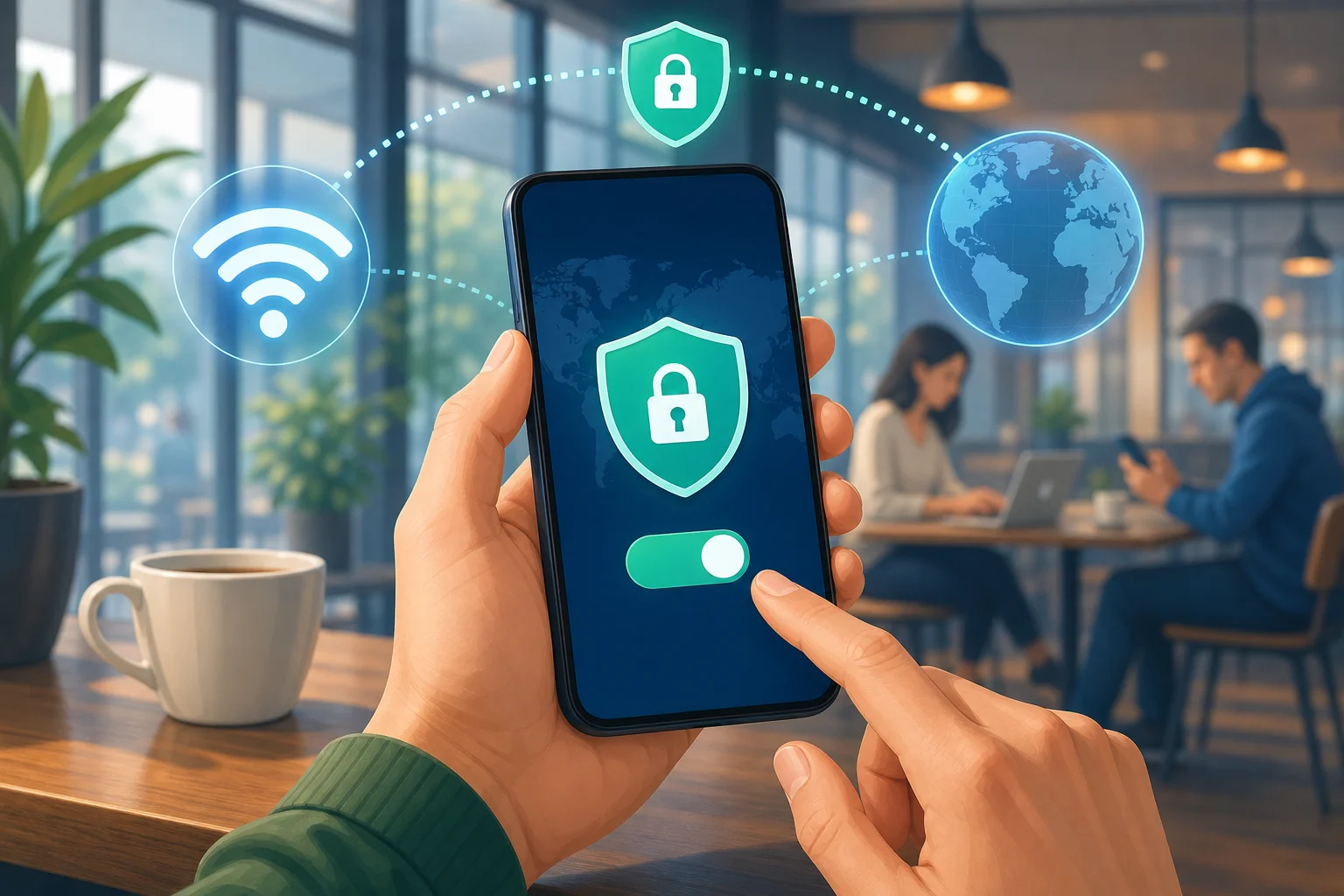
free VPN on phone privacy

What “free” should mean for beginners

A free VPN should be easy to understand and simple to use. Ideally, it should offer:

  • No payment before you can connect
  • No complicated setup
  • No required technical knowledge
  • Clear privacy information
  • A simple connect button
  • Basic protection for everyday browsing

However, not every free VPN is equal. Some may show too many ads, limit speed, collect too much data, or offer only a small number of server choices. That is why it is important to choose carefully.

Why Use a VPN on Your Phone?

Your phone holds a lot of personal information. It may include your email, photos, bank apps, social media accounts, work messages, location data, and browsing history. Because phones are always connected, they can also be exposed to privacy risks throughout the day.

A VPN helps reduce some of those risks by adding a layer of protection between your phone and the internet.

Better privacy on public Wi-Fi

Public Wi-Fi in cafes, airports, hotels, libraries, and shopping centres is convenient, but it is not always secure. Other people may be using the same network. In some cases, attackers can try to intercept data or trick users into joining fake networks.

When you use a VPN on public Wi-Fi, your traffic is encrypted. This makes it much harder for someone on the same network to read your activity.

Protection from third-party tracking

Websites, advertisers, network operators, and some apps may collect information about your online behaviour. A VPN cannot stop every type of tracking, but it can help limit tracking based on your IP address and network connection.

For better privacy, use a VPN together with other good habits, such as:

  • Keeping your phone updated
  • Using strong passwords
  • Turning on two-factor authentication
  • Avoiding suspicious links
  • Checking app permissions
  • Using privacy-focused browser settings

Safer browsing while travelling

When you travel, you may connect to many unfamiliar networks. A free VPN for phone can give you a simple way to add protection without needing to buy a plan first. This is useful if you only need basic security for browsing, messaging, or checking email on the go.

How Does a Free VPN Protect Your Data?

A VPN protects your phone data mainly through encryption. Encryption turns readable information into scrambled data while it travels across the network. If someone tries to intercept it, they should not be able to easily understand what they see.

Think of it like sending your data through a locked tunnel. Your phone enters the tunnel, the VPN server receives the request, and then the website or app responds through the same protected route.

What threats can a VPN help with?

A free mobile VPN can help protect against several common risks, especially on unsecured networks:

RiskHow a VPN helps
Public Wi-Fi snoopingEncrypts your internet traffic so others on the network cannot easily read it
IP-based trackingMasks your real IP address from websites and online services
Network monitoringMakes your browsing activity less visible to the network owner
Fake or unsafe hotspotsAdds protection if you accidentally connect to a risky network

A VPN is especially useful when you are using public Wi-Fi. It can also help when you want more privacy from network-level tracking.

What a VPN does not do

It is important to understand the limits. A VPN is not a complete security shield. It does not automatically block all malware, stop phishing scams, fix weak passwords, or make unsafe websites safe.

Also, the VPN provider itself can see certain connection details depending on how the service is designed. That is why you should look for a provider with a clear no-logs policy and transparent privacy practices.

Limitations of free VPNs

Free VPNs often come with trade-offs. Some may include:

  • Slower speeds during busy times
  • Fewer server locations
  • Data limits
  • Ads inside the app
  • Limited customer support
  • Fewer advanced features than paid VPNs

This does not mean free VPNs are bad. It means you should choose one that fits your needs and does not make privacy confusing. For most beginners, the best free VPN is one that is simple, honest about its limits, and easy to turn on before browsing.

How Can I Get Started with a Free VPN on My Phone?

Getting started with a VPN without payment for phone is usually easy. You do not need to change router settings or understand complex security terms. In most cases, you only need to install an app and connect.

install free VPN app on phone

Step-by-step: how to install and use a free VPN app

  1. Choose a trusted VPN app
    Look for a VPN with clear privacy information, a simple interface, and no unnecessary permissions.

  2. Download it from the official app store
    Use the Apple App Store or Google Play Store. Avoid random download links from unknown websites.

  3. Open the VPN app
    Read the basic setup screens. A beginner-friendly VPN should make this quick and clear.

  4. Allow the VPN configuration
    Your phone may ask permission to add a VPN profile. This is normal. It lets the app create the secure connection.

  5. Tap connect
    Once connected, you may see a VPN icon in your phone’s status bar.

  6. Browse as usual
    Use your phone normally. Your internet traffic will pass through the VPN while it is active.

  7. Disconnect when needed
    If an app does not work well with the VPN, you can disconnect and reconnect later.

Features to look for in a free VPN for phone

Before you install any free VPN, check for the features that matter most:

  • No registration required: Faster setup and less personal information shared.
  • No-logs policy: The provider should state that it does not keep records of your browsing activity.
  • Simple interface: A clear connect button is ideal for beginners.
  • Strong encryption: This is the core of VPN protection.
  • Stable connection: The VPN should stay connected while you browse.
  • Transparent privacy policy: You should be able to understand what data is collected and why.
  • No confusing permissions: Be careful if an app asks for access that does not seem related to VPN use.

Starting simply with BeFreeVPN

If you want a quick and beginner-friendly option, BeFreeVPN is designed to make mobile privacy simple. You can start without registration, connect for free, and add a layer of security to your browsing on your phone.

For beginners, that simplicity matters. Instead of dealing with accounts, payment forms, or complex settings, you can focus on protecting your personal data while browsing, travelling, or using public Wi-Fi.

FAQ About Using a VPN Without Payment on Your Phone

Is a free VPN safe for my phone?

A free VPN can be safe if you choose carefully. Look for clear privacy terms, strong encryption, and a no-logs policy. Avoid apps that seem unclear about how they make money or ask for unnecessary permissions.

Can I use a VPN without registration?

Yes. Some VPN apps let you connect without creating an account. This is helpful if you want less friction and prefer not to share personal details before using basic privacy protection.

Will a free VPN slow down my phone?

A VPN may slow your internet connection because your data travels through an encrypted server. The effect depends on the VPN quality, server load, your location, and your network speed. For everyday browsing, a good free VPN should still feel usable.

Does a VPN protect all apps on my phone?

In most cases, a phone VPN protects internet traffic from apps while the VPN is connected. However, protection can vary depending on the app, phone settings, and VPN configuration. Always check that the VPN icon is visible when you expect it to be active.

Do I need a VPN on mobile data?

A VPN is most useful on public Wi-Fi, but it can also help on mobile data by masking your IP address and adding privacy from some network-level tracking. It is a good option when you want extra privacy wherever you connect.

Final Thoughts

A VPN without payment for phone is a simple way to improve privacy without buying a subscription. It can encrypt your connection, help protect you on public Wi-Fi, and reduce some forms of tracking. Still, it is important to understand the limits and choose a VPN that is transparent, easy to use, and privacy-focused.

Protect your personal data on the go by downloading BeFreeVPN on your phone — it's free, requires no registration, and keeps your browsing secure.

Why You Need an Online VPN for Internet Privacy

· 9 min read

Ever wondered how much of your personal data is exposed online? Discover how an online VPN for internet privacy can shield your digital footprint effortlessly. In this beginner-friendly guide, you’ll learn what a VPN is, why privacy matters, how VPN encryption helps protect your data, and which features to look for when choosing a simple VPN service.

The internet is useful, fast, and always available. However, every website visit, app login, and public Wi-Fi connection can reveal something about you. An online VPN helps reduce that exposure by creating a more private connection between your device and the websites or services you use.

online vpn for internet privacy

1. What is an Online VPN?

A VPN, short for Virtual Private Network, is a tool that helps protect your internet connection. When you connect to a VPN, your traffic is routed through a secure VPN server before it reaches the website, app, or online service you want to use.

In simple terms, instead of your device talking directly to the internet, it first talks to the VPN. The VPN then passes your request along. This can help hide your real IP address and make your browsing activity harder for others on the network to inspect.

The “virtual tunnel” concept

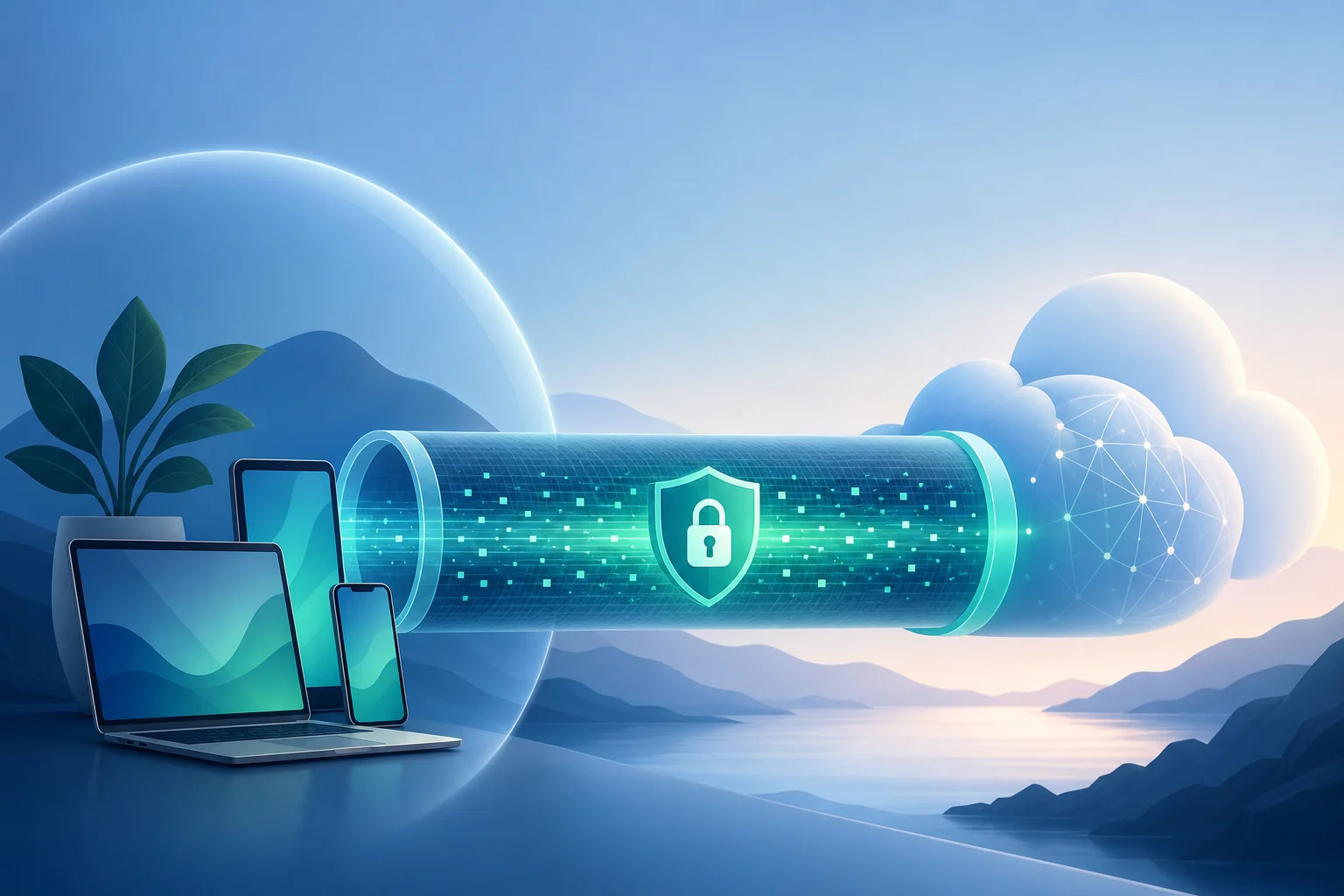
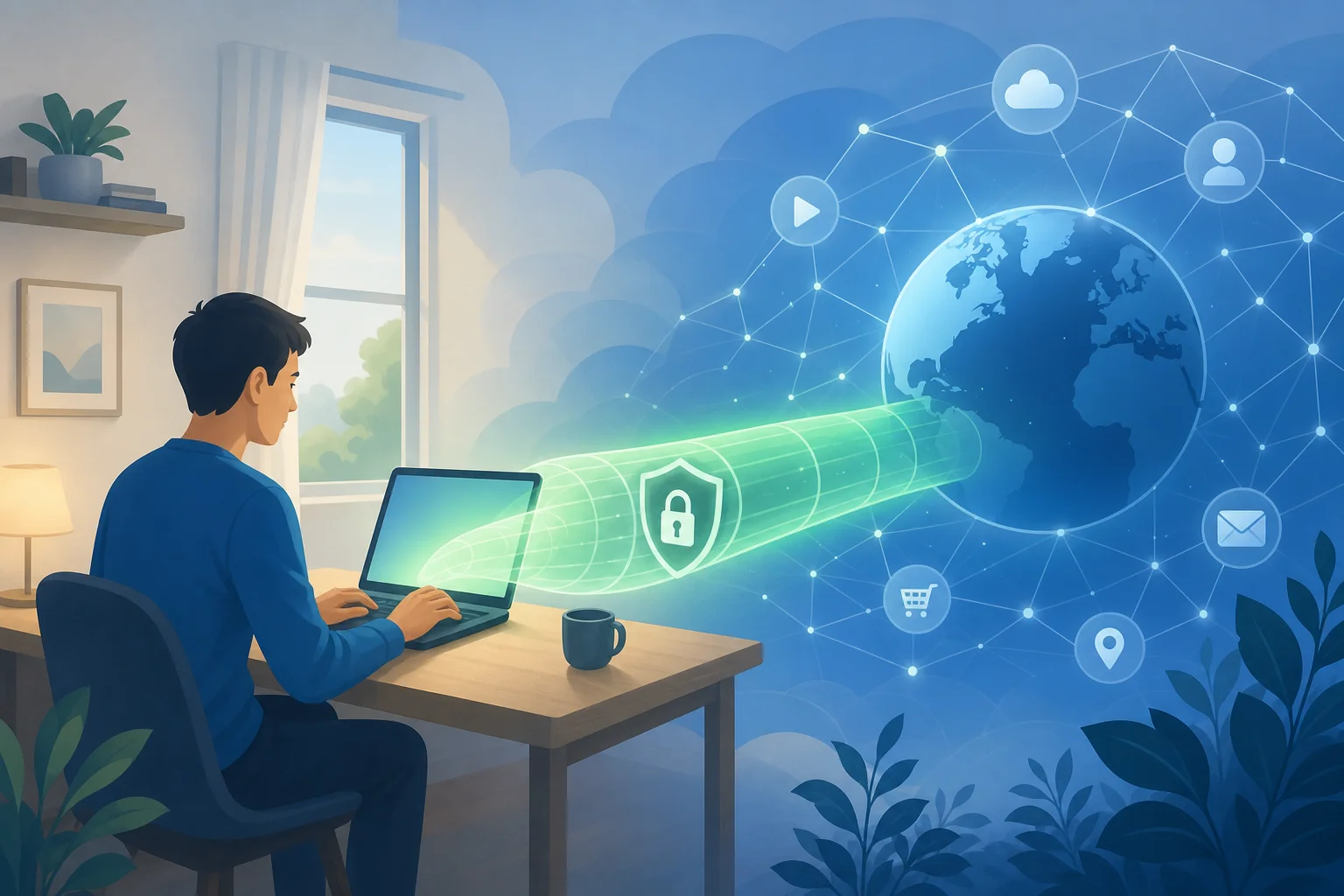
Think of a VPN as a private tunnel through the public internet. Without a VPN, your data may travel across networks in a more exposed way, especially on public Wi-Fi. With a VPN, your data is wrapped in encryption as it moves through this tunnel.

This tunnel does not make you invisible or immune to every online risk. However, it adds an important privacy layer. It can help protect sensitive activity such as checking email, logging in to accounts, or browsing while connected to a café, airport, or hotel network.

How to set up an online VPN in simple steps

You do not need to be technical to start using a VPN. Most beginner-friendly VPNs follow a process like this:

  1. Choose a VPN service that fits your needs, such as privacy, ease of use, and device support.
  2. Open the VPN website or app on your phone, tablet, or computer.
  3. Connect to a VPN server by pressing a connect button or choosing a location.
  4. Browse the internet as usual while the VPN runs in the background.
  5. Disconnect when needed, or keep it on for ongoing privacy protection.

The best setup is the one you will actually use. For beginners, a simple interface matters more than a long list of advanced settings.

2. Why is Online Privacy Important?

Online privacy matters because your internet activity can reveal more than you think. Websites, apps, advertisers, analytics tools, internet service providers, and public Wi-Fi operators may collect or observe different kinds of data.

This can include your approximate location, device type, browser details, search behavior, pages visited, and account activity. Some of this data is used for normal website functions. Some is used for advertising, tracking, fraud prevention, or analytics. The problem is that users often do not know what is being collected, how long it is stored, or who it is shared with.

Risks of unprotected internet surfing

Browsing without protection can create several privacy and security risks:

  • Public Wi-Fi snooping: On unsecured networks, attackers may try to monitor traffic or trick users into connecting to fake hotspots.
  • IP address exposure: Your IP address can reveal your approximate location and internet provider.
  • Tracking across websites: Advertisers and data brokers may use cookies, device fingerprints, and other signals to build profiles.
  • Account takeover risks: If you enter passwords on unsafe networks or fake pages, your accounts may be at risk.
  • Data misuse: Information collected for one purpose may later be shared, sold, breached, or used in ways you did not expect.

Real-life examples of data breaches

Data breaches are not rare edge cases. Large companies, healthcare providers, retailers, and social platforms have all experienced breaches where customer information was exposed. Consequences can include phishing attempts, identity theft, spam, financial fraud, and long-term loss of control over personal information.

For example, when email addresses and passwords are leaked, attackers may test those same login details on other sites. If someone reused a password, one breach can turn into several compromised accounts. When names, addresses, phone numbers, or payment-related data are exposed, victims may face scams that look more convincing because the attacker already knows personal details.

A VPN cannot prevent every data breach. Still, it can reduce certain exposure points, especially when you use public networks or want to limit how much your connection reveals.

3. How Does an Online VPN Protect Your Data?

An online VPN protects your data mainly through two privacy benefits: encryption and IP address masking.

Encryption turns readable data into scrambled information while it travels between your device and the VPN server. This helps prevent people on the same network from easily viewing your activity. It is especially useful on public Wi-Fi, where you may not know who controls the network or who else is connected.

IP masking means websites and online services see the VPN server’s IP address instead of your device’s real IP address. This can make it harder to link your activity directly to your home network or physical location.

Public browsing vs. using a VPN

SituationWithout a VPNWith an online VPN
Public Wi-Fi useNetwork operators or attackers may have more chances to inspect trafficTraffic is encrypted between your device and the VPN server
IP address visibilityWebsites can see your real public IP addressWebsites usually see the VPN server IP address
Location privacyYour approximate location may be easier to inferYour real location is less directly exposed
ISP visibilityYour provider may see domains or connection patterns depending on trafficYour provider sees a VPN connection, not every destination in the same way
Overall privacyBasic browser protections onlyAdded privacy layer for everyday browsing

A VPN is not a replacement for good habits. You should still use strong passwords, enable two-factor authentication, update your devices, avoid suspicious links, and check that websites use HTTPS. However, a VPN works well as part of a broader privacy routine.

vpn data encryption protection

4. What Features Should You Look for in an Online VPN?

Choosing an online VPN for internet privacy can feel confusing at first. Many services use similar language, so focus on practical features that matter for beginners.

No-log policy

A no-log policy means the VPN provider says it does not store records of your browsing activity. This is important because a VPN handles your traffic while you are connected. If privacy is your goal, you want a provider that is clear about what it does and does not collect.

Look for plain privacy explanations. Avoid services that are vague about data collection, advertising practices, or account tracking.

Free, no-registration access

A free, no-registration VPN like BeFreeVPN can be useful for beginners because it reduces friction. You do not have to create an account, share personal details, or go through a complicated setup before trying VPN protection.

This is especially helpful if you want quick privacy on public Wi-Fi or you are new to VPNs and want to understand how they work before making a long-term decision.

Device compatibility

A good VPN should work on the devices you use every day. Before choosing one, check whether it supports:

  • Windows or macOS computers
  • Android or iOS phones
  • Tablets
  • Browser-based use, if available
  • Multiple devices, if you switch between work and personal browsing

The easier it is to connect, the more likely you are to keep using it.

Simple user experience

For beginners, simplicity is a feature. Look for a VPN that offers:

  • A clear connect button
  • Fast setup
  • Easy server selection
  • Minimal technical terms
  • Stable browsing performance
  • Clear privacy information

Advanced settings can be useful later. But when starting out, the goal is simple: connect safely and browse with more privacy.

Frequently Asked Questions About Online VPNs

In many countries, using a VPN is legal. However, laws vary by location, and using a VPN does not make illegal activity legal. Always follow local laws and the terms of the services you use.

Will a VPN make me completely anonymous?

No. A VPN improves privacy, but it does not make you completely anonymous. Websites may still identify you if you log in, accept tracking cookies, or share personal details. A VPN is one layer of protection, not a magic shield.

Do I need a VPN at home?

A VPN can still be useful at home. It can help mask your IP address, reduce some forms of tracking, and add privacy from your internet provider. It is even more important when using public Wi-Fi.

Can beginners use a VPN without technical knowledge?

Yes. Many online VPN services are designed for beginners. In most cases, you simply open the VPN, tap or click connect, and browse as usual.

Final Thoughts

An online VPN is one of the simplest tools beginners can use to improve internet privacy. It helps encrypt your connection, mask your IP address, and reduce exposure on public networks. It will not solve every privacy problem, but it is a smart first step toward safer everyday browsing.

Ready to safeguard your privacy? Try BeFreeVPN today—it's free, requires no registration, and works seamlessly on multiple devices.

What is a reliable VPN for internet privacy?

· 9 min read

Did you know that your online activity is being tracked more than you think? A reliable VPN for internet privacy could be the key to protecting your personal data. Whether you are checking email, shopping online, using public Wi-Fi, or streaming on your phone, a VPN helps make your connection more private and secure. In this beginner-friendly guide, you will learn what a VPN does, why reliability matters, which features to look for, and how to get started without stress.