5 VPNs for Android: free, no payment, no ads
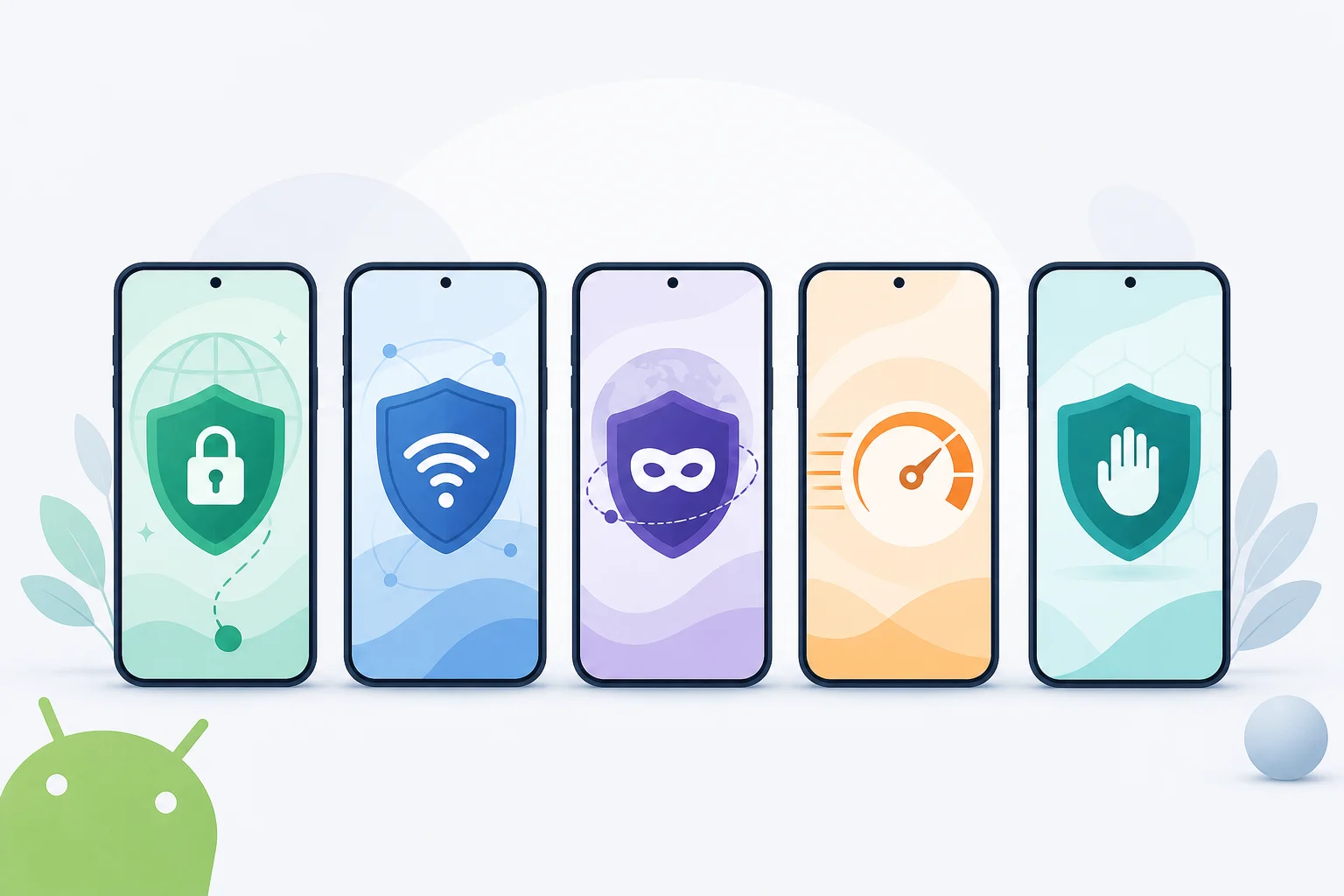
Ever struggled to find a VPN for your Android device that doesn’t bombard you with ads or require a credit card? Look no further! If you want a vpn without payment with no ads, the best options focus on simple setup, transparent free plans, and clean mobile apps. Below are five Android VPNs worth considering, with notes on data limits, privacy, usability, and what to check before you install.
Free VPNs can be useful for public Wi-Fi, basic privacy, and occasional streaming or browsing. However, free plans often include limits such as fewer server locations, reduced speeds, or monthly data caps. So, the goal is to choose a service that stays honest about those limits while avoiding intrusive ads and payment walls.
Quick comparison: free Android VPNs with no payment and no ads
| VPN | Payment required? | Ads in app? | Best for | Main limit to check |
|---|---|---|---|---|
| BeFreeVPN | No | No | Fast, simple Android use | Server availability may vary |
| Windscribe Free | No paid plan required | No typical ad clutter | Flexible browsing with extra tools | Data allowance and account rules |
| Proton VPN Free | No | No | Unlimited data and privacy | Fewer free server choices |
| TunnelBear Free | No | No | Beginners who want simple controls | Small free data allowance |
| Hide.me Free | No | No | Security features and speed | Free server and data limits |
1. BeFreeVPN: The Truly Free Option
BeFreeVPN is a strong first pick if your main requirement is simple: a free Android VPN that does not ask for payment details and does not interrupt the experience with ads. For many users, that is the difference between a tool they use daily and an app they uninstall after five minutes.
Why it stands out
- No payment or credit card required: BeFreeVPN is designed for users who want to connect without entering card details or starting a trial.
- Ad-free experience: The app avoids the pop-ups and banner ads that can make some free mobile VPNs feel slow or distracting.
- Easy Android interface: Connection is quick, which matters when you are on public Wi-Fi or moving between networks.
BeFreeVPN is a good fit for users who want privacy protection without a complicated setup. It is especially useful if you do not want to create accounts, compare trial terms, or remember cancellation dates.
2. Windscribe Free: Limitless Browsing Potential
Windscribe Free is one of the better-known free VPN services for Android. It is popular because it combines a free plan with practical privacy tools, including built-in blocking features that can reduce trackers and unwanted web content.
What Android users get
- Low-friction setup: You can start by downloading the app, though account requirements and free data rules may depend on the current version and region.
- Ad-blocking functionality: Windscribe includes tools designed to block ads, trackers, and malicious domains when configured.
- Generous free data: The free plan has historically offered a useful data allowance compared with many competitors, making it suitable for regular light browsing.
Windscribe is a good choice if you want more control over your VPN settings. However, always check the current free plan details in the Android app before relying on it for heavy use.
3. Proton VPN: Security Without Intrusions
Proton VPN is a strong option for anyone who values privacy and wants an ad-free Android VPN experience. The free plan is known for one major benefit: unlimited data. That makes it more practical than many free VPNs if you browse often or keep your VPN connected for long sessions.
Why it works well
- Unlimited data: Proton VPN Free does not impose a standard monthly data cap, which is ideal for browsing, messaging, and longer sessions.
- No-logs approach: Proton VPN has a clear privacy focus and states that it does not log user activity.
- No ads: The free app experience is clean, with no ad clutter inside the VPN interface.
The trade-off is that free users usually get access to fewer server locations and may not get the fastest routes at peak times. Even so, Proton VPN is one of the strongest free choices when unlimited data matters more than location choice.
4. TunnelBear: Simplicity Meets Privacy
TunnelBear is best for people who want a VPN that feels friendly from the first tap. Its Android app is simple, visual, and beginner-focused. You do not need to understand advanced VPN settings to get started.
Key benefits
- User-friendly design: TunnelBear makes connecting easy, which is helpful for first-time VPN users.
- Ad-less operation: The free version does not rely on disruptive in-app ads to function.
- Privacy-conscious design: TunnelBear keeps its free plan simple and focuses on basic privacy protection.
The biggest limit is data. TunnelBear’s free plan is usually more suitable for testing, travel, or short public Wi-Fi sessions than for daily streaming. If you only need a no-payment VPN occasionally, it can still be a comfortable choice.
5. Hide.me: Speed Without the Cost
Hide.me offers a capable free VPN plan for Android users who want strong security basics without paying upfront. It is often praised for a clean app experience and a privacy-focused setup.
What makes it useful
- No payment needed: You can use the free tier without choosing a paid subscription first.
- No ads during VPN use: Hide.me keeps the Android experience clean and focused.
- High-grade security features: The service supports modern VPN protection features, even if some advanced options are reserved for paid plans.
Hide.me is a good choice if you want a balance of usability, security, and speed. As with any free VPN, check the current data allowance and available server locations before using it as your main VPN.
How to choose the best free VPN for Android
Before installing any VPN app, follow these quick steps:
- Check for payment requirements. Avoid apps that ask for a credit card just to start a “free” trial.
- Look for an ad-free policy. If the VPN injects ads or shows constant pop-ups, it may hurt the experience.
- Read the privacy policy. Choose services that clearly explain what they do and do not log.
- Review data limits. Unlimited data is best, but a fair monthly allowance can work for light use.
- Test speed on your network. VPN performance changes by location, server load, and connection type.
- Use official app stores. Download from Google Play or the provider’s official site to avoid unsafe copies.
FAQ: free VPNs with no ads and no payment
Can I really use a VPN without payment with no ads?
Yes, but you need to choose carefully. Some VPNs offer genuine free plans with no payment details and no in-app advertising. BeFreeVPN, Proton VPN Free, Windscribe Free, TunnelBear Free, and Hide.me Free are examples worth checking on Android.
Are free Android VPNs safe?
Some are safe, but not all. Stick with providers that publish clear privacy policies, avoid aggressive ads, and do not ask for unnecessary permissions. If a free VPN seems vague about how it makes money, be cautious.
Which free VPN is best for unlimited data?
Proton VPN Free is a strong option for unlimited data. However, it may limit free server locations and speed priority. If you want the easiest no-payment, no-registration-style experience, BeFreeVPN is also worth trying.
Do free VPNs work for streaming?
Sometimes. Free VPNs may work for basic browsing and light streaming, but they often have fewer servers or slower speeds than paid plans. For the best experience, test your preferred app before relying on it.
Final thoughts
A free, ad-free Android VPN should be easy to install, simple to connect, and clear about its limits. BeFreeVPN is the most direct choice if you want no payment, no credit card, no registration hassle, and no ads. Windscribe, Proton VPN, TunnelBear, and Hide.me also offer useful free plans, each with different strengths.
Try BeFreeVPN on your Android—experience a truly free, ad-free VPN without any payment or registration hassle. Stay secure and enjoy seamless browsing!