5 best ways to use a VPN without credit card with no ads on your mobile
Tired of complicated VPNs demanding credit card info and bombarding you with ads? Discover how to enjoy uninterrupted privacy on your mobile without any hassle. If you want a vpn without credit card with no ads, the good news is that you have several practical options on Android and iPhone. The key is knowing where to look, what permissions to avoid, and how to spot “free” apps that quietly trade privacy for convenience.
Below are five mobile-friendly ways to browse more privately without entering billing details or sitting through pop-ups.

Quick Comparison: Best No-Credit-Card VPN Options
| Option | Best for | Needs credit card? | Ad-free potential | Setup difficulty |
|---|---|---|---|---|
| Free Android VPN apps | Android users who want one-tap use | No, if chosen carefully | Medium to high | Easy |
| Free iOS VPN apps | iPhone users who prefer App Store installs | No, if signup is optional | Medium to high | Easy |
| Open-source VPN tools | Privacy-focused users | No | High | Medium |
| VPN browser extensions | Browser-only privacy | Usually no | Medium | Easy |
| No-registration mobile VPN | Fast private browsing on mobile | No | High | Very easy |
1. Discovering Truly Free VPNs for Android
Android users have the widest choice of VPN apps, but that also means you need to filter carefully. The Google Play Store includes free VPN services that work without payment, yet some still push ads, collect more data than expected, or ask for trial billing details.
Start by searching for terms such as “free VPN no signup,” “ad-free VPN,” or “VPN no credit card.” Then check the app listing before you install.
Look for these signs:
- The description clearly says no credit card is required.
- The app does not force a free trial tied to billing.
- Recent reviews mention no ads or limited interruptions.
- The privacy policy explains what data is collected.
- The app has a simple permission list.
Also, avoid apps that ask for unrelated permissions, such as access to contacts, SMS, or call logs. A VPN app normally needs network-related permissions, not your personal files.
For a safer setup, install only from the official Play Store, open the app, and confirm that you can connect before creating an account. If the app blocks the connection until you add payment details, uninstall it and move on.
2. iOS VPN Apps: No Ads or Payment Required
On iPhone, VPN apps are generally easy to install, but you still need to watch for subscription traps. Many apps appear free at first, then ask you to start a trial through Apple billing. That is not the same as a VPN without a credit card.
When browsing the App Store, look for apps that specifically mention free use, no registration, or no payment required. Before tapping “Get,” open the app page and review the following:
- In-app purchases: If the app has them, free use may still be limited. That is not always bad, but check what is included.
- Privacy labels: Review whether the app links usage data to your identity.
- App description: Look for clear language about ads, tracking, and account requirements.
- Recent reviews: Users often mention if an app added ads or forced subscriptions after an update.
After installing, iOS will ask you to allow VPN configuration. This is normal. However, you should not need to enter card details just to activate a basic VPN connection.
For the best experience, choose an app with a clear privacy policy and a simple interface. If the app shows full-screen ads every time you connect, it may not match your goal of an ad-free VPN on mobile.
3. Using Open-Source VPN Solutions
Open-source VPN solutions are a strong choice if you care about transparency. With open-source software, the code can be reviewed by the community. This does not automatically make every tool perfect, but it gives users more visibility than closed apps with vague claims.
Popular open-source VPN technologies include WireGuard and OpenVPN. On mobile, you can install official or trusted open-source client apps and connect using a configuration file from a provider, workplace, home server, or self-hosted VPN.
Why this route works well:
- Open-source apps are often ad-free.
- They usually do not require credit card details inside the app.
- Many projects rely on donations or community support.
- You control which server configuration you use.
A simple setup process looks like this:
- Install a trusted open-source VPN client from the official app store.
- Get a configuration file or QR code from your VPN server provider.
- Import the configuration into the app.
- Review the server name and connection settings.
- Tap connect and test your browsing.
The trade-off is that open-source VPN clients may not include free servers by default. In many cases, they are the secure “app” part, while the server comes separately. Still, for users who want no ads, no forced registration, and no credit card prompts inside the mobile app, this is one of the cleanest options.

4. VPN Browser Extensions: Fast and Free
If you mainly need privacy while browsing the web, a VPN browser extension can be a quick option. Some mobile browsers support extensions or include VPN-like privacy features. These tools are useful when you want fast protection for browser traffic without changing every connection on your phone.
Before choosing an extension, check three things:
- It does not ask for billing information.
- It has a clear privacy policy.
- It does not inject ads or sponsored pages into your browsing.
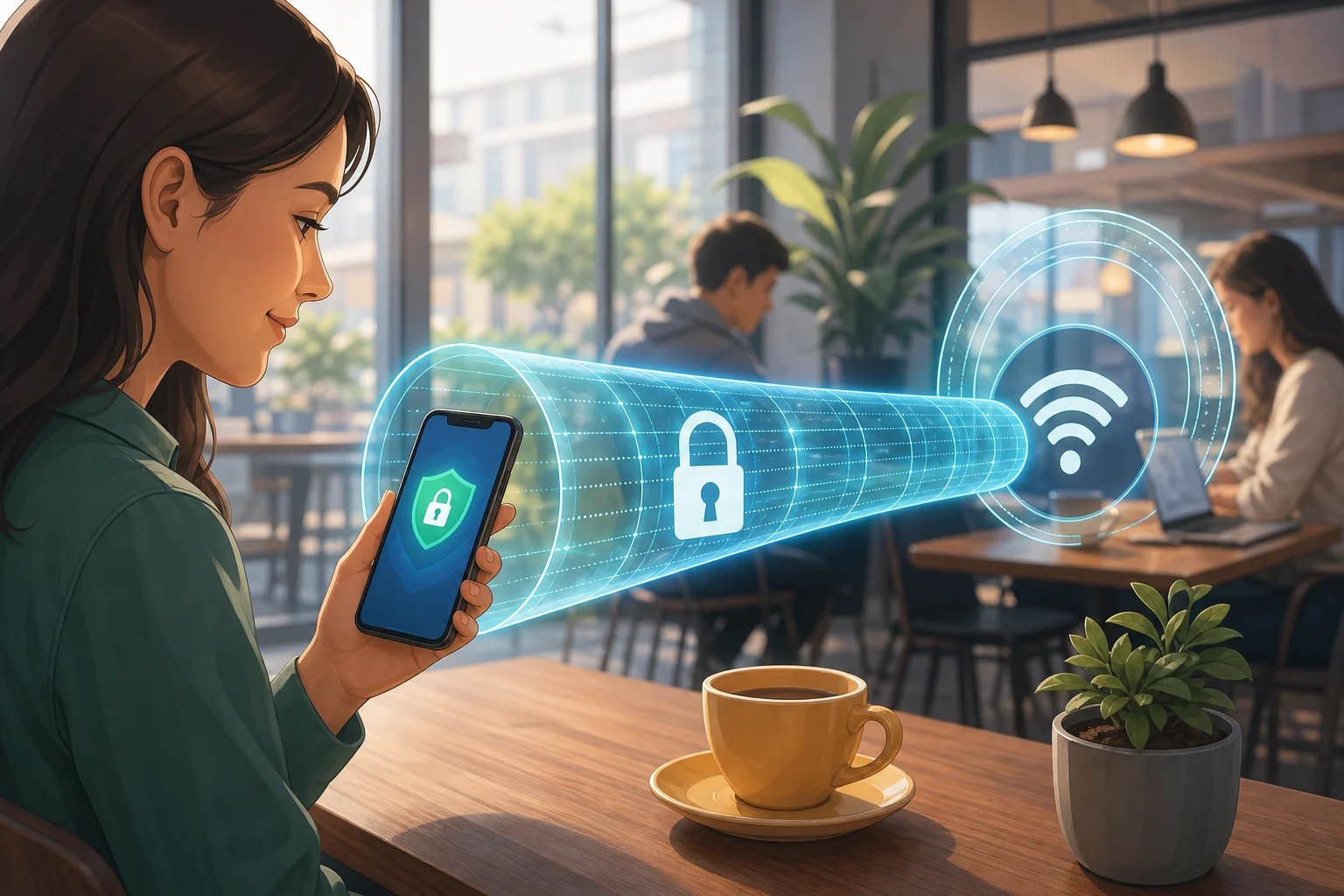
Keep in mind that browser extensions may protect only traffic inside that browser. Other apps on your phone, such as email, maps, or messaging, may not use the encrypted tunnel. So, this option is best for light browsing, research, or using public Wi-Fi for web access.
Also, install extensions only from official browser stores. A shady extension can see sensitive browsing activity, so reputation matters.
5. Choose a No-Registration Mobile VPN for Everyday Use
For most people, the simplest option is a mobile VPN that skips accounts, cards, and ads altogether. This is ideal when you want to open an app, connect, and continue with your day.
A good no-registration VPN should offer:
- No credit card request during setup.
- No forced account creation.
- No pop-up ads between sessions.
- A clear privacy approach.
- One-tap connection on mobile.
This route is especially helpful for students, travelers, casual users, and anyone who wants better privacy without managing configuration files.
FAQ: VPN Without Credit Card and No Ads
Can I really use a VPN without entering a credit card?
Yes. Some VPN apps, open-source clients, browser extensions, and no-registration services let you connect without billing details. Always check the signup flow before installing or activating a trial.
Are free ad-free VPNs safe?
Some are safe, but not all. Review the privacy policy, permissions, app store reviews, and whether the service explains how it operates without ads or payment.
What is the easiest option for mobile users?
A no-registration mobile VPN is usually the easiest. You install the app, connect, and avoid payment forms, trial reminders, and ad interruptions.
Do browser VPN extensions protect my whole phone?
Usually not. Most extensions protect browser traffic only. For full-device protection, use a mobile VPN app or properly configured open-source VPN client.
Final Thoughts
Finding a vpn without credit card with no ads is possible, but you need to choose carefully. Start with trusted app stores, read privacy details, avoid unnecessary permissions, and skip any service that forces billing before basic use. For a simple mobile experience, stay secure on your mobile with BeFreeVPN, a no-credit-card, ad-free solution that keeps your privacy intact without any registration hassle.