VPN without payment: myths vs facts
Think getting a VPN for free without registering isn't possible? Let's cut through the noise and uncover the truth behind no-cost VPNs. If you are searching for a vpn without payment without registration, you probably want quick privacy protection without handing over a card number, email address, or personal profile. That is possible in some cases, but the details matter. This comparison explains the myths, the facts, the trade-offs, and where BeFreeVPN fits among no-payment VPN options.
A no-registration VPN can be useful for secure browsing on public Wi-Fi, reducing basic tracking, or accessing a private tunnel without a long sign-up process. However, “free” does not automatically mean private, fast, or unlimited. The best choice depends on the provider’s business model, logging policy, app quality, server availability, and platform support.
Common Myths About Free VPNs Without Registration
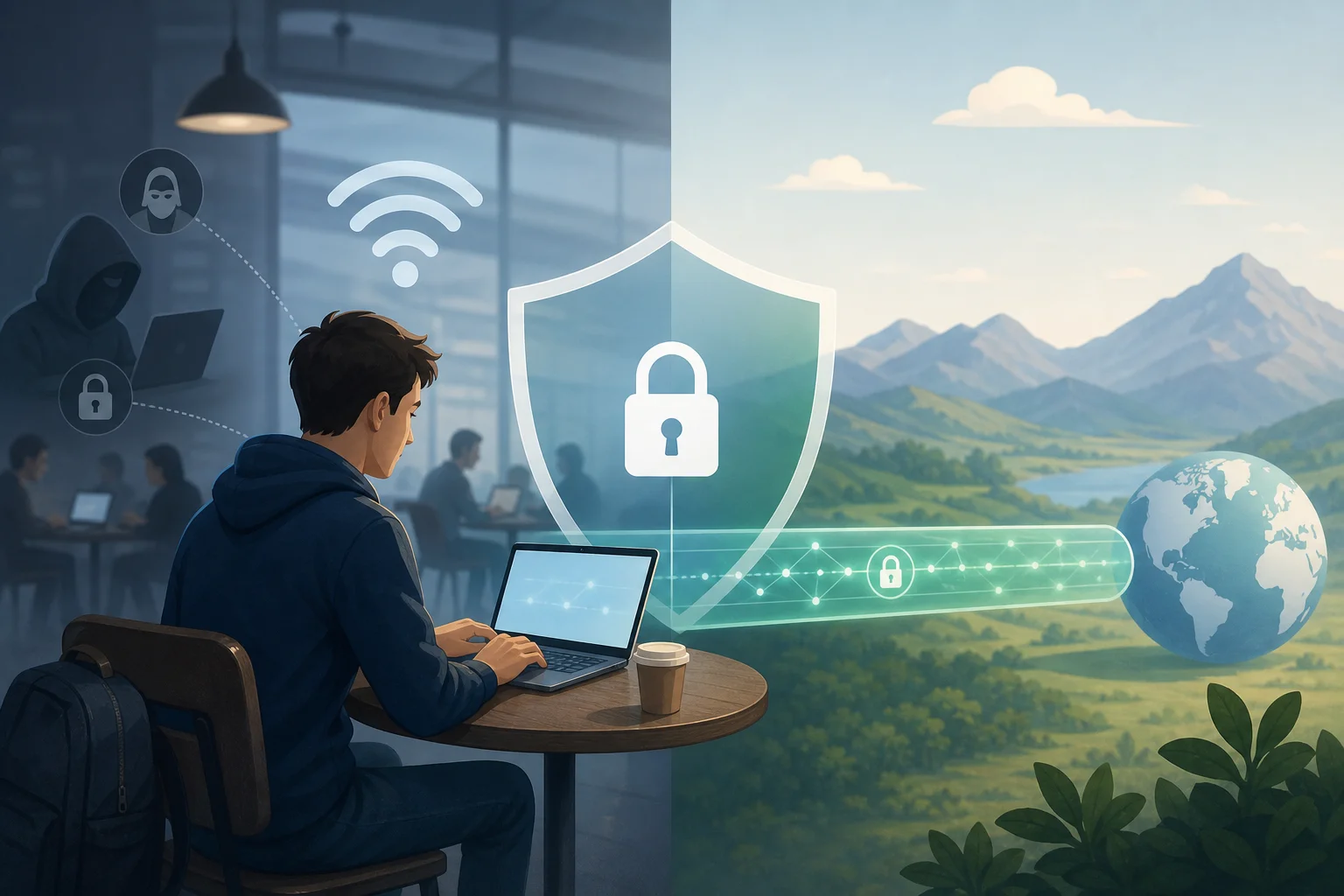
Free VPNs attract strong opinions. Some warnings are valid, while others are too broad. The key is to separate risk from assumption.
Myth 1: Free VPNs are not safe without registration: fact or fiction?
Mostly fiction, but with an important caveat. Registration is not what makes a VPN safe. A VPN is safer when it uses modern encryption, clear privacy practices, secure apps, and a transparent service model. An email address or account password does not automatically improve security.
In fact, no registration can reduce the amount of personal data linked to your VPN use. If the provider does not ask for your name, email, or payment details, there is less account information to expose in a breach.
However, the caveat is serious: some free VPNs fund themselves through ads, tracking, bundled software, or aggressive data collection. So the real question is not “Does it require registration?” The better question is: How does the VPN operate, and what data does it handle?
Myth 2: Does no registration mean subpar service quality?
Not always. A VPN without payment and sign-up can still offer a simple, stable connection for everyday tasks. Many users only need basic protection for browsing, messaging, or checking accounts on public networks. For that use, a lightweight no-account VPN may be enough.
Still, service quality varies. Free no-registration VPNs often have one or more limitations:
- Fewer server locations
- Lower peak speeds
- Limited streaming compatibility
- Smaller app feature sets
- Less control over advanced settings
- Possible ads or connection queues
These limits do not make the service useless. They just mean you should match the VPN to your use case. For secure browsing and quick setup, a free no-registration VPN can be a practical option. For heavy torrenting, remote work, gaming, or 4K streaming, a paid VPN may be more consistent.
Myth 3: Exploring concerns about data collection in free VPNs
The concern is real, but it is not universal. Free VPNs need funding. Some use paid upgrades, donations, browser partnerships, or limited free tiers. Others may rely on advertising or analytics. That is why you should read the privacy policy before trusting any VPN with sensitive activity.
Look for plain answers to these questions:
- Does the provider log browsing history?
- Does it store your real IP address?
- Does it sell or share usage data?
- Does it use third-party analytics or ads?
- Does the app request unnecessary permissions?
- Is there a paid plan, donation model, or other clear funding source?
No registration helps, but it is not a full privacy guarantee. A provider can avoid collecting your email while still collecting connection metadata. Choose services that clearly explain what they collect, why they collect it, and how long they keep it.
Facts About VPNs That Require No Payment or Registration
The market is more nuanced than “free VPNs are dangerous” or “free VPNs are just as good as paid ones.” Here are the practical facts.
Fact 1: Many reliable free VPNs offer services without charging or collecting sign-up data
Some VPNs and VPN-like privacy tools let you connect without payment details or account creation. This can make them accessible for users who need quick protection or who prefer not to share personal information.
However, “collecting no sign-up data” is different from “collecting no data at all.” A VPN may still process technical data needed to run the service, such as connection time, bandwidth use, device type, app diagnostics, or server load. That is normal for many online services, but it should be limited and clearly disclosed.
The strongest free VPN options tend to be transparent about three things:
- Identity data: whether they ask for email, phone, or payment details
- Connection data: whether they log IP addresses, timestamps, or bandwidth
- Usage data: whether they monitor websites, apps, DNS requests, or content
For a privacy-first setup, avoid any free VPN that is vague about logs or uses broad language that allows data selling.
Fact 2: Security measures used in no-registration VPNs
A no-registration VPN can still use strong technical protections. Important security features include:
- Encrypted tunnels: Protocols such as WireGuard, OpenVPN, or IKEv2 help protect traffic between your device and the VPN server.
- DNS leak protection: This keeps DNS requests from being exposed to your internet provider or local network.
- Kill switch: If the VPN drops, a kill switch can block traffic until the secure tunnel returns.
- Minimal permissions: A trustworthy app should not ask for access it does not need.
- Automatic connection: Useful when joining public Wi-Fi networks.
- Clear server selection: Even if server choice is limited, the app should show what you are connecting to.
Not every free VPN includes all of these features. Therefore, the safest approach is to choose a tool that fits your risk level. If you only need basic Wi-Fi protection, a simple encrypted VPN may be fine. If you handle business files or sensitive accounts, prioritize stronger features and policies.
Fact 3: Performance and availability across different platforms
Free VPNs without registration are often easiest on mobile and browser-based platforms. Some also support Windows, macOS, Android, iOS, or router/manual configurations.
Performance depends on several factors:
- Your distance from the VPN server
- Server crowding at peak times
- Protocol efficiency
- Data limits or speed caps
- Local network quality
- Whether the VPN routes all traffic or only browser traffic
For example, a browser-only VPN may feel fast because it protects only browser activity. A full-device VPN protects more traffic but may have more overhead. Likewise, a privacy tool like Cloudflare WARP can encrypt traffic without working like a traditional location-changing VPN.
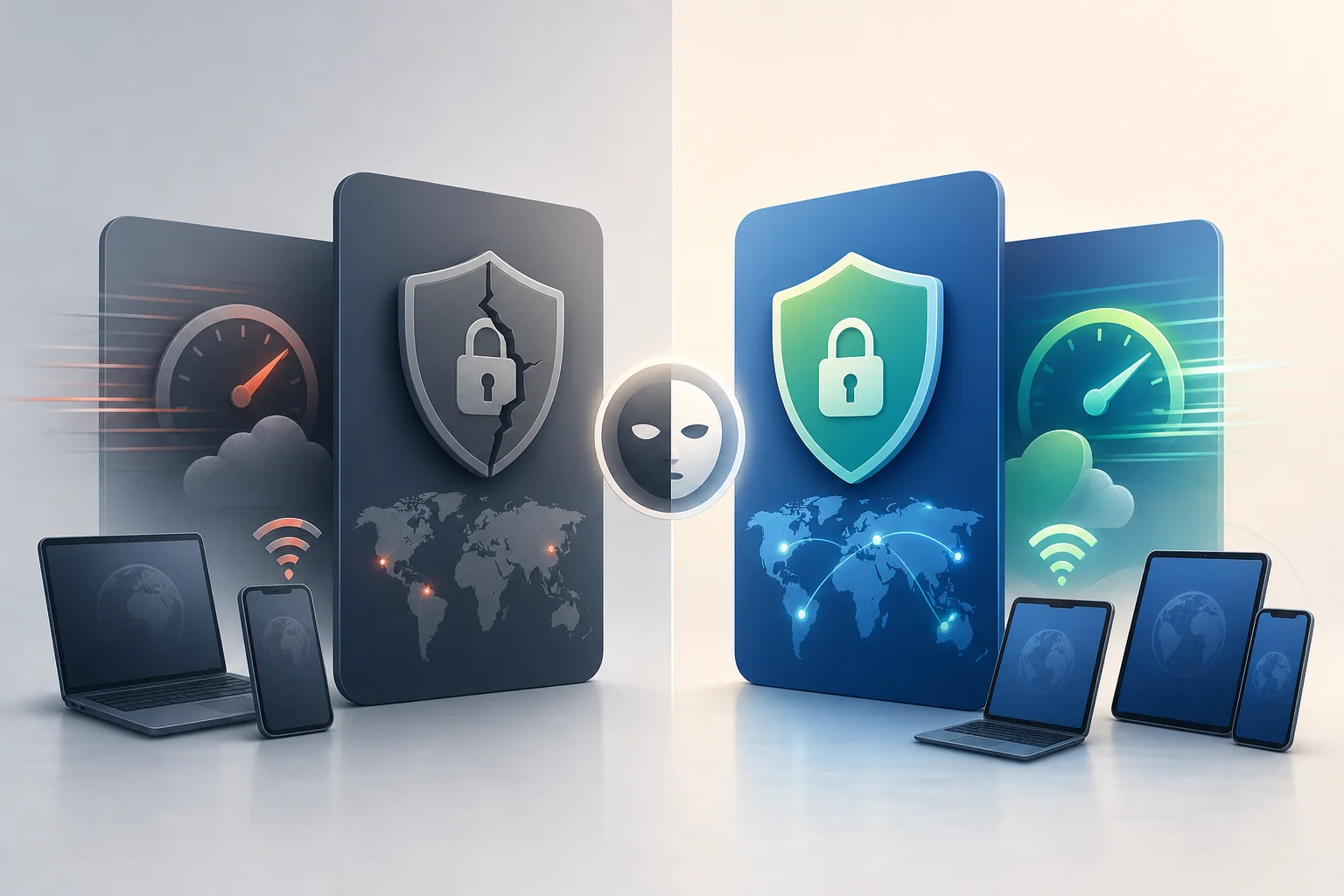
Quick Comparison Table: Free VPNs Without Registration
The table below compares popular no-payment options and related tools. Availability, limits, and policies can change, so always check the provider’s current terms before relying on any VPN for sensitive use.
| Option | Registration | Payment Required | Security Focus | Data Limits / Speed | Ease of Use | Best For |
|---|---|---|---|---|---|---|
| BeFreeVPN | No registration required | No | Simple encrypted browsing and quick access | Designed for free use; performance may depend on server load | Very easy | Users who want a free VPN without payment or sign-up |
| VPN Gate | No account | No | Volunteer-run VPN relay network | Speeds and availability vary widely | Moderate | Technical users who need free access and can test servers |
| Opera Browser VPN | No separate VPN account | No | Browser-level protection | Usually convenient, but protects only Opera browser traffic | Very easy | Casual browsing inside one browser |
| Cloudflare WARP | No account for basic use | No | Encrypted connection to Cloudflare network | Generally simple; not a traditional location VPN | Easy | Users who want encrypted traffic, not server country choice |
| Psiphon | Usually no account | No | Circumvention and access in restricted networks | Free mode may include ads or speed limits | Easy | Users facing network restrictions |
| Windscribe Free | Account required | No card required | Full VPN features with free tier | Free data allowance applies | Easy | Users who accept registration for more controls |
How to read the comparison
If you want the strictest match for VPN without payment and without registration, focus on options that do not ask for an account and do not require a card. If you need full-device protection, avoid browser-only tools unless you understand the limitation. If you need location control, check whether the free plan lets you choose servers.
Compare data limits and speed
Free VPN performance is rarely identical to paid performance. Providers may limit speed, server choice, or monthly data to keep the service sustainable. A free unlimited VPN can still slow down during busy periods if too many users connect to the same servers.
When testing, use this simple step-by-step process:
- Install the VPN from the official website or trusted app store.
- Connect to the nearest available server.
- Run a basic speed test before and after connecting.
- Check whether your normal websites and apps still work.
- Visit a DNS leak test site to confirm DNS protection.
- Disconnect and reconnect to see how stable the app is.
- Review the privacy policy before using it for sensitive tasks.
This quick test helps you compare real performance instead of relying on marketing claims.
Evaluate ease of use and accessibility
Ease of use matters because many people only use privacy tools consistently when they are simple. A good no-registration VPN should offer:
- One-click connection
- Clear connection status
- Minimal pop-ups
- No confusing account prompts
- Apps for the devices you actually use
- Simple help documentation
BeFreeVPN is appealing in this area because it focuses on removing friction: no payment step, no registration barrier, and a straightforward user experience.
Which Should You Choose?
The best choice depends on what you need the VPN to do. A no-payment VPN is not automatically the right tool for every job.
Factors to consider when selecting a no-payment VPN
Before choosing, compare these factors:
- Privacy policy: Is it clear and specific?
- Registration requirement: Does it ask for email, phone, or payment information?
- Security features: Does it include encryption, DNS leak protection, and a kill switch?
- Device support: Does it work on your phone, laptop, tablet, or browser?
- Speed: Is it stable enough for your daily tasks?
- Server locations: Do you need a specific country or just a secure tunnel?
- Reputation: Are there independent reviews, documentation, or active support channels?
- Restrictions: Are there limits on data, streaming, P2P, or simultaneous devices?
A good rule is simple: use the least complicated VPN that meets your actual security needs.
User scenarios: ideal matches for specific needs
For quick secure browsing on public Wi-Fi: Choose a simple no-registration VPN such as BeFreeVPN. It is a strong fit when you need fast setup and do not want to create an account.
For browser-only privacy: A browser VPN may be enough if all your activity happens in that browser. Just remember it will not protect other apps on your device.
For bypassing network restrictions: Tools such as Psiphon or VPN Gate may help in restrictive environments, though performance can vary.
For stronger control and more locations: A free tier from a major provider may be useful, but it often requires registration and may include data limits.
For business, travel, or sensitive accounts: Consider a reputable paid VPN if you need consistent speeds, wider server access, support, and advanced features.
Why some users still pay despite free options
Paid VPNs can be worth it when you need predictable performance and more complete features. Paid plans often provide:
- More server locations
- Higher speeds during peak times
- Better streaming support
- Multi-device coverage
- Customer support
- Advanced privacy features
- More reliable uptime
That does not mean free VPNs are pointless. It means free and paid VPNs serve different needs. If your priority is simple secure browsing without sharing personal information, a free VPN with no registration may be enough. If your priority is maximum reliability, paying can make sense.
FAQ: common questions about VPNs without payment or registration
Is a VPN without registration really private?
It can be more private than a VPN that requires account details, but registration is only one factor. Check the logging policy, app permissions, encryption, and business model.
Can I use a free VPN without a credit card?
Yes. Some services, including no-registration options, do not require a credit card. Avoid any “free” VPN that asks for payment details unless you understand the trial terms.
Will a no-registration VPN hide my identity completely?
No VPN can guarantee complete anonymity. A VPN can mask your IP address from websites and help secure traffic, but browser fingerprints, logged-in accounts, cookies, and device identifiers can still reveal you.
Is BeFreeVPN suitable for beginners?
Yes, BeFreeVPN is positioned as a simple option for users who want a VPN without payment or registration. It is especially useful when ease of use matters.
Verdict: Making the Right Choice
A VPN without payment and without registration is not a myth. It can be a practical tool when you want quick privacy protection, fewer account traces, and a simple setup. Still, you should judge each option by its security measures, privacy policy, speed, platform support, and limits.
Why BeFreeVPN stands out among free VPNs
BeFreeVPN stands out because it matches what many users are searching for: no payment, no registration, and a direct path to secure browsing. Instead of forcing users through a sign-up form or trial checkout, it reduces the steps between download and connection.
That matters for everyday privacy. The fewer personal details you provide, the less information is tied to your VPN use. Combined with a simple interface, this makes BeFreeVPN a practical choice for users who want protection without complexity.
Scenarios where BeFreeVPN is the best fit
BeFreeVPN is a strong fit if you:
- Want a free VPN without creating an account
- Need basic protection on public Wi-Fi
- Prefer a simple app over advanced settings
- Do not want to enter payment information
- Need a quick VPN option for secure browsing
- Value accessibility across everyday devices
It may not be the only tool you ever need. However, for low-friction privacy, it is one of the clearest matches for the search intent behind “vpn without payment without registration.”
Final recommendation based on security, ease, and performance
Choose BeFreeVPN if your priority is a truly free, no-registration VPN for everyday secure browsing. Choose a more advanced free tier or paid VPN if you need specific server locations, heavy streaming, business-grade reliability, or advanced controls. In all cases, review the latest privacy policy and test performance on your own network.
Try BeFreeVPN today for a truly free experience with no registration required, perfect for secure browsing on any device.