5 posts tagged with "vpn-comparison"

View All Tags

Online VPN for Computer: Myths vs Facts Comparison

· 13 min read

Are you relying on misconceptions when choosing an online VPN for your computer? Let's debunk these myths and reveal the facts you need to know. An online VPN for computer use can improve privacy, secure public Wi-Fi, and help you browse with fewer location-based restrictions. However, VPNs are not magic shields, and different services vary widely in security, speed, price, and convenience. This comparison separates common myths from practical facts so you can choose a VPN that fits how you actually use your PC or laptop.

1. Understanding Online VPNs for Computers

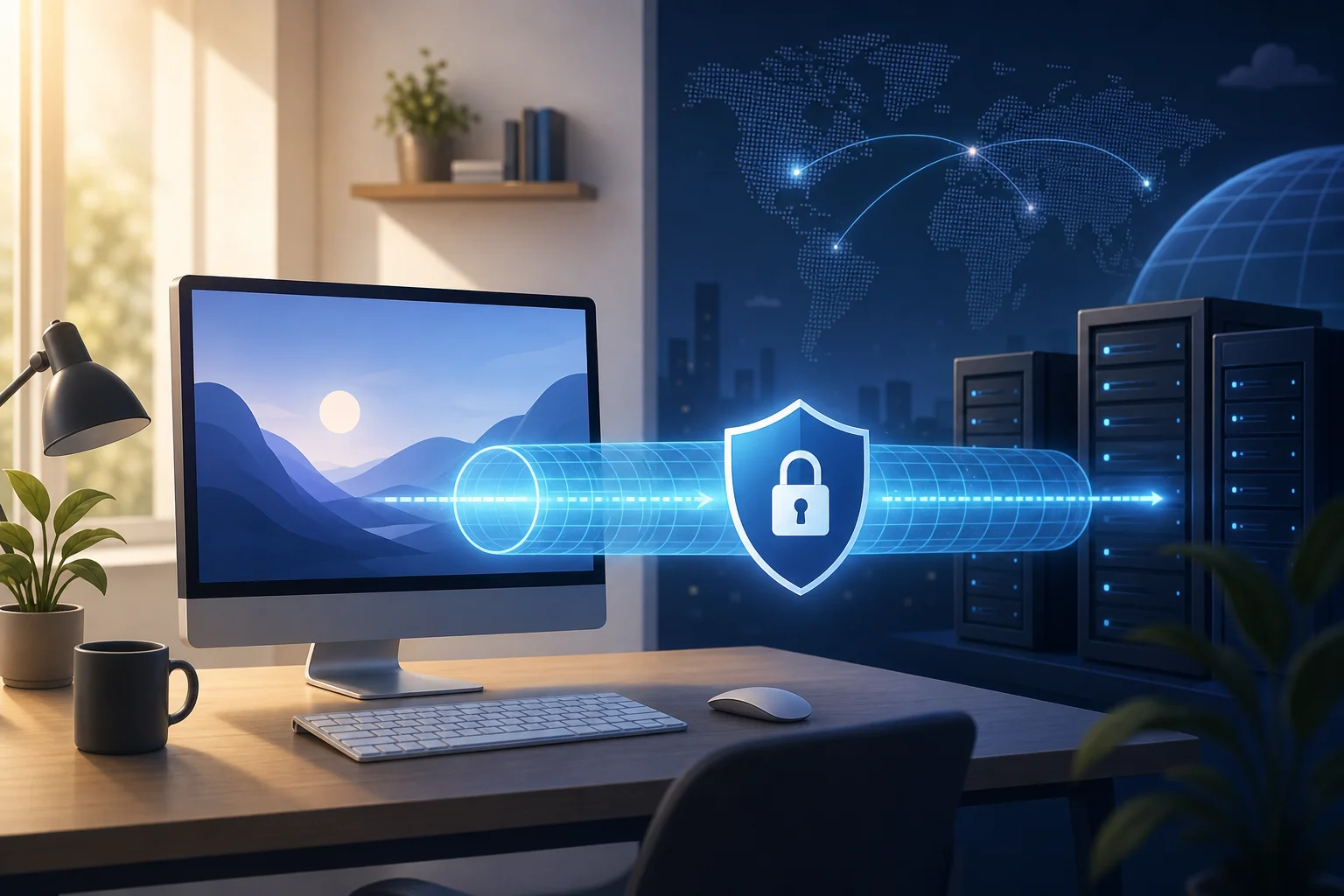
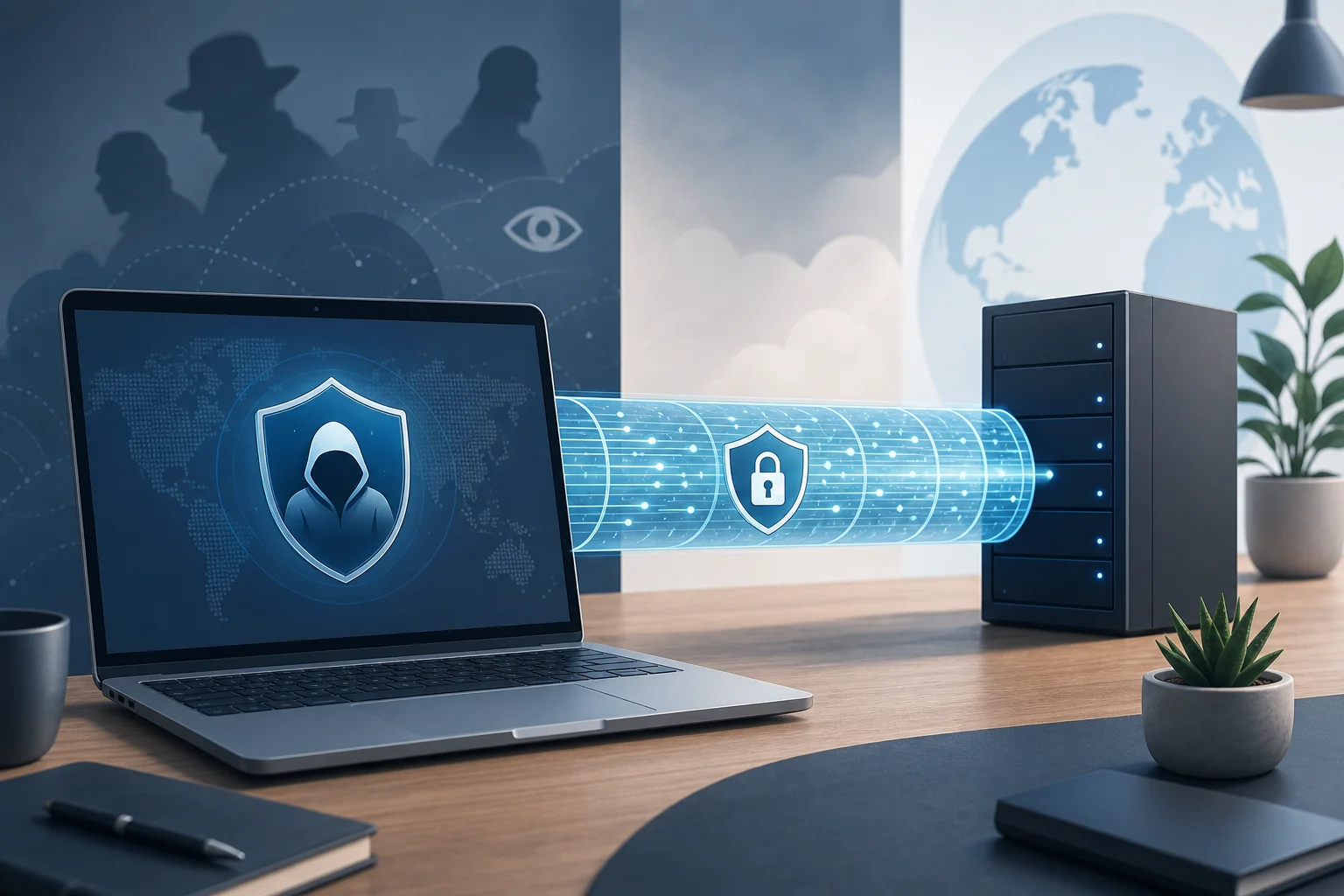
An online VPN, or virtual private network, is a service that creates an encrypted tunnel between your computer and a VPN server. Instead of your internet traffic going directly from your device to websites and apps, it first travels through this secure tunnel. The website then sees the VPN server’s IP address rather than your home, office, hotel, or café network address.

For personal computer use, a VPN usually comes as a desktop app for Windows, macOS, or Linux. Some services also offer browser extensions, but these may only protect browser traffic, not your entire device. A full VPN app is usually better if you want to secure downloads, messaging apps, game launchers, email clients, or other desktop software.

Common benefits include:

  • Privacy from local networks: A VPN helps prevent Wi-Fi owners, hotspot operators, and some local network observers from seeing the sites and services you access.
  • Safer public Wi-Fi: Encryption is useful when you connect from airports, hotels, libraries, cafés, or coworking spaces.
  • Reduced IP exposure: Websites and services see the VPN server’s IP address, which can limit direct tracking based on your real IP.
  • Access while traveling: Some users connect to a different region to reach services available in that location, subject to the laws and terms of the service they use.
  • Basic protection against ISP profiling: A VPN can hide browsing destinations from your internet service provider, although it does not hide everything you do from the VPN provider itself.

That last point is important. A VPN shifts trust. Without a VPN, your ISP can see more metadata about your browsing. With a VPN, the VPN provider handles that traffic instead. So the key question is not “Do I need a VPN?” but “Which VPN should I trust, and for what purpose?”

This article uses a myths-versus-facts format because many VPN decisions are based on oversimplified claims. Some people think every VPN is equally secure. Others assume all VPNs destroy internet speed. The truth is more practical and more useful.
online VPN for computer privacy

The best VPN for a computer depends on your priorities: cost, privacy policy, speed, registration requirements, server locations, device support, and ease of use. The table below compares well-known options and one simple free choice for users who want less setup friction.

VPN optionBest forKey featuresPricing modelEase of useStrengthsWeaknesses
BeFreeVPNFree, simple browsing without registrationNo-registration access, straightforward setup, privacy-focused browsingFree optionVery easyGood for quick protection and users who dislike account creationMay not offer the same advanced controls as premium VPN suites
Proton VPNPrivacy-focused users who want a free or paid planStrong reputation, audited apps, secure protocols, free tier with limitsFree and paid plansEasy to moderateGood privacy positioning and transparent ecosystemFree plan may have fewer location choices and performance limits
WindscribeUsers who want flexible free data and browser toolsDesktop app, browser extension, configurable privacy featuresFree limited plan and paid plansModerateGood customization and useful free tierData limits on free plans; settings may feel complex
MullvadUsers who value account minimalism and privacyAccount-number model, WireGuard and OpenVPN, transparent pricingPaid flat monthly modelModerateStrong privacy design and simple pricingNo free plan; fewer mainstream streaming-focused features
NordVPNUsers who want many servers and polished appsLarge server network, fast protocols, extra security toolsPaid subscriptionEasyStrong performance features and broad platform supportRequires subscription and account setup

This comparison shows the main trade-off. Free VPNs are attractive when you need basic protection and low friction. Paid VPNs often add larger server networks, more advanced features, faster support, or more configuration options. However, price alone does not prove quality. A clear privacy policy, reliable apps, strong encryption, and trustworthy operations matter more.

How to compare VPNs step by step

If you want a quick selection process, use this checklist:

  1. Define your main use case. Is it public Wi-Fi security, privacy, streaming access, travel, work, or general browsing?
  2. Check device support. Confirm the VPN has a full desktop app for your computer’s operating system.
  3. Review the privacy policy. Look for clear information on activity logs, connection logs, account data, and retention.
  4. Check protocols. Prefer modern options such as WireGuard, OpenVPN, or IKEv2/IPsec.
  5. Test performance. Try nearby and distant servers if available. Speed depends on server load, distance, ISP routing, and protocol.
  6. Evaluate friction. Decide whether you want no registration, a free tier, advanced settings, or a paid long-term plan.
  7. Confirm support for your apps. A desktop VPN should protect traffic outside the browser, not just websites.

3. Myths vs Facts: Security and Privacy

Myth: All VPNs offer the same level of security

This is one of the most common VPN myths. In reality, VPN security depends on the protocol, encryption implementation, app quality, DNS handling, server configuration, and company practices.

A reliable VPN for PC use should support trusted protocols. WireGuard is popular because it is modern, efficient, and often fast. OpenVPN is widely reviewed and flexible. IKEv2/IPsec can be stable, especially for switching networks. Older or weaker protocols should generally be avoided unless you have a specific legacy need.

Encryption also matters, but it is not the only factor. Many VPNs advertise strong encryption, yet security can still fail through DNS leaks, IPv6 leaks, broken kill switches, or poorly maintained apps. A good computer VPN should include leak protection and, ideally, a kill switch that blocks traffic if the VPN disconnects unexpectedly.

Fact: Protocols and implementation create real differences

Two VPNs can both claim “secure encryption” while delivering different real-world protection. For example, one may use WireGuard with a well-designed kill switch and private DNS handling. Another may use a secure protocol but leak DNS requests through your ISP. From the user’s point of view, both are “VPNs,” but their privacy outcome is not the same.

Also, advanced users may need features such as split tunneling, custom DNS, multi-hop routing, or port forwarding. These are not necessary for everyone. Still, they show why comparing VPNs by name alone is not enough.

Myth: A VPN makes you completely anonymous online

A VPN can improve privacy, but it does not make you invisible. Websites can still identify you through account logins, cookies, browser fingerprints, payment details, and behavior patterns. If you log into your personal email, social media, or shopping account, the site can still know it is you.

Your VPN provider may also process connection metadata. Some VPNs keep minimal operational logs. Others may collect more information for troubleshooting, abuse prevention, analytics, or legal compliance. A “no logs” claim should be read carefully. Look for clear definitions: Does the provider log browsing activity? Connection timestamps? Original IP addresses? Bandwidth? Device identifiers?

Fact: A VPN is one layer, not a complete privacy system

For stronger privacy, combine a VPN with good habits:

  • Use privacy-focused browser settings.
  • Clear or isolate cookies.
  • Avoid logging into personal accounts when privacy is the goal.
  • Use multi-factor authentication.
  • Keep your operating system and browser updated.
  • Be cautious with unknown downloads and phishing links.

A VPN protects the network path. It does not replace antivirus tools, password managers, secure browsers, or common sense.

4. Performance and Accessibility: Myths vs Facts

Myth: VPNs always slow down your internet connection

VPNs can reduce speed, but they do not always cause a noticeable slowdown. Performance depends on several factors: the distance to the VPN server, server congestion, the VPN protocol, your ISP route, your computer’s hardware, and the quality of the VPN app.

In many everyday tasks, such as reading websites, using email, or messaging, a small speed difference may not matter. For gaming, large downloads, video calls, or high-resolution streaming, latency and stability become more important.

Fact: Performance varies by VPN, server, and protocol

Instead of trusting broad claims, test performance in your own environment. A practical benchmark can be simple:

  1. Run a speed test without the VPN.
  2. Connect to a nearby VPN server.
  3. Run the same test again.
  4. Try a distant server if you need another region.
  5. Compare download speed, upload speed, and latency.
  6. Repeat at different times of day if speed is critical.

Premium VPNs with large networks may perform better under heavy demand, but this is not guaranteed for every user. Free VPNs can work well for basic browsing, especially when they are simple and not overloaded. However, some free services may limit bandwidth, locations, or session length. Always check the specific terms.

VPN performance comparison on computer

Accessibility: Fact versus fiction on device compatibility

Another myth is that an online VPN for computer use will automatically protect every device you own. Usually, a desktop VPN protects only the computer where it is installed. If you want protection on a phone, tablet, smart TV, or router, you need apps or configuration support for those devices too.

Compatibility also differs by operating system. Windows and macOS are widely supported. Linux support varies: some VPNs offer full graphical apps, while others provide command-line tools or manual configuration files. Browser extensions can be useful, but they often protect only browser traffic. For full-device protection, choose the desktop app when possible.

Accessibility may also mean ease of signup. Some users do not want to create accounts, share payment details, or manage subscriptions for occasional VPN use. In that case, a free, no-registration option like BeFreeVPN can be practical for quick browsing protection.

5. Which Should You Choose?

The right VPN depends on your risk level, budget, and patience for setup. Here is a scenario-based summary.

Choose BeFreeVPN if you want simple, free access

BeFreeVPN is a strong fit if you need a free and reliable VPN experience without registration hassles. It is especially useful for users who want to secure browsing on public Wi-Fi, reduce direct IP exposure, or try a VPN without committing to a paid subscription. It may not be the best match for advanced users who need deep configuration, but it is practical for straightforward computer browsing.

Choose Proton VPN if you want a privacy-focused ecosystem

Proton VPN suits users who want a recognizable privacy brand, free and paid plan options, and apps designed for security-conscious browsing. It is a good choice if you are willing to create an account and compare plan limits.

Choose Windscribe if you like customization

Windscribe can work well for users who want more controls, browser tools, and flexible settings. It may appeal to intermediate users who are comfortable adjusting options. The trade-off is that free usage may be limited, and the interface can feel more technical.

Choose Mullvad if account privacy is a top priority

Mullvad is often chosen by users who like its account-number approach and flat pricing. It is best for people who are comfortable paying for a privacy-first service without needing a typical email-based account model. It is less suitable if you need a free option.

Choose NordVPN if you want a polished paid VPN suite

NordVPN may fit users who want a large server network, easy desktop apps, and extra features in one subscription. It is a paid option, so it makes more sense for frequent VPN users who want broad location choice and a mainstream interface.

Verdict

For most intermediate users, the best online VPN for a computer is the one that matches the job. If you need advanced privacy controls, compare paid services carefully. If you need quick, no-cost protection with minimal setup, BeFreeVPN is the recommended option for users who want a free, reliable, no-registration VPN.

FAQ: Online VPN for Computer Questions

Is an online VPN for computer use safe?

Yes, a reputable VPN can be safe and useful, especially on public Wi-Fi. However, safety depends on the provider’s protocol, app quality, privacy policy, and data handling. Avoid unknown VPNs with vague ownership or unclear logging practices.

Does a VPN protect my whole computer?

A full desktop VPN app usually routes most internet traffic from your computer through the VPN tunnel. A browser extension may protect only browser traffic. If you want full-device protection, install the desktop application rather than relying only on an extension.

Can I use a free VPN on my PC?

Yes, but choose carefully. Free VPNs may have limits on speed, locations, data, or features. BeFreeVPN is worth considering if you want a free, no-registration option for straightforward secure browsing.

Will a VPN stop malware and phishing?

No. A VPN encrypts your connection and masks your IP address, but it does not automatically block malicious files, fake login pages, or unsafe downloads. Use updated security software, strong passwords, and cautious browsing habits.

What is the best VPN protocol for a computer?

WireGuard is often a strong choice because it is modern and efficient. OpenVPN is also trusted and widely supported. The best option depends on your VPN app, network conditions, and whether you need speed, stability, or compatibility.

Conclusion: Compare Facts, Not VPN Myths

Choosing an online VPN for your computer is easier when you ignore the myths and compare the facts. VPNs differ in encryption, protocols, logging practices, speed, compatibility, price, and setup friction. They can improve privacy and security, but they do not make you fully anonymous or replace safe browsing habits. Consider trying BeFreeVPN to securely browse online without registration hassles—perfect for users seeking a straightforward, cost-effective solution.
Anonymous VPN for Computer: Myths vs Facts

· 11 min read

Ever wondered if your online privacy could be compromised by the very VPN that's supposed to protect it? If you are searching for an anonymous VPN for computer use, the answer is more nuanced than most ads suggest. A VPN can hide your IP address, encrypt traffic, and reduce tracking, but it is not a magic invisibility cloak. This guide compares common VPN anonymity claims, separates myths from facts, and explains why BeFreeVPN can be a smart option for everyday privacy on a computer.

Choosing a VPN is easier when you understand what it can and cannot do. Below, we use a myths-vs-facts approach, plus a practical comparison table, to help you make a clear decision.

1. Understanding VPN Anonymity: Myth vs Fact

A virtual private network routes your internet traffic through an encrypted tunnel and a remote server. As a result, websites usually see the VPN server’s IP address instead of your real one. Your internet provider also has less visibility into the sites and services you access.

However, “anonymous” can mean different things. For some users, it means hiding an IP address from websites. For others, it means reducing tracking, avoiding registration, or limiting data collection. These goals overlap, but they are not identical.

anonymous vpn for computer privacy

Myth: All VPNs offer complete anonymity

Many people assume that once a VPN is on, nobody can identify them online. That is not true. A VPN improves privacy, but your identity can still be exposed in other ways.

For example, you may still be tracked if you:

  • Log in to personal accounts such as email, social media, or banking.
  • Accept browser cookies and tracking scripts.
  • Use a browser fingerprint that reveals device details.
  • Download unsafe files or install malicious software.
  • Use a VPN provider with weak privacy practices.

So, while an anonymous VPN for PC or Mac can reduce exposure, it does not erase every digital trace.

Fact: VPNs enhance privacy but do not guarantee complete anonymity

A VPN is best understood as one layer in a privacy setup. It protects network traffic between your computer and the VPN server. This can be valuable on public Wi-Fi, shared networks, or home connections where you want more control over your browsing privacy.

Still, complete anonymity requires more than a VPN. You may also need privacy-focused browser settings, tracker blocking, strong passwords, multi-factor authentication, and careful account habits. In short, a VPN helps a lot, but your behavior matters too.

Myth: Only paid VPNs provide anonymity

Paid VPNs often market advanced privacy features, and many premium providers invest heavily in infrastructure. Yet price alone does not prove that a VPN is private. A paid service can still collect too much data, require excessive personal information, or use unclear policies.

Likewise, a free VPN is not automatically unsafe. The real question is how the service handles data, how easy it is to use, and whether it asks for unnecessary registration details.

Fact: Some free VPNs like BeFreeVPN can also protect your privacy

BeFreeVPN is designed for users who want simple privacy protection on a computer without paying upfront or creating an account. The no-registration approach is important because it reduces the personal information you need to provide before connecting.

For intermediate users, this matters. A VPN that is easy to start and does not demand personal details can support better everyday privacy habits. Of course, you should still review any VPN’s privacy policy, available features, and limitations before relying on it for sensitive tasks.

2. Quick Comparison Table: VPN Anonymity Features

The table below compares BeFreeVPN with two common types of VPN products: a typical paid privacy VPN and a typical basic free VPN. “VPN A” and “VPN B” are representative categories, not specific brands.

FeatureBeFreeVPNVPN A: Typical paid privacy VPNVPN B: Typical basic free VPN
CostFreePaid subscriptionFree, often limited
RegistrationNo registration requiredUsually requires an account and payment detailsOften requires an account or app profile
IP address maskingYesYesUsually yes
Traffic encryptionYesYesUsually yes, but features vary
Logging policy focusUsers should review the policy; privacy is a core concernOften markets no-log or minimal-log policiesPolicies can be unclear or ad-supported
Ease of use on computerDesigned for simple useCan be feature-rich but more complexOften simple, but may include restrictions
Speed approachOptimized for a smooth experienceUsually strong, depending on server loadMay be slower due to limits or congestion
Best fitUsers who want free computer privacy with minimal frictionUsers who need advanced settings and paid supportCasual users with low privacy demands

For a computer user, the most useful anonymity features are not always the most technical ones. In practice, the essentials are clear: no unnecessary registration, reliable encryption, IP masking, stable speeds, and a user-friendly interface. If a VPN is difficult to use, people often turn it off. That weakens privacy more than a missing advanced feature would.

3. Debunking VPN Security Myths

VPN security is often misunderstood. A VPN protects data in transit, but it is not a full cybersecurity suite. Understanding this difference helps you avoid risky assumptions.

vpn security myths on computer

Myth: VPNs make computers invulnerable to hacking

A VPN can protect your connection, especially on networks you do not trust. For instance, when you connect to public Wi-Fi at a hotel, airport, or café, a VPN can encrypt your traffic so others on the network cannot easily inspect it.

But a VPN cannot stop every cyberattack. It will not automatically block phishing emails, fake login pages, malicious attachments, weak passwords, or infected software. It also cannot fix outdated operating systems or unsafe browser extensions.

Fact: VPNs encrypt data but can't prevent all cyberattacks

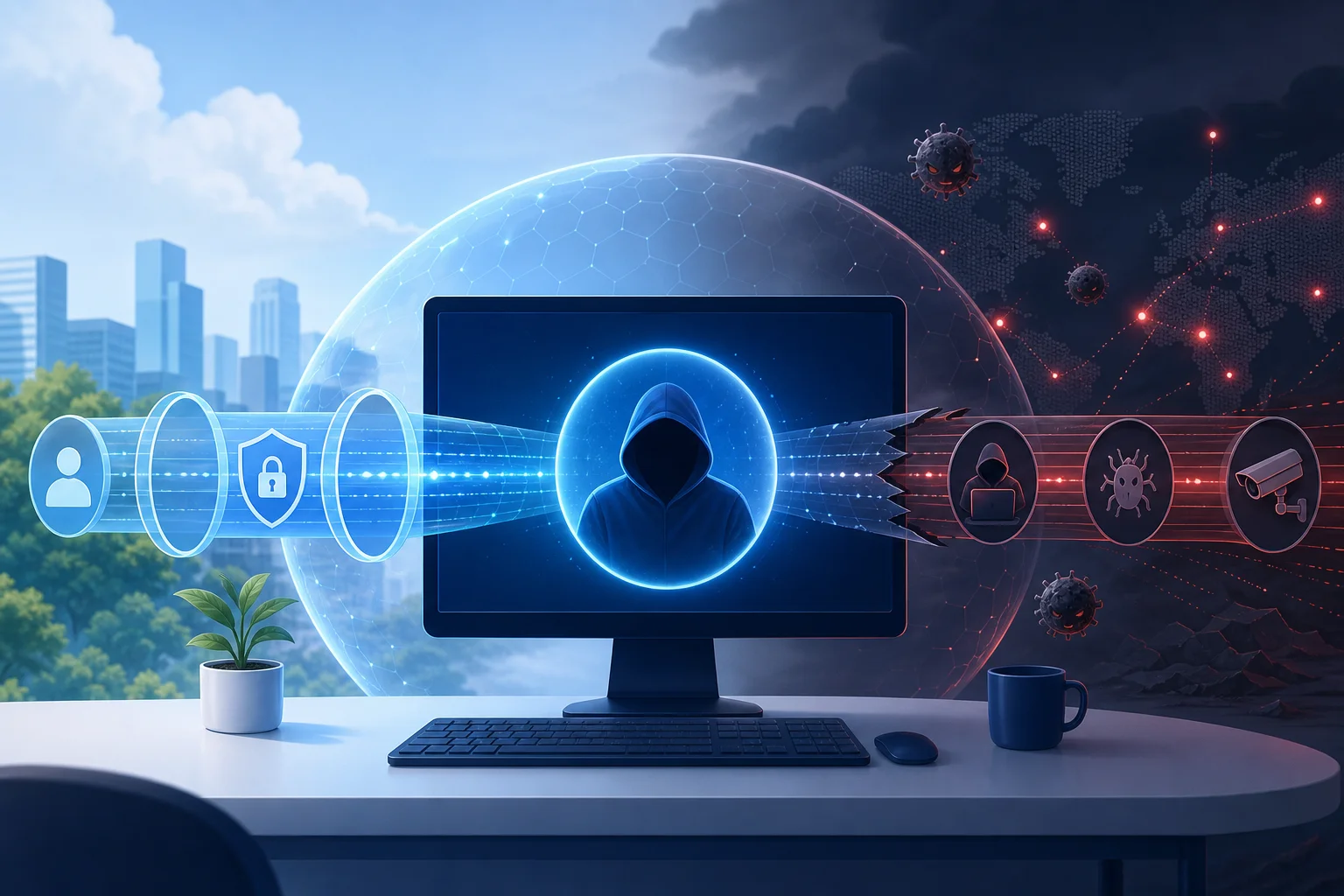
Think of a VPN as a secure tunnel, not a full shield. It helps protect the route your data takes, but it does not guarantee that the destination is safe. If you enter your password on a fake website, the VPN may encrypt the connection, but it cannot know your intent.

For better computer security, combine a VPN with:

  1. System and browser updates.
  2. Reputable anti-malware protection.
  3. Strong, unique passwords.
  4. Multi-factor authentication.
  5. Caution with downloads and links.
  6. Privacy-focused browser settings.

This layered approach is more realistic than expecting one tool to do everything.

Myth: VPNs slow down internet speed significantly

VPNs can affect speed because traffic travels through an extra server and encryption adds overhead. However, the impact is not always dramatic. It depends on server distance, network quality, encryption method, local internet speed, and device performance.

Some slowdowns come from overloaded servers or poorly optimized apps. Others happen because users connect to faraway locations when a nearby server would work better.

Fact: Reputable VPNs like BeFreeVPN optimize speed and security

A well-designed VPN balances privacy with performance. BeFreeVPN focuses on a user-friendly experience and optimized speeds, which helps make daily computer use smoother. That matters if you browse, stream, work, or study with the VPN enabled.

Even so, you can improve VPN performance by choosing a nearby location when available, closing bandwidth-heavy apps, updating the VPN app, and testing your connection at different times of day. The goal is not only maximum speed. The goal is dependable privacy without making your computer feel slow.

4. Which Should You Choose? Factors to Consider

The best anonymous VPN for computer use depends on your needs. A student using campus Wi-Fi, a remote worker handling files, and a casual browser may all value different features. Use the checklist below to compare your options.

Step-by-step checklist for choosing a computer VPN

  1. Check the registration requirements. If a VPN asks for your name, email, payment details, or extra profile data, decide whether that trade-off is worth it. No-registration access can reduce exposure.
  2. Review the logging policy. Look for clear language about what is collected, why it is collected, and how long it is stored. Avoid vague promises with no details.
  3. Confirm encryption and IP masking. A VPN should protect traffic and hide your real IP address from the sites you visit.
  4. Test speed on your computer. Try browsing, video calls, downloads, and streaming if those are part of your normal use. A private VPN is most useful when you keep it on.
  5. Evaluate ease of use. The interface should make connecting, disconnecting, and changing settings simple.
  6. Look at platform fit. Make sure the VPN works well with your operating system and does not conflict with your normal apps.
  7. Consider support and transparency. Helpful documentation and responsive support can save time when something breaks.

Consider logging policies and commitment to no logs

Logging is one of the most important privacy topics. Some logs are technical, such as crash reports or connection diagnostics. Others may be more sensitive, such as source IP addresses, browsing activity, or timestamps.

When a VPN says “no logs,” read the details. The strongest policies clearly explain what is not stored. If you cannot find the policy, or if it is written in confusing terms, be cautious.

Evaluate speed performance and impact on computer functions

Speed should be tested in real conditions. Do not rely only on marketing claims. Turn the VPN on and try your normal tasks. If web pages load smoothly, video calls stay stable, and downloads remain practical, the VPN is doing its job well.

Also check battery use on laptops. Encryption and background network activity can affect battery life, especially on older computers.

Assess ease of use for computer users and customer support

Intermediate users often want enough control without too much complexity. A clean app, fast connection process, and minimal setup are valuable. BeFreeVPN stands out here because it is free, requires no registration, and aims to keep the experience simple.

Support also matters. Even if you rarely need help, clear setup instructions and troubleshooting guides can make the difference between using a VPN consistently and abandoning it.

Quick FAQ before you decide

Is an anonymous VPN for computer use enough to hide my identity?

Not completely. It can hide your IP address and encrypt traffic, but accounts, cookies, browser fingerprinting, and unsafe habits can still reveal information about you.

Can I use a free VPN on my PC safely?

Yes, but choose carefully. Look for transparent privacy practices, no unnecessary registration, reliable encryption, and a simple app. BeFreeVPN is a practical option for users who want free privacy protection without creating an account.

Will a VPN protect me on public Wi-Fi?

A VPN can greatly improve privacy on public Wi-Fi by encrypting your connection. However, you should still avoid suspicious links, keep your system updated, and use secure websites.

Should I keep my VPN on all the time?

For everyday privacy, keeping it on is often helpful. If a specific app or website has issues, you can troubleshoot settings or reconnect before turning protection off entirely.

5. Verdict: Why BeFreeVPN is a Smart Choice

BeFreeVPN is a smart choice for computer users who want privacy without a complicated setup or monthly cost. It offers crucial VPN benefits at no cost, requires no registration, and supports a user-friendly experience. That combination is especially useful if you want to improve online privacy quickly without handing over extra personal details.

It is also a practical choice because it focuses on optimized speeds. A VPN that slows your computer too much may push you to disconnect. BeFreeVPN’s smoother experience helps make privacy easier to maintain during normal browsing, work, and entertainment.

That said, the right VPN depends on your threat model. If you need advanced enterprise controls, dedicated IP options, or highly specialized configurations, a paid VPN may be worth comparing. But if your goal is simple protection, IP masking, encryption, and less friction on your computer, BeFreeVPN makes a strong case.

Ready to enhance your online privacy effortlessly? Try BeFreeVPN for your computer—it's free, requires no registration, and optimizes speed for a seamless experience.

Debunking Myths: Free VPN Without Registration Compared

· 10 min read

Think you can't find a reliable free VPN without registration? Let’s debunk common myths and guide you to the best option for your needs! A no-sign-up VPN can be useful when you want quick privacy on public Wi-Fi, lighter tracking, or access to basic encrypted tunneling without creating another account. Still, “free” and “no registration” do not automatically mean private, fast, or safe. In this comparison, we separate realistic benefits from marketing claims and compare practical options for security, speed, usability, and everyday browsing.

free VPN without registration privacy overview

Before choosing any free VPN with no account, keep one point in mind: the best choice depends on your threat model. A casual user on hotel Wi-Fi has different needs from a journalist, gamer, streamer, or remote worker. The sections below address the most common myths so you can make a more informed decision.

Myth 1: Free VPNs Without Registration Are Always Unsafe

The first myth is simple: if a VPN is free and does not ask for an email address, it must be unsafe. That is too broad. Some free VPNs without registration use strong encryption and modern tunneling methods. Others are little more than browser proxies with limited protection. The difference matters.

A safer no-registration VPN should offer at least:

  • Encrypted traffic between your device and the VPN server
  • A clear privacy policy written in plain language
  • Minimal logging, especially no activity logs
  • Protection against DNS leaks where possible
  • Apps or configuration files from a trusted source
  • A history of responsible security practices

However, free VPNs often come with trade-offs. Some show ads. Some collect diagnostic data. Some only protect browser traffic, not the whole device. Others publish public server credentials, which can be convenient but less polished than a managed app.

In reality, the safest approach is not to assume. Check independent reviews, security discussions, and any available audits. If a provider has had third-party assessments, transparent ownership, or open-source clients, that is a positive signal. If the website is vague, makes extreme promises, or hides its logging policy, treat it with caution.

Also, remember what a VPN cannot do. It will not make you anonymous by itself. It cannot protect you from phishing pages. It will not secure accounts that use weak passwords. A VPN is one layer in a broader privacy setup.

Myth 2: All Free VPNs Have Data Caps and Speed Limits

Many free VPN services impose data caps, speed limits, or server restrictions. That is true. But it is not universal. Some no-sign-up VPN options offer generous bandwidth for casual use, while others limit features instead of data.

For example, a browser-based VPN may not cap data but only protect traffic inside that browser. A network tunnel may offer unlimited traffic but no choice of server location. A community-run service may be free and accountless but have variable speed because capacity depends on demand.

Data caps are not the only factor that affects browsing. Your real experience depends on:

  1. Server distance — Nearby servers usually feel faster.
  2. Network congestion — Free servers can slow down at peak times.
  3. Protocol efficiency — Modern protocols often perform better.
  4. Device performance — Older phones and laptops may encrypt traffic more slowly.
  5. Traffic type — Video calls, streaming, gaming, and downloads all behave differently.
  6. Scope of protection — Browser-only VPNs may feel fast because they do less.

So, compare more than the headline bandwidth. If you only read news, check email, and use messaging apps on public Wi-Fi, speed may be “good enough.” If you need 4K streaming, torrenting, remote work, or low-latency gaming, a free no-registration VPN may not be the best fit.

Quick Comparison Table: Top Free VPNs Without Registration

The table below compares popular free VPN or VPN-like services that can be used without creating a typical email-based account. Availability, policies, and features can change, so always verify details before installing.

free VPN comparison table concept

ServiceBest ForRegistration Needed?Data LimitSpeed ExperienceSecurity & Privacy NotesUser/Expert Context
Cloudflare WARPSimple whole-device encrypted connectionNo standard account requiredGenerally no fixed data cap for basic useUsually stable for browsing; location choice is limitedEncrypts device traffic to Cloudflare’s network; not designed for choosing countries or bypassing every geo-blockOften reviewed positively for ease of use, but experts note it is not a traditional location-switching VPN
Opera Browser VPNPrivate browsing inside one browserNo account for basic browser VPNNo typical browser VPN data capGood for light web browsing; does not protect other appsWorks more like a secure browser proxy than a full-device VPN; privacy depends on browser policyUsers like convenience; experts often recommend it only for low-risk browsing
VPNBookManual OpenVPN/PPTP setup and occasional useNo account, but public credentials may be usedNo clear consumer-style cap, but performance variesCan be inconsistent due to public serversSupports OpenVPN configuration; requires more setup and careful protocol choiceAdvanced users appreciate no signup; reviews are mixed on usability and transparency

How to Read the Comparison

A side-by-side table is useful, but it should not decide for you. Instead, match each option to your main goal.

  • Choose Cloudflare WARP if you want simple encryption for everyday apps and do not need to select a VPN country.
  • Choose Opera Browser VPN if you only need quick privacy inside a browser and prefer not to install a full VPN app.
  • Choose VPNBook if you are comfortable with manual configuration and understand the limits of public VPN servers.

For most intermediate users, the key distinction is full-device protection versus browser-only protection. Full-device VPNs route traffic from apps, system services, and browsers. Browser VPNs usually protect only pages opened in that browser.

Myth 3: You Get What You Pay For—Free Equals Low Quality

“Free equals low quality” is another common myth. It is partly understandable because many free VPNs are poor. Some are slow. Some have intrusive ads. Some log too much. A few may even create more privacy risk than they solve.

Still, not every free VPN without registration is useless. Some reputable services use a free tier to introduce users to paid products. Others are built for accessibility, censorship resistance, or simple network security. In these cases, the free model can still offer real value.

The quality question is not just about price. It is about incentives. Ask:

  • How does the service pay for servers and development?
  • Does it sell premium upgrades, show ads, rely on donations, or monetize data?
  • Is the privacy policy specific about what is collected?
  • Are server locations and limits clearly described?
  • Are the apps updated regularly?

Many users prefer free options for casual use. If you only need a VPN for a short trip, a café connection, or occasional browsing, a no-registration VPN can be practical. You avoid account creation, reduce friction, and get online quickly.

However, a free service is less suitable when the stakes are high. If you handle sensitive client files, need consistent streaming access, or depend on privacy for personal safety, consider a carefully vetted paid VPN with stronger guarantees, audited infrastructure, and support.

Which Should You Choose?

The best free VPN without registration depends on how you plan to use it. Start with your main need, then check the trade-offs.

If You Want Safer Public Wi-Fi Browsing

Choose a service that encrypts your whole device connection. This helps protect traffic from local network snooping, especially in airports, hotels, and cafés. Cloudflare WARP-style tools can be a good fit for this scenario because setup is simple and protection extends beyond one browser.

If You Want Lightweight Browser Privacy

A browser VPN can be enough for reading, searching, and accessing websites with less exposure to local network risks. Opera’s built-in VPN is convenient here. Still, remember that apps outside the browser are not covered.

If You Want Streaming

Free no-registration VPNs are usually not ideal for streaming. Many streaming platforms block shared VPN IP addresses. Also, no-sign-up options often provide limited region choice. If streaming is your main goal, check whether the service supports the region you need and expect mixed results.

If You Want Strong Privacy

Look beyond the “no registration” label. A VPN that does not ask for your email can still log IP addresses, device data, or connection times. Read the privacy policy and check for independent audits. Also consider using privacy-focused browsers, tracker blockers, secure DNS, and multi-factor authentication.

If You Want Ease of Use

Choose a service with a simple app, automatic connection, and clear controls. Manual OpenVPN setup is powerful but can be frustrating if you want quick protection. For daily use, ease of use matters because a VPN only helps when you actually turn it on.

Quick Decision Steps

Use this simple checklist to narrow your choice:

  1. Define your main purpose: browsing, public Wi-Fi, streaming, privacy, or testing.
  2. Check protection scope: full-device VPN or browser-only VPN.
  3. Read the privacy policy: look for activity logs, IP logs, and data sharing.
  4. Compare limits: data caps, server choice, speed restrictions, and device support.
  5. Test performance: try common tasks such as video calls, search, email, and downloads.
  6. Review safety signals: audits, reputation, app updates, and expert reviews.
  7. Keep expectations realistic: free no-sign-up VPNs are convenient, not magic.

FAQ: Free VPN Without Registration

Is a free VPN without registration really anonymous?

Not by default. No registration means you may not provide an email address, but the VPN can still see connection metadata. Your browser fingerprint, account logins, cookies, and payment details on websites can also identify you.

Can I use a no-sign-up VPN for Netflix or other streaming services?

Sometimes, but results vary. Many free VPNs without registration have limited server locations and shared IP addresses that streaming platforms may block. For reliable streaming, a paid VPN is usually more consistent.

Is a browser VPN the same as a full VPN?

No. A browser VPN usually protects traffic only inside that browser. A full VPN can protect traffic from most apps on your device, depending on the operating system and configuration.

What is the safest way to test a free VPN?

Install it from the official source, read the permissions, check for DNS or IP leaks, and avoid entering sensitive information until you trust the connection. Also, review recent expert feedback before relying on it.

Final Verdict

Free VPNs without registration are not all unsafe, slow, or low quality. But they are not equal either. Some are best for simple encryption. Others work only inside a browser. A few appeal to advanced users who do not mind manual setup. The right choice depends on your device, privacy needs, speed expectations, and comfort with configuration.

For a hassle-free experience, consider BeFreeVPN. Enjoy unrestricted browsing without registration and stay safe—all for free!

Myths vs facts: the truth about personal VPNs for your computer

· 11 min read

Are you confused about the real benefits of using a personal VPN for your computer? Let's separate the myths from the facts. A personal VPN for computer use can improve privacy on public Wi-Fi, help reduce tracking by networks, and make everyday browsing safer. However, not every VPN service works the same way. Some are built for speed, some for streaming, and others for simple private access with minimal setup.

In this comparison, we will debunk common assumptions and compare BeFreeVPN, ExpressVPN, and NordVPN in plain English. The goal is not to crown one universal winner. Instead, it is to help you choose the best personal VPN for your desktop or laptop based on how you actually use the internet.

personal vpn for computer security

Debunking the myths: which secure VPN for computer is best for you?

· 10 min read

Are you confused about which secure VPN to choose for your computer? Let's separate myths from facts and find the right solution for you. A secure VPN for computer use should protect your traffic, be simple enough to run every day, and fit your budget. However, not every VPN service offers the same balance of encryption, speed, privacy, and convenience. In this comparison, we will look at common VPN myths, compare BeFreeVPN, NordVPN, and Surfshark, and help you decide which option best matches your needs.