Case study: How a VPN for Wi-Fi router for streaming transformed Alex's home entertainment
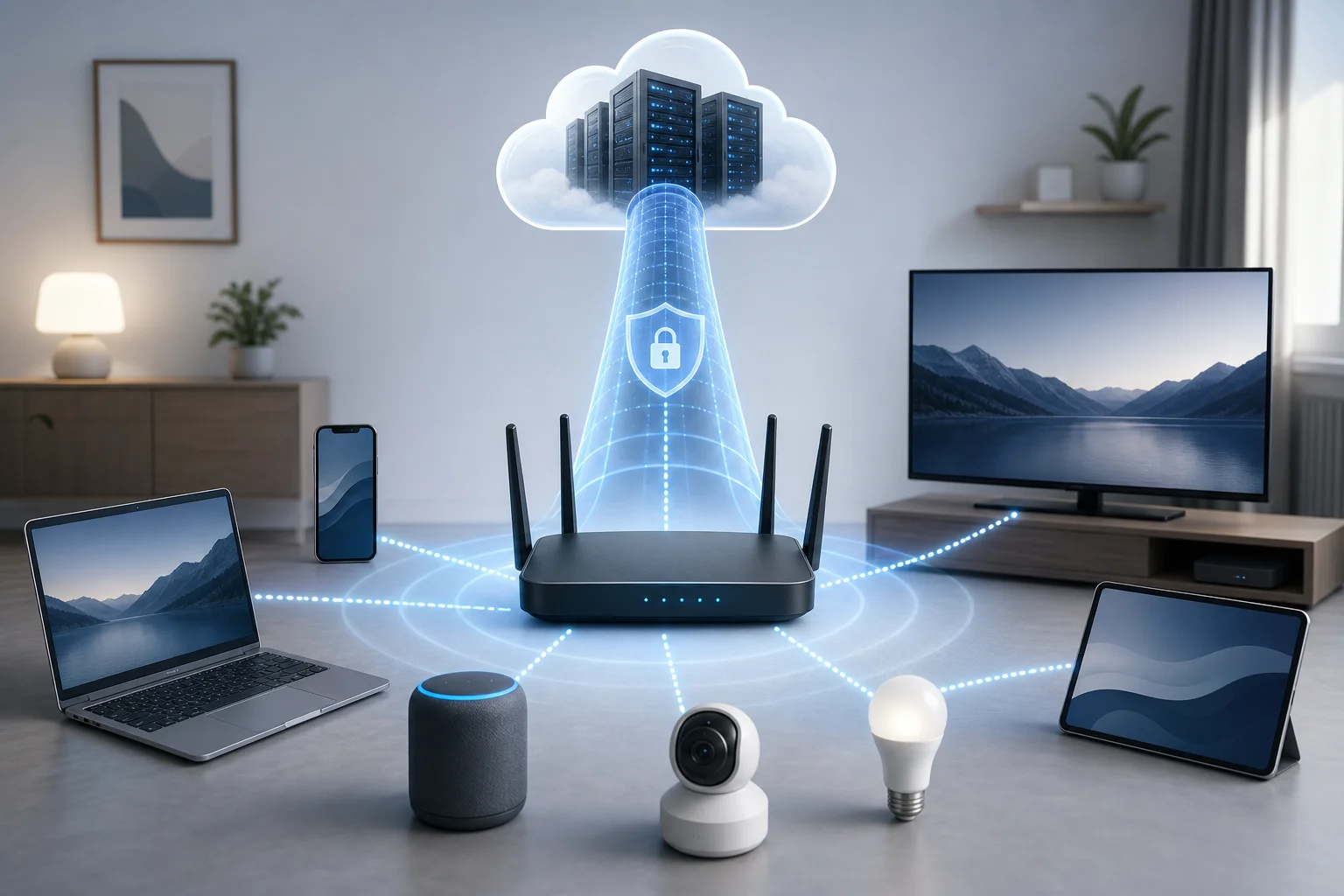
Imagine streaming your favorite shows without boundaries, right from your Wi-Fi router—Alex's story reveals how this dream turned into reality. In this case study, we look at how Alex used a VPN for Wi-Fi router for streaming to simplify access across smart TVs, tablets, and streaming sticks. Instead of installing separate apps on every screen in the house, he moved the VPN connection to the network level with BeFreeVPN and reduced the day-to-day friction of watching international content.
Alex’s journey is useful because it reflects a common problem. Many households have several streaming devices, but not all of them support VPN apps. A router-based setup can make the whole home connection more consistent, provided the router supports VPN configuration and the service is set up correctly.
Meet Alex: The streaming enthusiast
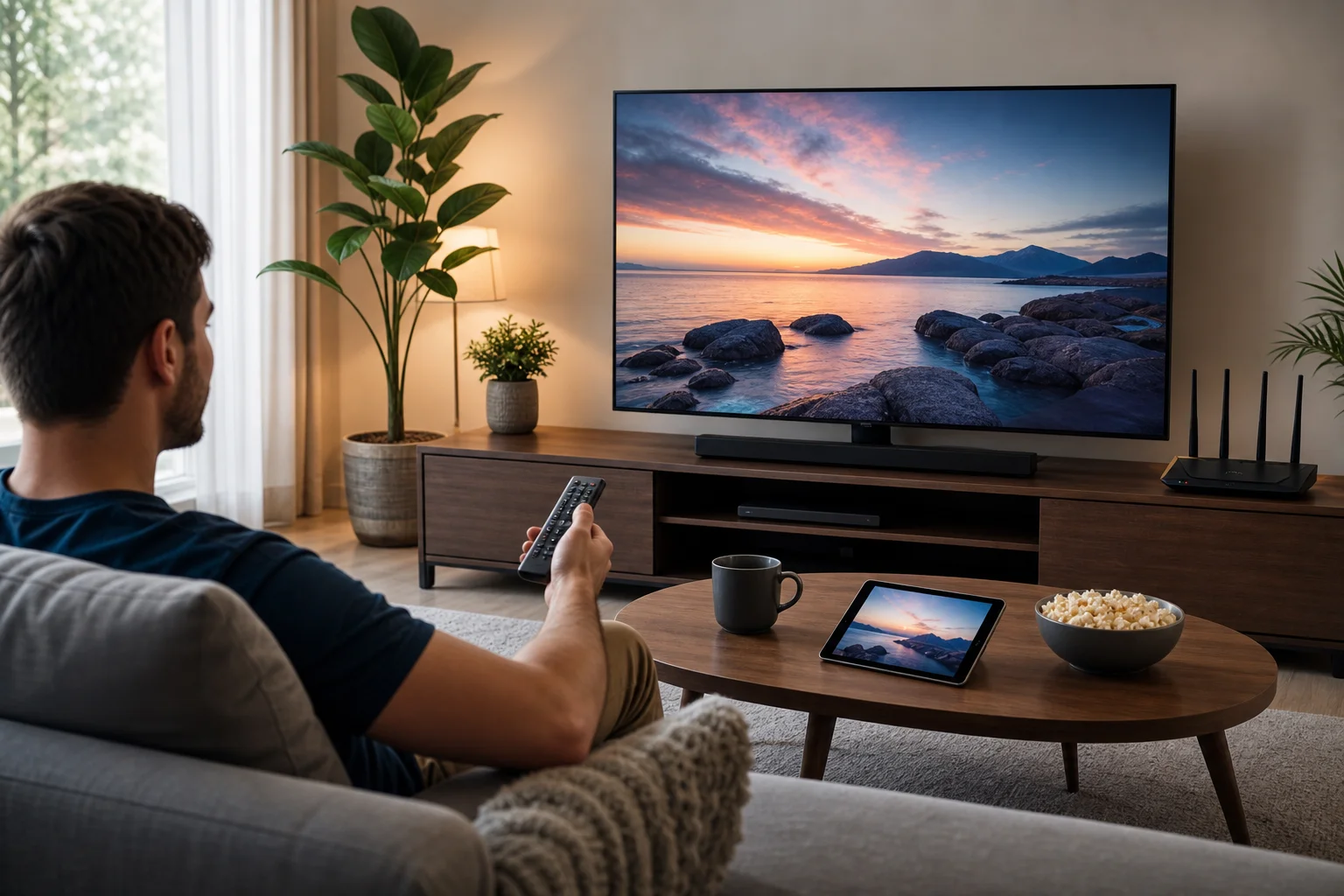
Alex is the kind of viewer who always has a watchlist ready. He follows international dramas, documentaries, live events, and niche film collections. He is comfortable with basic networking, but he does not want to spend every evening troubleshooting device settings.
His home setup had grown over time. In the living room, he used a smart TV and a streaming stick. In the bedroom, another smart TV handled late-night shows. Family members also watched on tablets, laptops, and phones. All of these devices connected through one central Wi-Fi router.
At first, this setup worked well. Local streaming apps loaded quickly, and everyone in the household could watch what they wanted. The problem appeared when Alex tried to access content available in other regions. Some shows appeared in online recommendations but were not available in his location. Other services displayed limited catalogs when he traveled or changed accounts.
That gap pushed Alex to search for a better solution. He did not need a complicated enterprise-grade system. He wanted a practical way to route streaming traffic through a VPN, keep the process simple, and avoid setting up every device one by one.
The challenge: Geo-restricted content
Geo-restricted content was the main frustration. Alex could see that many streaming platforms offered different libraries by country. In some cases, a show was available internationally but not in his region. In others, the app itself worked, but the content selection changed based on network location.
At first, Alex tried traditional VPN apps on individual devices. This worked on his laptop and phone, where installing an app was straightforward. However, it became less convenient on the rest of the household setup.
The smart TVs were the hardest part. Some had limited app stores. Others did not support VPN applications directly. The streaming stick supported more apps, but switching settings manually was still annoying. Family members wanted streaming to feel normal: turn on the TV, open the app, and watch.
Alex also had three practical concerns:
- Device coverage: Every screen in the house needed the same streaming access.
- Ease of use: The solution had to work without repeated logins or complex steps.
- Network stability: A VPN should not make everyday streaming feel slow or unreliable.
Installing a VPN on each device did not solve the whole problem. It added maintenance, created inconsistent access, and left some devices uncovered. Alex needed one setup that protected the connection at the router level and applied to all devices on the Wi-Fi network.
The solution: Implementing BeFreeVPN on a Wi-Fi router
Alex chose to test BeFreeVPN because it matched several of his priorities. It offered a free VPN option, required no registration, and could be used without creating another account for the household to manage. For someone focused on streaming convenience, the no-registration model also reduced setup friction.
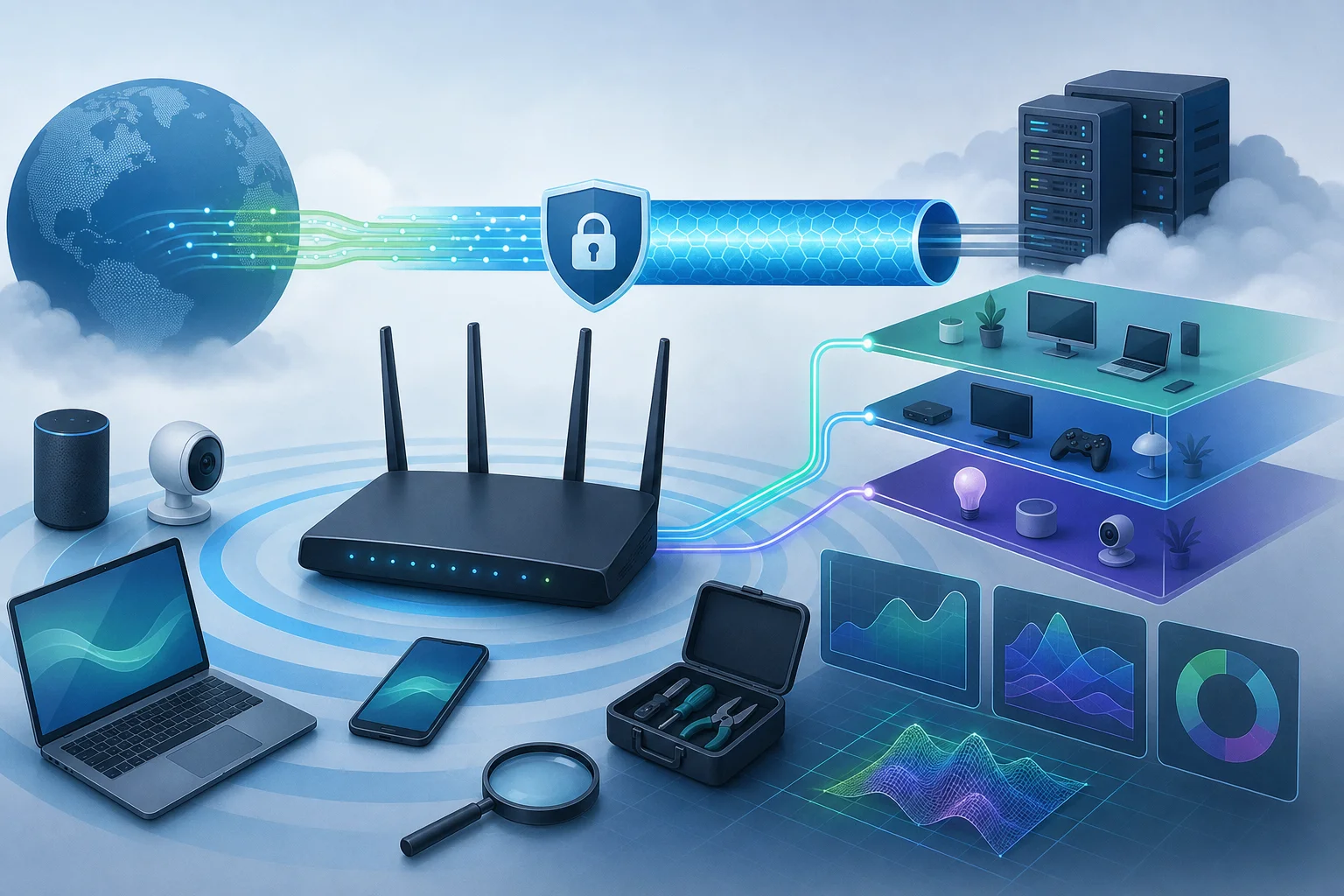
The key idea was simple: instead of installing a VPN client on every device, Alex would configure the Wi-Fi router to send supported network traffic through BeFreeVPN. Once connected, compatible devices on the home network could benefit from the VPN connection automatically.
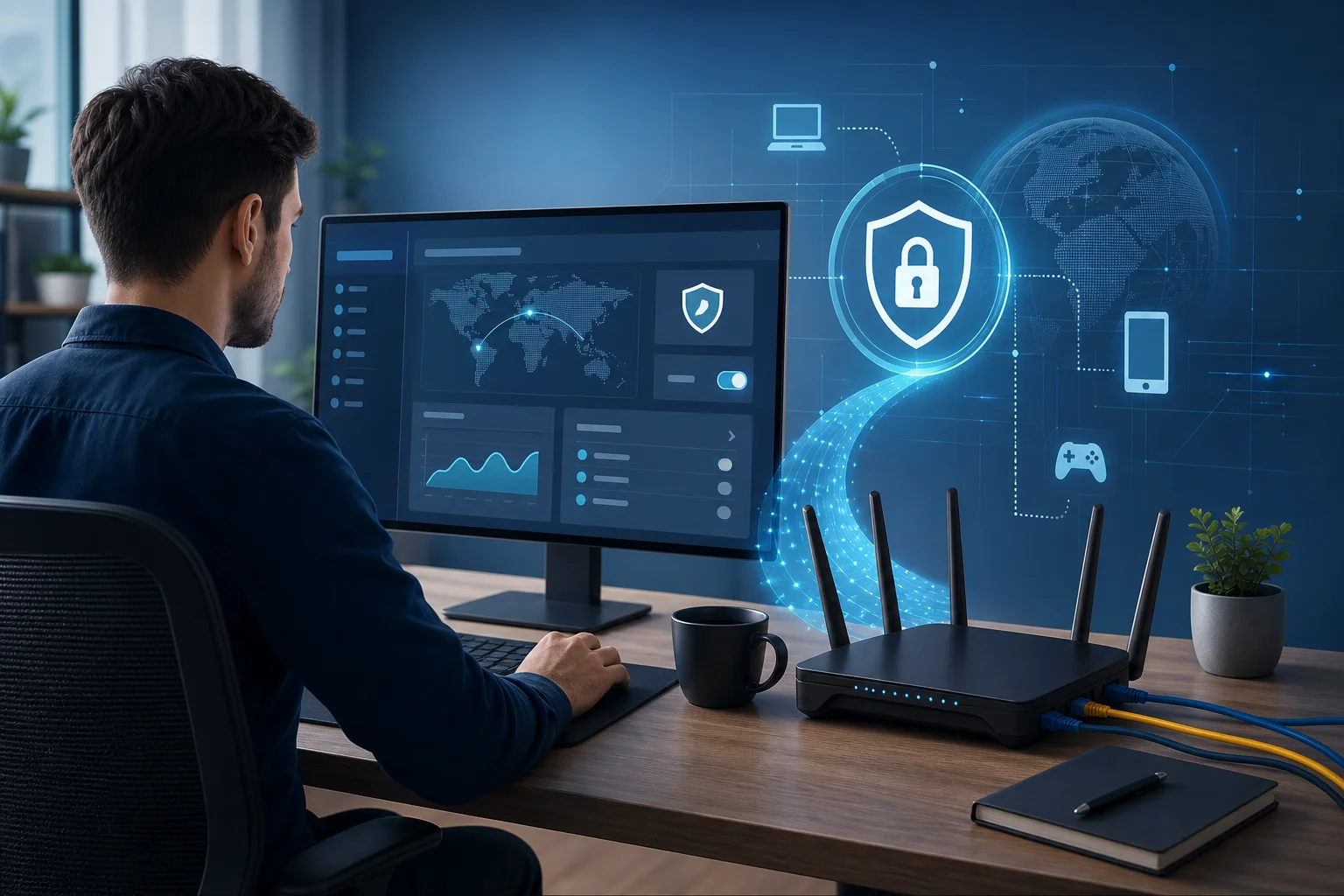
There was one important first step. Alex checked whether his router supported VPN configuration. Router VPN support varies by model and firmware. Some routers include built-in VPN client settings. Others may need compatible firmware or may not support router-level VPN use at all. This check helped Alex avoid wasting time on the wrong setup path.
The router VPN setup Alex followed
The exact steps can vary depending on router model, but Alex’s process followed a clear pattern:
-
Checked router compatibility
Alex logged in to his router admin panel and looked for VPN client options. He confirmed that his router could connect to an external VPN service. -
Reviewed the BeFreeVPN setup details
He collected the configuration information needed for the router. This included the connection type and the VPN server details available for his setup. -
Backed up router settings
Before changing anything, Alex saved a copy of the current router configuration. This made it easier to restore the previous setup if needed. -
Entered the VPN configuration
In the router’s VPN client section, Alex added the BeFreeVPN connection details and saved the profile. -
Connected and tested the network
After enabling the VPN profile, he restarted the router and tested streaming apps on a smart TV, laptop, and tablet. -
Adjusted device groups when needed
For a few devices that did not need VPN routing, Alex kept them on a separate Wi-Fi band or adjusted router settings where supported.
This step-by-step approach helped Alex keep the project manageable. Instead of changing every screen in the house, he focused on one central point: the Wi-Fi router.
Why BeFreeVPN fit Alex’s streaming needs
BeFreeVPN worked for Alex because it removed common barriers. The service was free, so he could test the router-based VPN approach without a paid commitment. It also required no registration, which meant he did not need to share extra personal details just to begin.
For streaming households, that simplicity matters. A router VPN should reduce effort, not add more tasks. Once configured, Alex’s household did not need to remember which TV had a VPN app, which tablet was signed in, or whether a streaming stick supported manual VPN setup.
Here is how Alex compared his options before choosing the router approach:
| Option | Household coverage | Setup effort | Best for |
|---|---|---|---|
| VPN app on one laptop | Low | Low | Occasional solo streaming |
| VPN apps on every device | Medium | High | Homes with VPN-compatible devices |
| VPN on Wi-Fi router | High | Medium | Multiple smart TVs and shared streaming devices |
The router option offered the best balance for his situation. It required more care at the start, but it reduced repeated work later.
Results: Unlocking a world of streaming possibilities
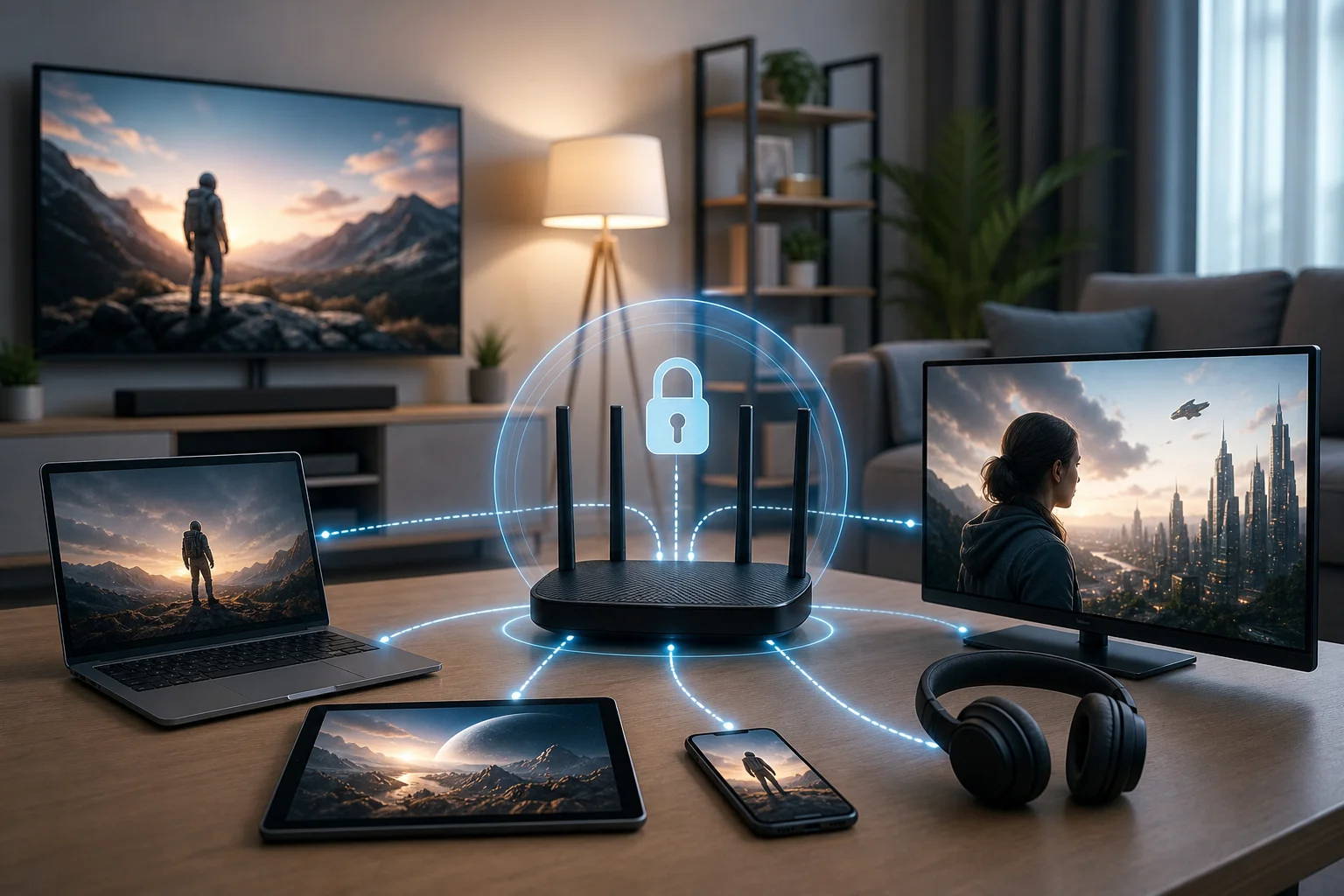
After the router setup was complete, Alex saw the biggest benefit immediately: the streaming experience felt unified. The living room TV, bedroom TV, tablets, and laptops all used the same network-level VPN connection when connected to the configured Wi-Fi network.
Alex could access a wider range of international streaming content from supported services. Instead of constantly switching devices or testing different workarounds, he could sit down and browse from the screen he preferred. For a household with several viewers, that convenience made the VPN setup feel worthwhile.
Stability was also important. Alex monitored the connection during normal viewing sessions. He wanted smooth playback, fast enough loading, and no constant buffering. In his case, BeFreeVPN provided a stable and secure connection for everyday streaming without creating noticeable slowdowns on his home network. As with any VPN, performance can depend on router hardware, Wi-Fi signal strength, server load, and the streaming platform used.
Security and privacy were secondary goals, but they still mattered. With the VPN running at the router level, Alex reduced the need to manage separate VPN settings across devices. BeFreeVPN’s no-registration approach also supported his preference for a lower-hassle privacy setup.
The biggest change was not just access. It was consistency. Family members did not need instructions for each device. They connected to the usual Wi-Fi network, opened their preferred streaming app, and watched as normal.
Takeaways: Key lessons from Alex's experience
Alex’s case shows that a VPN installed directly on a router can simplify streaming access across a whole home. It is especially useful when a household relies on smart TVs, streaming sticks, game consoles, and tablets that do not all support VPN apps equally.
The most important lesson is to start with the router, not the streaming app. If the router cannot support VPN client settings, the plan may require a different router, supported firmware, or a device-level VPN instead. Checking compatibility early saves time.
A second lesson is that user experience matters. A powerful VPN is not helpful if the setup is too confusing for daily use. BeFreeVPN’s free access and no-registration policy made Alex more comfortable testing the solution. He could focus on whether the router VPN setup worked for streaming rather than managing accounts and sign-ups.
Finally, Alex learned that privacy and convenience can work together. A no-registration VPN service reduces the number of steps needed to get started. When that VPN is configured on the router, it can also reduce the number of devices that need separate setup.
FAQs about using a VPN on a Wi-Fi router for streaming
Can I use a VPN on any Wi-Fi router for streaming?
Not always. Your router must support VPN client configuration. Some routers include this feature, while others do not. Check your router admin panel or manufacturer documentation before you begin.
Will a router VPN work with smart TVs?
Yes, if the smart TV connects through the Wi-Fi router that is running the VPN connection. This is one reason router VPN setups are useful for streaming devices that do not support VPN apps directly.
Can a VPN improve access to international streaming libraries?
A VPN can help route your connection through another location, which may affect what content appears on some platforms. Availability still depends on each streaming service’s policies, licensing rules, and terms of use.
Is BeFreeVPN suitable for beginners?
BeFreeVPN is designed to reduce setup friction because it is free and requires no registration. Router setup still depends on your hardware, but the service model makes testing easier for users who want a simple starting point.
Conclusion: A simpler way to stream across the whole home
Alex’s experience shows why a router-based VPN can be a practical solution for streaming households. It centralizes the connection, reduces device-by-device setup, and helps smart TVs and other Wi-Fi devices share the same VPN-enabled network. For Alex, BeFreeVPN turned a scattered streaming setup into a simpler, more consistent system.
Ready to transform your streaming experience like Alex? Try BeFreeVPN for your Wi-Fi router and enjoy seamless access to global content for free, without any registration.