3 posts tagged with "vpn-app"

View All Tags

5 Reasons to Use an Online VPN for Your Phone

· 7 min read

Did you know that using an online VPN on your phone can enhance your security and unlock content effortlessly? Your phone is often the device you use most for banking, messaging, shopping, streaming, and browsing. That also makes it a high-value target on public networks and a source of personal data for trackers. In this guide, you’ll learn five practical reasons to use an online VPN for phone protection, privacy, and a smoother mobile internet experience.
online vpn for phone security

1. Enhanced Security on Public Wi-Fi

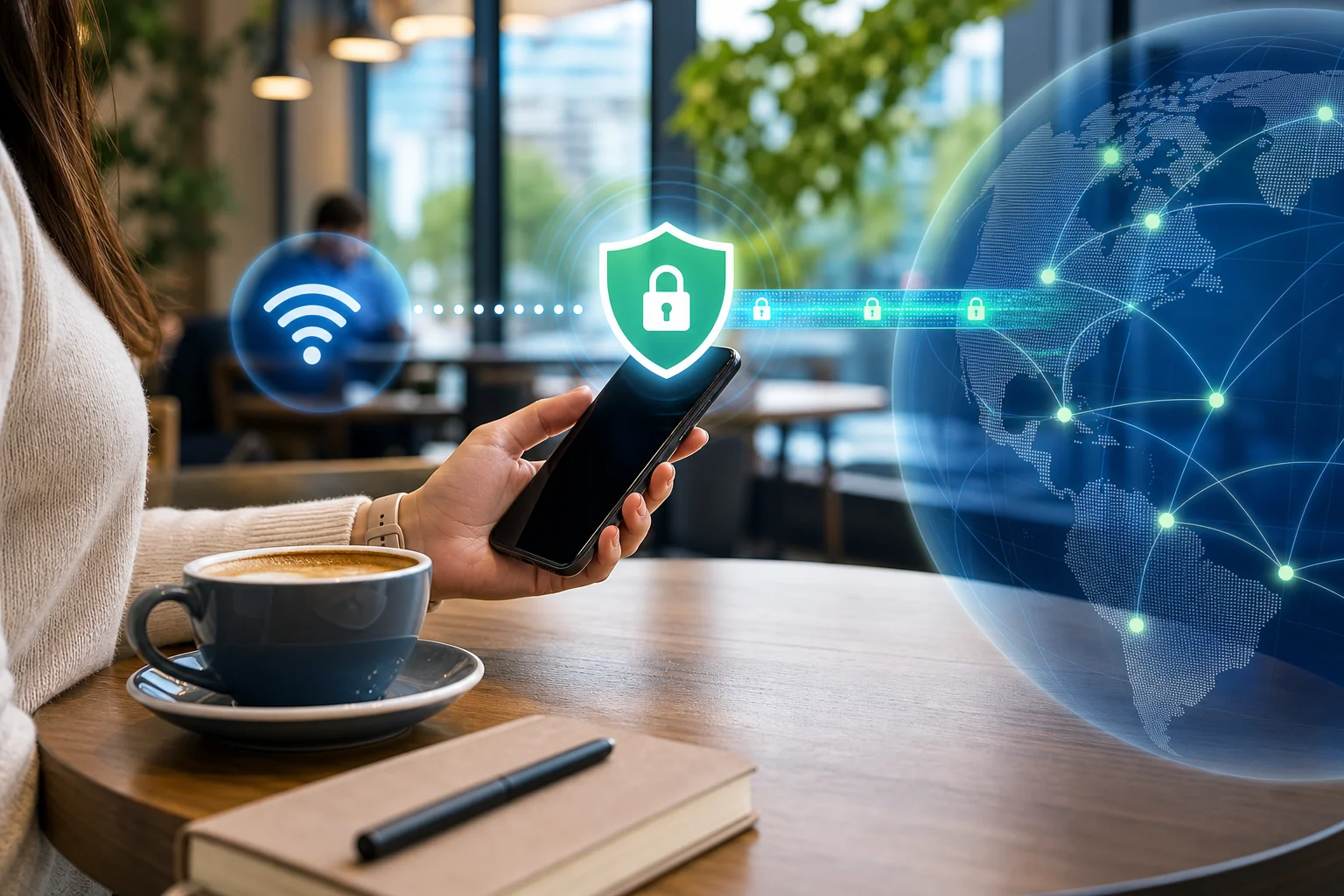
Public Wi-Fi is convenient, but it is not always safe. Cafes, airports, hotels, malls, and train stations often offer open networks that anyone nearby can join. That means attackers may try to monitor traffic, create fake hotspots, or intercept unprotected data.

An online VPN for your phone helps by creating an encrypted tunnel between your device and the VPN server. This makes your mobile data much harder to read if someone is snooping on the same network.

Your phone can be more exposed on public Wi-Fi because it connects quickly and often in the background. Apps may refresh email, sync files, load notifications, or send session data while you are not paying attention. A VPN adds a protective layer for these everyday connections.

Use a mobile VPN especially when you:

  • Check email or work apps on public Wi-Fi
  • Log in to banking, shopping, or travel accounts
  • Send private messages or documents
  • Connect to hotel or airport networks
  • Use unfamiliar hotspots while traveling

A VPN does not replace strong passwords or software updates. However, it is one of the simplest ways to reduce risk when using shared networks.

2. Access Geo-Restricted Content

Streaming services, news sites, sports platforms, and apps may show different content based on your location. Sometimes, content available at home is blocked when you travel. Other times, a website limits access to certain regions.

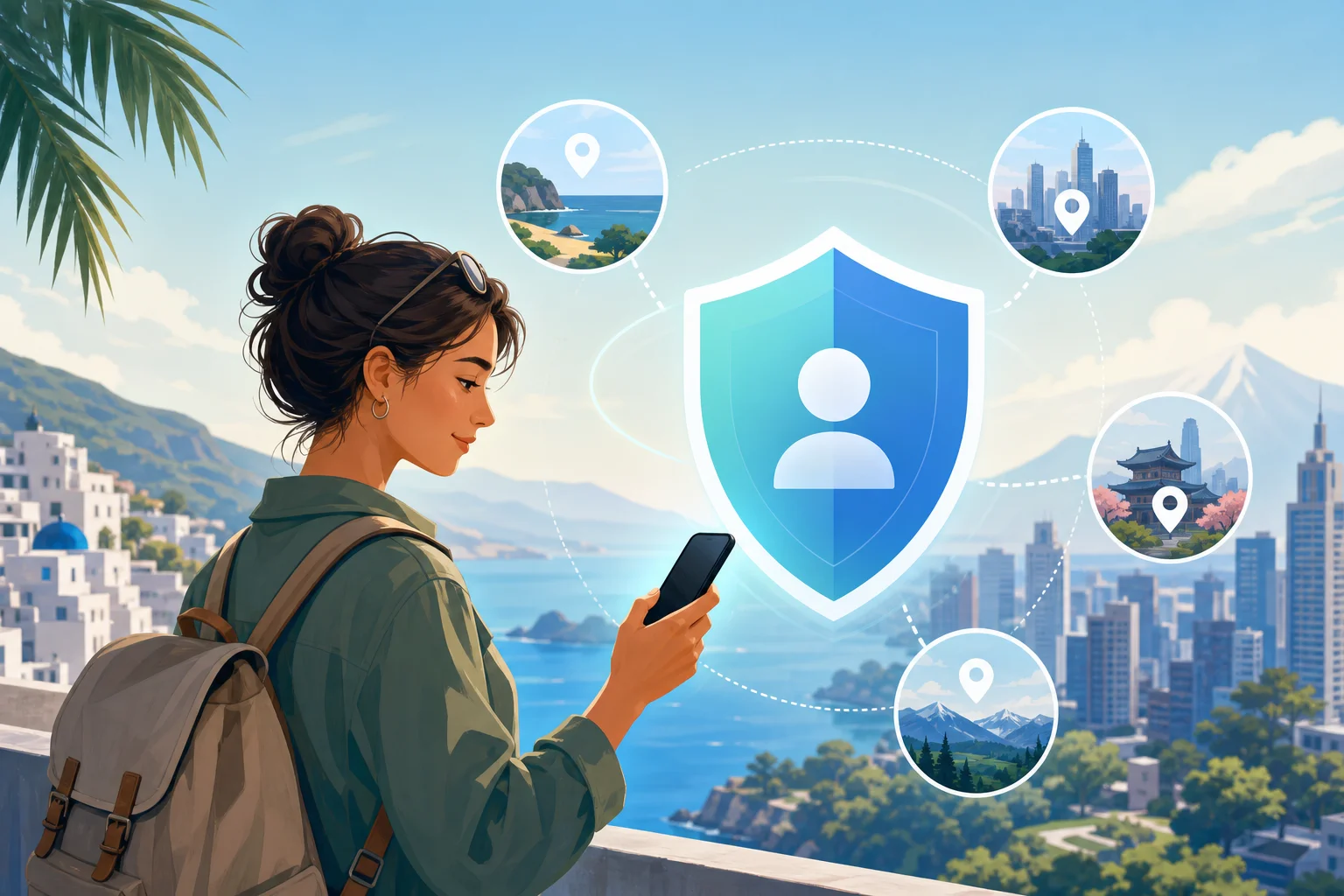
With an online VPN app, you can switch your virtual location by connecting to a server in another country. Your phone then appears to browse from that server location. This can help you access region-specific websites or keep up with local content from back home while abroad.

This is especially useful for travelers who want to:

  • Watch familiar shows while away from home
  • Read local news from their country
  • Access region-based services securely
  • Avoid location-based blocks on certain websites

Always remember to follow the terms of the services you use. A VPN is a helpful privacy and access tool, but rules can vary by platform and region.

3. Maintain Privacy and Anonymity

Your phone reveals a lot about your online habits. Mobile browsers, apps, websites, ad networks, and internet service providers can collect or infer information about what you do online.

A VPN helps protect your privacy by masking your IP address and encrypting your internet traffic. Your ISP can usually see that you are connected to a VPN, but it cannot easily view the specific websites or app traffic inside the encrypted tunnel.

This makes a VPN useful if you want to reduce tracking while browsing, shopping, reading, or streaming on your phone.

Simple steps to stay more anonymous on mobile

  1. Turn on your VPN before opening sensitive apps. This protects traffic from the start of your session.
  2. Use private browsing when needed. It helps reduce local browser history on your phone.
  3. Limit app permissions. Disable location, contacts, or camera access when an app does not need them.
  4. Avoid logging in everywhere. Staying logged out can reduce account-based tracking.
  5. Clear cookies and trackers regularly. This helps reduce personalized profiling.

A VPN is not a full anonymity solution on its own. Still, when paired with smart privacy habits, it can make mobile browsing much more private.
mobile vpn privacy protection

4. Reduce Data Throttling

Some mobile carriers or internet providers may slow certain types of traffic, such as video streaming, gaming, or large downloads. This is often called throttling. It can lead to buffering, lower video quality, or uneven speeds.

A VPN can help in some cases because it encrypts your traffic, making it harder for a provider to identify the exact service or type of content you are using. As a result, you may get a more consistent mobile internet experience.

However, results depend on your network, location, and VPN server quality. If your connection is slow because of weak signal, network congestion, or a distant VPN server, a VPN may not increase speed. In some cases, encryption can add a small amount of overhead.

VPN vs. no VPN on your phone

SituationWithout VPNWith VPN
Public Wi-FiData may be easier to interceptTraffic is encrypted
Streaming while travelingContent may be region-limitedVirtual location can be changed
ISP visibilityISP may see more browsing activityISP sees VPN connection, not detailed traffic
Possible throttlingCertain traffic may be slowedSome restrictions may be harder to apply
IP address exposureWebsites see your real IPWebsites see the VPN server IP

For best results, choose a nearby VPN server when speed matters. If you need content from another region, choose a server in that location.

5. Protect Everyday Mobile Activities

Your phone is more than a browser. It is also your wallet, map, mailbox, calendar, camera, and personal assistant. That means a lot of your daily life passes through mobile apps.

A VPN can help protect common phone activities such as:

  • Online shopping on mobile networks
  • Checking bank accounts while traveling
  • Sending work files from your phone
  • Using messaging apps on public Wi-Fi
  • Signing in to cloud storage or email

This is why using a VPN on your phone is not only for tech experts. It is a practical habit for anyone who wants safer browsing with less effort.

FAQ About Using an Online VPN for Phone

Do I need a VPN on my phone?

Yes, a VPN is useful if you use public Wi-Fi, travel often, stream on mobile, or want more private browsing. It adds encryption and helps hide your real IP address.

Does a phone VPN work on mobile data?

Yes. A VPN can work on both Wi-Fi and mobile data. It protects traffic from your phone to the VPN server, regardless of the network type.

Will a VPN drain my phone battery?

A VPN may use some extra battery because it encrypts traffic and keeps a secure connection active. In most cases, the impact is manageable, especially with a lightweight mobile VPN app.

Can I use a free VPN for my phone?

You can, but choose carefully. Look for a service with clear privacy practices, stable connections, and no unnecessary sign-up steps. Avoid unknown apps that request excessive permissions.

Final Thoughts

An online VPN for phone use can make everyday browsing safer, more private, and more flexible. It helps secure public Wi-Fi, access region-based content, reduce tracking, and protect sensitive mobile activity. For simple protection without extra hassle, try BeFreeVPN today to secure your phone with no registration and experience free, seamless internet protection.
The Essential Guide to Using a Free VPN for Your Phone: Protect Your Privacy

· 9 min read

Are you concerned about how your phone might be exposing your personal data? A free VPN for phone privacy can help you protect your information—and it does not have to be complicated. In this beginner-friendly guide, you will learn what a mobile VPN does, why it matters on public Wi-Fi, how to choose a safe free option, and how to set it up in just a few minutes.

Your phone goes everywhere with you. It connects to home Wi-Fi, mobile data, coffee shop networks, airport hotspots, hotel Wi-Fi, and apps that run in the background. That convenience is great, but it also creates privacy risks. A VPN, short for virtual private network, adds a protected layer between your phone and the internet.

free VPN for phone privacy

1. What Is a Free VPN for Phone?

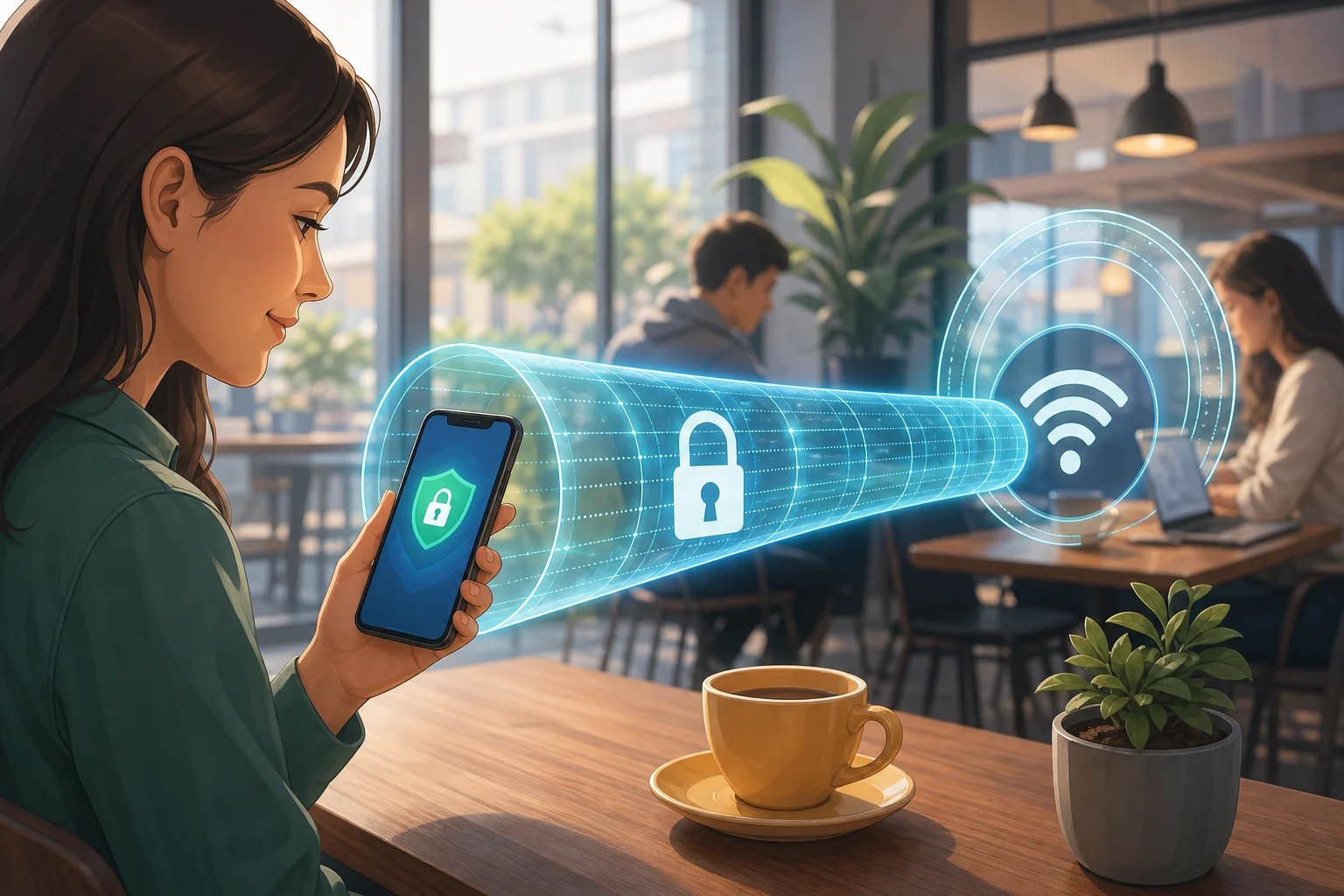
A free VPN for phone use is an app or built-in service that creates an encrypted connection between your mobile device and a VPN server. Instead of sending your internet traffic directly through your network provider or a public Wi-Fi router, your data travels through a secure tunnel.

In simple terms, encryption makes your data much harder for others to read. If someone is monitoring an unsafe Wi-Fi network, a VPN helps keep your browsing activity, app traffic, and personal information away from prying eyes.

How a Mobile VPN Works

When you turn on a VPN app on your phone, it usually does three main things:

  • Encrypts your data: This helps protect your activity from being intercepted on insecure networks.
  • Routes traffic through a VPN server: Websites and apps see the VPN server’s IP address instead of your direct phone connection.
  • Helps protect you while on the go: A mobile VPN is designed to work as you move between Wi-Fi and cellular networks.

Many free VPNs are made for quick mobile use. Some do not require registration, which makes them easy for beginners. You can often download the app, tap connect, and start browsing with more privacy.

However, “free” does not always mean “safe.” Some free VPN apps may show ads, limit data, reduce speed, or collect more information than you expect. That is why choosing the right provider matters.

2. Why Should You Use a Free VPN on Your Phone?

Using a free VPN on your phone can be a smart step if you want better privacy without paying upfront. It is especially useful when you connect to networks you do not control.

It Helps Protect Personal Information on Public Wi-Fi

Public Wi-Fi is convenient, but it can be risky. Networks in cafes, airports, libraries, hotels, and shopping centers are often shared by many people. If the network is poorly secured, attackers may try to spy on traffic or trick users with fake hotspots.

A VPN helps reduce that risk by encrypting your connection. This is useful when you check email, browse websites, use messaging apps, or sign in to accounts while away from home.

It Can Reduce Tracking by Websites and Advertisers

Websites, ad networks, and apps may use your IP address, location clues, cookies, and device data to build a profile of your online behavior. A VPN is not a complete anti-tracking tool, but it can help by masking your real IP address.

For better privacy, use a VPN alongside good habits. For example, limit app permissions, use private browsing when needed, block third-party trackers, and avoid signing in to every site if you do not need to.

It Enhances Online Anonymity by Masking Your IP Address

Your IP address can reveal general location information and identify the network you are using. When a VPN is active, websites usually see the VPN server’s IP address instead.

This does not make you invisible online. Your accounts, browser fingerprints, and cookies can still identify you. Still, masking your IP address is a useful privacy layer, especially for everyday mobile browsing.

3. How to Choose the Right Free VPN for Your Phone

Not every free VPN app is worth installing. Since a VPN handles your internet traffic, you need to trust it. Before you choose one, compare privacy features, app quality, and user feedback.

Quick Comparison: What to Look For in a Free Mobile VPN

FeatureWhy it mattersBeginner tip
Strong encryptionHelps keep your data safe on public Wi-FiLook for modern encryption and clear security details
No-registration optionMakes setup faster and reduces shared personal detailsChoose services that do not ask for unnecessary information
Clear privacy policyExplains what data the VPN collectsAvoid vague policies or apps that sell browsing data
User-friendly mobile appMakes it easy to connect and disconnectLook for a simple one-tap connection
Good reviewsShows how the app performs for real usersRead recent reviews, not just star ratings
Reasonable free limitsHelps you know what to expectCheck data caps, speed limits, and server options

Look for Strong Encryption Standards

A good VPN should clearly explain how it protects your data. You do not need to understand every technical detail, but the provider should be transparent about encryption, protocols, and security practices.

If a VPN makes big promises but gives no details, be careful. Privacy tools should be easy to use, but they should not be mysterious.

Choose a User-Friendly Mobile App

Beginners need a VPN that is simple. The best free VPN for phone use should have a clean app, a clear connect button, and easy settings. If you have to dig through confusing menus just to turn it on, you may stop using it.

Also check whether the VPN works on your device. Some services support Android, iPhone, tablets, laptops, and other devices. If you use more than one device, this can make protection easier.

Read Reviews and Check the Privacy Record

Before installing any free VPN app, read reviews from trusted sources and real users. Look for comments about connection stability, speed, ads, customer support, and privacy concerns.

Most importantly, check the privacy policy. A VPN should not collect more data than it needs to run the service. If the policy is hard to find or full of unclear language, consider another option.

mobile VPN app setup

4. How to Set Up a Free VPN on Your Phone

Setting up a free VPN on your phone is usually quick. The exact steps can vary by provider, but the basic process is similar on Android and iPhone.

Step-by-Step Setup Guide

  1. Choose a trusted VPN provider. Start with a service that has a clear privacy policy, strong mobile support, and good user feedback.
  2. Download the app from a trusted source. Use the official app store for your device or the provider’s official website. This helps reduce the risk of fake apps.
  3. Open the VPN app. Follow the setup instructions shown on the screen.
  4. Review permissions carefully. A VPN app may ask to add a VPN configuration to your phone. This is normal, but avoid apps that request unrelated permissions.
  5. Select a server if needed. Some apps choose one automatically. Others let you pick a location.
  6. Tap connect. Wait for the app to confirm that the VPN is active.
  7. Browse safely. Once connected, use your browser and apps as usual with the added protection of the VPN tunnel.

Simple Safety Tips After Setup

After your VPN is installed, keep these habits in mind:

  • Turn on the VPN before joining public Wi-Fi.
  • Keep the VPN app updated.
  • Avoid unknown Wi-Fi networks when possible.
  • Use strong passwords and multi-factor authentication.
  • Do not ignore browser warnings about unsafe websites.
  • Disconnect only when you no longer need the VPN.

A VPN is a privacy tool, not a magic shield. It works best when combined with safe browsing habits and careful app choices.

FAQ: Free VPN for Phone Questions Beginners Ask

Is a free VPN for phone safe?

A free VPN can be safe if it comes from a trustworthy provider with strong encryption and a clear privacy policy. Avoid unknown apps that make unrealistic promises, request unnecessary permissions, or do not explain how they handle your data.

Do I need a VPN on mobile data?

A VPN is most useful on public Wi-Fi, but it can also add privacy on mobile data by masking your IP address and encrypting traffic between your phone and the VPN server. Your mobile carrier may still know you are using data, but your direct browsing traffic is better protected.

Will a free VPN slow down my phone?

It can. A VPN adds an extra step to your connection, and free plans may have speed limits or fewer servers. Still, many mobile VPN apps are fast enough for browsing, messaging, and everyday use.

Can a VPN stop all tracking?

No. A VPN can help hide your IP address and protect your connection, but it does not block every tracking method. Websites can still use cookies, account logins, device fingerprints, and app permissions. For stronger privacy, combine your VPN with tracker blockers and careful privacy settings.

Do free VPNs require registration?

Some do, but many free VPNs do not require registration. A no-registration VPN can be convenient because you can start protecting your connection without sharing an email address or creating an account.

Final Thoughts: Make Mobile Privacy a Daily Habit

Using a free VPN for your phone is one of the simplest ways to improve your mobile privacy, especially when you are on public Wi-Fi. Choose a trustworthy app, check its privacy practices, and make connecting part of your routine before you browse, shop, or sign in on the go.

Ready to safeguard your mobile experience? Try BeFreeVPN for free—no registration required—and enjoy security across all your devices!

How to choose the best VPN app for home use: a step-by-step guide

· 12 min read

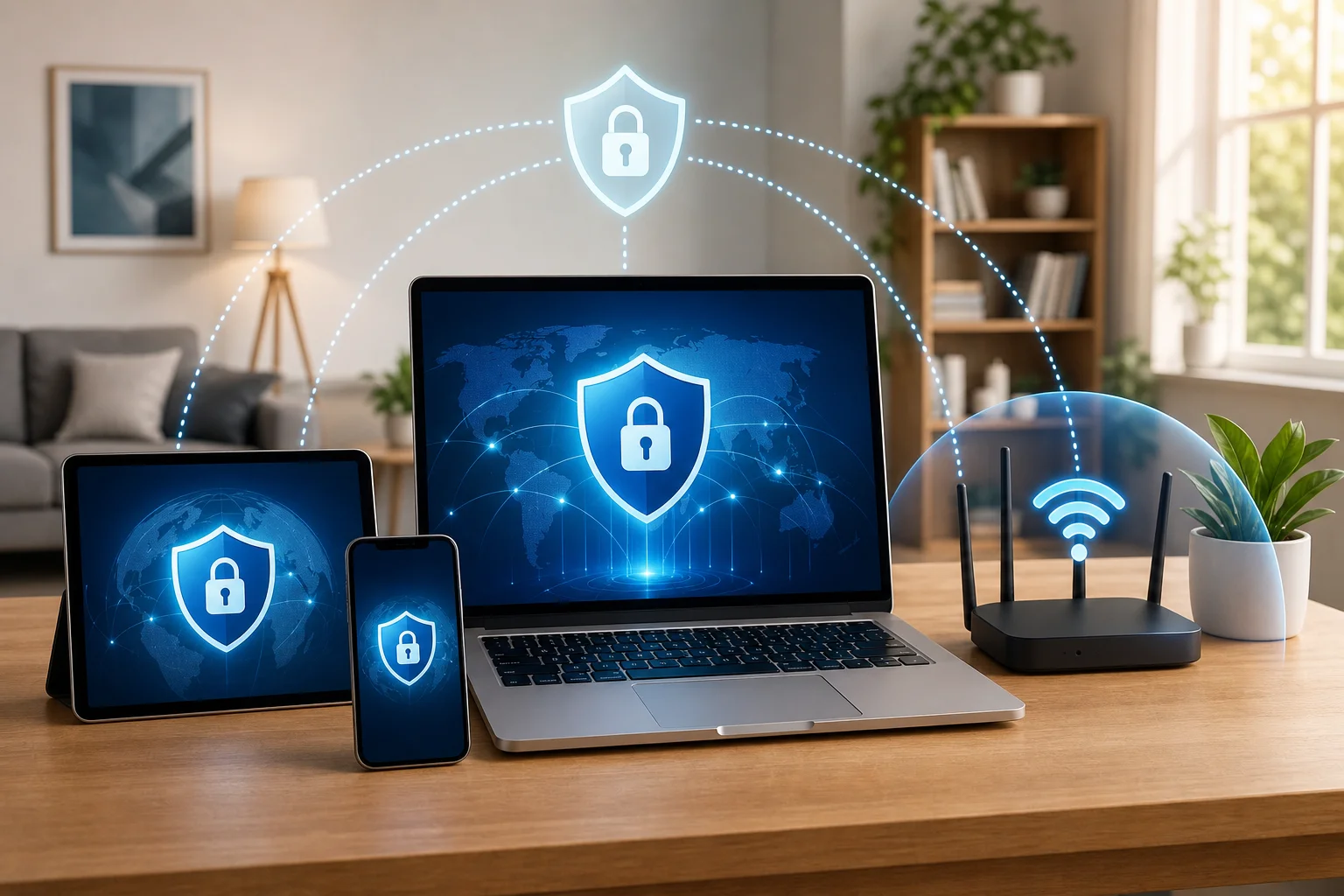
Are you looking for a hassle-free way to secure your online life at home? Here's how to choose a free and easy-to-use VPN app without the burdens of registration! A good vpn app for home can help protect your devices, improve privacy, and make everyday browsing safer. In this guide, you’ll learn what to look for, how to compare free VPN apps with no sign-up required, and how to set one up on your phone, laptop, or tablet.

Choosing a home VPN does not need to be technical. The key is to match the app to your needs, check the right security features, and avoid services that make privacy confusing.

vpn app for home security