The ultimate guide to using a VPN for free for phone access in censored regions
In regions where internet freedom is restricted, a free VPN for your phone can be a lifeline, allowing you to bypass censorship and access critical information safely. If you are searching for a vpn for free for phone use, the goal is not only to install an app. It is to understand routing, encryption, protocol behavior, logging risk, and mobile-specific threat models so you can make safer choices under pressure.
This deep dive explains how free mobile VPNs work, where they help, where they fail, and how advanced users can configure them for stronger privacy in censored environments.
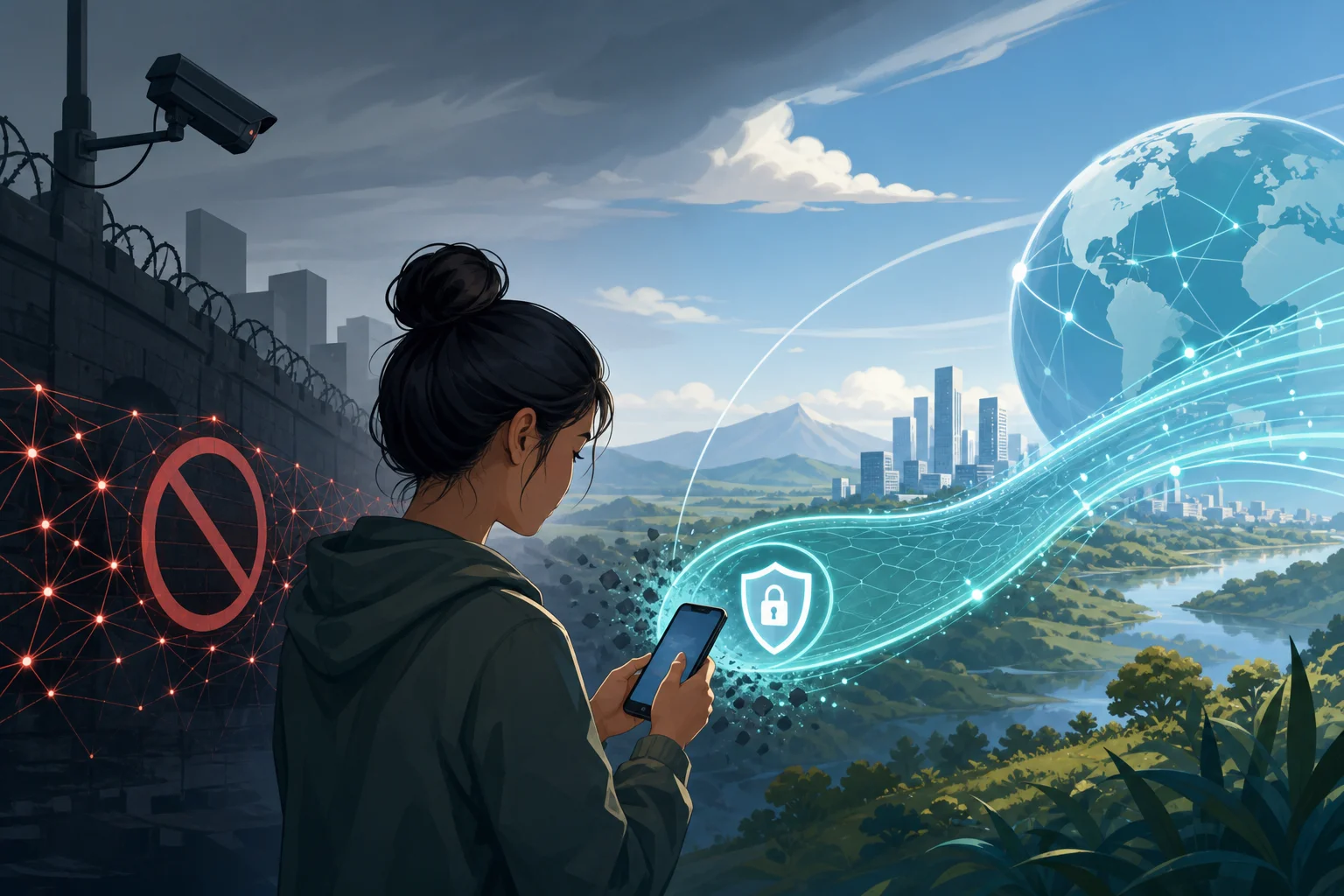
1. Understanding the Need for Free VPNs in Restrictive Regions
Internet censorship is not a single technique. It is a layered control system that can include DNS poisoning, IP blocking, SNI filtering, deep packet inspection, app-store restrictions, keyword filtering, throttling, and legal pressure on local platforms. Different countries and networks apply different combinations of these controls.
For example, one region may block news sites by DNS manipulation, while another may block entire IP ranges used by messaging apps. Some networks allow a service to load but throttle media uploads. Others block VPN protocol signatures or disrupt encrypted connections that look unusual. As a result, a mobile VPN must do more than “change location.” It must survive unstable networks, hostile filtering, and device constraints.
Explaining Internet Censorship in Different Countries
Censorship varies by jurisdiction and by network operator. Common patterns include:
- DNS interference: The resolver returns a false IP address, no answer, or a government-controlled block page.
- IP address blocking: Traffic to known hosting providers, social platforms, or VPN servers is dropped.
- SNI and TLS filtering: The network inspects the Server Name Indication in TLS handshakes to infer the destination domain.
- Protocol fingerprinting: Firewalls detect OpenVPN, WireGuard, or other tunnel patterns and throttle or block them.
- App-store restrictions: VPN apps may be removed from local app stores, forcing users to rely on direct APKs, alternate stores, or preinstalled tools.
- Platform-level takedowns: Social networks, messaging platforms, or cloud services may be intermittently blocked during protests or elections.
Advanced users should treat censorship as an adaptive adversary. A VPN that works today may fail tomorrow if its endpoints become known or its protocol signature is classified.
Why Mobile Access Is Critical for Users in Censored Regions
Phones are often the primary device for people in restrictive regions. They are portable, battery-powered, and tied to messaging, maps, banking, authentication, and emergency communication. Mobile networks may also remain available when home broadband is disrupted.
However, phones introduce specific risks:
- Cellular carriers can observe metadata and sometimes enforce stricter filtering than fixed ISPs.
- Mobile operating systems aggressively suspend background apps, which can break VPN tunnels.
- Captive portals and public Wi-Fi can interrupt secure routing.
- Push notification services may leak connection patterns even when content remains encrypted.
- Users may depend on app stores that are filtered or region-locked.
A free VPN for phone users must therefore be evaluated for both censorship resistance and mobile reliability.
The Role of Free VPNs in Promoting Digital Freedom
Free VPNs matter because payment can be a barrier. In some regions, international cards do not work. In others, paying for privacy tools can create a paper trail or expose users to risk. A no-cost VPN can help people reach blocked news, contact family, verify information, and use secure messaging tools.
Still, “free” is not automatically safe. Some free VPN providers monetize through advertising, analytics, weak privacy policies, or traffic brokerage. The best free VPN choices are usually limited versions of reputable services, public-interest tools, or no-registration services with clear technical boundaries.
2. How Free VPNs Function
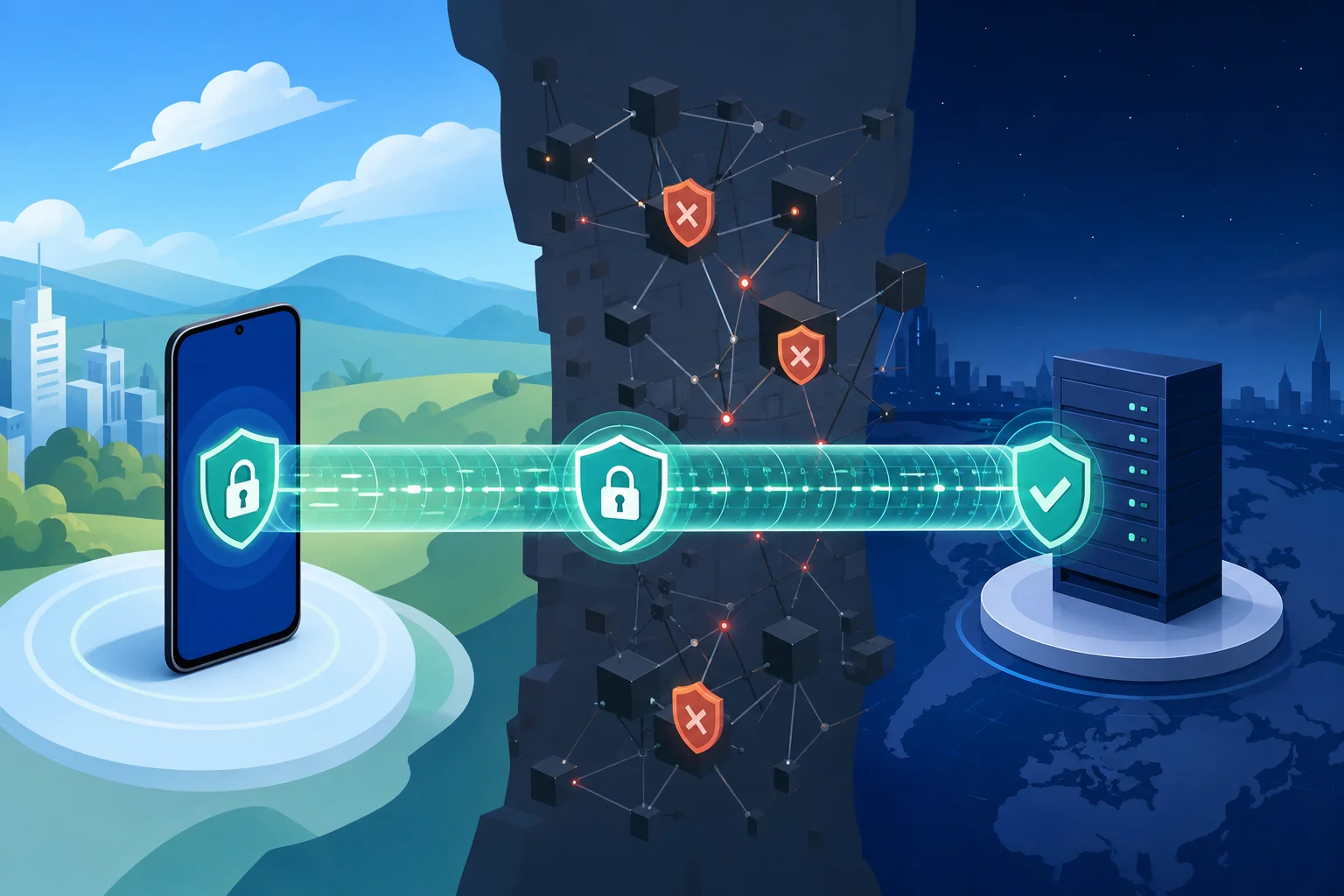
A VPN creates an encrypted tunnel between your phone and a remote server. Your phone encapsulates network packets, sends them through the tunnel, and the VPN server forwards them to the public internet. To the local network, your traffic appears to go to the VPN endpoint. To destination websites, your traffic appears to come from the VPN server.
This model helps bypass simple filtering because the ISP no longer sees the final domain or service in the same way. It also helps protect traffic on public Wi-Fi. However, it does not make you anonymous by default. The VPN provider can potentially see metadata, and websites can still track you through cookies, browser fingerprints, account logins, and device identifiers.
Overview of VPN Technology and Its Importance
At a technical level, mobile VPNs typically provide:
- Tunnel establishment: The client authenticates and negotiates cryptographic parameters.
- Encapsulation: Original packets are wrapped inside VPN protocol packets.
- Encryption and integrity: Traffic is encrypted and authenticated to prevent passive reading and tampering.
- Routing policy: The operating system routes selected traffic through the VPN interface.
- NAT and egress: The VPN server forwards traffic to the destination and returns responses through the tunnel.
For censored regions, the key benefit is controlled egress. Instead of exiting through a local ISP path subject to blocking, traffic exits through infrastructure in another region.
Remote Access VPN vs. Site-to-Site VPN
Most phone VPN apps are remote access VPNs. A single device connects to a provider’s server. This is the model used by consumer mobile VPNs.
A site-to-site VPN connects entire networks, such as two offices or a private cloud and a data center. It is common in enterprise environments. Advanced users sometimes build personal site-to-site or remote-access tunnels using VPS servers, but that requires operational security, server hardening, and ongoing maintenance.
For mobile users in censored regions, remote access VPNs are usually more practical. They require no server administration and can be switched quickly when endpoints are blocked.
How Free VPNs Can Still Maintain User Privacy
A free VPN can protect privacy if its business model and technical design support it. Important signs include:
- No registration or minimal registration.
- Clear no-logs policy written in plain language.
- Strong protocols such as WireGuard, OpenVPN, or IKEv2/IPsec.
- DNS leak protection.
- Kill switch or always-on VPN support.
- Independent audits or open-source clients where available.
- No traffic injection, tracking SDKs, or invasive app permissions.
The provider’s incentives matter. A free tier from a reputable paid VPN may be sustainable because paid users fund the service. A free-only provider with vague ownership and aggressive ads deserves more scrutiny.
3. Key Protocols Behind VPN Technology
VPN performance and censorship resistance depend heavily on protocol choice. Mobile users need protocols that reconnect quickly, tolerate network changes, and avoid obvious fingerprints when possible.
OpenVPN, L2TP/IPsec, and PPTP
OpenVPN is mature and widely supported. It can run over UDP or TCP and uses TLS for key exchange. UDP is usually faster, while TCP over port 443 may blend with HTTPS in some networks. However, OpenVPN can still be fingerprinted by advanced firewalls.
L2TP/IPsec combines Layer 2 Tunneling Protocol with IPsec encryption. It is built into many operating systems but can be blocked easily because it uses recognizable ports and encapsulation patterns. It is less flexible for censorship-heavy environments.
PPTP is obsolete. It is fast but cryptographically broken and should not be used for sensitive activity. If a free VPN app still promotes PPTP as a primary option, treat that as a warning sign.
Modern mobile VPNs may also use WireGuard or IKEv2/IPsec. WireGuard is lean, fast, and battery-friendly, but its default traffic pattern may be identifiable. IKEv2 is strong on mobile because it handles network switching well, such as moving from Wi-Fi to cellular data.
Understanding Encryption Mechanisms Used in VPNs
Strong VPNs use a combination of cryptographic primitives:
- Key exchange: Establishes shared secrets without sending them directly. Examples include ECDHE or WireGuard’s Noise-based handshake.
- Symmetric encryption: Protects packet contents after the tunnel is established. Common algorithms include AES-GCM and ChaCha20-Poly1305.
- Authentication: Confirms that packets were not modified. AEAD ciphers combine encryption and authentication.
- Perfect forward secrecy: Limits damage if a long-term key is later compromised.
For phone users, ChaCha20-Poly1305 can perform well on devices without hardware AES acceleration. AES-GCM is also strong and efficient on modern chips.
How Protocols Affect Speed and Security for Mobile Users
Protocol choice changes the user experience:
| Protocol | Mobile performance | Security posture | Censorship resistance | Best use case |
|---|---|---|---|---|
| WireGuard | Excellent | Strong | Medium unless obfuscated | Daily browsing, streaming where allowed |
| OpenVPN UDP | Good | Strong | Medium | General use on stable networks |
| OpenVPN TCP 443 | Moderate | Strong | Better against simple blocks | Restrictive Wi-Fi or networks allowing HTTPS |
| IKEv2/IPsec | Excellent roaming | Strong | Medium-low | Switching between Wi-Fi and cellular |
| L2TP/IPsec | Moderate | Acceptable if configured well | Low | Legacy compatibility |
| PPTP | Fast | Weak | Low | Avoid |
If a censor blocks a protocol signature, switching servers may not help. You may need obfuscation, TCP mode, stealth protocols, or a provider with rotating infrastructure.
4. Evaluating the Best Free VPNs for Phones
A good free VPN for phones should be judged on technical and operational criteria, not only on app-store ratings. Reviews can be manipulated, and performance varies by country.
Criteria for Assessing Free VPN Options
Use this step-by-step checklist before relying on a free mobile VPN:
- Check the logging policy. Prefer providers that do not log source IP, browsing history, DNS queries, or connection timestamps tied to identity.
- Inspect app permissions. A VPN app should not need contacts, microphone, camera, or precise location.
- Confirm protocol support. Look for WireGuard, OpenVPN, or IKEv2. Avoid PPTP.
- Test DNS leaks. Use multiple DNS leak test sites over both Wi-Fi and mobile data.
- Enable kill switch features. On Android, use Always-on VPN and Block connections without VPN when possible.
- Measure latency and packet loss. Speed tests alone are insufficient. Test messaging, uploads, DNS resolution, and video calls.
- Read ownership details. Avoid unknown operators with no privacy documentation.
- Check censorship reports. A VPN that is excellent for privacy may not work in heavily filtered networks.
- Validate update frequency. Stale apps are a security risk.
- Plan a backup. Keep at least one alternate VPN or circumvention tool ready before a shutdown.
Technical Comparison of Recommended Free VPN Services
Availability, limits, and policies change. Always verify current terms before use.
| Free VPN option | Phone support | Registration | Free limits | Technical strengths | Main trade-offs |
|---|---|---|---|---|---|
| Proton VPN Free | Android, iOS | Account required | No fixed data cap, limited locations | Strong reputation, modern protocols, no-logs stance | Server choice and speed may be limited on free tier |
| Windscribe Free | Android, iOS | Account required for full free allowance | Monthly data cap | Good protocol options, firewall features, configurable clients | Data limit can be restrictive |
| hide.me Free | Android, iOS | Usually account-based depending on plan | Data/location limits vary | Supports modern protocols, clear settings | Free locations and throughput may be limited |
| TunnelBear Free | Android, iOS | Account required | Small monthly data cap | Simple interface, useful for occasional access | Too limited for heavy use |
| Cloudflare WARP | Android, iOS | No traditional account | Generally free basic mode | Fast encrypted tunnel to Cloudflare edge | Not a full privacy VPN; limited location control; not designed for all censorship cases |
Pros and Cons of Popular Free VPN Choices
Proton VPN Free is often suitable for users who need more than a few minutes of access because it does not rely on a tiny data allowance. It is useful for reading news, messaging, and general browsing. The main drawback is congestion and limited free server selection.
Windscribe Free provides flexible apps and useful configuration options. Advanced users may appreciate its protocol choices and firewall controls. The data cap is the constraint, so it is better for targeted access than constant tunneling.
hide.me Free offers solid protocol support and clear client settings. It can be a practical fallback when other providers are blocked. Limits on server locations or monthly usage may affect reliability.
TunnelBear Free is easy to use and transparent for casual access. For advanced users in censored regions, the small data allowance makes it more of an emergency backup than a primary tool.
Cloudflare WARP encrypts traffic between the phone and Cloudflare, which can improve privacy on local networks and sometimes bypass simple blocks. However, it is not a classic VPN for choosing exit countries, and it should not be treated as an anonymity tool.
5. Common Misconceptions About Free VPNs
Free VPNs are often discussed in extremes. Some users assume every free VPN is malicious. Others assume any VPN app guarantees privacy. Both views are incomplete.
Is a Free VPN for Phone Use Always Unsafe?
No. A free mobile VPN is not automatically unsafe. The risk depends on the provider’s logging practices, funding model, jurisdiction, app behavior, and technical controls. A reputable free tier can be safer than a paid but obscure VPN with invasive tracking.
Does a VPN Make You Anonymous?
Not by itself. A VPN hides traffic content from local networks and changes your apparent IP address, but it does not erase browser fingerprints, account logins, payment trails, device IDs, or behavioral patterns. If you log into a personal account, the service can still identify you.
Do No-Logs Policies Mean No Data Exists Anywhere?
Not necessarily. “No logs” may mean no browsing logs, but the provider might still process operational metrics, crash reports, payment records, or anti-abuse signals. Read the policy carefully. Look for specifics: what is collected, how long it is retained, and whether it is linked to your account or IP address.
Are Free VPNs Too Slow to Be Useful?
Sometimes, but not always. Speed depends on server load, distance, protocol, throttling, packet loss, and local censorship interference. For advanced users, latency stability may matter more than maximum throughput. A slower tunnel that keeps Signal, email, and news sites reachable can still be valuable.
Does Incognito Mode Replace a VPN?
No. Incognito mode mainly limits local browser history and some cookies after the session ends. It does not encrypt traffic from your ISP, bypass IP blocks, or hide your network path.
6. Real-World Use Cases: Success Stories of Bypassing Censorship
Because users in restrictive regions can face real risk, responsible reporting often anonymizes details. The following scenarios are representative examples of how mobile VPNs are used during censorship events. They are not a guarantee that the same method will work everywhere.
Case Study 1: Accessing Blocked News During a DNS Block
A university student finds that several international news sites fail to resolve on campus Wi-Fi and mobile data. The block appears DNS-based because direct IP tests and alternate resolvers produce inconsistent results.
The student enables a free VPN on Android with DNS leak protection. Once connected, DNS queries travel through the encrypted tunnel instead of the local resolver. The blocked sites load again. The user also enables Always-on VPN to prevent apps from falling back to the censored network during reconnects.
Technical lesson: DNS-only censorship can often be bypassed by tunneling DNS inside the VPN. However, if the destination IP is also blocked, a VPN server outside the censored network becomes necessary.
Case Study 2: Activists Maintaining Communication During Platform Blocking
A small civil-society group depends on encrypted messaging to coordinate legal aid and medical support. During a period of unrest, the network begins blocking access to messaging service endpoints.
Members install a reputable free VPN before traveling to protest areas. Some use OpenVPN TCP 443 when UDP traffic becomes unreliable. Others switch to mobile data when public Wi-Fi starts dropping tunnel handshakes. The group also shares offline instructions for enabling kill switches and verifying DNS leaks.
Technical lesson: The VPN is only one part of the workflow. Preinstallation, backup protocols, secure messengers, and operational discipline matter just as much.
Case Study 3: Reaching Educational Resources on a Limited Connection
A teacher needs to access blocked educational videos and cloud documents from a phone. A free VPN with a monthly data cap is not enough for full video streaming, so the teacher uses it selectively: loading text pages, downloading compressed documents, and syncing only essential files.
When the cap is nearly exhausted, the teacher switches to a no-data-cap free option for low-bandwidth browsing and saves video downloads for trusted Wi-Fi.
Technical lesson: Free VPN limits can be managed with bandwidth discipline. Disable auto-play, lower media quality, and avoid background app updates through the tunnel.
User Testimonials and Mobile Access Patterns
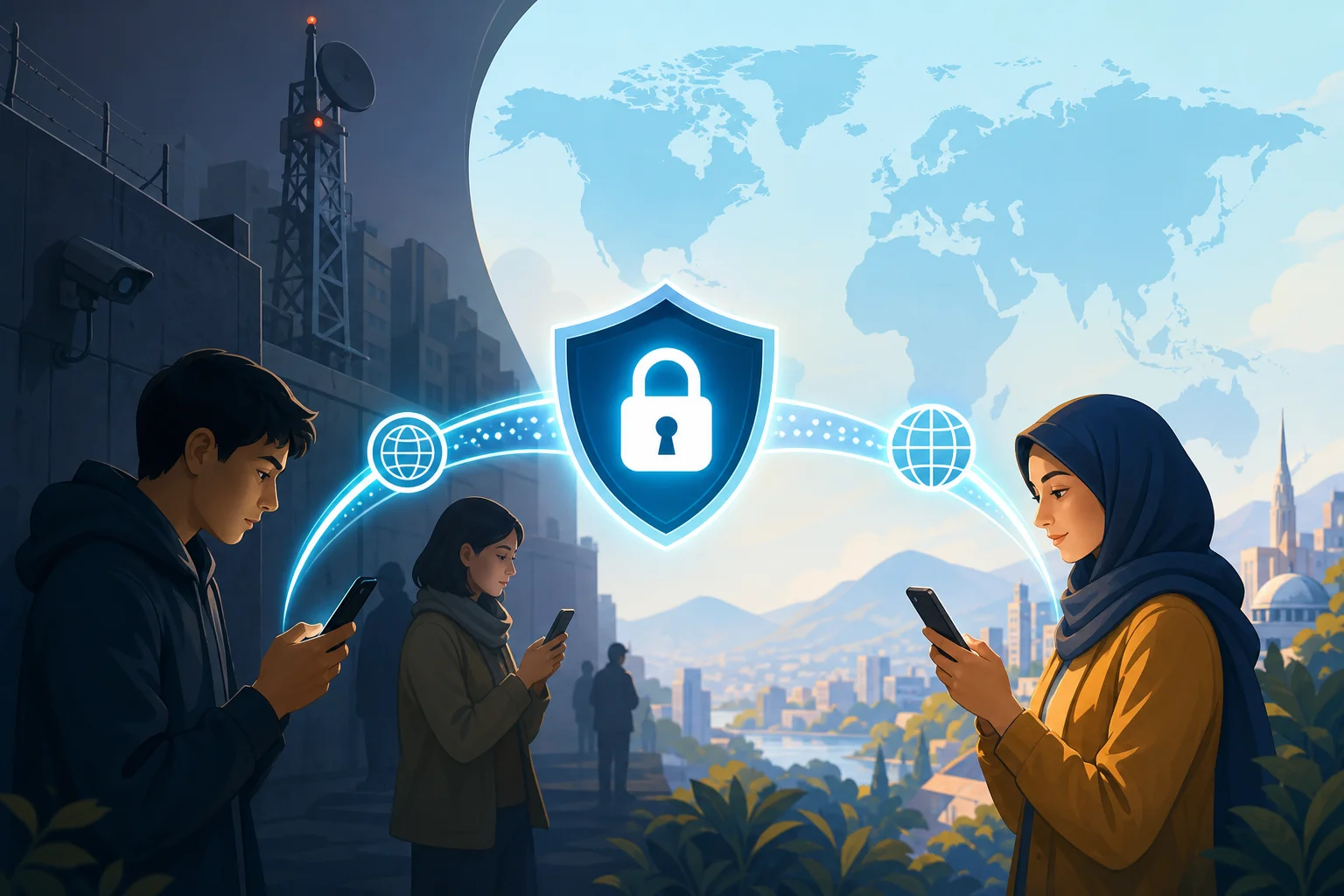
In public digital-rights discussions, users repeatedly emphasize three practical benefits of phone VPNs: quick access to blocked information, safer communication on untrusted networks, and continuity when desktop access is unavailable. The common theme is mobility. A VPN already installed on a phone can be activated within seconds, which matters during fast-changing censorship events.
7. Best Practices for Maximizing Your Free VPN Experience
A free VPN is most effective when paired with careful configuration. Mobile operating systems provide useful controls, but many users never enable them.
Configure Settings for Optimal Security on Mobile Devices
For Android:
- Open Settings and search for VPN.
- Select your VPN app.
- Enable Always-on VPN.
- Enable Block connections without VPN if available.
- Disable battery optimization for the VPN app if the tunnel drops in the background.
- Test DNS and IP leaks on Wi-Fi and cellular data.
- Keep a second VPN app installed as a fallback if local law and policy allow it.
For iPhone:
- Install the VPN app from a trusted source.
- Review the VPN profile before approving it.
- Enable the VPN from Settings or the app.
- Check whether the app supports automatic reconnect.
- Use Lockdown Mode only if your threat model justifies the usability trade-offs.
- Test connectivity after switching between Wi-Fi and cellular data.
For both platforms:
- Use secure DNS only if it does not conflict with the VPN’s DNS leak protection.
- Disable unnecessary background sync on untrusted networks.
- Avoid logging into sensitive accounts while testing unknown VPN providers.
- Use HTTPS-only mode in the browser.
- Keep secure messaging apps updated.
Regularly Update VPN Apps to Ensure They’re Secure
VPN apps handle privileged network traffic. Outdated clients can contain exploitable bugs or broken certificate validation. Update the app, operating system, and browser regularly. If app stores are blocked in your region, learn the provider’s official update channel before a crisis. Avoid random APK mirrors unless you can verify signatures and hashes.
Understand When to Switch From Free to Paid VPN Services
A free VPN can be enough for emergency access, messaging, and light browsing. Consider a paid VPN or self-hosted solution when you need:
- Consistent high-speed streaming or large downloads.
- More server locations.
- Better obfuscation or stealth modes.
- Multi-hop routing.
- Reliable support.
- Router-level protection.
- Lower congestion during peak censorship events.
However, paid does not automatically mean safer. Evaluate paid providers with the same scrutiny: logging, audits, ownership, protocols, leak protection, and censorship performance.
Quick FAQ: Free VPNs for Phones in Censored Regions
What is the safest free VPN for Android or iPhone?
The safest option depends on your country, threat model, and required features. Prefer reputable providers with clear no-logs policies, modern protocols, DNS leak protection, and minimal app permissions.
Can a free VPN bypass government censorship?
Sometimes. Free VPNs can bypass DNS blocks, IP blocks, and some app restrictions. They may fail against advanced deep packet inspection or active VPN blocking unless they support obfuscation or alternative transports.
Should I leave my phone VPN on all the time?
If your VPN is reliable and trustworthy, always-on mode can reduce accidental leaks. If the free VPN is slow or untrusted, use it selectively and avoid sensitive logins until you verify its behavior.
Is WireGuard better than OpenVPN on mobile?
WireGuard is usually faster and more battery-efficient. OpenVPN may offer more flexibility on restrictive networks, especially when using TCP 443. The best choice depends on what the local network blocks.
Can my mobile carrier see what I do when I use a VPN?
Your carrier can see that you are connecting to a VPN server, plus metadata such as timing and data volume. It should not see the contents of encrypted VPN traffic or the final websites you visit through the tunnel.
Conclusion: Use Free Mobile VPNs Strategically, Not Blindly
A free VPN for your phone can be an essential censorship-circumvention tool, but it works best when you understand its limits. Choose providers with transparent policies, strong protocols, leak protection, and reliable mobile behavior. Test before you need it. Keep backups ready. Most importantly, match the tool to your threat model instead of assuming one app solves every privacy problem.
By using BeFreeVPN, you gain access to a free, no-registration VPN service that works seamlessly on your phone, offering you the freedom to browse the internet safely and privately.