Understanding VPN without subscription for phone: a technical deep dive
In regions where censorship is prevalent, accessing the internet freely and securely with a VPN without subscription on your phone is both a necessity and a technical challenge. This deep dive explains how no-subscription mobile VPNs work, which protocols matter, how to configure Android and iOS safely, and what trade-offs advanced users should evaluate before relying on a free, registration-free, or pay-as-you-go VPN model.
A “VPN without subscription for phone” can mean several things: a free VPN app, a registration-free service, a self-hosted tunnel, a limited trial, or a one-time configuration using open-source clients. The right choice depends on your threat model, region, device controls, network conditions, and tolerance for performance limits.
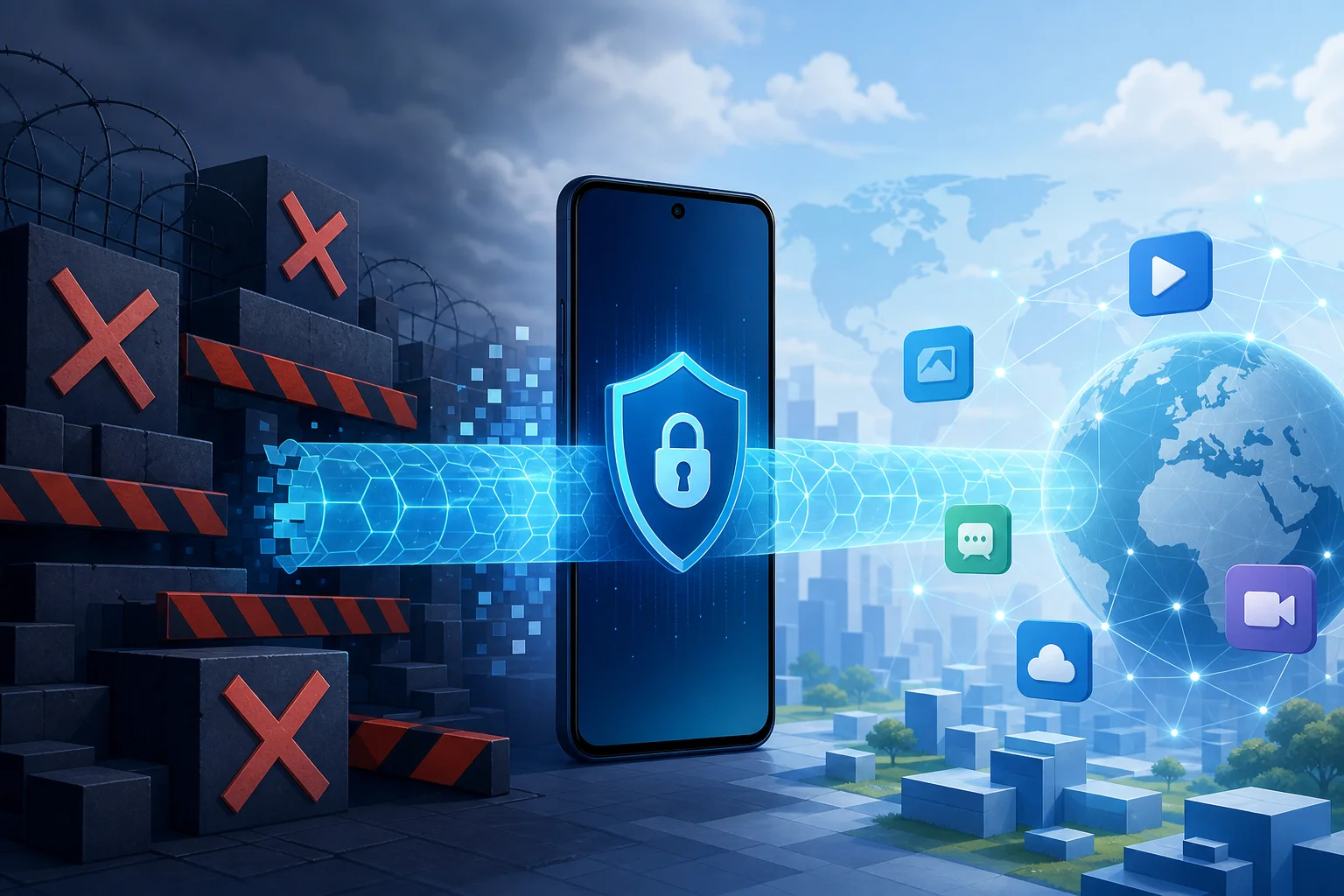
1. The Need for VPN Without Subscription on Phones
Mobile devices are often the primary internet gateway in restrictive environments. Phones move between cellular networks, public Wi-Fi, workplace access points, and captive portals. Each network can impose different filtering, blocking, and inspection rules. As a result, a VPN on a phone is not just a convenience. It can be a core part of secure connectivity.
Challenges of internet censorship in specific regions
Censorship and network control vary by country, operator, and even city. Common mechanisms include:
- DNS tampering: A resolver returns incorrect or empty responses for blocked domains.
- IP blocking: Traffic to known service addresses is dropped or reset.
- SNI filtering: The hostname visible during older TLS handshakes is inspected.
- Deep packet inspection: Traffic patterns are classified to detect VPN protocols.
- App-store restrictions: VPN apps may be removed, hidden, or region-limited.
- Throttling: Encrypted tunnels may work but become too slow for practical use.
Phones are especially exposed because users often cannot control the upstream network. A no-subscription VPN can help when users need fast deployment, minimal identity disclosure, or temporary secure access during travel.
Importance of mobile security without long-term commitments
A subscription VPN may not be practical for every user. Payment rails can reveal identity. Recurring billing may be unavailable. App-store accounts may be region-locked. Some users also need a VPN only for short periods, such as crossing borders, joining public Wi-Fi, or accessing critical communication tools.
A VPN without a subscription reduces commitment. However, it does not automatically improve privacy. Advanced users should examine the operating model: Who runs the servers? Is registration required? Is traffic logged? Is the app open source? How are keys generated? What happens when the free tier is congested?
Use cases for VPNs without subscriptions
Typical use cases include:
- Temporary encrypted access on hotel, airport, or campus Wi-Fi.
- Access to blocked messaging, news, or developer resources.
- Avoiding local DNS manipulation on mobile networks.
- Testing connectivity from different regions.
- Separating routine browsing from high-risk accounts.
- Using a self-hosted VPN endpoint without paying for a consumer VPN plan.
The key is to match the VPN model to the risk. A free app may be enough for basic Wi-Fi protection. A self-hosted WireGuard server may be better for predictable performance. A registration-free VPN may be useful when minimizing sign-up data is the priority.
2. How VPNs Without Subscription Work
A VPN creates an encrypted tunnel between your phone and a remote server. Your phone routes selected traffic into that tunnel. The remote server then forwards it to the destination. Websites and apps usually see the VPN server’s IP address, while the local network sees encrypted traffic to the VPN endpoint.
Mechanisms of non-registration VPNs
No-subscription mobile VPNs commonly use one of four models:
- Free shared service: The provider offers access without payment, often with speed, data, location, or device limits.
- Registration-free access: The app connects without an account. Session tokens, device keys, or anonymous credentials may be used in the background.
- Self-hosted VPN: You run your own server on a VPS, home router, or cloud instance and connect with a standard client.
- One-time or pay-as-you-go access: You avoid recurring subscription terms but may still pay for bandwidth, server time, or a temporary access code.
Non-registration does not mean “no state.” The service still needs to manage routing, abuse prevention, server capacity, and cryptographic sessions. The important question is whether any persistent identifier can be linked to your real identity.
Limiting features versus fully paid VPN options
A VPN without subscription often has constraints. These are not always bad. Limits can prevent abuse and keep the service available. Still, advanced users should understand them.
| Feature | No-subscription VPN | Fully paid VPN |
|---|---|---|
| Account requirement | Often none or minimal | Usually required |
| Payment metadata | None if free | Usually present |
| Server locations | Limited | Broader selection |
| Bandwidth | May be capped or deprioritized | Usually higher |
| Obfuscation | Varies widely | More likely on premium plans |
| Support | Community or basic | Dedicated support |
| Audit visibility | Depends on provider | Depends on provider |
A paid VPN is not automatically safer. A free VPN is not automatically unsafe. The design, jurisdiction, logging policy, app security, and operational transparency matter more than price alone.
Security implications and trade-offs
The main trade-off is trust. A VPN hides traffic contents from local networks, but the VPN operator can observe metadata and, for non-HTTPS traffic, potentially content. Today most web traffic is HTTPS, but metadata such as connection times, server IPs, and volume can still be sensitive.
Evaluate these factors:
- Logging policy: Does the provider explain what is collected and why?
- DNS handling: Are DNS queries sent through the tunnel?
- Kill switch support: Does traffic leak if the tunnel drops?
- IPv6 behavior: Is IPv6 tunneled or blocked to prevent leaks?
- App permissions: Does the app request more access than needed?
- Protocol choice: Is the tunnel based on modern, reviewed cryptography?
A no-subscription VPN is useful only if it improves your specific security posture. If the app injects ads, installs root certificates, or requires invasive permissions, it may add risk instead of reducing it.
3. Technical Protocols for Mobile VPNs
Protocol choice strongly affects censorship resistance, battery use, roaming stability, and speed. Android and iOS support several VPN frameworks, but app behavior varies.

Overview of protocols: OpenVPN, WireGuard, and IKEv2
OpenVPN is a mature VPN protocol that can run over UDP or TCP. It is flexible and widely supported. It can use TCP 443 to resemble ordinary TLS traffic, though deep inspection may still identify it.
WireGuard is a modern protocol with a small codebase and strong performance. It uses UDP and relies on static public keys. It is efficient on phones, usually reconnects quickly, and is popular for self-hosted setups.
IKEv2/IPsec is integrated into many mobile operating systems. It is strong for roaming because it handles network changes well, such as switching from Wi-Fi to cellular. However, it may be easier to block in some restrictive networks because it uses recognizable ports and patterns.
Selecting the right protocol for your needs
Choose based on the network problem you face:
- For speed and battery efficiency: WireGuard is often the best default.
- For unstable mobile networks: IKEv2 can be reliable during network transitions.
- For restrictive firewalls: OpenVPN over TCP 443 or obfuscated variants may work better.
- For self-hosting: WireGuard is simple, fast, and easy to audit.
- For compatibility with legacy infrastructure: OpenVPN remains widely available.
If censorship resistance is a priority, protocol camouflage may matter more than raw speed. A fast tunnel that is blocked is not useful.
Pros and cons of each protocol
| Protocol | Pros | Cons | Best fit |
|---|---|---|---|
| OpenVPN | Mature, configurable, TCP/UDP support | Heavier, can be slower, fingerprintable | Compatibility and restrictive networks |
| WireGuard | Fast, lean, battery-friendly | UDP-only, static keys require care | Mobile performance and self-hosting |
| IKEv2/IPsec | Good roaming, native support | Recognizable traffic, configuration complexity | Frequent Wi-Fi/cellular switching |
For advanced users, the best setup may include fallback profiles. For example, use WireGuard normally, then switch to OpenVPN TCP 443 if UDP is blocked.
4. Implementing a No-Subscription VPN on Your Device
Before installing any VPN without subscription on a phone, decide which model you want: registration-free app, imported configuration, or self-hosted tunnel. Then verify that the provider or server supports your operating system version.
Step-by-step guide for Android
- Define your threat model. Decide whether you need basic Wi-Fi encryption, censorship circumvention, anonymity from websites, or protection from local network monitoring.
- Choose the VPN model. Use a trusted registration-free VPN app, a WireGuard/OpenVPN configuration, or your own server.
- Install from a trusted source. Prefer official app stores or verified project repositories. Avoid modified APKs from unknown sources.
- Review permissions. A VPN app needs VPN profile access. It should not need contacts, SMS, microphone, or accessibility permissions for normal tunneling.
- Import or generate configuration. For WireGuard, import a configuration file or QR code. For OpenVPN, import an
.ovpnfile and certificates if required. - Enable always-on VPN. On Android, use system VPN settings to keep the tunnel active.
- Enable block connections without VPN. This acts as a kill switch on supported Android versions.
- Test DNS and IP leaks. Confirm that DNS queries and IPv6 traffic use the tunnel or are blocked.
- Create a fallback profile. Keep a second protocol or server ready for networks that block your default setup.
Step-by-step guide for iOS
- Choose a reputable app or protocol client. iOS supports VPN apps through system frameworks. WireGuard, OpenVPN clients, and IKEv2 profiles are common options.
- Install only from trusted channels. Use the App Store when possible. If using configuration profiles, verify their source.
- Add the VPN profile. Approve the iOS VPN permission prompt. This allows the app or profile to create a tunnel.
- Import configuration. Add WireGuard keys, OpenVPN profiles, or IKEv2 settings as required.
- Configure on-demand rules. Use “connect on demand” for untrusted Wi-Fi or all networks, depending on your risk model.
- Check DNS behavior. Ensure DNS is routed through the VPN provider or a trusted encrypted resolver.
- Test after network changes. Move between Wi-Fi and cellular to verify that the tunnel reconnects cleanly.
- Keep backup access. Store a second server profile or protocol option in case the primary endpoint is blocked.
Technical requirements and compatibility
A working mobile VPN setup needs:
- A supported Android or iOS version.
- A VPN client compatible with the selected protocol.
- Correct server address, port, keys, and certificates.
- System time synchronization for certificate validation.
- Network access to the VPN endpoint.
- DNS settings that do not leak outside the tunnel.
Self-hosted users also need server hardening. Disable password SSH login, patch the operating system, restrict firewall rules, and monitor resource usage. If the server IP becomes blocked, you may need to rotate endpoints or add obfuscation.
Troubleshooting common setup issues
- Connection fails immediately: Check keys, credentials, server address, port, and device time.
- Connects but no internet: Verify routing, allowed IPs, NAT, and DNS.
- Works on Wi-Fi but not cellular: UDP may be restricted. Try TCP-based OpenVPN or another port.
- Battery drains quickly: Reduce keepalive frequency where safe, use WireGuard, or disable unnecessary reconnect loops.
- Some apps bypass the VPN: Check split tunneling settings and per-app VPN rules.
- IPv6 leak detected: Tunnel IPv6 or disable it at the VPN profile level if supported.
5. Overcoming Censorship: Strategies and Tools
Bypassing regional restrictions is not only about installing a VPN. Restrictive networks often adapt. Therefore, resilient access requires layered planning and multiple transport options.
Methods to bypass regional internet restrictions
Common strategies include:
- Protocol fallback: Maintain WireGuard, OpenVPN, and IKEv2 options.
- Port selection: TCP 443 may pass where unusual ports are blocked.
- Obfuscation: Some tools wrap VPN traffic to reduce protocol fingerprints.
- Domain fronting alternatives: Where available and lawful, some systems route through large content networks, though support has declined.
- Bridge or relay systems: Privacy networks may use bridge nodes that are harder to enumerate.
- Endpoint rotation: Changing servers can help when individual IPs are blocked.
No method is universal. A network may allow one protocol today and block it tomorrow. Keep configurations updated before entering a restrictive environment.
Anonymity and encryption tools
A VPN encrypts traffic between the phone and VPN server. It does not make you fully anonymous. For stronger privacy, combine it with:
- HTTPS-only browsing to protect content beyond the VPN endpoint.
- Encrypted DNS if compatible with your VPN configuration.
- Private browser profiles to reduce cookie-based tracking.
- Secure messaging apps with end-to-end encryption.
- Tor Browser or onion services where appropriate and legally permitted.
Be careful with stacking tools. VPN-over-Tor, Tor-over-VPN, proxies, and private DNS each change the trust model. More layers can improve compartmentalization, but they can also create leaks or performance failures if configured poorly.
Combining VPN with other privacy tools
For mobile users in restrictive regions, a practical layered setup might look like this:
- A no-subscription VPN for baseline encrypted transport.
- A kill switch to prevent accidental cleartext traffic.
- A browser with tracker protection and separate profiles.
- Encrypted messaging for sensitive communication.
- Regular configuration backups stored securely.
This approach avoids dependence on a single control. If the VPN drops, the kill switch helps. If DNS is manipulated, tunneled DNS helps. If a website tracks cookies, browser isolation helps.
6. Common Misconceptions About VPNs Without Subscription
No-subscription VPNs are often misunderstood. Some users assume they are unsafe because they are free. Others assume they are private because they do not require sign-up. Both views are incomplete.
Are free VPNs always less secure than paid VPNs?
No. Security depends on engineering and governance, not only pricing. A free or registration-free VPN can use strong encryption and sound practices. A paid VPN can still log excessive data or ship a weak app. Examine permissions, protocol support, privacy policy, independent audits if available, and leak behavior.
Does “no registration” mean anonymous?
Not by itself. No registration reduces the amount of account data you provide. However, your IP address, device metadata, connection timestamps, and traffic volume may still be visible to the provider. For stronger anonymity, reduce account correlation, use privacy-preserving browsers, and avoid logging into identifying services during sensitive sessions.
Can a VPN bypass every block?
No. Some networks block known VPN IPs, throttle encrypted tunnels, or use deep packet inspection. A VPN without subscription for phone can be effective, but reliability depends on protocol choice, server reputation, obfuscation, and local network policy.
Is a self-hosted VPN always better?
Not always. Self-hosting gives control over keys and server policy, but it also creates a fixed endpoint tied to your infrastructure. If you log into personal cloud accounts to rent the server, the server may be linkable to you. It can also be blocked more easily if it has a single IP.
Understanding data privacy and logging policies
Read logging policies with precision. Look for specific statements about:
- Source IP retention.
- DNS query logging.
- Connection timestamps.
- Bandwidth counters.
- Crash analytics.
- Third-party SDKs.
- Law enforcement response process.
Vague claims such as “military-grade encryption” do not answer these questions. Encryption protects the tunnel. Logging policy defines what the provider may know after the tunnel is established.
Evaluating the effectiveness of no-subscription VPNs
Test effectiveness under real conditions. Check connection stability, leak resistance, DNS behavior, latency, and access to required services. Also test failure modes. A VPN that works only when conditions are perfect may fail when you need it most.
7. Ensuring Maximum Security on Mobile
A VPN is one component of mobile security. Phones contain sensitive accounts, biometrics, location history, messages, and app tokens. If the device itself is compromised, a VPN cannot fix that.
Best practices for maintaining mobile VPN security
Use these controls as a baseline:
- Enable a strong device passcode.
- Keep biometric unlock paired with a strong fallback password.
- Turn on full-device encryption, which is enabled by default on modern Android and iOS devices.
- Use always-on VPN and kill switch features where available.
- Disable split tunneling unless you need it.
- Remove unused VPN profiles and certificates.
- Avoid installing root certificates unless you fully trust the issuer and understand the impact.
- Use separate browser profiles for sensitive activity.
- Avoid logging into personal accounts during high-risk sessions.
- Back up VPN configurations securely, not in public folders or unencrypted notes.
Regular updates and patches
Keep the operating system, VPN app, browser, and security-critical apps updated. Protocol implementations can have bugs. Mobile OS VPN frameworks also change over time. Updates may improve leak protection, roaming behavior, and compatibility with new network restrictions.
For self-hosted VPNs, patch the server too. Rotate keys if a device is lost. Review firewall rules after server updates. Remove old users and profiles. A forgotten VPN account is a long-lived access path into your infrastructure.
Leveraging BeFreeVPN for secure, registration-free access
For users who need a VPN without subscription for phone, BeFreeVPN is designed around quick access without registration on Android and iOS. That model is useful when you want to reduce sign-up friction, avoid long-term commitments, and get encrypted mobile connectivity quickly.
As with any VPN, configure your phone carefully. Enable system-level VPN protections, test for leaks, and keep a fallback plan for restrictive networks. If you operate in a high-risk environment, combine the VPN with secure messaging, browser isolation, and disciplined account separation.
In short, a no-subscription VPN can be a practical and technically sound option when you understand its limits. Choose the right protocol, verify the provider’s privacy posture, harden your phone, and test before relying on it. Stay secure and bypass restrictions with BeFreeVPN, offering free access without the hassle of registration on both Android and iOS.