Unlock fast streaming on your smart TV with the right VPN
Ever tried watching your favorite show on your smart TV only to be interrupted by buffering? If you are looking for a VPN for smart TV with fast connection, you probably want two things at once: smoother streaming and better privacy. The good news is that a VPN does not have to ruin your speed. When you choose a service built for quick, simple connections, such as BeFreeVPN, you can reduce common streaming frustrations while keeping your viewing more private.
This guide explains why smart TV streaming slows down, how a fast VPN can help, and how to set it up in a practical way.
The problem: buffering and slow streaming on smart TVs
Smart TVs make streaming feel effortless until the picture freezes, the loading wheel appears, or the video drops from HD to a blurry low resolution. It is frustrating because the issue often appears at the worst time: during a live event, a family movie night, or the final episode of a series.
Buffering usually means your smart TV is not receiving video data quickly or consistently enough. Even if your home internet plan looks fast on paper, streaming performance can still vary. Smart TVs depend on stable bandwidth, low latency, and a clean route between your device and the streaming service. When any part of that chain struggles, your viewing experience suffers.
Common signs include:
- Video pausing every few minutes to load.
- Long startup times before a show begins.
- Quality dropping from 4K to HD or SD.
- Apps freezing or failing to load content.
- Smooth playback on a phone, but poor playback on the TV.
That last point is especially confusing. Your smart TV may be farther from the router, connected through weaker Wi-Fi, or using an app that handles network issues less gracefully than your phone or laptop.
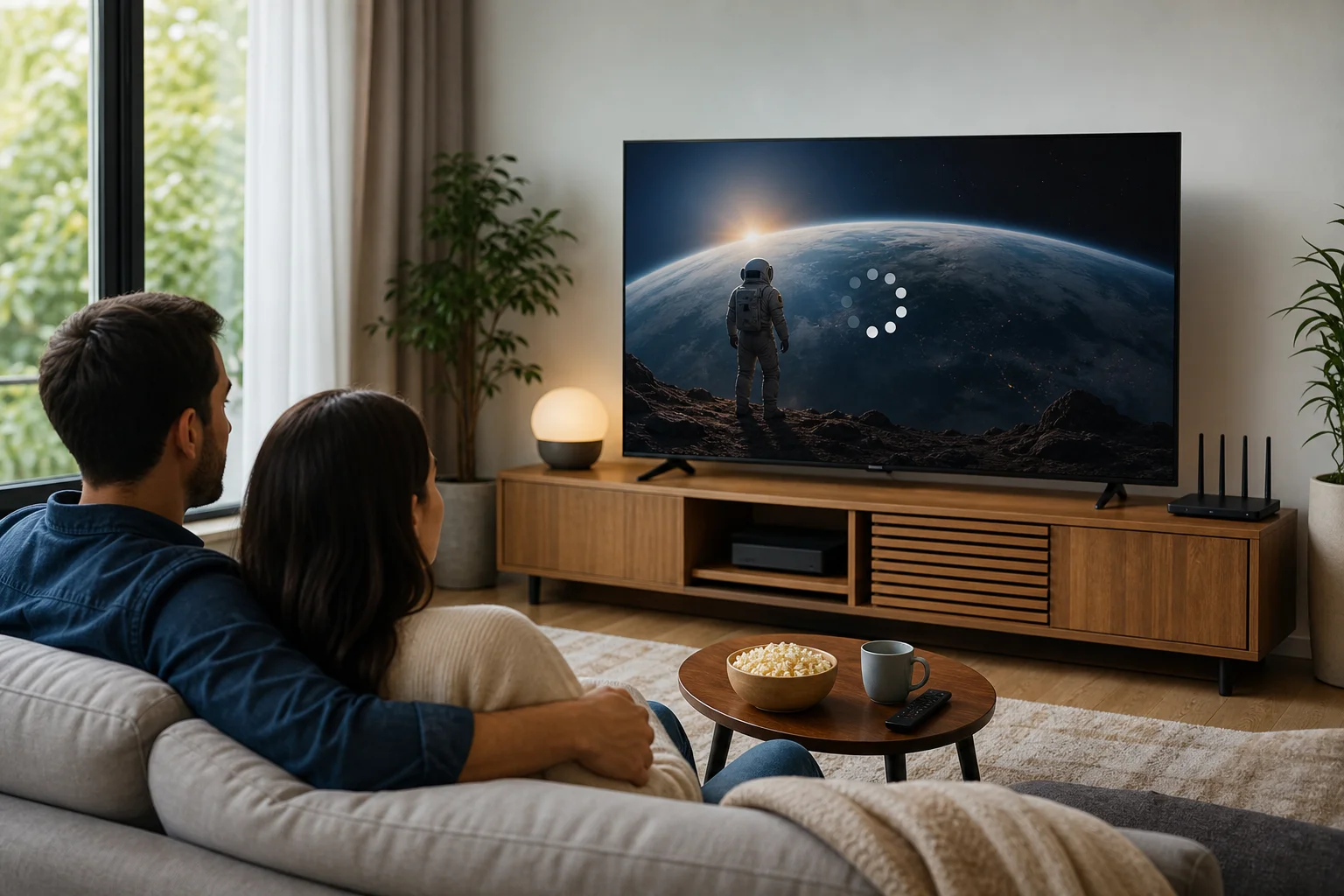
The result is the same: instead of relaxing, you start troubleshooting. A fast VPN for smart TV is one possible part of the solution, especially when slowdowns are linked to traffic shaping, congested routes, or privacy concerns.
Why it happens: the common causes of slow connections
Slow smart TV streaming can have more than one cause. Before blaming one app or one device, it helps to understand what may be happening behind the scenes.
ISP throttling during heavy streaming periods
Some internet service providers manage network traffic during peak hours. In some cases, high-bandwidth activities such as streaming can be deprioritized. This is often called ISP throttling or traffic shaping.
A VPN encrypts your traffic, which can make it harder for your provider to identify specific streaming activity. That does not mean a VPN magically increases your internet plan speed. However, if throttling is the reason your stream slows down, using a VPN may help your connection stay more consistent.
Standard internet routes are not always ideal for streaming
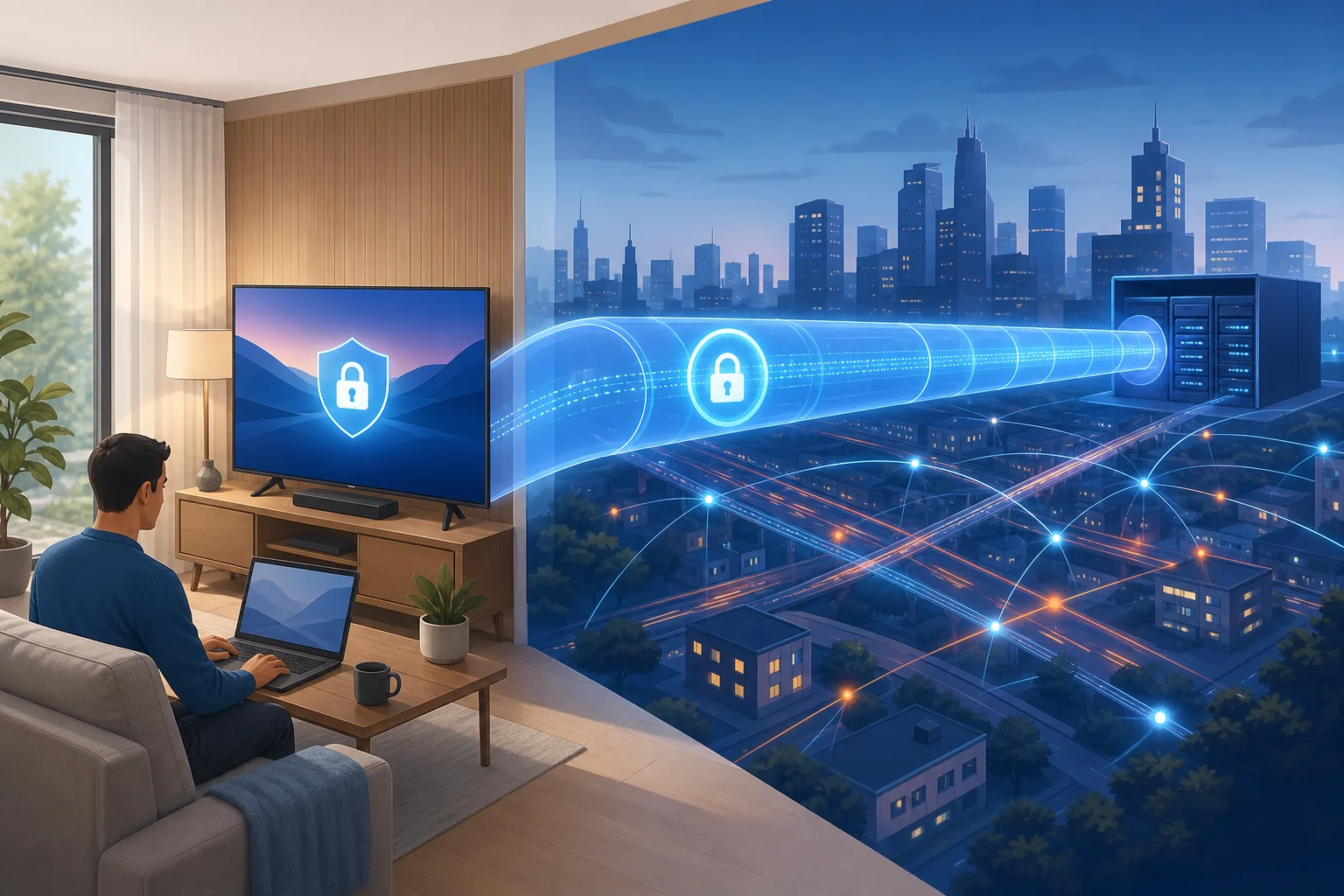
Your streaming data travels through several network points before it reaches your TV. Sometimes the route is congested or inefficient. This can lead to delays, unstable speeds, or sudden buffering.
A well-designed VPN can route your traffic through optimized servers. In some situations, that route may be more stable than your default path. The key is choosing a VPN that focuses on performance, not one overloaded with slow servers.
Smart TVs have limited connection tools
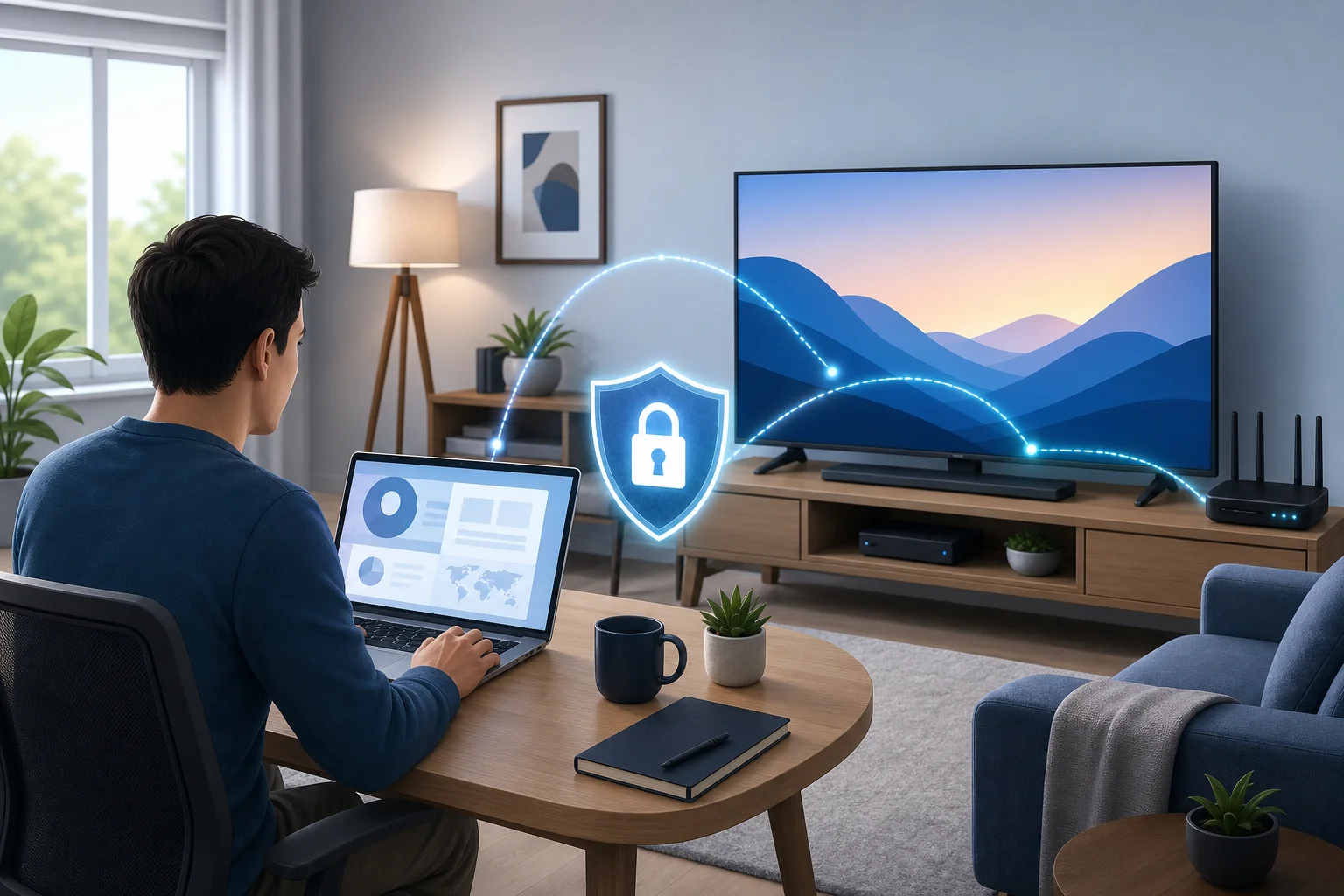
Phones and computers usually offer more network controls, better background updates, and more flexible VPN options. Smart TVs can be more limited. Some models support VPN apps directly, while others require setup through a router, mobile hotspot, or supported streaming device.
Also, smart TVs are often connected over Wi-Fi in living rooms, bedrooms, or basements. Walls, distance, and interference can weaken the signal. Even the best VPN cannot fix a poor Wi-Fi connection by itself, so basic network health still matters.
The solution: choosing a fast VPN for smart TV
The right VPN should help you stream with less friction, not add another complicated tool to manage. For most people, the best choice is a fast, lightweight VPN that is easy to start and does not require unnecessary steps.
Step-by-step setup for faster smart TV streaming
-
Select a VPN that prioritizes speed and streaming performance.
Look for fast connection times, stable servers, and simple controls. Avoid services that feel overloaded, confusing, or slow to connect. BeFreeVPN is designed around quick access and no-registration use, which helps if you want less setup and more watching. -
Check how your smart TV supports VPN use.
Some Android TV or Google TV models may support VPN apps directly. Other smart TVs, including many models from popular TV brands, may not allow direct VPN installation. If direct installation is unavailable, you can configure the VPN on your router if supported, or use a VPN-enabled device connected to the TV. -
Install the VPN directly or configure it through your router.
Direct installation is usually the easiest option when available. Router setup can protect all devices on your home network, including the TV, but it may require more technical steps. Always follow the VPN provider’s setup guidance and your router’s instructions. -
Choose a nearby VPN server for speed.
A closer server often means lower latency and better performance. If your goal is smooth playback, start with the nearest reliable location rather than choosing a faraway server. -
Test your stream and adjust if needed.
Open your streaming app and play a high-quality video. If buffering continues, try another VPN server, restart the TV app, or switch your TV from Wi-Fi to Ethernet if possible.
Direct app versus router setup
| Setup option | Best for | Main advantage | What to consider |
|---|---|---|---|
| VPN app on smart TV | Android TV, Google TV, compatible devices | Simple control on the TV | Not available on every smart TV |
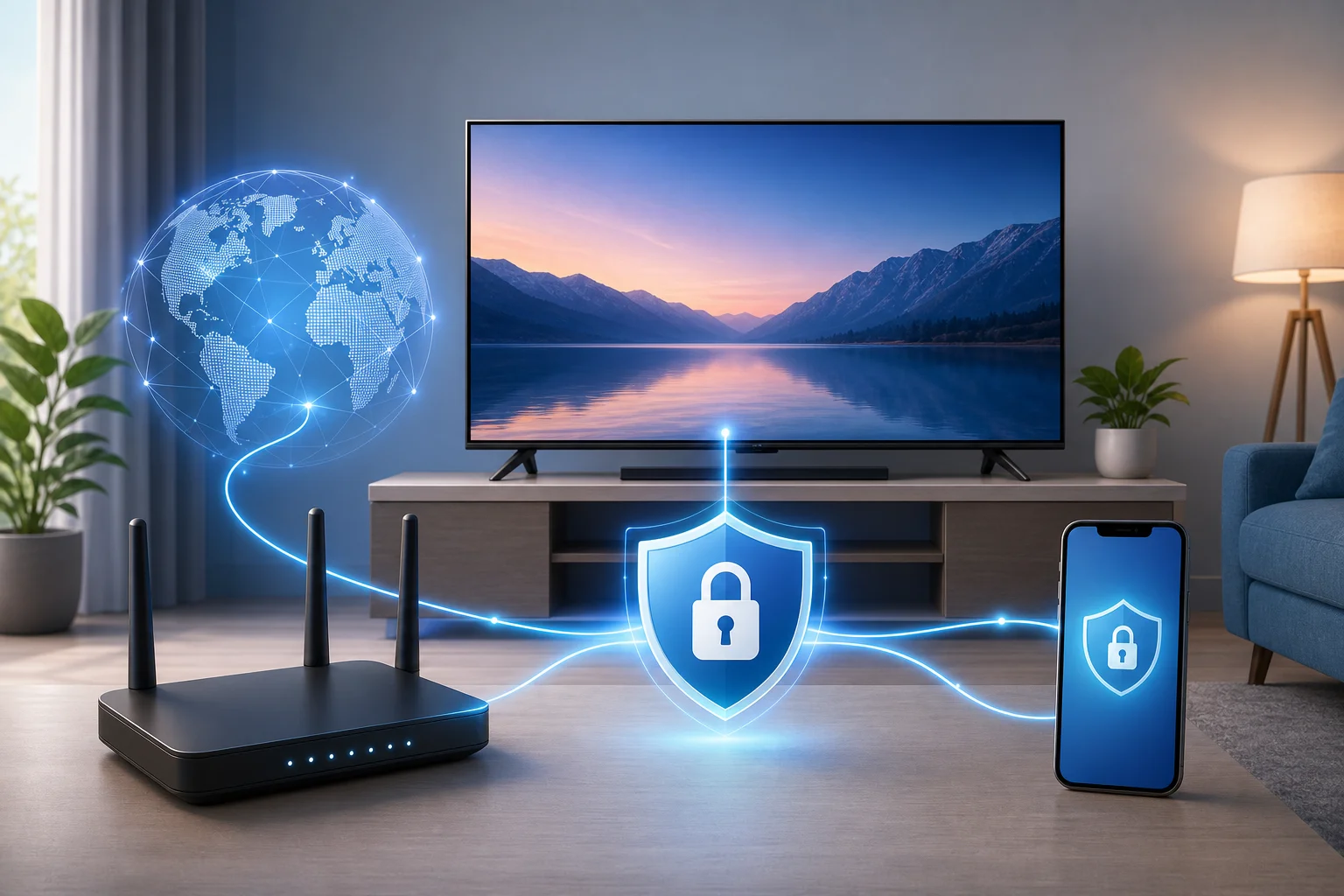
| VPN on router | Whole-home coverage | Protects the TV and other devices | Setup depends on router support |
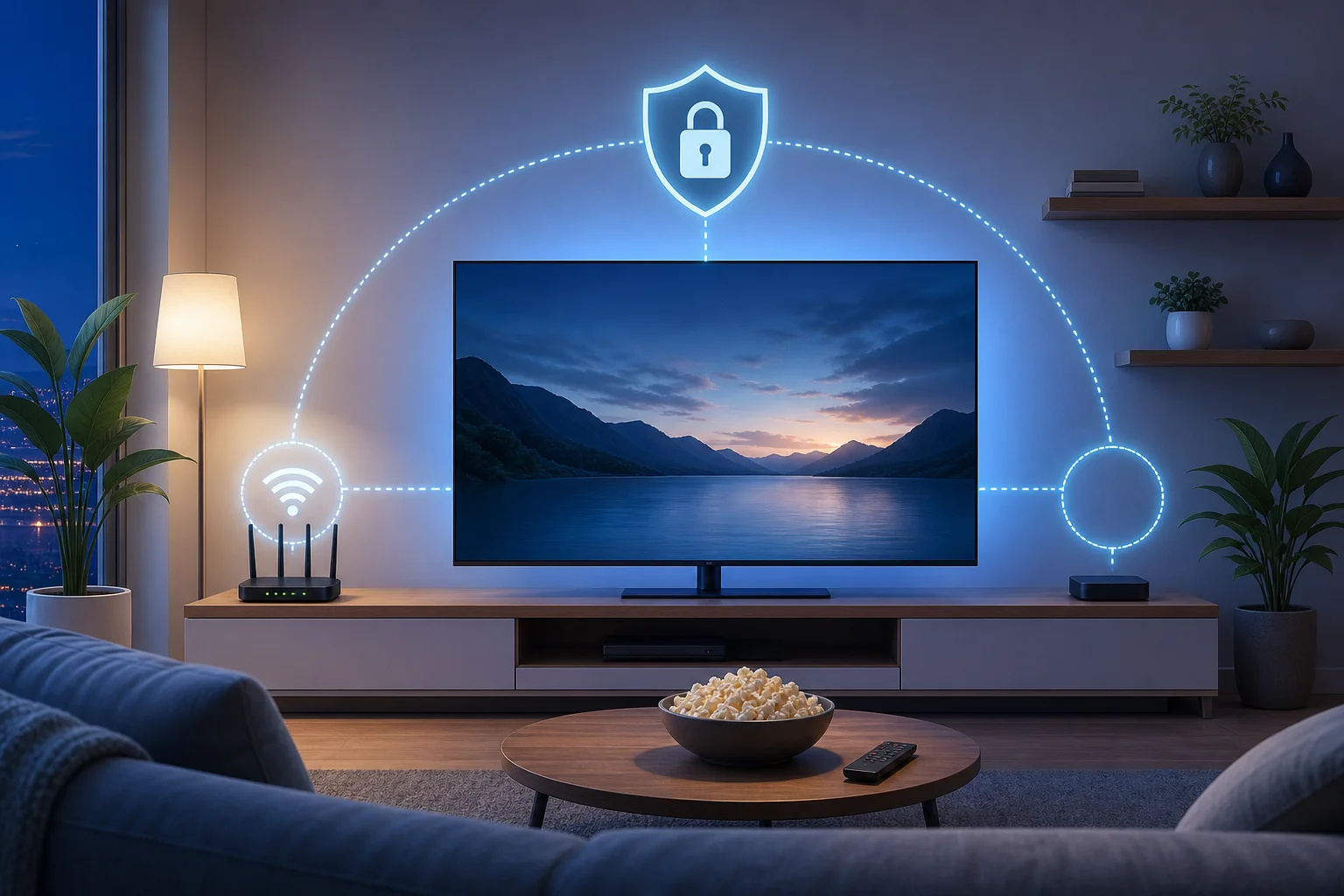
| VPN on streaming device | TVs without VPN app support | Easy workaround with supported hardware | Requires an extra device |
A VPN for smart TV with fast connection should be simple enough that you actually use it. If setup becomes too complex, it may sit unused. That is why a no-registration option like BeFreeVPN can be appealing for viewers who want speed without a long sign-up process.
Results and benefits: enjoy buffer-free streaming with BeFreeVPN
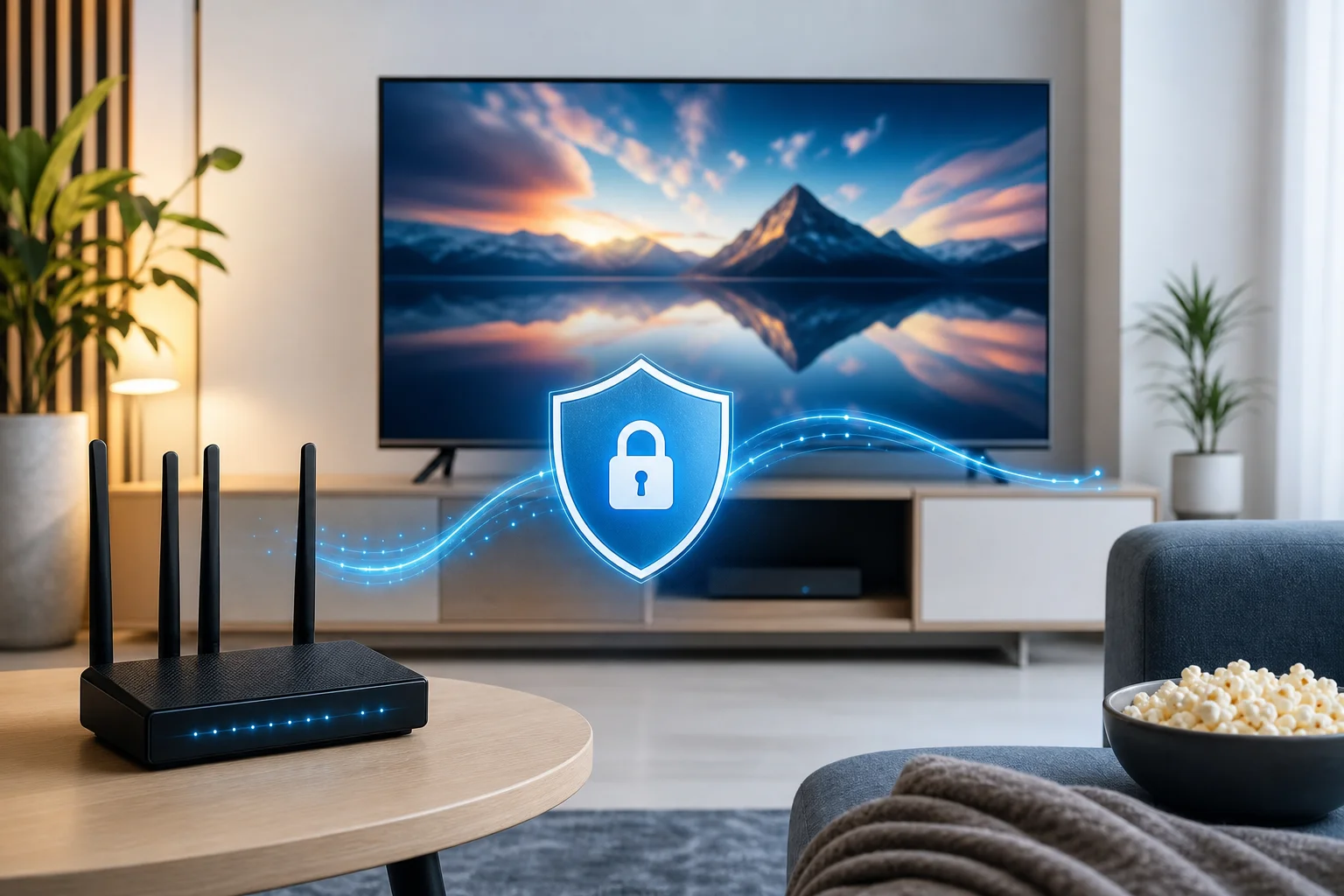
Once your VPN is set up correctly, streaming should feel less fragile. The goal is not to promise impossible speeds. Instead, it is to help your smart TV make a stable, private, and efficient connection.
With BeFreeVPN, the main benefits are practical:
- Smoother streaming sessions. A fast VPN connection can help reduce interruptions when slowdowns are related to throttling or poor routing.
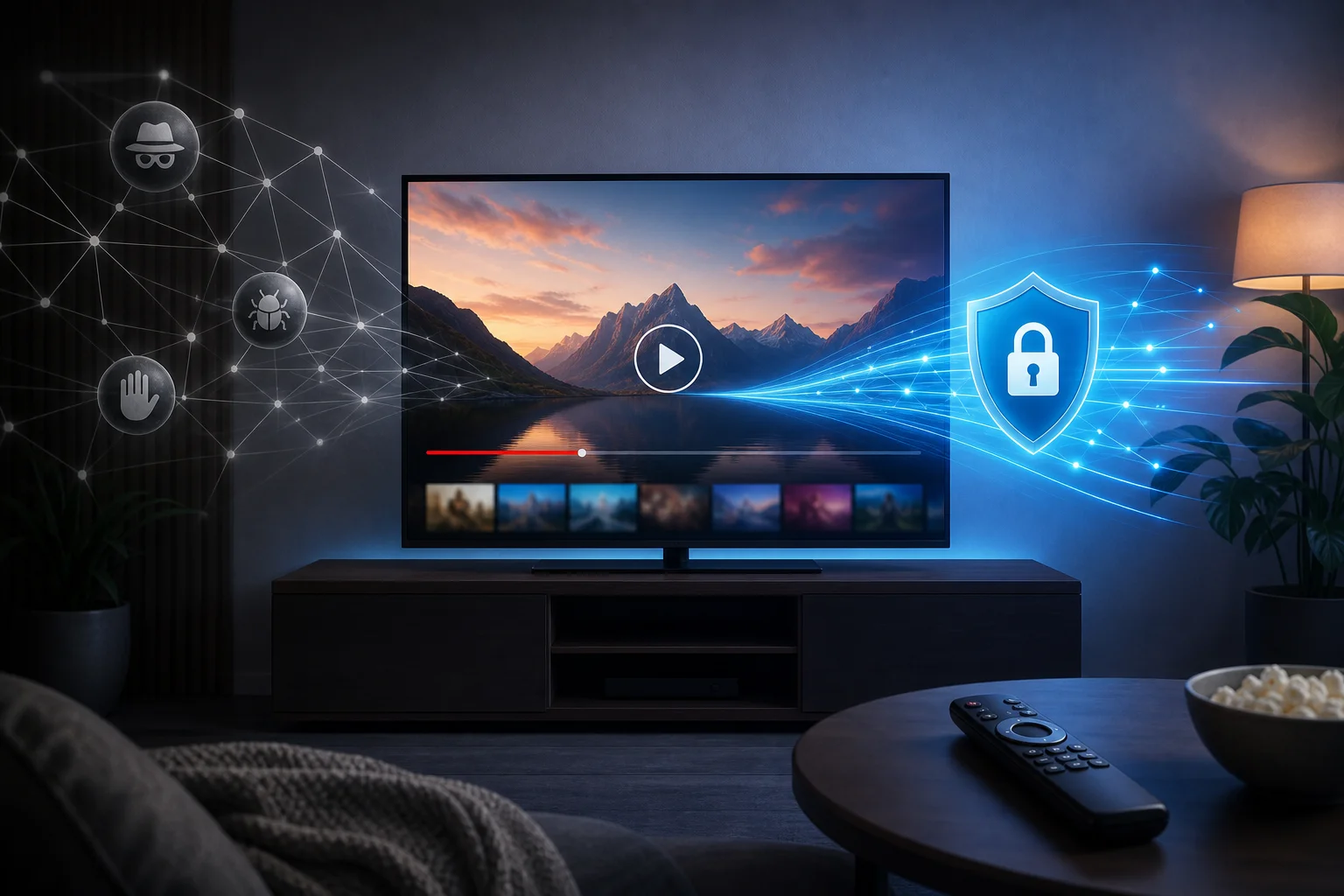
- Privacy while watching. Your internet traffic is encrypted, which helps keep your online activity more private from network observers.
- No-registration access. BeFreeVPN removes one of the common barriers to using a VPN: creating an account before you can connect.
- Performance-focused use. A lightweight VPN experience is useful on smart TVs, where convenience matters.
- More consistent speeds. When the VPN route is stable and your base internet connection is strong, you can stay closer to the performance your plan already provides.
For the best results, combine the VPN with good home network habits. Place your router in an open location, reduce interference, update your smart TV apps, and use Ethernet when possible. These small changes can make a big difference, especially for 4K streaming.
FAQ: using a VPN for smart TV streaming
Will a VPN slow down my smart TV?
A VPN can add some overhead because it encrypts your traffic. However, a fast VPN may still deliver smooth streaming, especially if your usual connection is affected by throttling or inefficient routing. The result depends on your internet plan, server choice, Wi-Fi quality, and VPN performance.
Can I install a VPN on any smart TV?
Not always. Some smart TVs support VPN apps directly, especially Android TV and Google TV models. Others may require router setup or a VPN-enabled streaming device. Check your TV’s app store and settings first.
What is the fastest VPN setup for a smart TV?
The fastest setup is often a direct VPN app on a compatible TV or streaming device, connected to a nearby server. If your TV does not support VPN apps, a properly configured router can be a strong alternative.
Does BeFreeVPN require registration?
BeFreeVPN offers a no-registration approach, which means you can start faster without a lengthy sign-up process. This is helpful when you want a quick VPN connection for smart TV streaming.
Can a VPN fix all buffering problems?
No. A VPN can help in specific cases, such as throttling or unstable routing. It cannot fix a weak Wi-Fi signal, an outdated TV app, a slow internet plan, or a streaming service outage. For best results, address both VPN setup and home network quality.
Final thoughts: make your smart TV streaming faster and more private
Buffering can make even the best smart TV feel disappointing. Fortunately, you do not have to accept constant interruptions as normal. By understanding the cause, improving your home connection, and choosing a fast VPN built for simple streaming, you can create a better viewing experience.
Ready to eliminate buffering on your smart TV? Try BeFreeVPN for a fast, no-registration solution that enhances your streaming experience today.