How BeFreeVPN transformed streaming on Samsung TV: a case study
Ever wondered how Alex finally accessed his favorite global shows on his Samsung TV? Discover the simple VPN trick that changed his streaming experience forever. This case study shows how a VPN for Samsung TV for streaming helped Alex reduce geo-blocking frustration, compare setup options, and use BeFreeVPN to make international streaming libraries easier to reach from his home in Germany.
Meet Alex: avid streamer and tech enthusiast
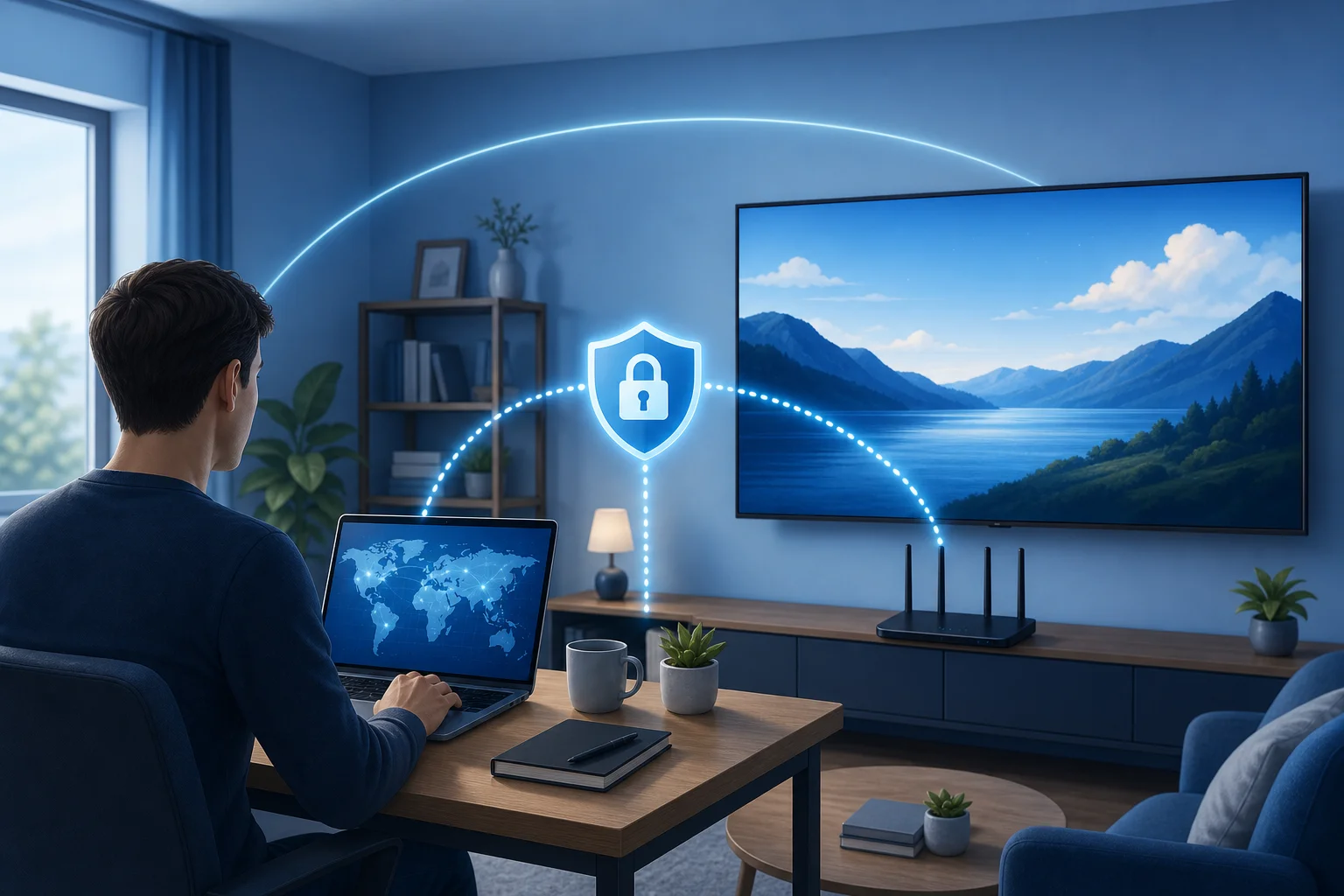
Alex lives in Germany, works in product support, and enjoys testing new gadgets after hours. His living room setup is simple but capable: a Samsung Smart TV, a fast fiber connection, a soundbar, and subscriptions to several major streaming services. On paper, he had everything he needed for relaxed movie nights.
In practice, his streaming choices often felt smaller than expected. Friends in the UK talked about shows he could not find. US-based podcasts recommended documentaries that did not appear in his local app catalog. Even when a title had the same name, the available seasons were sometimes different from region to region.
Alex understood why this happens. Streaming platforms license shows by country, and apps on a Samsung TV usually determine the available catalog based on location, account region, DNS information, IP address, and service rules. Still, knowing the reason did not make the experience less annoying.
What made the problem more frustrating was that Alex was not a beginner. He could configure a router, troubleshoot Wi-Fi, and compare network settings without feeling lost. Yet he wanted a clean solution, not a weekend project. His goal was clear: access UK and US streaming libraries more easily from Germany while keeping the Samsung TV experience as simple as using a normal app.
The streaming challenge: geo-restrictions on Samsung TV
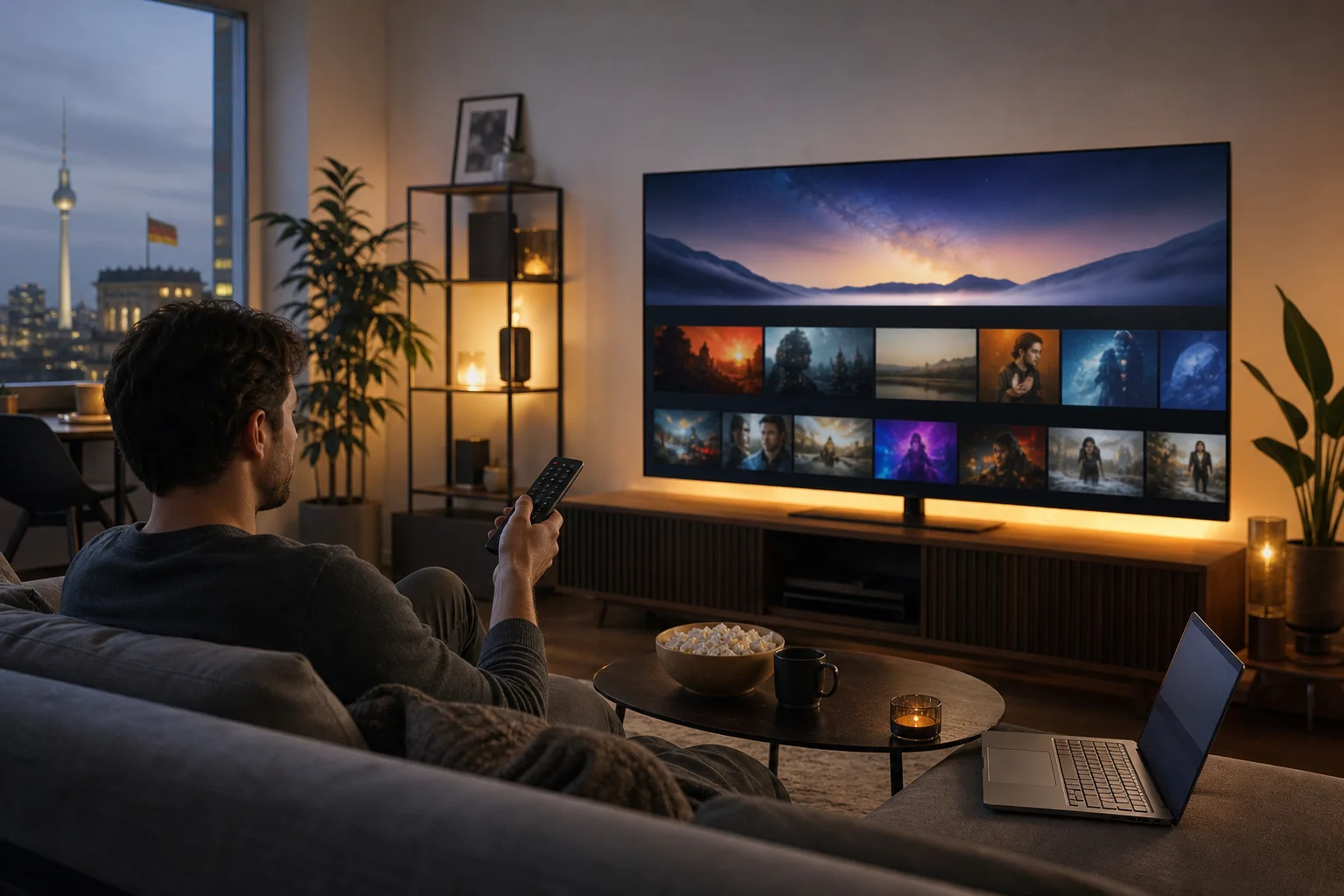
Geo-restricted content is one of the most common barriers for international streamers. A show may be available in one country but hidden in another because the platform only has distribution rights in certain markets. As a result, two people using the same streaming app may see different catalogs.
Samsung TVs add an extra challenge. Unlike phones or laptops, many Samsung Smart TVs do not support installing a standard VPN app directly from the TV app store. Samsung’s Tizen-based system is built for media apps, not always for advanced VPN clients. That means users often need a network-level workaround.
Before choosing BeFreeVPN, Alex tried several approaches:
- Searching the Samsung TV app store for a native VPN app, but finding no simple option.
- Casting from a laptop, which worked sometimes but felt clunky for everyday viewing.
- Changing app settings, which did not reliably change the streaming library.
- Testing DNS tweaks, which helped with some services but lacked the privacy and routing benefits of a VPN.
- Using a browser on another device, which defeated the point of watching comfortably on the big screen.
These workarounds were not useless, but they were inconsistent. Some required too many steps. Others broke when an app refreshed location data. Alex needed a smoother way to route his Samsung TV traffic through another region when he wanted to explore a different content library.
What Alex needed from a Samsung TV VPN setup
Alex made a short checklist before choosing a tool:
| Requirement | Why it mattered for streaming |
|---|---|
| Easy setup | He did not want a complex manual configuration every time he watched TV. |
| UK and US access options | These were the main libraries he wanted to explore from Germany. |
| No registration friction | He wanted to test quickly without a long sign-up process. |
| Multiple-device support | His phone, laptop, and TV setup all needed flexibility. |
| Stable performance | Streaming needs reliable speed and low interruptions. |
| Simple switching | He wanted to move between regions without rebuilding the setup. |
This checklist pushed him toward BeFreeVPN because it focused on quick access, easy use, and a no-registration experience.
Finding the solution: BeFreeVPN to the rescue
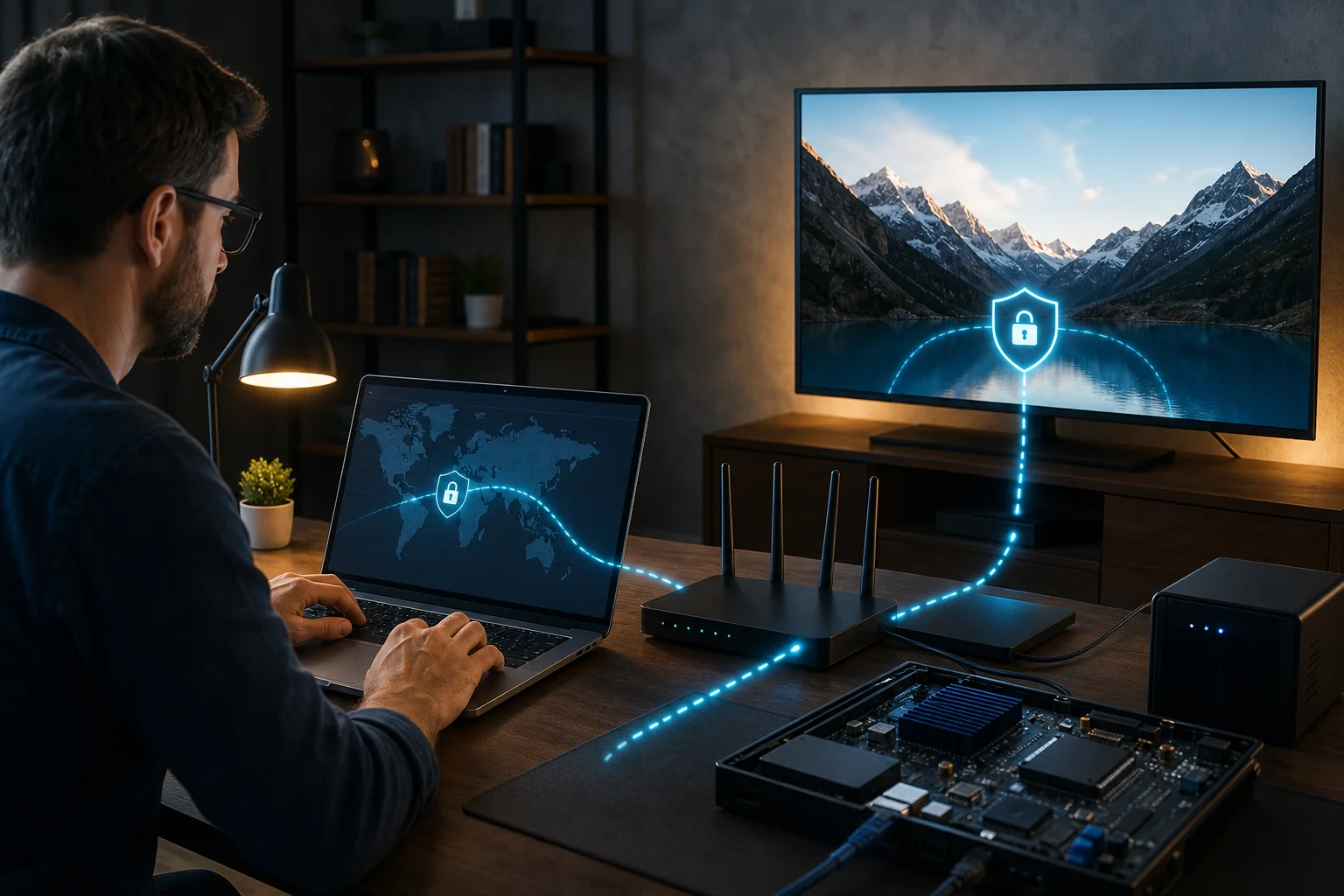
Alex discovered BeFreeVPN while looking for a practical VPN for Samsung TV streaming. The important detail was that he did not need a native Samsung TV VPN app to benefit from it. Instead, he could run BeFreeVPN through a supported device or network method and then connect the Samsung TV through that route.
Because Samsung TV models and router settings vary, Alex considered two realistic setup paths.
Step-by-step: how Alex set up BeFreeVPN for Samsung TV streaming
- He checked his Samsung TV network settings. Alex confirmed whether the TV was connected by Wi-Fi or Ethernet and noted the current network name.
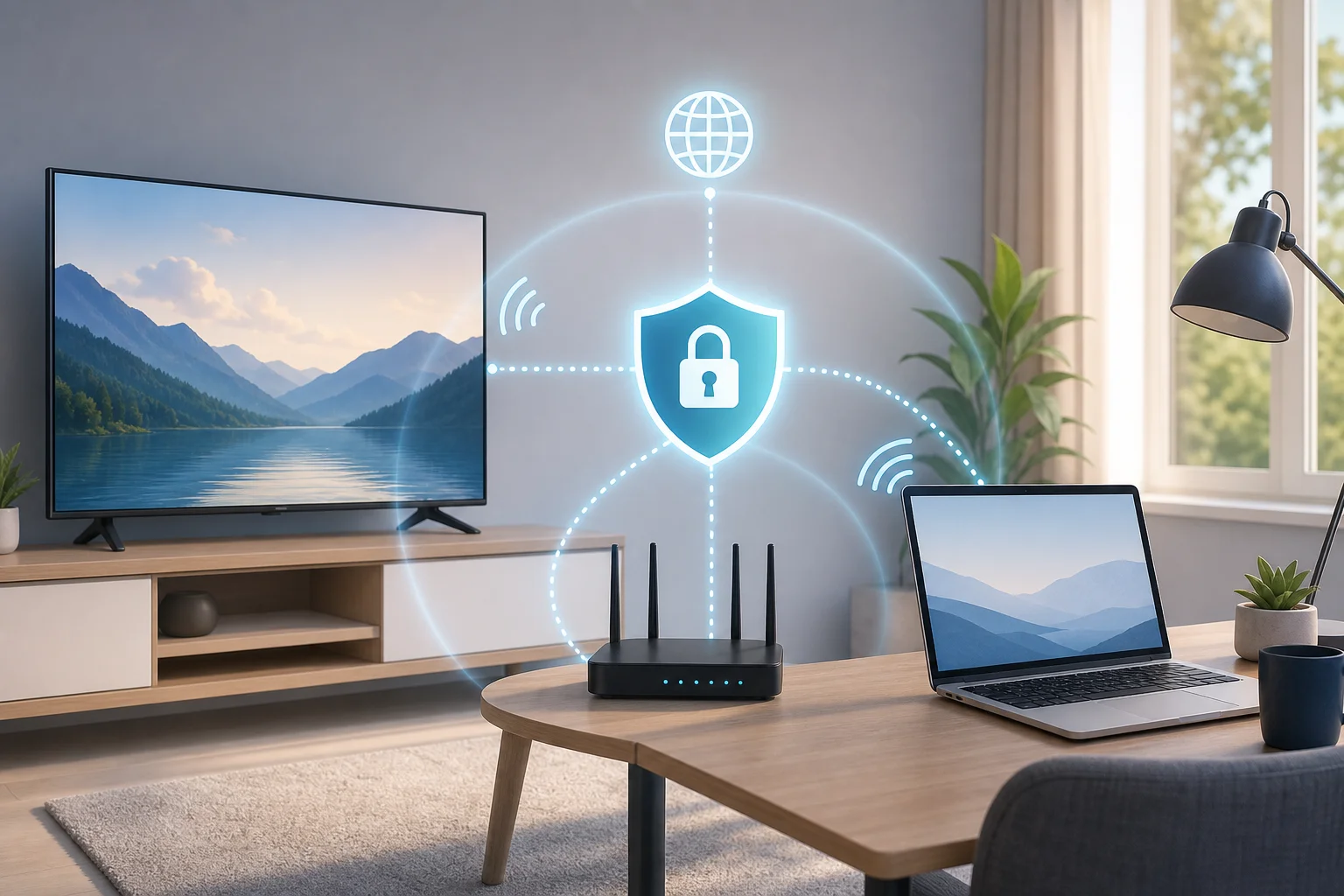
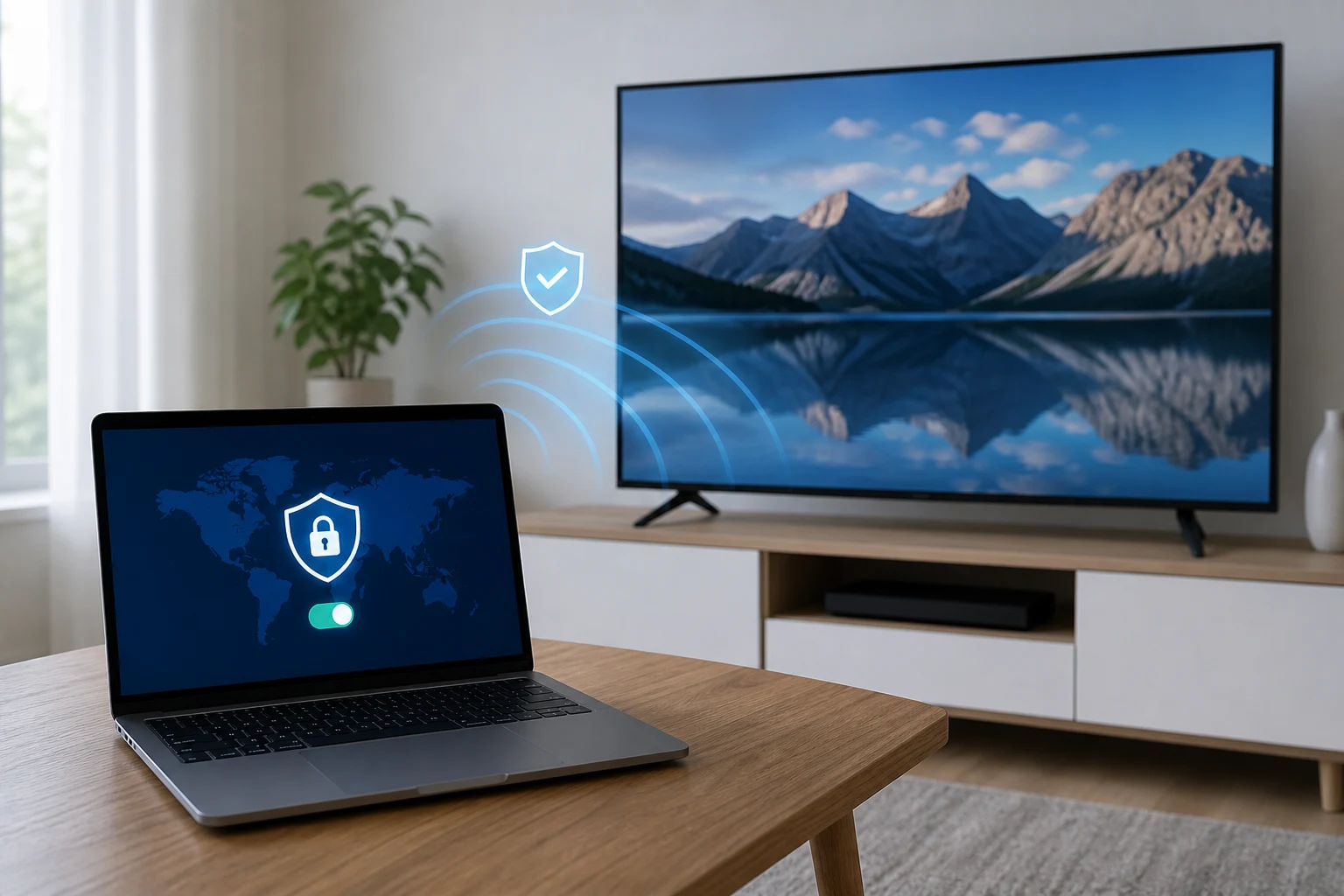
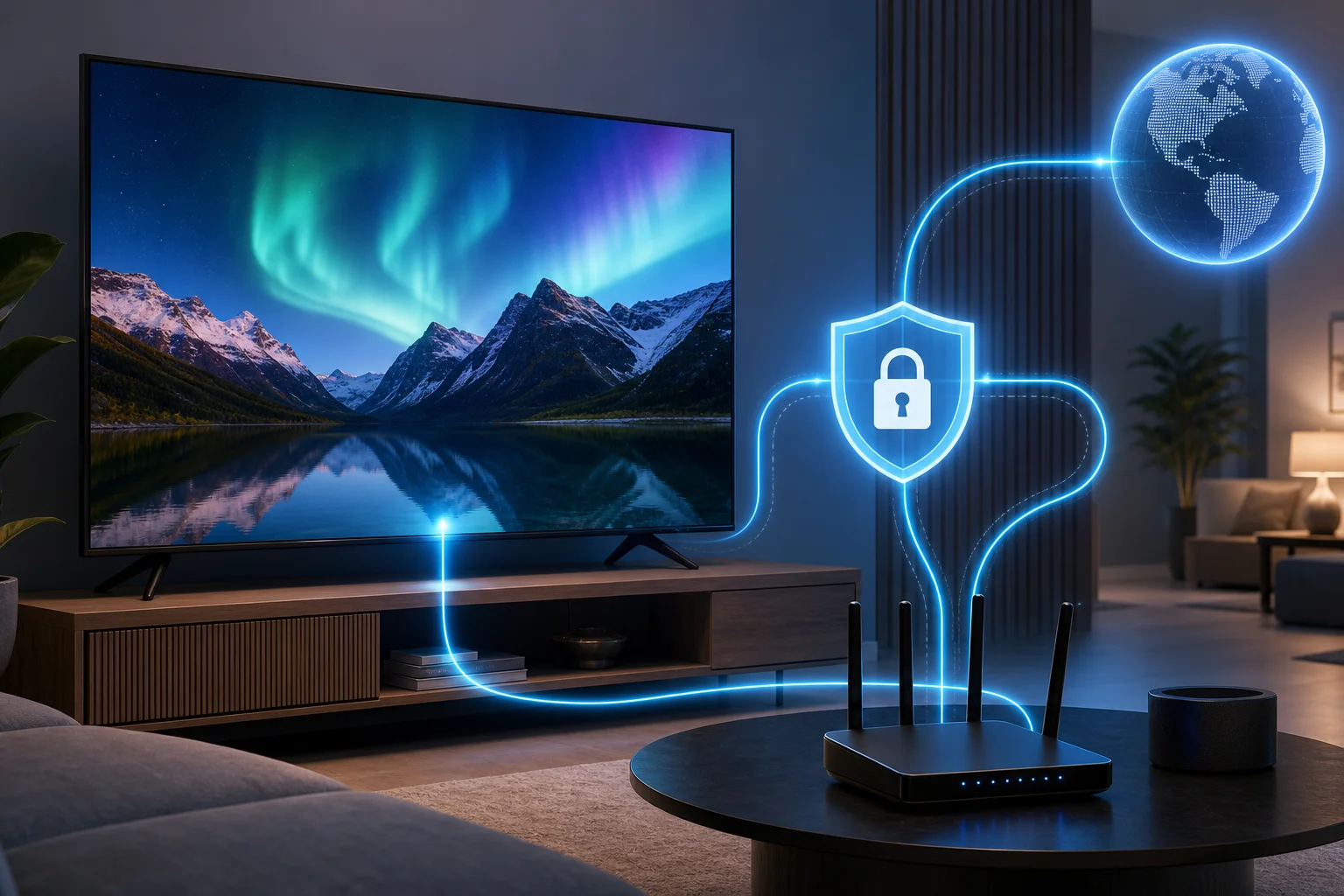
- He chose the VPN connection method. Since his TV did not support a direct VPN app, he used a shared connection approach from a device running BeFreeVPN. A router-based setup can also work when the router supports VPN configuration.
- He opened BeFreeVPN and selected a region. For UK shows, he chose a UK location. For US libraries, he switched to a US location.
- He connected the Samsung TV to the VPN-routed network. This made the TV’s streaming traffic use the selected route.
- He restarted the streaming app. Closing and reopening the app helped refresh location-related data.
- He tested playback with a familiar title. Alex checked whether the catalog changed and whether playback remained smooth.
- He saved the setup for repeat use. Once the connection worked, he kept the steps simple so he could repeat them on movie nights.
This process was faster than his earlier experiments because BeFreeVPN reduced the usual friction. The no-registration flow made it easy to start. The interface did not require him to dig through advanced settings. Also, because BeFreeVPN could be used across devices, Alex was not limited to the TV. He could test the same region on his laptop or phone before watching on the Samsung screen.
Why BeFreeVPN fit the use case
For Alex, BeFreeVPN was not just about changing an IP address. It solved a practical living-room problem. He wanted to sit down, open an app, and watch. The features that mattered most were:
- No registration required: Alex could start quickly without creating another account.
- Simple region selection: He could choose UK or US access depending on what he wanted to watch.
- Device flexibility: He could use BeFreeVPN with more than one device in his home setup.
- Beginner-friendly controls: The app avoided making a simple task feel like network administration.
- A smoother TV workflow: Once configured, the Samsung TV felt closer to a normal streaming experience.
Alex also kept expectations realistic. VPN access can depend on the streaming service, the selected region, and the platform’s own detection systems. He used BeFreeVPN to improve access and reduce friction, while understanding that no VPN can guarantee every title on every service at all times.
Results: unlocking a world of content
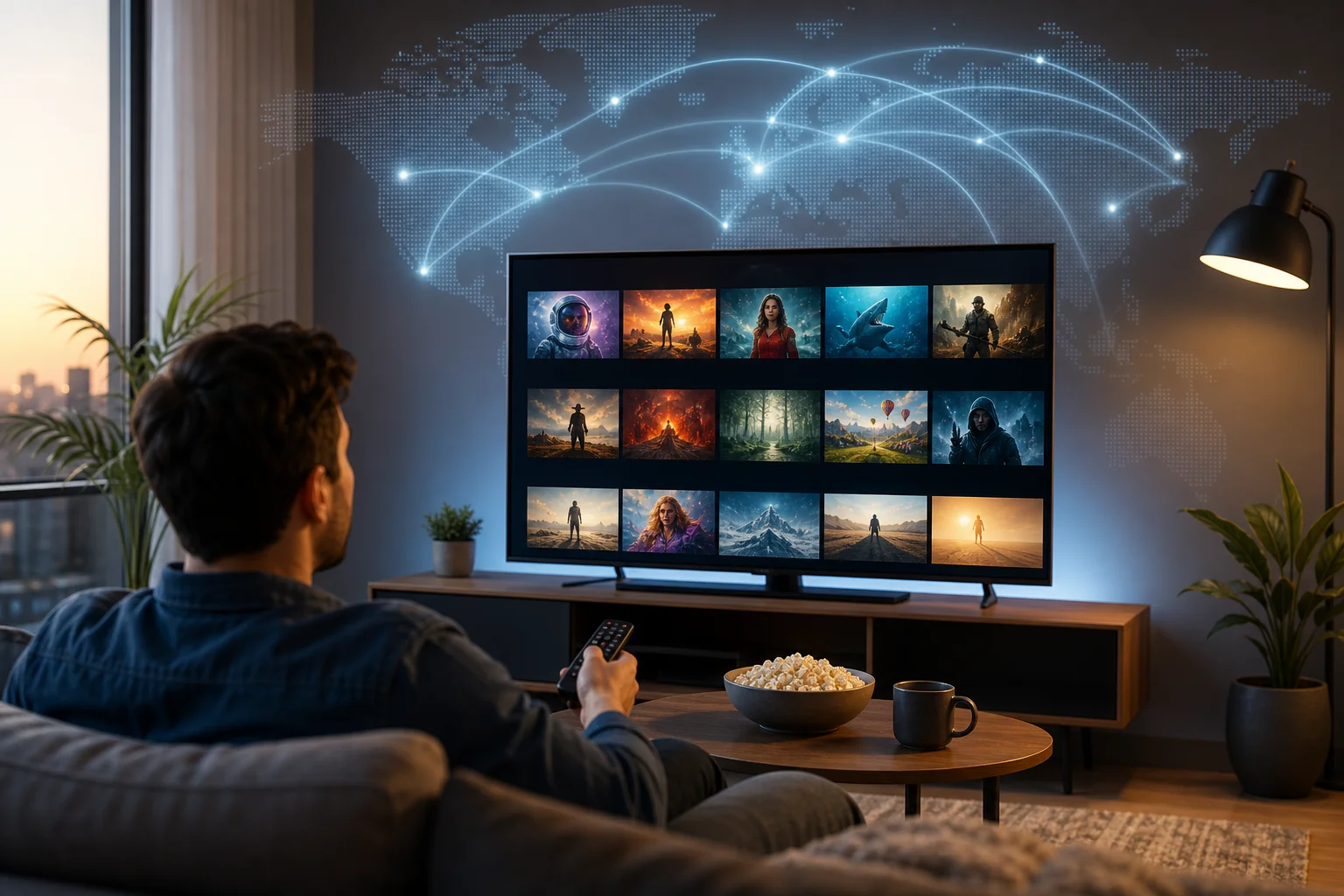
After configuring BeFreeVPN, Alex noticed the biggest change immediately: his Samsung TV no longer felt locked to only one local catalog. When he selected a UK route, the content options in supported apps aligned more closely with what he expected from UK availability. When he switched to a US route, he could explore a wider range of American shows and documentaries.
The improvement was not only about more titles. It was about convenience. Instead of connecting a laptop to the TV or juggling casting sessions, Alex could use the Samsung TV interface he already liked. He could browse with the remote, use the streaming apps installed on the TV, and keep his living-room routine intact.
What changed in Alex’s streaming routine
Before BeFreeVPN, Alex’s routine involved trial and error. He would hear about a show, search for it, fail to find it, then try another device. Sometimes he gave up and watched something else.
After BeFreeVPN, the process became more direct:
- He chose the content region he wanted to explore.
- He connected through BeFreeVPN using his chosen setup method.
- He reopened the streaming app on the Samsung TV.
- He browsed a larger set of available shows.
- He watched on the big screen without switching devices mid-session.
Streaming quality also felt more consistent than his casting workaround. Casting depended on both the source device and the TV connection. With the TV using a VPN-routed network, playback was easier to manage. As with any VPN, speed could vary by server, distance, and home network conditions. However, Alex found the experience smoother than his previous patchwork of fixes.
Most importantly, Alex could access both UK and US streaming libraries with less hassle. That met his original goal. He did not need to become a network engineer, and he did not need to give up the comfort of watching directly on his Samsung TV.
Takeaways: the power of BeFreeVPN for streamers
Alex’s case shows why the right VPN setup matters for Samsung TV owners. A TV is not the same as a phone. You may not be able to install a VPN directly on it, but you can still use a VPN-routed connection to improve access to global content.
The main benefits Alex experienced were straightforward:
- More content discovery: BeFreeVPN helped him explore UK and US streaming catalogs from Germany.
- Less setup frustration: The no-registration approach made testing faster.
- Better living-room usability: He could keep using the Samsung TV interface instead of relying on casting.
- Flexible device support: He could test regions on other devices before watching on the TV.
- A repeatable process: Once the setup worked, it was easy to use again.
For intermediate users, this is often the sweet spot. You understand the basics of VPNs and geo-restrictions, but you still want a solution that respects your time. BeFreeVPN gave Alex a way to unlock more viewing options without turning every streaming session into a troubleshooting task.
FAQ: using a VPN for Samsung TV streaming
Can I install a VPN directly on a Samsung TV?
Usually, no. Many Samsung Smart TVs do not support standard VPN apps directly. Most users connect the TV through a VPN-enabled router, a shared hotspot, or another supported network method.
Is BeFreeVPN useful if my Samsung TV has no VPN app?
Yes. You can still use BeFreeVPN by routing the Samsung TV connection through a supported device or network setup. This lets the TV use the VPN connection without installing a VPN app on the TV itself.
Does a VPN guarantee access to every streaming library?
No. Access depends on the streaming platform, licensing rules, account settings, and VPN detection systems. A VPN can help bypass location barriers, but results may vary by service and region.
Which locations should I choose for UK and US shows?
Choose a UK location when you want to browse UK-focused libraries and a US location for American catalogs. After switching regions, restart the streaming app so it can refresh location data.
Will a VPN slow down Samsung TV streaming?
Any VPN can affect speed because traffic takes an extra route. For the best result, use a stable home connection, choose a nearby suitable server when possible, and avoid overcrowded Wi-Fi networks.
Conclusion: a simpler path to global streaming
Alex’s experience proves that a VPN for Samsung TV for streaming can be practical when it is set up in the right way. BeFreeVPN helped him move beyond local catalog limits, explore UK and US content more easily, and keep the comfort of watching on his Samsung TV. Unlock the full potential of your Samsung TV streaming experience with BeFreeVPN—effortlessly accessing geo-restricted shows without registration.