168 posts tagged with "befreevpn"

View All Tags

VPN for windows 11 download: answers to your questions

· 8 min read

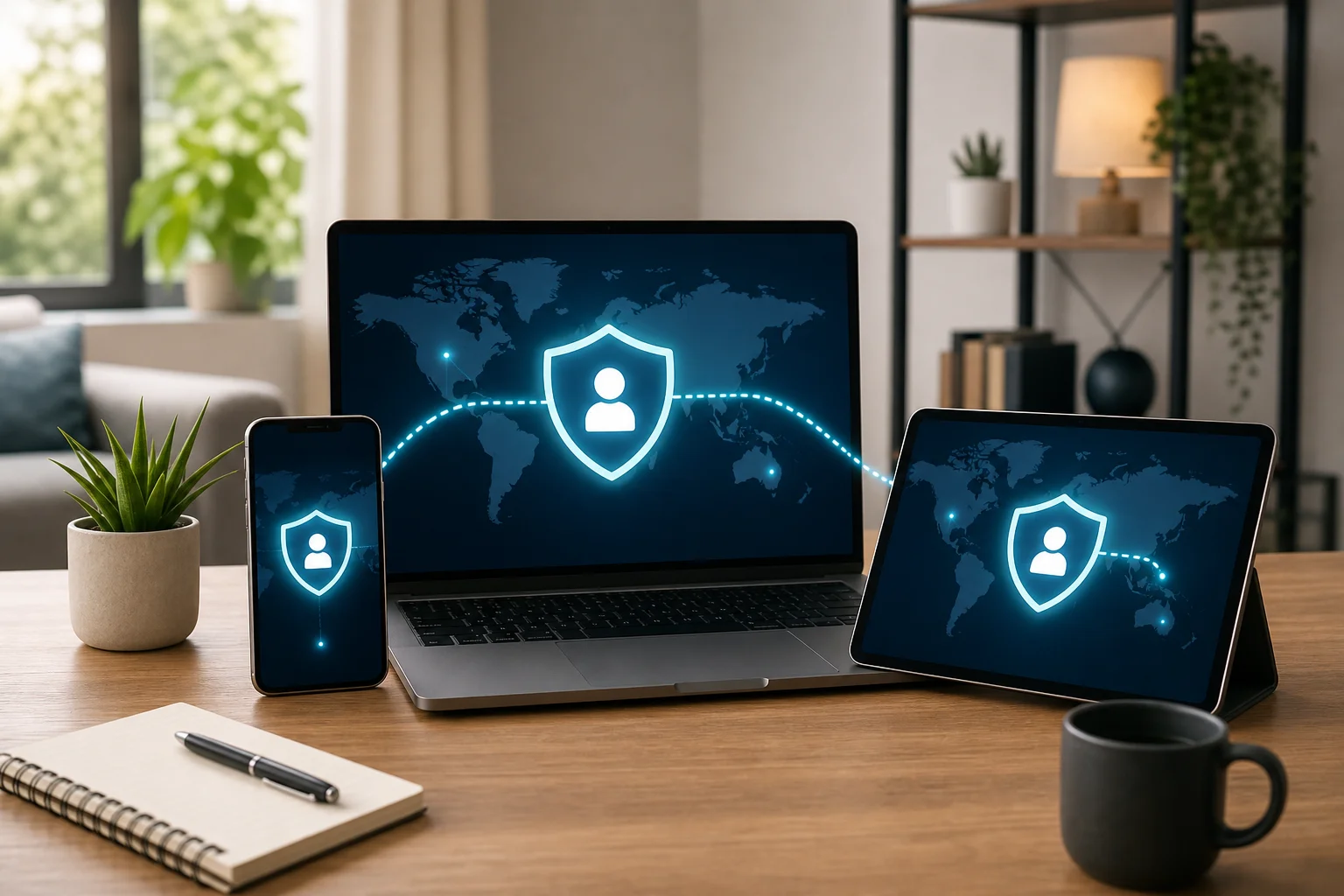
Are you unsure how to download and set up a VPN on your Windows 11 devices for safe family browsing? This guide explains the essentials of a vpn for windows 11 download, including free options, no-registration setup, fast servers, Windows 10 compatibility, and safer online habits for children. It also helps families think about multi-device use across a home computer, laptop, MacBook, Ubuntu machine, or other everyday devices.

vpn for windows 11 download on laptop

How do I download a VPN for Windows 11 for free?

To get a vpn for windows 11 free, start with a reputable provider that clearly explains its privacy policy, supported platforms, and installation steps. BeFreeVPN is one option designed to offer free VPN access without registration, which can make it simple for household users who do not want to create another account.

A safe vpn for windows 11 download should always come from the official provider website or a trusted app store. Avoid random download portals, bundled installers, and pop-ups that promise “premium VPN unlocked,” because these can expose your device to malware or unwanted software.

Step-by-step VPN for Windows 11 setup

  1. Visit the official VPN website. Go directly to the provider’s site, such as BeFreeVPN, instead of using third-party download pages.
  2. Find the Windows download button. Choose the Windows option that supports Windows 11. Many providers also list a vpn for windows 10 download if you use both systems at home.
  3. Download the installer. Save the file to your computer and check that the website uses HTTPS.
  4. Run the installer. Open the downloaded file and follow the on-screen instructions.
  5. Launch the VPN client. After installation, open the app from the Start menu.
  6. Connect to a server. Pick a nearby server for speed, or choose another location if needed.
  7. Check your connection. Confirm that the VPN says “connected” before browsing.

This basic vpn for windows 11 setup is usually similar to a vpn for computer setup on Windows laptops and desktops. If your household also uses Apple or Linux devices, look for matching apps for vpn for mac download, vpn for macbook download, vpn for macos download, vpn for linux download, vpn for ubuntu download, or vpn for debian download so everyone can follow the same privacy routine.

What is the best free VPN for Windows 11 with fast servers?

The best free VPN depends on your needs, but families should focus on speed, privacy, ease of use, and simultaneous device support. A vpn for windows 11 with fast servers should connect quickly, keep video calls stable, and reduce slowdowns during browsing, homework, and streaming.

BeFreeVPN is worth considering if you want a simple vpn for windows 11 free that does not require registration. However, you should still compare any provider carefully. Check recent user reviews, read the privacy policy, and test several server locations if the app allows it.

Feature to checkWhy it matters for families
Fast server networkHelps with school platforms, video calls, and everyday browsing
No registrationReduces the amount of personal information shared during setup
Simple interfaceMakes it easier for parents and children to connect safely
Multiple platformsUseful if you need a vpn for mac free, vpn for linux free, or vpn for computer free
Clear privacy policyHelps you understand logging, data use, and limits

For a shared home, also consider the number of simultaneous connections. One parent may use Windows 11, another may need a vpn for macbook setup, and a family desktop may still require a vpn for windows 10 setup. If the provider supports several devices, it becomes easier to keep protection consistent.

If speed is the priority, choose the closest available VPN server first. Nearby servers often provide lower latency. Also, close unused apps, update Windows, and test your connection at different times of day. These small steps can improve results with a vpn for computer with fast servers, whether you use Windows, macOS, Linux, Ubuntu, or Debian.

vpn for windows 11 with fast servers

Can I set up a VPN on Windows 11 without any registration?

Yes. Some providers, including BeFreeVPN, are designed for users who want a vpn for windows 11 without registration. This means you can download the client, install it, open the app, and connect without entering an email address, password, or payment details.

A no-registration setup can be useful for privacy-conscious households. It limits the personal information you provide before using the service. It also makes setup faster for parents who need to protect several devices without managing extra accounts.

The process is usually simple:

  • Download the official Windows 11 client.
  • Install the app on your PC.
  • Open the VPN.
  • Choose a server.
  • Click connect.

The same idea may apply if you need a vpn for windows 10 without registration, vpn for mac without registration, vpn for macbook without registration, vpn for macos without registration, vpn for linux without registration, vpn for ubuntu without registration, or vpn for debian without registration. Still, always verify the provider’s current policy before installing, because terms can change.

No-registration does not automatically mean a VPN is perfect. You should still look for strong encryption, clear ownership information, a no-log or minimal-log policy, and transparent app permissions. For children’s devices, parents should install and configure the VPN themselves rather than asking a child to choose random tools online.

Is a VPN for Windows 11 the same as for Windows 10?

The basic purpose is the same. A VPN encrypts traffic between your device and the VPN server, helping protect browsing activity on public Wi-Fi and reducing exposure to local network snooping. In that sense, a vpn for windows 10 download and a Windows 11 VPN download often serve the same core function.

However, you should still check compatibility. Windows 11 has newer security features and a different interface in some areas. A reliable provider will state that its app supports Windows 11 and will keep it updated. If you see only old Windows versions listed, choose another provider or contact support before installing.

QuestionWindows 11Windows 10
Can I use a modern VPN app?Yes, if the provider supports Windows 11Yes, many providers still support it
Is setup similar?Usually simple with an installerUsually similar with an installer
Do I need a separate account?Not always; BeFreeVPN offers no-registration useNot always; depends on the provider
Should I update the app?Yes, for security and compatibilityYes, for security and compatibility

Windows 11 improvements may help some apps run more smoothly, but VPN performance still depends on your internet connection, server distance, device resources, and provider network. If your home uses both operating systems, choose one provider that supports vpn for windows 11 setup and vpn for windows 10 setup to reduce confusion.

For mixed-device households, compatibility matters even more. You may want a vpn for mac setup on a parent’s iMac, a vpn for macos with fast servers on a Mac mini, or a vpn for linux setup on an older laptop. Families using Ubuntu or Debian should confirm whether the provider offers an app, command-line tool, or manual configuration guide.

Are VPNs safe for children's online activities on Windows 11?

Yes, a trusted VPN can make children’s online activity safer by encrypting data, especially on public Wi-Fi or shared networks. A VPN such as BeFreeVPN can help protect browsing sessions from local network snooping and reduce the risk of exposing personal information during everyday use.

That said, a VPN is not a complete child safety solution by itself. It does not replace parental controls, safe search settings, age-appropriate apps, or family conversations about online behavior. Instead, treat it as one layer in a broader safety plan.

For family use, choose a VPN with these qualities:

  • Minimal data logging. Look for a clear no-log or minimal-log policy.
  • Simple connection controls. Children should not need to adjust complex settings.
  • Reliable speeds. A vpn for windows 11 with fast servers helps avoid frustration during homework or video lessons.
  • Multi-device support. Families may need a vpn for computer download, plus apps for Mac, MacBook, macOS, Linux, Ubuntu, or Debian.
  • No unnecessary registration. A vpn for computer without registration can reduce account management and limit shared personal details.

Parents should also explain what a VPN does and does not do. For example, it protects the connection, but children still need to avoid suspicious links, unknown downloads, oversharing, and unsafe chats. Keep Windows 11 updated, use antivirus protection, and review browser privacy settings for each child’s profile.

If you manage several devices, make a short family checklist: connect the VPN before using public Wi-Fi, use approved browsers and apps, report strange pop-ups, and ask before downloading files. This approach works whether you need a vpn for mac with fast servers, vpn for ubuntu free, vpn for debian with fast servers, or a simple Windows 11 VPN for a school laptop.

Protect your family's online privacy effortlessly with BeFreeVPN — enjoy fast, free VPN services with no registration needed across all your devices.

Unlocking seamless YouTube streaming: a VPN for YouTube case study with BeFreeVPN

· 12 min read

Imagine effortlessly streaming your favorite YouTube videos without buffering or restrictions, thanks to one powerful tool. In this case study, we look at how Alex, a digital nomad, used a VPN for YouTube to reduce location blocks, improve playback stability, and keep access simple while moving between countries. Rather than offering generic advice, this story focuses on a practical streaming setup with BeFreeVPN, a free, no-registration VPN option built for quick access.

For intermediate users, the challenge is rarely “what is a VPN?” It is choosing a tool that works smoothly for video, does not slow every session down, and is easy enough to use every day. Alex needed exactly that.

vpn for youtube streaming setup

1. Meet Alex: The Avid YouTube Enthusiast

Alex works remotely as a video editor and content strategist. His days often start with YouTube tutorials, creator interviews, product reviews, analytics walkthroughs, and client research. After work, he uses the same platform for music sessions, travel channels, gaming videos, and long-form documentaries.

Because Alex is a digital nomad, his connection point changes often. One month he is in Portugal. The next, he may be working from Thailand, Mexico, or Turkey. Each location brings different networks, internet routes, and content availability.

At first, Alex treated YouTube access as something that should “just work.” However, that assumption broke down quickly. Videos that were available in one country were sometimes unavailable in another. Some live streams had regional limits. Certain music videos, sports clips, or licensed content simply would not play.

In addition, performance was inconsistent. Hotel Wi-Fi, coworking networks, and short-term apartment connections could be fast on paper but unstable during peak hours. Alex needed YouTube for both productivity and relaxation, so constant interruptions were more than a minor annoyance.

His goal was clear: find a reliable, simple, free VPN for YouTube that could help him watch more consistently without adding a complicated login process or technical overhead.

2. The Challenge: Accessing YouTube Without Compromises

Alex’s problem had three parts: content access, playback quality, and usability.

First, he frequently encountered location-based restrictions. This was not limited to entertainment. Sometimes, client research required checking ads, channel formats, or regional creator trends. If YouTube content was unavailable from his current country, his work slowed down.

Second, buffering made long sessions difficult. A short loading pause may be tolerable once. But when Alex was reviewing a 40-minute tutorial or comparing multiple product demos, repeated buffering broke his focus. He wanted a VPN for YouTube without buffering, or at least one that would not make buffering worse.

Third, the VPN market felt crowded. Searching for the best VPN for YouTube brought up premium tools, browser extensions, free apps with unclear limits, and services that required accounts before testing. Alex was not against paid tools in principle, but he wanted a no-friction option first. Finding a reliable free solution seemed daunting.

He also cared about other platforms. YouTube was the main priority, but his routine included Spotify during work, Netflix at night, and occasional TikTok and Twitch sessions. A VPN that only helped one site would be less useful than a broader VPN for online streaming.

Streaming needAlex’s issueWhat he looked for
YouTube videos and live streamsRegional restrictions and bufferingA fast VPN for YouTube with simple server access
Spotify musicCatalog differences while travelingA VPN for Spotify that stays stable in the background
Netflix and other video appsAccess changes by locationA practical VPN for Netflix and general streaming
TikTok and TwitchRegional availability and network instabilityA VPN for TikTok and VPN for Twitch without slowdowns
Public or shared Wi-FiInconsistent routes and privacy concernsA no-registration VPN that is quick to enable

The key point: Alex did not want a perfect laboratory benchmark. He wanted a dependable daily workflow.

3. The Solution: Discovering BeFreeVPN

Alex found BeFreeVPN while looking for a free VPN for YouTube that did not force him through a long registration process. The appeal was immediate: no account creation, no payment barrier, and a lightweight path to connect before opening YouTube.

BeFreeVPN matched his main requirements in three ways.

First, it was easy to start. Alex did not need to create a profile just to test whether a video would load. That mattered because his location changed often, and he wanted a tool he could use quickly from different networks.

Second, it helped bypass geo-restrictions. By routing his connection through another VPN location, Alex could check whether content availability changed and access videos that were restricted in his current region. As always, he still needed to respect local laws and platform terms, but the technical barrier was reduced.

Third, playback improved in his real-world use. A VPN can sometimes slow a connection if the server is overloaded or far away. However, in Alex’s case, choosing a suitable route through BeFreeVPN often gave him more consistent playback than relying only on the local network path.

How Alex set up BeFreeVPN for YouTube

Alex followed a simple process that became part of his daily routine:

  1. Check the local connection first. He opened YouTube and tested a normal video to see whether the issue was general Wi-Fi instability or content access.
  2. Enable BeFreeVPN. When he hit a regional block or repeated buffering, he connected through BeFreeVPN.
  3. Choose a practical VPN location. He selected a location close enough for speed but suitable for the content he needed.
  4. Refresh YouTube. He reloaded the page or restarted the app so YouTube could detect the new route.
  5. Test playback quality. He watched the first minute, checked resolution stability, and then continued working or streaming.
  6. Keep the setup minimal. Because BeFreeVPN did not require registration, he could use it quickly without managing another account.

This workflow also helped him answer a common question: how to watch YouTube with VPN without overcomplicating the process. For Alex, the best setup was not the most technical one. It was the one he would actually use.

4. Results: A Seamless YouTube Experience

After adding BeFreeVPN to his streaming routine, Alex noticed a clear improvement in day-to-day usability. Previously restricted videos became accessible more often when he selected an appropriate VPN location. Live streams loaded more reliably. Long tutorials were easier to watch from start to finish.

Most importantly, Alex’s buffering problem became manageable. During his normal viewing sessions, he experienced effectively zero buffering when the local internet connection was healthy and the VPN route was well matched. That distinction matters: no VPN can fix a completely broken Wi-Fi network. But a good VPN can improve routing consistency and help avoid some regional or network-based friction.

vpn for youtube without buffering

The benefits also extended beyond YouTube. Alex tested BeFreeVPN with other services in his routine and found it useful for general streaming access. For example, he used it as a VPN for Spotify when music availability changed while traveling. He also tested it as a VPN for TikTok and VPN for Twitch when content access or network performance felt inconsistent.

For video-on-demand services, Alex treated the VPN as a helpful access tool rather than a magic switch. Platforms such as Netflix, Hulu, Prime Video, Disney Plus, and HBO Max use their own licensing rules and VPN detection systems. Still, BeFreeVPN gave him a practical option when he needed a VPN for Netflix, a VPN for Prime Video, a VPN for Disney Plus, a VPN for Hulu, or a VPN for HBO Max during travel.

In other words, BeFreeVPN became more than a single-purpose YouTube fix. It became Alex’s default VPN for online streaming when he wanted quick access without registration.

What changed in Alex’s streaming workflow

Before BeFreeVPN, Alex often wasted time switching networks, lowering video quality, or searching for mirrored content. Afterward, his process became simpler:

  • If YouTube showed a location restriction, he turned on BeFreeVPN.
  • If playback stalled repeatedly, he tested a different VPN route.
  • If he moved to a new country, he used the VPN before assuming content was unavailable.
  • If another platform had similar access issues, he tried the same method.

This saved time and reduced frustration. It also made Alex more confident that he could work from different regions without losing access to important video resources.

5. Takeaways: The Power of BeFreeVPN for Streamers

Alex’s experience highlights a useful lesson: the best VPN for YouTube is not only about raw speed. It is about the full streaming experience. A good option should be easy to start, stable enough for video, flexible across regions, and practical for daily use.

For Alex, BeFreeVPN delivered that balance. It offered a cost-free way to test different routes, access more content, and keep YouTube running smoothly while traveling. The no-registration model was especially valuable because it removed a common barrier. He could connect, test, and watch.

The case study also shows why streamers often search beyond one platform. Someone looking for a free VPN for Netflix may also need a free VPN for YouTube, a free VPN for Spotify, or a free VPN for online streaming. The same applies to users comparing the best VPN for Netflix, best VPN for TikTok, best VPN for Twitch, best VPN for Disney Plus, best VPN for Prime Video, best VPN for Hulu, or best VPN for HBO Max. Their underlying need is similar: stable, flexible access to the content they care about.

Platform-by-platform streaming considerations

PlatformCommon VPN search intentPractical note
YouTubeHow to watch YouTube with VPNRefresh the app or page after connecting to the VPN.
NetflixHow to watch Netflix with VPNAvailability varies by region and platform rules.
TikTokHow to watch TikTok with VPNChoose a stable route for smooth short-form video playback.
TwitchHow to watch Twitch with VPNLow latency matters for live streams and chat.
SpotifyHow to watch Spotify with VPNA steady background connection is more important than peak speed.
Disney PlusHow to watch Disney Plus with VPNCheck local access rules and subscription availability.
Prime VideoHow to watch Prime Video with VPNStreaming rights can differ by country.
HuluHow to watch Hulu with VPNAvailability may depend on account region and service policies.
HBO MaxHow to watch HBO Max with VPNUse a reliable connection for HD playback.

If your priority is a VPN for online streaming without buffering, remember that server choice, distance, device performance, and local network quality all matter. A VPN can help, but it works best when paired with a stable internet connection.

FAQ: Using a VPN for YouTube and Other Streaming Platforms

What is the best VPN for YouTube?

The best VPN for YouTube is one that combines reliable streaming speed, easy access, and consistent regional flexibility. In Alex’s case, BeFreeVPN worked well because it was free, required no registration, and was simple enough to use every day.

Is there a free VPN for YouTube that does not require registration?

Yes. BeFreeVPN is positioned as a free, no-registration option, which made it a strong fit for Alex’s travel-heavy routine. As with any free VPN, performance can vary by network conditions and server availability.

How do I watch YouTube with a VPN?

Connect to the VPN, choose a suitable location, reopen or refresh YouTube, and then test the video. If playback is slow, try another route or a closer location. This is the same basic process Alex used with BeFreeVPN.

Can I get a VPN for YouTube without buffering?

A VPN can reduce buffering when poor routing, regional throttling, or access restrictions are part of the problem. However, no VPN can guarantee perfect playback on every network. For best results, use a stable connection, pick a nearby VPN location when possible, and avoid overloaded Wi-Fi.

Does the same VPN help with Netflix, TikTok, Twitch, Spotify, and other services?

Often, yes. A strong streaming VPN can help across multiple platforms, including Netflix, TikTok, Twitch, Spotify, Disney Plus, Prime Video, Hulu, HBO Max, and general online streaming. Still, each service has its own rules, regional catalogs, and detection methods.

Conclusion: Stream YouTube With Less Friction

Alex’s story shows how a simple VPN can make a real difference for a frequent YouTube user. By choosing BeFreeVPN, he reduced access issues, improved streaming consistency, and gained a flexible tool for other platforms too. If you want fewer interruptions and easier access while traveling or using shared networks, experience YouTube without limitations with BeFreeVPN, offering free, no-registration access to your favorite content anytime, anywhere.

Best VPN 2026: myths vs facts - choosing the right VPN for your needs

· 11 min read

Is everything you know about choosing the best VPN in 2026 based on outdated myths? Let's set the record straight with facts. This comparison looks at the top VPN 2026 choices for everyday privacy, streaming, work, phones, and computers, with a practical focus on speed, security, compatibility, and cost. Instead of assuming that the most expensive tool is automatically the best, we compare BeFreeVPN, SpeedyVPN, and SecureNetVPN against real-world needs.

VPN buyers often face the same problem: every service claims to be fast, private, and easy. However, the best vpn 2026 for one person may not be the right choice for another. A remote worker, a frequent traveler, and a streaming user all need different strengths. This guide uses a myths vs facts approach so you can make a clear, balanced decision.

best vpn 2026 comparison

Quick Comparison Table: Top VPNs of 2026

The table below gives a fast overview of three notable options in this vpn ranking 2026. It is designed for comparison, not hype. Use it as a starting point, then match the features to your actual use case.

VPN serviceSpeed profileSecurity focusDevice compatibilityPricing modelBest fit
BeFreeVPNGood for everyday browsing, work tools, and mobile useEncryption-focused connection with simple accessPhone and computer support for common daily useFree, no registration requiredUsers who want a reliable vpn service 2026 without subscriptions or account setup
SpeedyVPNBuilt around high-speed performanceStandard privacy tools with performance priorityStrong fit for desktop and streaming devicesPaid plansUsers looking for the fastest vpn 2026 for heavy streaming or large downloads
SecureNetVPNSecurity-first positioningAdvanced security controls and privacy settingsGood computer and work compatibilityPaid plansUsers who prioritize the most secure vpn 2026 for sensitive workflows

A comparison table makes one fact clear: the “best” VPN depends on the trade-off you are willing to make. SpeedyVPN may appeal to users who want the fastest vpn for streaming. SecureNetVPN may fit people who want more advanced controls. BeFreeVPN stands out because it removes two common barriers: payment and registration.

For many users, that matters. A free, no-registration service can be especially useful when you need quick protection on public Wi-Fi, temporary access from a phone, or a simple privacy layer on a computer without creating another online account.

Myth: Highest Price Equals Best Quality

The first myth is one of the most common: if a VPN costs more, it must be better. In reality, VPN pricing reflects many things, including marketing budgets, bundled features, server infrastructure, support levels, and subscription strategy. Price can indicate investment, but it does not automatically prove that a service is the best vpn for phone, the best vpn for computer, or the best vpn for work.

What VPN pricing really includes

Paid VPNs often charge for:

  • Multi-year subscription discounts
  • Larger server networks
  • Extra security features
  • Dedicated support teams
  • Streaming optimization
  • Business or family plans

Those features can be useful. For example, a frequent streamer may value a paid tool that focuses on stable access across regions. A professional handling sensitive data may prefer a provider with advanced security controls. However, many everyday users do not need every premium feature.

BeFreeVPN’s free model versus paid options

BeFreeVPN takes a different approach. Its main advantage is simple: it is free and does not require registration. That changes the cost-benefit equation. Users do not need to commit to a subscription, share payment details, or create an account before trying the service.

This is why BeFreeVPN can be a good vpn 2026 option for people who want practical protection with fewer barriers. It may also be a strong choice for students, travelers, freelancers, and casual users who need a reliable vpn service for phone or computer but do not want another recurring bill.

Paid services still have a place. SpeedyVPN may be attractive if raw speed is your main priority. SecureNetVPN may be worth considering if you need advanced security settings. Still, the myth that “higher price equals better quality” does not hold up. The better question is: what are you paying for, and do you actually need it?

A better way to compare value

Use this simple step-by-step checklist before choosing:

  1. Define your main task. Is it streaming, work, travel, browsing, or public Wi-Fi protection?
  2. Check device support. Confirm whether you need a top vpn for phone, a top vpn for computer, or both.
  3. Compare security basics. Look for encryption, clear policies, and modern VPN protocols.
  4. Test performance. A fast VPN on one network may behave differently on another.
  5. Review total cost. Free, monthly, annual, and renewal prices can change the real value.
  6. Avoid feature overload. Do not pay for tools you will never use.

This process is more reliable than choosing by price alone.

Fact: Security Features Are Crucial

While price can mislead, security should never be an afterthought. A VPN is meant to create a protected connection between your device and the internet. If a service is weak on security, speed and design matter less.

The most secure vpn 2026 should offer strong encryption, stable connection handling, and transparent privacy practices. It should also make secure use easy. Complicated tools may lead users to turn protection off, which defeats the purpose.

Key security features to evaluate

When comparing the most secure vpn for phone, computer, streaming, or work, focus on the essentials:

  • Encryption: Strong encryption helps protect traffic from local network snooping.
  • Protocols: Modern protocols can improve both security and speed.
  • Kill switch or connection protection: This can reduce exposure if a VPN connection drops.
  • No unnecessary account data: Less account information can mean less personal data tied to use.
  • Clear privacy policy: Users should understand what is collected and why.
  • Regular updates: VPN apps and systems need maintenance to stay secure.

How BeFreeVPN balances security and accessibility

BeFreeVPN’s key strength is accessibility. Because it does not require registration, users can start protecting a connection quickly. That is useful on public Wi-Fi, shared networks, and temporary work locations. It also reduces friction for people who might otherwise skip VPN protection because setup feels slow or invasive.

This does not mean every free VPN is safe. In fact, users should be careful with unknown free services. The important distinction is whether the provider offers a clear service model and avoids unnecessary account collection. For users seeking a good vpn for work or everyday browsing, BeFreeVPN’s no-registration model is a practical advantage.

Security comparison across top VPNs

BeFreeVPN is best for users who want easy, low-friction privacy. SpeedyVPN is better suited to users who prioritize performance and are comfortable paying for it. SecureNetVPN is aimed at users who want deeper security controls and may spend more time configuring settings.

So, the security “winner” depends on the user. For everyday needs, BeFreeVPN offers a balanced route. For highly sensitive workflows, SecureNetVPN may be worth reviewing. For bandwidth-heavy activity, SpeedyVPN may appeal. The key fact is simple: security features should be matched to risk, not chosen by brand name alone.

secure vpn for work

Which Should You Choose? Key Use Cases

A useful vpn ranking for phone or computer should be based on scenarios. Below are the most common use cases and the strongest fit for each.

Best VPN for phone

For phones, ease of use matters. Mobile users often connect to public Wi-Fi in cafes, airports, hotels, and offices. They need quick activation, low friction, and stable performance.

Recommended choice: BeFreeVPN for users who want a top vpn for phone without registration or payment. It is especially practical when you need protection fast and do not want to enter account details on a mobile device.

SpeedyVPN may be a fit if you stream heavily on mobile. SecureNetVPN may suit users who manage sensitive work apps from a phone.

Best VPN for computer

For laptops and desktops, users usually care about browser privacy, file transfers, video calls, and work platforms. A good vpn for computer should be stable and simple enough to leave on when needed.

Recommended choice: BeFreeVPN for general browsing, work tools, and everyday privacy. It is a strong option for users who want a reliable vpn service for computer without a subscription.

Choose SpeedyVPN if you need maximum throughput. Consider SecureNetVPN if you want more advanced security configuration.

Best VPN for streaming

Streaming needs speed, connection stability, and compatibility. The fastest vpn for streaming is not always the same as the most secure one. Performance can also vary by device, location, network quality, and streaming platform policies.

Recommended choice: SpeedyVPN for users whose top priority is streaming performance. Its speed-first positioning makes it a natural candidate for this use case.

BeFreeVPN remains a good vpn for streaming if you want a no-cost option for casual viewing. However, users who stream daily may prefer a paid service tuned for performance.

Best VPN for work

Work use requires a careful balance. You want privacy and stability, but you also need simple deployment. For freelancers, remote workers, and small teams, cost matters too.

Recommended choice: BeFreeVPN for users who need a top vpn for work with no registration and no subscription barrier. Its free model is useful for contractors, temporary work setups, and people who need a quick privacy layer while traveling.

SecureNetVPN may be a better fit for high-risk professional environments or roles with strict compliance needs. Still, BeFreeVPN is highly practical for everyday work tasks where ease and cost are major factors.

FAQ: Common VPN questions in 2026

What is the best vpn 2026 for everyday use?

For everyday browsing, public Wi-Fi, and basic privacy, BeFreeVPN is a strong choice because it is free and does not require registration. It offers a practical balance of accessibility, cost, and security.

What is the fastest vpn 2026?

Speed-focused users should compare services on their own network, but SpeedyVPN is the best fit in this comparison for people who prioritize high-speed streaming and downloads.

What is the most secure vpn 2026?

The most secure option depends on your risk level. SecureNetVPN is positioned for advanced security controls, while BeFreeVPN is better for simple, accessible protection without account setup.

Is a free VPN always worse than a paid VPN?

No. A free VPN is not automatically worse, just as a paid VPN is not automatically better. The right choice depends on security, transparency, performance, and whether the service fits your needs.

Verdict: Why BeFreeVPN Stands Out in 2026

After comparing price, security, compatibility, and use cases, BeFreeVPN stands out as the best choice for users who want balance. It is not positioned as the most complex tool or the most expensive service. Instead, it solves a common problem: people need a practical VPN that is easy to start using.

That makes BeFreeVPN a strong option in this top vpn 2026 comparison. Its free, no-registration model is useful for phones, computers, travel, and everyday work. It lowers the barrier to privacy without asking users to commit to a paid plan first.

The final decision should still reflect your priorities. Choose SpeedyVPN if your main goal is the fastest vpn for streaming. Choose SecureNetVPN if you need advanced security controls. Choose BeFreeVPN if you want a reliable vpn service 2026 that offers a smart balance of security, simplicity, and cost.

Explore BeFreeVPN to experience a free, registration-free solution that works seamlessly across devices, perfect for your needs in 2026.

A friendly guide to using a free VPN for your computer: no registration needed

· 12 min read

Are you looking for a way to browse securely without the hassle of registration? Unlock an easy solution with a free VPN for your computer! In this guide, you’ll learn how to choose, download, install, and use a no-registration VPN safely on Windows, macOS, or another desktop system. We’ll also cover common issues, simple fixes, and what to check before trusting any free VPN service with your internet traffic.

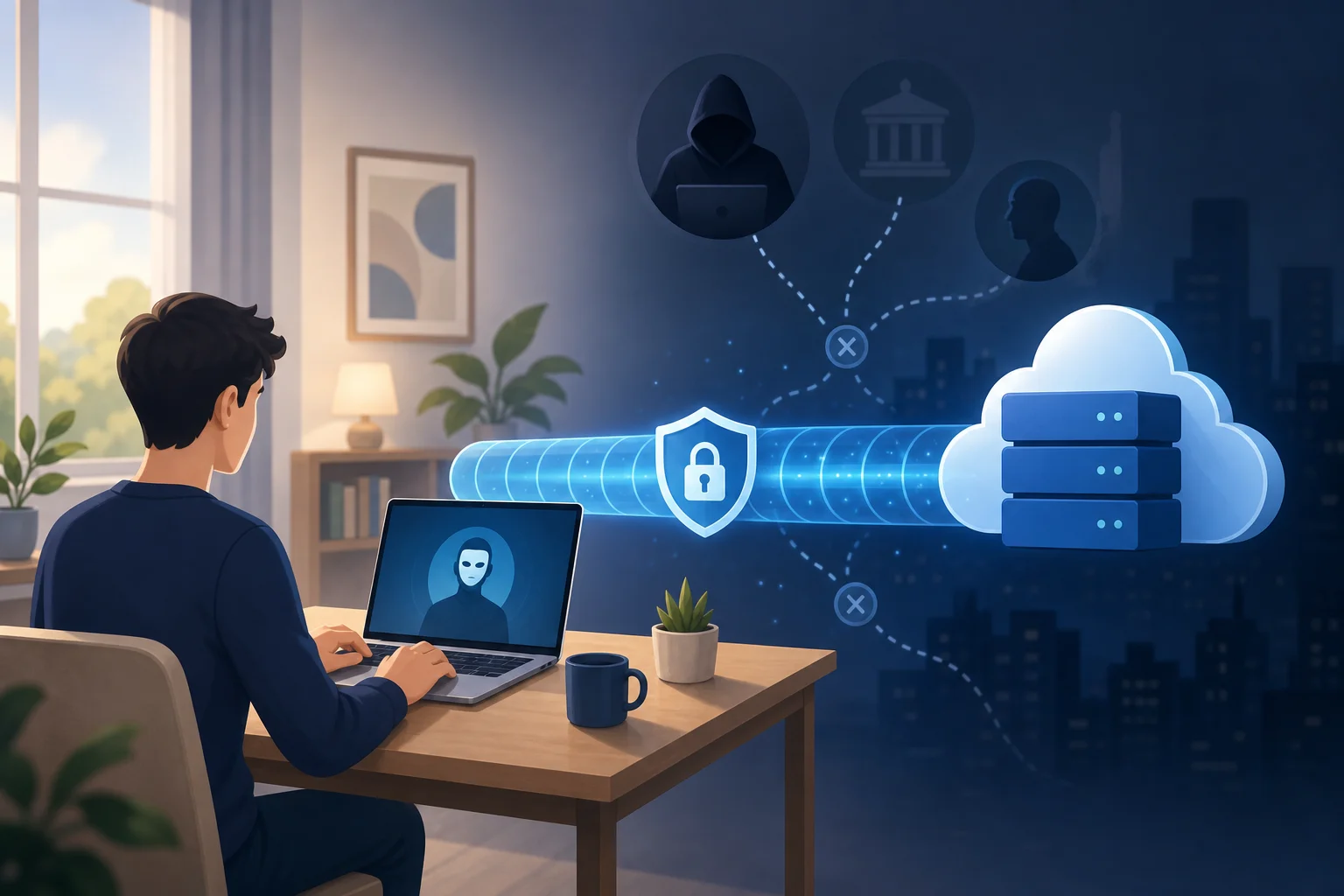
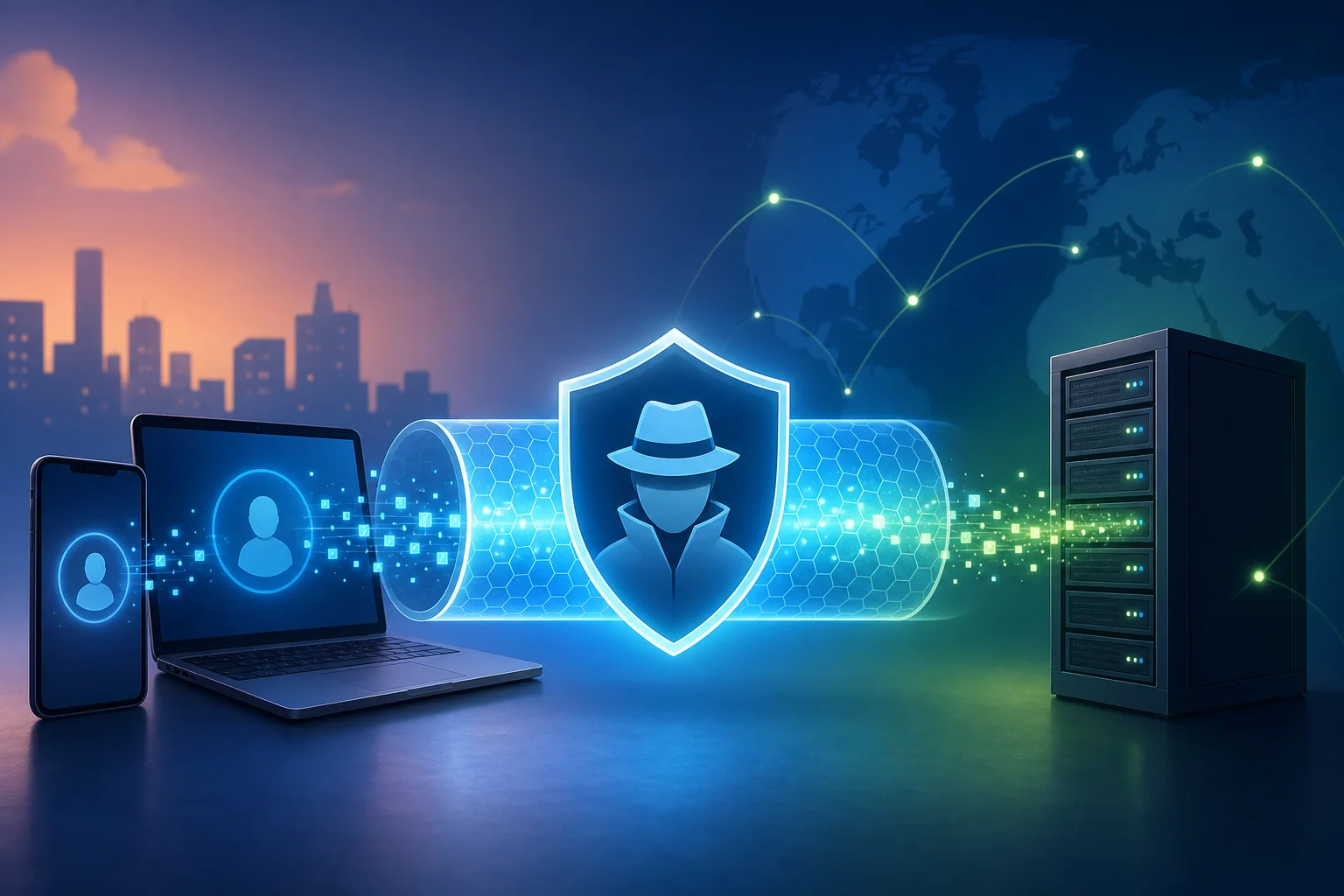
A virtual private network, or VPN, helps protect your connection by routing your traffic through an encrypted tunnel. This can hide your real IP address from websites, add protection on public Wi-Fi, and give you more control over your online privacy. However, not all free VPNs are equal. Some are easy to use, while others may have limits, ads, or unclear privacy practices.

This friendly how-to guide focuses on frictionless options: free VPN services that do not require registration, email sign-up, or account creation.

free VPN for computer privacy

Before You Start: Choose the Right VPN

Before installing anything, take a few minutes to compare your options. A free VPN for PC or Mac should be simple, safe, and transparent. The goal is to avoid tools that create more privacy risks than they solve.

Understand the Difference Between Free and Paid VPNs

Free VPNs can be useful for basic privacy, light browsing, and quick protection on public networks. They are often a good starting point if you want a VPN without commitment. Still, they may include limits such as:

  • Fewer server locations
  • Slower speeds during busy hours
  • Data caps or session limits
  • Fewer advanced privacy features
  • Ads or upgrade prompts

Paid VPNs usually offer stronger performance, more servers, streaming support, customer service, and extra tools such as dedicated IP options or advanced leak protection. That said, if your main need is simple private browsing without an account, a no-registration free VPN can be enough.

Here is a quick comparison:

FeatureFree VPN with no registrationPaid VPN
Account requiredOften noUsually yes
CostFreeMonthly or yearly fee
Server choiceLimitedWider selection
SpeedCan varyUsually more stable
Best forBasic privacy and quick useHeavy use, travel, streaming, work

Research VPNs That Explicitly State “No Registration Required”

Look for clear wording on the provider’s website, app store page, or download page. Phrases such as “no sign-up,” “no account needed,” or “no registration required” are important. If a VPN asks for an email, password, phone number, or payment card before you can connect, it is not a frictionless no-registration option.

Also, read the privacy policy. A trustworthy provider should explain what data it collects, how it uses that data, and whether it stores connection logs. If the policy is vague or hard to find, choose another option.

Check Customer Reviews and Ratings to Ensure Reliability

Reviews can reveal problems that a download page will not mention. Before you install a free VPN client, check recent feedback from users. Look for comments about:

  • Connection stability
  • Unexpected ads or pop-ups
  • Speed changes
  • Ease of installation
  • Support for your operating system
  • Privacy concerns or suspicious behavior

Be careful with perfect-looking reviews that all sound the same. Instead, focus on balanced comments that mention both strengths and limits.

Step 1: Download the VPN Software

Once you have chosen a no-registration VPN, download it safely. This step matters because fake VPN installers can contain malware or unwanted software.

1. Visit the Official Website or a Trusted Source

Always download the VPN from the official provider website or a trusted app store. Avoid random file-sharing sites, forum links, or “cracked” versions. These may include modified installers that can harm your computer or steal data.

If you use Windows, look for a Windows download button. If you use macOS, choose the Mac version. Some providers also offer browser extensions, but a full desktop VPN app usually protects more of your computer’s internet traffic than a browser-only tool.

2. Ensure You’re Downloading the Correct Version for Your OS

Before clicking download, check your operating system version. For example, a newer VPN app may require a recent version of Windows or macOS. Installing the wrong file can lead to errors, failed launches, or missing features.

If you are unsure which version you need:

  1. Open your computer’s system settings.
  2. Check your operating system name and version.
  3. Return to the VPN download page.
  4. Select the matching installer.

This simple check saves time and helps avoid compatibility problems.

3. Check for Malware Protection During the Download Process

Keep your browser and security software active while downloading. If your antivirus or operating system warns you about the file, pause and investigate. A warning does not always mean the file is harmful, but it should never be ignored.

You can also check whether the downloaded file name matches the provider’s app name. If the file has a strange name, comes as a compressed archive from an unknown source, or tries to install unrelated software, do not continue.

Step 2: Install the VPN on Your Computer

After downloading the installer, the next step is to set up the VPN app. Most no-registration VPNs are designed to be quick, so the process should only take a few minutes.

Follow the On-Screen Installation Prompts

Open the downloaded file and follow the installation steps. You may need to accept the terms of service and choose where to install the application. Read each screen before clicking “Next” or “Continue.”

On Windows, you may see a User Account Control prompt asking whether you want to allow the app to make changes. On macOS, you may need to drag the app into the Applications folder or approve it in system settings.

Select the Option for a Quick Installation

If the installer offers setup types, choose quick or standard installation unless you have a specific reason to customize it. This helps avoid unnecessary steps and keeps the process simple.

However, watch for optional add-ons. A reliable VPN should not force extra toolbars, unrelated apps, or browser changes. If you see optional offers, decline anything you do not need.

Allow Necessary Permissions for the Software to Operate

VPN apps often need permission to add a network configuration or install a VPN profile. This is normal because the app must route your internet traffic through its secure connection.

Only allow permissions that match the VPN’s purpose. For example, network access is expected. Access to your photos, contacts, or unrelated personal files is not usually needed for a desktop VPN.

install VPN on computer

Step 3: Connect to a Server

Now you are ready to connect. This is where your VPN begins protecting your browsing session.

Launch the VPN Application and Select “Connect”

Open the VPN app from your desktop, Start menu, Applications folder, or system tray. A no-registration VPN should let you start without creating an account. In most apps, you can click a large “Connect” button to begin.

If the app asks you to sign in, double-check whether you downloaded the right VPN or version. Some providers have both account-based and no-registration products.

Choose a Server Location That Meets Your Needs

Some VPNs automatically choose the fastest server. Others let you select a country or city. For speed, choose a server near your real location. For access to region-specific websites, choose a server in the location you need.

Keep in mind that a VPN should be used responsibly. It does not make illegal activity safe or acceptable. It is best used for privacy, secure browsing, and safer connections on public Wi-Fi.

Wait for the Status to Show “Connected”

Do not start sensitive browsing until the app confirms the connection. Look for words like “Connected,” “Protected,” or “VPN active.” Some apps also show a new IP address or server location.

If the connection takes longer than expected, wait a moment. Free VPN servers can be busy. If it still does not connect, try another server.

Step 4: Start Browsing Securely

Once your VPN shows that it is connected, you can open your browser and use the internet with added privacy.

Open Your Browser and Check Your IP Address

To confirm that the VPN is working, visit a reputable IP checking site. Your displayed IP address and location should be different from your usual one. If your real location still appears, disconnect and reconnect, or choose another server.

This quick test is useful whenever you install a new VPN or switch servers. It helps confirm that your computer’s traffic is being routed through the VPN.

Access Websites with Added Security

With the VPN active, your connection has an extra privacy layer. This is especially helpful on shared networks, such as cafés, airports, hotels, schools, and coworking spaces.

Still, a VPN is not a complete security solution. You should also:

  • Use HTTPS websites when possible
  • Keep your browser updated
  • Avoid suspicious downloads
  • Use strong passwords
  • Enable two-factor authentication on important accounts

A VPN protects your connection, but good browsing habits protect the rest of your digital life.

Use Built-In Privacy Features If Available

Some free VPN apps include extra features. These may include auto-connect, DNS leak protection, split tunneling, or a kill switch. If available, enable features that match your needs.

A kill switch is especially useful. It can block internet access if the VPN disconnects, helping prevent your real IP address from being exposed by accident. Not every free VPN includes this, but it is worth checking.

Troubleshooting: Common Issues and Solutions

Even a simple VPN for computer use can run into small problems. Fortunately, most are easy to fix.

If the VPN Fails to Connect, Switch Server Locations

A server may be full, under maintenance, or temporarily unavailable. Try a different location. If the app has an “auto” or “fastest” option, use it. You can also restart the VPN app and try again.

If that does not work, reboot your computer. This can clear network conflicts and refresh the VPN adapter.

If Speeds Are Slow, Check Your Internet Connection

A VPN can reduce speed because your traffic travels through an extra server. However, very slow speeds may point to another issue.

Try these steps:

  1. Disconnect the VPN and test your normal internet speed.
  2. Reconnect to a nearby VPN server.
  3. Close apps that use heavy bandwidth.
  4. Restart your router if your whole network feels slow.
  5. Try another protocol if the VPN app offers one.

If your base internet connection is already slow, the VPN cannot fully fix that.

If Websites Do Not Load, Clear Browser Data or Change Servers

Some websites block certain VPN IP addresses. If a site does not load, switch to a different server. You can also clear your browser cache or try a private browsing window.

If only one website is affected, the issue may be with that site rather than your VPN.

Consult the FAQ or Support Section

If problems continue, visit the VPN provider’s FAQ or support page. Look for setup guides for your operating system. Many providers publish quick fixes for installation errors, blocked connections, and performance issues.

FAQ: Free VPN for Computer Without Registration

Is a free VPN for computer safe to use?

It can be safe if you choose a reputable provider with clear privacy policies, trusted downloads, and positive user feedback. Avoid unknown VPNs that hide their ownership, request unnecessary permissions, or bundle unrelated software.

Can I use a VPN without creating an account?

Yes. Some VPN services are designed to work with no registration. Look for wording such as “no sign-up required” or “no account needed” before downloading.

Will a free VPN make my computer completely anonymous?

No. A VPN can hide your IP address from websites and add encryption to your connection, but it does not make you fully anonymous. Browser tracking, cookies, account logins, and unsafe downloads can still reveal information about you.

What is the best server location to choose?

For speed, choose the closest available server. For accessing location-specific content or services, choose a server in the relevant region. If one server is slow or blocked, try another.

Do I need a VPN on my home computer?

A VPN is useful at home if you want more privacy from websites, apps, or networks. It is even more useful on public Wi-Fi, where other people may share the same network.

Ready to enjoy free and safe browsing? Try BeFreeVPN! There’s no registration needed, and it works seamlessly on all devices, so you can connect quickly and browse with added privacy on your computer and beyond.

5 best free VPNs with no ads for your mobile device

· 8 min read

Tired of annoying ads interrupting your online experience? Here are five fantastic ad-free VPN options that won’t cost you a dime! If you’re searching for a free vpn with no ads, the goal is simple: protect your connection, keep browsing smooth, and avoid pop-ups or forced video ads inside the app. This guide focuses on mobile-friendly VPNs that are either fully ad-free today or important to understand before you download.

Free VPNs can be useful, but they are not all equal. Some limit data, some reduce server choice, and some show ads to cover costs. The options below are better suited for everyday mobile use because they avoid the most frustrating part of many free apps: advertising interruptions.

free VPN with no ads on mobile

Quick Comparison: Best Free Ad-Free VPNs for Mobile

VPNFree dataAds in appBest forKey note
Proton VPNUnlimitedNoHeavy mobile browsingStrong privacy, limited free server choice
WindscribeUp to 10 GB/monthNoCasual browsing with tracker blockingData allowance depends on account setup
hide.meUnlimited on free planNoPrivate browsing and flexible locationsFree server options can change
Atlas VPNDiscontinuedNo longer activeHistorical referenceAvoid unofficial lookalike apps
BeFreeVPNFreeNoQuick access without registrationWorks across devices and is easy to start

1. ProtonVPN: Your Privacy Partner

Proton VPN is one of the strongest choices if you want a free VPN with no ads and no monthly data cap. That makes it ideal for heavy mobile users who browse, message, stream short clips, or check accounts throughout the day.

Its biggest advantage is unlimited data on the free plan. Many free VPN apps give you only a small monthly allowance, which disappears fast on mobile. Proton VPN removes that worry, although free users get fewer server locations than paid users.

Security is also a major strength. Proton VPN uses robust encryption, including AES-256, and offers modern VPN protocols through its mobile apps. It also has a clear privacy focus and does not rely on ads in either the free or premium versions.

Why it works well on mobile

  • Unlimited free data for everyday use.
  • Strong AES-256 encryption for safer public Wi-Fi browsing.
  • Completely ad-free experience.
  • Clean apps for Android and iOS.

The trade-off is speed consistency. Since free servers are shared by many users, speeds may vary at busy times. Even so, Proton VPN is a top pick for anyone who values privacy and hates ads.

2. Windscribe: Make Your Browsing Smooth

Windscribe is another popular ad-free free VPN for mobile. It offers up to 10 GB of free data per month when you create and confirm an account, which is enough for light streaming, social media, messaging, and general browsing.

One reason Windscribe stands out is its built-in blocking tools. Its R.O.B.E.R.T. feature can help block some ads, trackers, and malicious domains, depending on your plan and settings. That can make mobile browsing feel cleaner, especially when you are using public Wi-Fi or visiting ad-heavy sites.

Setup is simple. Download the app, create an account, choose a free server, and connect. The interface is friendly enough for beginners but still gives advanced users useful settings.

Best reasons to choose Windscribe

  • Up to 10 GB of free monthly data.
  • No in-app ads on the free plan.
  • Ad and tracker blocking features.
  • Easy setup on Android and iOS.

Windscribe is best if you want a balance between privacy, browsing comfort, and a clear monthly data limit. However, if you need unlimited VPN use every day, Proton VPN or hide.me may fit better.

3. hide.me: Secure and Fast Connections

hide.me is a strong choice for users who want an ad-free VPN app with a privacy-first approach. The free plan does not show ads, and the company states that it follows a no-logs policy, which means it does not store records of your browsing activity.

The free plan includes access to a limited set of server locations. Older lists often mention five locations, but the exact number can vary as VPN providers update their networks. In practice, you should check the app before relying on one specific country.

hide.me also supports unlimited free data on its current free plan, which is helpful if you want browsing protection without counting every megabyte. Speeds can still depend on server load, your location, and your mobile network.

What makes hide.me useful

  • Ad-free free plan.
  • No-logs approach for better privacy.
  • Multiple free server locations for basic worldwide access.
  • No monthly data cap on the free plan.

For mobile users, hide.me is a practical option when you need quick protection on public Wi-Fi, while traveling, or when using apps that handle personal information.

ad-free VPN mobile security

4. Atlas VPN: Your Secure Online Shield

Atlas VPN was often recommended as a simple, mobile-friendly VPN with no ads on its free version. It used strong security measures, including IKEv2/IPsec, and had an interface that was easy for beginners to understand.

However, there is an important accuracy note: Atlas VPN shut down in 2024. Because of that, it is no longer a current download recommendation. If you find apps or websites claiming to offer a new Atlas VPN free plan, be careful. They may be outdated pages or unofficial lookalike apps.

What to remember about Atlas VPN

  • Its ad-free free plan is historical, not currently available.
  • The service used strong mobile VPN protocols while active.
  • You should avoid downloading unofficial versions.
  • Choose an active, trusted ad-free VPN instead.

Atlas VPN is included here because many people still search for it. But for real-world mobile use today, pick one of the active services in this list.

5. BeFreeVPN: Simple Ad-Free Access Without Registration

BeFreeVPN is a good fit if you want a free mobile VPN experience that starts quickly. It requires no registration, which removes a common friction point for people who do not want to create another account just to protect their connection.

It is designed to work across devices, so you can use it whether you are browsing from a phone, tablet, or another connected device. For many users, that simplicity matters as much as advanced settings.

Why BeFreeVPN is worth considering

  • Free to use.
  • No registration required.
  • No ads interrupting the experience.
  • Works on all devices.
  • Easy for beginners who just want to connect and browse.

If your priority is quick, ad-free access rather than complex configuration, BeFreeVPN is a practical option to keep on your mobile device.

How to Choose a Free VPN with No Ads

Use this quick step-by-step checklist before installing any free VPN app:

  1. Check for ads first. Read the app page and recent reviews to confirm it does not show pop-ups or forced ads.
  2. Look at the data limit. Unlimited data is best for daily use, while 10 GB may be enough for light browsing.
  3. Review privacy basics. Prefer VPNs with clear no-logs policies and strong encryption.
  4. Confirm the app is official. Download only from the provider’s website, Google Play, or the Apple App Store.
  5. Test speed on mobile data and Wi-Fi. A VPN that works well on one network may be slower on another.
  6. Avoid abandoned services. If a VPN has shut down, do not install unofficial copies.

FAQ: Free VPNs with No Ads

Are free VPNs with no ads safe?

Some are safe, but not all. Choose providers with transparent privacy policies, strong encryption, and official mobile apps. Avoid unknown VPNs that make unrealistic promises.

Which free VPN has unlimited data and no ads?

Proton VPN and hide.me are strong options for unlimited free data without in-app ads. Server choice and speeds may be more limited than paid plans.

Can I use an ad-free VPN on public Wi-Fi?

Yes. A VPN can help protect your connection on public Wi-Fi by encrypting your traffic. This is useful in cafes, airports, hotels, and shared networks.

Do free VPNs block ads in websites and apps?

Not always. “No ads” usually means the VPN app itself does not show ads. Some services, such as Windscribe, also include ad and tracker blocking tools.

Final Takeaway

A good free VPN with no ads should protect your browsing without making your phone harder to use. Proton VPN is best for unlimited privacy-focused browsing, Windscribe is great for smooth browsing with blocking tools, and hide.me offers a strong no-logs free plan. Atlas VPN is no longer active, so avoid unofficial copies. For a simple option that gets you connected fast, enjoy seamless, ad-free browsing on your mobile with BeFreeVPN — a free service that requires no registration and works on all devices!

Debunking myths: free VPN without registration compared

· 10 min read

Think you can't find a reliable free VPN without registration? Let’s debunk common myths and guide you to the best option for your needs! A no-sign-up VPN can be useful when you want quick privacy on public Wi-Fi, lighter tracking, or access to basic encrypted tunneling without creating another account. Still, “free” and “no registration” do not automatically mean private, fast, or safe. In this comparison, we separate realistic benefits from marketing claims and compare practical options for security, speed, usability, and everyday browsing.

free VPN without registration privacy overview

Before choosing any free VPN with no account, keep one point in mind: the best choice depends on your threat model. A casual user on hotel Wi-Fi has different needs from a journalist, gamer, streamer, or remote worker. The sections below address the most common myths so you can make a more informed decision.

Myth 1: Free VPNs Without Registration Are Always Unsafe

The first myth is simple: if a VPN is free and does not ask for an email address, it must be unsafe. That is too broad. Some free VPNs without registration use strong encryption and modern tunneling methods. Others are little more than browser proxies with limited protection. The difference matters.

A safer no-registration VPN should offer at least:

  • Encrypted traffic between your device and the VPN server
  • A clear privacy policy written in plain language
  • Minimal logging, especially no activity logs
  • Protection against DNS leaks where possible
  • Apps or configuration files from a trusted source
  • A history of responsible security practices

However, free VPNs often come with trade-offs. Some show ads. Some collect diagnostic data. Some only protect browser traffic, not the whole device. Others publish public server credentials, which can be convenient but less polished than a managed app.

In reality, the safest approach is not to assume. Check independent reviews, security discussions, and any available audits. If a provider has had third-party assessments, transparent ownership, or open-source clients, that is a positive signal. If the website is vague, makes extreme promises, or hides its logging policy, treat it with caution.

Also, remember what a VPN cannot do. It will not make you anonymous by itself. It cannot protect you from phishing pages. It will not secure accounts that use weak passwords. A VPN is one layer in a broader privacy setup.

Myth 2: All Free VPNs Have Data Caps and Speed Limits

Many free VPN services impose data caps, speed limits, or server restrictions. That is true. But it is not universal. Some no-sign-up VPN options offer generous bandwidth for casual use, while others limit features instead of data.

For example, a browser-based VPN may not cap data but only protect traffic inside that browser. A network tunnel may offer unlimited traffic but no choice of server location. A community-run service may be free and accountless but have variable speed because capacity depends on demand.

Data caps are not the only factor that affects browsing. Your real experience depends on:

  1. Server distance — Nearby servers usually feel faster.
  2. Network congestion — Free servers can slow down at peak times.
  3. Protocol efficiency — Modern protocols often perform better.
  4. Device performance — Older phones and laptops may encrypt traffic more slowly.
  5. Traffic type — Video calls, streaming, gaming, and downloads all behave differently.
  6. Scope of protection — Browser-only VPNs may feel fast because they do less.

So, compare more than the headline bandwidth. If you only read news, check email, and use messaging apps on public Wi-Fi, speed may be “good enough.” If you need 4K streaming, torrenting, remote work, or low-latency gaming, a free no-registration VPN may not be the best fit.

Quick Comparison Table: Top Free VPNs Without Registration

The table below compares popular free VPN or VPN-like services that can be used without creating a typical email-based account. Availability, policies, and features can change, so always verify details before installing.

free VPN comparison table concept

ServiceBest ForRegistration Needed?Data LimitSpeed ExperienceSecurity & Privacy NotesUser/Expert Context
Cloudflare WARPSimple whole-device encrypted connectionNo standard account requiredGenerally no fixed data cap for basic useUsually stable for browsing; location choice is limitedEncrypts device traffic to Cloudflare’s network; not designed for choosing countries or bypassing every geo-blockOften reviewed positively for ease of use, but experts note it is not a traditional location-switching VPN
Opera Browser VPNPrivate browsing inside one browserNo account for basic browser VPNNo typical browser VPN data capGood for light web browsing; does not protect other appsWorks more like a secure browser proxy than a full-device VPN; privacy depends on browser policyUsers like convenience; experts often recommend it only for low-risk browsing
VPNBookManual OpenVPN/PPTP setup and occasional useNo account, but public credentials may be usedNo clear consumer-style cap, but performance variesCan be inconsistent due to public serversSupports OpenVPN configuration; requires more setup and careful protocol choiceAdvanced users appreciate no signup; reviews are mixed on usability and transparency

How to Read the Comparison

A side-by-side table is useful, but it should not decide for you. Instead, match each option to your main goal.

  • Choose Cloudflare WARP if you want simple encryption for everyday apps and do not need to select a VPN country.
  • Choose Opera Browser VPN if you only need quick privacy inside a browser and prefer not to install a full VPN app.
  • Choose VPNBook if you are comfortable with manual configuration and understand the limits of public VPN servers.

For most intermediate users, the key distinction is full-device protection versus browser-only protection. Full-device VPNs route traffic from apps, system services, and browsers. Browser VPNs usually protect only pages opened in that browser.

Myth 3: You Get What You Pay For—Free Equals Low Quality

“Free equals low quality” is another common myth. It is partly understandable because many free VPNs are poor. Some are slow. Some have intrusive ads. Some log too much. A few may even create more privacy risk than they solve.

Still, not every free VPN without registration is useless. Some reputable services use a free tier to introduce users to paid products. Others are built for accessibility, censorship resistance, or simple network security. In these cases, the free model can still offer real value.

The quality question is not just about price. It is about incentives. Ask:

  • How does the service pay for servers and development?
  • Does it sell premium upgrades, show ads, rely on donations, or monetize data?
  • Is the privacy policy specific about what is collected?
  • Are server locations and limits clearly described?
  • Are the apps updated regularly?

Many users prefer free options for casual use. If you only need a VPN for a short trip, a café connection, or occasional browsing, a no-registration VPN can be practical. You avoid account creation, reduce friction, and get online quickly.

However, a free service is less suitable when the stakes are high. If you handle sensitive client files, need consistent streaming access, or depend on privacy for personal safety, consider a carefully vetted paid VPN with stronger guarantees, audited infrastructure, and support.

Which Should You Choose?

The best free VPN without registration depends on how you plan to use it. Start with your main need, then check the trade-offs.

If You Want Safer Public Wi-Fi Browsing

Choose a service that encrypts your whole device connection. This helps protect traffic from local network snooping, especially in airports, hotels, and cafés. Cloudflare WARP-style tools can be a good fit for this scenario because setup is simple and protection extends beyond one browser.

If You Want Lightweight Browser Privacy

A browser VPN can be enough for reading, searching, and accessing websites with less exposure to local network risks. Opera’s built-in VPN is convenient here. Still, remember that apps outside the browser are not covered.

If You Want Streaming

Free no-registration VPNs are usually not ideal for streaming. Many streaming platforms block shared VPN IP addresses. Also, no-sign-up options often provide limited region choice. If streaming is your main goal, check whether the service supports the region you need and expect mixed results.

If You Want Strong Privacy

Look beyond the “no registration” label. A VPN that does not ask for your email can still log IP addresses, device data, or connection times. Read the privacy policy and check for independent audits. Also consider using privacy-focused browsers, tracker blockers, secure DNS, and multi-factor authentication.

If You Want Ease of Use

Choose a service with a simple app, automatic connection, and clear controls. Manual OpenVPN setup is powerful but can be frustrating if you want quick protection. For daily use, ease of use matters because a VPN only helps when you actually turn it on.

Quick Decision Steps

Use this simple checklist to narrow your choice:

  1. Define your main purpose: browsing, public Wi-Fi, streaming, privacy, or testing.
  2. Check protection scope: full-device VPN or browser-only VPN.
  3. Read the privacy policy: look for activity logs, IP logs, and data sharing.
  4. Compare limits: data caps, server choice, speed restrictions, and device support.
  5. Test performance: try common tasks such as video calls, search, email, and downloads.
  6. Review safety signals: audits, reputation, app updates, and expert reviews.
  7. Keep expectations realistic: free no-sign-up VPNs are convenient, not magic.

FAQ: Free VPN Without Registration

Is a free VPN without registration really anonymous?

Not by default. No registration means you may not provide an email address, but the VPN can still see connection metadata. Your browser fingerprint, account logins, cookies, and payment details on websites can also identify you.

Can I use a no-sign-up VPN for Netflix or other streaming services?

Sometimes, but results vary. Many free VPNs without registration have limited server locations and shared IP addresses that streaming platforms may block. For reliable streaming, a paid VPN is usually more consistent.

Is a browser VPN the same as a full VPN?

No. A browser VPN usually protects traffic only inside that browser. A full VPN can protect traffic from most apps on your device, depending on the operating system and configuration.

What is the safest way to test a free VPN?

Install it from the official source, read the permissions, check for DNS or IP leaks, and avoid entering sensitive information until you trust the connection. Also, review recent expert feedback before relying on it.

Final Verdict

Free VPNs without registration are not all unsafe, slow, or low quality. But they are not equal either. Some are best for simple encryption. Others work only inside a browser. A few appeal to advanced users who do not mind manual setup. The right choice depends on your device, privacy needs, speed expectations, and comfort with configuration.

For a hassle-free experience, consider BeFreeVPN. Enjoy unrestricted browsing without registration and stay safe—all for free!

Boost your Android experience with a fast VPN for Android download

· 10 min read

Tired of your Android device slowing down every time you connect to a VPN? You're not alone. Many people search for a vpn for android download because they want privacy, safer public Wi-Fi, and better control over mobile browsing, but they do not want lag, pop-ups, or complicated sign-ups. The good news is that the right Android VPN download can protect your connection while keeping everyday use smooth, especially if you choose a fast VPN for Android with no registration, no ads, and auto-connect.

1. The Problem: VPNs Slowing Down Your Android Experience

A VPN should make your Android experience safer, not more frustrating. Yet many users install a VPN app for Android download and quickly notice common problems: pages take longer to load, videos buffer, games feel delayed, and apps refresh slowly. On mobile data, the slowdown can feel even worse because the connection already changes as you move between towers.

This is why people look for a free VPN for Android download that feels light and simple. They want privacy when browsing, protection on public Wi-Fi, and a more secure path for everyday online activity. However, if the VPN drains speed or fills the screen with ads, it becomes hard to keep it turned on.

The frustration is easy to understand. You may need a secure VPN for Android download to help protect your traffic at airports, cafés, hotels, or shared networks. You may also want an Android VPN for mobile data so your connection stays protected when you switch from Wi-Fi to 4G or 5G. But if that protection makes streaming, messaging, maps, banking, or browsing harder, you may be tempted to disconnect.

That creates the real problem: users need VPN protection, but they also need speed. A good VPN for Android without registration should reduce friction. A good VPN for Android with no ads should avoid distractions. And a good VPN for Android with auto connect should protect you without making you remember to tap a button every time your network changes.

vpn for android speed problem

2. Why It Happens: Understanding VPN Speed Issues on Android

VPN speed issues are not random. They usually come from a few technical factors working together. Once you understand them, it becomes easier to choose the best VPN for Android download for your needs.

Encryption adds a small processing step

A VPN encrypts your internet traffic and sends it through a secure tunnel. This is useful because it helps protect your data from snooping on unsafe networks. However, encryption also adds work for your phone and for the VPN server. On modern Android phones, this process is often fast, but older devices or poorly optimized apps can struggle.

This is one reason why a lightweight VPN app matters. A fast VPN for Android without registration can save time during setup, but it also needs efficient software behind the scenes.

Server distance affects latency

Distance matters. If you are in Europe and your VPN connects to a server on another continent, your data has farther to travel. That can increase latency, which is the delay before a site or app responds. For streaming, the impact may be buffering. For gaming or video calls, it may feel like lag.

When choosing a fast VPN for Android download, look for apps that offer high-speed servers and smart connection options. The closer and less crowded the server, the better your experience usually feels.

Server load can reduce performance

Even a nearby server can slow down if too many users are connected. Server load is one of the biggest reasons some free VPN apps feel inconsistent. If a provider has limited capacity, peak times can mean slower browsing and unstable video playback.

A better Android VPN with auto connect can help by choosing a suitable server when available. This is useful for people who move between Wi-Fi and mobile data throughout the day.

Device compatibility and settings also matter

Android versions, battery saver settings, background data limits, and app permissions can all affect VPN performance. Some phones restrict VPN apps in the background to save power. Others may pause connections when the screen is off. If you want a VPN for Android for mobile data, check that the app works well with your Android version and does not require constant manual reconnects.

3. The Solution: Fast, Secure VPN Download on Android

The solution is not simply “install any VPN.” The better approach is to choose a secure VPN for Android that is easy to start, avoids unnecessary interruptions, and keeps speed in mind. If you want a VPN for Android without registration, the setup should be short. If you want an Android VPN with no ads, the app should not force you through pop-ups before you connect.

Step-by-step: how to download a fast VPN on Android

  1. Choose a trusted VPN source. Start with the official website or a reputable app store page. This helps reduce the risk of modified or unsafe APK files.
  2. Check the setup requirements. If you want a free VPN for Android without registration, confirm that you do not need to create an account before connecting.
  3. Install the VPN app. For most users, the standard app install is the safest path. If you need a VPN APK for Android download, only use the provider’s official APK source.
  4. Open the app and review permissions. Android will ask you to approve the VPN connection. This is normal for VPN apps, but you should still avoid apps that request unrelated permissions.
  5. Enable auto-connect if available. A VPN for Android with auto connect helps protect you when your network changes, such as moving from home Wi-Fi to mobile data.
  6. Test your speed. Open a browser, stream a short video, and try the apps you use daily. If the connection feels slow, switch to a closer or less busy server if the option exists.
  7. Keep the app updated. Updates can improve compatibility, stability, and performance on newer Android versions.

What to look for in the best VPN for Android download

FeatureWhy it matters on Android
No registrationFaster setup and less personal information required
No adsFewer interruptions and a cleaner mobile experience
Auto-connectHelps maintain protection when switching networks
Fast serversReduces buffering, lag, and slow browsing
Mobile data supportKeeps protection active outside Wi-Fi networks
Tablet and TV supportUseful if you also need a VPN for Android tablet download or VPN for Android TV download

Why BeFreeVPN stands out

BeFreeVPN is built for people who want simple VPN protection without unnecessary friction. If you are looking for a free VPN for Android with no ads, it is designed to keep the experience clean. If you prefer an Android VPN without registration, it helps you get started quickly. And if you want a fast VPN for Android for mobile data, auto-connect support can make protection easier when you are on the move.

This combination matters because speed is not only about raw download numbers. It is also about how quickly you can connect, how stable the VPN feels, and whether the app stays out of your way. For many users, the best VPN for Android with auto connect is the one they can leave on without thinking about it.

fast vpn for android download

4. Results/Benefits: Enhanced Android Experience with a VPN

A well-chosen VPN can make your Android device feel safer without making it feel slower. Instead of turning protection on only when you remember, you can keep it active during normal use.

Seamless streaming and browsing

With a fast VPN for Android download, you can reduce the common pain points that make VPNs feel heavy. Pages should open smoothly, videos should start faster, and daily apps should remain responsive. Your final speed still depends on your network, device, server distance, and server load, but a better VPN app helps remove avoidable delays.

Privacy and security without constant trade-offs

A secure VPN for Android helps protect your traffic on public Wi-Fi and shared networks. This is useful for travel, remote work, online shopping, and banking. When the app is simple, you are more likely to keep it enabled. That matters because privacy tools only help when you actually use them.

Consistent protection on the go

Auto-connect is especially useful on Android. Your phone may switch between Wi-Fi, 4G, and 5G many times each day. A VPN for Android with auto connect helps restore protection without extra taps. This is also helpful for tablets, shared family devices, and Android TV setups where you may not want to manage the VPN manually each time.

FAQ: VPN for Android Download Questions

What is the best VPN for Android without registration?

The best option is one that lets you connect quickly, avoids unnecessary account creation, and still offers stable performance. BeFreeVPN is a strong choice for users who want a VPN for Android without registration and a simple setup.

Can I use a free VPN for Android with no ads?

Yes. Some free VPN apps rely on ads, but not all do. If ads bother you or slow down your phone, choose a free VPN for Android with no ads so the app stays clean and easier to use.

Is a VPN APK for Android download safe?

It can be safe if it comes from the VPN provider’s official source. Avoid random APK sites, because modified apps may include malware or tracking. When possible, use the official download page or a trusted app store.

Does an Android VPN work on mobile data?

Yes. An Android VPN for mobile data can protect your connection over 4G or 5G as well as Wi-Fi. For the best experience, choose a fast VPN for Android for mobile data with auto-connect support.

Can I use the same VPN on Android TV or an Android tablet?

Often, yes. Many providers support phones, tablets, and Android TV. If you need a VPN for Android tablet download or VPN for Android TV download, check device compatibility before installing.

Conclusion: Get Speed and Protection Together

You should not have to choose between privacy and performance. By choosing a fast, secure, no-registration VPN with auto-connect, you can protect your Android phone, tablet, or TV while keeping browsing and streaming smooth. Upgrade your Android experience today by downloading BeFreeVPN, ensuring fast and seamless protection with no registration required.

The ultimate guide to VPN for iphone and ipad: download and optimize

· 17 min read

Living in a region where online freedom is restricted can be challenging — learn how to download and optimize a VPN for your iPhone and iPad to bypass censorship seamlessly. This guide explains vpn for iphone download options, privacy-first setup, auto-connect, no-registration choices, mobile data tuning, and protocol selection for advanced iOS users who need reliable access without unnecessary tracking or ads.

vpn for iphone download privacy

1. Understanding VPN for iPhone and iPad

A Virtual Private Network, or VPN, creates an encrypted tunnel between your device and a remote VPN server. On iPhone and iPad, this tunnel protects traffic from local network observers, hostile Wi-Fi operators, some ISP-level monitoring, and many forms of network filtering. For users in restrictive regions, a VPN can also help reach blocked sites, messaging tools, app services, research resources, and independent media.

However, a VPN is not magic anonymity. It changes who can see parts of your traffic. Your ISP may see that you connect to a VPN server. The VPN provider may see connection metadata unless it is designed to minimize logs. Websites can still identify you through account logins, browser fingerprinting, cookies, and device behavior. Therefore, the best setup combines a secure VPN, private DNS where appropriate, hardened browser settings, and careful account hygiene.

Why VPN matters on iOS in restrictive regions

For iPhone and iPad users, a VPN is especially useful because iOS devices often contain sensitive personal data: messages, photos, location history, banking apps, email, and work credentials. In restrictive environments, protecting this traffic can reduce exposure when using public Wi-Fi, hotel networks, campus networks, or mobile carriers that apply filtering.

A secure vpn for ios download should focus on three areas:

  • Confidentiality: strong encryption protects traffic inside the tunnel.
  • Integrity: modern protocols help prevent tampering and downgrade attacks.
  • Availability: reliable routing, obfuscation options, and auto-connect help keep access stable.

iPhone vs. iPad VPN usage

The VPN engine is similar across iPhone and iPad because both run iOS or iPadOS networking frameworks. Yet usage patterns differ.

AreaiPhoneiPad
Network typeFrequently moves between mobile data and Wi-FiOften used on Wi-Fi, sometimes with cellular models
Battery profileSmaller battery, more handoffsLarger battery, longer sessions
Common useMessaging, maps, mobile browsing, hotspotResearch, streaming, productivity, remote work
VPN priorityFast reconnect and mobile data stabilitySplit workflow, keyboard work, long sessions

A vpn for ipad download may prioritize productivity, large-screen browsing, and long Wi-Fi sessions. A vpn app for iphone download should also handle rapid carrier handoffs, captive portals, and background reconnection. If you need a vpn for mac and iphone download, choose a provider with consistent apps and configuration exports across Apple platforms.

2. How to Download and Install a VPN on iPhone and iPad

The safest path for most users is the App Store. Apple reviews apps, applies code-signing controls, and isolates VPN apps through system permissions. Still, users in restrictive regions may need alternatives if the App Store is filtered, a VPN app is removed locally, or they cannot use a personal Apple ID.

Step-by-step: standard iOS VPN download

  1. Open the App Store on iPhone or iPad.
  2. Search for a reputable term such as vpn for ios download, free vpn for iphone download, or the provider name.
  3. Check the developer name, privacy labels, update history, and reviews.
  4. Install the app.
  5. Open the app and choose a no-registration option if available.
  6. When iOS asks to add VPN configurations, review the permission prompt and tap Allow.
  7. Authenticate with Face ID, Touch ID, or passcode.
  8. Connect to a nearby server first, then test blocked services.

This process is best for most users because iOS handles the VPN profile at the system level. Once approved, the VPN can protect Safari, Mail, messaging apps, and most app traffic.

Can you download a VPN for iPhone without Apple ID?

A true vpn for iphone without apple id download is limited on standard iOS. In most regions, App Store installation requires an Apple ID or Apple Account. Be cautious with websites offering random .ipa files. They may contain outdated software, modified code, tracking, or malicious profiles.

Legitimate alternatives may include:

  • Existing purchase history: if the app is already linked to an account, it may be re-downloadable.
  • Family Sharing or managed accounts: useful for organizations, but not anonymous.
  • MDM or enterprise deployment: valid for companies, schools, and NGOs, but the administrator may control profiles.
  • TestFlight: possible for beta access, but it still depends on Apple infrastructure.
  • Regional marketplace options: availability depends on local law and iOS version.
  • Manual configuration: if you have server credentials, you can add IKEv2 or other supported profiles without installing a consumer app.

For most privacy-focused users, manual configuration is the cleanest non-app route. Go to Settings > General > VPN & Device Management > VPN > Add VPN Configuration. Then enter details supplied by a trusted provider. This can be useful for a secure vpn for ios without registration if the provider uses anonymous account numbers or configuration files.

Installing with privacy and no registration in mind

If your goal is vpn for iphone without registration, avoid apps that require email, phone number, social login, or invasive permissions. A VPN app normally does not need your contacts, photos, microphone, camera, or precise location. It may need permission to add VPN configurations. That is expected.

For a free vpn for iphone without registration, read the business model carefully. Free services may impose data caps, limited locations, slower speeds, or fewer protocols. Some show ads. If you need vpn for iphone with no ads, ad-free free plans are less common. Paid providers are often cleaner, but some privacy-first free options exist with limits.

App Store comparison checklist

CriterionWhy it mattersWhat to prefer
RegistrationReduces identity linkageNo email, anonymous account, or optional login
AdsAds can add tracking and instabilityvpn for ios with no ads or paid plan
ProtocolsDetermines security and speedWireGuard, IKEv2, OpenVPN, or audited custom protocols
Auto-connectProtects after network changesvpn for ios with auto connect support
Kill switch behaviorPrevents leaks during dropsSystem-level reconnect and block-on-drop options
DNS handlingPrevents DNS leaksEncrypted DNS or provider DNS inside tunnel
Support for iPad/MacEasier multi-device setupOne account or config for iPhone, iPad, and Mac

3. Key Features: Auto-Connect and No Ads

For users facing filtering, the best VPN is the one that stays connected when the network changes. iPhones move constantly between LTE, 5G, Wi-Fi, captive portals, and weak signal zones. That is why vpn for iphone with auto connect is more than convenience. It is operational resilience.

How auto-connect works

Auto-connect monitors network state and starts the VPN when a trigger occurs. Common triggers include:

  • joining an unknown Wi-Fi network;
  • switching from Wi-Fi to mobile data;
  • device wake from sleep;
  • VPN tunnel failure;
  • app launch;
  • system restart.

On iOS, auto-connect behavior depends on the provider app, VPN protocol, and Apple’s Network Extension framework. Some apps can also use on-demand rules. Advanced users may configure IKEv2 on-demand profiles through Apple Configurator or MDM.

Why no ads matters

A vpn app for iphone with no ads provides more than a cleaner interface. It can also reduce third-party SDK exposure, page load interruptions, and accidental taps. In restrictive regions, ads may load from blocked domains, causing timeouts or suspicious traffic patterns. Therefore, a free vpn for iphone with no ads is preferable to an ad-supported VPN if privacy is the priority.

Benefits include:

  • fewer third-party trackers;
  • less background network noise;
  • smoother connection flow;
  • lower risk of misleading pop-ups;
  • better battery behavior than ad-heavy apps.

vpn for ios with auto connect

Technical setup: enabling auto-connect on iPhone and iPad

The exact interface differs by provider, but the process is usually similar:

  1. Open your VPN app.
  2. Go to Settings, Preferences, or Connection.
  3. Enable Auto-connect, Connect on launch, or Always-on VPN if available.
  4. Choose triggers such as untrusted Wi-Fi, mobile data, or all networks.
  5. Enable leak protection or kill switch if offered.
  6. Select a reliable default protocol. IKEv2 and WireGuard-style protocols usually reconnect quickly.
  7. Test by switching Airplane Mode on and off.
  8. Test again by moving from Wi-Fi to mobile data.

If you need best vpn for iphone with auto connect, confirm that the feature works after device sleep and carrier handoff. Some apps claim auto-connect but reconnect only after you open the app.

4. VPN Protocols and Mechanisms for iOS

Protocol choice affects speed, censorship resistance, battery use, and reliability. Advanced users should understand the trade-offs before choosing a fast vpn for iphone download or a secure vpn for ios download.

IKEv2/IPsec

IKEv2 is deeply supported by Apple platforms. It is known for fast reconnection when a device changes networks. That makes it useful for iPhone users who move between Wi-Fi and cellular.

Strengths:

  • stable on mobile data;
  • good roaming support;
  • native iOS configuration;
  • efficient reconnect after sleep.

Limitations:

  • easier to identify and block than heavily obfuscated protocols;
  • configuration quality depends on provider settings;
  • may struggle on networks that block IPsec traffic.

For vpn for iphone for mobile data, IKEv2 remains a practical choice when censorship is not aggressively blocking VPN signatures.

OpenVPN

OpenVPN is mature and widely reviewed. On iOS, it often runs through provider apps or the official OpenVPN Connect app using .ovpn profiles.

Strengths:

  • flexible port and transport options;
  • can run over TCP 443 to resemble HTTPS-like traffic patterns;
  • broad provider support.

Limitations:

  • may use more battery than newer protocols;
  • reconnection can be slower;
  • requires profile management if not integrated into a provider app.

OpenVPN can be useful when you need a secure vpn for ios for mobile data and want granular configuration.

WireGuard and WireGuard-based protocols

WireGuard is modern, lean, and fast. Many providers use it directly or build privacy layers on top of it to reduce static key concerns.

Strengths:

  • high performance;
  • small codebase;
  • strong modern cryptography;
  • good battery profile.

Limitations:

  • static key design needs careful provider implementation;
  • default traffic patterns can be recognizable;
  • censorship resistance may require obfuscation.

For users searching fast vpn for iphone download, WireGuard-based options are often the first protocol to test. For restrictive regions, pair speed with obfuscation if available.

Apple Network Extension and per-app VPN

iOS VPN apps use Apple’s Network Extension framework. Managed environments can enable per-app VPN, where only selected apps use the tunnel. This is common in enterprise and NGO deployments. It can reduce bandwidth and battery use but may leak traffic from apps not included in the rule set.

For personal censorship bypass, full-device VPN is usually simpler. For high-risk work, managed per-app VPN should be planned carefully and audited.

Configuration tips for optimum performance

  • Choose a nearby server unless you need a specific country.
  • Prefer UDP-based protocols for speed, unless blocked.
  • Use TCP 443 or obfuscation when networks interfere with VPN traffic.
  • Enable provider DNS inside the tunnel.
  • Avoid chaining multiple VPN apps unless you understand route conflicts.
  • Re-test after iOS updates because network behavior can change.

5. Using VPNs on Mobile Data vs. Wi-Fi

A vpn for iphone for mobile data faces different conditions than a VPN on home Wi-Fi. Mobile networks use carrier-grade NAT, dynamic routing, radio handoffs, and changing signal quality. Wi-Fi may be faster, but it can include captive portals, local filtering, or unsafe access points.

Mobile data vs. Wi-Fi comparison

FactorMobile dataWi-Fi
StabilityVaries with signal and tower handoffVaries with router and congestion
FilteringCarrier-level blocking may applyRouter, ISP, workplace, or campus filtering
Captive portalsRareCommon in hotels, airports, and cafes
Battery impactHigher during weak signalUsually lower if signal is strong
Best protocolIKEv2 or WireGuard-styleWireGuard, OpenVPN, or obfuscated modes

A fast vpn for iphone for mobile data should reconnect quickly, avoid heavy background processes, and handle IP address changes. A vpn for ipad for mobile data has similar needs, especially on cellular iPad models used for travel or field work.

Tips for stable VPN on mobile data

  • Use auto-connect for all networks, not only Wi-Fi.
  • Select a nearby server to reduce latency.
  • Disable low-data mode if it breaks tunnel stability.
  • Keep the VPN app updated before entering restricted areas.
  • Test both 5G and LTE if your carrier behaves differently.
  • If the VPN stalls, toggle Airplane Mode before changing servers.
  • Keep at least two protocols configured.

Security differences

On public Wi-Fi, the local network operator can often observe DNS requests, connection timing, and unencrypted traffic. On mobile data, the carrier has broader visibility and may apply filtering at scale. In both cases, a VPN reduces local visibility but shifts trust to the VPN provider. Choose a provider with clear privacy practices and minimal registration.

6. Common Misconceptions About VPN for iOS Devices

VPN myths can lead to poor configuration. Here are the most common issues advanced users should separate from reality.

Does a VPN always slow down an iPhone?

No. A VPN adds encryption and routing overhead, so some loss is possible. But a well-implemented fast vpn for iphone without registration can feel almost transparent on modern devices. In some cases, routing through a VPN may even improve access to congested or throttled paths. The real variables are server load, distance, protocol, carrier quality, and censorship interference.

Legality depends on jurisdiction. VPNs are legal in many countries and are widely used for privacy, business, and security. Some regions restrict VPN use, require licensed providers, or block VPN protocols. If you live in or travel to a restrictive region, understand local rules and personal risk. This guide is technical information, not legal advice.

Does a VPN make you anonymous?

Not by itself. A VPN hides your IP address from websites and reduces exposure to local networks. It does not erase account logins, browser fingerprints, payment trails, location permissions, or cloud sync records. For higher privacy, combine a secure vpn for ios without registration with privacy-preserving browsers, separate identities, and strict app permissions.

Does a VPN drain battery heavily?

It can, but it should not be extreme. Battery impact depends on protocol, signal quality, reconnect loops, ads, and background analytics. A vpn for iphone with no ads may reduce unnecessary network calls. WireGuard-style protocols and IKEv2 are often efficient. Weak mobile signal usually drains more battery than encryption itself.

Does a VPN use too much mobile data?

VPNs add overhead, but the increase is usually modest compared with video, cloud backups, or app updates. The bigger risk is leaving bandwidth-heavy apps active while connected. For free vpn for iphone for mobile data, watch data caps and disable automatic downloads over cellular.

7. Choosing the Best VPN for Restricted Regions

The best vpn for iphone download in a restricted region is not always the one with the largest server list. It is the one that you can install safely, connect reliably, and use without exposing unnecessary identity data.

Selection criteria

Use this checklist before committing:

  1. Accessible download: App Store availability, manual profiles, or trusted deployment options.
  2. No registration option: useful for users who need vpn for ios without registration.
  3. No ads: prefer best vpn for iphone with no ads to reduce tracking and distractions.
  4. Auto-connect: essential for mobile users and unstable networks.
  5. Protocol diversity: WireGuard-style, IKEv2, OpenVPN, and obfuscation when possible.
  6. Transparent privacy policy: clear logging limits and jurisdiction details.
  7. DNS leak protection: DNS should route inside the tunnel.
  8. iPad and Mac support: helpful for vpn for mac and iphone download workflows.
  9. Mobile data performance: confirm secure vpn for ios for mobile data behavior before relying on it.
  10. Support channels: documentation should be reachable even when the main site is blocked.

The right answer depends on your threat model, payment access, and local blocking. Consider testing several before travel or before entering a high-filtering network.

OptionBest fitNotes
BeFreeVPNHassle-free iPhone and iPad browsingDesigned for quick access, no-registration use, and ad-free experience
MullvadAnonymous paid accountsUses account numbers instead of email; strong privacy reputation
IVPNAdvanced privacy controlsPaid, privacy-focused, supports modern protocols
Proton VPNGenerous free tierRequires account; useful where available
WindscribeFlexible locations and free limitsAccount model and limits vary by plan
Cloudflare WARPSimple encrypted transportNot a traditional location-changing VPN; may not bypass all censorship

For free vpn for iphone with auto connect, confirm whether auto-connect is available on the free tier. Some providers reserve it for paid plans. For fast vpn for iphone with no ads, a paid or privacy-funded service is often more sustainable than an ad-supported free app.

best vpn for iphone restricted regions

FAQ: common VPN for iPhone and iPad download questions

What is the safest vpn for iphone download method?

The safest method is usually the App Store, followed by manual configuration from a trusted provider. Avoid unknown .ipa files, random configuration profiles, and apps that request unrelated permissions.

Can I use a vpn for iphone without registration?

Yes, some providers offer no-registration access or anonymous account numbers. Check whether the app requires email, phone verification, or social login before installing.

Is there a vpn for ios with no ads?

Yes. Many paid VPNs have no ads, and some free or freemium services avoid ads by limiting data, locations, or speed. For privacy, no ads is usually better than ad-supported access.

What is the best vpn for ipad with auto connect?

The best choice is one that supports iPadOS auto-connect, reconnects after sleep, and lets you define trusted and untrusted networks. Test it on both Wi-Fi and cellular if you use a cellular iPad.

Can I use a vpn for mac and iphone without registration?

Yes, if the provider supports anonymous accounts or device configuration without personal details. Make sure the same protocol and server locations are available on both macOS and iOS.

Do I need a different VPN for mobile data?

Not always. But you should choose a VPN that handles network changes well. For mobile data, IKEv2 and WireGuard-style protocols are usually strong starting points.

Conclusion

A well-chosen VPN can make iPhone and iPad use safer, more private, and more reliable in restrictive regions. Start with a trusted download path, prefer no-registration and no-ad options, enable auto-connect, and test multiple protocols on both Wi-Fi and mobile data. Above all, match the VPN to your real threat model rather than relying on marketing claims.

Try BeFreeVPN for a hassle-free, ad-free browsing experience on your iPhone and iPad without the need for registration. Enjoy unrestricted internet access instantly.