39 posts tagged with "online-privacy"

View All Tags

Solving the need for an anonymous VPN without registration

· 9 min read

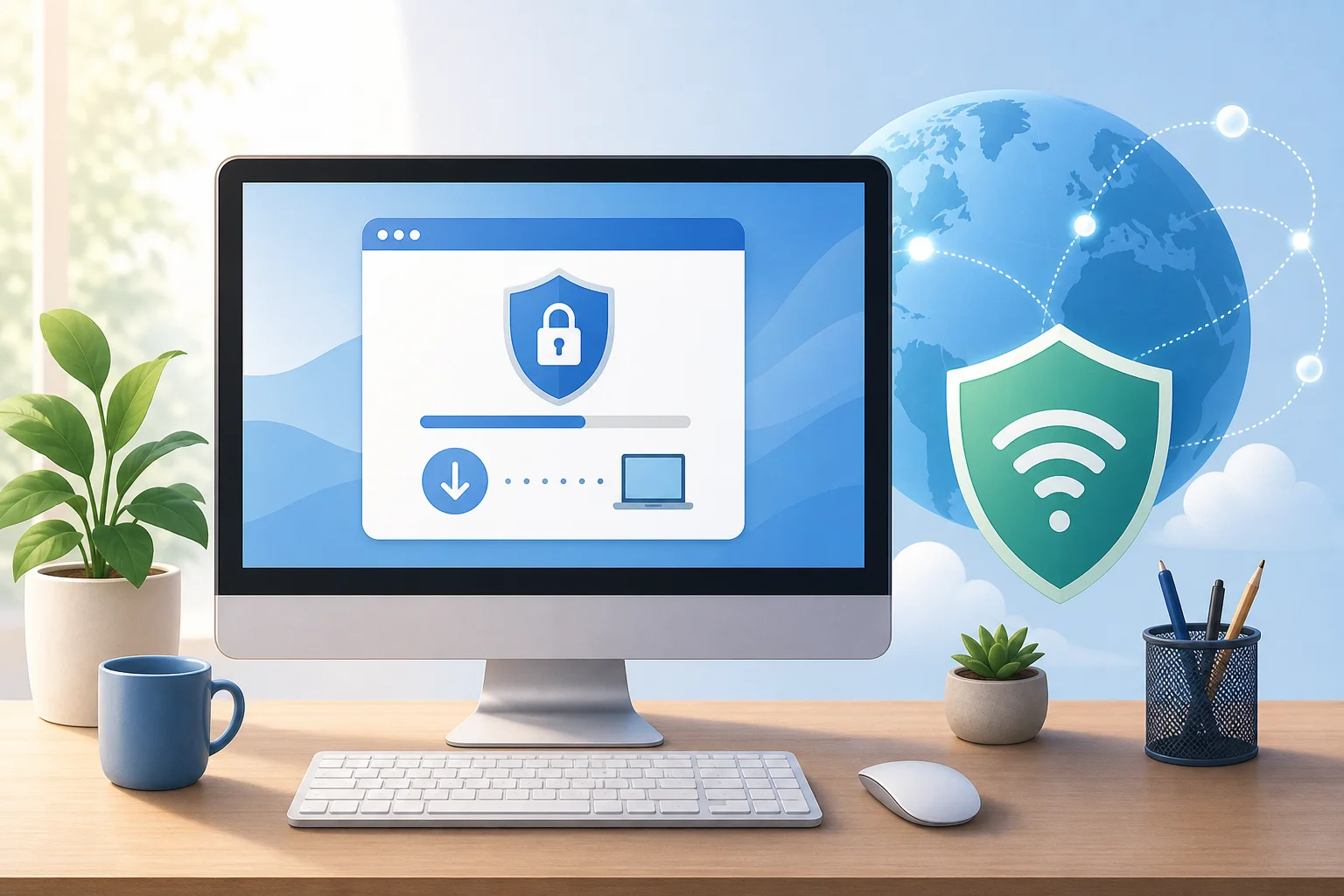
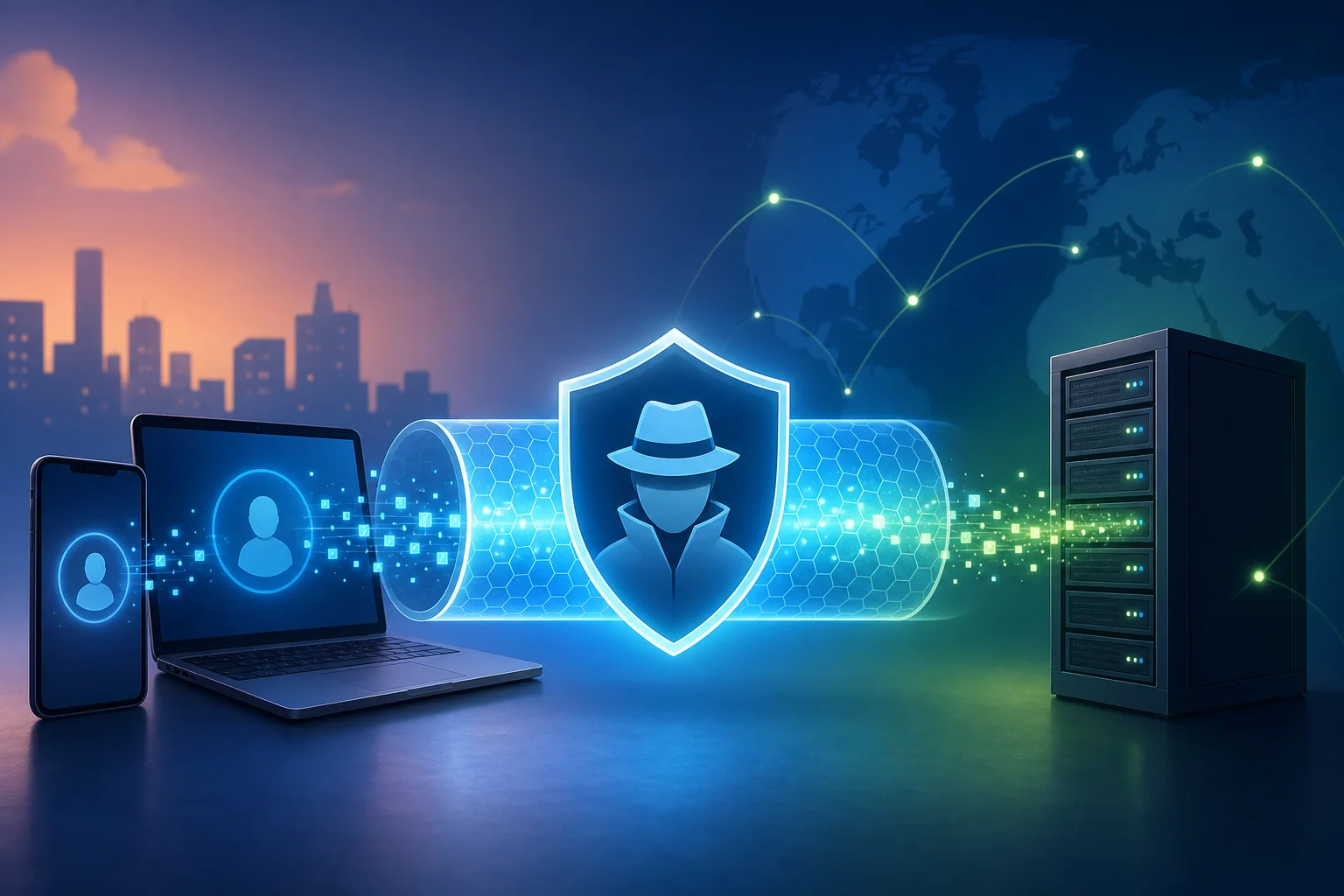
Ever feel frustrated by the endless signup processes just to get some online privacy with VPNs? Discover how you can achieve anonymity seamlessly without slowing down. If you are looking for an anonymous VPN without registration, the goal is simple: protect your connection, avoid handing over personal details, and get online quickly. This guide explains why signup barriers can weaken the privacy experience, how they affect speed and convenience, and how BeFreeVPN offers a practical no-registration path for fast, private browsing.

The Frustration: Seeking Privacy Without the Signup Hassle

Many people turn to VPNs because they want more control over their online privacy. They may be using public Wi-Fi, trying to reduce tracking, or simply wanting their browsing activity to stay more private. However, the first thing many VPN services ask for is an account.

That can feel backwards.

A registration form may ask for an email address, password, payment details, or other personal information. Even when a service has good intentions, the process can create a privacy trade-off. You want fewer data trails, yet you are asked to create one before you can even connect.

For privacy-conscious users, this is not a small issue. It can lead to questions such as:

  • Why do I need to identify myself to use a privacy tool?
  • Will my account details be stored?
  • Can my VPN usage be linked back to my email address?
  • How long will setup take before I am protected?

These concerns often cause users to abandon VPN apps before they start. The signup wall becomes the problem. Instead of quick protection, users face forms, confirmations, login screens, and settings.
anonymous vpn no registration privacy

A no-registration VPN removes that first barrier. It lets users focus on the main purpose: securing the connection and browsing with fewer interruptions. For people who value both privacy and simplicity, this can make the difference between using a VPN every day and skipping it entirely.

Understanding the Problem: Why Registration Slows You Down

Registration is not just an inconvenience. It can slow the whole experience, especially when you need protection right away.

Imagine you are at an airport, hotel, café, or coworking space. You connect to public Wi-Fi and want to secure your traffic before checking messages or opening work files. A standard VPN signup process may require several steps before you can connect.

Registration adds setup delays

Most account-based VPNs require some combination of the following:

  1. Entering an email address.
  2. Creating and confirming a password.
  3. Verifying the email account.
  4. Choosing a plan or trial.
  5. Logging in on the app.
  6. Adjusting account settings.

Each step adds friction. If the confirmation email is delayed or you forget your password, setup takes even longer. In contrast, a no-signup VPN is designed for faster access because it removes account creation from the flow.

Personal data can conflict with privacy goals

VPNs are often used to reduce exposure of browsing activity, location signals, and network-level tracking. When registration asks for personal information, some users feel that the privacy purpose is weakened.

To be clear, registration does not automatically mean a VPN is unsafe. Many reputable services use accounts for billing, support, or device management. However, if your priority is anonymous access with minimal personal data, a no-registration model is a better fit.

Frequent logins reduce ease of use

Account-based systems can also create recurring interruptions. You may need to log in again after an update, password reset, app reinstall, or device change. These interruptions do not just slow you down; they also make VPN usage feel like a chore.

That matters because privacy tools work best when they are easy to use. If connecting to a VPN feels slow or complicated, people are less likely to use it consistently.

Quick comparison: registration VPN vs no-registration VPN

FeatureVPN with registrationAnonymous VPN without registration
Initial setupRequires account creationOpen app and connect
Personal detailsMay require email or payment dataNo signup details needed to start
Login interruptionsPossible after updates or resetsFewer account-related interruptions
Best forAccount management and subscriptionsFast, private, low-friction access
User experienceMore steps before connectionSimpler one-click connection

The key point is not that every signup process is bad. Rather, registration can be the wrong fit when your main need is immediate privacy with minimal disclosure.

The Solution: Step-by-Step Guide to Using BeFreeVPN Anonymously

BeFreeVPN addresses this problem with a no-registration model built for quick access. Instead of asking you to create an account before you can protect your traffic, it allows you to connect without a signup process. This is useful when speed, simplicity, and privacy are all priorities.

Below is a simple step-by-step process.

Step 1: Download and install the BeFreeVPN app

Start by downloading the BeFreeVPN app on your device. Use the official source for your platform whenever possible, such as the official app store or BeFreeVPN website. This helps reduce the risk of installing modified or unsafe versions.

After downloading, install the app as you would any other trusted application. You do not need to prepare an email address, create a new password, or wait for a verification message.

Step 2: Launch the app and connect instantly

Open BeFreeVPN. Since the service is designed for no-registration access, you can move straight to connecting. In most cases, this means selecting a location or using the default connection option, then tapping the connect button.

This is where the no-signup model helps most. There is no account gate between you and your VPN tunnel. When you need protection quickly, that matters.

Step 3: Browse with more privacy and less friction

Once connected, your internet traffic is routed through the VPN connection. This can help protect your activity from local network observers, such as those on public Wi-Fi, and can reduce exposure of your real IP address to websites and services you visit.

For best results, keep the app connected while using unsecured networks or when you want added privacy. Also, remember that a VPN is one part of a privacy setup. Strong browser settings, safe downloads, and careful sharing habits still matter.
fast anonymous vpn connection

Step 4: Disconnect when you are done

When you no longer need the VPN connection, disconnect inside the app. Because BeFreeVPN avoids registration, you do not have to manage account settings afterward. This keeps the experience simple from start to finish.

The Results: Benefits of a No-Registration VPN with Optimal Speed

A no-registration VPN can make private browsing feel practical, not complicated. For many users, the biggest benefit is that protection becomes easier to start and easier to keep using.

Seamless browsing without unnecessary delays

When signup steps are removed, the path to connection is shorter. You do not have to stop to verify an email, recover a forgotten password, or update account details. This supports a smoother experience, especially when you are on the move.

Speed also depends on many factors, including your internet provider, location, device, server distance, and network conditions. Still, reducing setup friction helps you reach the secure connection faster. BeFreeVPN’s no-registration approach is built around that convenience.

Privacy without sharing personal information to start

If your priority is anonymous VPN access, giving less personal information is a clear advantage. With BeFreeVPN, you can begin using the VPN without creating an account first. That means fewer details are required before you connect.

This supports a privacy-first mindset. You can protect your connection without adding another login profile to manage.

Quick access to global content securely

VPNs can also help users access the internet through different server locations, depending on the app’s available options. This may improve access to content while adding a protective layer to your connection.

With BeFreeVPN, the experience is designed to be straightforward: open, connect, and browse. For everyday users, that simplicity can be more valuable than advanced settings they rarely touch.

FAQ: Anonymous VPN Without Registration

Is an anonymous VPN without registration really private?

A no-registration VPN can improve privacy by reducing the personal information needed to start using the service. It helps avoid linking VPN access to an account signup. However, overall privacy also depends on the VPN provider’s policies, your device settings, and your browsing habits.

Do I need an email address to use BeFreeVPN?

BeFreeVPN is presented as a no-registration VPN, so you can connect without the usual signup process. This removes the need to create an account before you start browsing privately.

Will a no-registration VPN be faster?

It can be faster to start using because there are fewer setup steps. Connection speed itself depends on network conditions, server location, device performance, and other technical factors. The main speed benefit is reduced friction before you connect.

Can I use a VPN without signing up on public Wi-Fi?

Yes. A no-signup VPN is especially useful on public Wi-Fi because you can connect quickly before browsing, messaging, or checking accounts. This helps protect your traffic from local network risks.

What should I look for in a no-registration VPN?

Look for simple setup, clear privacy information, stable connections, easy server selection, and apps from official sources. A good no-registration VPN should make private browsing easier without asking for unnecessary personal details upfront.

A Simpler Way to Protect Your Privacy

Choosing an anonymous VPN without registration is about removing friction from privacy. You should not have to slow down, share extra personal information, or fight through login screens just to secure your connection. BeFreeVPN offers a practical solution for users who want fast access, fewer barriers, and a smoother browsing experience.

Experience true online freedom and privacy with BeFreeVPN, offering fast, no-registration access for seamless browsing. Try it today and feel the difference.
Why use an anonymous VPN for internet security?

· 10 min read

Ever wondered how to keep your personal information secure online without turning into a tech expert? An anonymous vpn for internet privacy is one of the simplest tools beginners can use to reduce tracking, protect data on public Wi-Fi, and browse with more confidence. In this guide, you’ll learn what an anonymous VPN does, how it protects your data, and how to choose a service that fits your everyday internet use.

What Is an Anonymous VPN?

A Virtual Private Network, or VPN, is a tool that creates a secure connection between your device and the internet. Instead of your traffic going directly from your phone or laptop to a website, it first travels through a VPN server. This helps hide parts of your online activity from networks, websites, and some third parties.

Think of it like sending a letter through a trusted forwarding address. The website sees the VPN server’s address, not your home network’s address.

VPN basics in simple terms

When you connect to a VPN:

  • Your device creates an encrypted “tunnel” to a VPN server.
  • Your internet requests pass through that tunnel.
  • Websites see the VPN server’s IP address instead of your real IP address.
  • Your internet service provider can usually see that you are using a VPN, but not the exact websites you visit through the encrypted tunnel.

This makes a VPN useful for everyday privacy, especially when you use shared networks at cafes, hotels, airports, or schools.

How anonymity improves online privacy

Your IP address can reveal general information about your location and internet provider. It is also one of the signals websites and advertisers may use to track visits, build profiles, or limit access based on region.

An anonymous VPN masks your real IP address by replacing it with the IP address of the VPN server. This does not make you invisible online, but it does reduce how easily your browsing can be linked back to your home connection or device.

anonymous VPN protecting internet privacy

Anonymous VPNs vs. regular VPNs

Not every VPN is equally focused on anonymity. A regular VPN may provide encryption and location masking, but an anonymous VPN usually puts more emphasis on privacy-friendly access, minimal data collection, and simple use without unnecessary personal details.

FeatureRegular VPNAnonymous VPN
Encrypts trafficUsually yesYes
Masks your IP addressUsually yesYes
Focus on minimal user dataVaries by providerStronger focus
No-log approachVariesOften a key feature
Beginner-friendly privacyVariesUsually central to the service

In short, a regular VPN protects the connection. An anonymous VPN aims to protect the connection while also reducing the amount of personal information tied to your VPN use.

Why Do You Need an Anonymous VPN for Internet Use?

Most people do not think about online privacy until something goes wrong. However, daily browsing creates a trail. Websites may log visits. Advertisers may follow behavior across pages. Public Wi-Fi networks may expose unprotected traffic. An anonymous VPN for internet security helps limit these risks.

Protecting personal data from hackers and surveillance

Public Wi-Fi is convenient, but it is not always safe. If a network is poorly secured, attackers may try to intercept data or trick users into connecting to fake hotspots. A VPN helps by encrypting the traffic leaving your device, making it much harder for someone on the same network to read what you are doing.

A VPN can also reduce casual monitoring by network owners. For example, a hotel, airport, workplace, or school network may be able to see domain-level activity when you browse without a VPN. With a VPN connection, the network mainly sees an encrypted connection to the VPN server.

Preventing tracking by websites and advertisers

Advertisers use many methods to track people, including cookies, browser fingerprinting, device identifiers, and IP addresses. A VPN does not block every type of tracking by itself. Still, IP masking makes one important tracking signal less reliable.

For stronger privacy, combine an anonymous VPN with good browsing habits:

  • Use privacy-focused browser settings.
  • Clear cookies regularly.
  • Avoid logging into personal accounts when you want more private browsing.
  • Turn off unnecessary app permissions.
  • Use multi-factor authentication for important accounts.

Together, these steps make it harder for companies or trackers to build a complete profile of your activity.

Real-world privacy risks a VPN can help reduce

Here are common situations where a VPN can help:

  1. Using airport Wi-Fi: A VPN encrypts your traffic while you check email or browse travel sites.
  2. Working from a cafe: It reduces the chance of data exposure on a shared network.
  3. Researching sensitive topics: IP masking helps separate your browsing from your home IP address.
  4. Avoiding location-based profiling: Websites see the VPN server location rather than your exact network location.
  5. Traveling abroad: A VPN can help keep your connection more private on unfamiliar networks.

A VPN is not a magic shield against every threat. It will not stop phishing emails, weak passwords, or malware. But it is a practical first layer of protection for everyday internet privacy.

How Does an Anonymous VPN Protect Your Data Online?

An anonymous VPN uses two main privacy tools: encryption and IP masking. Some services also add privacy-focused policies, such as no-log operation, to reduce the amount of data stored about users.

Encryption: locking your internet traffic

Encryption turns readable data into scrambled information that can only be understood with the right key. VPNs commonly use strong encryption standards and secure VPN protocols to protect traffic between your device and the VPN server.

Common VPN protocols include:

  • WireGuard: Often fast and modern, with a lightweight design.
  • OpenVPN: Widely trusted and flexible.
  • IKEv2/IPsec: Often stable on mobile devices, especially when switching networks.

For beginners, the exact protocol matters less than choosing a VPN that uses modern, well-regarded security methods and keeps the connection stable.

IP masking: hiding your network identity

Every internet connection uses an IP address. Without a VPN, websites can usually see the IP address assigned by your internet provider or mobile carrier. With a VPN, your traffic appears to come from the VPN server.

This helps anonymize your online presence in a few ways:

  • It hides your real IP address from websites you visit.
  • It reduces location signals linked to your home or mobile network.
  • It makes basic IP-based tracking less accurate.

However, remember that logging into personal accounts can still identify you. If you sign into your email, social media, or shopping account, those services know it is you regardless of the IP address.

VPN encryption for online data

Why a no-log VPN matters

A no-log VPN is designed not to store activity logs, such as browsing history, connection destinations, or online behavior. This is important because a VPN provider sits between your device and the wider internet. The less it records, the better for privacy.

When comparing providers, look for clear privacy policies written in simple language. Be cautious of vague promises. A good VPN should explain what data it does and does not collect.

How to Choose the Right Anonymous VPN for You

Choosing a VPN can feel confusing at first. There are many apps, plans, protocols, and claims. The best choice for beginners is usually the service that is private, simple, reliable, and easy to use on the devices you already own.

Important features to look for

Use this checklist when choosing an anonymous VPN service:

  • No-log policy: The service should minimize stored activity data.
  • Strong encryption: Look for modern protocols and secure defaults.
  • IP masking: The VPN should hide your real IP address effectively.
  • No-registration option: Fewer sign-up details can mean less personal data shared.
  • Multiple device support: Check that it works on your phone, laptop, tablet, or browser.
  • Stable speeds: A VPN should protect you without making basic browsing frustrating.
  • Easy interface: Beginners should be able to connect in one or two taps.
  • Transparent terms: Privacy and usage policies should be clear.

Step-by-step: how to evaluate a VPN before using it

  1. Read the privacy policy. Check whether the provider logs browsing activity or personal details.
  2. Check device support. Make sure it works on the devices and systems you use most.
  3. Test connection speed. Try normal tasks like browsing, video calls, and streaming.
  4. Look for easy controls. You should be able to connect, disconnect, and change settings without confusion.
  5. Review access requirements. If privacy is your priority, consider services that do not require unnecessary registration.
  6. Use it in real situations. Test it on public Wi-Fi, mobile data, and your home network.

How BeFreeVPN helps beginners get started

BeFreeVPN is built for users who want a simple way to protect their online activity without a complicated setup. It offers hassle-free, no-registration VPN access, which is helpful if you want to start using a VPN without sharing extra personal information.

It also supports use across multiple devices, making it practical for everyday browsing at home, at work, or while traveling. For beginners, that simplicity matters. The easier a VPN is to use, the more likely you are to keep it on when it counts.

FAQ About Using an Anonymous VPN for Internet Privacy

In many countries, using a VPN is legal. However, laws vary by location, and using a VPN does not make illegal activity legal. Always follow local rules and the terms of the services you use.

Will a VPN make me completely anonymous online?

No. A VPN improves privacy by encrypting traffic and masking your IP address, but it does not make you fully anonymous. Accounts you log into, cookies, browser fingerprints, and unsafe habits can still identify you.

Should I use a VPN all the time?

For many beginners, keeping a VPN on during everyday browsing is a good habit, especially on public Wi-Fi. You may choose to turn it off for certain trusted services if needed, but using it regularly gives more consistent protection.

Does an anonymous VPN slow down the internet?

A VPN can reduce speed because your traffic is encrypted and routed through a VPN server. The impact depends on the service, server distance, network quality, and device. A reliable VPN should still handle normal browsing smoothly.

Start Browsing With More Privacy

An anonymous VPN for internet use is a beginner-friendly way to protect personal data, mask your IP address, and reduce everyday tracking. It works best as part of a smart privacy routine that includes strong passwords, careful browsing, and secure device settings. Try BeFreeVPN today to enjoy a free, no-registration VPN service that keeps your online activities and personal data safe and anonymous.

The ultimate guide to using a VPN for free with no ads: secure your home office

· 10 min read

In an age where remote work is becoming the norm, securing your online presence shouldn't cost a fortune. If you are looking for a VPN for free with no ads, this guide will help you understand what to look for, how free ad-free VPNs work, and how to use one safely for your home office. You do not need to be a cybersecurity expert. With a few smart habits, a reliable VPN can make remote work more private, safer, and less distracting.

free VPN for remote work

1. Why You Need a VPN for Remote Work

Remote work gives you flexibility, but it also moves your work activity outside the traditional office network. That means your laptop, phone, or tablet may connect from home Wi-Fi, coffee shops, hotels, airports, or shared workspaces. Each of these networks can carry different risks.

A VPN, or virtual private network, creates an encrypted tunnel between your device and the VPN provider’s server. In simple terms, it makes your internet traffic harder for outsiders to inspect. This is especially useful when you are using public Wi-Fi, where attackers may try to monitor unsecured connections.

A VPN helps protect your data from hackers

When you log in to email, cloud storage, project tools, or video meeting platforms, you may send sensitive information over the internet. A VPN helps reduce the chance that someone on the same network can snoop on your activity. It is not a replacement for strong passwords or two-factor authentication, but it adds another layer of protection.

A VPN helps you access work resources securely

Some companies restrict access to internal systems based on location, network, or IP address. A VPN can help create a more secure route to those resources. If your employer provides its own corporate VPN, use that for company systems. For general browsing, research, or remote work from public Wi-Fi, a trusted free VPN with no ads can still be useful.

A VPN reduces common remote work risks

Remote workers often switch between networks and devices. That increases exposure to risks such as unsecured Wi-Fi, tracking, malicious hotspots, and accidental data leakage. A VPN minimizes some of these threats by encrypting traffic and masking your IP address from websites and network observers.

2. Understanding How Free VPNs Work

Free VPNs route your internet traffic through their servers without charging you upfront. You install an app or use a browser extension, choose a server or tap connect, and your traffic begins passing through the VPN tunnel.

However, “free” can mean different things. Some free VPNs are supported by paid plans. Others show ads, collect data, limit speeds, or restrict server choices. If you want a VPN for free with no ads, you need to check how the provider funds the service and what privacy rules it follows.

How a free VPN can be free

Many legitimate providers offer free VPN access as an entry-level service. They may limit bandwidth, server locations, speed, or advanced features while offering paid upgrades. This can be a fair trade-off if the free plan still protects privacy and avoids intrusive ads.

What “no logs” really means

Some privacy-focused VPNs say they keep no activity logs or usage data. That means they do not store details about the websites you visit or the content of your traffic. This can enhance privacy, but you should always read the privacy policy. Not every free VPN is no-log, and vague claims are not enough.

Look for clear statements about:

  • Whether browsing activity is logged
  • Whether connection timestamps are stored
  • Whether bandwidth usage is tracked
  • Whether data is shared with advertisers or partners
  • Whether independent audits or transparency reports are available

A simple analogy for beginners

Think of a free VPN like your friendly neighborhood library that lets you access a wealth of information—without any fees and without ads interrupting your reading. A good library respects your quiet space. In the same way, a good ad-free VPN should help you work without pop-ups, tracking, or unnecessary distractions.

3. The Perks of Choosing an Ad-Free VPN

Not all free VPNs give the same experience. An ad-supported VPN may interrupt your work with banners, pop-ups, or promotional screens. Worse, some ad-supported services may rely on tracking technologies to target ads. That can weaken the privacy benefits you wanted in the first place.

Smoother work sessions

Ad-free VPNs provide a cleaner and more uninterrupted experience. This matters when you are joining meetings, uploading files, researching, or working inside cloud apps. Fewer interruptions mean fewer chances to click on something by mistake or lose focus.

Less exposure to tracking

Ads often come with tracking cookies, scripts, or third-party networks. While a VPN can hide your IP address from some observers, it cannot magically remove every tracker from every website. Choosing a no-ads VPN reduces one extra source of tracking inside the VPN experience itself.

A cleaner digital workspace

Imagine your online workspace as a clean, open office. Having ads is like clutter on your desk. You can still work, but it is harder to stay focused. A free VPN with no ads keeps the experience simple: connect, work, disconnect when finished.

4. Recommendations for Free, Ad-Free VPN Options

Before choosing a free VPN for remote work, focus on trust, privacy, and ease of use. Beginners should avoid unknown apps that make extreme promises, ask for unnecessary permissions, or have unclear ownership.

What to look for in a free ad-free VPN

Use this comparison table as a quick checklist before installing any VPN app.

Feature to checkWhy it matters for remote workersWhat to choose
No adsPrevents distractions and reduces ad-based trackingA service that clearly states it is ad-free
No-registration optionReduces the amount of personal data you shareApps that do not require email or payment details for basic use
Clear privacy policyShows how your data is handledPlain language about logs, sharing, and retention
Multi-device supportHelps secure laptops, phones, and tabletsApps for your main operating systems
Kill switch or auto-disconnectHelps prevent traffic leaks if the VPN dropsBuilt-in protection you can enable easily
Good reputationReduces the risk of unsafe softwarePositive user reviews and transparent provider information

Choose recognized services that prioritize privacy

Look for free VPN services with a real track record, clear documentation, and privacy-first design. A good provider should explain what the free plan includes and what limitations apply. Be cautious with VPNs that promise unlimited everything but do not explain how they operate.

Check reviews, but read them carefully

User reviews can help you spot problems such as unstable connections, confusing apps, or unexpected ads. Still, reviews are only one signal. Also check the provider’s website, privacy policy, app permissions, and support pages.

Make sure it works across your devices

Remote workers often move between a laptop, smartphone, and tablet. Your VPN should work smoothly on the devices you actually use. If you work on Windows or macOS during the day and check work messages on Android or iOS later, multi-device support is a major benefit.

ad-free VPN on multiple devices

5. Tips for Secure Remote Work Using a VPN

A VPN is most effective when you use it consistently. The steps below are simple enough for beginners and useful enough to become part of your daily remote work routine.

Step-by-step: how to use a free VPN safely for work

  1. Install the VPN from the official source. Use the provider’s website or official app store listing. Avoid random download sites.
  2. Open the app before starting work. Connect to the VPN before signing in to email, cloud drives, chat tools, or dashboards.
  3. Choose a nearby server when possible. A closer server often gives better speed and stability.
  4. Enable auto-disconnect or a kill switch. This helps block internet traffic if the VPN connection drops.
  5. Keep the VPN updated. Updates can fix security issues and improve performance.
  6. Use strong account security. Pair the VPN with strong passwords and two-factor authentication.
  7. Disconnect when you are finished. If you no longer need the VPN, disconnect and close work sessions securely.

Always connect before accessing work accounts

Make it a habit: connect first, then work. This is especially important on public Wi-Fi. If you forget and log in before connecting, your session may start without the extra protection of the VPN tunnel.

Regularly update your VPN app

VPN updates are not just cosmetic. They may include security patches, connection improvements, and fixes for device compatibility. Turn on automatic updates if your device supports them.

Use built-in safety features

Many free VPNs include helpful features such as auto-connect, auto-disconnect, DNS leak protection, or a kill switch. If these are available, enable them. They can protect you when your Wi-Fi drops or your device switches networks.

FAQ: Free VPNs With No Ads for Remote Work

Is a free VPN with no ads safe?

It can be safe if the provider is transparent, privacy-focused, and clear about its limitations. Avoid free VPNs that have vague privacy policies, request excessive permissions, or earn money through intrusive advertising and tracking.

Can I use a free VPN for work accounts?

Yes, for general remote work protection, a free ad-free VPN can help secure your connection. However, if your employer requires a company VPN for internal systems, use the company-approved VPN for those resources.

Will a free VPN slow down my internet?

Sometimes. Any VPN can affect speed because traffic is encrypted and routed through another server. To improve performance, choose a nearby server, close unused apps, and keep the VPN updated.

Do I still need antivirus and two-factor authentication?

Yes. A VPN protects your connection, but it does not replace antivirus software, secure passwords, device updates, or two-factor authentication. Think of it as one important layer in your remote work security setup.

What is the best VPN for free with no ads for beginners?

The best choice is one that is easy to use, has a clear privacy policy, does not require unnecessary personal details, and works on your devices. For beginners, simplicity and transparency are just as important as speed.

Conclusion: Keep Your Home Office Private, Simple, and Ad-Free

A free, ad-free VPN can be a practical security upgrade for beginners who work from home or connect on the go. It helps protect your data on public Wi-Fi, reduces tracking inside the VPN experience, and keeps your online workspace cleaner. Choose a trusted provider, connect before opening work accounts, and use built-in safety features like auto-disconnect for better protection.

Try BeFreeVPN today for a completely free, no-registration VPN experience that keeps your home office secure and ad-free—ideal for all your remote work needs!

Unlocking the internet: why you need a free VPN with unlimited data

· 9 min read

Ever felt the frustration of being throttled while streaming your favorite series or gaming online due to data limits? You’re not alone, and there’s a solution. A free VPN with unlimited data can help you browse, stream, and play without hitting a monthly VPN allowance. Better yet, the right service can protect your privacy while keeping your connection smooth. This guide explains why data caps happen, why many free VPNs feel limited, and how to use a no-data-limit VPN such as BeFreeVPN in a practical, safe way.

1. The Problem: Data Caps and Slow Connections Ruining Your Experience

Modern internet use is data-heavy. Streaming in HD, joining video calls, downloading game updates, backing up photos, and browsing social media can all use more data than expected. When limits appear, the experience can fall apart quickly.

For many people, the most obvious issue is streaming. You start a movie, and at first everything looks fine. Then the video drops in quality, buffers repeatedly, or stops loading at the worst possible moment. Some platforms adjust quality automatically when the connection becomes unstable, but that does not make the experience less frustrating.

Daily internet users can also face unexpected slowdowns from their internet service provider. In some cases, an ISP may reduce speeds during busy periods or after heavy usage. This can affect ordinary tasks like opening websites, using cloud storage, or joining an online class.

At the same time, many people turn to free VPN apps for privacy or access reasons, only to meet another limit: a small daily or monthly data allowance. Traditional free VPNs often restrict usage because their servers cost money to run. That means users may get privacy for a short time, but not enough data for streaming, gaming, or regular browsing.

free vpn with unlimited data streaming

The result is a common problem: you want safer, more open internet access, but you do not want your VPN to become another bottleneck.

2. Why It Happens: Understanding Data Caps and Slowdowns

Data caps and slow connections usually come from a mix of network management, server costs, and misunderstanding about how VPNs work.

ISPs Use Limits to Manage Network Traffic

Internet service providers manage large networks shared by many customers. During peak times, they may use bandwidth management tools to keep the network stable. Some plans also include specific data limits, after which speeds may drop or extra charges may apply.

Not every slowdown is deliberate throttling. Wi-Fi interference, old routers, crowded local networks, and weak mobile signals can all reduce speed. However, data-heavy activities make these issues more visible.

Many Free VPNs Cap Data to Control Server Load

A VPN routes your traffic through secure servers. Those servers need bandwidth, maintenance, and infrastructure. To reduce costs, many free VPN providers set strict data limits, limit server locations, or slow free users during busy hours.

That is why a free VPN may work well for checking email but fail when you want to stream, download, or stay connected all day. If you need everyday protection, a free VPN with unlimited data is far more practical than one that stops after a few hundred megabytes.

The VPN Speed Myth Is Only Partly True

One of the biggest misconceptions is that VPNs always slow down your connection. A VPN can add a small amount of overhead because it encrypts traffic and routes it through another server. But that does not mean every VPN will feel slow.

In fact, speed depends on several factors:

  • The distance to the VPN server
  • Server load at the time you connect
  • Your base internet speed
  • VPN protocol and app quality
  • Whether your ISP is slowing certain types of traffic

A well-optimized VPN server can feel fast enough for daily browsing and streaming. In some situations, especially where traffic shaping is involved, a VPN may even make certain activities feel more stable. The key is choosing the right provider and server.

3. The Solution: How to Use a Free VPN with Unlimited Data—Step by Step

The best solution is simple: choose a VPN that does not force you to count every megabyte. A service such as BeFreeVPN is designed for users who want free VPN access with unlimited data and an easy setup process.

Here is a clear step-by-step approach.

Step 1: Choose a Trusted Free VPN Provider

Start with a provider that clearly states its data policy. Look for no data limits, a simple app, and transparent privacy information. BeFreeVPN is a practical option if you want unlimited data without a complicated sign-up process.

Before installing any VPN, check the basics:

  • Does it offer unlimited VPN data?
  • Does it support your device?
  • Is the app easy to use?
  • Does the provider explain its privacy practices?
  • Are there speed-optimized servers?

A free VPN should still respect your security. Avoid unknown apps with vague permissions, aggressive ads, or unclear ownership.

Step 2: Install the VPN App on Your Device

Next, install the VPN app on the device you use most. Many users start with a smartphone, but a good VPN should work across common platforms such as desktop and mobile devices.

After installation, open the app and review the available connection options. If the VPN does not require registration, you can usually connect faster and avoid sharing unnecessary personal details.

Step 3: Connect to a Speed-Optimized Server

For the best results, choose a server optimized for speed or a location close to you. A nearby server often gives lower latency, which matters for gaming, video calls, and fast browsing.

If you want to access content that is available in another region, connect to a server in that region. However, remember that distance can affect performance. If one server feels slow, switch to another and test again.

Step 4: Monitor Your Connection Speed

Finally, check how your connection performs. You do not need advanced tools. A simple speed test before and after connecting can show changes in download speed, upload speed, and latency.

Use the VPN while doing real tasks too. Try loading your usual websites, watching a video, or joining a call. This gives a more accurate picture than numbers alone.

StepWhat to DoWhy It Helps
1Choose a no-data-limit VPNPrevents usage caps from interrupting browsing or streaming
2Install the app on your deviceMakes protection available where you need it most
3Select a speed-optimized serverImproves stability and reduces unnecessary lag
4Test real-world performanceHelps you find the best server for your connection

unlimited VPN data setup

4. Results/Benefits: Experience Seamless Internet Freedom

Using a free VPN with unlimited data can change the way you experience the web. Instead of saving your VPN allowance for “important” moments, you can keep it on during everyday browsing.

Unlock Access Without Worrying About VPN Data Limits

Unlimited VPN data means you can stream, browse, research, and message without constantly checking how much data remains inside the VPN app. This is especially helpful for people who use public Wi-Fi, travel often, or rely on mobile devices throughout the day.

A VPN can also help you access your favorite content more flexibly when location-based restrictions are involved. Availability depends on the platform and region, but having server options gives you more control over your browsing experience.

Enjoy Smooth Speeds When the VPN Is Set Up Correctly

A VPN does not automatically make every connection faster. However, a well-chosen server can keep your experience smooth. If your ISP is shaping certain traffic, encrypted VPN traffic may help reduce that interference. If the issue is weak Wi-Fi or a slow base plan, the VPN cannot fix the root cause, but it can still protect your connection.

The main point is this: the idea that every VPN is slow is outdated. With unlimited data and speed-focused servers, a free VPN can be suitable for normal daily use.

Improve Privacy While You Browse

A VPN encrypts your internet traffic between your device and the VPN server. This is useful on public Wi-Fi in airports, hotels, cafés, and shared workspaces. It helps reduce exposure to local network snooping and adds a layer of privacy to your browsing.

It is not a complete privacy solution by itself. You should still use strong passwords, keep apps updated, enable two-factor authentication, and avoid suspicious links. But as part of a safer browsing routine, a VPN is a strong first step.

FAQ: Free VPN with Unlimited Data

Is a free VPN with unlimited data really free?

Some VPNs offer free access with no data limits. Always review the provider’s terms and privacy information so you understand how the service is supported and what features are included.

Will a free unlimited VPN slow down my internet?

Not always. A VPN can add some overhead, but performance depends on server quality, distance, network congestion, and your original internet speed. Choosing a nearby or speed-optimized server usually helps.

Can I use an unlimited free VPN for streaming?

Yes, you can use a no-data-limit VPN for streaming, provided the server is fast enough and the streaming service works with that connection. If playback buffers, try another server or lower the video quality slightly.

Is BeFreeVPN suitable for everyday browsing?

BeFreeVPN is designed for simple, free VPN access with unlimited data, making it a useful option for everyday browsing, streaming, and privacy on supported devices.

Conclusion: Browse More Freely Without Counting Data

Data caps, buffering, and throttled connections can make the internet feel smaller than it should. A free VPN with unlimited data helps solve that problem by giving you privacy and continuous access without forcing you to ration your usage. Choose a trusted provider, connect to a fast server, and test what works best for your device and location. Experience the internet without limits! Try BeFreeVPN today for free, no registration required, and enjoy unlimited data on any device.

VPN for windows 11 download: answers to your questions

· 8 min read

Are you unsure how to download and set up a VPN on your Windows 11 devices for safe family browsing? This guide explains the essentials of a vpn for windows 11 download, including free options, no-registration setup, fast servers, Windows 10 compatibility, and safer online habits for children. It also helps families think about multi-device use across a home computer, laptop, MacBook, Ubuntu machine, or other everyday devices.

vpn for windows 11 download on laptop

How do I download a VPN for Windows 11 for free?

To get a vpn for windows 11 free, start with a reputable provider that clearly explains its privacy policy, supported platforms, and installation steps. BeFreeVPN is one option designed to offer free VPN access without registration, which can make it simple for household users who do not want to create another account.

A safe vpn for windows 11 download should always come from the official provider website or a trusted app store. Avoid random download portals, bundled installers, and pop-ups that promise “premium VPN unlocked,” because these can expose your device to malware or unwanted software.

Step-by-step VPN for Windows 11 setup

  1. Visit the official VPN website. Go directly to the provider’s site, such as BeFreeVPN, instead of using third-party download pages.
  2. Find the Windows download button. Choose the Windows option that supports Windows 11. Many providers also list a vpn for windows 10 download if you use both systems at home.
  3. Download the installer. Save the file to your computer and check that the website uses HTTPS.
  4. Run the installer. Open the downloaded file and follow the on-screen instructions.
  5. Launch the VPN client. After installation, open the app from the Start menu.
  6. Connect to a server. Pick a nearby server for speed, or choose another location if needed.
  7. Check your connection. Confirm that the VPN says “connected” before browsing.

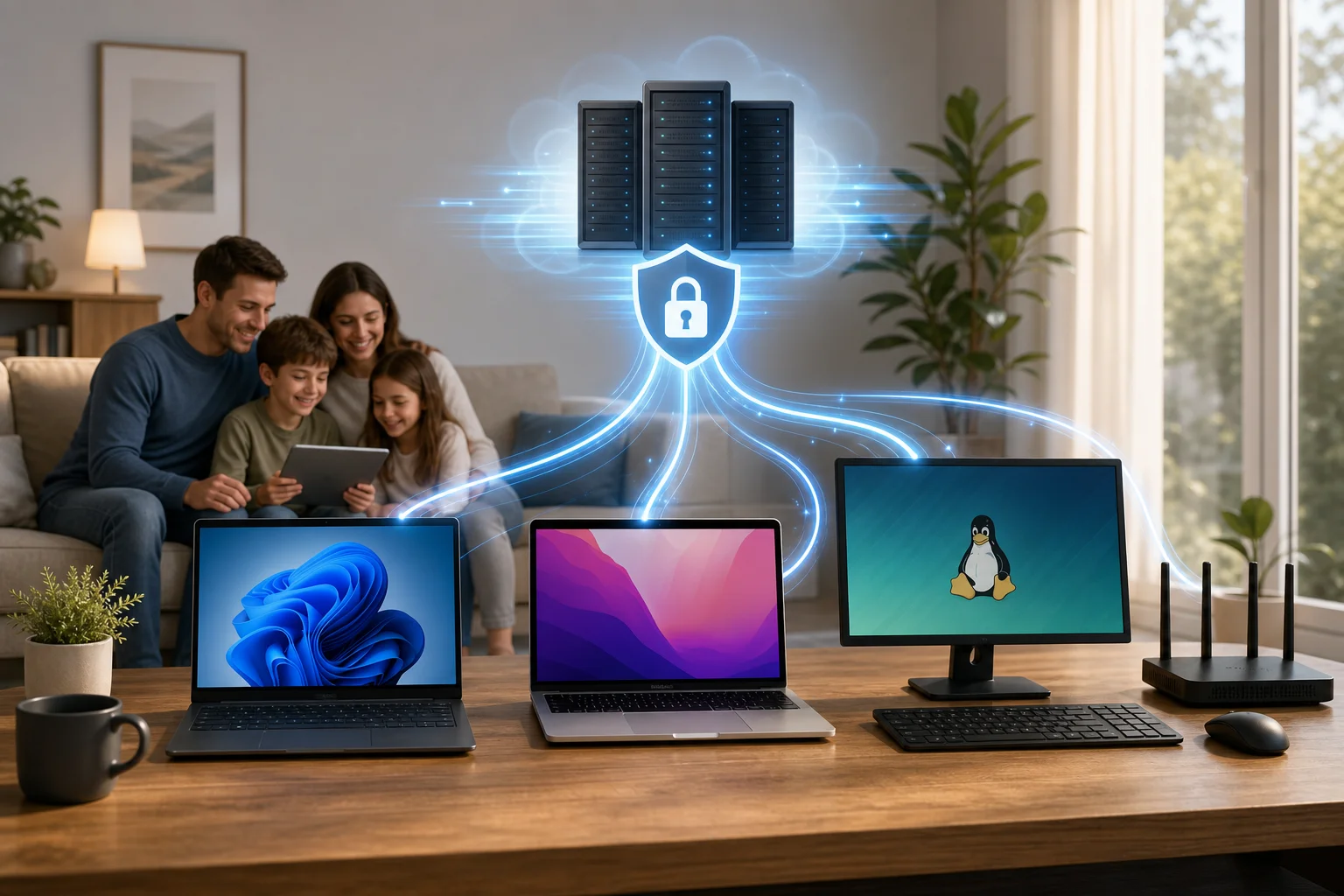
This basic vpn for windows 11 setup is usually similar to a vpn for computer setup on Windows laptops and desktops. If your household also uses Apple or Linux devices, look for matching apps for vpn for mac download, vpn for macbook download, vpn for macos download, vpn for linux download, vpn for ubuntu download, or vpn for debian download so everyone can follow the same privacy routine.

What is the best free VPN for Windows 11 with fast servers?

The best free VPN depends on your needs, but families should focus on speed, privacy, ease of use, and simultaneous device support. A vpn for windows 11 with fast servers should connect quickly, keep video calls stable, and reduce slowdowns during browsing, homework, and streaming.

BeFreeVPN is worth considering if you want a simple vpn for windows 11 free that does not require registration. However, you should still compare any provider carefully. Check recent user reviews, read the privacy policy, and test several server locations if the app allows it.

Feature to checkWhy it matters for families
Fast server networkHelps with school platforms, video calls, and everyday browsing
No registrationReduces the amount of personal information shared during setup
Simple interfaceMakes it easier for parents and children to connect safely
Multiple platformsUseful if you need a vpn for mac free, vpn for linux free, or vpn for computer free
Clear privacy policyHelps you understand logging, data use, and limits

For a shared home, also consider the number of simultaneous connections. One parent may use Windows 11, another may need a vpn for macbook setup, and a family desktop may still require a vpn for windows 10 setup. If the provider supports several devices, it becomes easier to keep protection consistent.

If speed is the priority, choose the closest available VPN server first. Nearby servers often provide lower latency. Also, close unused apps, update Windows, and test your connection at different times of day. These small steps can improve results with a vpn for computer with fast servers, whether you use Windows, macOS, Linux, Ubuntu, or Debian.

vpn for windows 11 with fast servers

Can I set up a VPN on Windows 11 without any registration?

Yes. Some providers, including BeFreeVPN, are designed for users who want a vpn for windows 11 without registration. This means you can download the client, install it, open the app, and connect without entering an email address, password, or payment details.

A no-registration setup can be useful for privacy-conscious households. It limits the personal information you provide before using the service. It also makes setup faster for parents who need to protect several devices without managing extra accounts.

The process is usually simple:

  • Download the official Windows 11 client.
  • Install the app on your PC.
  • Open the VPN.
  • Choose a server.
  • Click connect.

The same idea may apply if you need a vpn for windows 10 without registration, vpn for mac without registration, vpn for macbook without registration, vpn for macos without registration, vpn for linux without registration, vpn for ubuntu without registration, or vpn for debian without registration. Still, always verify the provider’s current policy before installing, because terms can change.

No-registration does not automatically mean a VPN is perfect. You should still look for strong encryption, clear ownership information, a no-log or minimal-log policy, and transparent app permissions. For children’s devices, parents should install and configure the VPN themselves rather than asking a child to choose random tools online.

Is a VPN for Windows 11 the same as for Windows 10?

The basic purpose is the same. A VPN encrypts traffic between your device and the VPN server, helping protect browsing activity on public Wi-Fi and reducing exposure to local network snooping. In that sense, a vpn for windows 10 download and a Windows 11 VPN download often serve the same core function.

However, you should still check compatibility. Windows 11 has newer security features and a different interface in some areas. A reliable provider will state that its app supports Windows 11 and will keep it updated. If you see only old Windows versions listed, choose another provider or contact support before installing.

QuestionWindows 11Windows 10
Can I use a modern VPN app?Yes, if the provider supports Windows 11Yes, many providers still support it
Is setup similar?Usually simple with an installerUsually similar with an installer
Do I need a separate account?Not always; BeFreeVPN offers no-registration useNot always; depends on the provider
Should I update the app?Yes, for security and compatibilityYes, for security and compatibility

Windows 11 improvements may help some apps run more smoothly, but VPN performance still depends on your internet connection, server distance, device resources, and provider network. If your home uses both operating systems, choose one provider that supports vpn for windows 11 setup and vpn for windows 10 setup to reduce confusion.

For mixed-device households, compatibility matters even more. You may want a vpn for mac setup on a parent’s iMac, a vpn for macos with fast servers on a Mac mini, or a vpn for linux setup on an older laptop. Families using Ubuntu or Debian should confirm whether the provider offers an app, command-line tool, or manual configuration guide.

Are VPNs safe for children's online activities on Windows 11?

Yes, a trusted VPN can make children’s online activity safer by encrypting data, especially on public Wi-Fi or shared networks. A VPN such as BeFreeVPN can help protect browsing sessions from local network snooping and reduce the risk of exposing personal information during everyday use.

That said, a VPN is not a complete child safety solution by itself. It does not replace parental controls, safe search settings, age-appropriate apps, or family conversations about online behavior. Instead, treat it as one layer in a broader safety plan.

For family use, choose a VPN with these qualities:

  • Minimal data logging. Look for a clear no-log or minimal-log policy.
  • Simple connection controls. Children should not need to adjust complex settings.
  • Reliable speeds. A vpn for windows 11 with fast servers helps avoid frustration during homework or video lessons.
  • Multi-device support. Families may need a vpn for computer download, plus apps for Mac, MacBook, macOS, Linux, Ubuntu, or Debian.
  • No unnecessary registration. A vpn for computer without registration can reduce account management and limit shared personal details.

Parents should also explain what a VPN does and does not do. For example, it protects the connection, but children still need to avoid suspicious links, unknown downloads, oversharing, and unsafe chats. Keep Windows 11 updated, use antivirus protection, and review browser privacy settings for each child’s profile.

If you manage several devices, make a short family checklist: connect the VPN before using public Wi-Fi, use approved browsers and apps, report strange pop-ups, and ask before downloading files. This approach works whether you need a vpn for mac with fast servers, vpn for ubuntu free, vpn for debian with fast servers, or a simple Windows 11 VPN for a school laptop.

Protect your family's online privacy effortlessly with BeFreeVPN — enjoy fast, free VPN services with no registration needed across all your devices.

A friendly guide to using a free VPN for your computer: no registration needed

· 12 min read

Are you looking for a way to browse securely without the hassle of registration? Unlock an easy solution with a free VPN for your computer! In this guide, you’ll learn how to choose, download, install, and use a no-registration VPN safely on Windows, macOS, or another desktop system. We’ll also cover common issues, simple fixes, and what to check before trusting any free VPN service with your internet traffic.

A virtual private network, or VPN, helps protect your connection by routing your traffic through an encrypted tunnel. This can hide your real IP address from websites, add protection on public Wi-Fi, and give you more control over your online privacy. However, not all free VPNs are equal. Some are easy to use, while others may have limits, ads, or unclear privacy practices.

This friendly how-to guide focuses on frictionless options: free VPN services that do not require registration, email sign-up, or account creation.

free VPN for computer privacy

Before You Start: Choose the Right VPN

Before installing anything, take a few minutes to compare your options. A free VPN for PC or Mac should be simple, safe, and transparent. The goal is to avoid tools that create more privacy risks than they solve.

Understand the Difference Between Free and Paid VPNs

Free VPNs can be useful for basic privacy, light browsing, and quick protection on public networks. They are often a good starting point if you want a VPN without commitment. Still, they may include limits such as:

  • Fewer server locations
  • Slower speeds during busy hours
  • Data caps or session limits
  • Fewer advanced privacy features
  • Ads or upgrade prompts

Paid VPNs usually offer stronger performance, more servers, streaming support, customer service, and extra tools such as dedicated IP options or advanced leak protection. That said, if your main need is simple private browsing without an account, a no-registration free VPN can be enough.

Here is a quick comparison:

FeatureFree VPN with no registrationPaid VPN
Account requiredOften noUsually yes
CostFreeMonthly or yearly fee
Server choiceLimitedWider selection
SpeedCan varyUsually more stable
Best forBasic privacy and quick useHeavy use, travel, streaming, work

Research VPNs That Explicitly State “No Registration Required”

Look for clear wording on the provider’s website, app store page, or download page. Phrases such as “no sign-up,” “no account needed,” or “no registration required” are important. If a VPN asks for an email, password, phone number, or payment card before you can connect, it is not a frictionless no-registration option.

Also, read the privacy policy. A trustworthy provider should explain what data it collects, how it uses that data, and whether it stores connection logs. If the policy is vague or hard to find, choose another option.

Check Customer Reviews and Ratings to Ensure Reliability

Reviews can reveal problems that a download page will not mention. Before you install a free VPN client, check recent feedback from users. Look for comments about:

  • Connection stability
  • Unexpected ads or pop-ups
  • Speed changes
  • Ease of installation
  • Support for your operating system
  • Privacy concerns or suspicious behavior

Be careful with perfect-looking reviews that all sound the same. Instead, focus on balanced comments that mention both strengths and limits.

Step 1: Download the VPN Software

Once you have chosen a no-registration VPN, download it safely. This step matters because fake VPN installers can contain malware or unwanted software.

1. Visit the Official Website or a Trusted Source

Always download the VPN from the official provider website or a trusted app store. Avoid random file-sharing sites, forum links, or “cracked” versions. These may include modified installers that can harm your computer or steal data.

If you use Windows, look for a Windows download button. If you use macOS, choose the Mac version. Some providers also offer browser extensions, but a full desktop VPN app usually protects more of your computer’s internet traffic than a browser-only tool.

2. Ensure You’re Downloading the Correct Version for Your OS

Before clicking download, check your operating system version. For example, a newer VPN app may require a recent version of Windows or macOS. Installing the wrong file can lead to errors, failed launches, or missing features.

If you are unsure which version you need:

  1. Open your computer’s system settings.
  2. Check your operating system name and version.
  3. Return to the VPN download page.
  4. Select the matching installer.

This simple check saves time and helps avoid compatibility problems.

3. Check for Malware Protection During the Download Process

Keep your browser and security software active while downloading. If your antivirus or operating system warns you about the file, pause and investigate. A warning does not always mean the file is harmful, but it should never be ignored.

You can also check whether the downloaded file name matches the provider’s app name. If the file has a strange name, comes as a compressed archive from an unknown source, or tries to install unrelated software, do not continue.

Step 2: Install the VPN on Your Computer

After downloading the installer, the next step is to set up the VPN app. Most no-registration VPNs are designed to be quick, so the process should only take a few minutes.

Follow the On-Screen Installation Prompts

Open the downloaded file and follow the installation steps. You may need to accept the terms of service and choose where to install the application. Read each screen before clicking “Next” or “Continue.”

On Windows, you may see a User Account Control prompt asking whether you want to allow the app to make changes. On macOS, you may need to drag the app into the Applications folder or approve it in system settings.

Select the Option for a Quick Installation

If the installer offers setup types, choose quick or standard installation unless you have a specific reason to customize it. This helps avoid unnecessary steps and keeps the process simple.

However, watch for optional add-ons. A reliable VPN should not force extra toolbars, unrelated apps, or browser changes. If you see optional offers, decline anything you do not need.

Allow Necessary Permissions for the Software to Operate

VPN apps often need permission to add a network configuration or install a VPN profile. This is normal because the app must route your internet traffic through its secure connection.

Only allow permissions that match the VPN’s purpose. For example, network access is expected. Access to your photos, contacts, or unrelated personal files is not usually needed for a desktop VPN.

install VPN on computer

Step 3: Connect to a Server

Now you are ready to connect. This is where your VPN begins protecting your browsing session.

Launch the VPN Application and Select “Connect”

Open the VPN app from your desktop, Start menu, Applications folder, or system tray. A no-registration VPN should let you start without creating an account. In most apps, you can click a large “Connect” button to begin.

If the app asks you to sign in, double-check whether you downloaded the right VPN or version. Some providers have both account-based and no-registration products.

Choose a Server Location That Meets Your Needs

Some VPNs automatically choose the fastest server. Others let you select a country or city. For speed, choose a server near your real location. For access to region-specific websites, choose a server in the location you need.

Keep in mind that a VPN should be used responsibly. It does not make illegal activity safe or acceptable. It is best used for privacy, secure browsing, and safer connections on public Wi-Fi.

Wait for the Status to Show “Connected”

Do not start sensitive browsing until the app confirms the connection. Look for words like “Connected,” “Protected,” or “VPN active.” Some apps also show a new IP address or server location.

If the connection takes longer than expected, wait a moment. Free VPN servers can be busy. If it still does not connect, try another server.

Step 4: Start Browsing Securely

Once your VPN shows that it is connected, you can open your browser and use the internet with added privacy.

Open Your Browser and Check Your IP Address

To confirm that the VPN is working, visit a reputable IP checking site. Your displayed IP address and location should be different from your usual one. If your real location still appears, disconnect and reconnect, or choose another server.

This quick test is useful whenever you install a new VPN or switch servers. It helps confirm that your computer’s traffic is being routed through the VPN.

Access Websites with Added Security

With the VPN active, your connection has an extra privacy layer. This is especially helpful on shared networks, such as cafés, airports, hotels, schools, and coworking spaces.

Still, a VPN is not a complete security solution. You should also:

  • Use HTTPS websites when possible
  • Keep your browser updated
  • Avoid suspicious downloads
  • Use strong passwords
  • Enable two-factor authentication on important accounts

A VPN protects your connection, but good browsing habits protect the rest of your digital life.

Use Built-In Privacy Features If Available

Some free VPN apps include extra features. These may include auto-connect, DNS leak protection, split tunneling, or a kill switch. If available, enable features that match your needs.

A kill switch is especially useful. It can block internet access if the VPN disconnects, helping prevent your real IP address from being exposed by accident. Not every free VPN includes this, but it is worth checking.

Troubleshooting: Common Issues and Solutions

Even a simple VPN for computer use can run into small problems. Fortunately, most are easy to fix.

If the VPN Fails to Connect, Switch Server Locations

A server may be full, under maintenance, or temporarily unavailable. Try a different location. If the app has an “auto” or “fastest” option, use it. You can also restart the VPN app and try again.

If that does not work, reboot your computer. This can clear network conflicts and refresh the VPN adapter.

If Speeds Are Slow, Check Your Internet Connection

A VPN can reduce speed because your traffic travels through an extra server. However, very slow speeds may point to another issue.

Try these steps:

  1. Disconnect the VPN and test your normal internet speed.
  2. Reconnect to a nearby VPN server.
  3. Close apps that use heavy bandwidth.
  4. Restart your router if your whole network feels slow.
  5. Try another protocol if the VPN app offers one.

If your base internet connection is already slow, the VPN cannot fully fix that.

If Websites Do Not Load, Clear Browser Data or Change Servers

Some websites block certain VPN IP addresses. If a site does not load, switch to a different server. You can also clear your browser cache or try a private browsing window.

If only one website is affected, the issue may be with that site rather than your VPN.

Consult the FAQ or Support Section

If problems continue, visit the VPN provider’s FAQ or support page. Look for setup guides for your operating system. Many providers publish quick fixes for installation errors, blocked connections, and performance issues.

FAQ: Free VPN for Computer Without Registration

Is a free VPN for computer safe to use?

It can be safe if you choose a reputable provider with clear privacy policies, trusted downloads, and positive user feedback. Avoid unknown VPNs that hide their ownership, request unnecessary permissions, or bundle unrelated software.

Can I use a VPN without creating an account?

Yes. Some VPN services are designed to work with no registration. Look for wording such as “no sign-up required” or “no account needed” before downloading.

Will a free VPN make my computer completely anonymous?

No. A VPN can hide your IP address from websites and add encryption to your connection, but it does not make you fully anonymous. Browser tracking, cookies, account logins, and unsafe downloads can still reveal information about you.

What is the best server location to choose?

For speed, choose the closest available server. For accessing location-specific content or services, choose a server in the relevant region. If one server is slow or blocked, try another.

Do I need a VPN on my home computer?

A VPN is useful at home if you want more privacy from websites, apps, or networks. It is even more useful on public Wi-Fi, where other people may share the same network.

Ready to enjoy free and safe browsing? Try BeFreeVPN! There’s no registration needed, and it works seamlessly on all devices, so you can connect quickly and browse with added privacy on your computer and beyond.

Unlocking the world: how Alex streamed with an online VPN for computer

· 11 min read

Meet Alex, a remote worker who craved access to global streaming services but faced constant geo-restrictions on his computer. This case study follows how he used an online VPN for computer streaming to reduce location-based barriers, protect his privacy, and make his viewing routine simpler. Instead of a generic feature list, we will look at Alex’s real-world problem, the steps he took with BeFreeVPN, and the practical results he noticed when watching international shows and movies from his laptop.

For Alex, streaming was not just a way to relax. It was also part of how he stayed connected to different cultures, languages, and colleagues around the world. Yet each time he opened a platform and saw “not available in your region,” the experience became frustrating.

1. Meet Alex: The Remote Worker

Alex works for an international company with teammates across Europe, North America, and Asia. His workday often includes calls with people in different time zones, reading regional news, and following cultural references that come up in meetings. Because of that, he likes to watch shows, documentaries, and movies from different countries.

His main device is his computer. It is where he works, researches, streams, and plans travel. While he sometimes uses a phone or tablet, his laptop gives him the best screen size, keyboard control, and browser access. So when Alex searches for a series recommended by a colleague in another country, he usually does it from his computer first.

However, he kept running into the same issue. Popular streaming platforms, including services such as Netflix and Hulu, display different libraries depending on the viewer’s location. A show available to one teammate was missing from Alex’s account. Another movie appeared in search results, but the play button was blocked because it was not licensed for his region.

At first, Alex assumed this was a minor inconvenience. Over time, it became a pattern. He would hear about a new release, open his streaming account, and find that the title was unavailable. He wanted a practical way to browse more freely while still keeping his computer secure.

online vpn for computer streaming setup

2. The Challenge: Streaming Restrictions

The challenge was not that Alex lacked subscriptions or interest. The challenge was regional access. Streaming providers often license content country by country. As a result, a film, comedy special, anime season, or documentary can be visible in one location but hidden in another.

Alex discovered this in several ways:

  • A colleague recommended a thriller that appeared only in another country’s catalog.
  • A documentary he needed for a weekend watchlist was blocked from his home location.
  • A show he had started during a trip disappeared when he returned home.
  • Search results on fan sites did not match what he saw inside his streaming apps.

These restrictions disrupted his viewing. Instead of sitting down to watch, he had to search for availability, compare regions, or wait for a local release date. Sometimes he gave up entirely.

Alex also wanted the experience to be smooth. He did not want constant buffering, repeated logins, or complicated settings. Since he used his computer for both work and entertainment, he needed a tool that was simple enough for everyday use but reliable enough to stay connected during a full episode or movie.

Privacy mattered too. As a remote worker, Alex spends many hours online. He uses home Wi-Fi, hotel networks, coworking spaces, and airport lounges. A VPN for computer use could help add a layer of privacy by routing traffic through an encrypted connection, especially on networks he does not fully control.

Still, Alex had concerns. Would a VPN slow down his connection? Would setup take too long? Would he have to create another account, share payment details, or manage a complicated dashboard? These were the questions he needed answered before trying anything new.

3. The Solution: Discovering BeFreeVPN

Alex learned about BeFreeVPN while looking for a free, no-registration online VPN for computer use. The promise was simple: install it, choose a virtual location, and connect without a lengthy sign-up process.

That mattered to him. He did not want to spend an afternoon comparing technical settings. He wanted to test whether a VPN could help him stream more comfortably from his laptop, with less friction and more control over his virtual location.

BeFreeVPN stood out for three reasons:

Alex’s needWhy it matteredHow BeFreeVPN helped
Simple computer setupHe wanted to start quickly without advanced networking knowledge.BeFreeVPN was easy to install and use within minutes.
No registrationHe did not want to create another account just to test a VPN.BeFreeVPN allowed access without registration.
Virtual location choiceHe needed a way to view content availability from other regions.He could choose a desired VPN location before streaming.
Privacy while browsingHe often used shared or public networks.A VPN connection helped add privacy to his online activity.

How Alex set up BeFreeVPN on his computer

To keep the process simple, Alex followed a short step-by-step routine:

  1. He downloaded BeFreeVPN on his computer.
    He chose the version suitable for his device and installed it like a normal app or browser-based VPN tool, depending on his setup.

  2. He opened BeFreeVPN without creating an account.
    Because there was no registration step, he did not need to confirm an email address or enter payment information before trying it.

  3. He selected a virtual location.
    Alex picked a location connected to the streaming catalog he wanted to access. This helped him browse as if he were connecting from that region.

  4. He connected before opening his streaming platform.
    To avoid session conflicts, he started the VPN first, then refreshed or reopened his streaming service.

  5. He tested streaming quality.
    He played a short episode first, checked the loading time, and watched for buffering before starting a full movie.

  6. He kept privacy and platform rules in mind.
    Alex understood that streaming services may have their own terms for regional access. He used the VPN responsibly and checked service rules where needed.

This workflow gave Alex what he wanted most: a low-effort way to test international streaming access from his computer. He did not need to become a network expert. He only needed to connect, choose a location, and start watching.

4. Results: A World of Content Unlocked

After using BeFreeVPN, Alex noticed a clear change in his routine. The shows and movies he had struggled to access were easier to find when he selected the right virtual location. Instead of hitting a regional block and abandoning the search, he could explore different catalogs more efficiently.

The biggest improvement was convenience. Alex no longer treated geo-restrictions as an automatic dead end. When a colleague recommended a series, he could check whether changing his virtual location made it available. When a title disappeared after travel, he had a way to continue his search from his computer.

Streaming performance also mattered. A VPN can sometimes affect speed because traffic is routed through an extra server. In Alex’s case, he found the sessions smooth enough for regular viewing. He tested shorter videos first, then moved to full-length episodes. During his typical sessions, he did not experience the constant buffering he had worried about.

There was another benefit: peace of mind. Alex knew a VPN was not a magic shield against every online risk, but it helped protect his connection on networks outside his home. When he worked from a coworking space and later streamed during a break, using BeFreeVPN gave him more confidence than connecting directly through shared Wi-Fi.

vpn for computer unlocking global content

Before and after using an online VPN for computer streaming

AreaBefore BeFreeVPNAfter BeFreeVPN
Content discoveryMany recommended titles appeared unavailable.Alex could test access through different virtual locations.
Setup effortHe expected a complex technical process.Setup was quick and simple.
Account frictionHe wanted to avoid extra sign-ups.No registration made testing easier.
Streaming confidenceHe worried about interruptions and blocked catalogs.He had a repeatable process for smoother viewing.
PrivacyPublic Wi-Fi felt exposed.VPN use added a privacy layer to browsing and streaming.

The result was not only more content. It was a better process. Alex gained a practical tool he could use whenever streaming access became limited by location.

5. Takeaways: Embracing Freedom with BeFreeVPN

Alex’s experience shows why an online VPN for computer use can be valuable for people who stream across borders, travel often, or work with international teams. The main benefit is control. Instead of relying only on the default region assigned by his internet connection, Alex could choose a virtual location and explore content more flexibly.

Several lessons stand out:

  • A simple VPN is easier to use consistently. If setup takes too long, most people stop using the tool. BeFreeVPN’s no-registration approach helped Alex start fast.
  • Computer streaming benefits from stable setup. A laptop or desktop often provides better screen size and browser control than a phone, making it a natural place to use a VPN.
  • Virtual location choice is useful for global content. It helps users check regional availability without switching devices or networks.
  • Privacy still matters during entertainment. Streaming may feel casual, but online activity can still reveal location and connection details.
  • Responsible use is important. VPN users should understand local laws and the terms of the platforms they use.

For Alex, BeFreeVPN became part of a broader digital routine. He used it when traveling, when browsing on shared networks, and when exploring international streaming catalogs. Most importantly, he felt less limited by location-based restrictions.

FAQ: Online VPN for Computer Streaming

What is an online VPN for computer use?

An online VPN for computer use is a tool that routes your internet connection through a secure VPN server. This can help mask your visible IP address, add privacy, and let you choose a virtual location for browsing or streaming.

Can a VPN help with geo-restricted streaming content?

Yes, a VPN can help you access content based on a selected virtual location. However, streaming availability depends on platform licensing and terms of service, so it is wise to use a VPN responsibly.

Is BeFreeVPN free to use on a computer?

BeFreeVPN is presented as a free VPN option with no registration required, making it convenient for users who want to try VPN access without creating an account first.

Will a VPN always improve streaming speed?

Not always. A VPN may improve privacy and location flexibility, but speed depends on your internet connection, the VPN server, distance, network congestion, and the streaming platform. Choosing a nearby or stable server can help.

Why did Alex choose BeFreeVPN instead of a complicated VPN service?

Alex wanted quick access, simple setup, and no account creation. BeFreeVPN matched those needs, so he could test international streaming on his computer without a long onboarding process.

Conclusion: A More Open Streaming Routine

Alex’s story is a practical example of how the right VPN can change everyday streaming. He began with a common problem: regional restrictions blocking shows and movies on his computer. By trying BeFreeVPN, he found a simple way to choose a virtual location, explore more global content, and add privacy to his online sessions.

If you're like Alex and want to unlock a world of streaming possibilities, try BeFreeVPN today — it's free, requires no registration, and works seamlessly on your computer!

The ultimate guide to using an online VPN without registration

· 18 min read

Why pay for a VPN when you can access reliable, secure browsing with BeFreeVPN—absolutely free and without registration? If you are looking for an online VPN without registration, this guide explains how VPNs work, why no-sign-up access matters, what to expect from a free VPN service, and how BeFreeVPN can help you browse more privately without adding cost or complexity.

Online privacy is no longer a niche concern. Whether you check email on public Wi-Fi, compare prices while shopping, stream content abroad, or simply want to reduce tracking, a VPN can be a practical privacy tool. However, many VPN services require an account, payment details, apps, long setup steps, or recurring subscriptions. A no-registration VPN removes much of that friction.

In this ultimate guide, you will learn what a VPN does, when a free online VPN is enough, what limitations to watch for, and how to use BeFreeVPN in a safer and smarter way.

online vpn without registration privacy

1. Understanding VPN: What Is It and How Does It Work?

A VPN, or Virtual Private Network, is a service that creates a protected connection between your device and the internet. Instead of your traffic going directly from your browser or app to a website, it first passes through a VPN server. The website then sees the VPN server’s IP address rather than your original IP address.

In simple terms, a VPN helps separate your online activity from your direct internet connection. This can improve privacy, reduce exposure on unsecured networks, and allow access to websites or services that may appear differently depending on location.

What Is the Main Purpose of a VPN?

The main purpose of a VPN is to make your internet connection more private and secure. It does this by:

  • Masking your real IP address from websites and online services.
  • Encrypting internet traffic between your device and the VPN server.
  • Helping protect your activity on public Wi-Fi networks.
  • Reducing direct tracking based on your network location.
  • Allowing you to connect through servers in different regions, where available.

A VPN is not a magic shield against every online threat. It will not make unsafe downloads safe, stop all browser tracking, or replace good password habits. Still, it is one of the most useful tools for everyday privacy.

How VPNs Encrypt Your Internet Traffic

Encryption turns readable data into scrambled data that cannot be easily understood by outsiders. When you connect to a VPN, your device and the VPN server create an encrypted tunnel. Your internet traffic travels through this tunnel before reaching the open web.

This matters most when you are using networks you do not control, such as:

  • Airport Wi-Fi
  • Hotel Wi-Fi
  • Café networks
  • School or campus networks
  • Shared office connections
  • Public hotspots

Without a VPN, someone controlling or monitoring a network may be able to see metadata about your activity and, in some cases, unprotected traffic. With a VPN, your connection to the VPN server is encrypted, which makes casual monitoring much harder.

Most modern websites also use HTTPS encryption. A VPN adds another layer by protecting the connection between your device and the VPN server. This layered approach is one reason VPNs remain useful even though HTTPS is now common.

Benefits of Using a VPN for Online Privacy

Using a VPN can support your privacy in several practical ways:

  1. IP address masking: Websites see the VPN server’s IP address instead of your direct connection.
  2. Safer public Wi-Fi use: Encryption helps reduce risk on shared networks.
  3. Location flexibility: Some VPNs let you route traffic through different regions.
  4. Less exposure to network-level tracking: Your internet provider or network administrator may see that you are connected to a VPN, but not the same level of browsing detail.
  5. Added confidence while browsing: A VPN can make daily tasks feel less exposed, especially when away from home.

For people who want quick privacy without contracts or accounts, an online VPN without registration can be especially appealing.

2. Why Choose an Online VPN Without Registration?

Many VPN services ask for an email address, password, payment method, app installation, or identity-related information before you can start. For some users, that is acceptable. For others, it creates unnecessary friction.

An online VPN without registration offers a simpler path. You can connect faster, avoid creating another account, and reduce the personal information shared with a service before browsing.

Convenience Without Sign-Up Hurdles

The biggest advantage is convenience. A no-registration VPN is designed to reduce the steps between you and a protected connection.

Instead of this process:

  1. Choose a subscription.
  2. Create an account.
  3. Verify your email.
  4. Add payment details.
  5. Download and install software.
  6. Sign in.
  7. Configure settings.
  8. Connect.

You can often do something closer to this:

  1. Open the VPN service.
  2. Select a location or connection option.
  3. Start browsing.

That difference matters. If you only need a VPN for a quick session, a one-time task, or safer browsing on public Wi-Fi, registration can feel like an obstacle.

Privacy Advantages of No Registration

No registration can also improve privacy by reducing data collection at the account level. If a service does not require your name, email address, phone number, or payment details to start, there is less personal account information connected to your VPN use.

This is especially useful if your goal is basic privacy rather than long-term account management. For example, you may not want to provide an email address just to check a website while traveling or browse from a shared network.

However, it is important to understand the difference between no registration and complete anonymity. A VPN can improve privacy, but anonymity depends on many factors, including browser settings, cookies, device fingerprinting, login behavior, and the VPN provider’s policies.

For better privacy, combine a no-registration VPN with sensible habits:

  • Avoid logging into personal accounts when privacy is the goal.
  • Clear cookies or use a private browsing window.
  • Keep your browser and operating system updated.
  • Do not download files from untrusted sources.
  • Review the VPN provider’s privacy policy when available.

Instant Access and Ease of Use

A good online VPN should be easy for beginners. You should not need networking knowledge to use it. The interface should make it clear when you are connected and, where possible, which server location you are using.

BeFreeVPN fits this use case by focusing on free access without registration. That makes it attractive for users who want a fast route to more private browsing without dealing with subscription pages or account dashboards.

free vpn no registration access

3. Cost-Effective Alternatives: Why Paying for a VPN Might Not be Necessary

Paid VPNs can be valuable. They often provide more server locations, advanced apps, customer support, specialty streaming servers, and extra security features. But not everyone needs those features.

If your needs are simple, a free VPN like BeFreeVPN may be enough. The key is to match the VPN to your use case rather than assume a paid plan is always required.

Free VPN vs Paid VPN: Practical Comparison

FeatureFree online VPN without registrationTypical paid VPN
Upfront costFreeMonthly or yearly fee
Account requiredOften noUsually yes
Payment detailsNot neededUsually required
Setup speedFastVaries by provider
Server choicesMay be limitedUsually broader
BandwidthMay have limitsOften higher or unlimited
SpeedCan varyOften more consistent
Advanced settingsBasicMore extensive
Best forQuick privacy, casual browsing, public Wi-FiHeavy streaming, frequent travel, advanced privacy needs

This comparison does not mean free is always better. It means free can be the better fit when you need quick, low-friction protection.

When a Free VPN May Be Enough

A free VPN may work well if you want to:

  • Browse more privately on public Wi-Fi.
  • Check websites without exposing your direct IP address.
  • Avoid creating a VPN account.
  • Use a VPN occasionally rather than every day.
  • Test whether VPN browsing fits your needs.
  • Access a simple web-based VPN experience.

For these scenarios, paying for a VPN might be unnecessary. BeFreeVPN is positioned as a cost-effective option because it removes both the subscription fee and the registration step.

Risks Associated With Premium VPNs

Paid VPNs are not automatically risk-free. Some premium services use aggressive marketing, confusing renewal terms, or long contracts. Others may advertise broad privacy claims that users do not fully verify.

Potential drawbacks of paid VPNs include:

  • Recurring billing: Annual plans can renew unexpectedly if you forget to cancel.
  • Overbuying features: You may pay for advanced tools you never use.
  • Account data exposure: Your email and payment details are tied to the service.
  • Platform lock-in: Some services work best only through their apps.
  • False sense of security: Paying does not replace safe browsing habits.

That said, reputable paid VPNs can be a strong choice for heavy users. The point is not that paid VPNs are bad. The point is that a free VPN without registration can be more practical for many everyday situations.

Feature Breakdown: What You Can Get With a Free VPN Like BeFreeVPN

A free online VPN should focus on the essentials. With BeFreeVPN, the key value is straightforward: secure browsing access without cost and without registration.

Useful features to look for include:

  • No account creation: Start without sharing an email address.
  • Free access: Avoid subscription fees.
  • Simple connection flow: Use the VPN without technical setup.
  • Browser-friendly access: Helpful when you want a quick online VPN experience.
  • Privacy-focused browsing: Hide your direct IP address from visited sites.
  • Public Wi-Fi protection: Add encryption when connected through shared networks.

For advanced needs, you should still check details such as available servers, speed, supported platforms, and privacy policy. But for many users, the core benefit is immediate, no-cost protection.

4. How to Easily Access BeFreeVPN Online

Getting started with BeFreeVPN should be simple, especially if you are looking for an online VPN without registration. The process is designed for users who do not want to manage accounts, install complicated software, or commit to a subscription.

Step-by-Step Guide to Using BeFreeVPN

Follow these steps for a smooth first session:

  1. Open BeFreeVPN
    Go to the BeFreeVPN website or access point from your browser.

  2. Review the available connection options
    If server locations or modes are available, choose the option that best matches your browsing goal.

  3. Start the VPN connection
    Select the connect option and wait until the service shows that the VPN is active.

  4. Open the website or service you want to use
    Browse as usual. Your traffic should now route through the VPN connection.

  5. Avoid logging into unnecessary accounts
    If your goal is privacy, reduce account-based tracking by staying logged out where possible.

  6. Disconnect when finished
    When you no longer need VPN protection, disconnect cleanly.

  7. Clear browser data if needed
    For added privacy, clear cookies, cache, or use a private window during the session.

This workflow is useful because it keeps VPN access simple. You do not need to remember another password, confirm an email, or enter payment details.

Device Compatibility: Works on Various Platforms

An online VPN is most useful when it works across common devices. Many users switch between laptops, tablets, and phones throughout the day. A simple browser-based or web-accessible VPN experience can help reduce setup barriers.

Depending on how you access BeFreeVPN, you may be able to use it on:

  • Windows laptops and desktops
  • macOS devices
  • Linux computers
  • Android phones and tablets
  • iPhones and iPads
  • Chromebooks
  • Shared or temporary devices where installation is not ideal

Before relying on any VPN for sensitive activity, confirm that it works correctly on your device and browser. You can also check your visible IP address before and after connecting to confirm that the VPN route is active.

User-Friendly Interface Designed for All Levels

A VPN should not feel intimidating. The best tools use clear buttons, obvious connection status, and simple language. This is especially important for people who are new to online privacy.

Look for an interface that answers three questions quickly:

  1. Am I connected?
  2. Which location or server am I using?
  3. How do I disconnect?

If a VPN makes those answers easy, it is more likely to be used correctly. BeFreeVPN’s no-registration approach supports that goal by keeping the experience direct and accessible.

Quick Safety Checklist Before You Browse

Before using any free VPN, take a moment to check the basics:

  • Make sure you are on the correct BeFreeVPN site or trusted access point.
  • Use HTTPS websites whenever possible.
  • Keep your browser updated.
  • Do not enter sensitive information on suspicious pages.
  • Avoid installing unknown extensions or downloads.
  • Read privacy information if available.

A VPN improves the connection layer, but your choices still matter. Safe browsing and VPN use work best together.

5. FAQs About Online VPNs Without Registration

What Are the Risks of Using a Free VPN?

Free VPNs can vary widely in quality. Some may have slower speeds, fewer server options, bandwidth limits, or less advanced support. In the worst cases, untrustworthy free VPNs may collect more data than users expect.

To reduce risk, use a service that is clear about its terms, avoid unknown downloads, and do not assume that “free” automatically means private. BeFreeVPN’s main advantage is that it removes registration and payment barriers, but you should still use good privacy habits.

Can I Use a Free VPN for Streaming?

You may be able to use a free VPN for streaming, but results can vary. Streaming platforms often detect and restrict VPN traffic. Free VPNs may also have speed or bandwidth limits that affect video quality.

If you only need occasional access, BeFreeVPN may be worth trying. For frequent HD or 4K streaming, a paid VPN with dedicated streaming support may be more consistent.

Is My Data Safe With an Online VPN Without Registration?

A VPN without registration can reduce the personal information you share during setup. It can also encrypt your traffic between your device and the VPN server. However, data safety also depends on the provider’s technology, policies, and your browsing behavior.

For safer use, avoid suspicious websites, use HTTPS, keep your software updated, and do not treat any VPN as complete protection against phishing, malware, or account tracking.

Do I Need to Install Software to Use an Online VPN?

Not always. Some online VPN services are designed to work through a browser or web interface. This can be helpful on shared devices or when you do not want to install apps.

However, app-based VPNs may offer deeper device-wide protection. Choose the format that matches your needs. If you want fast access without setup, an online VPN like BeFreeVPN is a practical place to start.

In many places, using a VPN is legal. However, laws and platform rules differ by country and service. A VPN does not make illegal activity legal, and websites may have their own terms about VPN access.

Use VPNs responsibly. If you are unsure about local rules, check the regulations that apply in your location.

6. Advanced Features to Look For in a Free VPN

Even if you choose a free VPN, it helps to know which features matter. Some advanced features may not be available in every free service, but understanding them helps you compare options and set realistic expectations.

free vpn security features

Security Protocols to Consider

VPN protocols are the technologies that manage the encrypted connection. Common modern protocols include WireGuard, OpenVPN, and IKEv2/IPsec. Each has strengths.

  • WireGuard is known for simplicity and strong performance.
  • OpenVPN is widely trusted and flexible.
  • IKEv2/IPsec can be useful on mobile devices because it handles network changes well.

For an online VPN, you may not always choose the protocol manually. Still, it is helpful when a provider explains how it protects your connection.

Speed and Bandwidth Limitations

Free VPNs can be slower than paid services because server resources are shared among many users. Some also limit daily or monthly data. This does not make them useless, but it affects what they are best for.

A free VPN is usually fine for:

  • Reading websites
  • Checking email
  • Using public Wi-Fi more safely
  • Light browsing
  • Basic research

It may be less ideal for:

  • Large downloads
  • High-resolution streaming
  • Competitive gaming
  • Long video calls
  • Heavy cloud backups

Before you decide whether to pay for a VPN, test your real usage. If BeFreeVPN handles your daily browsing well, you may not need a premium plan.

Accessing Geo-Restricted Content Effectively

A VPN can sometimes help you access content that changes by region. This can include news sites, local services, search results, or streaming libraries. However, access is not guaranteed.

For better results:

  1. Choose the most relevant VPN server location, if available.
  2. Clear cookies that may reveal your previous region.
  3. Use a private browser window.
  4. Refresh the service after connecting.
  5. Respect the terms of the website or platform you use.

Geo-access is one reason many people search for a free VPN. But privacy and security should remain the main focus.

Kill Switch and Leak Protection

Some VPNs include a kill switch. This feature blocks internet traffic if the VPN connection drops. It helps prevent your real IP address from being exposed during a connection failure.

Leak protection is also important. DNS leaks, for example, can reveal which websites you request even while using a VPN. Advanced users should look for DNS leak protection, WebRTC leak guidance, and clear connection indicators.

If a free online VPN does not include all advanced controls, use it for lower-risk browsing and avoid highly sensitive tasks.

Clear Privacy Policy

A privacy policy is not exciting, but it matters. A trustworthy VPN should explain what it collects, why it collects it, and how long it keeps it.

When reviewing any VPN, look for plain answers to these questions:

  • Does the service require an account?
  • What connection data is collected?
  • Are browsing activities logged?
  • Are third-party tools used?
  • How is abuse or misuse handled?
  • How can users contact support?

No-registration access is a strong privacy-friendly feature, but clear policy language gives you more confidence.

7. Key Takeaways: Maximizing Your Online Privacy with BeFreeVPN

An online VPN without registration is a practical choice for users who want more private browsing without cost, contracts, or complicated setup. It lowers the barrier to using a VPN and helps make privacy tools accessible to more people.

BeFreeVPN stands out because it focuses on the essentials: free access, no registration, and a simple path to secure browsing. For everyday use, that can be enough. You can protect your connection on public Wi-Fi, mask your direct IP address, and browse with more confidence.

At the same time, it is important to use any VPN wisely. A VPN does not replace safe passwords, browser updates, HTTPS, or careful judgment. It is one layer in a broader privacy strategy.

Final Checklist for Better Privacy

To get the most from BeFreeVPN:

  • Use it on public or untrusted Wi-Fi.
  • Keep your browser and device updated.
  • Avoid suspicious links and downloads.
  • Stay logged out of accounts when you want more privacy.
  • Clear cookies or use private browsing when needed.
  • Check your visible IP address after connecting.
  • Understand that free VPNs may have limits.

Choosing a VPN should not be complicated. If you want fast, free, no-sign-up access, BeFreeVPN offers a simple way to begin.

Discover the freedom of secure browsing with BeFreeVPN—no registration needed and totally free!