64 posts tagged with "privacy"

View All Tags

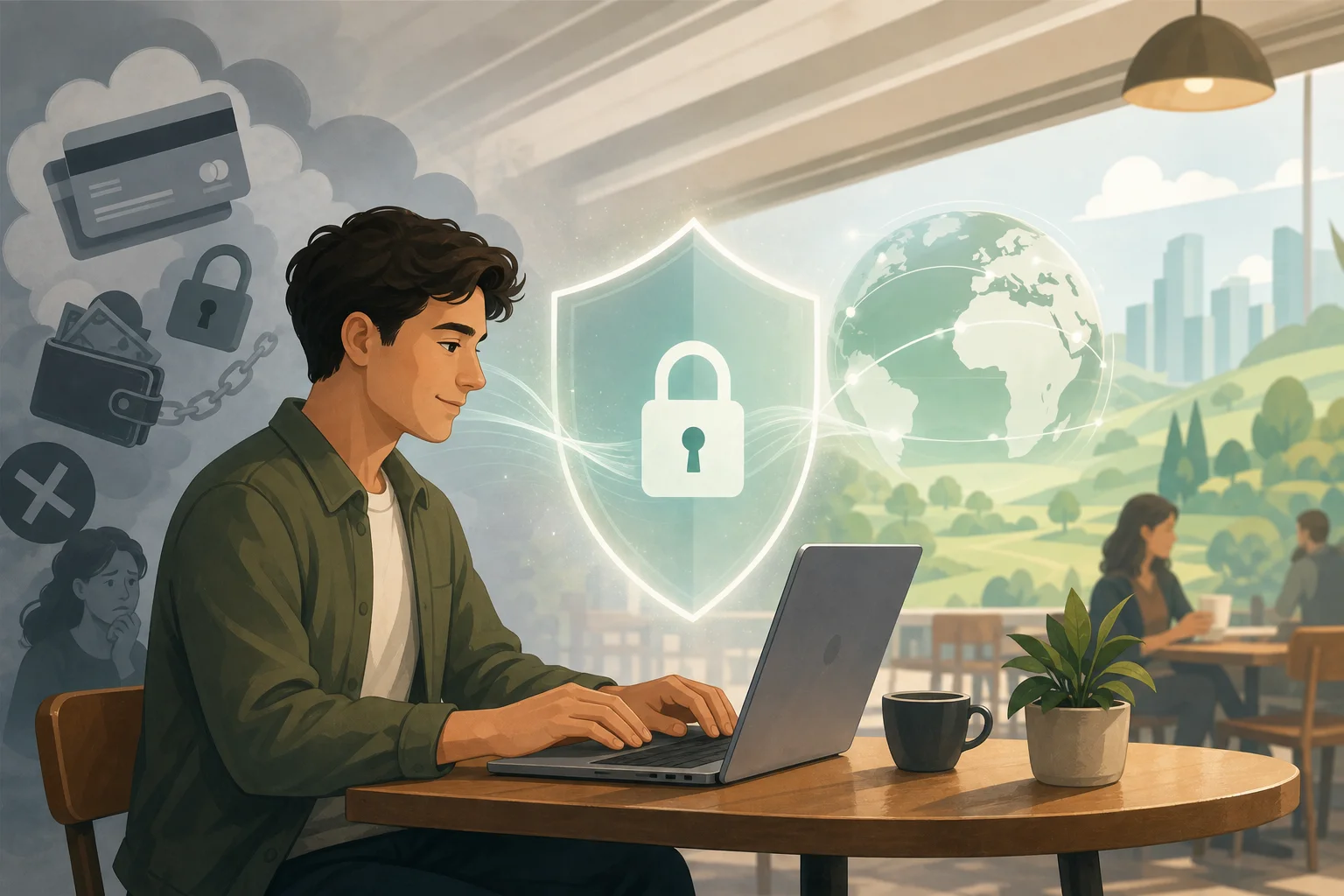
How BeFreeVPN helps jane use a VPN without subscription without registration

· 12 min read

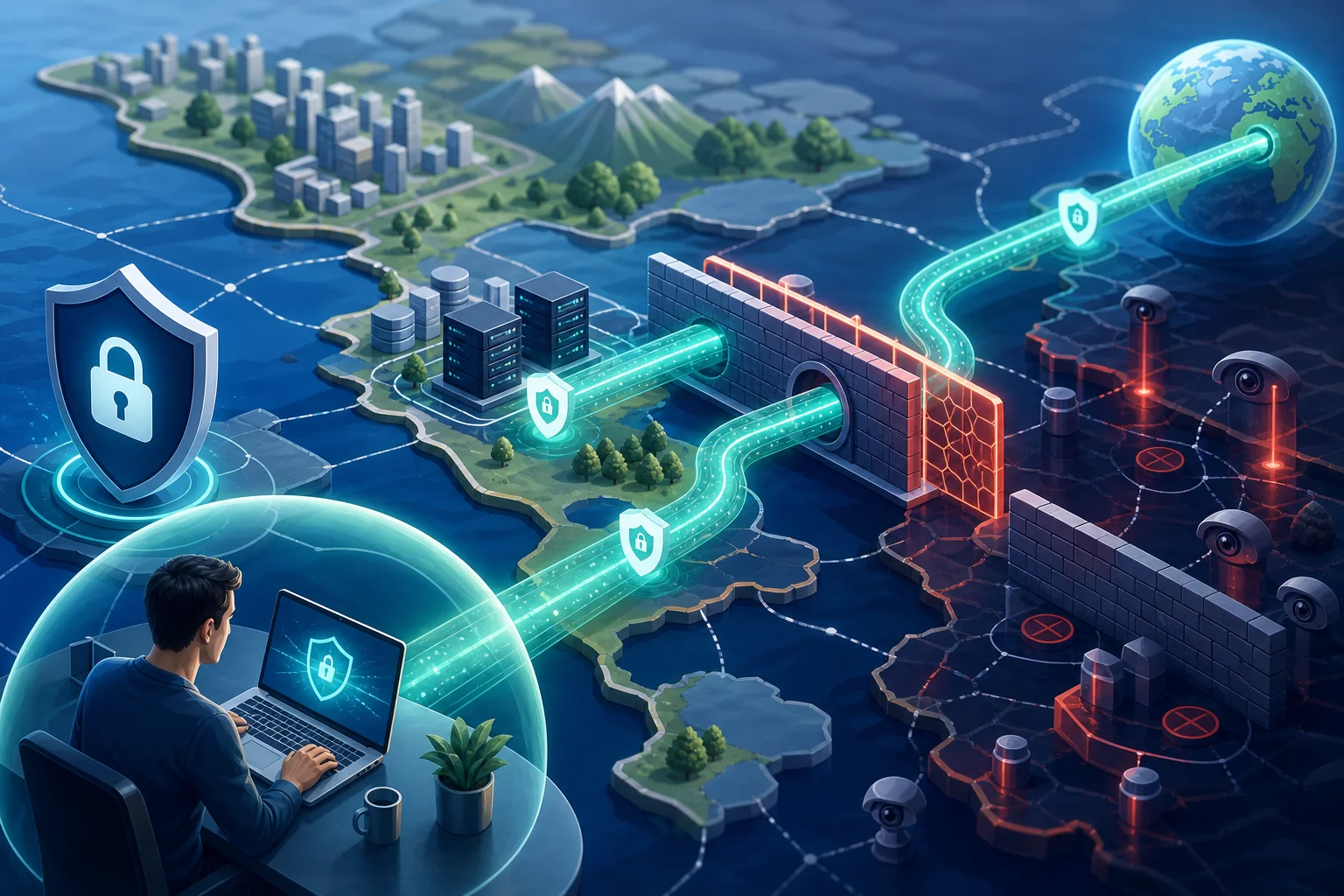
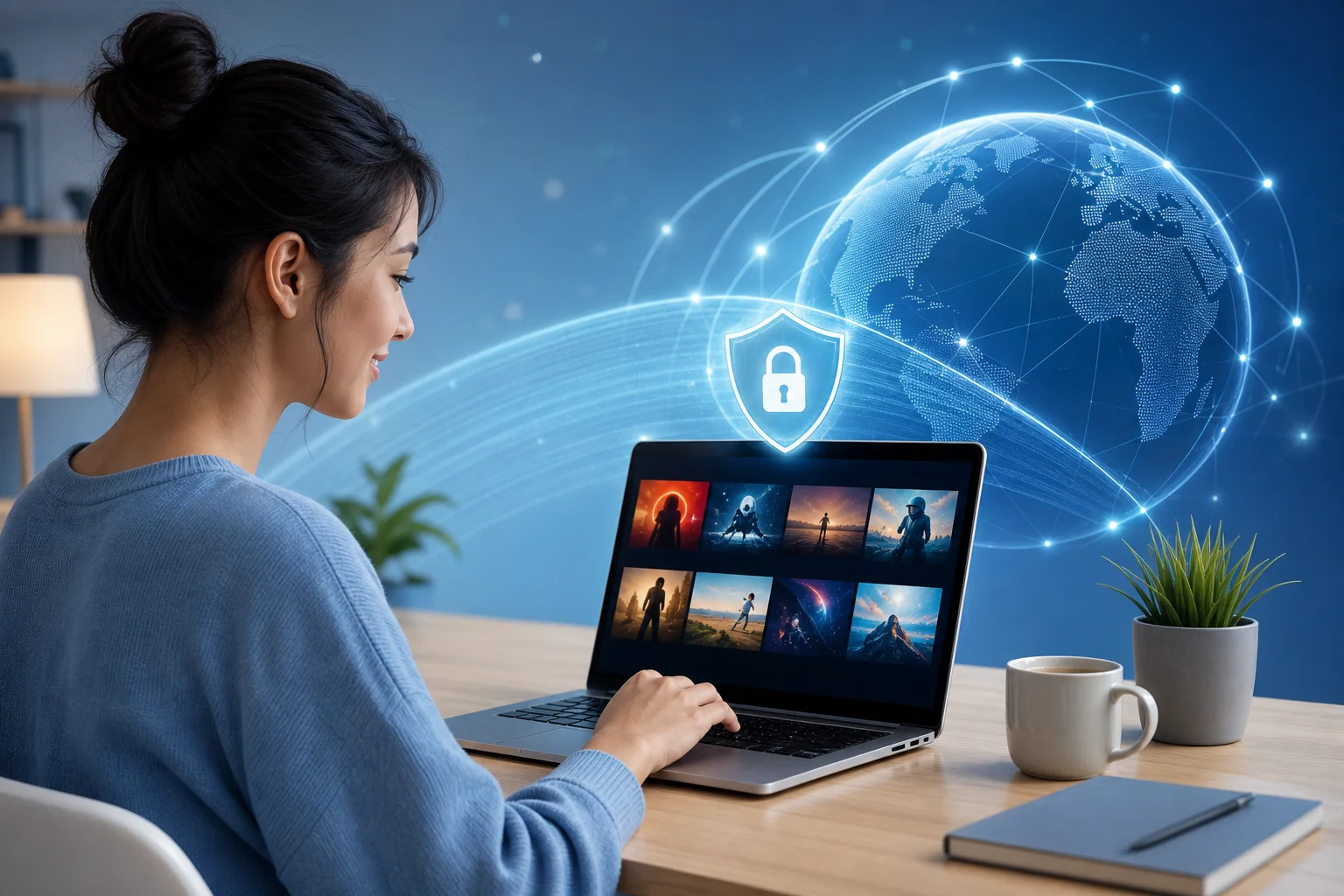
What if you could access your favorite international shows without any subscriptions or registrations? Meet Jane, who cracked the code. In this case study, we look at how she uses a vpn without subscription without registration to reduce friction, switch regions quickly, and enjoy a simpler path to global streaming with BeFreeVPN.

Jane is not trying to build a complex privacy lab or manage a long list of paid tools. She wants something practical. She wants to open an app, connect, and get back to watching the films, series, documentaries, and live cultural programming she already cares about. That simple goal is what makes her story useful for other viewers who value access, speed, and convenience.

Before we begin, one important note: streaming availability can depend on platform terms, licensing rules, and local laws. A VPN can help protect a connection and change the network location seen by websites, but access may vary by service. Jane’s experience is best understood as a practical case study in reducing barriers, not as a guarantee for every platform.

Meet Jane: An Avid Streaming Enthusiast

Jane lives in a large city, works in digital marketing, and spends much of her free time exploring television and film from around the world. Her watchlist is broad. One week she might be watching a Nordic crime series. The next, she may want a Korean variety show, a French documentary, or an independent film from Latin America.

Because she follows international media closely, Jane often discovers new shows before they become widely available in her region. She reads reviews, follows creators on social platforms, and swaps recommendations with friends abroad. However, the excitement often fades when she opens a streaming app and sees a familiar problem: the title is not available where she is.

That frustration is not just about missing one show. It interrupts her whole viewing routine. Jane may spend 20 minutes finding a recommendation, checking reviews, and confirming where it streams, only to hit a regional restriction at the final step. For someone who enjoys global content, that feels like a dead end.

streaming with vpn without registration

Jane also has limited patience for tedious onboarding. She understands technology well enough to compare apps, read permissions, and adjust settings. Still, she does not want to create another account, verify another email address, enter payment details, or remember another password just to test a tool.

For Jane, the ideal streaming helper has three traits:

  • No subscription barrier: She does not want to commit before she knows whether the tool fits her routine.
  • No registration requirement: She prefers not to hand over personal details for a basic connection.
  • Fast setup: She wants to connect in minutes, not troubleshoot for an evening.

This is why the idea of a free VPN without account creation appealed to her. It matched her personality: technically aware, privacy-conscious, and impatient with unnecessary steps.

The Challenge: Facing Geo-restricted Content

Jane’s main challenge was not a lack of options. In fact, the VPN market gave her too many choices. Many apps claimed to be simple, but the details told a different story. Some required an email address before download. Others pushed a free trial that asked for payment information. A few buried basic connection options behind confusing menus.

For Jane, geo-restricted content created three recurring problems.

1. Region-based streaming libraries changed what she could watch

Streaming catalogs are often shaped by licensing agreements. A show available in one country may be absent in another. Jane found this especially frustrating when friends abroad recommended content she could not even preview from her location.

She did not need a complicated workaround. She needed a straightforward way to connect through another region and check whether the content was available to her account and platform.

2. Registration added friction before she could test anything

Jane had tried tools that advertised quick access but required several steps before the first connection. The process usually looked like this:

  1. Download the app.
  2. Create an account.
  3. Verify an email address.
  4. Choose a plan or start a trial.
  5. Decline upsells.
  6. Finally connect.

Each step made the tool feel less immediate. Worse, Jane could not always tell whether the service would work for her streaming needs until after she had shared data or entered payment details.

3. Subscriptions felt excessive for casual, flexible viewing

Jane did not object to paying for tools that clearly delivered value. However, she did not want another recurring subscription for occasional viewing checks, travel, or quick access needs. She wanted flexibility first.

In short, Jane needed a VPN with no registration and no subscription that still felt usable for an intermediate user. She did not want a mysterious tool. She wanted a clear interface, fast connection, and enough simplicity to avoid wasting time.

What Jane needed from a no-registration VPN

NeedWhy it mattered to JaneWhat a good solution should do
No account creationReduces personal data sharing and setup timeLet her connect without email verification
No subscriptionAvoids recurring costs for casual useOffer free access without forcing payment details
Simple region selectionHelps test international availabilityMake server choice clear and quick
Fast connectionKeeps the focus on streamingConnect with minimal configuration
Practical privacyProtects traffic on public or shared networksEncrypt the connection and avoid needless onboarding

This comparison helped Jane define the problem more clearly. She was not looking for the most feature-heavy VPN. She was looking for the least obstructive path to global content.

The Solution: Discovering BeFreeVPN

Jane discovered BeFreeVPN while searching for a practical VPN without subscription or registration. What stood out was the promise of immediate use. Instead of building the entire experience around account creation, BeFreeVPN positioned itself as a free solution that could be opened and used without the usual formalities.

For Jane, that was the key difference. She did not have to pause and decide whether to share an email address. She did not have to compare monthly and annual plans. She did not have to start a trial that might renew later. She could simply install the app, choose a connection, and test whether it suited her streaming workflow.

Jane’s setup process, step by step

Jane’s first session with BeFreeVPN was intentionally simple:

  1. She installed BeFreeVPN on her device.
    She chose the version that matched her platform and completed the installation.

  2. She opened the app without creating an account.
    There was no long profile form, no email verification, and no payment page blocking the first use.

  3. She selected a VPN location.
    Jane picked a region relevant to the content she wanted to access.

  4. She connected to the VPN.
    Once connected, her traffic routed through the selected VPN server.

  5. She opened her streaming service.
    She checked the title availability and tested playback quality where access was permitted.

  6. She adjusted if needed.
    If a platform behaved differently than expected, she tried another available location or returned to her normal connection.

This process gave Jane something she had been missing: control without delay. BeFreeVPN did not require her to make a commitment before she could see whether the tool fit the job.

Why BeFreeVPN matched Jane’s technical comfort level

Jane is an intermediate user. She understands that a VPN is not magic. It creates an encrypted tunnel between her device and a VPN server, and websites may see the VPN server’s location rather than her original network location. She also knows that some streaming platforms detect or restrict VPN traffic.

Even with that knowledge, she values simplicity. BeFreeVPN helped because it removed non-technical barriers rather than overwhelming her with advanced controls. She could focus on the outcome: connecting quickly, testing access, and returning to her content.

That balance mattered. A beginner might appreciate the lack of setup. An advanced user might want more configuration. Jane sat in the middle. She wanted enough control to choose a location, but not so many settings that streaming became a network administration task.

The Results: Unlimited Access, Streamlined Experience

After adopting BeFreeVPN, Jane’s viewing routine became smoother. The biggest change was psychological as much as technical. She no longer felt blocked by the first hurdle. When she found a show from another region, she had a quick method to test access rather than abandoning the idea.

The no-registration model also made the experience feel lighter. Jane did not have to manage another account in her password manager. She did not have to worry about a trial expiring. She did not have to evaluate whether a monthly subscription made sense for a single show.

befreevpn global streaming access

What improved in Jane’s streaming workflow

Before BeFreeVPN, Jane’s process was slow and uncertain. After using it, her workflow became more direct:

  • Discovery stayed exciting. When she found a foreign-language series, she could act on the recommendation quickly.
  • Testing was faster. She could connect to a location and check availability without signing up first.
  • Privacy felt more intentional. No registration meant fewer details shared during setup.
  • Costs stayed predictable. With no subscription required, there was no recurring VPN bill to track.
  • Her routine became more flexible. She could use the VPN when needed rather than building her streaming habits around a paid plan.

Jane’s satisfaction came from removing small obstacles that used to pile up. None of those obstacles was impossible on its own. But together, registrations, trials, payment forms, and region blocks made global streaming feel harder than it needed to be.

A realistic view of “unlimited access”

The phrase “unlimited access” can sound absolute, so Jane treats it carefully. For her, it means fewer borders in her everyday discovery process and more chances to reach the content she is interested in. It does not mean every streaming service will always work in every country or that licensing rules disappear.

This realistic mindset helped her avoid disappointment. BeFreeVPN gave her a faster path and more options. It did not replace the need to follow platform terms or respect local regulations.

Takeaways: BeFreeVPN's Impact on Streaming Without Borders

Jane’s case shows why a VPN without subscription without registration can be valuable for people who want fewer barriers. The benefit is not only about cost. It is also about time, attention, and control.

For streaming fans, every extra step matters. If a tool asks for registration before proving its usefulness, many users will leave. If it requires payment details for a trial, cautious users may hesitate. If it hides basic connection features behind a complex interface, even technically capable users may lose interest.

BeFreeVPN’s impact on Jane’s routine came from reducing that friction.

Key benefits Jane found

  • Immediate access: She could start without waiting for account approval or email verification.
  • No subscription pressure: She did not have to commit to a recurring plan for casual streaming needs.
  • Simpler privacy posture: No registration meant less personal information at the start.
  • Better global discovery: She had a practical way to explore content availability across regions.
  • Lower cognitive load: The tool supported her goal instead of distracting from it.

Who is this approach best for?

Jane’s experience is especially relevant for users who:

  • Watch international shows, films, or documentaries.
  • Travel and want a quick VPN option on shared networks.
  • Prefer not to create accounts for every utility app.
  • Want to test a free VPN before considering more complex tools.
  • Value speed and convenience over advanced configuration.

However, users with highly specific needs may still compare options. For example, someone who needs dedicated IP addresses, enterprise controls, or detailed protocol settings may want a more advanced VPN setup. Jane’s goal was different. She wanted hassle-free access and fewer formalities.

Quick FAQ: VPN Without Subscription or Registration

Can I really use a VPN without registration?

Yes, some VPN apps are designed to work without account creation. In Jane’s case, BeFreeVPN helped her connect without email verification, profile setup, or a traditional sign-up flow.

Is a free VPN without subscription useful for streaming?

It can be useful for testing access and reducing setup friction. However, streaming results may vary by platform, region, and VPN detection systems. Always follow the terms of the services you use.

Does no registration mean better privacy?

No registration can reduce the amount of personal information you provide during setup. Still, privacy also depends on the VPN provider’s policies, technical design, and how you use the service.

Why would an intermediate user choose BeFreeVPN?

An intermediate user like Jane may understand VPN basics but still prefer a fast, lightweight tool. BeFreeVPN fits that need by focusing on immediate access without subscription or registration barriers.

What should I check before using any VPN for global content?

Check local laws, streaming platform terms, connection quality, available regions, and the provider’s privacy information. A VPN is most useful when it fits both your technical needs and your legal responsibilities.

Conclusion: A Simpler Path to Global Streaming

Jane’s story highlights a clear lesson: convenience can be the deciding factor. She did not need another complicated app, another subscription, or another account. She needed a simple way to explore global content with fewer delays. BeFreeVPN gave her that option by combining free access, no registration, and a streamlined connection experience.

If you're like Jane and want immediate access to your favorite shows across borders, try BeFreeVPN—it's free, requires no registration, and opens up a world of content effortlessly.

VPN without payment: myths vs facts

· 13 min read

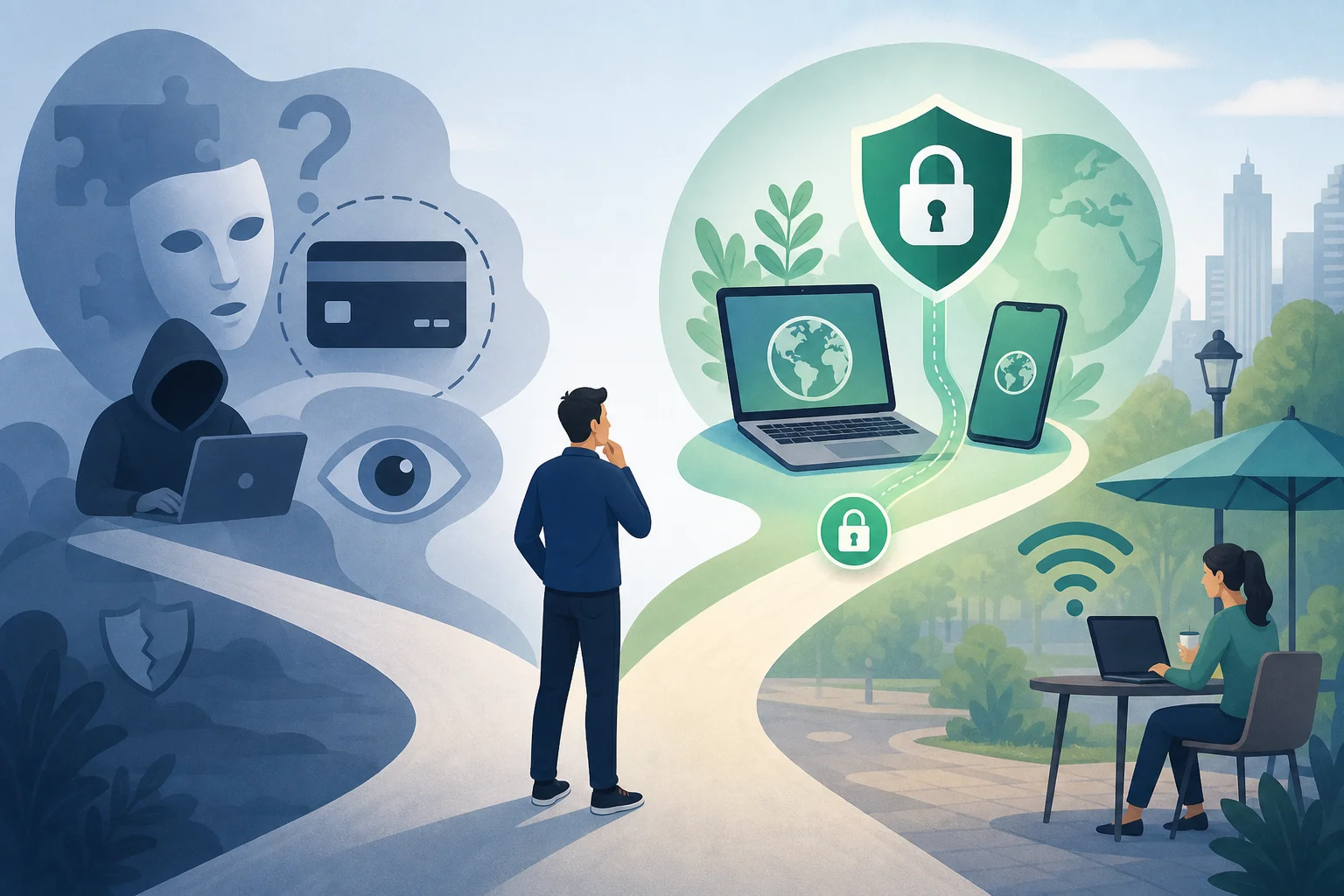
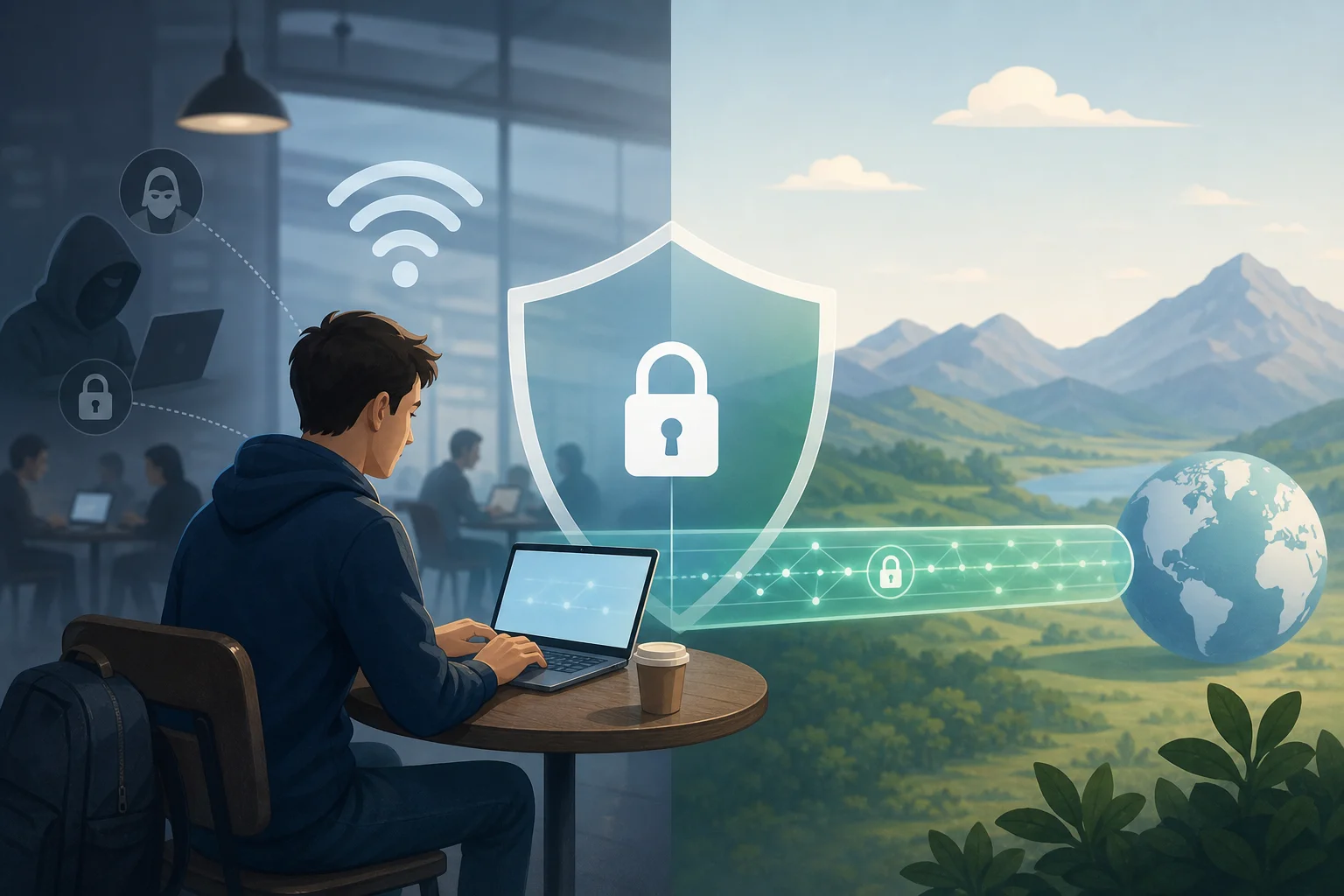
Think getting a VPN for free without registering isn't possible? Let's cut through the noise and uncover the truth behind no-cost VPNs. If you are searching for a vpn without payment without registration, you probably want quick privacy protection without handing over a card number, email address, or personal profile. That is possible in some cases, but the details matter. This comparison explains the myths, the facts, the trade-offs, and where BeFreeVPN fits among no-payment VPN options.

A no-registration VPN can be useful for secure browsing on public Wi-Fi, reducing basic tracking, or accessing a private tunnel without a long sign-up process. However, “free” does not automatically mean private, fast, or unlimited. The best choice depends on the provider’s business model, logging policy, app quality, server availability, and platform support.

free VPN without registration

Common Myths About Free VPNs Without Registration

Free VPNs attract strong opinions. Some warnings are valid, while others are too broad. The key is to separate risk from assumption.

Myth 1: Free VPNs are not safe without registration: fact or fiction?

Mostly fiction, but with an important caveat. Registration is not what makes a VPN safe. A VPN is safer when it uses modern encryption, clear privacy practices, secure apps, and a transparent service model. An email address or account password does not automatically improve security.

In fact, no registration can reduce the amount of personal data linked to your VPN use. If the provider does not ask for your name, email, or payment details, there is less account information to expose in a breach.

However, the caveat is serious: some free VPNs fund themselves through ads, tracking, bundled software, or aggressive data collection. So the real question is not “Does it require registration?” The better question is: How does the VPN operate, and what data does it handle?

Myth 2: Does no registration mean subpar service quality?

Not always. A VPN without payment and sign-up can still offer a simple, stable connection for everyday tasks. Many users only need basic protection for browsing, messaging, or checking accounts on public networks. For that use, a lightweight no-account VPN may be enough.

Still, service quality varies. Free no-registration VPNs often have one or more limitations:

  • Fewer server locations
  • Lower peak speeds
  • Limited streaming compatibility
  • Smaller app feature sets
  • Less control over advanced settings
  • Possible ads or connection queues

These limits do not make the service useless. They just mean you should match the VPN to your use case. For secure browsing and quick setup, a free no-registration VPN can be a practical option. For heavy torrenting, remote work, gaming, or 4K streaming, a paid VPN may be more consistent.

Myth 3: Exploring concerns about data collection in free VPNs

The concern is real, but it is not universal. Free VPNs need funding. Some use paid upgrades, donations, browser partnerships, or limited free tiers. Others may rely on advertising or analytics. That is why you should read the privacy policy before trusting any VPN with sensitive activity.

Look for plain answers to these questions:

  1. Does the provider log browsing history?
  2. Does it store your real IP address?
  3. Does it sell or share usage data?
  4. Does it use third-party analytics or ads?
  5. Does the app request unnecessary permissions?
  6. Is there a paid plan, donation model, or other clear funding source?

No registration helps, but it is not a full privacy guarantee. A provider can avoid collecting your email while still collecting connection metadata. Choose services that clearly explain what they collect, why they collect it, and how long they keep it.

Facts About VPNs That Require No Payment or Registration

The market is more nuanced than “free VPNs are dangerous” or “free VPNs are just as good as paid ones.” Here are the practical facts.

Fact 1: Many reliable free VPNs offer services without charging or collecting sign-up data

Some VPNs and VPN-like privacy tools let you connect without payment details or account creation. This can make them accessible for users who need quick protection or who prefer not to share personal information.

However, “collecting no sign-up data” is different from “collecting no data at all.” A VPN may still process technical data needed to run the service, such as connection time, bandwidth use, device type, app diagnostics, or server load. That is normal for many online services, but it should be limited and clearly disclosed.

The strongest free VPN options tend to be transparent about three things:

  • Identity data: whether they ask for email, phone, or payment details
  • Connection data: whether they log IP addresses, timestamps, or bandwidth
  • Usage data: whether they monitor websites, apps, DNS requests, or content

For a privacy-first setup, avoid any free VPN that is vague about logs or uses broad language that allows data selling.

Fact 2: Security measures used in no-registration VPNs

A no-registration VPN can still use strong technical protections. Important security features include:

  • Encrypted tunnels: Protocols such as WireGuard, OpenVPN, or IKEv2 help protect traffic between your device and the VPN server.
  • DNS leak protection: This keeps DNS requests from being exposed to your internet provider or local network.
  • Kill switch: If the VPN drops, a kill switch can block traffic until the secure tunnel returns.
  • Minimal permissions: A trustworthy app should not ask for access it does not need.
  • Automatic connection: Useful when joining public Wi-Fi networks.
  • Clear server selection: Even if server choice is limited, the app should show what you are connecting to.

Not every free VPN includes all of these features. Therefore, the safest approach is to choose a tool that fits your risk level. If you only need basic Wi-Fi protection, a simple encrypted VPN may be fine. If you handle business files or sensitive accounts, prioritize stronger features and policies.

Fact 3: Performance and availability across different platforms

Free VPNs without registration are often easiest on mobile and browser-based platforms. Some also support Windows, macOS, Android, iOS, or router/manual configurations.

Performance depends on several factors:

  • Your distance from the VPN server
  • Server crowding at peak times
  • Protocol efficiency
  • Data limits or speed caps
  • Local network quality
  • Whether the VPN routes all traffic or only browser traffic

For example, a browser-only VPN may feel fast because it protects only browser activity. A full-device VPN protects more traffic but may have more overhead. Likewise, a privacy tool like Cloudflare WARP can encrypt traffic without working like a traditional location-changing VPN.

Quick Comparison Table: Free VPNs Without Registration

The table below compares popular no-payment options and related tools. Availability, limits, and policies can change, so always check the provider’s current terms before relying on any VPN for sensitive use.

no payment VPN comparison

OptionRegistrationPayment RequiredSecurity FocusData Limits / SpeedEase of UseBest For
BeFreeVPNNo registration requiredNoSimple encrypted browsing and quick accessDesigned for free use; performance may depend on server loadVery easyUsers who want a free VPN without payment or sign-up
VPN GateNo accountNoVolunteer-run VPN relay networkSpeeds and availability vary widelyModerateTechnical users who need free access and can test servers
Opera Browser VPNNo separate VPN accountNoBrowser-level protectionUsually convenient, but protects only Opera browser trafficVery easyCasual browsing inside one browser
Cloudflare WARPNo account for basic useNoEncrypted connection to Cloudflare networkGenerally simple; not a traditional location VPNEasyUsers who want encrypted traffic, not server country choice
PsiphonUsually no accountNoCircumvention and access in restricted networksFree mode may include ads or speed limitsEasyUsers facing network restrictions
Windscribe FreeAccount requiredNo card requiredFull VPN features with free tierFree data allowance appliesEasyUsers who accept registration for more controls

How to read the comparison

If you want the strictest match for VPN without payment and without registration, focus on options that do not ask for an account and do not require a card. If you need full-device protection, avoid browser-only tools unless you understand the limitation. If you need location control, check whether the free plan lets you choose servers.

Compare data limits and speed

Free VPN performance is rarely identical to paid performance. Providers may limit speed, server choice, or monthly data to keep the service sustainable. A free unlimited VPN can still slow down during busy periods if too many users connect to the same servers.

When testing, use this simple step-by-step process:

  1. Install the VPN from the official website or trusted app store.
  2. Connect to the nearest available server.
  3. Run a basic speed test before and after connecting.
  4. Check whether your normal websites and apps still work.
  5. Visit a DNS leak test site to confirm DNS protection.
  6. Disconnect and reconnect to see how stable the app is.
  7. Review the privacy policy before using it for sensitive tasks.

This quick test helps you compare real performance instead of relying on marketing claims.

Evaluate ease of use and accessibility

Ease of use matters because many people only use privacy tools consistently when they are simple. A good no-registration VPN should offer:

  • One-click connection
  • Clear connection status
  • Minimal pop-ups
  • No confusing account prompts
  • Apps for the devices you actually use
  • Simple help documentation

BeFreeVPN is appealing in this area because it focuses on removing friction: no payment step, no registration barrier, and a straightforward user experience.

Which Should You Choose?

The best choice depends on what you need the VPN to do. A no-payment VPN is not automatically the right tool for every job.

Factors to consider when selecting a no-payment VPN

Before choosing, compare these factors:

  • Privacy policy: Is it clear and specific?
  • Registration requirement: Does it ask for email, phone, or payment information?
  • Security features: Does it include encryption, DNS leak protection, and a kill switch?
  • Device support: Does it work on your phone, laptop, tablet, or browser?
  • Speed: Is it stable enough for your daily tasks?
  • Server locations: Do you need a specific country or just a secure tunnel?
  • Reputation: Are there independent reviews, documentation, or active support channels?
  • Restrictions: Are there limits on data, streaming, P2P, or simultaneous devices?

A good rule is simple: use the least complicated VPN that meets your actual security needs.

User scenarios: ideal matches for specific needs

For quick secure browsing on public Wi-Fi: Choose a simple no-registration VPN such as BeFreeVPN. It is a strong fit when you need fast setup and do not want to create an account.

For browser-only privacy: A browser VPN may be enough if all your activity happens in that browser. Just remember it will not protect other apps on your device.

For bypassing network restrictions: Tools such as Psiphon or VPN Gate may help in restrictive environments, though performance can vary.

For stronger control and more locations: A free tier from a major provider may be useful, but it often requires registration and may include data limits.

For business, travel, or sensitive accounts: Consider a reputable paid VPN if you need consistent speeds, wider server access, support, and advanced features.

Why some users still pay despite free options

Paid VPNs can be worth it when you need predictable performance and more complete features. Paid plans often provide:

  • More server locations
  • Higher speeds during peak times
  • Better streaming support
  • Multi-device coverage
  • Customer support
  • Advanced privacy features
  • More reliable uptime

That does not mean free VPNs are pointless. It means free and paid VPNs serve different needs. If your priority is simple secure browsing without sharing personal information, a free VPN with no registration may be enough. If your priority is maximum reliability, paying can make sense.

FAQ: common questions about VPNs without payment or registration

Is a VPN without registration really private?

It can be more private than a VPN that requires account details, but registration is only one factor. Check the logging policy, app permissions, encryption, and business model.

Can I use a free VPN without a credit card?

Yes. Some services, including no-registration options, do not require a credit card. Avoid any “free” VPN that asks for payment details unless you understand the trial terms.

Will a no-registration VPN hide my identity completely?

No VPN can guarantee complete anonymity. A VPN can mask your IP address from websites and help secure traffic, but browser fingerprints, logged-in accounts, cookies, and device identifiers can still reveal you.

Is BeFreeVPN suitable for beginners?

Yes, BeFreeVPN is positioned as a simple option for users who want a VPN without payment or registration. It is especially useful when ease of use matters.

Verdict: Making the Right Choice

A VPN without payment and without registration is not a myth. It can be a practical tool when you want quick privacy protection, fewer account traces, and a simple setup. Still, you should judge each option by its security measures, privacy policy, speed, platform support, and limits.

Why BeFreeVPN stands out among free VPNs

BeFreeVPN stands out because it matches what many users are searching for: no payment, no registration, and a direct path to secure browsing. Instead of forcing users through a sign-up form or trial checkout, it reduces the steps between download and connection.

That matters for everyday privacy. The fewer personal details you provide, the less information is tied to your VPN use. Combined with a simple interface, this makes BeFreeVPN a practical choice for users who want protection without complexity.

Scenarios where BeFreeVPN is the best fit

BeFreeVPN is a strong fit if you:

  • Want a free VPN without creating an account
  • Need basic protection on public Wi-Fi
  • Prefer a simple app over advanced settings
  • Do not want to enter payment information
  • Need a quick VPN option for secure browsing
  • Value accessibility across everyday devices

It may not be the only tool you ever need. However, for low-friction privacy, it is one of the clearest matches for the search intent behind “vpn without payment without registration.”

Final recommendation based on security, ease, and performance

Choose BeFreeVPN if your priority is a truly free, no-registration VPN for everyday secure browsing. Choose a more advanced free tier or paid VPN if you need specific server locations, heavy streaming, business-grade reliability, or advanced controls. In all cases, review the latest privacy policy and test performance on your own network.

Try BeFreeVPN today for a truly free experience with no registration required, perfect for secure browsing on any device.

Understanding VPN without subscription for phone: a technical deep dive

· 16 min read

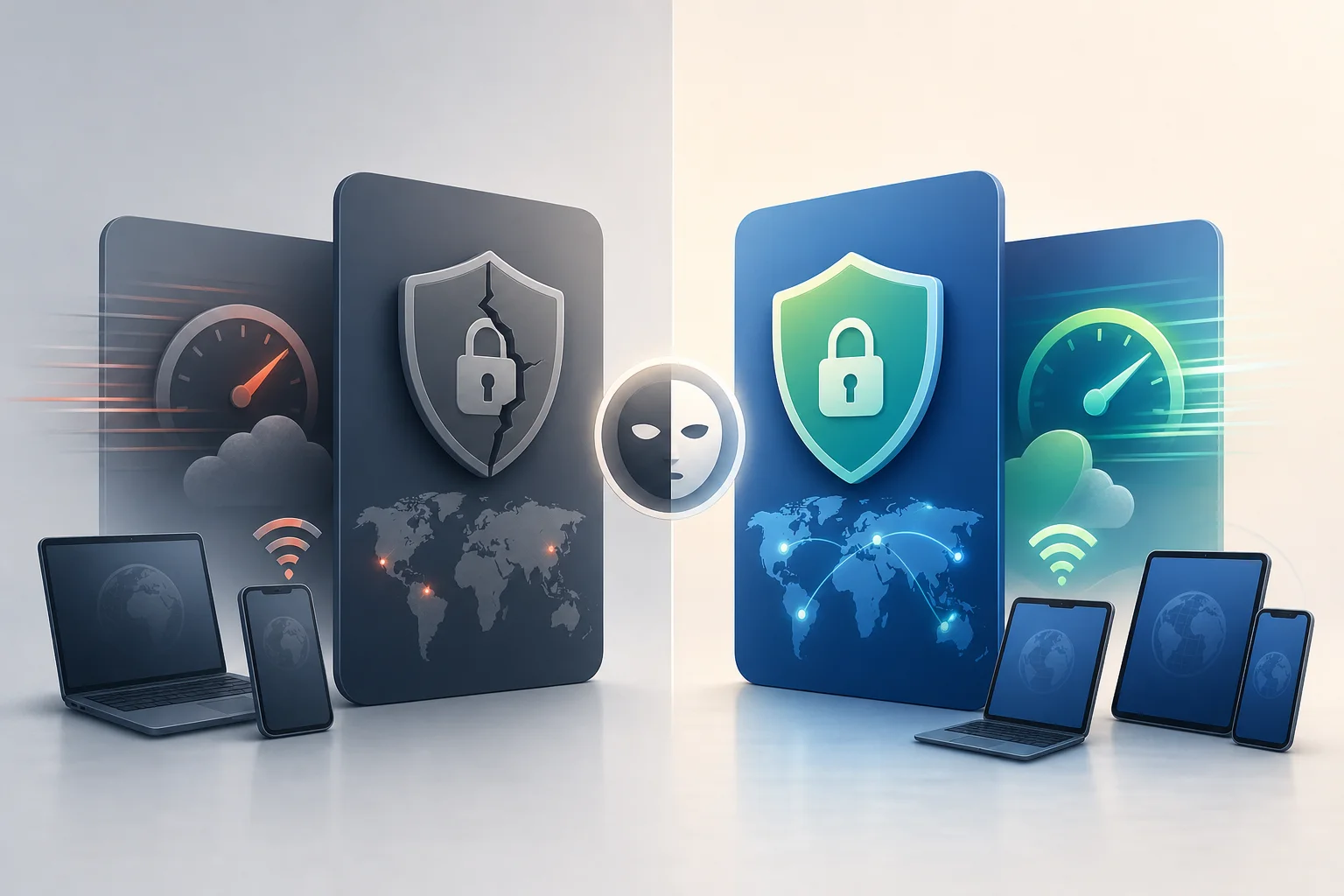
In regions where censorship is prevalent, accessing the internet freely and securely with a VPN without subscription on your phone is both a necessity and a technical challenge. This deep dive explains how no-subscription mobile VPNs work, which protocols matter, how to configure Android and iOS safely, and what trade-offs advanced users should evaluate before relying on a free, registration-free, or pay-as-you-go VPN model.

A “VPN without subscription for phone” can mean several things: a free VPN app, a registration-free service, a self-hosted tunnel, a limited trial, or a one-time configuration using open-source clients. The right choice depends on your threat model, region, device controls, network conditions, and tolerance for performance limits.

vpn without subscription for phone security

1. The Need for VPN Without Subscription on Phones

Mobile devices are often the primary internet gateway in restrictive environments. Phones move between cellular networks, public Wi-Fi, workplace access points, and captive portals. Each network can impose different filtering, blocking, and inspection rules. As a result, a VPN on a phone is not just a convenience. It can be a core part of secure connectivity.

Challenges of internet censorship in specific regions

Censorship and network control vary by country, operator, and even city. Common mechanisms include:

  • DNS tampering: A resolver returns incorrect or empty responses for blocked domains.
  • IP blocking: Traffic to known service addresses is dropped or reset.
  • SNI filtering: The hostname visible during older TLS handshakes is inspected.
  • Deep packet inspection: Traffic patterns are classified to detect VPN protocols.
  • App-store restrictions: VPN apps may be removed, hidden, or region-limited.
  • Throttling: Encrypted tunnels may work but become too slow for practical use.

Phones are especially exposed because users often cannot control the upstream network. A no-subscription VPN can help when users need fast deployment, minimal identity disclosure, or temporary secure access during travel.

Importance of mobile security without long-term commitments

A subscription VPN may not be practical for every user. Payment rails can reveal identity. Recurring billing may be unavailable. App-store accounts may be region-locked. Some users also need a VPN only for short periods, such as crossing borders, joining public Wi-Fi, or accessing critical communication tools.

A VPN without a subscription reduces commitment. However, it does not automatically improve privacy. Advanced users should examine the operating model: Who runs the servers? Is registration required? Is traffic logged? Is the app open source? How are keys generated? What happens when the free tier is congested?

Use cases for VPNs without subscriptions

Typical use cases include:

  • Temporary encrypted access on hotel, airport, or campus Wi-Fi.
  • Access to blocked messaging, news, or developer resources.
  • Avoiding local DNS manipulation on mobile networks.
  • Testing connectivity from different regions.
  • Separating routine browsing from high-risk accounts.
  • Using a self-hosted VPN endpoint without paying for a consumer VPN plan.

The key is to match the VPN model to the risk. A free app may be enough for basic Wi-Fi protection. A self-hosted WireGuard server may be better for predictable performance. A registration-free VPN may be useful when minimizing sign-up data is the priority.

2. How VPNs Without Subscription Work

A VPN creates an encrypted tunnel between your phone and a remote server. Your phone routes selected traffic into that tunnel. The remote server then forwards it to the destination. Websites and apps usually see the VPN server’s IP address, while the local network sees encrypted traffic to the VPN endpoint.

Mechanisms of non-registration VPNs

No-subscription mobile VPNs commonly use one of four models:

  1. Free shared service: The provider offers access without payment, often with speed, data, location, or device limits.
  2. Registration-free access: The app connects without an account. Session tokens, device keys, or anonymous credentials may be used in the background.
  3. Self-hosted VPN: You run your own server on a VPS, home router, or cloud instance and connect with a standard client.
  4. One-time or pay-as-you-go access: You avoid recurring subscription terms but may still pay for bandwidth, server time, or a temporary access code.

Non-registration does not mean “no state.” The service still needs to manage routing, abuse prevention, server capacity, and cryptographic sessions. The important question is whether any persistent identifier can be linked to your real identity.

Limiting features versus fully paid VPN options

A VPN without subscription often has constraints. These are not always bad. Limits can prevent abuse and keep the service available. Still, advanced users should understand them.

FeatureNo-subscription VPNFully paid VPN
Account requirementOften none or minimalUsually required
Payment metadataNone if freeUsually present
Server locationsLimitedBroader selection
BandwidthMay be capped or deprioritizedUsually higher
ObfuscationVaries widelyMore likely on premium plans
SupportCommunity or basicDedicated support
Audit visibilityDepends on providerDepends on provider

A paid VPN is not automatically safer. A free VPN is not automatically unsafe. The design, jurisdiction, logging policy, app security, and operational transparency matter more than price alone.

Security implications and trade-offs

The main trade-off is trust. A VPN hides traffic contents from local networks, but the VPN operator can observe metadata and, for non-HTTPS traffic, potentially content. Today most web traffic is HTTPS, but metadata such as connection times, server IPs, and volume can still be sensitive.

Evaluate these factors:

  • Logging policy: Does the provider explain what is collected and why?
  • DNS handling: Are DNS queries sent through the tunnel?
  • Kill switch support: Does traffic leak if the tunnel drops?
  • IPv6 behavior: Is IPv6 tunneled or blocked to prevent leaks?
  • App permissions: Does the app request more access than needed?
  • Protocol choice: Is the tunnel based on modern, reviewed cryptography?

A no-subscription VPN is useful only if it improves your specific security posture. If the app injects ads, installs root certificates, or requires invasive permissions, it may add risk instead of reducing it.

3. Technical Protocols for Mobile VPNs

Protocol choice strongly affects censorship resistance, battery use, roaming stability, and speed. Android and iOS support several VPN frameworks, but app behavior varies.

mobile vpn protocols comparison

Overview of protocols: OpenVPN, WireGuard, and IKEv2

OpenVPN is a mature VPN protocol that can run over UDP or TCP. It is flexible and widely supported. It can use TCP 443 to resemble ordinary TLS traffic, though deep inspection may still identify it.

WireGuard is a modern protocol with a small codebase and strong performance. It uses UDP and relies on static public keys. It is efficient on phones, usually reconnects quickly, and is popular for self-hosted setups.

IKEv2/IPsec is integrated into many mobile operating systems. It is strong for roaming because it handles network changes well, such as switching from Wi-Fi to cellular. However, it may be easier to block in some restrictive networks because it uses recognizable ports and patterns.

Selecting the right protocol for your needs

Choose based on the network problem you face:

  • For speed and battery efficiency: WireGuard is often the best default.
  • For unstable mobile networks: IKEv2 can be reliable during network transitions.
  • For restrictive firewalls: OpenVPN over TCP 443 or obfuscated variants may work better.
  • For self-hosting: WireGuard is simple, fast, and easy to audit.
  • For compatibility with legacy infrastructure: OpenVPN remains widely available.

If censorship resistance is a priority, protocol camouflage may matter more than raw speed. A fast tunnel that is blocked is not useful.

Pros and cons of each protocol

ProtocolProsConsBest fit
OpenVPNMature, configurable, TCP/UDP supportHeavier, can be slower, fingerprintableCompatibility and restrictive networks
WireGuardFast, lean, battery-friendlyUDP-only, static keys require careMobile performance and self-hosting
IKEv2/IPsecGood roaming, native supportRecognizable traffic, configuration complexityFrequent Wi-Fi/cellular switching

For advanced users, the best setup may include fallback profiles. For example, use WireGuard normally, then switch to OpenVPN TCP 443 if UDP is blocked.

4. Implementing a No-Subscription VPN on Your Device

Before installing any VPN without subscription on a phone, decide which model you want: registration-free app, imported configuration, or self-hosted tunnel. Then verify that the provider or server supports your operating system version.

Step-by-step guide for Android

  1. Define your threat model. Decide whether you need basic Wi-Fi encryption, censorship circumvention, anonymity from websites, or protection from local network monitoring.
  2. Choose the VPN model. Use a trusted registration-free VPN app, a WireGuard/OpenVPN configuration, or your own server.
  3. Install from a trusted source. Prefer official app stores or verified project repositories. Avoid modified APKs from unknown sources.
  4. Review permissions. A VPN app needs VPN profile access. It should not need contacts, SMS, microphone, or accessibility permissions for normal tunneling.
  5. Import or generate configuration. For WireGuard, import a configuration file or QR code. For OpenVPN, import an .ovpn file and certificates if required.
  6. Enable always-on VPN. On Android, use system VPN settings to keep the tunnel active.
  7. Enable block connections without VPN. This acts as a kill switch on supported Android versions.
  8. Test DNS and IP leaks. Confirm that DNS queries and IPv6 traffic use the tunnel or are blocked.
  9. Create a fallback profile. Keep a second protocol or server ready for networks that block your default setup.

Step-by-step guide for iOS

  1. Choose a reputable app or protocol client. iOS supports VPN apps through system frameworks. WireGuard, OpenVPN clients, and IKEv2 profiles are common options.
  2. Install only from trusted channels. Use the App Store when possible. If using configuration profiles, verify their source.
  3. Add the VPN profile. Approve the iOS VPN permission prompt. This allows the app or profile to create a tunnel.
  4. Import configuration. Add WireGuard keys, OpenVPN profiles, or IKEv2 settings as required.
  5. Configure on-demand rules. Use “connect on demand” for untrusted Wi-Fi or all networks, depending on your risk model.
  6. Check DNS behavior. Ensure DNS is routed through the VPN provider or a trusted encrypted resolver.
  7. Test after network changes. Move between Wi-Fi and cellular to verify that the tunnel reconnects cleanly.
  8. Keep backup access. Store a second server profile or protocol option in case the primary endpoint is blocked.

Technical requirements and compatibility

A working mobile VPN setup needs:

  • A supported Android or iOS version.
  • A VPN client compatible with the selected protocol.
  • Correct server address, port, keys, and certificates.
  • System time synchronization for certificate validation.
  • Network access to the VPN endpoint.
  • DNS settings that do not leak outside the tunnel.

Self-hosted users also need server hardening. Disable password SSH login, patch the operating system, restrict firewall rules, and monitor resource usage. If the server IP becomes blocked, you may need to rotate endpoints or add obfuscation.

Troubleshooting common setup issues

  • Connection fails immediately: Check keys, credentials, server address, port, and device time.
  • Connects but no internet: Verify routing, allowed IPs, NAT, and DNS.
  • Works on Wi-Fi but not cellular: UDP may be restricted. Try TCP-based OpenVPN or another port.
  • Battery drains quickly: Reduce keepalive frequency where safe, use WireGuard, or disable unnecessary reconnect loops.
  • Some apps bypass the VPN: Check split tunneling settings and per-app VPN rules.
  • IPv6 leak detected: Tunnel IPv6 or disable it at the VPN profile level if supported.

5. Overcoming Censorship: Strategies and Tools

Bypassing regional restrictions is not only about installing a VPN. Restrictive networks often adapt. Therefore, resilient access requires layered planning and multiple transport options.

Methods to bypass regional internet restrictions

Common strategies include:

  • Protocol fallback: Maintain WireGuard, OpenVPN, and IKEv2 options.
  • Port selection: TCP 443 may pass where unusual ports are blocked.
  • Obfuscation: Some tools wrap VPN traffic to reduce protocol fingerprints.
  • Domain fronting alternatives: Where available and lawful, some systems route through large content networks, though support has declined.
  • Bridge or relay systems: Privacy networks may use bridge nodes that are harder to enumerate.
  • Endpoint rotation: Changing servers can help when individual IPs are blocked.

No method is universal. A network may allow one protocol today and block it tomorrow. Keep configurations updated before entering a restrictive environment.

Anonymity and encryption tools

A VPN encrypts traffic between the phone and VPN server. It does not make you fully anonymous. For stronger privacy, combine it with:

  • HTTPS-only browsing to protect content beyond the VPN endpoint.
  • Encrypted DNS if compatible with your VPN configuration.
  • Private browser profiles to reduce cookie-based tracking.
  • Secure messaging apps with end-to-end encryption.
  • Tor Browser or onion services where appropriate and legally permitted.

Be careful with stacking tools. VPN-over-Tor, Tor-over-VPN, proxies, and private DNS each change the trust model. More layers can improve compartmentalization, but they can also create leaks or performance failures if configured poorly.

Combining VPN with other privacy tools

For mobile users in restrictive regions, a practical layered setup might look like this:

  1. A no-subscription VPN for baseline encrypted transport.
  2. A kill switch to prevent accidental cleartext traffic.
  3. A browser with tracker protection and separate profiles.
  4. Encrypted messaging for sensitive communication.
  5. Regular configuration backups stored securely.

This approach avoids dependence on a single control. If the VPN drops, the kill switch helps. If DNS is manipulated, tunneled DNS helps. If a website tracks cookies, browser isolation helps.

6. Common Misconceptions About VPNs Without Subscription

No-subscription VPNs are often misunderstood. Some users assume they are unsafe because they are free. Others assume they are private because they do not require sign-up. Both views are incomplete.

Are free VPNs always less secure than paid VPNs?

No. Security depends on engineering and governance, not only pricing. A free or registration-free VPN can use strong encryption and sound practices. A paid VPN can still log excessive data or ship a weak app. Examine permissions, protocol support, privacy policy, independent audits if available, and leak behavior.

Does “no registration” mean anonymous?

Not by itself. No registration reduces the amount of account data you provide. However, your IP address, device metadata, connection timestamps, and traffic volume may still be visible to the provider. For stronger anonymity, reduce account correlation, use privacy-preserving browsers, and avoid logging into identifying services during sensitive sessions.

Can a VPN bypass every block?

No. Some networks block known VPN IPs, throttle encrypted tunnels, or use deep packet inspection. A VPN without subscription for phone can be effective, but reliability depends on protocol choice, server reputation, obfuscation, and local network policy.

Is a self-hosted VPN always better?

Not always. Self-hosting gives control over keys and server policy, but it also creates a fixed endpoint tied to your infrastructure. If you log into personal cloud accounts to rent the server, the server may be linkable to you. It can also be blocked more easily if it has a single IP.

Understanding data privacy and logging policies

Read logging policies with precision. Look for specific statements about:

  • Source IP retention.
  • DNS query logging.
  • Connection timestamps.
  • Bandwidth counters.
  • Crash analytics.
  • Third-party SDKs.
  • Law enforcement response process.

Vague claims such as “military-grade encryption” do not answer these questions. Encryption protects the tunnel. Logging policy defines what the provider may know after the tunnel is established.

Evaluating the effectiveness of no-subscription VPNs

Test effectiveness under real conditions. Check connection stability, leak resistance, DNS behavior, latency, and access to required services. Also test failure modes. A VPN that works only when conditions are perfect may fail when you need it most.

no subscription vpn privacy tools

7. Ensuring Maximum Security on Mobile

A VPN is one component of mobile security. Phones contain sensitive accounts, biometrics, location history, messages, and app tokens. If the device itself is compromised, a VPN cannot fix that.

Best practices for maintaining mobile VPN security

Use these controls as a baseline:

  • Enable a strong device passcode.
  • Keep biometric unlock paired with a strong fallback password.
  • Turn on full-device encryption, which is enabled by default on modern Android and iOS devices.
  • Use always-on VPN and kill switch features where available.
  • Disable split tunneling unless you need it.
  • Remove unused VPN profiles and certificates.
  • Avoid installing root certificates unless you fully trust the issuer and understand the impact.
  • Use separate browser profiles for sensitive activity.
  • Avoid logging into personal accounts during high-risk sessions.
  • Back up VPN configurations securely, not in public folders or unencrypted notes.

Regular updates and patches

Keep the operating system, VPN app, browser, and security-critical apps updated. Protocol implementations can have bugs. Mobile OS VPN frameworks also change over time. Updates may improve leak protection, roaming behavior, and compatibility with new network restrictions.

For self-hosted VPNs, patch the server too. Rotate keys if a device is lost. Review firewall rules after server updates. Remove old users and profiles. A forgotten VPN account is a long-lived access path into your infrastructure.

Leveraging BeFreeVPN for secure, registration-free access

For users who need a VPN without subscription for phone, BeFreeVPN is designed around quick access without registration on Android and iOS. That model is useful when you want to reduce sign-up friction, avoid long-term commitments, and get encrypted mobile connectivity quickly.

As with any VPN, configure your phone carefully. Enable system-level VPN protections, test for leaks, and keep a fallback plan for restrictive networks. If you operate in a high-risk environment, combine the VPN with secure messaging, browser isolation, and disciplined account separation.

In short, a no-subscription VPN can be a practical and technically sound option when you understand its limits. Choose the right protocol, verify the provider’s privacy posture, harden your phone, and test before relying on it. Stay secure and bypass restrictions with BeFreeVPN, offering free access without the hassle of registration on both Android and iOS.

5 VPNs for Android: free, no payment, no ads

· 8 min read

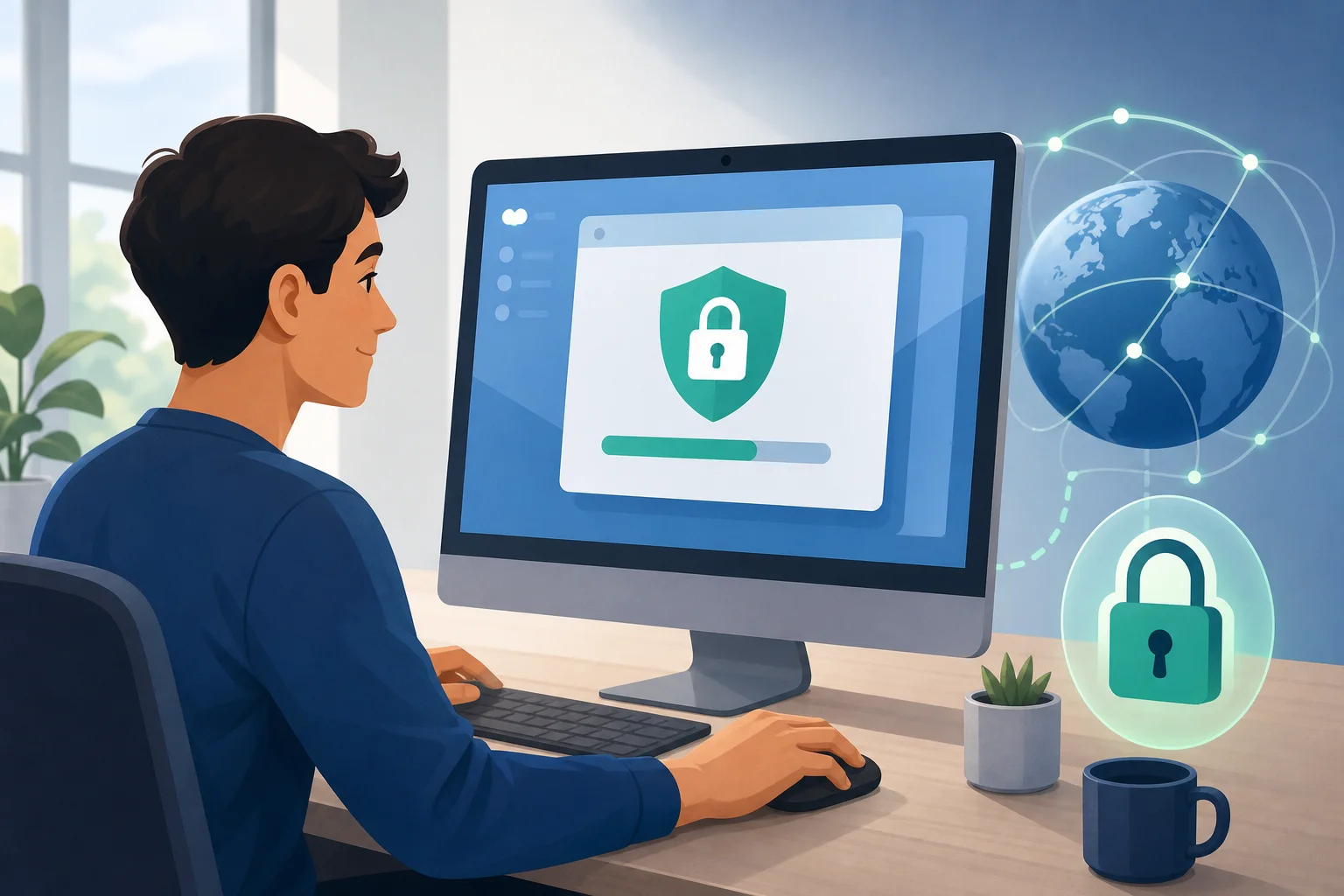
Ever struggled to find a VPN for your Android device that doesn’t bombard you with ads or require a credit card? Look no further! If you want a vpn without payment with no ads, the best options focus on simple setup, transparent free plans, and clean mobile apps. Below are five Android VPNs worth considering, with notes on data limits, privacy, usability, and what to check before you install.

Free VPNs can be useful for public Wi-Fi, basic privacy, and occasional streaming or browsing. However, free plans often include limits such as fewer server locations, reduced speeds, or monthly data caps. So, the goal is to choose a service that stays honest about those limits while avoiding intrusive ads and payment walls.

android vpn without payment

Quick comparison: free Android VPNs with no payment and no ads

VPNPayment required?Ads in app?Best forMain limit to check
BeFreeVPNNoNoFast, simple Android useServer availability may vary
Windscribe FreeNo paid plan requiredNo typical ad clutterFlexible browsing with extra toolsData allowance and account rules
Proton VPN FreeNoNoUnlimited data and privacyFewer free server choices
TunnelBear FreeNoNoBeginners who want simple controlsSmall free data allowance
Hide.me FreeNoNoSecurity features and speedFree server and data limits

1. BeFreeVPN: The Truly Free Option

BeFreeVPN is a strong first pick if your main requirement is simple: a free Android VPN that does not ask for payment details and does not interrupt the experience with ads. For many users, that is the difference between a tool they use daily and an app they uninstall after five minutes.

Why it stands out

  • No payment or credit card required: BeFreeVPN is designed for users who want to connect without entering card details or starting a trial.
  • Ad-free experience: The app avoids the pop-ups and banner ads that can make some free mobile VPNs feel slow or distracting.
  • Easy Android interface: Connection is quick, which matters when you are on public Wi-Fi or moving between networks.

BeFreeVPN is a good fit for users who want privacy protection without a complicated setup. It is especially useful if you do not want to create accounts, compare trial terms, or remember cancellation dates.

2. Windscribe Free: Limitless Browsing Potential

Windscribe Free is one of the better-known free VPN services for Android. It is popular because it combines a free plan with practical privacy tools, including built-in blocking features that can reduce trackers and unwanted web content.

What Android users get

  • Low-friction setup: You can start by downloading the app, though account requirements and free data rules may depend on the current version and region.
  • Ad-blocking functionality: Windscribe includes tools designed to block ads, trackers, and malicious domains when configured.
  • Generous free data: The free plan has historically offered a useful data allowance compared with many competitors, making it suitable for regular light browsing.

Windscribe is a good choice if you want more control over your VPN settings. However, always check the current free plan details in the Android app before relying on it for heavy use.

3. Proton VPN: Security Without Intrusions

Proton VPN is a strong option for anyone who values privacy and wants an ad-free Android VPN experience. The free plan is known for one major benefit: unlimited data. That makes it more practical than many free VPNs if you browse often or keep your VPN connected for long sessions.

Why it works well

  • Unlimited data: Proton VPN Free does not impose a standard monthly data cap, which is ideal for browsing, messaging, and longer sessions.
  • No-logs approach: Proton VPN has a clear privacy focus and states that it does not log user activity.
  • No ads: The free app experience is clean, with no ad clutter inside the VPN interface.

The trade-off is that free users usually get access to fewer server locations and may not get the fastest routes at peak times. Even so, Proton VPN is one of the strongest free choices when unlimited data matters more than location choice.

4. TunnelBear: Simplicity Meets Privacy

TunnelBear is best for people who want a VPN that feels friendly from the first tap. Its Android app is simple, visual, and beginner-focused. You do not need to understand advanced VPN settings to get started.

Key benefits

  • User-friendly design: TunnelBear makes connecting easy, which is helpful for first-time VPN users.
  • Ad-less operation: The free version does not rely on disruptive in-app ads to function.
  • Privacy-conscious design: TunnelBear keeps its free plan simple and focuses on basic privacy protection.

The biggest limit is data. TunnelBear’s free plan is usually more suitable for testing, travel, or short public Wi-Fi sessions than for daily streaming. If you only need a no-payment VPN occasionally, it can still be a comfortable choice.

free vpn no ads comparison

5. Hide.me: Speed Without the Cost

Hide.me offers a capable free VPN plan for Android users who want strong security basics without paying upfront. It is often praised for a clean app experience and a privacy-focused setup.

What makes it useful

  • No payment needed: You can use the free tier without choosing a paid subscription first.
  • No ads during VPN use: Hide.me keeps the Android experience clean and focused.
  • High-grade security features: The service supports modern VPN protection features, even if some advanced options are reserved for paid plans.

Hide.me is a good choice if you want a balance of usability, security, and speed. As with any free VPN, check the current data allowance and available server locations before using it as your main VPN.

How to choose the best free VPN for Android

Before installing any VPN app, follow these quick steps:

  1. Check for payment requirements. Avoid apps that ask for a credit card just to start a “free” trial.
  2. Look for an ad-free policy. If the VPN injects ads or shows constant pop-ups, it may hurt the experience.
  3. Read the privacy policy. Choose services that clearly explain what they do and do not log.
  4. Review data limits. Unlimited data is best, but a fair monthly allowance can work for light use.
  5. Test speed on your network. VPN performance changes by location, server load, and connection type.
  6. Use official app stores. Download from Google Play or the provider’s official site to avoid unsafe copies.

FAQ: free VPNs with no ads and no payment

Can I really use a VPN without payment with no ads?

Yes, but you need to choose carefully. Some VPNs offer genuine free plans with no payment details and no in-app advertising. BeFreeVPN, Proton VPN Free, Windscribe Free, TunnelBear Free, and Hide.me Free are examples worth checking on Android.

Are free Android VPNs safe?

Some are safe, but not all. Stick with providers that publish clear privacy policies, avoid aggressive ads, and do not ask for unnecessary permissions. If a free VPN seems vague about how it makes money, be cautious.

Which free VPN is best for unlimited data?

Proton VPN Free is a strong option for unlimited data. However, it may limit free server locations and speed priority. If you want the easiest no-payment, no-registration-style experience, BeFreeVPN is also worth trying.

Do free VPNs work for streaming?

Sometimes. Free VPNs may work for basic browsing and light streaming, but they often have fewer servers or slower speeds than paid plans. For the best experience, test your preferred app before relying on it.

Final thoughts

A free, ad-free Android VPN should be easy to install, simple to connect, and clear about its limits. BeFreeVPN is the most direct choice if you want no payment, no credit card, no registration hassle, and no ads. Windscribe, Proton VPN, TunnelBear, and Hide.me also offer useful free plans, each with different strengths.

Try BeFreeVPN on your Android—experience a truly free, ad-free VPN without any payment or registration hassle. Stay secure and enjoy seamless browsing!

How to escape slow VPNs: find the perfect online VPN without registration

· 10 min read

Ever tried connecting to a VPN only to feel like you're back on dial-up internet? That's a common frustration for many users seeking online privacy without the hassle of signing up. If you want an online VPN without registration, the goal is simple: protect your browsing, access the web more freely, and avoid slow, complicated tools that get in your way.

The good news is that a VPN does not have to make everything feel heavy. With the right service, smart server choices, and a no-sign-up setup, private browsing can be quick and easy. This guide explains why some VPNs slow down, how to choose a faster option, and why BeFreeVPN is a practical solution for hassle-free access.

The Frustration of Slow VPN Connections

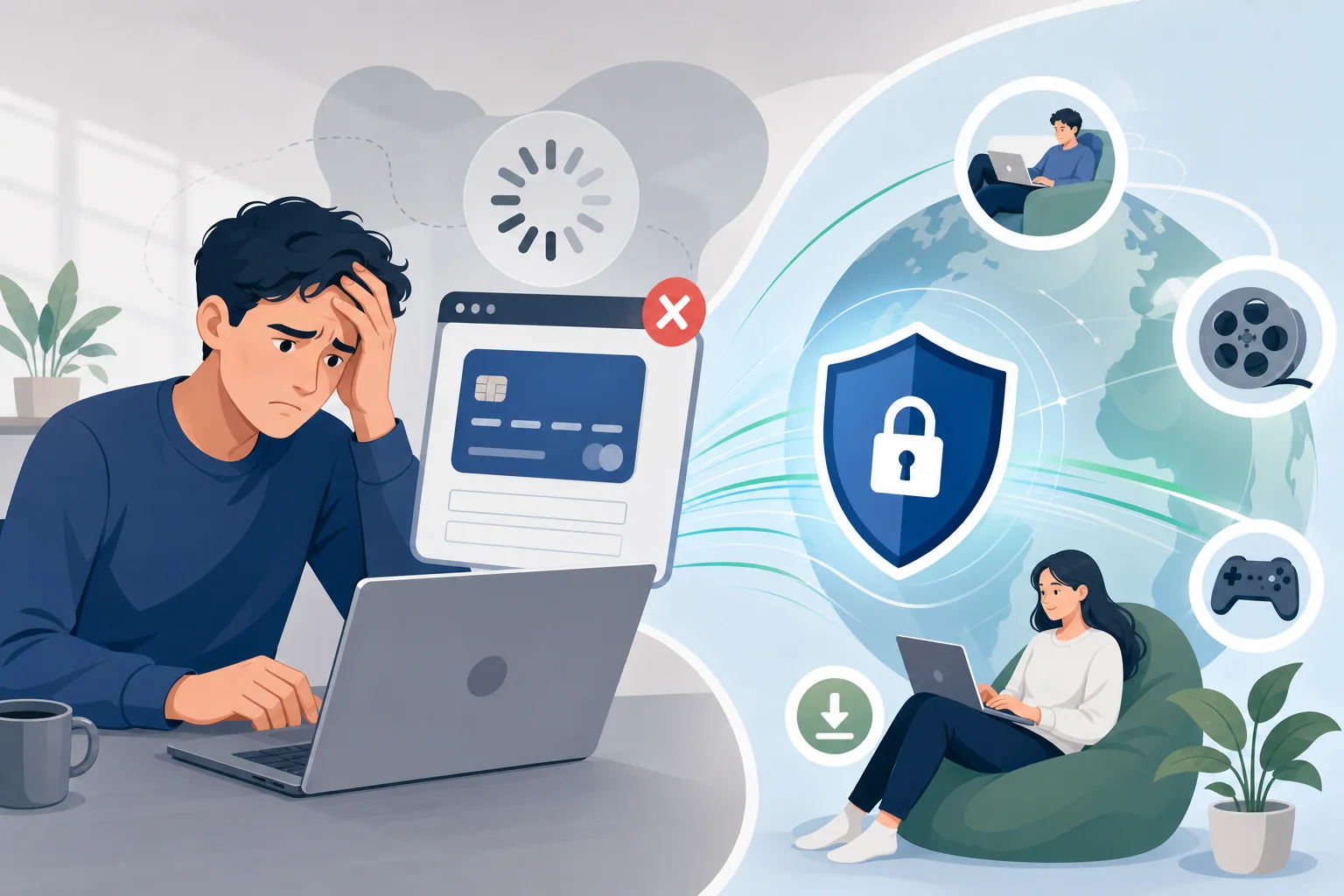
Slow VPN connections are one of the biggest reasons people stop using privacy tools. You connect for more privacy, but then pages load slowly, videos buffer, downloads crawl, and simple browsing feels harder than it should.

For many people, the reason for using a VPN is practical. They may want to:

  • Keep their browsing more private on public Wi-Fi.
  • Reduce exposure to tracking from networks or internet providers.
  • Access websites or services that may be restricted in their location.
  • Browse with more confidence while travelling.
  • Use the internet without creating yet another account.

However, when a VPN creates too much lag, users face a trade-off: privacy or performance. That trade-off can be frustrating. It can also discourage people from keeping protection turned on when they need it most, such as on hotel, airport, café, or shared workplace networks.

This is why speed matters. A VPN should fit naturally into your browsing, not make you plan your day around loading screens. For users who only need quick, private access, an online VPN without registration can remove a major barrier. You do not have to fill out forms, confirm emails, remember passwords, or share unnecessary personal details before connecting.

slow vpn connection frustration

Why VPNs Often Slow Down Your Internet

VPNs work by routing your traffic through a secure server. This process can improve privacy, but it also adds extra steps between your device and the website you want to visit. Some speed loss can happen with any VPN, but the amount depends on several factors.

Encryption Adds Processing Time

A VPN encrypts your traffic so it is harder for others on the network to read or monitor. Encryption is important, especially on public Wi-Fi. Still, it requires processing power. If the VPN app, browser-based tool, or server infrastructure is not optimized, that processing can reduce speed.

The best VPN experiences balance protection and performance. They use efficient systems so the connection stays smooth for normal activities like browsing, checking email, streaming standard video, and using web apps.

Server Distance Affects Latency

Distance matters. If you are in France and connect to a server on the other side of the world, your data has a much longer trip. That can increase latency, which is the delay before data starts moving back and forth.

High latency is especially noticeable during:

  • Video calls.
  • Online gaming.
  • Live streaming.
  • Cloud-based work tools.
  • Sites with many interactive elements.

Choosing a server closer to your real location often improves response time. It may not always be the only factor, but it is one of the easiest things to check.

Overcrowded Servers Cause Lag

A VPN server can slow down when too many users are connected at once. This is common with free or low-quality services that do not have enough capacity. When servers are overloaded, traffic may queue up, and you feel that as slow loading, buffering, or failed connections.

A good service should make connecting simple while still providing reliable capacity. If a VPN is often slow at peak times, it may be a sign that its infrastructure cannot keep up.

Some VPNs Have Slower Infrastructure

Not all VPNs are built the same way. Some are designed for heavy desktop apps, complex account systems, or overloaded free access points. Others focus on fast web access and ease of use.

If your main need is quick, private browsing, a lightweight online VPN may be a better fit than a feature-heavy product that requires setup, registration, and extra configuration.

The Step-by-Step Guide to Choosing a Fast Online VPN Without Registration

Choosing a VPN does not need to be complicated. The best approach is to focus on the things that affect your daily experience: speed, simplicity, access, and trust.

Step 1: Start With Services That Emphasize Speed

Look for an online VPN that is built around fast access. Services like BeFreeVPN are designed for people who want quick browsing without getting slowed down by a long setup process.

Speed-focused VPNs usually make it easy to connect and start browsing. They reduce friction, which is especially useful if you only need temporary protection or fast access from a shared network.

Step 2: Choose a Server Close to Your Location

Whenever possible, select a server that is geographically near you. This helps reduce lag because your data travels a shorter route.

For example:

Your priorityBetter server choiceWhy it helps
Faster browsingNearby country or regionLower latency and quicker page response
Access to regional contentServer in the needed locationMatches the location required by the site
Stable video playbackLess crowded, nearby serverReduces buffering risk
Work or researchReliable local or regional serverHelps keep tools responsive

If one server feels slow, try another nearby option. A small change can make a noticeable difference.

Step 3: Avoid VPNs That Require Registration When You Need Quick Access

Registration is not always bad, but it can add delays. If your goal is fast, private browsing, signing up may be unnecessary. Account creation often means entering an email, creating a password, confirming the account, accepting promotional messages, and sometimes choosing a plan before you can even test the service.

A no-registration VPN removes those steps. It is especially helpful when you are:

  • On public Wi-Fi and need protection right away.
  • Travelling and using a temporary network.
  • Trying to access information quickly.
  • Avoiding unnecessary sharing of personal details.
  • Helping a less technical user get connected.

Step 4: Test Real-World Browsing, Not Just Speed Scores

Speed tests can be useful, but your real experience matters more. After connecting, open the websites and apps you actually use. Check whether pages load smoothly, videos play without constant buffering, and forms or dashboards respond normally.

A fast online VPN without registration should feel nearly invisible during everyday browsing. If you constantly notice the VPN, it may not be the right tool.

Step 5: Check for Simple, Clear Use

A good no-registration VPN should be easy for anyone to use. You should not need technical knowledge to connect. Clear controls, fast access, and minimal setup all matter.

In short, the best choice is the one that helps you protect your browsing without turning privacy into a project.

online vpn without registration setup

Benefits of Using BeFreeVPN: Fast, Secure, and Hassle-Free

BeFreeVPN is a strong fit for users who want a simple online VPN without registration. It focuses on removing the common pain points: slow setup, unnecessary account creation, and browsing interruptions.

Maintain High Internet Speeds Without Ignoring Security

The ideal VPN experience is smooth and protected. BeFreeVPN helps users browse privately while keeping speed in mind. That matters because privacy tools only work when people are willing to use them consistently.

Instead of forcing users through a long onboarding process, BeFreeVPN supports quick access. This makes it easier to protect your connection when you need it, without spending time on setup.

Access Online Content More Seamlessly

Many people use VPNs to reach content that may be unavailable on their current network or in their current location. A no-registration online VPN can make that process simpler.

With BeFreeVPN, the experience is built around convenience. You can connect and browse without creating an account first. For everyday users, that simplicity can be the difference between using a VPN and giving up on one.

Enjoy Ease of Use for Quick Private Browsing

Not everyone wants advanced settings, technical menus, or complex subscription flows. Many users just want to open a tool, connect, and continue browsing.

BeFreeVPN is useful for:

  • Casual browsing with more privacy.
  • Quick access while travelling.
  • Public Wi-Fi sessions.
  • Users who dislike long sign-up forms.
  • People who want a lightweight VPN experience.

This hassle-free approach makes it accessible for beginners while still being practical for experienced users who value speed.

FAQ: Online VPN Without Registration

Is an online VPN without registration safe to use?

It can be, if you choose a trustworthy service that uses secure connection methods and has a clear focus on privacy. As with any VPN, avoid unknown tools that make unrealistic promises or ask for unnecessary permissions.

Will a no-registration VPN always be faster?

Not always. No registration removes account-related delays, but speed also depends on server quality, distance, encryption, network congestion, and your own internet connection. A speed-focused service like BeFreeVPN can help reduce friction.

Why does my VPN slow down streaming?

Streaming can slow down when the VPN server is far away, overcrowded, or not optimized for steady traffic. Try a closer server and close unused apps or tabs that may be using bandwidth.

Do I need to create an account to browse privately?

For many everyday browsing needs, no. An online VPN without registration lets you connect without signing up first. That makes it useful when you want quick privacy on public or shared networks.

What is the fastest way to improve VPN performance?

Start by choosing a nearby server. Then test another server if the first one feels slow. Also, use a VPN service that focuses on quick access and does not add unnecessary setup steps.

Conclusion: Choose Privacy Without the Slowdown

A VPN should help you browse with more freedom, not make the internet feel slower and harder to use. Slow connections often come from heavy encryption processes, distant servers, overcrowding, or weak infrastructure. Fortunately, you can avoid many of these issues by choosing a fast, simple, no-sign-up option.

Experience online freedom with BeFreeVPN, where speed and simplicity work together effortlessly. Try it today and unlock the internet without any registration hassles.

VPN for free for computer: top 5 faq answered

· 8 min read

Are you looking to protect your family's online activities without breaking the bank? Discover the essential insights about using a VPN for free on your computer. If you are searching for a vpn for free for computer, this FAQ explains what free VPNs do, how safe they are, how they work across household devices, and what limits families should expect before relying on one every day.

A free VPN can be a practical first step for safer browsing at home. However, it is important to understand both the benefits and the trade-offs so you can choose a service that fits your family’s needs.

free VPN for family computer

What is a VPN for free for computers and how does it work?

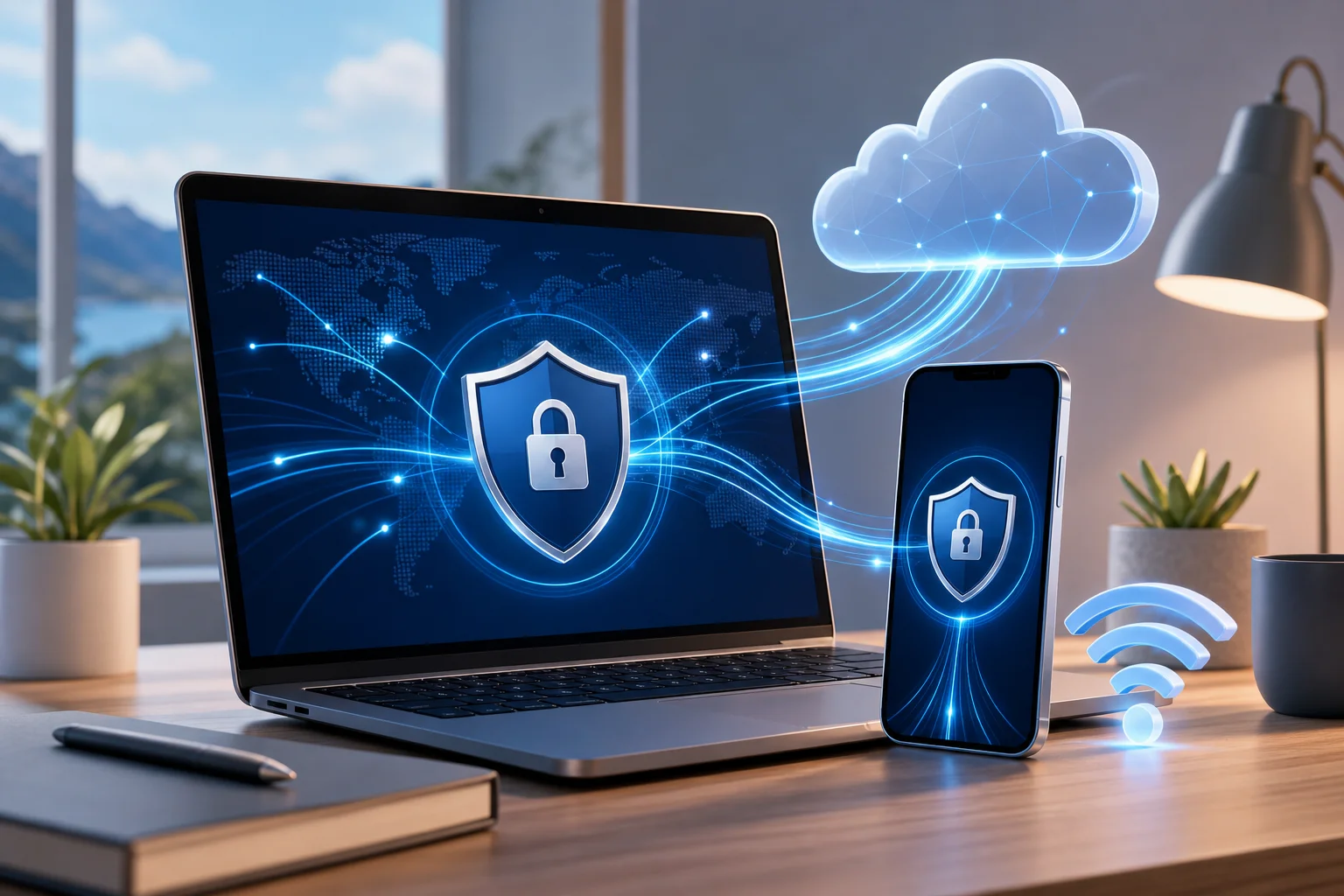
A VPN for free for computers is a virtual private network app that you can install on a desktop or laptop without paying a subscription fee. Once turned on, it creates an encrypted tunnel between your computer and the VPN provider’s server. This helps keep your internet traffic more private from local network snoops, public Wi-Fi risks, and some forms of tracking.

In simple terms, a free VPN works in three main ways:

  1. It encrypts your internet connection. Your browsing data is wrapped in encryption before it travels across the internet, making it harder for others on the same network to read.
  2. It masks your IP address. Websites usually see the VPN server’s IP address instead of your home IP address. This can improve anonymity and reduce direct exposure of your location.
  3. It can help access restricted content. Because your visible IP address changes, some region-based blocks or network restrictions may be bypassed, depending on the VPN server and the website’s rules.

For families, the appeal is clear. A free VPN can help secure multiple computer users without adding another monthly bill. Parents may use it on a shared desktop, a child’s laptop, or a family computer used for homework, shopping, streaming, and banking.

That said, a VPN is not a complete security solution. It does not replace antivirus software, strong passwords, operating system updates, or parental controls. Instead, it adds a privacy layer that helps protect everyday browsing.

Is a VPN for free safe to use on home computers?

Yes, a free VPN can be safe on home computers, but safety depends heavily on the provider. Free VPNs are not automatically unsafe. Some reputable services offer a free plan as a way to introduce users to their product. Others may rely on ads, limited features, or paid upgrades to support the service.

The key is to avoid unknown apps that make unrealistic promises. A trustworthy free VPN should explain its privacy policy clearly, avoid unnecessary permissions, and provide secure VPN protocols.

Quick safety checklist for choosing a free VPN

Use this comparison table before installing a free VPN on a family computer:

What to checkWhy it mattersFamily-friendly tip
Clear privacy policyShows how data is handledAvoid services that are vague about logging
No registration or minimal data requiredReduces personal information sharedUseful for shared household devices
Data limitsFree plans may cap monthly useCheck if limits fit homework, browsing, and light streaming
Device supportEnsures it works on your computersLook for Windows, macOS, and browser compatibility
ReputationHelps avoid risky appsChoose services with transparent information and updates

A common myth is that free VPNs are inherently dangerous. That is not accurate. A reputable free VPN can still protect against basic threats, especially on public Wi-Fi or shared networks. However, families should be aware of potential privacy concerns, ads, speed limits, and data caps. If a free service appears to have no business model and no privacy details, treat it with caution.

Can I use a free VPN on multiple computers in my household?

In many cases, yes. Several free VPNs allow installation on more than one device, which is useful for family sharing. For example, you may want protection on a parent’s work laptop, a child’s school computer, and a shared desktop in the living room.

However, free plans often come with restrictions. Some limit the number of simultaneous connections. Others allow multiple installs but provide a monthly data cap per account or per device. Before choosing a free VPN for computers, check whether the usage limits match your household’s routine.

How to set up a free VPN across family computers

Follow these simple steps:

  1. List your devices. Include Windows PCs, Macs, shared desktops, and laptops used by children.
  2. Check platform support. Make sure the VPN offers apps or setup instructions for each computer.
  3. Review connection limits. Confirm how many devices can use the VPN at the same time.
  4. Install from the official source. Download only from the provider’s website or a trusted app store.
  5. Turn on auto-connect if available. This helps protect users who may forget to enable the VPN.
  6. Test browsing and video calls. Make sure speeds are usable for schoolwork, family calls, and normal browsing.
  7. Explain the basics to children. Teach them that the VPN supports privacy, but safe online behavior still matters.

Easy setup is especially important for families. If the app is too confusing, younger users may turn it off or ignore it. Look for a clean interface, simple connect button, and clear status indicator.

free VPN on multiple computers

How can a VPN for free protect children online?

A free VPN can support children’s online safety by adding privacy and reducing exposure of personal location details. When a child uses a shared computer or school laptop at home, the VPN can mask the household IP address and make browsing less directly tied to the family’s physical location.

Some VPN services also include security features such as malicious site warnings, DNS filtering, or blocking for harmful websites and content. These tools can help reduce access to unsafe pages. Still, not every free VPN includes content blocking. For stronger child protection, use the VPN together with parental controls, safe search settings, browser restrictions, and open conversations about online risks.

A VPN can also help when children use shared devices outside the home, such as on public Wi-Fi at libraries, cafés, airports, or hotels. In those cases, encryption is valuable because public networks are easier for attackers to monitor.

For families, the best approach is layered protection:

  • Use a VPN for privacy and safer connections.
  • Enable parental controls on computers and browsers.
  • Keep devices updated.
  • Teach children not to share personal details online.
  • Review downloads, games, and websites together.

In short, a free VPN is not a digital babysitter. But it can be a helpful part of a safer browsing setup for children and shared household computers.

What limitations should I expect with a VPN for free for computers?

Free VPNs can be useful, but they usually have limits compared with paid versions. Understanding these limits helps families set realistic expectations and avoid frustration.

The most common limitation is a data usage cap. A free VPN may work well for web browsing, email, and light research but may run out quickly if the family streams video, downloads large files, or uses video calls for long periods.

Another common limit is fewer server locations. Paid VPNs often provide many countries and city-level options, while free plans may offer only a small selection. This can affect speed and access to region-specific content.

You may also notice slower speeds. Free servers can be more crowded because many users share limited resources. During peak hours, pages may load more slowly or streaming quality may drop.

Other possible limitations include:

  • Fewer advanced privacy settings.
  • Limited customer support.
  • Restrictions on simultaneous connections.
  • No dedicated streaming or gaming servers.
  • Occasional prompts to upgrade to a paid plan.

These drawbacks do not mean a free VPN is useless. For many families, a no-cost VPN is enough for basic privacy, safer browsing on shared networks, and protecting a computer during everyday tasks. The key is to match the tool to the job. If your family needs heavy streaming, constant downloads, or many devices online at once, you may eventually need a more advanced plan.

Final thoughts: should your family use a free VPN on computers?

A free VPN for computer use can be a smart starting point for families that want better privacy without extra cost. It encrypts your connection, masks your IP address, helps protect shared devices, and can support safer browsing for children when combined with parental controls and good digital habits.

Choose a reputable provider, understand the limits, and install it carefully on each household computer. Most importantly, treat a VPN as one part of a broader family safety plan.

Protect your family's online presence effortlessly with BeFreeVPN — a free, no-registration solution perfect for all your devices.

The ultimate guide to VPNs for free for phones: breaking through censorship

· 19 min read

In regions where internet content is carefully controlled, accessing the full web on your phone can be a challenge. Discover how free VPN technology can help you bypass these barriers efficiently. This deep dive explains how to choose, configure, and troubleshoot a vpn for free for phone use while keeping privacy, performance, and mobile security in focus.

A virtual private network is not magic. It is a set of protocols, cryptographic choices, routing decisions, and trust assumptions. Used well, a free VPN on Android or iPhone can help you reach blocked services, protect traffic on hostile Wi-Fi, and reduce exposure to network-level surveillance. Used poorly, it can leak metadata, slow down your apps, or shift trust from an ISP to an unknown provider.

Before using any circumvention tool, understand your local laws, your threat model, and the risks of connecting to restricted content. The goal is to make informed technical decisions.

vpn for phone encrypted tunnel

1. Understanding VPNs: How Do They Work?

A VPN creates an encrypted tunnel between your phone and a remote VPN server. Instead of sending traffic directly from your mobile device to a website or app endpoint, your phone encapsulates packets and sends them to the VPN server. The server decrypts or decapsulates the traffic, forwards it to the destination, and returns responses through the same tunnel.

To the local network, your traffic generally appears to be going to the VPN server. To the destination website, your traffic appears to originate from the VPN server’s IP address. This can help when content is blocked by local IP filtering, DNS manipulation, or simple geographic restrictions.

Definition and Components of a VPN

A phone VPN typically includes these components:

  • VPN client: The Android or iOS app, or the native VPN profile installed on the device.
  • VPN server: The remote endpoint that terminates the tunnel and forwards traffic.
  • Tunnel interface: A virtual network interface on the phone that routes selected traffic into the VPN.
  • Authentication mechanism: Credentials, certificates, pre-shared keys, tokens, or app-managed session keys.
  • Encryption suite: Cryptographic algorithms that protect data confidentiality and integrity.
  • Routing and DNS rules: Controls that determine which traffic uses the tunnel and which DNS resolvers handle lookups.

On mobile operating systems, the VPN client integrates with a system VPN API. This is important because mobile apps usually cannot create unrestricted low-level network interfaces without OS permission. Android’s VpnService and Apple’s Network Extension framework provide controlled ways to route traffic through the tunnel.

Tunneling Protocols: OpenVPN, L2TP/IPSec, and PPTP

Different VPN protocols package traffic in different ways. The protocol affects censorship resistance, battery use, speed, and reliability.

ProtocolTypical mobile useSecurity statusNotes for censorship resistance
OpenVPNCommon in third-party appsStrong when configured wellCan run over TCP 443 to resemble HTTPS-like traffic patterns, though not fully invisible
L2TP/IPSecSupported by many systemsAcceptable but olderEasier to block because it uses recognizable ports and protocol patterns
PPTPLegacy onlyInsecureShould be avoided; weak cryptography and widely fingerprinted

OpenVPN is mature and flexible. It can use UDP for speed or TCP for networks that block UDP. It supports strong authentication and modern ciphers, but configuration matters.

L2TP/IPSec combines Layer 2 Tunneling Protocol with IPSec encryption. It is older and often easier for restrictive networks to identify because it uses common IPSec-related ports.

PPTP is obsolete. It is fast because it is lightweight, but its security weaknesses make it unsuitable for privacy. If a free phone VPN offers only PPTP, choose another option.

The Role of Encryption in VPNs

Encryption protects the contents of your traffic inside the tunnel. However, it does not hide everything. A network operator may still see that your phone is connecting to a VPN server, the timing and volume of packets, and sometimes protocol fingerprints.

Good VPN security depends on:

  • Confidentiality: Preventing local networks from reading tunneled traffic.
  • Integrity: Preventing tampering with packets in transit.
  • Authentication: Ensuring your phone connects to the intended VPN server.
  • Forward secrecy: Reducing damage if a long-term key is compromised later.
  • DNS protection: Preventing domain lookups from leaking outside the tunnel.

In censorship-heavy regions, encryption helps prevent basic inspection. Yet advanced filtering systems may block known VPN IP addresses, detect protocol signatures, or throttle encrypted traffic. That is why protocol choice, server rotation, and DNS handling matter.

2. Why Use a Free VPN on Your Phone?

A free VPN for phone users is attractive because the phone is often the primary internet device. In many places, mobile data is more available than fixed broadband. Phones are also used for messaging, banking, news, navigation, work, and emergency communication.

Comparative Advantages: Cost and Accessibility

The main advantage is obvious: no subscription barrier. A free mobile VPN can be useful when you need immediate access, when payments are restricted, or when international cards are not available.

Other practical advantages include:

  • Fast deployment: Install an app or profile and connect within minutes.
  • No router configuration: The tunnel runs directly on the device.
  • Works across networks: Use it on mobile data, public Wi-Fi, campus networks, or hotel networks.
  • App-level convenience: Many mobile VPN apps include one-tap connection and automatic reconnection.

For advanced users, the value is not just “free.” It is the ability to test reachability, compare protocols, and maintain fallback connectivity without committing to one provider.

Importance for Users in Censor-Heavy Regions

When content filtering blocks news sites, social platforms, messaging services, app stores, or documentation, a VPN can restore access by routing traffic through a less restricted network path.

A phone VPN may help against:

  • DNS poisoning or DNS blocking by using VPN-provided resolvers.
  • IP blocking when the VPN server is outside the filtered network.
  • Basic URL filtering when HTTPS and VPN encapsulation hide request details.
  • Public Wi-Fi restrictions in airports, schools, cafés, or workplaces.

However, severe censorship may use deep packet inspection, active probing, and VPN server blacklists. In those cases, a standard free VPN may work intermittently. Reliability depends on server diversity, protocol options, and how quickly the provider adapts.

Potential Limitations and How to Mitigate Them

Free VPNs often have trade-offs. The most common are bandwidth limits, fewer server locations, congestion, ads, limited protocol choices, or weaker support.

Mitigate these limitations with practical controls:

  • Choose providers with clear privacy policies. Avoid vague claims and unknown ownership.
  • Prefer modern protocols. WireGuard, IKEv2/IPSec, and well-configured OpenVPN are better options than PPTP.
  • Enable the kill switch if available. It reduces accidental traffic leaks during drops.
  • Use secure DNS inside the tunnel. Prevent DNS queries from escaping to the local ISP.
  • Keep multiple options. Have more than one reliable free VPN app or configuration ready.
  • Test before you need it. Verify that messaging, browsers, app stores, and critical sites work.

3. Setting Up a Free VPN on Your Phone

The exact setup depends on the provider and operating system. Still, the process follows a predictable pattern: select a trustworthy provider, install the app or profile, verify permissions, connect, and test for leaks.

free mobile vpn setup

Step-by-Step Guide for Android

  1. Choose a reputable free VPN provider. Look for transparent terms, reasonable limits, and modern protocol support.
  2. Install from a trusted source. Prefer Google Play or the provider’s official website if Play access is blocked.
  3. Review requested permissions. A VPN app needs VPN permission, but it should not require unnecessary access to contacts, SMS, microphone, or photos.
  4. Open the app and select a server. Choose a nearby region for speed or a specific region for content access.
  5. Select the protocol if available. Start with WireGuard or IKEv2 for mobile performance. Use OpenVPN TCP 443 if UDP is blocked.
  6. Approve the VPN connection prompt. Android will show a system dialog before allowing tunnel creation.
  7. Enable Always-on VPN. Go to Android settings and set the VPN as always-on if reliability is critical.
  8. Enable “Block connections without VPN.” This Android option acts like a kill switch.
  9. Test IP and DNS behavior. Use a trusted leak test site and confirm DNS resolvers are not local ISP resolvers.
  10. Test your real apps. Browsers are not enough. Check messaging, email, app updates, and video if needed.

Step-by-Step Guide for iOS

  1. Select a reliable free VPN app. Install from the App Store where possible.
  2. Open the app and read the privacy prompts. Avoid apps with unclear data practices.
  3. Allow VPN configuration. iOS requires approval before adding a VPN profile.
  4. Authenticate with Face ID, Touch ID, or passcode. This confirms profile installation.
  5. Choose a server and protocol. IKEv2 and WireGuard-based implementations often perform well on iPhones.
  6. Connect and verify the VPN indicator. iOS shows a VPN status icon or entry in Control Center/settings.
  7. Check DNS and IP address. Confirm that traffic exits through the expected VPN region.
  8. Review Connect On Demand options. If supported, use automatic reconnection on untrusted networks.
  9. Disable risky local network access if not needed. Reduce exposure when using public Wi-Fi.
  10. Keep the app updated. VPN profile behavior and protocol libraries change over time.

Selecting Reliable Free VPN Providers

Advanced users should evaluate more than marketing claims. Use this checklist:

  • Does the provider explain how it funds the free tier?
  • Are data limits, speed limits, and server locations clearly stated?
  • Are there third-party audits, open-source clients, or reproducible builds?
  • Does the app support a kill switch or OS-level equivalent?
  • Does it protect DNS by default?
  • Does it avoid intrusive permissions?
  • Does it support modern mobile protocols?
  • Is registration optional or minimal?

Free does not automatically mean unsafe. But “free and opaque” is a risk. A good free VPN for phone use should be transparent about limits and should not monetize sensitive browsing data.

Ensuring Privacy Through Security Settings

After setup, harden the configuration:

  • Turn on auto-connect for untrusted Wi-Fi.
  • Turn on kill switch or OS-level traffic blocking.
  • Disable split tunneling unless you need it and understand the leak risk.
  • Use private DNS carefully. On Android, Private DNS may conflict with the VPN’s DNS design.
  • Block IPv6 leaks if the VPN does not tunnel IPv6 properly.
  • Clear old VPN profiles you no longer use.
  • Use a privacy-focused browser and keep HTTPS-only mode enabled.

4. Technical Behind the Scenes: VPN Protocols on Mobile

Mobile networks are unstable. Phones switch between LTE, 5G, Wi-Fi, captive portals, and power-saving states. A protocol that works well on a desktop may behave poorly on a phone if it cannot handle network changes efficiently.

In-Depth Look at Mobile-Specific Protocols

Although OpenVPN, L2TP/IPSec, and PPTP are widely known, modern mobile VPNs often rely on protocols designed or tuned for roaming.

IKEv2/IPSec is strong for mobile because it supports MOBIKE, which helps maintain sessions when the device changes networks. For example, moving from Wi-Fi to cellular can be smoother than with older tunnels.

WireGuard uses a lean codebase and modern cryptography. It is usually fast on phones and efficient with battery. Its roaming behavior is good because endpoints can update as network paths change.

OpenVPN remains valuable because it is flexible. It can run over UDP for performance or TCP 443 when restrictive firewalls block other traffic. The downside is higher overhead and sometimes more battery usage than WireGuard.

L2TP/IPSec is mostly a compatibility fallback. It can still work, but it is less ideal for restrictive regions because network filters often identify IPSec traffic.

PPTP should be treated as deprecated. It does not provide modern security and is not suitable for anonymity or sensitive access.

How These Protocols Help Bypass Censorship

Censorship systems often rely on a mix of DNS blocking, IP blacklists, protocol blocking, and traffic fingerprinting. VPN protocols help by changing both the route and the observable structure of traffic.

  • Route change: Traffic exits from a VPN server outside the restricted path.
  • DNS isolation: Domain lookups happen through the tunnel rather than through local resolvers.
  • Encryption: Local filters cannot easily inspect the content of tunneled traffic.
  • Port flexibility: Some protocols can use commonly allowed ports such as 443.
  • Server rotation: Changing endpoints can evade static IP blocks.

Still, no free VPN can guarantee access in every region or at every time. Advanced filtering can block known VPN infrastructure. That is why mobile users should keep updated apps and multiple protocol options.

Performance Analysis of Different Protocols on Phones

Performance depends on CPU, signal quality, server distance, congestion, and protocol overhead. In general:

ProtocolSpeedBattery impactRoaming stabilityBest use case
WireGuardHighLow to moderateGoodDaily mobile browsing and messaging
IKEv2/IPSecHighModerateExcellent with MOBIKESwitching between Wi-Fi and cellular
OpenVPN UDPMedium to highModerate to highModerateBalanced security and compatibility
OpenVPN TCPMediumHigher under packet lossModerateNetworks that block UDP
L2TP/IPSecMediumModerateModerateLegacy compatibility
PPTPHighLowPoor securityAvoid

For advanced users, the best strategy is empirical. Test each protocol on your actual network. Measure latency, packet loss, reconnection time, app behavior, and battery drain over a normal day.

5. Common Misconceptions About Free VPNs for Phones

Free mobile VPNs are often discussed in extremes. Some users assume every free VPN is dangerous. Others assume a VPN makes them fully anonymous. Both views are incomplete.

Privacy Concerns and the Truth Behind Them

A VPN does not eliminate trust. It moves part of your trust from the local ISP or Wi-Fi operator to the VPN provider. That is why provider selection matters.

A trustworthy free VPN should minimize logs, explain operational data collection, and avoid selling browsing activity. However, even a privacy-focused VPN may need temporary technical data for abuse prevention, load balancing, or service reliability.

Also, a VPN does not hide everything from everyone. Websites can still identify you through logins, cookies, browser fingerprints, device identifiers, and behavioral patterns. If you sign into a personal account, the site knows it is you regardless of VPN use.

Understanding Speed Reductions

Speed loss is normal because traffic takes a longer route and passes through encryption. On a phone, speed can also drop because of weak radio signal, background battery limits, or congested free servers.

To reduce slowdowns:

  • Use the nearest reliable server unless you need a specific region.
  • Prefer WireGuard or IKEv2 when available.
  • Use UDP-based modes unless UDP is blocked.
  • Avoid overloaded peak hours if possible.
  • Disconnect apps that sync large files in the background.

Misunderstandings About Data Limits

A data cap does not always mean the VPN is low quality. Free providers use limits to control abuse and server costs. The key is whether the limit is clear and reasonable for your needs.

For messaging, email, and text-heavy browsing, small limits may be usable. For video, app downloads, and cloud backups, free limits can disappear quickly. Advanced users should separate critical access from high-bandwidth entertainment when using a free VPN on a phone.

FAQ: Is a VPN for Free for Phone Safe?

It can be safe if the provider is transparent, uses modern encryption, avoids intrusive permissions, and protects DNS traffic. Avoid unknown apps with aggressive ads, unclear ownership, or requests for unrelated phone permissions.

FAQ: Can a Free Phone VPN Bypass All Censorship?

No. A free phone VPN can bypass many common blocks, but advanced censorship can block VPN IPs or detect protocol signatures. Keep multiple protocols available and update apps regularly.

FAQ: Does a VPN Make My Phone Anonymous?

Not by itself. A VPN hides some network-level information from local observers, but websites and apps can still track accounts, cookies, device fingerprints, and behavior.

6. Troubleshooting Common Issues with Free VPNs

Even a well-chosen free VPN can fail under real mobile conditions. Troubleshooting should be systematic: identify whether the problem is the network, protocol, server, phone settings, or app compatibility.

mobile vpn troubleshooting

Connection Drops and How to Prevent Them

Drops happen when the phone changes networks, enters battery-saving mode, loses signal, or when the VPN server becomes unreachable.

Try these fixes:

  1. Switch protocol. Use IKEv2 or WireGuard for better roaming. Try OpenVPN TCP if UDP fails.
  2. Change servers. The current endpoint may be blocked or overloaded.
  3. Disable aggressive battery optimization. On Android, exclude the VPN app from battery restrictions.
  4. Enable auto-reconnect. Use app settings or OS-level VPN controls.
  5. Use always-on VPN with blocking. This prevents accidental leaks during reconnects.
  6. Check captive portals. Hotel or café Wi-Fi may require browser login before the VPN can connect.

Addressing Slow Speeds and Latency

Slow VPN performance is not always the VPN’s fault. Test baseline speed without the VPN, then compare.

Useful checks:

  • If baseline mobile data is poor, move location or switch networks.
  • If only one server is slow, try another region.
  • If all VPN servers are slow, switch protocol.
  • If latency is high, choose a geographically closer server.
  • If downloads are slow but browsing is fine, the free tier may throttle bulk traffic.

For technical testing, measure ping, jitter, DNS lookup time, and packet loss. A high download speed with bad jitter can still make calls and messaging feel unstable.

Overcoming App Compatibility Problems

Some apps block VPN traffic, require local network discovery, or use region-specific endpoints. Others fail when DNS responses differ from expected local results.

Possible solutions:

  • Use split tunneling cautiously for apps that must bypass the VPN.
  • Clear app DNS/cache data after changing VPN regions.
  • Switch VPN servers to avoid IPs flagged by the service.
  • Disable private relay or other proxy layers if they conflict with the VPN.
  • Update the app and VPN client to fix network API issues.

If an app handles sensitive personal data, think carefully before excluding it from the VPN. Split tunneling improves compatibility but can reveal traffic to the local network.

7. Ensuring Maximum Privacy and Security

A VPN is one layer. Strong mobile privacy requires device hygiene, account security, browser controls, and careful operational habits.

Tips for Maintaining Anonymity

For high-risk environments, reduce linkability:

  • Do not log into personal accounts when you need separation.
  • Use privacy-focused browsers with tracker blocking.
  • Clear cookies and site data between identities.
  • Avoid reusing usernames, emails, and profile photos.
  • Disable ad identifiers where possible.
  • Keep location permissions restricted.
  • Use end-to-end encrypted messaging for sensitive conversations.
  • Avoid installing unknown APKs or configuration profiles.

Also remember metadata. Even if content is encrypted, timing and volume may reveal patterns. For example, a burst of traffic after a major event may still be observable.

Using Extra Security Features Available in Free VPNs

Some free VPNs include useful safeguards. Enable them when available:

  • Kill switch: Blocks traffic if the VPN disconnects.
  • DNS leak protection: Forces DNS requests through the tunnel.
  • Auto-connect: Starts VPN on untrusted networks.
  • Protocol selection: Lets you adapt to blocking and performance conditions.
  • Malicious domain blocking: Filters known dangerous domains, if implemented transparently.
  • No-registration mode: Reduces account-level identifiers.

Do not enable features blindly. For example, ad blocking may route DNS through a specific resolver. Read how the feature works and confirm it matches your threat model.

Regular Updates and Why They Matter

VPN apps depend on cryptographic libraries, OS networking APIs, and server-side configurations. Updates can patch vulnerabilities, improve censorship resistance, add new servers, and fix battery drain.

Keep updated:

  • The VPN app.
  • Android or iOS system software.
  • Browser and messaging apps.
  • Security patches and WebView components.
  • VPN profiles or configuration files.

If you manually import OpenVPN or WireGuard profiles, replace outdated configs when the provider rotates keys or changes servers. Old profiles may fail silently or use weaker settings.

Final Technical Checklist for Using a Free Phone VPN

Before relying on a VPN for free for phone access in a restrictive region, verify the essentials:

  • The provider is transparent about the free tier.
  • The app requests only necessary permissions.
  • The protocol is modern and secure.
  • DNS queries stay inside the tunnel.
  • Kill switch or OS-level blocking is enabled.
  • The VPN reconnects after switching networks.
  • Critical apps work under real conditions.
  • You have a backup server or provider.
  • The app and phone OS are updated.
  • You understand what the VPN does not hide.

A free VPN on your phone can be a practical tool for censorship circumvention, but it works best when treated as part of a broader security model. Choose carefully, test often, and tune the protocol and privacy settings for your actual network conditions.

Explore BeFreeVPN to experience seamless connections on your phone at no cost, with no registration required, perfect for maintaining internet access in restrictive regions.

Online VPN for computer: myths vs facts comparison

· 13 min read

Are you relying on misconceptions when choosing an online VPN for your computer? Let's debunk these myths and reveal the facts you need to know. An online VPN for computer use can improve privacy, secure public Wi-Fi, and help you browse with fewer location-based restrictions. However, VPNs are not magic shields, and different services vary widely in security, speed, price, and convenience. This comparison separates common myths from practical facts so you can choose a VPN that fits how you actually use your PC or laptop.

1. Understanding Online VPNs for Computers

An online VPN, or virtual private network, is a service that creates an encrypted tunnel between your computer and a VPN server. Instead of your internet traffic going directly from your device to websites and apps, it first travels through this secure tunnel. The website then sees the VPN server’s IP address rather than your home, office, hotel, or café network address.

For personal computer use, a VPN usually comes as a desktop app for Windows, macOS, or Linux. Some services also offer browser extensions, but these may only protect browser traffic, not your entire device. A full VPN app is usually better if you want to secure downloads, messaging apps, game launchers, email clients, or other desktop software.

Common benefits include:

  • Privacy from local networks: A VPN helps prevent Wi-Fi owners, hotspot operators, and some local network observers from seeing the sites and services you access.
  • Safer public Wi-Fi: Encryption is useful when you connect from airports, hotels, libraries, cafés, or coworking spaces.
  • Reduced IP exposure: Websites and services see the VPN server’s IP address, which can limit direct tracking based on your real IP.
  • Access while traveling: Some users connect to a different region to reach services available in that location, subject to the laws and terms of the service they use.
  • Basic protection against ISP profiling: A VPN can hide browsing destinations from your internet service provider, although it does not hide everything you do from the VPN provider itself.

That last point is important. A VPN shifts trust. Without a VPN, your ISP can see more metadata about your browsing. With a VPN, the VPN provider handles that traffic instead. So the key question is not “Do I need a VPN?” but “Which VPN should I trust, and for what purpose?”

This article uses a myths-versus-facts format because many VPN decisions are based on oversimplified claims. Some people think every VPN is equally secure. Others assume all VPNs destroy internet speed. The truth is more practical and more useful.

online VPN for computer privacy

The best VPN for a computer depends on your priorities: cost, privacy policy, speed, registration requirements, server locations, device support, and ease of use. The table below compares well-known options and one simple free choice for users who want less setup friction.

VPN optionBest forKey featuresPricing modelEase of useStrengthsWeaknesses
BeFreeVPNFree, simple browsing without registrationNo-registration access, straightforward setup, privacy-focused browsingFree optionVery easyGood for quick protection and users who dislike account creationMay not offer the same advanced controls as premium VPN suites
Proton VPNPrivacy-focused users who want a free or paid planStrong reputation, audited apps, secure protocols, free tier with limitsFree and paid plansEasy to moderateGood privacy positioning and transparent ecosystemFree plan may have fewer location choices and performance limits
WindscribeUsers who want flexible free data and browser toolsDesktop app, browser extension, configurable privacy featuresFree limited plan and paid plansModerateGood customization and useful free tierData limits on free plans; settings may feel complex
MullvadUsers who value account minimalism and privacyAccount-number model, WireGuard and OpenVPN, transparent pricingPaid flat monthly modelModerateStrong privacy design and simple pricingNo free plan; fewer mainstream streaming-focused features
NordVPNUsers who want many servers and polished appsLarge server network, fast protocols, extra security toolsPaid subscriptionEasyStrong performance features and broad platform supportRequires subscription and account setup

This comparison shows the main trade-off. Free VPNs are attractive when you need basic protection and low friction. Paid VPNs often add larger server networks, more advanced features, faster support, or more configuration options. However, price alone does not prove quality. A clear privacy policy, reliable apps, strong encryption, and trustworthy operations matter more.

How to compare VPNs step by step

If you want a quick selection process, use this checklist:

  1. Define your main use case. Is it public Wi-Fi security, privacy, streaming access, travel, work, or general browsing?
  2. Check device support. Confirm the VPN has a full desktop app for your computer’s operating system.
  3. Review the privacy policy. Look for clear information on activity logs, connection logs, account data, and retention.
  4. Check protocols. Prefer modern options such as WireGuard, OpenVPN, or IKEv2/IPsec.
  5. Test performance. Try nearby and distant servers if available. Speed depends on server load, distance, ISP routing, and protocol.
  6. Evaluate friction. Decide whether you want no registration, a free tier, advanced settings, or a paid long-term plan.
  7. Confirm support for your apps. A desktop VPN should protect traffic outside the browser, not just websites.

3. Myths vs Facts: Security and Privacy

Myth: All VPNs offer the same level of security

This is one of the most common VPN myths. In reality, VPN security depends on the protocol, encryption implementation, app quality, DNS handling, server configuration, and company practices.

A reliable VPN for PC use should support trusted protocols. WireGuard is popular because it is modern, efficient, and often fast. OpenVPN is widely reviewed and flexible. IKEv2/IPsec can be stable, especially for switching networks. Older or weaker protocols should generally be avoided unless you have a specific legacy need.

Encryption also matters, but it is not the only factor. Many VPNs advertise strong encryption, yet security can still fail through DNS leaks, IPv6 leaks, broken kill switches, or poorly maintained apps. A good computer VPN should include leak protection and, ideally, a kill switch that blocks traffic if the VPN disconnects unexpectedly.

Fact: Protocols and implementation create real differences

Two VPNs can both claim “secure encryption” while delivering different real-world protection. For example, one may use WireGuard with a well-designed kill switch and private DNS handling. Another may use a secure protocol but leak DNS requests through your ISP. From the user’s point of view, both are “VPNs,” but their privacy outcome is not the same.

Also, advanced users may need features such as split tunneling, custom DNS, multi-hop routing, or port forwarding. These are not necessary for everyone. Still, they show why comparing VPNs by name alone is not enough.

Myth: A VPN makes you completely anonymous online

A VPN can improve privacy, but it does not make you invisible. Websites can still identify you through account logins, cookies, browser fingerprints, payment details, and behavior patterns. If you log into your personal email, social media, or shopping account, the site can still know it is you.

Your VPN provider may also process connection metadata. Some VPNs keep minimal operational logs. Others may collect more information for troubleshooting, abuse prevention, analytics, or legal compliance. A “no logs” claim should be read carefully. Look for clear definitions: Does the provider log browsing activity? Connection timestamps? Original IP addresses? Bandwidth? Device identifiers?

Fact: A VPN is one layer, not a complete privacy system

For stronger privacy, combine a VPN with good habits:

  • Use privacy-focused browser settings.
  • Clear or isolate cookies.
  • Avoid logging into personal accounts when privacy is the goal.
  • Use multi-factor authentication.
  • Keep your operating system and browser updated.
  • Be cautious with unknown downloads and phishing links.

A VPN protects the network path. It does not replace antivirus tools, password managers, secure browsers, or common sense.

4. Performance and Accessibility: Myths vs Facts

Myth: VPNs always slow down your internet connection

VPNs can reduce speed, but they do not always cause a noticeable slowdown. Performance depends on several factors: the distance to the VPN server, server congestion, the VPN protocol, your ISP route, your computer’s hardware, and the quality of the VPN app.

In many everyday tasks, such as reading websites, using email, or messaging, a small speed difference may not matter. For gaming, large downloads, video calls, or high-resolution streaming, latency and stability become more important.

Fact: Performance varies by VPN, server, and protocol

Instead of trusting broad claims, test performance in your own environment. A practical benchmark can be simple:

  1. Run a speed test without the VPN.
  2. Connect to a nearby VPN server.
  3. Run the same test again.
  4. Try a distant server if you need another region.
  5. Compare download speed, upload speed, and latency.
  6. Repeat at different times of day if speed is critical.

Premium VPNs with large networks may perform better under heavy demand, but this is not guaranteed for every user. Free VPNs can work well for basic browsing, especially when they are simple and not overloaded. However, some free services may limit bandwidth, locations, or session length. Always check the specific terms.

VPN performance comparison on computer

Accessibility: Fact versus fiction on device compatibility

Another myth is that an online VPN for computer use will automatically protect every device you own. Usually, a desktop VPN protects only the computer where it is installed. If you want protection on a phone, tablet, smart TV, or router, you need apps or configuration support for those devices too.

Compatibility also differs by operating system. Windows and macOS are widely supported. Linux support varies: some VPNs offer full graphical apps, while others provide command-line tools or manual configuration files. Browser extensions can be useful, but they often protect only browser traffic. For full-device protection, choose the desktop app when possible.

Accessibility may also mean ease of signup. Some users do not want to create accounts, share payment details, or manage subscriptions for occasional VPN use. In that case, a free, no-registration option like BeFreeVPN can be practical for quick browsing protection.

5. Which Should You Choose?

The right VPN depends on your risk level, budget, and patience for setup. Here is a scenario-based summary.

Choose BeFreeVPN if you want simple, free access

BeFreeVPN is a strong fit if you need a free and reliable VPN experience without registration hassles. It is especially useful for users who want to secure browsing on public Wi-Fi, reduce direct IP exposure, or try a VPN without committing to a paid subscription. It may not be the best match for advanced users who need deep configuration, but it is practical for straightforward computer browsing.

Choose Proton VPN if you want a privacy-focused ecosystem

Proton VPN suits users who want a recognizable privacy brand, free and paid plan options, and apps designed for security-conscious browsing. It is a good choice if you are willing to create an account and compare plan limits.

Choose Windscribe if you like customization

Windscribe can work well for users who want more controls, browser tools, and flexible settings. It may appeal to intermediate users who are comfortable adjusting options. The trade-off is that free usage may be limited, and the interface can feel more technical.

Choose Mullvad if account privacy is a top priority

Mullvad is often chosen by users who like its account-number approach and flat pricing. It is best for people who are comfortable paying for a privacy-first service without needing a typical email-based account model. It is less suitable if you need a free option.

Choose NordVPN if you want a polished paid VPN suite

NordVPN may fit users who want a large server network, easy desktop apps, and extra features in one subscription. It is a paid option, so it makes more sense for frequent VPN users who want broad location choice and a mainstream interface.

Verdict

For most intermediate users, the best online VPN for a computer is the one that matches the job. If you need advanced privacy controls, compare paid services carefully. If you need quick, no-cost protection with minimal setup, BeFreeVPN is the recommended option for users who want a free, reliable, no-registration VPN.

FAQ: Online VPN for Computer Questions

Is an online VPN for computer use safe?

Yes, a reputable VPN can be safe and useful, especially on public Wi-Fi. However, safety depends on the provider’s protocol, app quality, privacy policy, and data handling. Avoid unknown VPNs with vague ownership or unclear logging practices.

Does a VPN protect my whole computer?

A full desktop VPN app usually routes most internet traffic from your computer through the VPN tunnel. A browser extension may protect only browser traffic. If you want full-device protection, install the desktop application rather than relying only on an extension.

Can I use a free VPN on my PC?

Yes, but choose carefully. Free VPNs may have limits on speed, locations, data, or features. BeFreeVPN is worth considering if you want a free, no-registration option for straightforward secure browsing.

Will a VPN stop malware and phishing?

No. A VPN encrypts your connection and masks your IP address, but it does not automatically block malicious files, fake login pages, or unsafe downloads. Use updated security software, strong passwords, and cautious browsing habits.

What is the best VPN protocol for a computer?

WireGuard is often a strong choice because it is modern and efficient. OpenVPN is also trusted and widely supported. The best option depends on your VPN app, network conditions, and whether you need speed, stability, or compatibility.

Conclusion: Compare Facts, Not VPN Myths

Choosing an online VPN for your computer is easier when you ignore the myths and compare the facts. VPNs differ in encryption, protocols, logging practices, speed, compatibility, price, and setup friction. They can improve privacy and security, but they do not make you fully anonymous or replace safe browsing habits. Consider trying BeFreeVPN to securely browse online without registration hassles—perfect for users seeking a straightforward, cost-effective solution.