Why pay for a VPN when you can access fast, unrestricted television content for free? Discover how to optimize your TV viewing experience with BeFreeVPN. If you are looking for a VPN for television with fast connection, this guide explains how VPNs work, how to set one up on a smart TV or streaming device, and how to tune your connection for smoother, more private streaming.
A VPN can help protect your viewing activity, reduce exposure on shared networks, and make television apps work more consistently when you travel. However, speed matters. A slow VPN can cause buffering, lower video quality, and frustrating pauses. The goal is not just to connect your TV to a VPN. The goal is to connect it in a way that keeps streaming stable.
Understanding VPNs and their importance for television
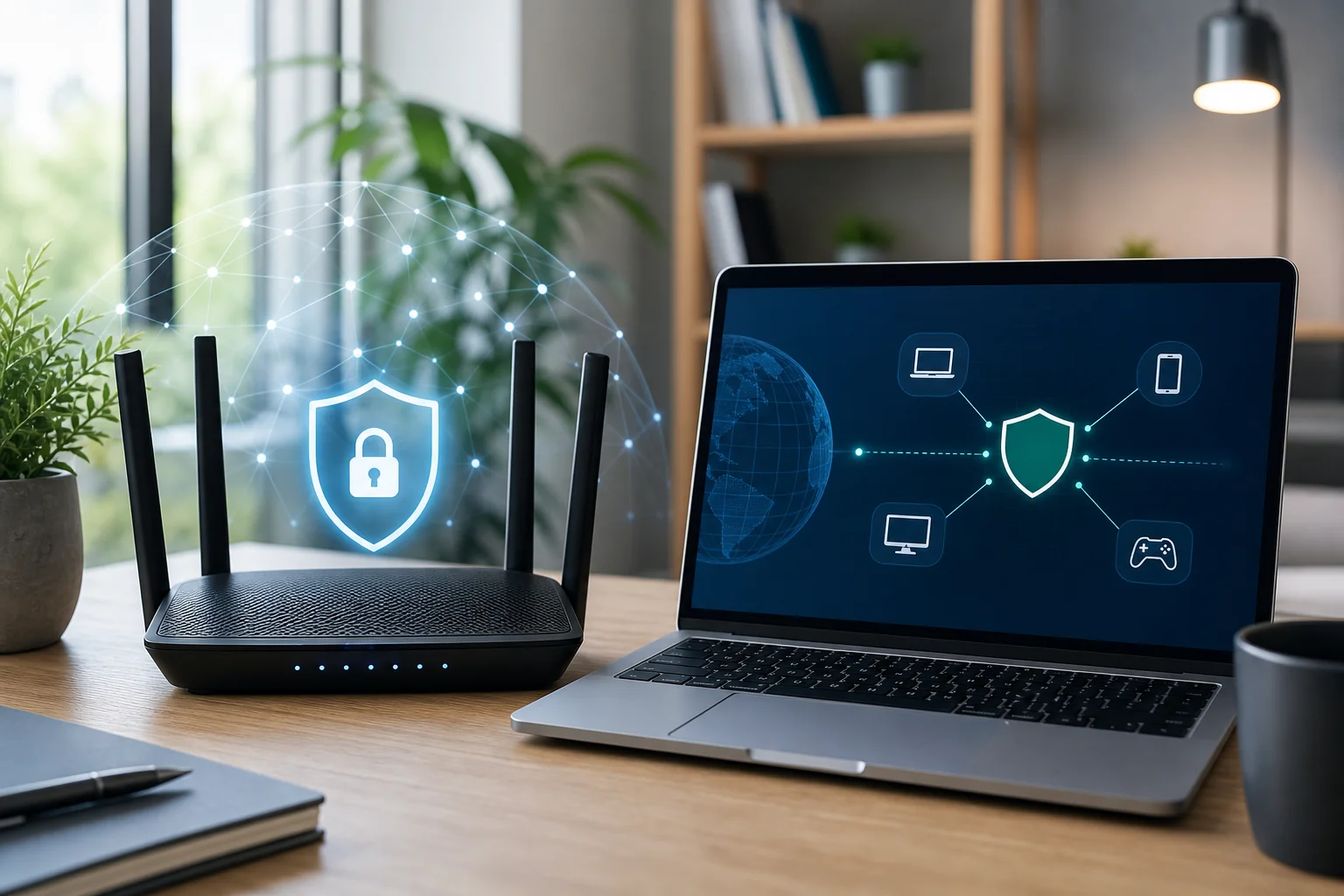
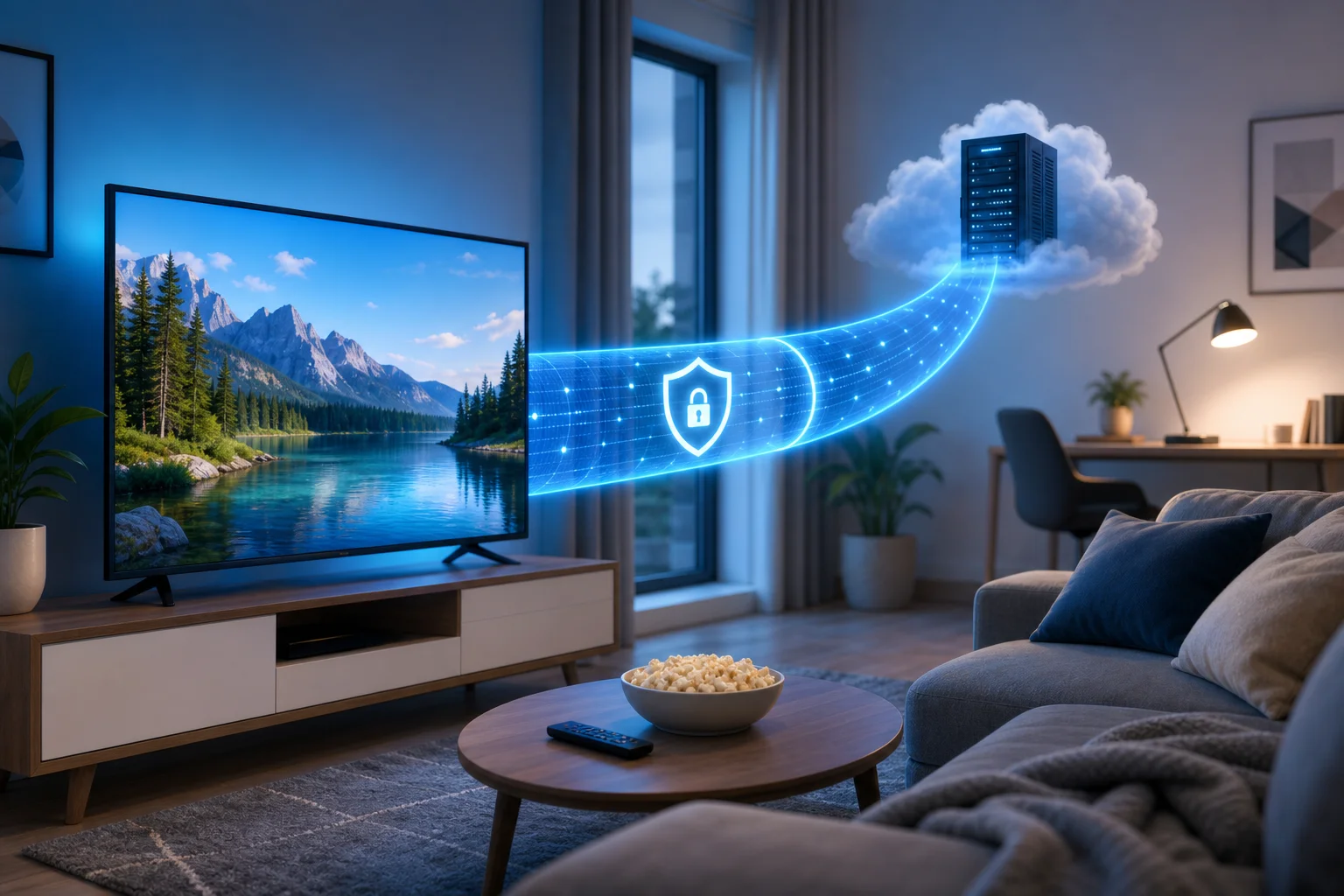
A VPN, or virtual private network, creates an encrypted connection between your device and a VPN server. Instead of sending traffic directly from your television, phone, router, or streaming stick to the internet, the VPN routes that traffic through a secure tunnel. Websites and apps then see the VPN server’s network address rather than your regular one.
For television, this can be useful because smart TVs and streaming devices are internet-connected computers. They send app activity, location signals, device identifiers, and network requests. A VPN helps reduce how much of that activity is visible to your internet provider, public Wi-Fi operator, or other parties on the same network.
What a VPN is and how it works
When you open a streaming app, your device contacts the service’s servers. Without a VPN, that traffic travels through your internet service provider in a more direct path. With a VPN, the traffic first goes to the VPN provider’s server. The VPN encrypts the connection between your device and that server, then forwards the request to the destination.
In simple terms, a VPN changes two important things:
- Privacy: Your internet provider can see that you are connected to a VPN, but it generally cannot see the exact streaming traffic inside the encrypted tunnel.
- Network location: Streaming apps may see the VPN server’s IP address instead of your home IP address.
This is why many people use a VPN for smart TV streaming, live television apps, and travel viewing. It can make your connection more private and flexible, especially if you often switch between home networks, hotel Wi-Fi, mobile hotspots, or shared apartments.
Benefits of using a VPN for streaming TV
A VPN can improve the television experience in several practical ways:
- More private viewing: Encryption helps shield your streaming activity from local network snooping.
- Safer use on shared networks: If you stream in hotels, dorms, or short-term rentals, a VPN adds a useful privacy layer.
- Consistent access when traveling: Some services may behave differently when you are away from home. A VPN can help you connect through a preferred region, where permitted by the service.
- Reduced exposure to network tracking: Smart TVs often run many background connections. A VPN helps route those connections through a protected tunnel.
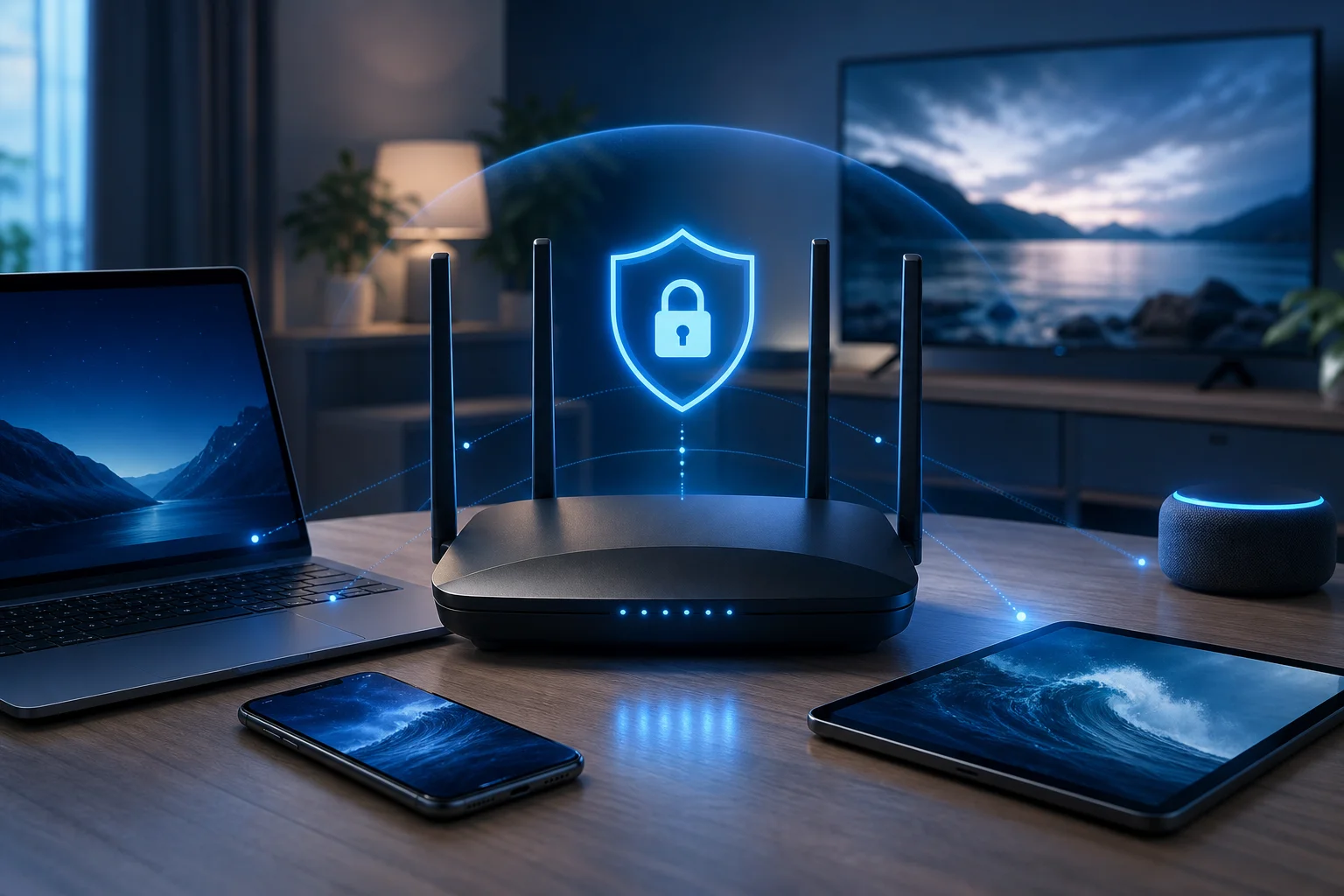
- Better control across devices: If installed on a router, a VPN can protect devices that do not support native VPN apps.
It is important to use VPNs responsibly. Streaming services have their own terms, and content rights vary by region. A VPN is a privacy and security tool, not a guarantee that every app, channel, or library will be available.
The importance of fast connection speeds
Television streaming is bandwidth-sensitive. Standard-definition video needs less speed, while HD and 4K need more. A VPN adds encryption and routing, so some speed loss is normal. The best setup keeps that loss small enough that you do not notice it.
For a fast VPN connection for TV, focus on three things: server distance, protocol efficiency, and network quality. A nearby VPN server usually provides lower latency. Modern VPN protocols often perform better than older ones. A stable home connection also matters, because a VPN cannot fix a weak Wi-Fi signal or an overloaded broadband line.
Quick answer: Is a free VPN effective for TV streaming?
Yes, a free VPN can be effective for TV streaming if it offers stable servers, efficient connection options, and enough speed for the video quality you want. BeFreeVPN is designed for people who want a simple, no-cost way to add privacy to television streaming without paying for a monthly VPN subscription.
The key is to set expectations correctly. A free VPN for TV is most effective when you use it with nearby servers, keep your device updated, and choose streaming settings that match your internet connection. If you expect constant 4K streaming on a congested network, any VPN may struggle. If you optimize the setup, free VPN streaming can be smooth and useful.
How BeFreeVPN provides fast connections for free
BeFreeVPN focuses on making VPN access simple and cost-saving. Instead of asking users to pay before they can protect their streaming connection, it offers a free path to secure browsing and viewing. For television users, that can be especially helpful because many households already pay for broadband, streaming subscriptions, and device upgrades.
To get the best speed with BeFreeVPN, use it as part of a complete streaming setup:
- Choose a server close to your physical location when possible.
- Use a modern VPN protocol if the app offers protocol options.
- Connect your TV or streaming device to a strong Wi-Fi signal, or use Ethernet.
- Close unused apps running in the background.
- Test different servers if one route feels slow.
This approach helps reduce unnecessary delays and keeps your VPN for television with fast connection focused on performance.
Comparing free versus paid VPNs in TV streaming
A paid VPN can be useful for users who need many server regions, advanced business features, or priority support. However, not everyone needs those extras for everyday television viewing. A free option such as BeFreeVPN can be a practical choice when the main goal is private, stable streaming without another subscription.
| Feature | Free VPN with BeFreeVPN | Typical paid VPN |
|---|
| Upfront cost | Free to start | Monthly or annual fee |
| Best for | Cost-conscious TV viewers | Heavy users needing premium extras |
| Setup complexity | Designed to be simple | Varies by provider |
| Streaming performance | Can be fast with good server choice | Often strong, but not guaranteed |
| Privacy benefit | Encrypted VPN connection | Encrypted VPN connection |
| Value | High if it meets your speed needs | Depends on price and features |
The right choice depends on your habits. If you stream casually or want to avoid adding another bill, BeFreeVPN is a strong place to begin. If you later need highly specific server locations or enterprise-style options, you can reassess.
Effectiveness of free VPNs in maintaining streaming quality
Streaming quality depends on your base internet speed, Wi-Fi strength, server load, and app requirements. A free VPN can maintain good quality when those factors line up. If your home internet is already slow, the VPN may make buffering more noticeable. If your connection is fast and stable, the impact may be small.
For best results, test your TV app with and without the VPN. Look at startup time, picture resolution, and buffering. Then try a nearby server. This simple testing process often reveals the best configuration in minutes.
Setting up a VPN on your television
Setting up a VPN on a television depends on the platform. Some smart TVs support VPN apps directly. Others need a router setup, hotspot sharing, or a streaming device that can run the VPN. BeFreeVPN is easiest to use on platforms where the app is directly supported. If your TV does not allow VPN apps, you can still protect the TV by connecting it through a VPN-enabled router or shared connection.
Step-by-step guide to installing a VPN on popular smart TVs
Use the steps below as a general setup path. Menus can vary by brand and software version, but the process is usually similar.
- Check your TV platform. Look in your TV settings for the operating system. Common platforms include Android TV, Google TV, Fire TV, Samsung Tizen, LG webOS, Roku, and Apple TV.
- Look for VPN app support. Open the TV app store and search for BeFreeVPN or VPN support options. Android TV, Google TV, and Fire TV are usually more flexible for VPN apps.
- Install BeFreeVPN where supported. Download the app from the official store when available. Avoid unknown files from untrusted websites.
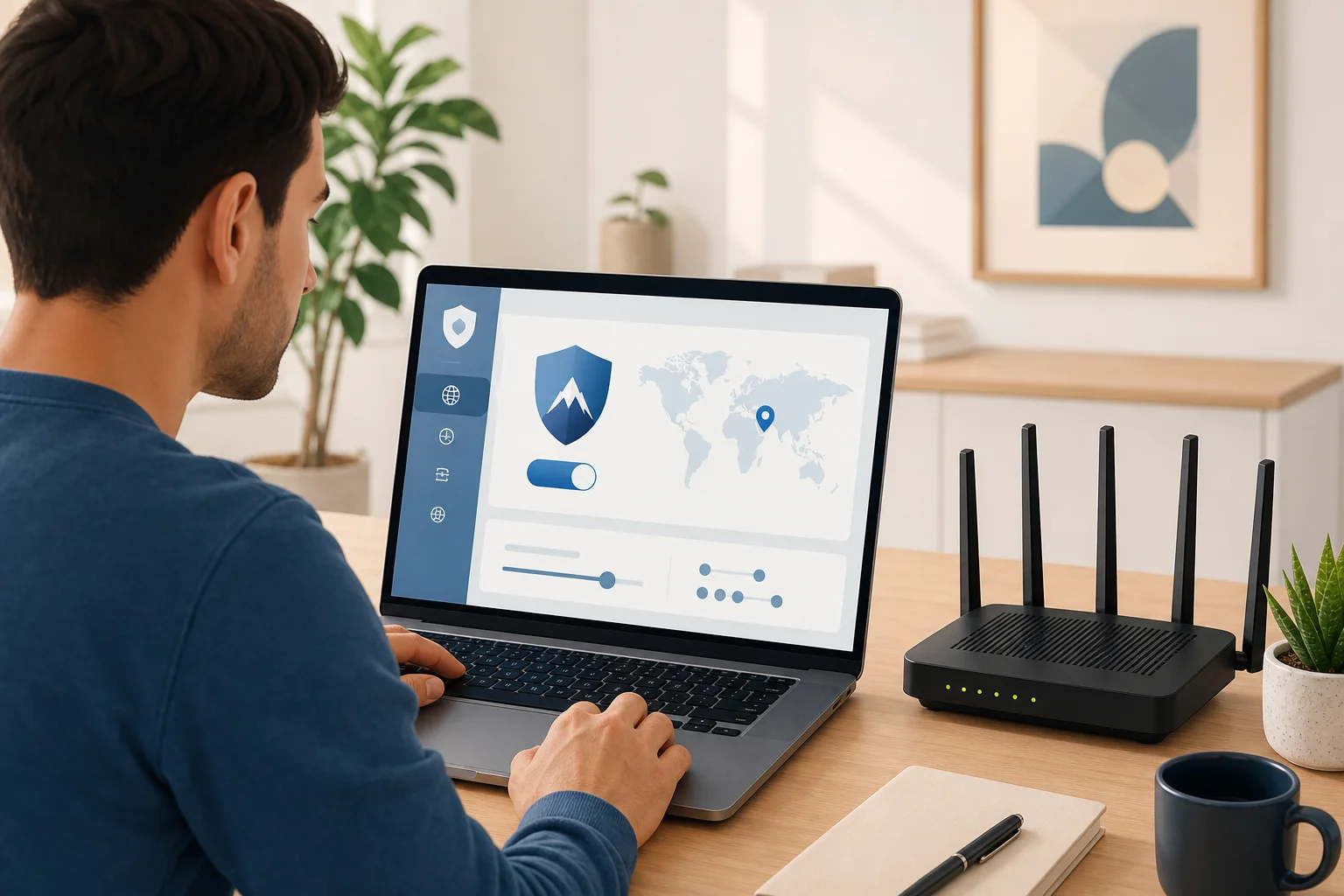
- Open the app and sign in if required. Follow the on-screen setup prompts.
- Choose a nearby server. For speed, start with the closest available server location.
- Connect the VPN. Wait until the app confirms that the VPN is active.
- Open your streaming app. Test playback with a familiar show or live channel.
- Adjust if needed. If video buffers, try another server, restart the TV, or lower the streaming quality briefly.
If your TV does not support VPN apps, use one of these alternatives:
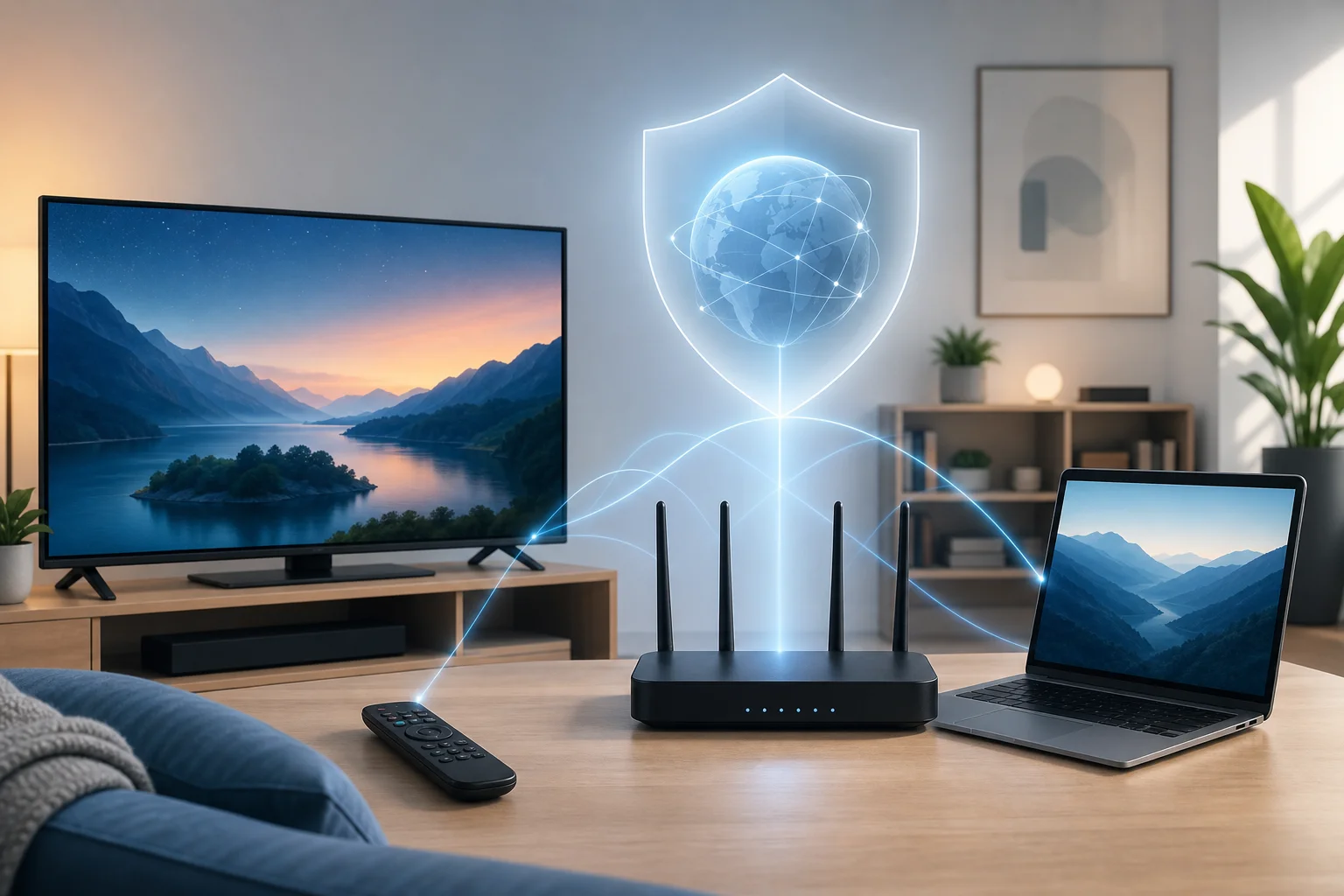
- VPN on router: Configure the VPN on your home router so all connected devices use it.
- VPN on a streaming stick: Use a device such as Fire TV or Android TV box that supports VPN apps.
- Shared VPN connection: Run BeFreeVPN on a computer and share that connection with the TV through Wi-Fi or Ethernet if your operating system supports it.
After installation, small settings changes can make a big difference. Start simple. Connect to the closest server and test playback. If the app provides protocol choices, select the recommended or automatic option first. Automatic mode often balances speed and stability without extra work.
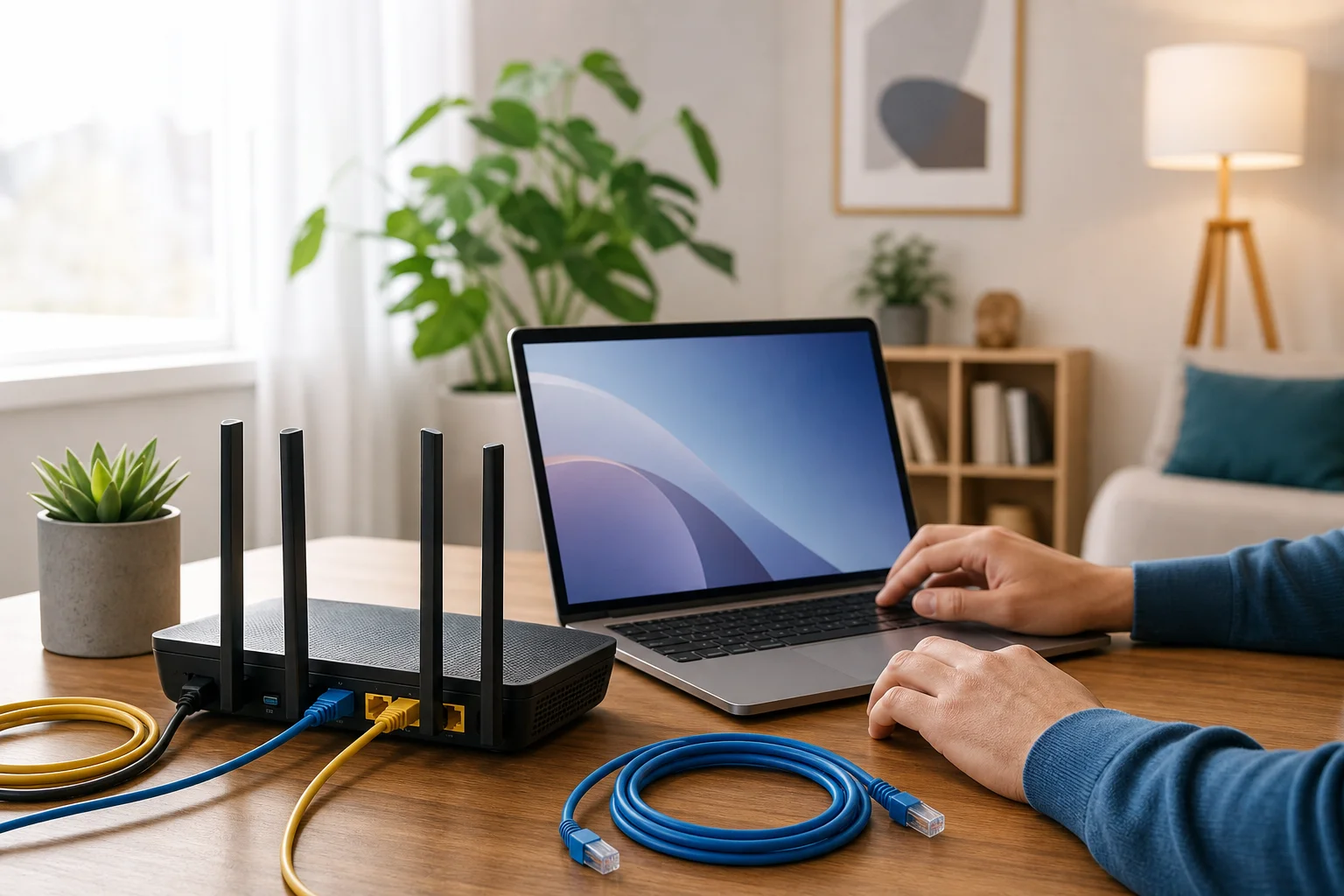
Next, check your television network settings. If possible, use a wired Ethernet connection. Ethernet is usually more stable than Wi-Fi and can reduce buffering. If you must use Wi-Fi, place your router in an open area and connect to the 5 GHz band when your TV is close enough to the router. Use 2.4 GHz only if the TV is far away or behind walls.
Finally, restart your streaming apps after connecting the VPN. Some apps keep old network sessions active until they are fully closed. Restarting the app gives it a clean VPN-protected connection.
Tips for troubleshooting common setup issues
If your VPN connection works on a phone but not on your TV, the issue is usually platform support, network settings, or app compatibility. Try these fixes:
- No VPN app in the TV store: Use a VPN-compatible streaming device or router setup.
- VPN connects but streaming app will not load: Switch servers and restart the streaming app.
- Video buffers often: Move closer to the router, use Ethernet, or choose a nearer VPN server.
- Smart TV disconnects from Wi-Fi: Restart the router and forget/rejoin the Wi-Fi network.
- Live TV app shows an error: Check the app’s terms and location settings. Some services restrict VPN connections.
- Slow connection after setup: Reboot the TV, clear app cache where available, and test your base internet speed.
Troubleshooting works best when you change one thing at a time. This helps you identify the real cause instead of guessing.
Advanced tips for optimizing VPN speed on TV
Once your VPN is working, you can tune it for speed. The fastest setup is usually the one with the shortest reliable route between your TV, the VPN server, and the streaming service. A distant server may work, but it often adds latency and reduces throughput.
Choosing the right server location for streaming
Start with a server close to your real location. This often gives the best speed because your traffic travels a shorter distance. If a specific streaming app performs poorly, try another nearby server. Sometimes a server in the same country but a different city is faster because it is less busy or has better routing.
For travel, choose a server that matches the viewing experience you need while respecting the streaming service’s rules. If the app blocks VPN traffic, do not assume the VPN is broken. Some platforms limit VPN use as part of their licensing agreements.
A simple server testing method can help:
- Connect to the closest server.
- Open your streaming app and play a video for five minutes.
- Note buffering, resolution, and startup time.
- Switch to another nearby server.
- Repeat the same test.
- Keep the server that gives the most stable playback.
Advanced settings to improve VPN speed
Some VPN apps provide extra controls. If BeFreeVPN offers these options on your device, consider the following:
- Protocol selection: Use the recommended, automatic, or modern high-speed protocol when available.
- Auto-connect: Enable it if you want the TV protected every time it starts.
- Split tunneling: If supported, route only streaming or TV traffic through the VPN while leaving other traffic outside the tunnel.
- DNS protection: Keep secure DNS features on when available to reduce privacy leaks.
- Startup behavior: Let the VPN connect before opening streaming apps.
Do not change advanced settings randomly. Test after each change. If performance gets worse, return to automatic settings.
How BeFreeVPN maintains connection stability
Connection stability comes from reliable server routing, efficient encryption, and good device setup. BeFreeVPN helps by giving users a direct way to connect without the cost barrier of a paid plan. You can support that stability by keeping the app updated, choosing sensible server locations, and using a strong local network.
Also, avoid overloading your home connection. If several people are gaming, downloading files, and streaming 4K video at the same time, the VPN may appear slow even when the real issue is network congestion. Pause heavy downloads during movie nights for smoother playback.
Not all televisions handle VPNs the same way. Before choosing a setup method, identify your platform. This saves time and helps you pick the most reliable route.
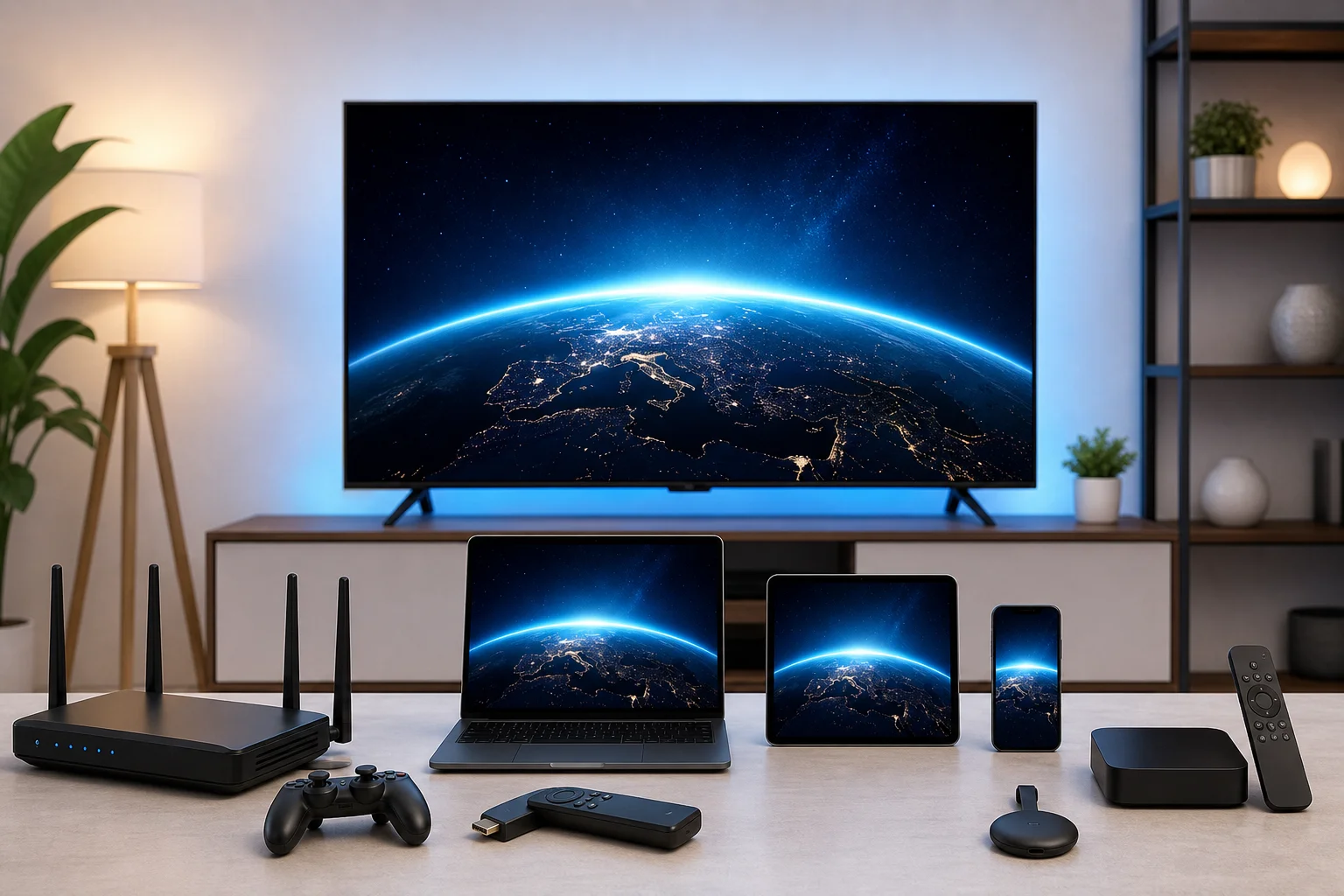
Here is a practical overview:
| Platform or device | VPN setup option | Notes |
|---|
| Android TV | Native app or router | Often the easiest smart TV platform for VPN apps |
| Google TV | Native app or router | Similar to Android TV, with broad app support |
| Amazon Fire TV | Native app or sideloading where allowed | Use official app sources when possible |
| Samsung smart TV | Router or shared connection | Tizen usually does not support native VPN apps |
| LG smart TV | Router or shared connection | webOS usually needs network-level VPN setup |
| Roku | Router or shared connection | Roku devices generally do not run VPN apps directly |
| Apple TV | Native VPN support on newer tvOS versions or router | Availability depends on tvOS version and provider support |
If your platform supports BeFreeVPN directly, install it there. If not, a router setup is usually the cleanest solution because the TV does not need to know a VPN is running.
Specific considerations for streaming devices like Roku or Apple TV
Roku is popular but limited for VPN installation. Most Roku users need a VPN-enabled router or a shared VPN connection from a computer. This setup protects Roku traffic at the network level. It also avoids complicated workarounds on the device itself.
Apple TV support depends on the tvOS version and available VPN apps. Newer versions of tvOS have improved VPN possibilities, but not every provider supports every feature. If direct setup is unavailable, use a router-based connection.
Fire TV, Android TV boxes, and Google TV devices are usually more flexible. They often allow VPN apps from the official app store. That makes them a good choice if you want simple control from the couch.
Ensuring security and speed across various devices
Security and speed should work together. A fast connection is not helpful if it leaks data, and strong privacy is frustrating if video never loads. Use these habits across platforms:
- Keep TV firmware and streaming apps updated.
- Download VPN apps only from trusted sources.
- Use strong Wi-Fi security on your router.
- Prefer Ethernet for fixed living room devices.
- Restart devices after major app or firmware updates.
- Test VPN speed during the time of day you usually watch TV.
If you use a router VPN, remember that every connected device may share the same VPN tunnel. That can be convenient, but it can also add load. If performance drops, disconnect devices that do not need VPN protection during streaming.
Key takeaways: Fast connections with BeFreeVPN
BeFreeVPN offers a cost-saving way to add VPN protection to your television setup. For viewers who want more private streaming without another paid subscription, it can be an economical choice. The best results come from matching the VPN setup to your TV platform and optimizing the basics.
Summarizing the benefits of using BeFreeVPN for television
The main benefits are simple:
- You can use a free VPN option instead of paying immediately.
- You get an encrypted connection for TV streaming traffic.
- You can improve privacy on shared or unfamiliar networks.
- You can set up protection on compatible TVs, streaming devices, routers, or shared connections.
- You can tune server choice and network settings for better speed.
A VPN is not magic. It cannot create bandwidth you do not have. However, when your internet connection is stable, BeFreeVPN can help deliver a fast, private, and budget-friendly television experience.
Recap of setup and optimization tips
For a smooth setup, follow this checklist:
- Identify your TV platform.
- Install BeFreeVPN directly if your device supports it.
- Use a router or streaming stick if the TV does not support VPN apps.
- Start with the nearest VPN server.
- Use Ethernet or strong 5 GHz Wi-Fi when possible.
- Restart streaming apps after connecting.
- Test two or three servers before deciding which is best.
- Keep the VPN app, TV firmware, and streaming apps updated.
These steps address the most common causes of buffering and connection drops.
Why BeFreeVPN is the economical choice for streaming TV
Streaming costs add up quickly. Many households pay for broadband, several streaming services, sports packages, and device subscriptions. Adding a paid VPN may not be appealing. BeFreeVPN gives viewers a way to improve privacy and connection control without increasing monthly bills.
That makes it especially useful for casual streamers, families watching on shared networks, travelers, and anyone testing whether a VPN fits their viewing habits. If your goal is a VPN for television with fast connection and no added price tag, BeFreeVPN is a practical option to try first.
Common questions about using VPNs for television
How does a VPN affect internet speed for TV?
A VPN can reduce speed slightly because it encrypts traffic and routes it through a VPN server. The impact depends on server distance, server load, your device, and your base internet speed. To keep TV streaming fast, choose a nearby server, use a strong Wi-Fi or Ethernet connection, and close unused apps.
Is it legal to use a VPN for television?
In many countries, using a VPN is legal. However, laws vary, and streaming services may have their own terms of use. A VPN should be used for privacy and security. Always follow local laws and the rules of the services you use.
How can I ensure my viewing remains private with a VPN?
Use a trusted VPN app, connect before opening your streaming service, and keep the VPN active while watching. Also update your device, avoid unknown app sources, and use secure Wi-Fi. If available, enable DNS protection and auto-connect features for extra consistency.
Can I use a VPN on a TV that does not support VPN apps?
Yes. The most common solution is to set up the VPN on your router. You can also use a VPN-compatible streaming device or share a VPN connection from a computer. These methods allow the TV to benefit from the VPN even without a native app.
Why does my streaming app block VPN traffic?
Some streaming platforms restrict VPN connections because of licensing, regional rights, or fraud prevention rules. If this happens, try another server or check whether the service allows VPN use. If the app’s terms prohibit certain VPN behavior, follow those terms.
Conclusion
A fast television VPN setup is about more than pressing connect. You need the right device method, a sensible server location, a stable home network, and a VPN that fits your budget. BeFreeVPN helps make private streaming more accessible by removing the price barrier while still giving you tools to connect securely. Experience seamless TV streaming without the price tag. Download BeFreeVPN today for a fast, free, and secure connection.