43 posts tagged with "free-vpn"

View All Tags

VPN without payment for phone: a beginner's guide to privacy and data protection

· 9 min read

Did you know you can protect your personal data with a VPN on your phone without spending a dime? If you are looking for a vpn without payment for phone, this beginner-friendly guide explains what free mobile VPNs do, how they help protect your privacy, what limits to watch for, and how to get started safely. You do not need to be technical. With the right app, securing your phone can be simple, quick, and free.

What is a VPN Without Payment for Phone?

A VPN, or virtual private network, is a privacy tool that creates a secure connection between your phone and the internet. Instead of your browsing data going directly from your phone to websites, apps, or online services, it first passes through an encrypted VPN tunnel.

In simple terms, a VPN helps hide parts of your online activity from third parties on the same network. It can also mask your IP address, which is a number linked to your internet connection and approximate location.

On a phone, a VPN usually works through an app. Once you install the app and tap connect, the VPN runs in the background while you use your browser, messaging apps, email, maps, shopping apps, or other online services.

A VPN without payment for phone means you can use a VPN service without paying upfront. Some free VPN apps also do not require registration, which makes them easier for beginners. You install the app, open it, connect, and start browsing with extra protection.

free VPN on phone privacy

What “free” should mean for beginners

A free VPN should be easy to understand and simple to use. Ideally, it should offer:

  • No payment before you can connect
  • No complicated setup
  • No required technical knowledge
  • Clear privacy information
  • A simple connect button
  • Basic protection for everyday browsing

However, not every free VPN is equal. Some may show too many ads, limit speed, collect too much data, or offer only a small number of server choices. That is why it is important to choose carefully.

Why Use a VPN on Your Phone?

Your phone holds a lot of personal information. It may include your email, photos, bank apps, social media accounts, work messages, location data, and browsing history. Because phones are always connected, they can also be exposed to privacy risks throughout the day.

A VPN helps reduce some of those risks by adding a layer of protection between your phone and the internet.

Better privacy on public Wi-Fi

Public Wi-Fi in cafes, airports, hotels, libraries, and shopping centres is convenient, but it is not always secure. Other people may be using the same network. In some cases, attackers can try to intercept data or trick users into joining fake networks.

When you use a VPN on public Wi-Fi, your traffic is encrypted. This makes it much harder for someone on the same network to read your activity.

Protection from third-party tracking

Websites, advertisers, network operators, and some apps may collect information about your online behaviour. A VPN cannot stop every type of tracking, but it can help limit tracking based on your IP address and network connection.

For better privacy, use a VPN together with other good habits, such as:

  • Keeping your phone updated
  • Using strong passwords
  • Turning on two-factor authentication
  • Avoiding suspicious links
  • Checking app permissions
  • Using privacy-focused browser settings

Safer browsing while travelling

When you travel, you may connect to many unfamiliar networks. A free VPN for phone can give you a simple way to add protection without needing to buy a plan first. This is useful if you only need basic security for browsing, messaging, or checking email on the go.

How Does a Free VPN Protect Your Data?

A VPN protects your phone data mainly through encryption. Encryption turns readable information into scrambled data while it travels across the network. If someone tries to intercept it, they should not be able to easily understand what they see.

Think of it like sending your data through a locked tunnel. Your phone enters the tunnel, the VPN server receives the request, and then the website or app responds through the same protected route.

What threats can a VPN help with?

A free mobile VPN can help protect against several common risks, especially on unsecured networks:

RiskHow a VPN helps
Public Wi-Fi snoopingEncrypts your internet traffic so others on the network cannot easily read it
IP-based trackingMasks your real IP address from websites and online services
Network monitoringMakes your browsing activity less visible to the network owner
Fake or unsafe hotspotsAdds protection if you accidentally connect to a risky network

A VPN is especially useful when you are using public Wi-Fi. It can also help when you want more privacy from network-level tracking.

What a VPN does not do

It is important to understand the limits. A VPN is not a complete security shield. It does not automatically block all malware, stop phishing scams, fix weak passwords, or make unsafe websites safe.

Also, the VPN provider itself can see certain connection details depending on how the service is designed. That is why you should look for a provider with a clear no-logs policy and transparent privacy practices.

Limitations of free VPNs

Free VPNs often come with trade-offs. Some may include:

  • Slower speeds during busy times
  • Fewer server locations
  • Data limits
  • Ads inside the app
  • Limited customer support
  • Fewer advanced features than paid VPNs

This does not mean free VPNs are bad. It means you should choose one that fits your needs and does not make privacy confusing. For most beginners, the best free VPN is one that is simple, honest about its limits, and easy to turn on before browsing.

How Can I Get Started with a Free VPN on My Phone?

Getting started with a VPN without payment for phone is usually easy. You do not need to change router settings or understand complex security terms. In most cases, you only need to install an app and connect.

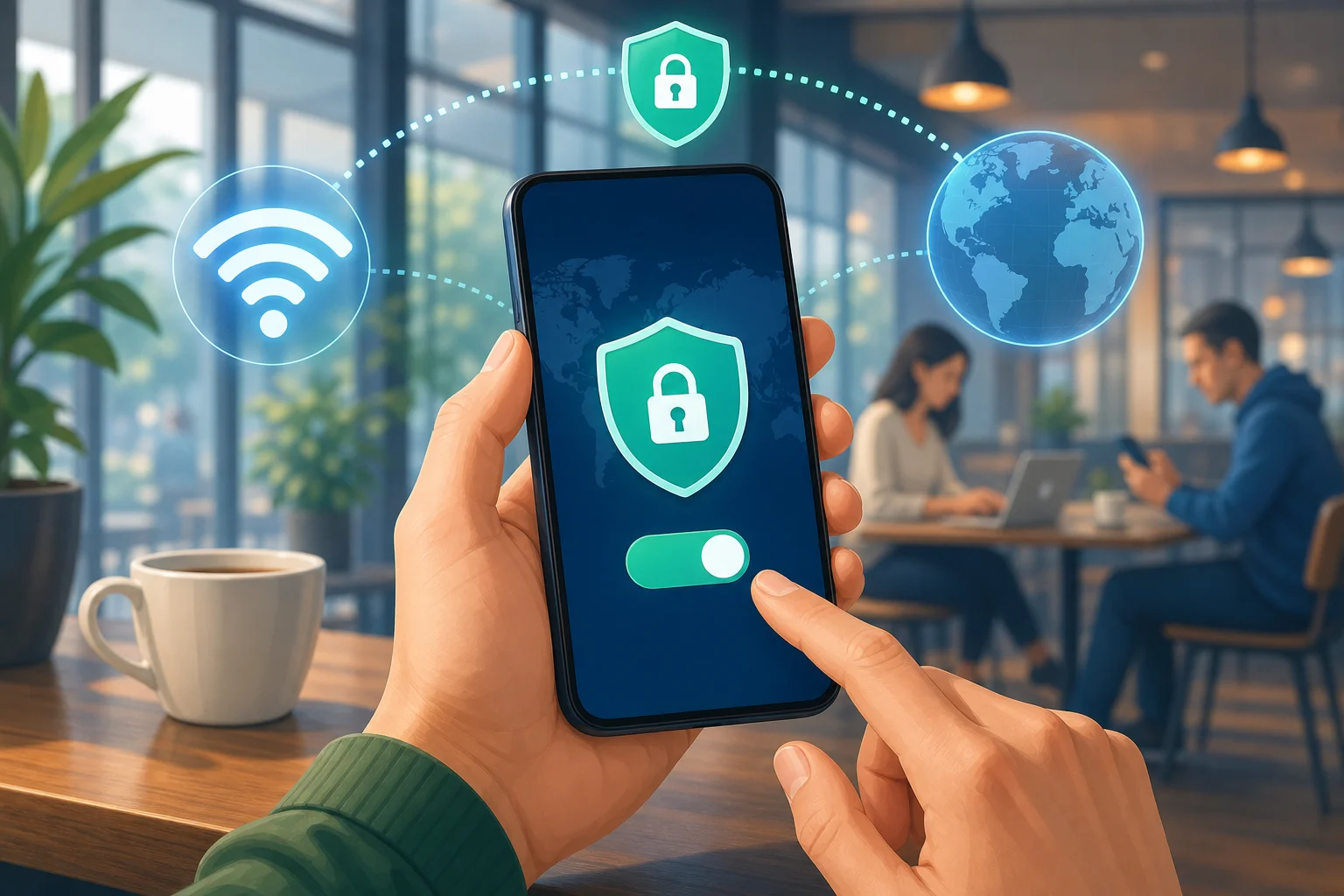
install free VPN app on phone

Step-by-step: how to install and use a free VPN app

  1. Choose a trusted VPN app
    Look for a VPN with clear privacy information, a simple interface, and no unnecessary permissions.

  2. Download it from the official app store
    Use the Apple App Store or Google Play Store. Avoid random download links from unknown websites.

  3. Open the VPN app
    Read the basic setup screens. A beginner-friendly VPN should make this quick and clear.

  4. Allow the VPN configuration
    Your phone may ask permission to add a VPN profile. This is normal. It lets the app create the secure connection.

  5. Tap connect
    Once connected, you may see a VPN icon in your phone’s status bar.

  6. Browse as usual
    Use your phone normally. Your internet traffic will pass through the VPN while it is active.

  7. Disconnect when needed
    If an app does not work well with the VPN, you can disconnect and reconnect later.

Features to look for in a free VPN for phone

Before you install any free VPN, check for the features that matter most:

  • No registration required: Faster setup and less personal information shared.
  • No-logs policy: The provider should state that it does not keep records of your browsing activity.
  • Simple interface: A clear connect button is ideal for beginners.
  • Strong encryption: This is the core of VPN protection.
  • Stable connection: The VPN should stay connected while you browse.
  • Transparent privacy policy: You should be able to understand what data is collected and why.
  • No confusing permissions: Be careful if an app asks for access that does not seem related to VPN use.

Starting simply with BeFreeVPN

If you want a quick and beginner-friendly option, BeFreeVPN is designed to make mobile privacy simple. You can start without registration, connect for free, and add a layer of security to your browsing on your phone.

For beginners, that simplicity matters. Instead of dealing with accounts, payment forms, or complex settings, you can focus on protecting your personal data while browsing, travelling, or using public Wi-Fi.

FAQ About Using a VPN Without Payment on Your Phone

Is a free VPN safe for my phone?

A free VPN can be safe if you choose carefully. Look for clear privacy terms, strong encryption, and a no-logs policy. Avoid apps that seem unclear about how they make money or ask for unnecessary permissions.

Can I use a VPN without registration?

Yes. Some VPN apps let you connect without creating an account. This is helpful if you want less friction and prefer not to share personal details before using basic privacy protection.

Will a free VPN slow down my phone?

A VPN may slow your internet connection because your data travels through an encrypted server. The effect depends on the VPN quality, server load, your location, and your network speed. For everyday browsing, a good free VPN should still feel usable.

Does a VPN protect all apps on my phone?

In most cases, a phone VPN protects internet traffic from apps while the VPN is connected. However, protection can vary depending on the app, phone settings, and VPN configuration. Always check that the VPN icon is visible when you expect it to be active.

Do I need a VPN on mobile data?

A VPN is most useful on public Wi-Fi, but it can also help on mobile data by masking your IP address and adding privacy from some network-level tracking. It is a good option when you want extra privacy wherever you connect.

Final Thoughts

A VPN without payment for phone is a simple way to improve privacy without buying a subscription. It can encrypt your connection, help protect you on public Wi-Fi, and reduce some forms of tracking. Still, it is important to understand the limits and choose a VPN that is transparent, easy to use, and privacy-focused.

Protect your personal data on the go by downloading BeFreeVPN on your phone — it's free, requires no registration, and keeps your browsing secure.

Explaining VPNs for free with no ads: secure your home office effortlessly

· 9 min read

Are you aware that using a VPN for free with no ads can transform the security of your home office setup? If you work remotely, handle private files, join business calls, or use public Wi-Fi, a VPN can help protect your data from unwanted attention. This beginner-friendly guide explains what a free no-ad VPN does, why ads can be a problem, and how to start using one without feeling lost in technical jargon.

Why You Need a VPN in Your Home Office Setup

A home office may feel private because it is inside your house. However, your internet connection still sends data through networks, routers, websites, and apps before it reaches its destination. A VPN, short for virtual private network, adds a protective layer to that journey.

Think of it like a strong lock on your home office door. The lock does not change the work you do inside the room, but it makes it much harder for strangers to walk in and look around. In the same way, a VPN helps secure your online activity by creating an encrypted connection between your device and the VPN server.

For remote workers, this matters because daily tasks often involve sensitive information, such as:

  • Client emails and attachments
  • Business logins and cloud documents
  • Video meeting links
  • Financial records or invoices
  • Internal dashboards and admin tools

Privacy is also important. Without protection, your internet service provider, network owner, or other parties may be able to see parts of your browsing activity, depending on the site and connection. A secure VPN helps reduce that exposure by masking your IP address and encrypting your traffic.

Real-world scenario: working safely on public Wi-Fi

Imagine you are at a café between meetings. You open your laptop, connect to public Wi-Fi, and send a proposal to a client. Public networks can be convenient, but they are not always well secured. A VPN acts like a sealed envelope for your data. Even if the network is crowded, your information is much harder to inspect while it travels.

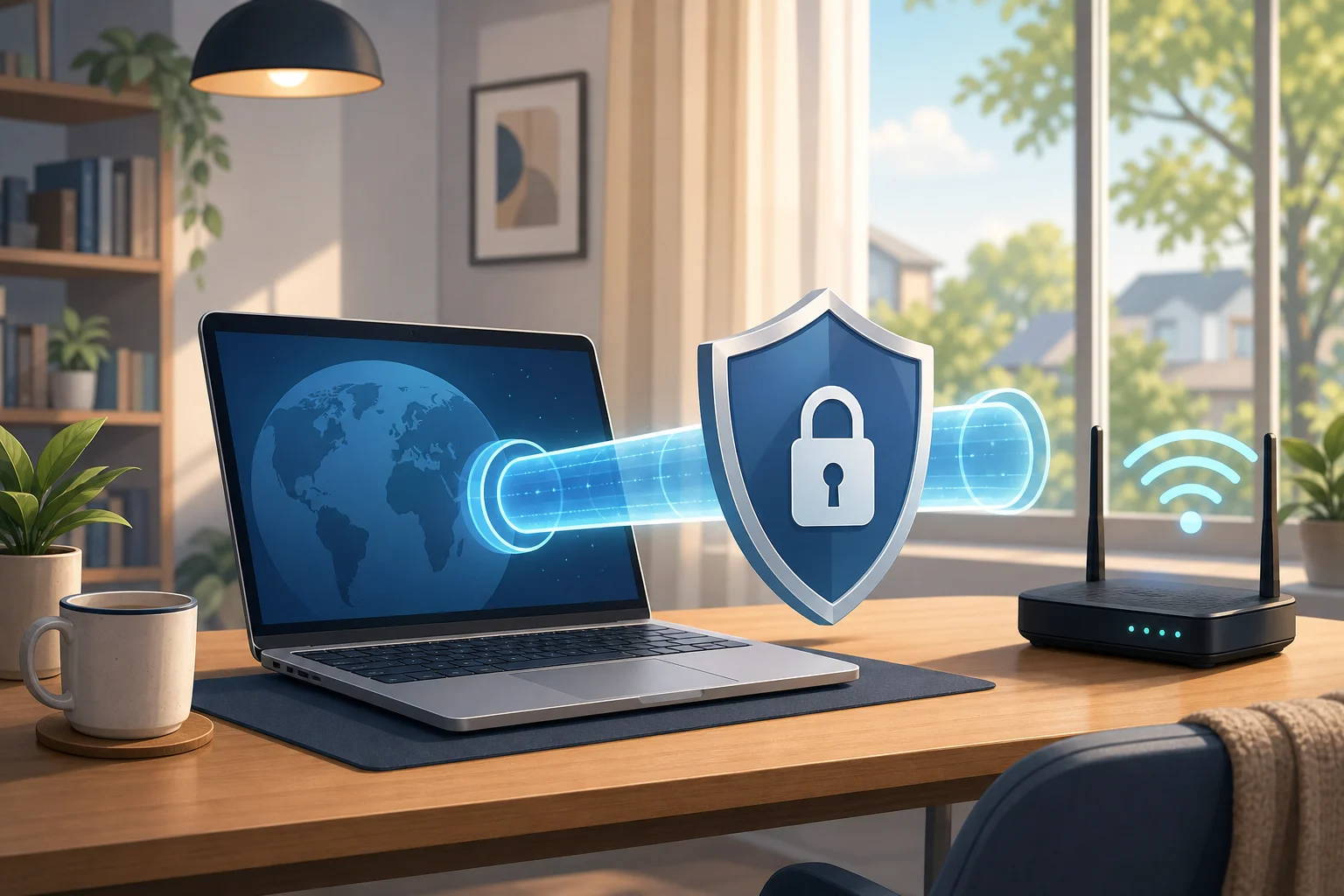
free VPN protecting home office Wi-Fi

The Problem with Ads: How Free VPNs Compare

Many free apps rely on ads. That includes some free VPN services. Ads may seem harmless at first, but they can create a worse experience, especially when you need a stable and focused connection for work.

Think of ads as distracting billboards on your virtual highway. You are trying to drive directly to your destination, but pop-ups, banners, and tracking scripts keep pulling your attention away. In some cases, ads can also slow down the app, increase data use, or make the interface confusing for beginners.

A free VPN with no ads is closer to a clean desk. Nothing flashes. Nothing interrupts your setup. You open the app, connect, and get back to work.

No-ad VPN vs ad-supported VPN

FeatureFree VPN with no adsFree VPN with ads
User experienceClean and simpleCan feel cluttered
Focus during workFewer distractionsPop-ups may interrupt
Setup for beginnersEasier to understandExtra screens may confuse users
Privacy comfortNo advertising layer in the app experienceAds may involve third-party systems
Connection flowUsually more directAds can slow or disrupt use

Not every ad-supported VPN is unsafe, and not every no-ad VPN is automatically perfect. Still, removing ads from the experience is a meaningful benefit. It reduces noise and helps you focus on the core job: protecting your connection.

How Free VPNs Ensure Your Privacy Without the Cost

A common question is simple: if a VPN is free and has no ads, how can it exist? The answer depends on the provider. Some free VPNs are offered as a basic plan alongside paid upgrades. Others are supported by donations, partnerships, limited free features, or a mission to make privacy more accessible.

For beginners, the key is to choose a service that is clear about what it offers. Look for plain-language details about privacy practices, device support, data limits, server access, and whether an upgrade is optional.

A no-cost VPN can be useful for home offices because it lowers the barrier to better security. You do not need to become a networking expert or pay upfront just to protect everyday tasks. For freelancers, students, remote employees, and small teams, that can make a real difference.

Case study: a small remote team

Consider a small design studio with five people working from home and shared workspaces. The team uses cloud storage, project management tools, and email every day. They do not have a full IT department, but they still need safer connections.

By choosing a free no-ad VPN for basic remote work protection, the team can:

  • Encourage safer use of public Wi-Fi
  • Reduce exposure of IP addresses
  • Add encryption for everyday browsing and work tools
  • Make privacy part of the team routine
  • Avoid distracting ads during client work

This does not replace strong passwords, two-factor authentication, device updates, or good security habits. However, it does add one practical layer that beginners can understand and use.

Using a Free VPN: Setting the Scene for Beginners

Installing a VPN is easier than many people expect. Think of it like setting up a home security system. You choose a trusted tool, install it, turn it on, and let it protect the entry points while you focus on your day.

Most modern VPN apps are designed for non-techies. You usually do not need to adjust complex settings or understand encryption protocols to get started. The main action is simple: connect before you browse, especially when using public or shared networks.

Step-by-step guide to getting started with a no-ad VPN

  1. Choose a free VPN with no ads
    Look for a service that clearly says it does not show ads in the app experience. Also check that it supports your device, such as Windows, macOS, Android, or iOS.

  2. Download from the official source
    Use the provider’s official website or a trusted app store. This helps you avoid fake apps or modified installers.

  3. Install the app
    Follow the on-screen prompts. On phones, you may need to allow the VPN configuration. This is normal for legitimate VPN apps.

  4. Open the VPN and sign in if needed
    Some free VPNs require an account. Others let you connect right away. Read the setup screen carefully.

  5. Tap or click connect
    Choose the recommended server if you are unsure. Many apps select a nearby or optimized server automatically.

  6. Check your connection
    Once connected, you should see a VPN icon or status message. Then browse, email, or work as usual.

  7. Make it a habit
    Turn on the VPN before using public Wi-Fi, working with sensitive files, or logging in to business tools.

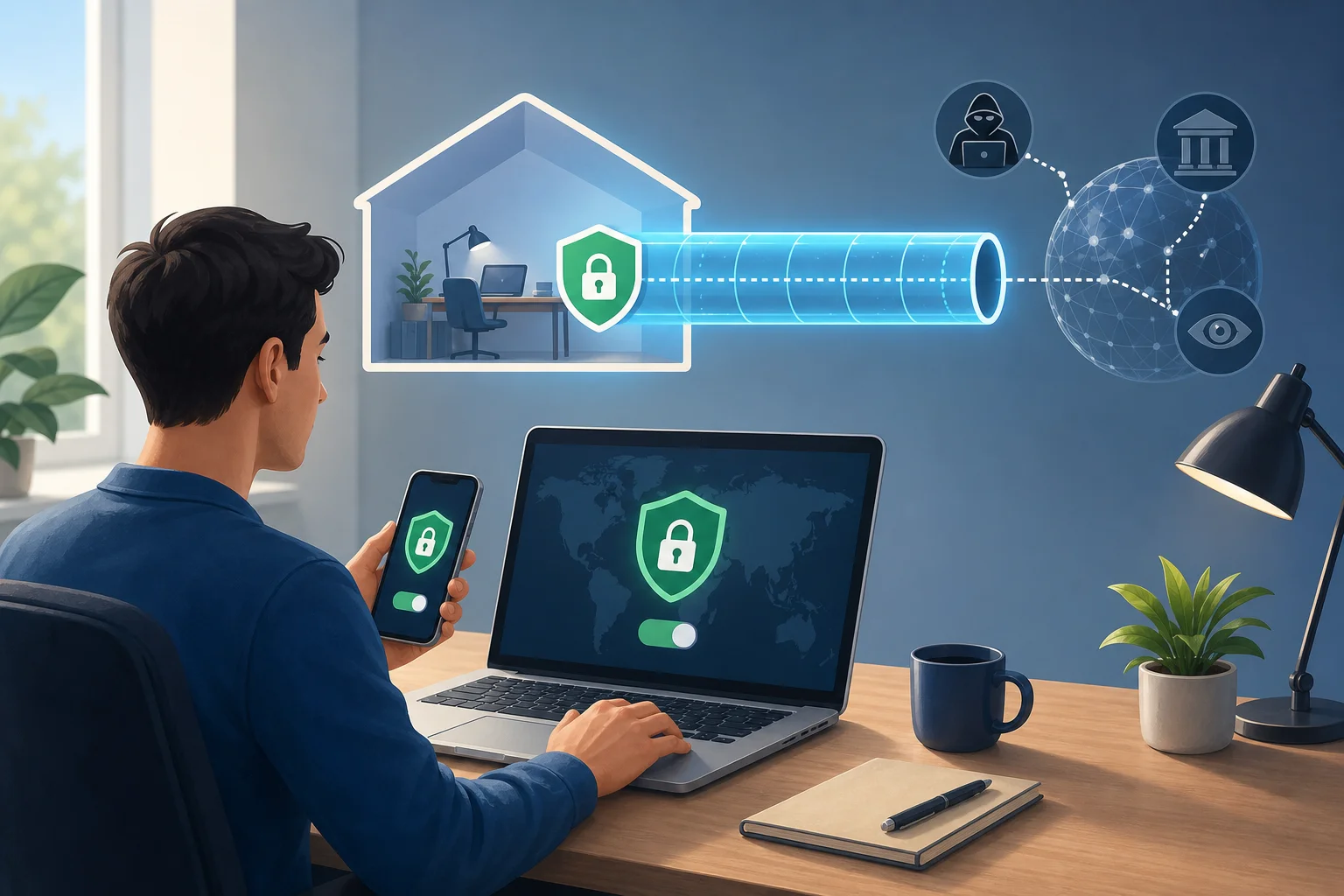
no-ad VPN setup for beginners

Beginner tips for smoother use

  • Keep your VPN app updated.
  • Use strong passwords with your work accounts.
  • Turn on two-factor authentication where possible.
  • Disconnect and reconnect if a network changes.
  • Avoid downloading VPN apps from unknown websites.

These simple habits make your home office security stronger without making your day more complicated.

Think of It Like This: VPNs as Secret Tunnels in the Internet

If the internet is a jungle, your normal connection is like walking on a visible path. Other travelers, signs, and checkpoints may notice where you are going. A VPN creates a hidden route through that jungle. You still reach your destination, but your path is less exposed.

Another way to picture it is as a secret tunnel. Your data enters the tunnel on your device, travels through an encrypted route, and exits near the VPN server. Websites and services may see the VPN server’s IP address instead of your home IP address. Meanwhile, your local network has less visibility into the details of your activity.

For remote work, this secret tunnel is valuable because your job may follow you everywhere. You might work from a spare bedroom in the morning, a train station in the afternoon, and a hotel at night. A VPN helps create a more consistent layer of privacy across those environments.

It is important to be realistic. A VPN is not a magic shield against every threat. It will not stop phishing emails, weak passwords, malware, or careless file sharing. But when used with good digital habits, a VPN for free with no ads can become a simple and useful part of your security routine.

FAQ: VPN for Free with No Ads

Is a free VPN with no ads safe?

It can be safe if the provider is transparent, uses secure connections, and avoids intrusive advertising. Always review the service’s privacy information and download only from official sources.

Will a VPN slow down my internet?

A VPN may slightly affect speed because your traffic is encrypted and routed through a VPN server. However, for normal browsing, email, and many remote work tasks, a well-designed VPN should still feel smooth.

Do I need a VPN when working from home?

Yes, it can still help. Even at home, a VPN adds privacy, masks your IP address, and protects traffic when you connect to work tools. It is especially useful if you switch between home Wi-Fi and public Wi-Fi.

Can I use a no-ad free VPN on multiple devices?

That depends on the VPN provider. Some free plans support several devices, while others limit usage. Check the app details before installing it across your laptop, phone, and tablet.

What should beginners look for in a free VPN?

Look for no ads, easy installation, clear privacy information, device compatibility, stable connections, and a simple connect button. Beginners should avoid tools that feel confusing or make vague promises.

Secure Your Home Office Without Extra Complexity

A VPN is one of the easiest ways to add privacy to your remote work setup. It works like a lock, a sealed envelope, and a secret tunnel for your internet connection. Choosing a VPN for free with no ads makes the experience cleaner and easier, especially for beginners who want protection without pop-ups or complicated setup screens. Try BeFreeVPN to protect your home office with a free VPN that has no ads, ensuring your data remains private on any device.

The ultimate guide to using a VPN for free with unlimited data

· 15 min read

Why pay for a VPN when you can enjoy unlimited data for free? Learn how to secure your online presence without spending a dime using BeFreeVPN. If you are searching for a vpn for free with unlimited data, this guide explains what that means, how free unlimited VPN access works, when it is useful, and how to set it up safely across your devices.

A VPN can help protect your connection on public Wi-Fi, reduce exposure to tracking by networks, and make it easier to access the open internet while traveling. However, not every free VPN is equal. Many free services limit speed, bandwidth, server access, or session length. BeFreeVPN stands out because it is designed to offer free VPN access without data caps and without requiring registration.

1. Introduction to Free VPNs with Unlimited Data

This guide is organized like a practical table of contents. We will start with VPN basics, move into whether unlimited free VPN access is realistic, compare the benefits, explain how BeFreeVPN supports free usage, walk through setup, and finish with advanced privacy tips and key takeaways.

In simple terms, a virtual private network, or VPN, creates an encrypted tunnel between your device and a VPN server. Instead of your traffic going directly from your device to a website or app, it first passes through that secure tunnel. This can help hide your real IP address from the sites you visit and reduce what local networks, such as hotel, airport, café, school, or office Wi-Fi, can see about your browsing activity.

“Unlimited data” means the VPN does not impose a fixed monthly data allowance, such as 500 MB, 2 GB, or 10 GB. With a capped free VPN, you may run out of data after streaming a few videos, downloading updates, joining video calls, or gaming online. With a free VPN with unlimited data, you can keep the VPN connected without constantly checking a usage meter.

BeFreeVPN is built around this exact need: a free VPN service without data caps. It is especially useful for people who want basic VPN protection without subscriptions, long sign-up forms, or trial periods that later turn into paid plans.

free vpn with unlimited data on devices

Still, it is important to use any VPN with realistic expectations. A VPN improves privacy, but it does not make you completely invisible online. Websites can still use cookies, browser fingerprinting, account logins, and other tracking methods. For best results, combine a VPN with good browser habits, strong passwords, and careful app permissions.

2. Quick Answer: Is a Free VPN with Unlimited Data Possible?

Yes, it is possible to use a VPN for free with unlimited data. BeFreeVPN is an example of a service that focuses on free access without a traditional bandwidth cap, making it a practical choice for users who do not want to pay for basic VPN protection.

The main features that make this appealing include:

  • Unlimited data: No fixed monthly bandwidth allowance for normal use.
  • Free access: No subscription is required to start using the VPN.
  • No registration: You can connect without creating an account.
  • Simple setup: The service is designed for people who want a quick, beginner-friendly VPN.
  • Privacy support: A VPN tunnel can reduce exposure on unsecured or shared networks.

Common myths about free unlimited VPNs

There are many assumptions about free VPNs. Some are fair warnings, while others are too broad.

MythReality
“Every free VPN has a tiny data limit.”Many free VPNs do, but some services, including BeFreeVPN, are designed around unlimited data.
“A free VPN is never useful.”A free VPN can be useful for everyday privacy, public Wi-Fi protection, and basic location masking.
“Unlimited data always means poor performance.”Performance depends on server load, distance, network quality, and app design. Unlimited data does not automatically mean unusable speeds.
“A VPN makes you fully anonymous.”A VPN helps hide your IP address from websites, but it cannot remove all tracking methods.
“You must pay to get any security benefit.”Paid VPNs can offer extra features, but a free VPN can still provide meaningful protection compared with using no VPN at all.

The key is to choose a service with clear terms, easy controls, and a privacy-conscious approach. You should also avoid unknown VPN apps that ask for unnecessary permissions, make unrealistic claims, or provide no information about how they operate.

3. Why Choose a Free VPN with Unlimited Data?

A free unlimited VPN is attractive because it removes the two biggest barriers to VPN use: cost and restrictions. When a VPN is expensive or heavily capped, people often leave it disconnected. That defeats the purpose. A VPN is most helpful when you can keep it on during everyday browsing, travel, streaming, work, and study.

Save money without giving up basic VPN protection

Paid VPN subscriptions can be worthwhile for advanced users who need specialty servers, dedicated IPs, multi-hop routing, or business-grade features. However, many people only need a simple tool that protects traffic on public Wi-Fi and masks their IP address during normal browsing.

For those users, BeFreeVPN makes a strong case against paying for a VPN. If your priority is free access, unlimited data, and easy connection without registration, a paid plan may not be necessary.

Unlimited data matters for real-world use

Data caps can be frustrating because modern internet use is bandwidth-heavy. Unlimited VPN data is valuable for:

  • Streaming: Video can consume data quickly, especially in HD.
  • Online gaming: Multiplayer sessions may not use as much data as video, but they require long, stable connections.
  • Downloads and updates: App updates, operating system patches, and cloud files can exceed small limits.
  • Video calls: Remote work, online classes, and family calls need steady connectivity.
  • Travel: Hotel and airport Wi-Fi are often shared networks where VPN protection is useful.

With a free VPN with unlimited bandwidth, you are less likely to disconnect the VPN just to conserve data.

Security and privacy benefits

A VPN can support safer browsing by encrypting traffic between your device and the VPN server. This is especially helpful on networks you do not control. For example, if you join public Wi-Fi at a café, a VPN can make it harder for others on that network to inspect your traffic.

A VPN may also help reduce IP-based tracking. Websites and apps often see the VPN server’s IP address instead of your real one. This does not eliminate all tracking, but it adds a useful privacy layer.

4. How BeFreeVPN Provides Unlimited Data for Free

Free VPN services need a sustainable way to operate. Servers, bandwidth, app development, and maintenance all cost money. BeFreeVPN’s appeal is that it gives users access to unlimited VPN data at no cost while keeping the experience simple and registration-free.

Because VPN services may update their infrastructure, policies, and funding models over time, users should always review the current terms and privacy information inside the official app or website. In general, a free VPN can support broad access through a mix of efficient infrastructure, streamlined app design, optional monetization methods, and careful traffic management that avoids hard data caps.

A lightweight model for free usage

BeFreeVPN focuses on removing friction. You do not need to create an account before connecting, and you do not need to manage a subscription just to use the core VPN function. This makes the service more accessible for people who want quick protection without sharing personal details during sign-up.

A simpler model can also reduce overhead. When a VPN does not require complex account systems for every user, onboarding becomes faster and easier.

Technical infrastructure and performance

Unlimited data does not mean every connection will always be the fastest possible. VPN performance depends on factors such as:

  • Your base internet speed.
  • Distance to the VPN server.
  • Network congestion.
  • Device processing power.
  • Time of day and server demand.
  • Wi-Fi signal strength.

BeFreeVPN’s unlimited-data approach is useful because it removes the anxiety of hitting a bandwidth ceiling. However, for best performance, you should still choose the nearest suitable location when options are available, avoid unstable Wi-Fi, and keep the VPN app updated.

unlimited data vpn infrastructure

Security measures that help protect users

A secure VPN should use encryption to protect traffic in transit. It should also avoid asking for permissions it does not need. When using BeFreeVPN or any other VPN, check the app permissions and privacy details. A trustworthy VPN experience should be easy to understand and should not require access to unrelated data such as contacts, photos, or messages.

To strengthen your security further:

  • Keep your operating system updated.
  • Use HTTPS websites whenever possible.
  • Enable two-factor authentication on important accounts.
  • Avoid downloading files from untrusted sources.
  • Log out of sensitive accounts on shared devices.

A VPN is one layer of protection, not the whole security plan.

5. Setting Up Your Free VPN with Unlimited Data

Setting up BeFreeVPN is designed to be simple. The exact screens may vary by device, but the general process is similar.

Step-by-step setup for beginners

  1. Download BeFreeVPN from an official source.
    Use the official website or trusted app store for your device. Avoid copycat apps or third-party download sites.

  2. Install the app.
    Follow the standard installation prompts. On mobile, this usually takes less than a minute. On desktop, you may need to approve the installer.

  3. Open BeFreeVPN.
    Launch the app after installation. If the app offers a quick-start button, use it to connect automatically.

  4. Allow VPN configuration.
    Your device may ask permission to add a VPN profile. This is normal. Approve it only if you downloaded the real BeFreeVPN app from an official source.

  5. Connect to the VPN.
    Tap or click the connect button. Wait for the app to show a connected status.

  6. Check your connection.
    Open a browser and visit a website. If pages load normally and the VPN status remains active, your setup is complete.

  7. Keep it on during risky connections.
    Use the VPN especially on public Wi-Fi, shared networks, while traveling, or whenever you want extra privacy.

Setup tips by device type

DeviceSetup tip
AndroidInstall from a trusted app store, approve the VPN profile, and disable battery settings that force-close the app.
iPhone or iPadAllow the VPN configuration when prompted and check the VPN icon or status in settings.
WindowsRun the installer from the official source and allow any required network adapter setup.
macOSApprove system permissions if requested and check privacy settings if the app cannot connect.
Browser-based useIf using a VPN-related browser tool, remember it may protect only browser traffic, not all apps.

Troubleshooting common issues

Why will my free VPN not connect?

First, check your internet connection without the VPN. If your Wi-Fi or mobile data is not working, the VPN cannot connect. Next, restart the app, switch networks, or reboot your device. If the issue continues, update the app and try again.

Why is my VPN connection slow?

VPNs add encryption and routing, so some speed change is normal. To improve performance, move closer to your Wi-Fi router, close bandwidth-heavy apps, try another network, or choose a nearby VPN location if available.

Why does a website still know my location?

A VPN changes your visible IP address, but websites may also use GPS, browser permissions, account settings, cookies, or payment details. Turn off unnecessary location permissions and clear site data if needed.

Do I need to register to use BeFreeVPN?

BeFreeVPN is designed to offer free VPN access without registration. This makes it easier to start quickly and reduces the amount of personal information needed to use the service.

6. Advanced Tips for Maximizing Free VPN Use

Once your VPN is installed, a few habits can make the experience faster, safer, and more reliable.

Optimize your network settings

Start with your own connection. A VPN cannot fully fix weak Wi-Fi or an overloaded network. If your connection is unstable, try these steps:

  • Use a strong Wi-Fi signal or switch to mobile data.
  • Restart your router if home internet feels slow.
  • Close cloud backups, large downloads, or streaming apps when gaming.
  • Keep the BeFreeVPN app updated.
  • Restart the VPN connection if speeds drop suddenly.
  • Use modern browsers and keep them updated.

If the app offers multiple connection options, choose the one closest to your real location for speed. Choose a different region only when you need access to content or services that depend on location.

Use BeFreeVPN to access global content responsibly

Many people use a VPN to access websites, apps, and services while traveling. A VPN can help maintain a more consistent browsing experience when networks block certain sites or when content availability changes by region.

However, always follow the laws in your location and the terms of the services you use. A VPN is a privacy and access tool, not permission to break rules or bypass legal restrictions.

vpn privacy for global content

Improve anonymity and privacy online

A VPN is most effective when combined with other privacy practices. For better protection:

  • Use private browsing when you do not want local history stored.
  • Block third-party cookies where possible.
  • Review app permissions regularly.
  • Avoid logging into personal accounts when you want separation.
  • Use unique passwords with a password manager.
  • Enable two-factor authentication.
  • Be careful with browser extensions, as they can track activity.
  • Do not share sensitive information on unsecured websites.

Also remember that logging into an account identifies you to that service. For example, if you sign in to your email or social media account, the platform knows it is you even if your IP address is masked by a VPN.

FAQ: Common questions about a VPN for free with unlimited data

Is a free VPN with unlimited data safe?

It can be safe if you choose a reputable service, download it from an official source, and review its permissions and privacy information. BeFreeVPN is designed for simple free VPN use without data caps, but you should still follow basic security habits.

Can I stream with a free unlimited VPN?

Yes, unlimited data is useful for streaming because video can use a lot of bandwidth. Actual streaming quality depends on your internet speed, server load, and the streaming service’s own policies.

Does a VPN hide all my activity?

No. A VPN helps protect traffic between your device and the VPN server and can mask your IP address. It does not erase cookies, account logins, device fingerprinting, or information you voluntarily share.

Is a paid VPN always better than a free VPN?

Not always. Paid VPNs may offer more advanced features, but many users only need free unlimited data, simple setup, and basic privacy protection. For that use case, BeFreeVPN can be enough.

Can I use BeFreeVPN on public Wi-Fi?

Yes. Public Wi-Fi is one of the most practical reasons to use a VPN. Connecting through BeFreeVPN can add a layer of protection when using shared networks in cafés, hotels, airports, libraries, or campuses.

7. Key Takeaways

Using a VPN for free with unlimited data is possible, and it can be practical for everyday users. BeFreeVPN is built around that idea: free VPN access, no data caps, and no registration barrier.

The biggest benefit is cost. You can protect your connection without adding another monthly subscription. That matters if you only need a straightforward VPN for public Wi-Fi, travel, casual streaming, gaming, browsing, and general privacy.

The unlimited data feature is equally important. Small free VPN data caps often force users to disconnect. With BeFreeVPN, you can keep your VPN active for longer sessions without worrying about a monthly allowance running out.

Security is another major reason to use a VPN. While no VPN makes you completely anonymous, a VPN can encrypt your connection, mask your IP address, and reduce exposure on networks you do not trust. Combined with strong passwords, updated devices, and careful browsing habits, it becomes a useful part of your online safety routine.

For many people, a paid VPN is not necessary. If your goal is simple, free, unlimited VPN access, BeFreeVPN provides a strong option without the friction of subscriptions or registration. Experience seamless connectivity and online security today with BeFreeVPN—use it for free and enjoy unlimited data without the need for registration.

How Alex streamed the world with a VPN for free without registration

· 10 min read

Ever wondered how you could access all streaming content worldwide without spending a dime or signing up? Meet Alex, who did just that. In this case study, we follow how a remote worker used a vpn for free without registration to reduce travel-related streaming blocks, keep setup simple, and explore more regional content with BeFreeVPN. The focus is practical: what Alex needed, what changed, and what other streaming fans should consider before trying the same approach.

This is not a promise that every platform, country, or title will work every time. Streaming services change licensing rules and VPN detection methods often. However, Alex’s experience shows why a no-registration free VPN can be useful when convenience, privacy, and fast setup matter.

1. Meet Alex: The Global Content Enthusiast

Alex is a remote worker who spends several months a year moving between countries. One month might be spent in Spain, the next in Thailand, and later in Canada. Work stays the same: video calls, project dashboards, and late-night deadlines. Entertainment, however, changes constantly.

After work, Alex likes watching movies, documentaries, live sports, and local shows from different regions. Streaming is part of the travel routine. It is also a way to stay connected with home. A familiar comedy series or weekend match can make a rented apartment feel less temporary.

The problem started when Alex noticed that the same streaming account looked different from country to country. A show available at home disappeared abroad. A sports replay worked in one region but not another. Even trailers and catch-up episodes could be blocked by location.

Alex did not want a complicated fix. Paid VPN plans looked useful, but many required creating an account, choosing a subscription, adding payment details, and managing renewals. Free trials often asked for a card upfront. Browser extensions looked easy, but some required registration before connecting.

So Alex’s ideal solution was clear:

  • It had to be free to start.
  • It had to work without registration.
  • It had to be simple enough to use while traveling.
  • It had to support everyday streaming, browsing, and basic privacy.
  • It had to avoid a long technical setup.

In short, Alex needed a free VPN without sign-up friction.

free VPN streaming traveler

2. The Challenge: Locked Doors to Global Streaming

Geo-restrictions are common in streaming. They usually happen because content rights are licensed by country or region. A platform may own rights to stream a show in the United States, but not in Germany. Another service may show live sports in the UK, while the same event is blocked elsewhere.

For a frequent traveler like Alex, this creates a confusing experience. The device, account, and subscription may be the same, but the available library changes when the IP address changes. Streaming platforms use that IP address as one signal to estimate location.

What made the problem harder for Alex

Alex’s situation had several layers:

NeedWhy it matteredWhat made it difficult
Access to familiar showsHelped Alex relax after workLibraries changed by country
Live sports availabilityEvents were time-sensitiveSome streams were region-limited
Quick setupAlex often used hotel or short-term rental Wi-FiRegistration and verification slowed things down
Privacy while travelingPublic and shared networks were commonFree tools were not always trustworthy
Predictable performanceStreaming needs stable speedSome VPNs caused buffering or failed to connect

The biggest issue was not only access. It was the repeated inconvenience. Every trip created a new location problem. Every new network raised another privacy concern. Alex wanted less friction, not another service to manage.

That is why a free VPN with no registration stood out. It removed two common barriers: cost and sign-up. For Alex, that meant testing a connection quickly before investing time or money.

It is also worth noting that VPNs should be used responsibly. Streaming platforms may have terms that restrict location changes or VPN use. Local laws can also vary. Alex’s goal was to access legitimate accounts and reduce travel friction, not to pirate content or bypass payment.

3. The Solution: Unlocking Content with BeFreeVPN

Alex found BeFreeVPN while reading travel and remote-work forums. The comments were not full of technical language. Instead, users talked about simple needs: connect while abroad, avoid registration, and test streaming access without committing to a plan.

That matched Alex’s priorities. BeFreeVPN offered the kind of low-friction experience Alex wanted: download, open, connect. No long profile. No email confirmation. No payment step before testing.

Why no registration mattered

For Alex, “no registration” was not just about speed. It also meant fewer personal details shared with another service. When traveling, Alex already had to manage airline accounts, hotel portals, coworking apps, and streaming subscriptions. Avoiding yet another login reduced digital clutter.

A no-registration VPN can be especially appealing to people who:

  • Need a quick connection while traveling.
  • Do not want to share an email address for basic use.
  • Prefer fewer accounts and passwords.
  • Want to test whether a VPN fits their streaming routine.
  • Value privacy and simplicity over advanced configuration.

Alex’s step-by-step setup process

Here is the simple flow Alex followed:

  1. Downloaded BeFreeVPN from the official source for the device in use.
  2. Opened the app without creating an account.
  3. Selected a server location that matched the content region Alex wanted to test.
  4. Connected to the VPN and waited for the status to show an active connection.
  5. Opened the streaming service and checked whether the desired title or event appeared.
  6. Tested playback quality for a few minutes before settling in to watch.
  7. Changed servers when needed if a stream did not load or if speeds felt slower.

This process helped Alex treat BeFreeVPN like a travel tool. It was not a complicated networking project. It was closer to switching Wi-Fi networks: choose, connect, test, and continue.

The user experience in plain English

Alex cared less about protocols and more about outcomes. Could the VPN connect quickly? Could it stay connected during an episode? Could it help access a regional library while abroad? Could Alex use it without explaining personal details or card information?

In Alex’s experience, the answer was mostly yes. Some services still detected VPN traffic, which can happen with any provider. But the overall process was simple enough that Alex kept using BeFreeVPN as a first option when streaming access changed during travel.

BeFreeVPN no registration setup

4. Results: Open Access to the World

After using BeFreeVPN during several trips, Alex noticed a major improvement in day-to-day streaming flexibility. Instead of accepting that a favorite show had vanished from the library, Alex could try connecting through another region and check again.

The most memorable success came while Alex was staying in Portugal and wanted to watch a UK-exclusive series discussed by friends online. After connecting through a suitable location, Alex was able to view the catalog and stream the episodes available through the service. That made the experience feel less restricted by travel.

Another useful moment involved sports. Alex followed a match that had different availability depending on location. With BeFreeVPN, Alex could test access through a region where the event was offered by a legitimate streaming provider. This did not replace a subscription. It helped Alex use access already available through the correct service and region.

What improved for Alex

Several practical benefits stood out:

  • Less frustration: Alex no longer assumed a missing title was impossible to watch while abroad.
  • Faster setup: No registration meant less time spent creating accounts.
  • More control: Server choice gave Alex a way to test different regional libraries.
  • Better travel privacy: VPN use added a layer of protection on shared networks.
  • Steady enough performance: Alex was surprised that many sessions were reliable for normal streaming.

Connection speeds varied, as they do with any VPN. Hotel Wi-Fi, server load, device performance, and distance to the chosen server all affected quality. Still, Alex found the experience consistent enough for regular viewing, especially after learning to switch locations when one server felt slow.

The key result was not perfection. It was freedom from constant dead ends. A free VPN without registration gave Alex a practical way to explore legal streaming options across regions without adding cost or account management.

5. Takeaways: A Game-Changer for Content Access

Alex’s case shows why a VPN for free without registration can be valuable for people who travel, stream, and want fewer barriers. It is not only about unblocking content. It is about making digital life easier when location keeps changing.

For intermediate users, the lesson is simple: you do not always need a complex setup to solve a common access problem. A user-friendly VPN can be enough for quick tests, travel browsing, and regional streaming checks.

What readers can learn from Alex’s experience

  • Start with simplicity. If you only need basic streaming access and privacy, a no-registration VPN may be enough.
  • Test before relying on it. Try playback before an important live event or movie night.
  • Use legitimate services. A VPN should not be used as a shortcut for piracy or unpaid access.
  • Respect platform rules. Streaming terms can vary, so read them if you are unsure.
  • Keep expectations realistic. Some services block VPN traffic, and performance can change.

BeFreeVPN worked well for Alex because it matched the problem. Alex did not need a dashboard full of advanced settings. The priority was quick access, no sign-up, and a smoother streaming routine while traveling.

FAQ: Using a Free VPN Without Registration for Streaming

Can I use a VPN for free without registration?

Yes. Some VPN services, including BeFreeVPN, allow users to connect without creating an account. This can be useful when you want a quick setup, fewer shared personal details, and no upfront payment.

Will a free VPN always unblock streaming services?

No. Streaming platforms may block VPN traffic, and access can change over time. A free VPN can help you test regional availability, but it cannot guarantee every show, sport, or service will work.

Is it safe to use a no-registration VPN?

It depends on the provider. Look for a service with a clear product, official downloads, and a privacy-focused approach. Avoid unknown apps that request unnecessary permissions or come from unofficial sources.

Does a VPN replace a streaming subscription?

No. A VPN changes your network route and visible location, but it does not replace paid access. You still need valid subscriptions or free legal streaming services to watch content responsibly.

Why did Alex choose BeFreeVPN?

Alex chose BeFreeVPN because it was free to try, did not require registration, and was simple to use while moving between countries. That combination matched Alex’s need for convenience and privacy.

Conclusion: A Simpler Path to Global Streaming

Alex’s story shows how the right tool can turn travel-related streaming frustration into a smoother routine. BeFreeVPN helped Alex test regional access, reduce sign-up friction, and enjoy more content while working abroad. It was practical, simple, and accessible.

Experience what Alex did—download BeFreeVPN to stream your favorite shows globally for free, without any registration hassle.

VPN for free for computer: top 5 faq answered

· 8 min read

Are you looking to protect your family's online activities without breaking the bank? Discover the essential insights about using a VPN for free on your computer. If you are searching for a vpn for free for computer, this FAQ explains what free VPNs do, how safe they are, how they work across household devices, and what limits families should expect before relying on one every day.

A free VPN can be a practical first step for safer browsing at home. However, it is important to understand both the benefits and the trade-offs so you can choose a service that fits your family’s needs.

free VPN for family computer

What is a VPN for free for computers and how does it work?

A VPN for free for computers is a virtual private network app that you can install on a desktop or laptop without paying a subscription fee. Once turned on, it creates an encrypted tunnel between your computer and the VPN provider’s server. This helps keep your internet traffic more private from local network snoops, public Wi-Fi risks, and some forms of tracking.

In simple terms, a free VPN works in three main ways:

  1. It encrypts your internet connection. Your browsing data is wrapped in encryption before it travels across the internet, making it harder for others on the same network to read.
  2. It masks your IP address. Websites usually see the VPN server’s IP address instead of your home IP address. This can improve anonymity and reduce direct exposure of your location.
  3. It can help access restricted content. Because your visible IP address changes, some region-based blocks or network restrictions may be bypassed, depending on the VPN server and the website’s rules.

For families, the appeal is clear. A free VPN can help secure multiple computer users without adding another monthly bill. Parents may use it on a shared desktop, a child’s laptop, or a family computer used for homework, shopping, streaming, and banking.

That said, a VPN is not a complete security solution. It does not replace antivirus software, strong passwords, operating system updates, or parental controls. Instead, it adds a privacy layer that helps protect everyday browsing.

Is a VPN for free safe to use on home computers?

Yes, a free VPN can be safe on home computers, but safety depends heavily on the provider. Free VPNs are not automatically unsafe. Some reputable services offer a free plan as a way to introduce users to their product. Others may rely on ads, limited features, or paid upgrades to support the service.

The key is to avoid unknown apps that make unrealistic promises. A trustworthy free VPN should explain its privacy policy clearly, avoid unnecessary permissions, and provide secure VPN protocols.

Quick safety checklist for choosing a free VPN

Use this comparison table before installing a free VPN on a family computer:

What to checkWhy it mattersFamily-friendly tip
Clear privacy policyShows how data is handledAvoid services that are vague about logging
No registration or minimal data requiredReduces personal information sharedUseful for shared household devices
Data limitsFree plans may cap monthly useCheck if limits fit homework, browsing, and light streaming
Device supportEnsures it works on your computersLook for Windows, macOS, and browser compatibility
ReputationHelps avoid risky appsChoose services with transparent information and updates

A common myth is that free VPNs are inherently dangerous. That is not accurate. A reputable free VPN can still protect against basic threats, especially on public Wi-Fi or shared networks. However, families should be aware of potential privacy concerns, ads, speed limits, and data caps. If a free service appears to have no business model and no privacy details, treat it with caution.

Can I use a free VPN on multiple computers in my household?

In many cases, yes. Several free VPNs allow installation on more than one device, which is useful for family sharing. For example, you may want protection on a parent’s work laptop, a child’s school computer, and a shared desktop in the living room.

However, free plans often come with restrictions. Some limit the number of simultaneous connections. Others allow multiple installs but provide a monthly data cap per account or per device. Before choosing a free VPN for computers, check whether the usage limits match your household’s routine.

How to set up a free VPN across family computers

Follow these simple steps:

  1. List your devices. Include Windows PCs, Macs, shared desktops, and laptops used by children.
  2. Check platform support. Make sure the VPN offers apps or setup instructions for each computer.
  3. Review connection limits. Confirm how many devices can use the VPN at the same time.
  4. Install from the official source. Download only from the provider’s website or a trusted app store.
  5. Turn on auto-connect if available. This helps protect users who may forget to enable the VPN.
  6. Test browsing and video calls. Make sure speeds are usable for schoolwork, family calls, and normal browsing.
  7. Explain the basics to children. Teach them that the VPN supports privacy, but safe online behavior still matters.

Easy setup is especially important for families. If the app is too confusing, younger users may turn it off or ignore it. Look for a clean interface, simple connect button, and clear status indicator.

free VPN on multiple computers

How can a VPN for free protect children online?

A free VPN can support children’s online safety by adding privacy and reducing exposure of personal location details. When a child uses a shared computer or school laptop at home, the VPN can mask the household IP address and make browsing less directly tied to the family’s physical location.

Some VPN services also include security features such as malicious site warnings, DNS filtering, or blocking for harmful websites and content. These tools can help reduce access to unsafe pages. Still, not every free VPN includes content blocking. For stronger child protection, use the VPN together with parental controls, safe search settings, browser restrictions, and open conversations about online risks.

A VPN can also help when children use shared devices outside the home, such as on public Wi-Fi at libraries, cafés, airports, or hotels. In those cases, encryption is valuable because public networks are easier for attackers to monitor.

For families, the best approach is layered protection:

  • Use a VPN for privacy and safer connections.
  • Enable parental controls on computers and browsers.
  • Keep devices updated.
  • Teach children not to share personal details online.
  • Review downloads, games, and websites together.

In short, a free VPN is not a digital babysitter. But it can be a helpful part of a safer browsing setup for children and shared household computers.

What limitations should I expect with a VPN for free for computers?

Free VPNs can be useful, but they usually have limits compared with paid versions. Understanding these limits helps families set realistic expectations and avoid frustration.

The most common limitation is a data usage cap. A free VPN may work well for web browsing, email, and light research but may run out quickly if the family streams video, downloads large files, or uses video calls for long periods.

Another common limit is fewer server locations. Paid VPNs often provide many countries and city-level options, while free plans may offer only a small selection. This can affect speed and access to region-specific content.

You may also notice slower speeds. Free servers can be more crowded because many users share limited resources. During peak hours, pages may load more slowly or streaming quality may drop.

Other possible limitations include:

  • Fewer advanced privacy settings.
  • Limited customer support.
  • Restrictions on simultaneous connections.
  • No dedicated streaming or gaming servers.
  • Occasional prompts to upgrade to a paid plan.

These drawbacks do not mean a free VPN is useless. For many families, a no-cost VPN is enough for basic privacy, safer browsing on shared networks, and protecting a computer during everyday tasks. The key is to match the tool to the job. If your family needs heavy streaming, constant downloads, or many devices online at once, you may eventually need a more advanced plan.

Final thoughts: should your family use a free VPN on computers?

A free VPN for computer use can be a smart starting point for families that want better privacy without extra cost. It encrypts your connection, masks your IP address, helps protect shared devices, and can support safer browsing for children when combined with parental controls and good digital habits.

Choose a reputable provider, understand the limits, and install it carefully on each household computer. Most importantly, treat a VPN as one part of a broader family safety plan.

Protect your family's online presence effortlessly with BeFreeVPN — a free, no-registration solution perfect for all your devices.

The ultimate guide to personal VPNs without registration: everything you need to know

· 17 min read

Why pay for a VPN when you can have a secure and free option like BeFreeVPN, offering protection without the hassle of registration? A personal VPN without registration helps you browse more privately, reduce exposure on public Wi-Fi, and avoid giving yet another company your email address, payment details, or personal profile. In this ultimate guide, you’ll learn what registration-free VPNs are, how they work, when they make sense, how to set one up, and what to check before choosing a free VPN service.
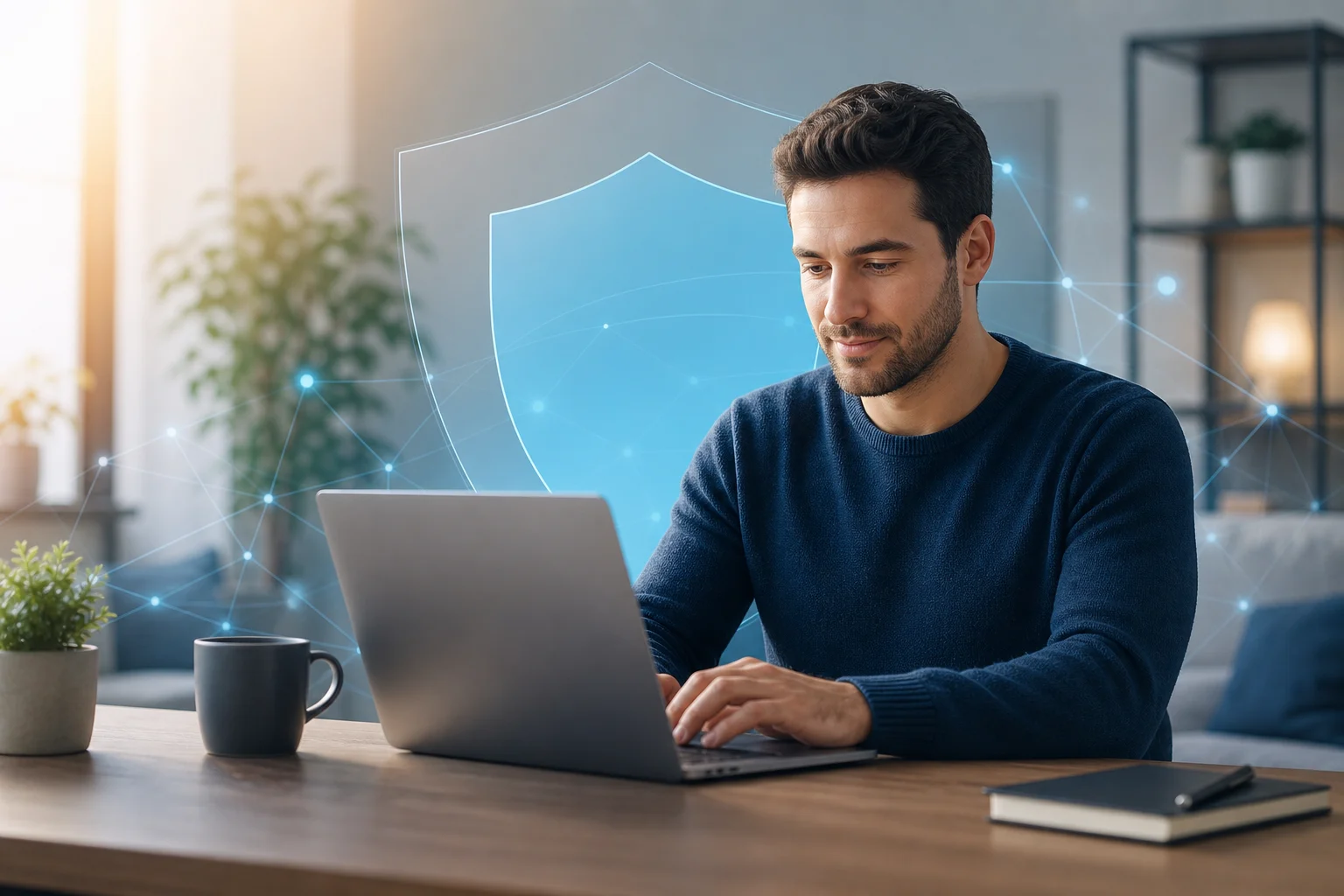
personal vpn without registration on laptop

Introduction: Why Choose a Personal VPN Without Registration?

A personal VPN without registration is a virtual private network service that lets you connect to an encrypted VPN server without creating an account first. Instead of signing up with an email address, setting a password, choosing a subscription, and entering payment information, you can open the app, connect, and start browsing with an added layer of privacy.

That simplicity matters. More of daily life now happens online: banking, shopping, messaging, work, travel planning, streaming, and reading the news. At the same time, users face more tracking, more data collection, and more risks on unsecured networks. A VPN cannot solve every privacy problem, but it can help protect your internet traffic from local snooping and reduce how much your real IP address is exposed to websites and networks.

Registration-free VPNs are especially attractive for people who want quick protection without a long setup process. They can also be useful for people who do not want to attach their browsing protection tool to personal data such as an email account or card number.

In this guide, we’ll cover:

  • What a personal VPN without registration means
  • How BeFreeVPN fits this category
  • Why free VPNs can save money compared with paid plans
  • How VPN encryption supports privacy
  • How to set up and use a no-sign-up VPN
  • What to compare before choosing a provider
  • Key takeaways and common questions

The goal is simple: help you decide whether a free, registration-free VPN is enough for your everyday privacy needs.

Quick Answer: What Is a Personal VPN Without Registration?

A personal VPN without registration is a VPN service designed for individual users that does not require account creation before use. You typically install the VPN app, select a server or connection mode, and connect. The service then routes your internet traffic through an encrypted tunnel between your device and the VPN server.

Core features of a registration-free personal VPN

Most no-registration VPN services focus on three core ideas:

  1. No account requirement — You do not need to submit an email address, username, password, or payment information to start.
  2. Encrypted connection — Your device sends traffic through a secure tunnel, which helps protect it from local network monitoring.
  3. IP address masking — Websites and online services see the VPN server’s IP address rather than your direct network IP address.

Some services also include additional features, such as automatic server selection, cross-device support, a simple connect button, or basic location choices.

Where BeFreeVPN fits

BeFreeVPN is a strong example of a personal VPN without registration because it is designed around quick access, no sign-up friction, and free use. For users who want protection without managing another online account, that model is appealing. You can use it for everyday browsing, public Wi-Fi protection, and basic privacy without committing to a paid subscription.

Benefits compared with traditional paid VPNs

Traditional VPN services often require you to register before you can use them. That process may include an email address, password, billing information, renewal settings, and sometimes identity-linked payment records. In contrast, a no-registration VPN reduces the amount of personal information you hand over.

Here is the practical difference:

FeaturePersonal VPN without registrationTraditional paid VPN
Account requiredUsually noUsually yes
Upfront costOften freeUsually monthly or yearly
Setup timeFastLonger
Personal data sharedMinimalOften email and payment details
Best forEveryday privacy and quick protectionAdvanced features, heavy use, specific locations

For many people, paying for a VPN may be unnecessary if their main needs are secure browsing on public Wi-Fi, simple IP masking, and a no-hassle setup. However, users with advanced needs should still compare features carefully.

The Financial Benefits: Save Money with Free VPNs

The cost of online privacy tools can add up. A paid VPN subscription may look inexpensive at first, but over months and years it becomes another recurring bill. If you already pay for cloud storage, streaming, password management, mobile data, and security software, adding a VPN subscription may not feel worthwhile.

A free VPN like BeFreeVPN changes that calculation. If your main goal is basic privacy protection without registration, free access can provide practical value without forcing you into a subscription.

The real cost of paid VPN services

Paid VPNs commonly use one of these pricing models:

  • Monthly plans, which are flexible but often cost more over time
  • Annual plans, which reduce the monthly average but require upfront payment
  • Multi-year plans, which may offer discounts but lock you into a longer commitment
  • Premium tiers, which may charge extra for more locations, faster speeds, or dedicated IP addresses

There can also be hidden costs in the form of auto-renewals, unused subscriptions, upgrade prompts, and paying for advanced features you do not need. For example, if you only use a VPN at airports, hotels, coffee shops, or while browsing casually, a full paid plan may be more than necessary.

Cost savings with BeFreeVPN

BeFreeVPN’s main financial advantage is straightforward: you can use a personal VPN without registration and without paying for a subscription. That makes it practical for:

  • Students who need privacy on campus Wi-Fi
  • Travelers using hotel or airport networks
  • Remote workers who want basic protection outside the office
  • Families who want simple privacy tools across devices
  • Budget-conscious users who do not want another monthly bill

A free VPN is also easier to test. You do not have to calculate whether you will use it enough to justify the cost. You can simply try it, see whether it fits your browsing habits, and keep using it if it works for you.

Why registration-free options are practical for budget-conscious users

Registration-free VPNs save more than money. They also save time. There is no long signup form, no account verification email, and no checkout page. That matters when you need protection quickly, such as before joining public Wi-Fi in a hotel lobby or airport terminal.

There is also a privacy benefit tied to cost. Paid services usually need payment details, and even privacy-focused providers may still process transactions through third-party payment systems. A VPN with no registration and no payment requirement reduces that data trail.

Still, free does not mean you should ignore quality. A responsible user should check the provider’s privacy policy, app permissions, connection stability, and whether the service is transparent about its limits. The best free VPN for you is the one that offers useful protection without asking for more data than it needs.

How Personal VPNs Without Registration Protect Your Privacy

A VPN protects privacy by creating an encrypted tunnel between your device and a VPN server. When you connect, your internet traffic travels through that tunnel before reaching websites, apps, or online services. This can make it much harder for people on the same local network to inspect what you are doing.
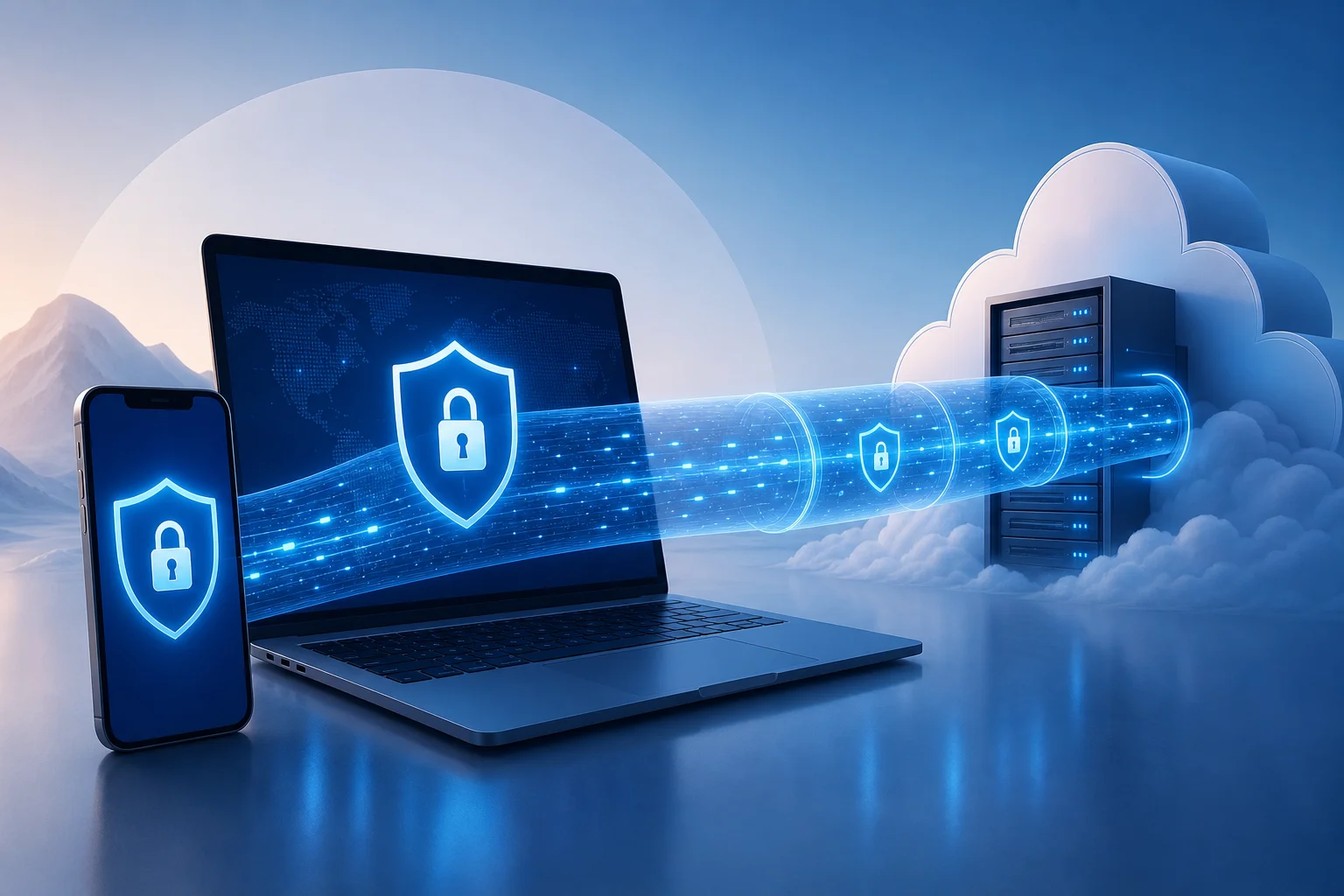
vpn privacy encryption protection

How VPN encryption works in everyday terms

Think of a normal internet connection like sending postcards through a public route. Some information may be visible to networks along the way. A VPN is more like placing those postcards into a sealed envelope before sending them through the first part of the route.

In practical terms, a VPN can help protect you when:

  • You use public Wi-Fi at a café, airport, library, or hotel
  • You connect through a shared office or campus network
  • You want websites to see the VPN server’s IP address instead of your direct IP address
  • You want an extra privacy layer when browsing on mobile data or home Wi-Fi

A VPN does not make you invisible online. Websites can still use cookies, account logins, browser fingerprints, and tracking scripts. However, it does reduce exposure at the network level and helps prevent simple local snooping.

Why no registration can improve privacy

When a VPN requires registration, you usually provide personal information. Even if it is only an email address, that creates an account record. If payment is required, the service or its payment processor may also handle billing data.

A personal VPN without registration avoids much of that. You can start using the service without connecting your VPN activity to a personal account. That is especially helpful for people who prefer data minimization: sharing only what is necessary, when it is necessary.

However, no registration is not the same as guaranteed anonymity. You should still review the VPN’s policies. Look for clear explanations of what data is collected, how long it is retained, and whether usage logs are stored. The advantage is that a no-sign-up VPN begins with less personal information from you.

Examples of risks a VPN can help reduce

A VPN can help reduce several common security risks:

  1. Public Wi-Fi snooping
    On an unsecured network, attackers may try to observe traffic or trick users into unsafe connections. A VPN adds encryption that makes local monitoring much less useful.

  2. IP-based tracking
    Websites often see your IP address when you visit. A VPN replaces your direct IP address with the VPN server’s IP address, reducing easy location-based identification.

  3. Man-in-the-middle attempts on weak networks
    Attackers may attempt to intercept traffic on poorly secured networks. VPN encryption helps protect the connection between your device and the VPN server.

  4. Untrusted network administrators
    On shared networks, administrators may be able to see connection metadata or browsing destinations. A VPN limits what the local network can observe, although it cannot hide everything from every party.

The key point is balance. A VPN is not a replacement for good passwords, two-factor authentication, software updates, and safe browsing habits. It is one important layer in a broader privacy and security routine.

Setting Up and Using a Personal VPN Without Registration

One of the biggest advantages of BeFreeVPN is ease of use. A registration-free VPN should feel simple from the first launch. You should not need technical knowledge, manual configuration files, or a long onboarding process.

Step-by-step guide to setting up BeFreeVPN

Follow these general steps to start using BeFreeVPN:

  1. Download the BeFreeVPN app
    Get the app from the official source for your device. Avoid unofficial downloads, especially from random file-sharing sites.

  2. Install and open the app
    Follow your device’s normal installation process. Once installed, open the app.

  3. Review permissions
    VPN apps usually ask permission to create a VPN connection on your device. This is normal, but you should still read the prompt before accepting.

  4. Choose your connection option
    Depending on the app interface, you may be able to select a location or use an automatic server option.

  5. Tap connect
    Start the VPN connection. Your device may show a VPN icon or status indicator when the tunnel is active.

  6. Browse as usual
    Once connected, open your browser or apps. Your traffic will route through the VPN until you disconnect.

  7. Disconnect when not needed
    If you want maximum speed for low-risk activities, you can disconnect and reconnect later. For public Wi-Fi, staying connected is usually the safer choice.

User interface overview and ease of use

A good personal VPN without registration should have a clean interface. The most important controls are simple:

  • A clear connect and disconnect button
  • Visible connection status
  • Server or location options, if available
  • Basic settings that are easy to understand
  • Minimal prompts and no forced signup screens

BeFreeVPN’s appeal is that it keeps the experience focused. Instead of pushing users through account creation, it lets them connect quickly. That is ideal for people who want privacy protection without studying VPN protocols or managing subscriptions.

Tips for getting the most out of a no-sign-up VPN

To use a free VPN effectively, follow these tips:

  • Connect before joining risky networks. Turn on the VPN before logging into banking, email, or work tools on public Wi-Fi.
  • Keep your apps updated. VPN protection is stronger when your operating system, browser, and apps are current.
  • Use HTTPS websites. A VPN encrypts part of your connection path, while HTTPS protects the connection between your browser and the website.
  • Avoid suspicious downloads. A VPN does not make unsafe files safe.
  • Check your connection status. Make sure the VPN is connected before assuming your IP address is masked.
  • Use strong passwords and two-factor authentication. VPNs protect traffic, not weak accounts.

By combining a VPN with these habits, you get more complete protection without paying for tools you may not need.

Comparing Personal VPN Options: What to Consider

Not every free VPN is equal. Some are easy to use but limited. Others offer more server options but require registration. Some may show ads, limit speeds, or restrict data usage. Before choosing a personal VPN without registration, compare the factors that matter most for your situation.
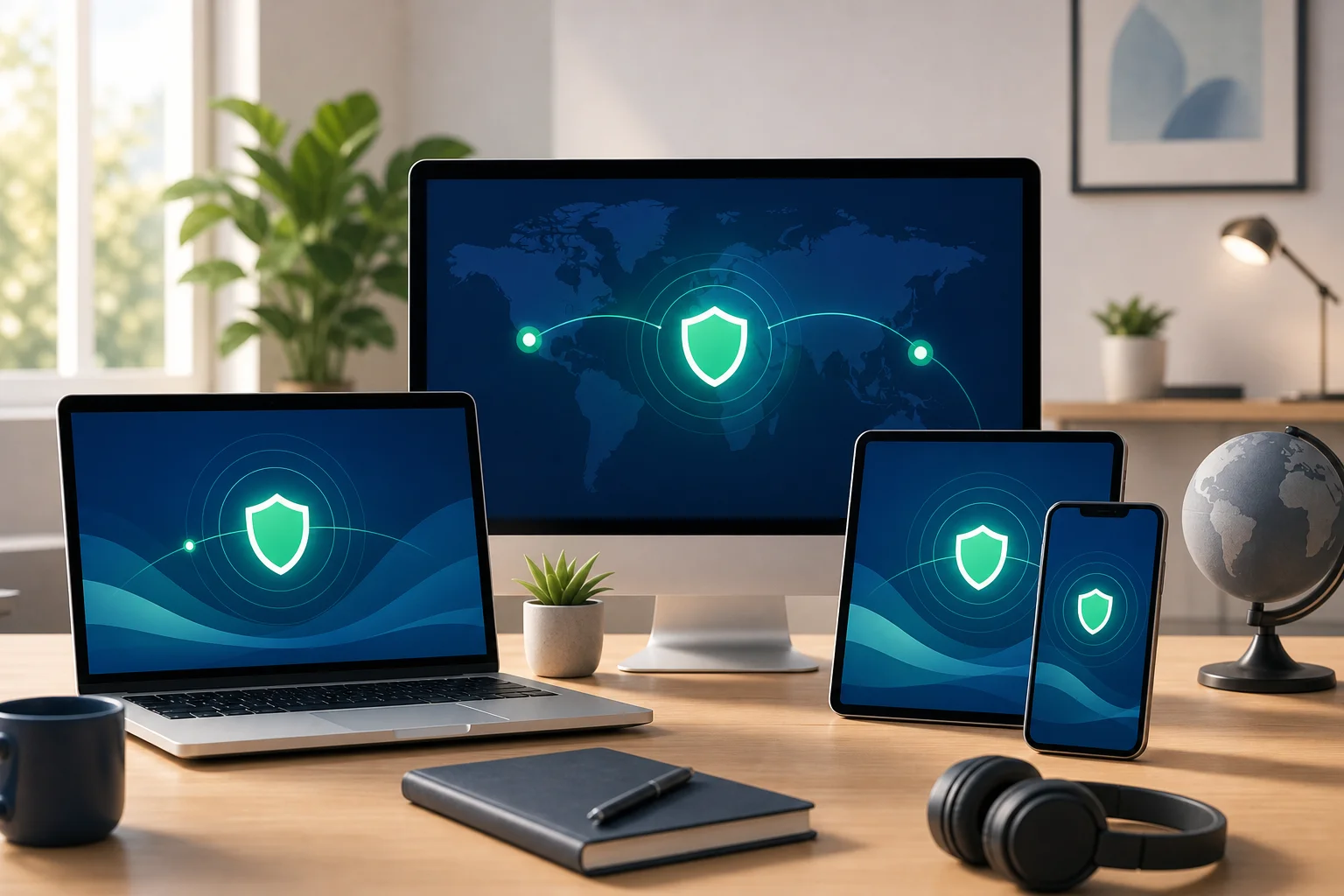
free vpn comparison across devices

Key factors to evaluate

Use this checklist when comparing free VPN services:

FactorWhy it mattersWhat to look for
Registration requirementLess signup means less personal data sharedNo email, no password, no payment details
Privacy policyExplains what data is collectedClear, readable policy with minimal data collection
CostAffects long-term useFree access without forced subscription
Ease of useHelps non-technical users stay protectedOne-tap connection and simple settings
SpeedImpacts browsing and streaming qualityStable performance for everyday browsing
Device supportDetermines where you can use itApps for the devices you actually own
Server optionsAffects connection flexibilityAutomatic or manual location choices
LimitsFree plans may have restrictionsUnderstand data, speed, or location limits
ReputationReduces risk from unknown providersConsistent user feedback and transparent support

BeFreeVPN compared with other free VPN options

BeFreeVPN stands out for users who care most about free access and no registration. Many free VPNs use a freemium model, where the free version exists mainly to push users toward a paid account. That can still be useful, but it may come with frequent upgrade prompts, strict limits, or mandatory account creation.

Here is a practical comparison:

Option typeStrengthsPossible drawbacksBest fit
BeFreeVPNFree, simple, registration-free accessMay not offer every advanced paid featureEveryday users who want quick privacy
Free tier from paid VPNOften backed by an established paid serviceMay require signup or have tight limitsUsers testing a provider before upgrading
Browser-only VPN extensionEasy to install and useMay protect only browser traffic, not all appsLight browsing on one browser
Built-in browser privacy toolConvenient and simpleUsually limited in scope and configurationCasual browsing, not full-device protection
Paid premium VPNMore advanced features and locationsRequires payment and usually registrationPower users with specific needs

For most everyday users, the best choice is the one they will actually use. A powerful VPN with a complex signup process may sit unused. A simple no-registration VPN can be more practical because it removes barriers.

User reviews and satisfaction metrics to check

Avoid relying on one glowing review or one negative comment. Instead, look for patterns. Useful satisfaction signals include:

  • Whether users say the app is easy to connect
  • Reports of stable or unstable connections
  • Complaints about intrusive ads or upgrade prompts
  • Comments about speed during normal browsing
  • Feedback on customer support or help resources
  • Recent reviews after app updates
  • Clear explanations from the provider about privacy practices

Do not treat app store ratings as the only measure of quality. Ratings can change, and they may not explain why users are satisfied or frustrated. Read recent reviews and compare them with the service’s own documentation.

FAQ: Common questions about personal VPNs without registration

Is a personal VPN without registration safe?

It can be safe if the provider uses reliable encryption, has a clear privacy policy, and does not ask for unnecessary permissions. No registration reduces the personal data you share, but you should still choose a trustworthy service.

Is a free VPN enough for everyday browsing?

For many users, yes. A free VPN can be enough for public Wi-Fi protection, basic IP masking, and casual browsing privacy. Heavy streaming, advanced location needs, or business requirements may call for extra features.

Does no registration mean no tracking?

Not automatically. No registration means you do not create an account, but the provider may still collect limited technical data. Always read the privacy policy to understand what is collected and why.

Can I use BeFreeVPN on public Wi-Fi?

Yes, public Wi-Fi is one of the most practical use cases for BeFreeVPN. Connect before signing into email, banking, work tools, or any service that handles sensitive information.

Do I need a paid VPN if BeFreeVPN works for me?

Not necessarily. If BeFreeVPN meets your needs for speed, privacy, and ease of use, a paid VPN may be unnecessary. Paid services can be useful for advanced features, but they are not required for everyone.

Key Takeaways: What You’ve Learned about Personal VPNs Without Registration

A personal VPN without registration gives users a simple way to improve online privacy without creating another account or paying another subscription. That combination is powerful because it removes two common barriers: cost and complexity.

BeFreeVPN is a practical option for people who want secure, free browsing without signup requirements. It is especially useful for everyday activities such as browsing on public Wi-Fi, masking your direct IP address, and reducing exposure to local network snooping.

The financial advantages are clear. Paid VPNs can be useful, but many users do not need a premium plan for basic protection. If your needs are simple, a free VPN can help you avoid recurring costs while still adding a valuable privacy layer.

The privacy advantages are also important. Because no registration is required, you do not have to provide an email address, password, or payment details just to turn on protection. That supports the principle of data minimization: share less personal information whenever possible.

At the same time, choose carefully. A good registration-free VPN should be transparent, easy to use, and clear about its privacy practices. Check permissions, read recent reviews, and understand any limits before relying on any service.

Ready to experience online freedom and security without spending a dime? Try BeFreeVPN today and enjoy a seamless, registration-free service across your devices.

The ultimate guide to using a VPN for free with no ads: secure your home office

· 10 min read

In an age where remote work is becoming the norm, securing your online presence shouldn't cost a fortune. If you are looking for a VPN for free with no ads, this guide will help you understand what to look for, how free ad-free VPNs work, and how to use one safely for your home office. You do not need to be a cybersecurity expert. With a few smart habits, a reliable VPN can make remote work more private, safer, and less distracting.

free VPN for remote work

1. Why You Need a VPN for Remote Work

Remote work gives you flexibility, but it also moves your work activity outside the traditional office network. That means your laptop, phone, or tablet may connect from home Wi-Fi, coffee shops, hotels, airports, or shared workspaces. Each of these networks can carry different risks.

A VPN, or virtual private network, creates an encrypted tunnel between your device and the VPN provider’s server. In simple terms, it makes your internet traffic harder for outsiders to inspect. This is especially useful when you are using public Wi-Fi, where attackers may try to monitor unsecured connections.

A VPN helps protect your data from hackers

When you log in to email, cloud storage, project tools, or video meeting platforms, you may send sensitive information over the internet. A VPN helps reduce the chance that someone on the same network can snoop on your activity. It is not a replacement for strong passwords or two-factor authentication, but it adds another layer of protection.

A VPN helps you access work resources securely

Some companies restrict access to internal systems based on location, network, or IP address. A VPN can help create a more secure route to those resources. If your employer provides its own corporate VPN, use that for company systems. For general browsing, research, or remote work from public Wi-Fi, a trusted free VPN with no ads can still be useful.

A VPN reduces common remote work risks

Remote workers often switch between networks and devices. That increases exposure to risks such as unsecured Wi-Fi, tracking, malicious hotspots, and accidental data leakage. A VPN minimizes some of these threats by encrypting traffic and masking your IP address from websites and network observers.

2. Understanding How Free VPNs Work

Free VPNs route your internet traffic through their servers without charging you upfront. You install an app or use a browser extension, choose a server or tap connect, and your traffic begins passing through the VPN tunnel.

However, “free” can mean different things. Some free VPNs are supported by paid plans. Others show ads, collect data, limit speeds, or restrict server choices. If you want a VPN for free with no ads, you need to check how the provider funds the service and what privacy rules it follows.

How a free VPN can be free

Many legitimate providers offer free VPN access as an entry-level service. They may limit bandwidth, server locations, speed, or advanced features while offering paid upgrades. This can be a fair trade-off if the free plan still protects privacy and avoids intrusive ads.

What “no logs” really means

Some privacy-focused VPNs say they keep no activity logs or usage data. That means they do not store details about the websites you visit or the content of your traffic. This can enhance privacy, but you should always read the privacy policy. Not every free VPN is no-log, and vague claims are not enough.

Look for clear statements about:

  • Whether browsing activity is logged
  • Whether connection timestamps are stored
  • Whether bandwidth usage is tracked
  • Whether data is shared with advertisers or partners
  • Whether independent audits or transparency reports are available

A simple analogy for beginners

Think of a free VPN like your friendly neighborhood library that lets you access a wealth of information—without any fees and without ads interrupting your reading. A good library respects your quiet space. In the same way, a good ad-free VPN should help you work without pop-ups, tracking, or unnecessary distractions.

3. The Perks of Choosing an Ad-Free VPN

Not all free VPNs give the same experience. An ad-supported VPN may interrupt your work with banners, pop-ups, or promotional screens. Worse, some ad-supported services may rely on tracking technologies to target ads. That can weaken the privacy benefits you wanted in the first place.

Smoother work sessions

Ad-free VPNs provide a cleaner and more uninterrupted experience. This matters when you are joining meetings, uploading files, researching, or working inside cloud apps. Fewer interruptions mean fewer chances to click on something by mistake or lose focus.

Less exposure to tracking

Ads often come with tracking cookies, scripts, or third-party networks. While a VPN can hide your IP address from some observers, it cannot magically remove every tracker from every website. Choosing a no-ads VPN reduces one extra source of tracking inside the VPN experience itself.

A cleaner digital workspace

Imagine your online workspace as a clean, open office. Having ads is like clutter on your desk. You can still work, but it is harder to stay focused. A free VPN with no ads keeps the experience simple: connect, work, disconnect when finished.

4. Recommendations for Free, Ad-Free VPN Options

Before choosing a free VPN for remote work, focus on trust, privacy, and ease of use. Beginners should avoid unknown apps that make extreme promises, ask for unnecessary permissions, or have unclear ownership.

What to look for in a free ad-free VPN

Use this comparison table as a quick checklist before installing any VPN app.

Feature to checkWhy it matters for remote workersWhat to choose
No adsPrevents distractions and reduces ad-based trackingA service that clearly states it is ad-free
No-registration optionReduces the amount of personal data you shareApps that do not require email or payment details for basic use
Clear privacy policyShows how your data is handledPlain language about logs, sharing, and retention
Multi-device supportHelps secure laptops, phones, and tabletsApps for your main operating systems
Kill switch or auto-disconnectHelps prevent traffic leaks if the VPN dropsBuilt-in protection you can enable easily
Good reputationReduces the risk of unsafe softwarePositive user reviews and transparent provider information

Choose recognized services that prioritize privacy

Look for free VPN services with a real track record, clear documentation, and privacy-first design. A good provider should explain what the free plan includes and what limitations apply. Be cautious with VPNs that promise unlimited everything but do not explain how they operate.

Check reviews, but read them carefully

User reviews can help you spot problems such as unstable connections, confusing apps, or unexpected ads. Still, reviews are only one signal. Also check the provider’s website, privacy policy, app permissions, and support pages.

Make sure it works across your devices

Remote workers often move between a laptop, smartphone, and tablet. Your VPN should work smoothly on the devices you actually use. If you work on Windows or macOS during the day and check work messages on Android or iOS later, multi-device support is a major benefit.

ad-free VPN on multiple devices

5. Tips for Secure Remote Work Using a VPN

A VPN is most effective when you use it consistently. The steps below are simple enough for beginners and useful enough to become part of your daily remote work routine.

Step-by-step: how to use a free VPN safely for work

  1. Install the VPN from the official source. Use the provider’s website or official app store listing. Avoid random download sites.
  2. Open the app before starting work. Connect to the VPN before signing in to email, cloud drives, chat tools, or dashboards.
  3. Choose a nearby server when possible. A closer server often gives better speed and stability.
  4. Enable auto-disconnect or a kill switch. This helps block internet traffic if the VPN connection drops.
  5. Keep the VPN updated. Updates can fix security issues and improve performance.
  6. Use strong account security. Pair the VPN with strong passwords and two-factor authentication.
  7. Disconnect when you are finished. If you no longer need the VPN, disconnect and close work sessions securely.

Always connect before accessing work accounts

Make it a habit: connect first, then work. This is especially important on public Wi-Fi. If you forget and log in before connecting, your session may start without the extra protection of the VPN tunnel.

Regularly update your VPN app

VPN updates are not just cosmetic. They may include security patches, connection improvements, and fixes for device compatibility. Turn on automatic updates if your device supports them.

Use built-in safety features

Many free VPNs include helpful features such as auto-connect, auto-disconnect, DNS leak protection, or a kill switch. If these are available, enable them. They can protect you when your Wi-Fi drops or your device switches networks.

FAQ: Free VPNs With No Ads for Remote Work

Is a free VPN with no ads safe?

It can be safe if the provider is transparent, privacy-focused, and clear about its limitations. Avoid free VPNs that have vague privacy policies, request excessive permissions, or earn money through intrusive advertising and tracking.

Can I use a free VPN for work accounts?

Yes, for general remote work protection, a free ad-free VPN can help secure your connection. However, if your employer requires a company VPN for internal systems, use the company-approved VPN for those resources.

Will a free VPN slow down my internet?

Sometimes. Any VPN can affect speed because traffic is encrypted and routed through another server. To improve performance, choose a nearby server, close unused apps, and keep the VPN updated.

Do I still need antivirus and two-factor authentication?

Yes. A VPN protects your connection, but it does not replace antivirus software, secure passwords, device updates, or two-factor authentication. Think of it as one important layer in your remote work security setup.

What is the best VPN for free with no ads for beginners?

The best choice is one that is easy to use, has a clear privacy policy, does not require unnecessary personal details, and works on your devices. For beginners, simplicity and transparency are just as important as speed.

Conclusion: Keep Your Home Office Private, Simple, and Ad-Free

A free, ad-free VPN can be a practical security upgrade for beginners who work from home or connect on the go. It helps protect your data on public Wi-Fi, reduces tracking inside the VPN experience, and keeps your online workspace cleaner. Choose a trusted provider, connect before opening work accounts, and use built-in safety features like auto-disconnect for better protection.

Try BeFreeVPN today for a completely free, no-registration VPN experience that keeps your home office secure and ad-free—ideal for all your remote work needs!

The ultimate guide to using a VPN for telegram and other social media

· 16 min read

Why spend money on a VPN when you can securely access Telegram and other platforms using BeFreeVPN for free? If you need a vpn for telegram, this guide explains how VPNs help with privacy, access, and connection stability across messaging and social media apps. You will learn how to set up BeFreeVPN, how to access Telegram with VPN protection, how to improve reliability, and how to apply the same approach to WhatsApp, Instagram, Facebook, X Twitter, Discord, Viber, Snapchat, Reddit, and LinkedIn.

1. Introduction to VPNs for Social Media and Messaging

A virtual private network, or VPN, creates an encrypted tunnel between your device and a remote VPN server. Instead of connecting directly to an app or website through your normal network path, your traffic travels through that tunnel first. For social media and messaging platforms, this can help in three practical ways:

  • Privacy: A VPN can reduce how much your local network, Wi-Fi provider, or internet service provider can see about your online activity.
  • Access: A VPN may help you reach apps or features that are unavailable on a local network, at school, at work, while travelling, or in a region with restrictions.
  • Stability: In some cases, routing traffic through another server can avoid congested or unreliable paths and provide a more stable app connection.

Telegram is a common use case because people rely on it for chats, channels, groups, file sharing, voice calls, and business communication. However, the same ideas apply when you need a vpn for whatsapp, vpn for instagram, vpn for facebook, vpn for x twitter, vpn for discord, vpn for viber, vpn for snapchat, vpn for reddit, or vpn for linkedin.

This ultimate guide is designed to help you save costs while staying connected securely. You will find a quick answer, a beginner setup process, intermediate stability tactics, advanced privacy tips, and a platform-by-platform reference for using BeFreeVPN across major social and messaging apps.

vpn for telegram privacy

2. Quick Answer: Why You Don't Need to Pay for a VPN

You do not always need a paid VPN subscription to access Telegram or other social apps. For everyday use, BeFreeVPN offers a simple free option with no registration hassle. That makes it useful for people who want fast setup, lower costs, and fewer barriers before connecting.

A paid VPN can make sense for heavy users who need very specific server locations, advanced business controls, dedicated IP addresses, or premium support. However, many users only need a basic VPN to unblock Telegram, protect activity on public Wi-Fi, or keep chats working while travelling. In those situations, a free VPN for Telegram can be enough if it is easy to use and does not require a complicated account setup.

Free VPN vs paid VPN for Telegram

FactorBeFreeVPN free approachTypical paid VPN approach
CostNo subscription costMonthly or yearly fee
RegistrationNo registration hassleUsually requires an account
Best forQuick access, casual use, travel, public Wi-FiPower users, teams, advanced location needs
Telegram useHelps access Telegram through a VPN tunnelAlso helps, often with more server choices
Social appsCan be used for multiple appsCan be used for multiple apps
Setup effortSimple and beginner-friendlyMay include more settings and plan options

The main benefit is clear: a free VPN lets you solve the immediate problem without adding another bill. If your goal is to use a vpn to unblock telegram, improve privacy on public networks, or try a vpn for stable telegram connection, starting with BeFreeVPN is a practical first step.

That said, no VPN should be treated as magic. A VPN does not make unsafe links safe, does not replace strong passwords, and does not override the need to follow local laws and platform terms. Use it as one layer in a sensible privacy and access setup.

3. Beginner's Guide: Setting Up BeFreeVPN for Telegram

Getting started should be simple. The exact interface may vary by device, but the process is usually similar on mobile and desktop. Use the steps below as a featured-snippet-friendly checklist for how to access Telegram with VPN support.

Step-by-step setup for Telegram

  1. Download BeFreeVPN from a trusted source. Use the official app store or official website when available. Avoid copied installers or unknown download pages.
  2. Install the app. Follow your device prompts. On mobile, you may need to approve VPN permissions so the app can create a secure connection.
  3. Open BeFreeVPN. Because there is no registration hassle, you can move quickly from installation to connection.
  4. Choose a suitable VPN location if the option is available. For Telegram, start with a nearby region for better speed. If Telegram is blocked where you are, try a location where the service is accessible.
  5. Connect to the VPN. Wait for the app to show that the VPN tunnel is active.
  6. Open Telegram. Send a test message, refresh chats, join a channel, or load media to confirm that Telegram works.
  7. Verify the VPN connection. You can check your IP address through a reputable IP-check website before and after connecting. The visible location should change when the VPN is active.
  8. Keep the VPN on while using Telegram. If you disconnect, Telegram may return to the normal network route and restrictions could come back.

For most users, the best setup is the simplest one. Keep the VPN connected before you open Telegram, choose a nearby server for speed, and avoid changing settings while you are in an active voice or video call.

If Telegram messages load but calls fail, reconnect the VPN and try another server location. If images or files are slow, switch to a nearby location instead of a faraway one. If your device has battery-saving features, make sure they are not closing BeFreeVPN in the background.

How to confirm Telegram is using the VPN

A VPN protects network traffic at the device level, so Telegram should use the VPN connection automatically once the tunnel is active. To confirm:

  • Connect to BeFreeVPN.
  • Check that the VPN icon or status indicator appears on your device.
  • Open Telegram and send a test message.
  • Load a Telegram channel or file that previously did not work.
  • If needed, compare your public IP before and after connecting.

This is the easiest path for anyone searching for how to access Telegram with VPN tools without dealing with complex manual proxy settings.

free vpn for telegram setup

4. Intermediate Tactics: Ensuring a Stable Connection on Telegram

A stable Telegram experience depends on more than the VPN app. Your device, Wi-Fi quality, mobile signal, server distance, and app settings all matter. If you want a vpn for stable telegram connection, use the tactics below.

Adjust connection settings for uninterrupted chats and calls

Start with the nearest reliable VPN location. Shorter distance often means lower latency, which helps with message delivery and calls. If Telegram is restricted on your current network, use the closest location where Telegram works instead of choosing a server on the other side of the world.

Next, connect before opening Telegram. This helps the app start its session through the VPN tunnel. If you connect after Telegram is already open, close and reopen Telegram to refresh the route.

Also check your device settings. Some phones restrict background activity to save battery. If BeFreeVPN is paused in the background, Telegram may lose its protected route. Add BeFreeVPN to your battery exceptions if your device supports that option.

Troubleshoot common Telegram VPN issues

ProblemLikely causeWhat to try
Telegram will not connectLocal restriction or weak networkTurn BeFreeVPN on, change location, restart Telegram
Messages send slowlyCongestion or far serverChoose a nearer VPN location
Calls dropUnstable Wi-Fi or mobile signalMove closer to the router or switch networks
Media does not loadSlow route or app cache issueReconnect VPN, clear Telegram cache, retry
VPN disconnects in backgroundBattery or data-saving modeAllow background activity for BeFreeVPN
Works on Wi-Fi but not mobile dataCarrier routing issueReconnect VPN on mobile data or try another location

Maintain speed without compromising security

To keep Telegram responsive, avoid unnecessary load on your connection. Pause large downloads while making voice calls. Close bandwidth-heavy apps. Use a stable Wi-Fi network when possible. If you are on public Wi-Fi, keep the VPN active even if the network seems fast, because public hotspots can expose more metadata than you expect.

In addition, update both Telegram and BeFreeVPN. App updates often fix connection bugs, compatibility issues, and performance problems. A stable VPN connection is not just about speed; it is also about reducing sudden drops and keeping your route consistent.

5. Advanced Uses: Accessing Blocked Features and Enhancing Privacy

Once the basics are working, you can use a VPN more strategically. This is useful when Telegram is partly blocked, when certain features fail, or when you want stronger privacy habits.

How to bypass regional restrictions on Telegram using a VPN

If Telegram is unavailable in your location, connect BeFreeVPN to a region where Telegram is accessible. Then restart Telegram so it builds a new connection through the VPN route. This is the standard approach for using a vpn to unblock Telegram.

If one region does not work, try another. Restrictions can vary by network and by time. A work or school network may block different services than a mobile carrier. Be patient and test one change at a time so you can identify what solves the issue.

Always consider local rules before bypassing restrictions. A VPN is a privacy and access tool, but users remain responsible for how they use it.

Anonymous browsing and data privacy tips

A VPN can hide your real IP address from the services you connect to and reduce visibility on local networks. However, it does not make you fully anonymous. Telegram, websites, and social platforms can still use account details, cookies, device identifiers, and behavior patterns.

For better privacy, combine VPN use with these habits:

  • Use strong, unique passwords for every social account.
  • Enable two-step verification in Telegram and other apps.
  • Review active sessions inside Telegram settings.
  • Avoid clicking unknown links, even from familiar groups.
  • Limit the personal information you share in public channels.
  • Keep your operating system and apps updated.
  • Use privacy-focused browser settings when opening links.

Integrating VPN use with other privacy tools

For advanced privacy, a VPN works best as one part of a layered setup. Use encrypted messaging where appropriate. Lock your device with a strong passcode or biometric protection. Turn on app-level security features. On desktop, use a trusted browser and avoid unnecessary extensions.

You can also separate activities. For example, use Telegram for private chats, LinkedIn for professional networking, Reddit for communities, and Discord for group servers. BeFreeVPN can protect the network layer across these apps, while each platform's own privacy settings controls what other users can see.

6. Expanding VPN Use: Applying the Same Techniques on Other Platforms

The setup you used for Telegram can also help with other platforms. Connect BeFreeVPN first, then open the app, test access, and adjust the VPN location if needed. This method works whether you are trying to unblock a messaging app, keep a social feed available while travelling, or protect activity on shared Wi-Fi.

vpn for social media apps

Platform-by-platform VPN guide

PlatformSearch needPractical VPN tip
WhatsAppvpn for whatsapp, free vpn for whatsapp, how to access whatsapp with vpnConnect BeFreeVPN before opening WhatsApp. If calls fail, switch to a nearby VPN location for a vpn for stable whatsapp connection or a vpn to unblock whatsapp.
Instagramvpn for instagram, free vpn for instagram, how to access instagram with vpnUse a stable VPN route before loading Reels, stories, or DMs. If media is slow, choose a closer location for a vpn for stable instagram connection or a vpn to unblock instagram.
Facebookvpn for facebook, free vpn for facebook, how to access facebook with vpnConnect first, then refresh the app or browser tab. If pages do not load, change location for a vpn for stable facebook connection or a vpn to unblock facebook.
X Twittervpn for x twitter, free vpn for x twitter, how to access x twitter with vpnOpen X Twitter after the VPN is active. If timelines or media stall, try another route for a vpn for stable x twitter connection or a vpn to unblock x twitter.
Discordvpn for discord, free vpn for discord, how to access discord with vpnFor voice channels, prioritize low latency. Use the closest working server for a vpn for stable discord connection or a vpn to unblock discord.
Vibervpn for viber, free vpn for viber, how to access viber with vpnConnect BeFreeVPN before calls or messages. If calls drop, test Wi-Fi and mobile data for a vpn for stable viber connection or a vpn to unblock viber.
Snapchatvpn for snapchat, free vpn for snapchat, how to access snapchat with vpnKeep the VPN active before sending snaps or loading stories. Switch location if filters or feeds fail for a vpn for stable snapchat connection or a vpn to unblock snapchat.
Redditvpn for reddit, free vpn for reddit, how to access reddit with vpnUse the VPN before opening Reddit communities. If images or comments lag, reconnect for a vpn for stable reddit connection or a vpn to unblock reddit.
LinkedInvpn for linkedin, free vpn for linkedin, how to access linkedin with vpnConnect before browsing profiles or messages, especially on public Wi-Fi. Choose a nearby server for a vpn for stable linkedin connection.

Tips for maintaining a stable connection across apps

First, avoid switching VPN locations too often. Social apps may temporarily flag unusual location changes as suspicious, especially if you log in repeatedly from distant regions. Use one stable route when possible.

Second, match the VPN location to your need. If you only want privacy on public Wi-Fi, a nearby location is usually best. If you need access because a platform is blocked, choose a region where the app works.

Third, test app features separately. Text messages, media uploads, calls, live streams, and feeds can behave differently. A route that works for browsing may not be ideal for voice or video.

Strategies to unblock restricted social media features

When a specific feature is blocked, restart the app after connecting to the VPN. Clear the app cache if the problem continues. Try a different network, such as switching from Wi-Fi to mobile data, while keeping BeFreeVPN active. Also check whether the platform itself is experiencing an outage before assuming your VPN is the issue.

For browser-based social media, open a private window after connecting to the VPN. This can reduce conflicts from old cookies or cached location data. For apps, signing out and back in may help, but do this carefully if you rely on two-factor authentication.

FAQ: Common questions about VPNs for Telegram and social apps

Is a free VPN for Telegram enough?

For many everyday users, yes. A free VPN for Telegram can help with basic access, privacy on shared networks, and simple unblocking. If you need specialized servers or business features, a paid VPN may still be worth considering.

How do I access Telegram with VPN if it is blocked?

Install BeFreeVPN, connect to a region where Telegram is available, then reopen Telegram. If it still does not work, change the VPN location and test again.

Can I use the same VPN for WhatsApp, Instagram, Facebook, and Discord?

Yes. A device-level VPN connection can route traffic from multiple apps. BeFreeVPN can be used as a vpn for whatsapp, vpn for instagram, vpn for facebook, and vpn for discord, as well as for Telegram.

Will a VPN always make Telegram faster?

No. A VPN can improve stability if your normal route is blocked or unreliable, but it can also add distance to your connection. For speed, choose the nearest working VPN location.

Is it safe to use a VPN on public Wi-Fi?

Using a VPN on public Wi-Fi is a smart privacy step because it encrypts traffic between your device and the VPN server. Still, avoid sensitive actions on unknown networks when possible, and keep your apps updated.

7. Key Takeaways and Recommendations

A VPN for Telegram is useful when you want better privacy, need access on a restricted network, or want a more stable route for chats, channels, calls, and media. BeFreeVPN is a cost-saving option because it offers free access without registration hassle, making it easy for beginners to start quickly.

The best approach is simple: connect BeFreeVPN before opening Telegram, choose a nearby working location, test your connection, and keep the VPN active while using the app. If you experience slow messages, dropped calls, or blocked media, change location, restart the app, and check your Wi-Fi or mobile signal.

The same method can support other social media and messaging services. Whether you need a free vpn for whatsapp, a vpn to unblock instagram, a vpn for stable facebook connection, a vpn to unblock x twitter, or a simple privacy layer for Reddit, Discord, Viber, Snapchat, and LinkedIn, the core steps remain the same.

For the best results, combine VPN use with strong passwords, two-step verification, careful link handling, and updated apps. A VPN is not a complete security system by itself, but it is a practical and affordable layer for daily communication.

Explore the benefits of using BeFreeVPN for accessing all your social media platforms securely and freely. No registration, no cost, just seamless connectivity.