Living in a region where online freedom is restricted can be challenging — learn how to download and optimize a VPN for your iPhone and iPad to bypass censorship seamlessly. This guide explains vpn for iphone download options, privacy-first setup, auto-connect, no-registration choices, mobile data tuning, and protocol selection for advanced iOS users who need reliable access without unnecessary tracking or ads.
1. Understanding VPN for iPhone and iPad
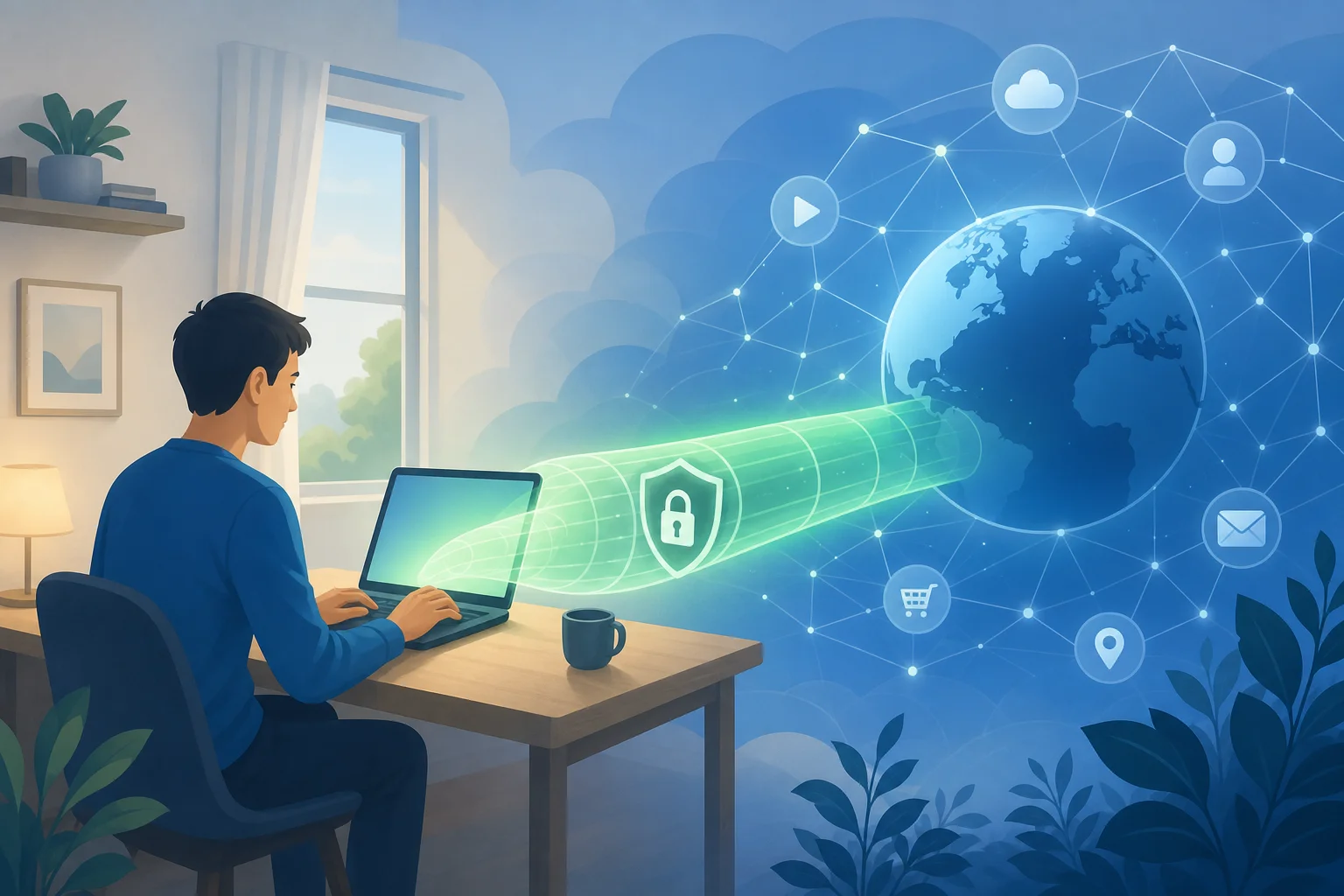
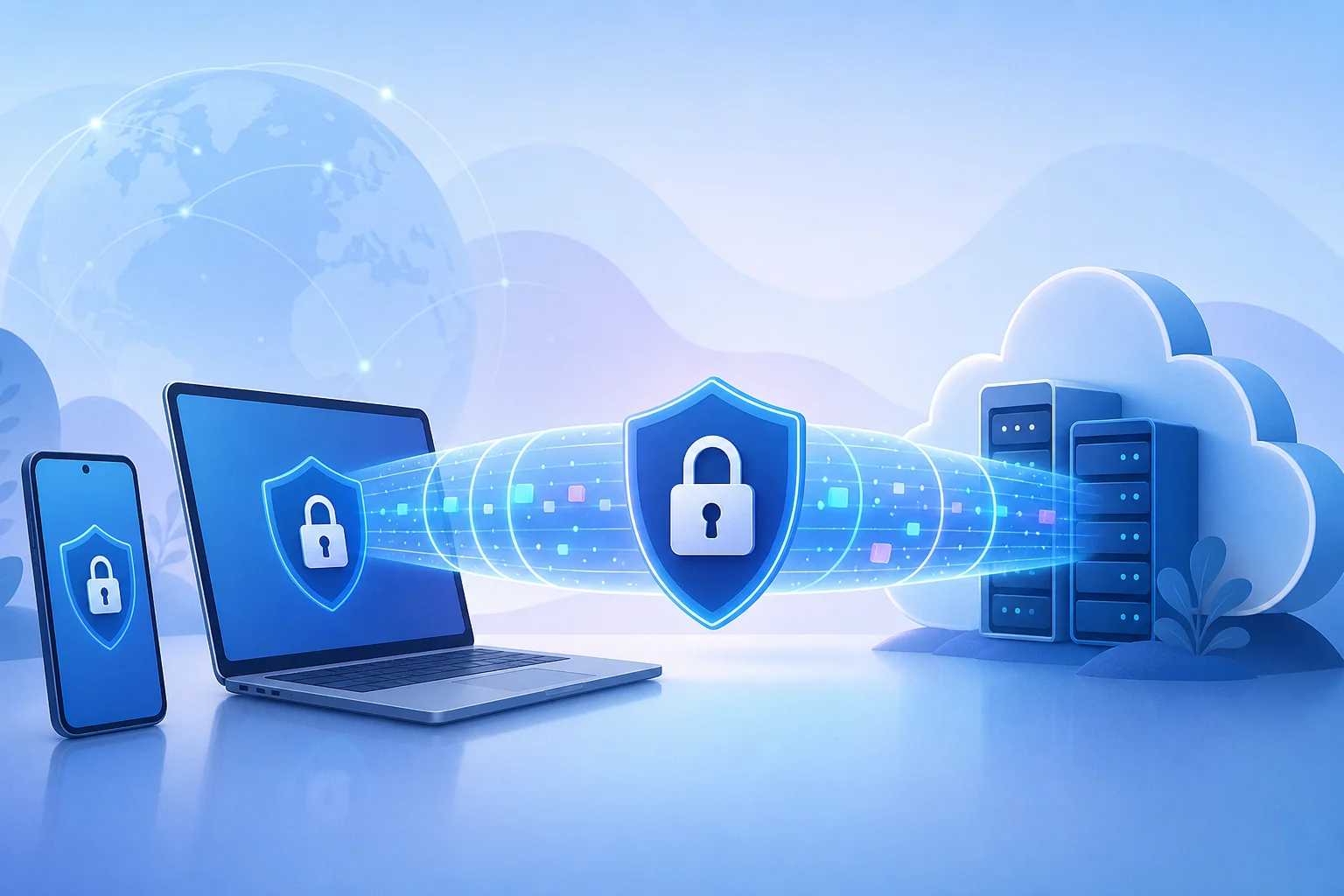
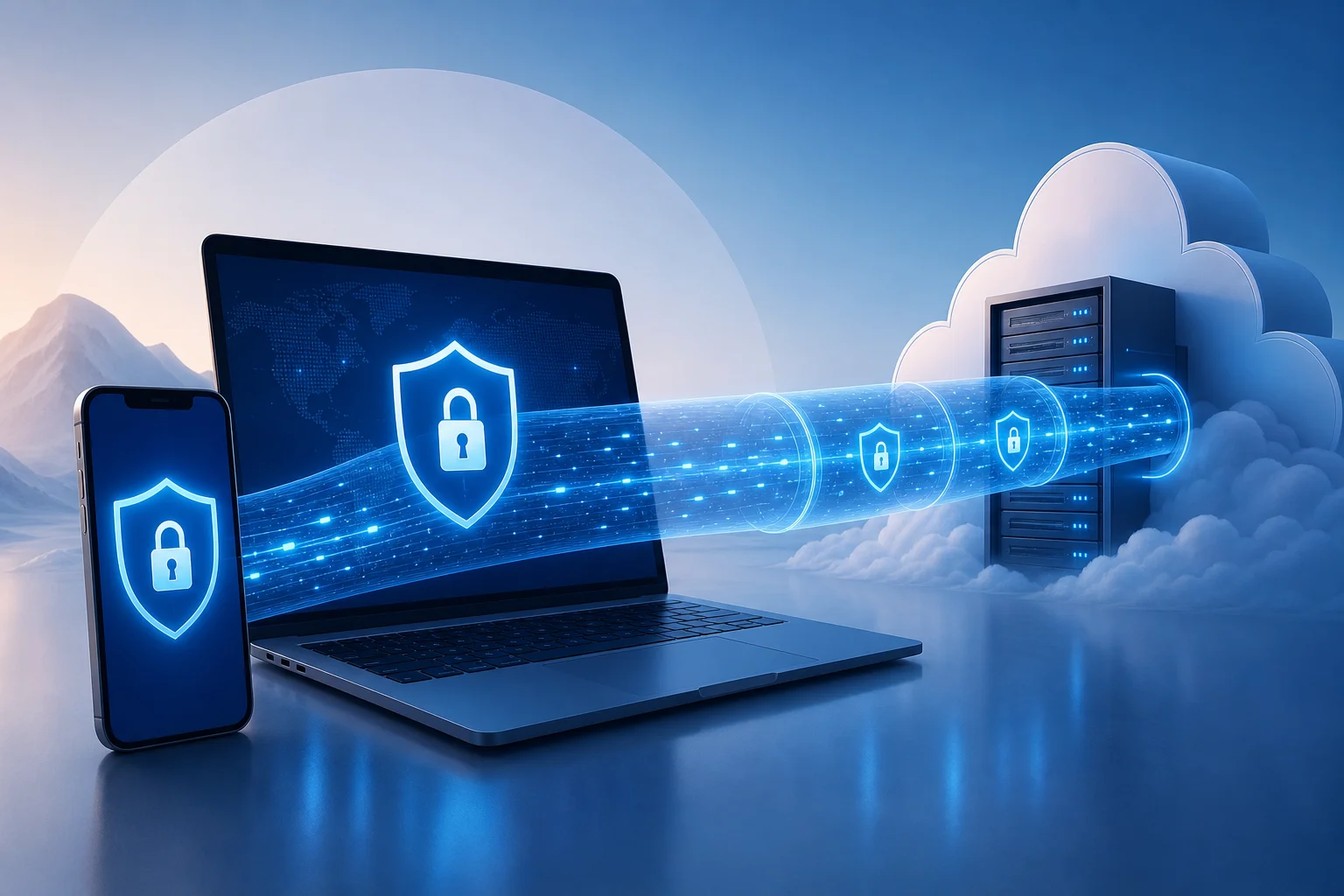
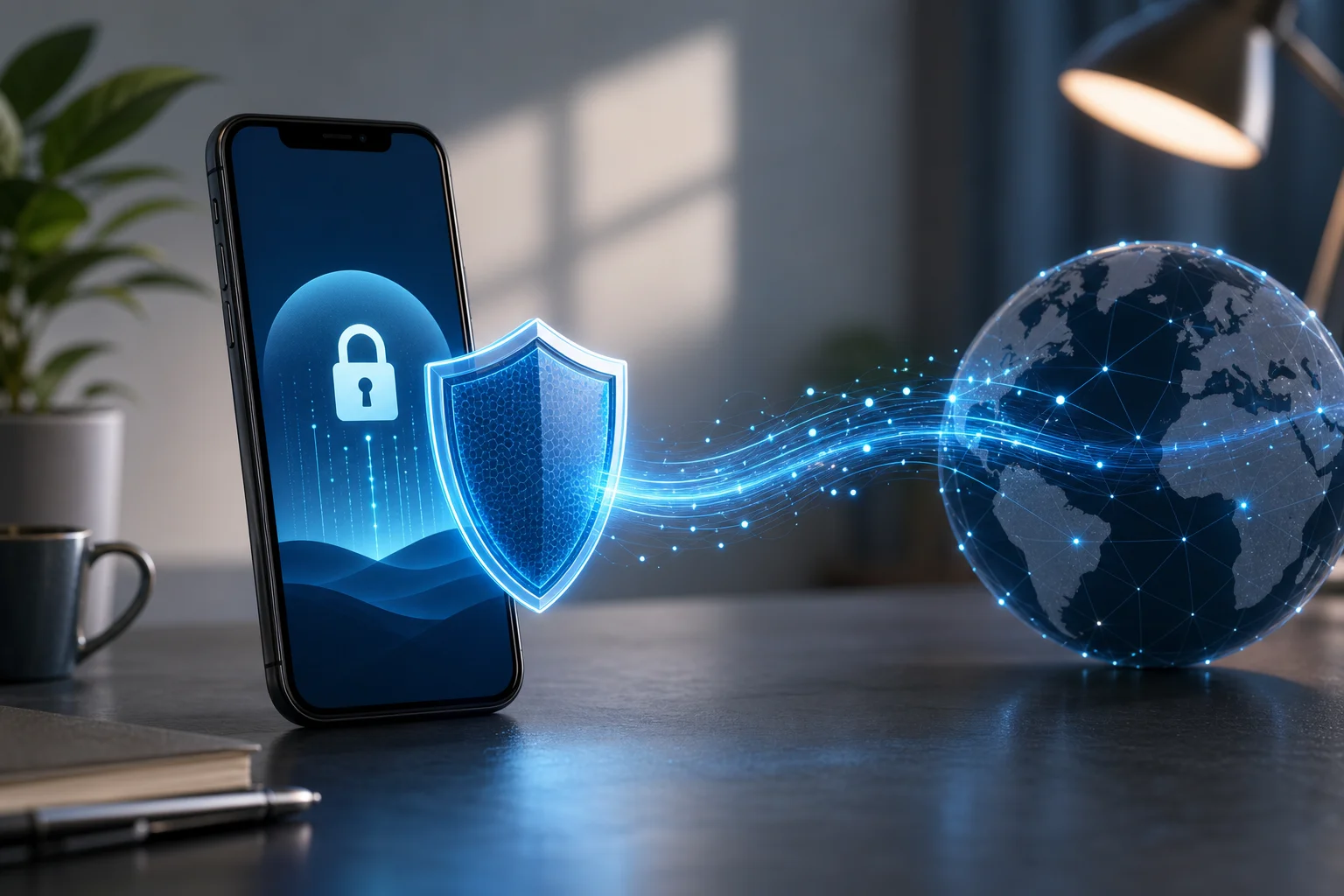
A Virtual Private Network, or VPN, creates an encrypted tunnel between your device and a remote VPN server. On iPhone and iPad, this tunnel protects traffic from local network observers, hostile Wi-Fi operators, some ISP-level monitoring, and many forms of network filtering. For users in restrictive regions, a VPN can also help reach blocked sites, messaging tools, app services, research resources, and independent media.
However, a VPN is not magic anonymity. It changes who can see parts of your traffic. Your ISP may see that you connect to a VPN server. The VPN provider may see connection metadata unless it is designed to minimize logs. Websites can still identify you through account logins, browser fingerprinting, cookies, and device behavior. Therefore, the best setup combines a secure VPN, private DNS where appropriate, hardened browser settings, and careful account hygiene.
Why VPN matters on iOS in restrictive regions
For iPhone and iPad users, a VPN is especially useful because iOS devices often contain sensitive personal data: messages, photos, location history, banking apps, email, and work credentials. In restrictive environments, protecting this traffic can reduce exposure when using public Wi-Fi, hotel networks, campus networks, or mobile carriers that apply filtering.
A secure vpn for ios download should focus on three areas:
- Confidentiality: strong encryption protects traffic inside the tunnel.
- Integrity: modern protocols help prevent tampering and downgrade attacks.
- Availability: reliable routing, obfuscation options, and auto-connect help keep access stable.
iPhone vs. iPad VPN usage
The VPN engine is similar across iPhone and iPad because both run iOS or iPadOS networking frameworks. Yet usage patterns differ.
| Area | iPhone | iPad |
|---|
| Network type | Frequently moves between mobile data and Wi-Fi | Often used on Wi-Fi, sometimes with cellular models |
| Battery profile | Smaller battery, more handoffs | Larger battery, longer sessions |
| Common use | Messaging, maps, mobile browsing, hotspot | Research, streaming, productivity, remote work |
| VPN priority | Fast reconnect and mobile data stability | Split workflow, keyboard work, long sessions |
A vpn for ipad download may prioritize productivity, large-screen browsing, and long Wi-Fi sessions. A vpn app for iphone download should also handle rapid carrier handoffs, captive portals, and background reconnection. If you need a vpn for mac and iphone download, choose a provider with consistent apps and configuration exports across Apple platforms.
2. How to Download and Install a VPN on iPhone and iPad
The safest path for most users is the App Store. Apple reviews apps, applies code-signing controls, and isolates VPN apps through system permissions. Still, users in restrictive regions may need alternatives if the App Store is filtered, a VPN app is removed locally, or they cannot use a personal Apple ID.
Step-by-step: standard iOS VPN download
- Open the App Store on iPhone or iPad.
- Search for a reputable term such as vpn for ios download, free vpn for iphone download, or the provider name.
- Check the developer name, privacy labels, update history, and reviews.
- Install the app.
- Open the app and choose a no-registration option if available.
- When iOS asks to add VPN configurations, review the permission prompt and tap Allow.
- Authenticate with Face ID, Touch ID, or passcode.
- Connect to a nearby server first, then test blocked services.
This process is best for most users because iOS handles the VPN profile at the system level. Once approved, the VPN can protect Safari, Mail, messaging apps, and most app traffic.
Can you download a VPN for iPhone without Apple ID?
A true vpn for iphone without apple id download is limited on standard iOS. In most regions, App Store installation requires an Apple ID or Apple Account. Be cautious with websites offering random .ipa files. They may contain outdated software, modified code, tracking, or malicious profiles.
Legitimate alternatives may include:
- Existing purchase history: if the app is already linked to an account, it may be re-downloadable.
- Family Sharing or managed accounts: useful for organizations, but not anonymous.
- MDM or enterprise deployment: valid for companies, schools, and NGOs, but the administrator may control profiles.
- TestFlight: possible for beta access, but it still depends on Apple infrastructure.
- Regional marketplace options: availability depends on local law and iOS version.
- Manual configuration: if you have server credentials, you can add IKEv2 or other supported profiles without installing a consumer app.
For most privacy-focused users, manual configuration is the cleanest non-app route. Go to Settings > General > VPN & Device Management > VPN > Add VPN Configuration. Then enter details supplied by a trusted provider. This can be useful for a secure vpn for ios without registration if the provider uses anonymous account numbers or configuration files.
Installing with privacy and no registration in mind
If your goal is vpn for iphone without registration, avoid apps that require email, phone number, social login, or invasive permissions. A VPN app normally does not need your contacts, photos, microphone, camera, or precise location. It may need permission to add VPN configurations. That is expected.
For a free vpn for iphone without registration, read the business model carefully. Free services may impose data caps, limited locations, slower speeds, or fewer protocols. Some show ads. If you need vpn for iphone with no ads, ad-free free plans are less common. Paid providers are often cleaner, but some privacy-first free options exist with limits.
App Store comparison checklist
| Criterion | Why it matters | What to prefer |
|---|
| Registration | Reduces identity linkage | No email, anonymous account, or optional login |
| Ads | Ads can add tracking and instability | vpn for ios with no ads or paid plan |
| Protocols | Determines security and speed | WireGuard, IKEv2, OpenVPN, or audited custom protocols |
| Auto-connect | Protects after network changes | vpn for ios with auto connect support |
| Kill switch behavior | Prevents leaks during drops | System-level reconnect and block-on-drop options |
| DNS handling | Prevents DNS leaks | Encrypted DNS or provider DNS inside tunnel |
| Support for iPad/Mac | Easier multi-device setup | One account or config for iPhone, iPad, and Mac |
3. Key Features: Auto-Connect and No Ads
For users facing filtering, the best VPN is the one that stays connected when the network changes. iPhones move constantly between LTE, 5G, Wi-Fi, captive portals, and weak signal zones. That is why vpn for iphone with auto connect is more than convenience. It is operational resilience.
How auto-connect works
Auto-connect monitors network state and starts the VPN when a trigger occurs. Common triggers include:
- joining an unknown Wi-Fi network;
- switching from Wi-Fi to mobile data;
- device wake from sleep;
- VPN tunnel failure;
- app launch;
- system restart.
On iOS, auto-connect behavior depends on the provider app, VPN protocol, and Apple’s Network Extension framework. Some apps can also use on-demand rules. Advanced users may configure IKEv2 on-demand profiles through Apple Configurator or MDM.
Why no ads matters
A vpn app for iphone with no ads provides more than a cleaner interface. It can also reduce third-party SDK exposure, page load interruptions, and accidental taps. In restrictive regions, ads may load from blocked domains, causing timeouts or suspicious traffic patterns. Therefore, a free vpn for iphone with no ads is preferable to an ad-supported VPN if privacy is the priority.
Benefits include:
- fewer third-party trackers;
- less background network noise;
- smoother connection flow;
- lower risk of misleading pop-ups;
- better battery behavior than ad-heavy apps.
Technical setup: enabling auto-connect on iPhone and iPad
The exact interface differs by provider, but the process is usually similar:
- Open your VPN app.
- Go to Settings, Preferences, or Connection.
- Enable Auto-connect, Connect on launch, or Always-on VPN if available.
- Choose triggers such as untrusted Wi-Fi, mobile data, or all networks.
- Enable leak protection or kill switch if offered.
- Select a reliable default protocol. IKEv2 and WireGuard-style protocols usually reconnect quickly.
- Test by switching Airplane Mode on and off.
- Test again by moving from Wi-Fi to mobile data.
If you need best vpn for iphone with auto connect, confirm that the feature works after device sleep and carrier handoff. Some apps claim auto-connect but reconnect only after you open the app.
4. VPN Protocols and Mechanisms for iOS
Protocol choice affects speed, censorship resistance, battery use, and reliability. Advanced users should understand the trade-offs before choosing a fast vpn for iphone download or a secure vpn for ios download.
IKEv2/IPsec
IKEv2 is deeply supported by Apple platforms. It is known for fast reconnection when a device changes networks. That makes it useful for iPhone users who move between Wi-Fi and cellular.
Strengths:
- stable on mobile data;
- good roaming support;
- native iOS configuration;
- efficient reconnect after sleep.
Limitations:
- easier to identify and block than heavily obfuscated protocols;
- configuration quality depends on provider settings;
- may struggle on networks that block IPsec traffic.
For vpn for iphone for mobile data, IKEv2 remains a practical choice when censorship is not aggressively blocking VPN signatures.
OpenVPN
OpenVPN is mature and widely reviewed. On iOS, it often runs through provider apps or the official OpenVPN Connect app using .ovpn profiles.
Strengths:
- flexible port and transport options;
- can run over TCP 443 to resemble HTTPS-like traffic patterns;
- broad provider support.
Limitations:
- may use more battery than newer protocols;
- reconnection can be slower;
- requires profile management if not integrated into a provider app.
OpenVPN can be useful when you need a secure vpn for ios for mobile data and want granular configuration.
WireGuard and WireGuard-based protocols
WireGuard is modern, lean, and fast. Many providers use it directly or build privacy layers on top of it to reduce static key concerns.
Strengths:
- high performance;
- small codebase;
- strong modern cryptography;
- good battery profile.
Limitations:
- static key design needs careful provider implementation;
- default traffic patterns can be recognizable;
- censorship resistance may require obfuscation.
For users searching fast vpn for iphone download, WireGuard-based options are often the first protocol to test. For restrictive regions, pair speed with obfuscation if available.
Apple Network Extension and per-app VPN
iOS VPN apps use Apple’s Network Extension framework. Managed environments can enable per-app VPN, where only selected apps use the tunnel. This is common in enterprise and NGO deployments. It can reduce bandwidth and battery use but may leak traffic from apps not included in the rule set.
For personal censorship bypass, full-device VPN is usually simpler. For high-risk work, managed per-app VPN should be planned carefully and audited.
- Choose a nearby server unless you need a specific country.
- Prefer UDP-based protocols for speed, unless blocked.
- Use TCP 443 or obfuscation when networks interfere with VPN traffic.
- Enable provider DNS inside the tunnel.
- Avoid chaining multiple VPN apps unless you understand route conflicts.
- Re-test after iOS updates because network behavior can change.
5. Using VPNs on Mobile Data vs. Wi-Fi
A vpn for iphone for mobile data faces different conditions than a VPN on home Wi-Fi. Mobile networks use carrier-grade NAT, dynamic routing, radio handoffs, and changing signal quality. Wi-Fi may be faster, but it can include captive portals, local filtering, or unsafe access points.
Mobile data vs. Wi-Fi comparison
| Factor | Mobile data | Wi-Fi |
|---|
| Stability | Varies with signal and tower handoff | Varies with router and congestion |
| Filtering | Carrier-level blocking may apply | Router, ISP, workplace, or campus filtering |
| Captive portals | Rare | Common in hotels, airports, and cafes |
| Battery impact | Higher during weak signal | Usually lower if signal is strong |
| Best protocol | IKEv2 or WireGuard-style | WireGuard, OpenVPN, or obfuscated modes |
A fast vpn for iphone for mobile data should reconnect quickly, avoid heavy background processes, and handle IP address changes. A vpn for ipad for mobile data has similar needs, especially on cellular iPad models used for travel or field work.
Tips for stable VPN on mobile data
- Use auto-connect for all networks, not only Wi-Fi.
- Select a nearby server to reduce latency.
- Disable low-data mode if it breaks tunnel stability.
- Keep the VPN app updated before entering restricted areas.
- Test both 5G and LTE if your carrier behaves differently.
- If the VPN stalls, toggle Airplane Mode before changing servers.
- Keep at least two protocols configured.
Security differences
On public Wi-Fi, the local network operator can often observe DNS requests, connection timing, and unencrypted traffic. On mobile data, the carrier has broader visibility and may apply filtering at scale. In both cases, a VPN reduces local visibility but shifts trust to the VPN provider. Choose a provider with clear privacy practices and minimal registration.
6. Common Misconceptions About VPN for iOS Devices
VPN myths can lead to poor configuration. Here are the most common issues advanced users should separate from reality.
Does a VPN always slow down an iPhone?
No. A VPN adds encryption and routing overhead, so some loss is possible. But a well-implemented fast vpn for iphone without registration can feel almost transparent on modern devices. In some cases, routing through a VPN may even improve access to congested or throttled paths. The real variables are server load, distance, protocol, carrier quality, and censorship interference.
Is using a VPN legal on iPhone and iPad?
Legality depends on jurisdiction. VPNs are legal in many countries and are widely used for privacy, business, and security. Some regions restrict VPN use, require licensed providers, or block VPN protocols. If you live in or travel to a restrictive region, understand local rules and personal risk. This guide is technical information, not legal advice.
Does a VPN make you anonymous?
Not by itself. A VPN hides your IP address from websites and reduces exposure to local networks. It does not erase account logins, browser fingerprints, payment trails, location permissions, or cloud sync records. For higher privacy, combine a secure vpn for ios without registration with privacy-preserving browsers, separate identities, and strict app permissions.
Does a VPN drain battery heavily?
It can, but it should not be extreme. Battery impact depends on protocol, signal quality, reconnect loops, ads, and background analytics. A vpn for iphone with no ads may reduce unnecessary network calls. WireGuard-style protocols and IKEv2 are often efficient. Weak mobile signal usually drains more battery than encryption itself.
Does a VPN use too much mobile data?
VPNs add overhead, but the increase is usually modest compared with video, cloud backups, or app updates. The bigger risk is leaving bandwidth-heavy apps active while connected. For free vpn for iphone for mobile data, watch data caps and disable automatic downloads over cellular.
7. Choosing the Best VPN for Restricted Regions
The best vpn for iphone download in a restricted region is not always the one with the largest server list. It is the one that you can install safely, connect reliably, and use without exposing unnecessary identity data.
Selection criteria
Use this checklist before committing:
- Accessible download: App Store availability, manual profiles, or trusted deployment options.
- No registration option: useful for users who need vpn for ios without registration.
- No ads: prefer best vpn for iphone with no ads to reduce tracking and distractions.
- Auto-connect: essential for mobile users and unstable networks.
- Protocol diversity: WireGuard-style, IKEv2, OpenVPN, and obfuscation when possible.
- Transparent privacy policy: clear logging limits and jurisdiction details.
- DNS leak protection: DNS should route inside the tunnel.
- iPad and Mac support: helpful for vpn for mac and iphone download workflows.
- Mobile data performance: confirm secure vpn for ios for mobile data behavior before relying on it.
- Support channels: documentation should be reachable even when the main site is blocked.
Recommended VPN options to evaluate
The right answer depends on your threat model, payment access, and local blocking. Consider testing several before travel or before entering a high-filtering network.
| Option | Best fit | Notes |
|---|
| BeFreeVPN | Hassle-free iPhone and iPad browsing | Designed for quick access, no-registration use, and ad-free experience |
| Mullvad | Anonymous paid accounts | Uses account numbers instead of email; strong privacy reputation |
| IVPN | Advanced privacy controls | Paid, privacy-focused, supports modern protocols |
| Proton VPN | Generous free tier | Requires account; useful where available |
| Windscribe | Flexible locations and free limits | Account model and limits vary by plan |
| Cloudflare WARP | Simple encrypted transport | Not a traditional location-changing VPN; may not bypass all censorship |
For free vpn for iphone with auto connect, confirm whether auto-connect is available on the free tier. Some providers reserve it for paid plans. For fast vpn for iphone with no ads, a paid or privacy-funded service is often more sustainable than an ad-supported free app.
FAQ: common VPN for iPhone and iPad download questions
What is the safest vpn for iphone download method?
The safest method is usually the App Store, followed by manual configuration from a trusted provider. Avoid unknown .ipa files, random configuration profiles, and apps that request unrelated permissions.
Can I use a vpn for iphone without registration?
Yes, some providers offer no-registration access or anonymous account numbers. Check whether the app requires email, phone verification, or social login before installing.
Is there a vpn for ios with no ads?
Yes. Many paid VPNs have no ads, and some free or freemium services avoid ads by limiting data, locations, or speed. For privacy, no ads is usually better than ad-supported access.
What is the best vpn for ipad with auto connect?
The best choice is one that supports iPadOS auto-connect, reconnects after sleep, and lets you define trusted and untrusted networks. Test it on both Wi-Fi and cellular if you use a cellular iPad.
Can I use a vpn for mac and iphone without registration?
Yes, if the provider supports anonymous accounts or device configuration without personal details. Make sure the same protocol and server locations are available on both macOS and iOS.
Do I need a different VPN for mobile data?
Not always. But you should choose a VPN that handles network changes well. For mobile data, IKEv2 and WireGuard-style protocols are usually strong starting points.
Conclusion
A well-chosen VPN can make iPhone and iPad use safer, more private, and more reliable in restrictive regions. Start with a trusted download path, prefer no-registration and no-ad options, enable auto-connect, and test multiple protocols on both Wi-Fi and mobile data. Above all, match the VPN to your real threat model rather than relying on marketing claims.
Try BeFreeVPN for a hassle-free, ad-free browsing experience on your iPhone and iPad without the need for registration. Enjoy unrestricted internet access instantly.
Related Articles