How Alex streamlined streaming with a personal VPN for computer use

· 10 min read

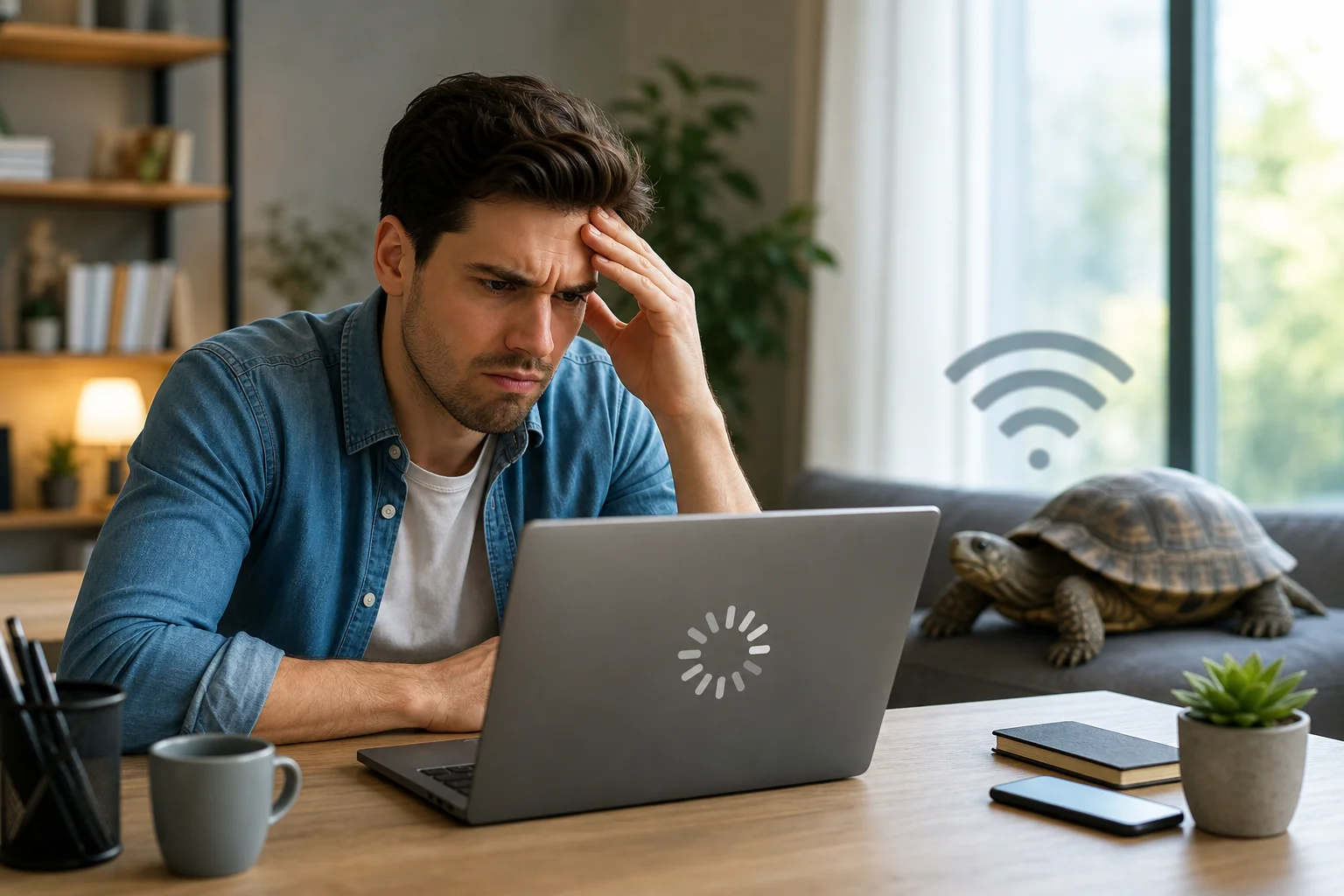
Imagine wanting to stream your favorite shows but constantly hitting those frustrating geo-restrictions. Alex faced this daily—until he discovered a personal VPN for computer use that fit his routine. This case study follows how he used BeFreeVPN to simplify access, improve privacy on public Wi-Fi, and make streaming from his computer feel less limited and more reliable.

For Alex, the goal was not to overcomplicate his setup. He wanted a simple way to browse, work, and stream with more flexibility. Like many remote workers, he used his laptop for almost everything: video calls, cloud documents, travel planning, and evening entertainment. A personal VPN became the missing layer that helped connect those needs.

Meet Alex: The Digital Enthusiast

Alex is a tech-savvy remote worker who splits his time between home, coworking spaces, and occasional travel. His computer is the center of his day. In the morning, it is his office. In the evening, it becomes his home cinema.

He follows international film releases, documentaries, and niche shows that often launch in different regions at different times. Sometimes, a series would be available to friends abroad but not visible from his location. Other times, a streaming library would change when he travelled, leaving him unable to continue a show he had already started.

That inconsistency became frustrating. Alex understood that streaming platforms use regional licensing rules. Still, he wanted a smoother way to manage his digital experience without switching devices, relying on risky browser extensions, or wasting time searching for workarounds.

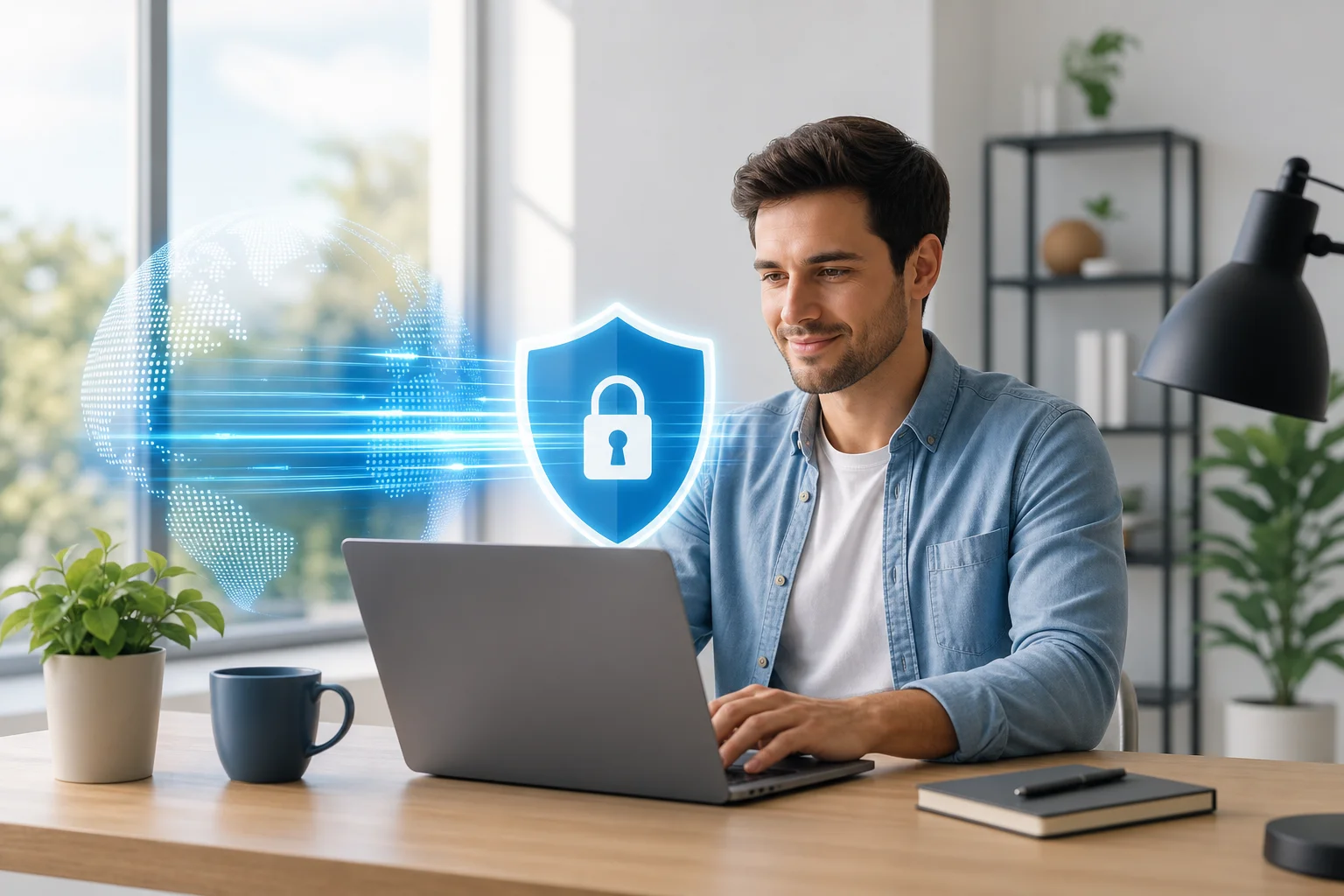
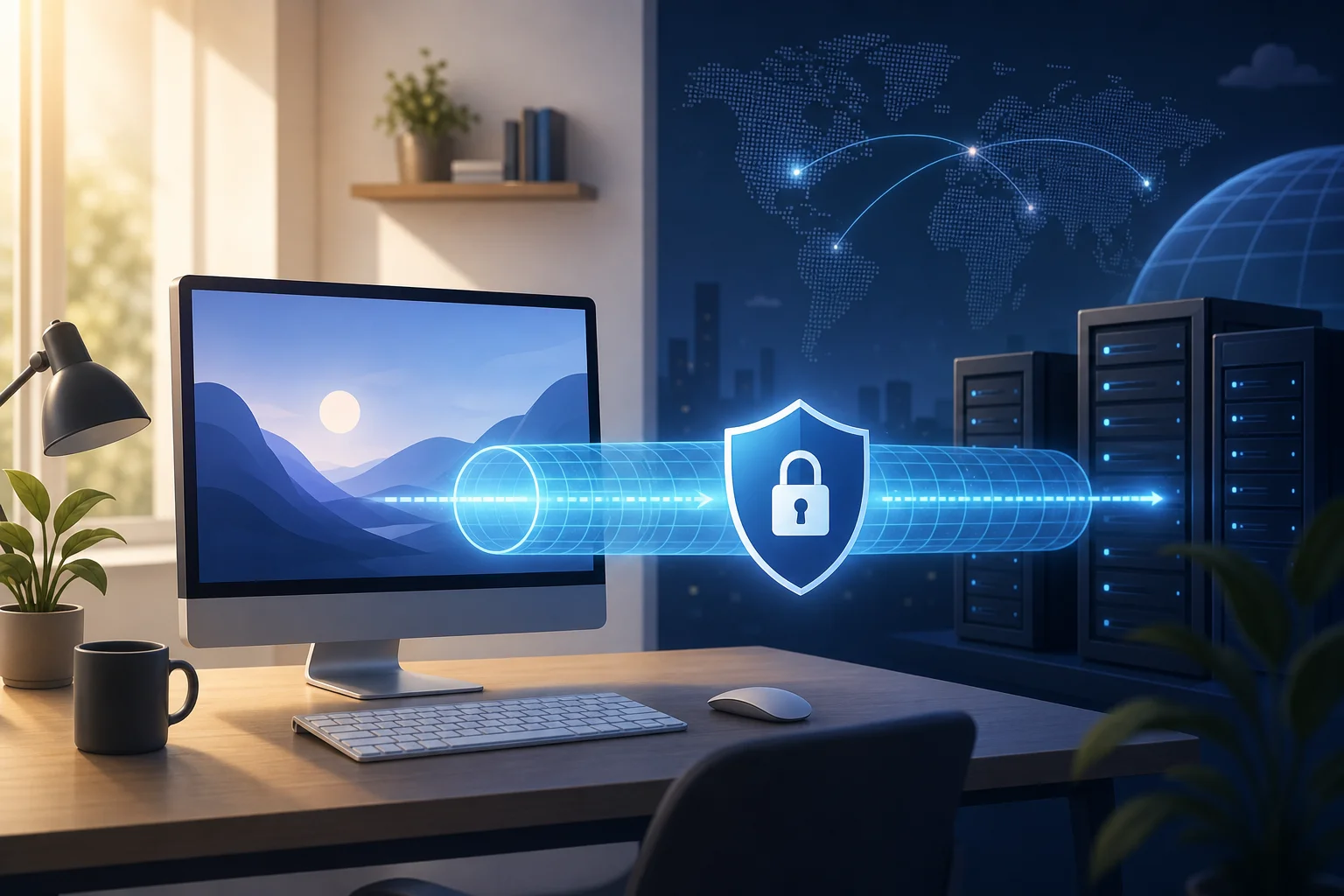
personal vpn for computer streaming setup

His ideal solution needed to meet three practical requirements:

  • Work directly on his computer, not only on a phone.
  • Help reduce location-based limitations while browsing and streaming.
  • Add privacy when he used public Wi-Fi for work.

In short, Alex needed a personal VPN for his computer that was simple enough for daily use but capable enough for both entertainment and remote work.

The Challenge: Overcoming Geo-Restrictions

Alex’s main challenge was access. He often encountered messages such as “content not available in your region” or saw a smaller catalog than expected. This was especially common when he tried to stream international films, sports documentaries, or shows released first in another market.

However, geo-restrictions were only part of the problem. Because Alex worked remotely, he also used hotel Wi-Fi, airport networks, and coffee shop connections. Those networks were convenient but not always trustworthy. He wanted to avoid exposing browsing activity or work sessions on shared networks.

At first, Alex considered several options. Some looked helpful, but each had a drawback.

Option Alex consideredWhy it seemed usefulWhy it fell short
Free browser proxy extensionsQuick to install in one browserOften limited to browser traffic and less suitable for full-computer protection
Smart DNS toolsCan help with some location-based streaming issuesUsually does not encrypt traffic like a VPN
Mobile-only VPN appsUseful on a phoneDid not solve the problem on his main computer
Manual network tweaksOffered more controlToo time-consuming for daily streaming and work
Waiting for regional releasesFully compliant with local availabilityDid not solve access delays or travel-related catalog changes

Alex also learned that not every VPN is equal. Some services require long sign-up flows. Others make it hard to change locations or understand whether the connection is active. He wanted a tool he could use without becoming a network administrator.

Just as important, Alex wanted to act responsibly. He knew that streaming services may have terms that govern regional access. So, his aim was to choose a privacy-focused VPN, understand the rules of each platform, and avoid suspicious tools that promised too much.

The Solution: Implementing a Personal VPN

After comparing his options, Alex chose BeFreeVPN as his personal VPN for computer streaming and remote browsing. The appeal was straightforward: it offered a simple VPN experience and did not require registration. For Alex, that mattered because he wanted to get started quickly without creating yet another account.

BeFreeVPN also suited the way he used his computer. Instead of managing different tools for different tasks, he could use one VPN connection before opening his streaming service, browser, or work tools. That made the workflow cleaner.

How Alex set up BeFreeVPN on his computer

Alex followed a simple setup process. For users who want a featured-snippet-style checklist, the steps look like this:

  1. Download the VPN app for the computer. Alex started by installing BeFreeVPN on the device he used most often.
  2. Open the app. He did not need to complete a long registration process, which removed friction.
  3. Choose a suitable VPN location. He selected a server location based on what he needed to access or where he wanted his connection to appear.
  4. Connect before browsing or streaming. Once connected, he opened his streaming platform and checked availability.
  5. Test performance. Alex tried a few locations to find the best balance between access and smooth playback.
  6. Use the VPN on public Wi-Fi. When working outside his home, he connected first, then opened email, documents, and communication tools.

This step-by-step routine became second nature. Instead of troubleshooting every time a catalog changed, Alex had a repeatable process.

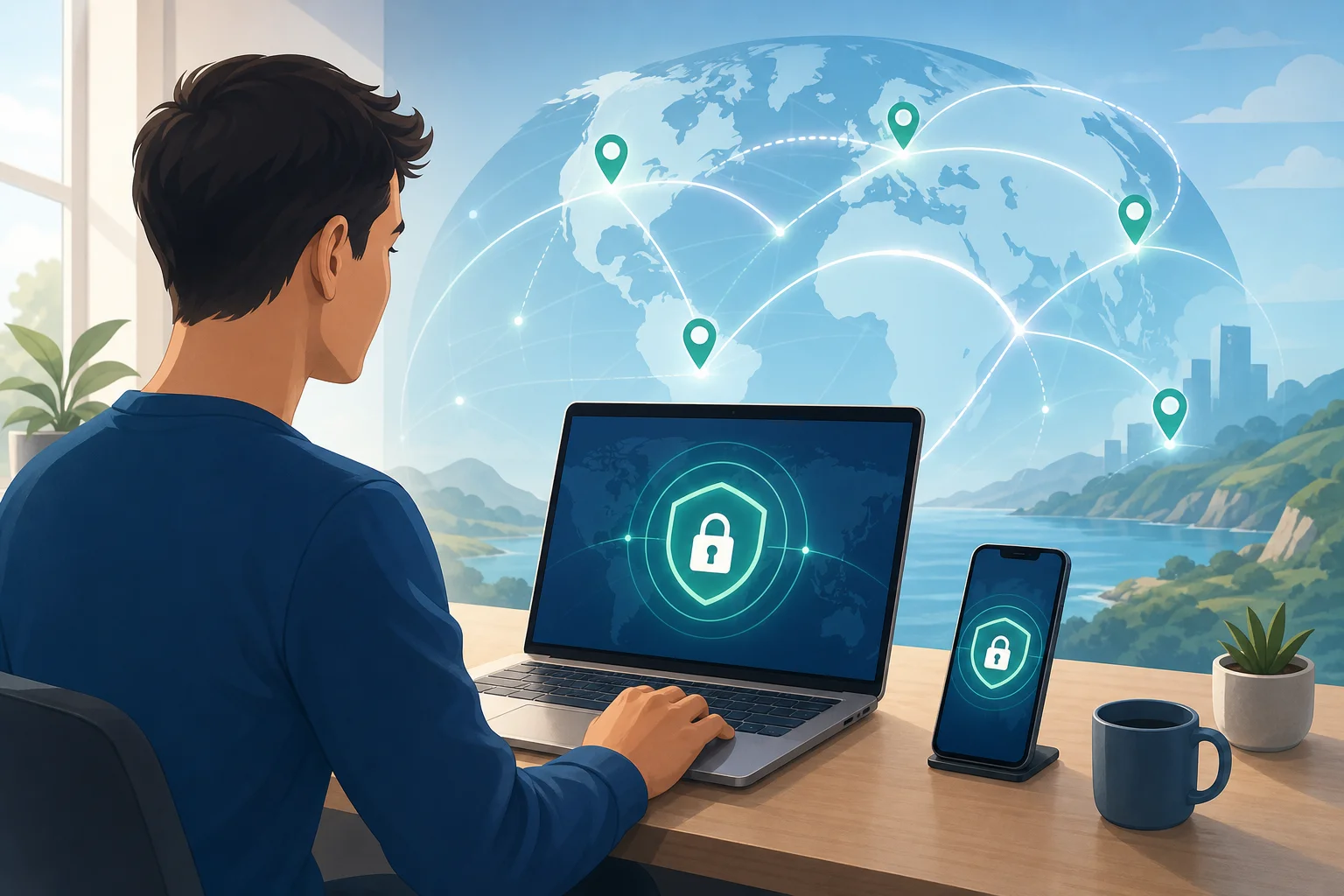
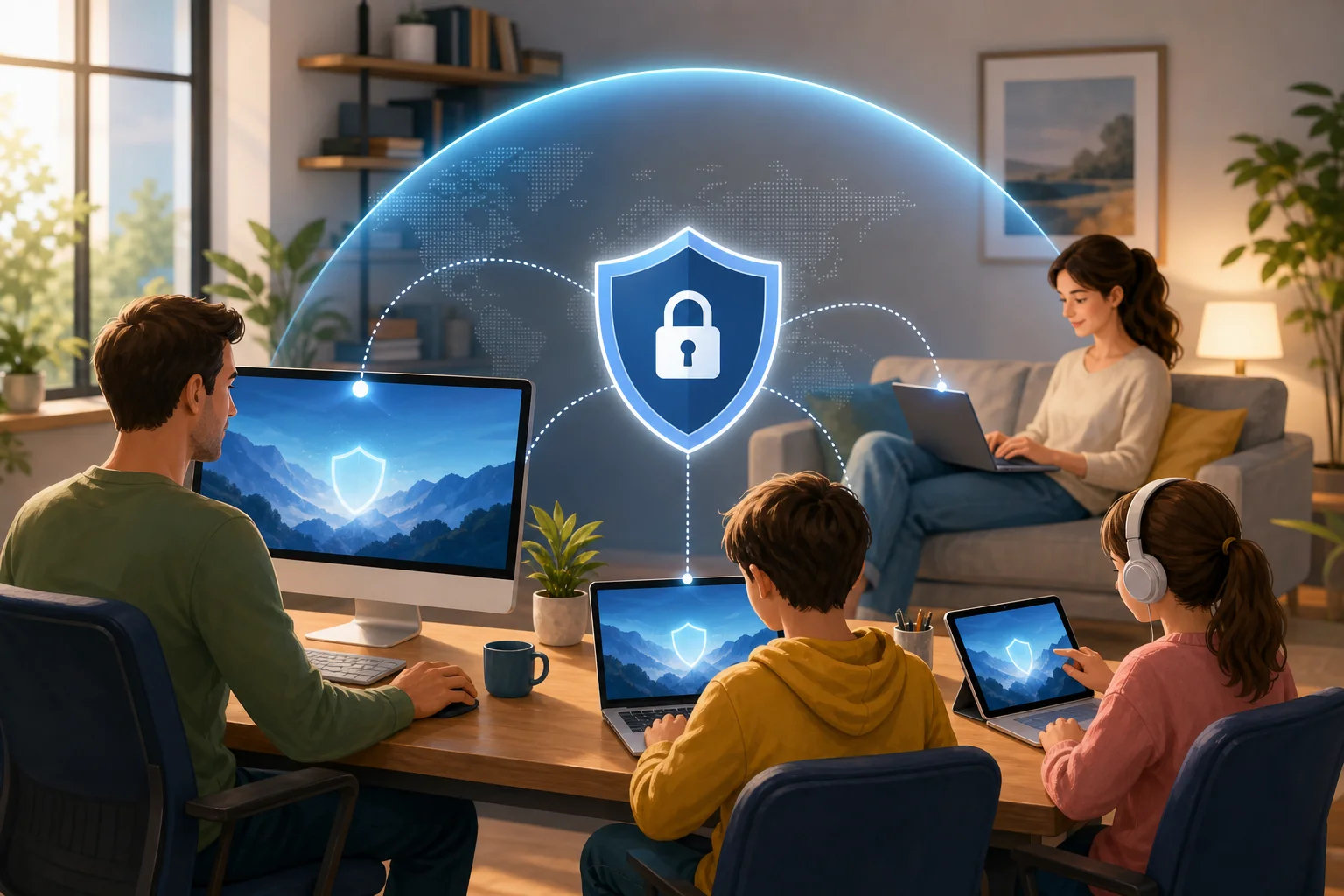
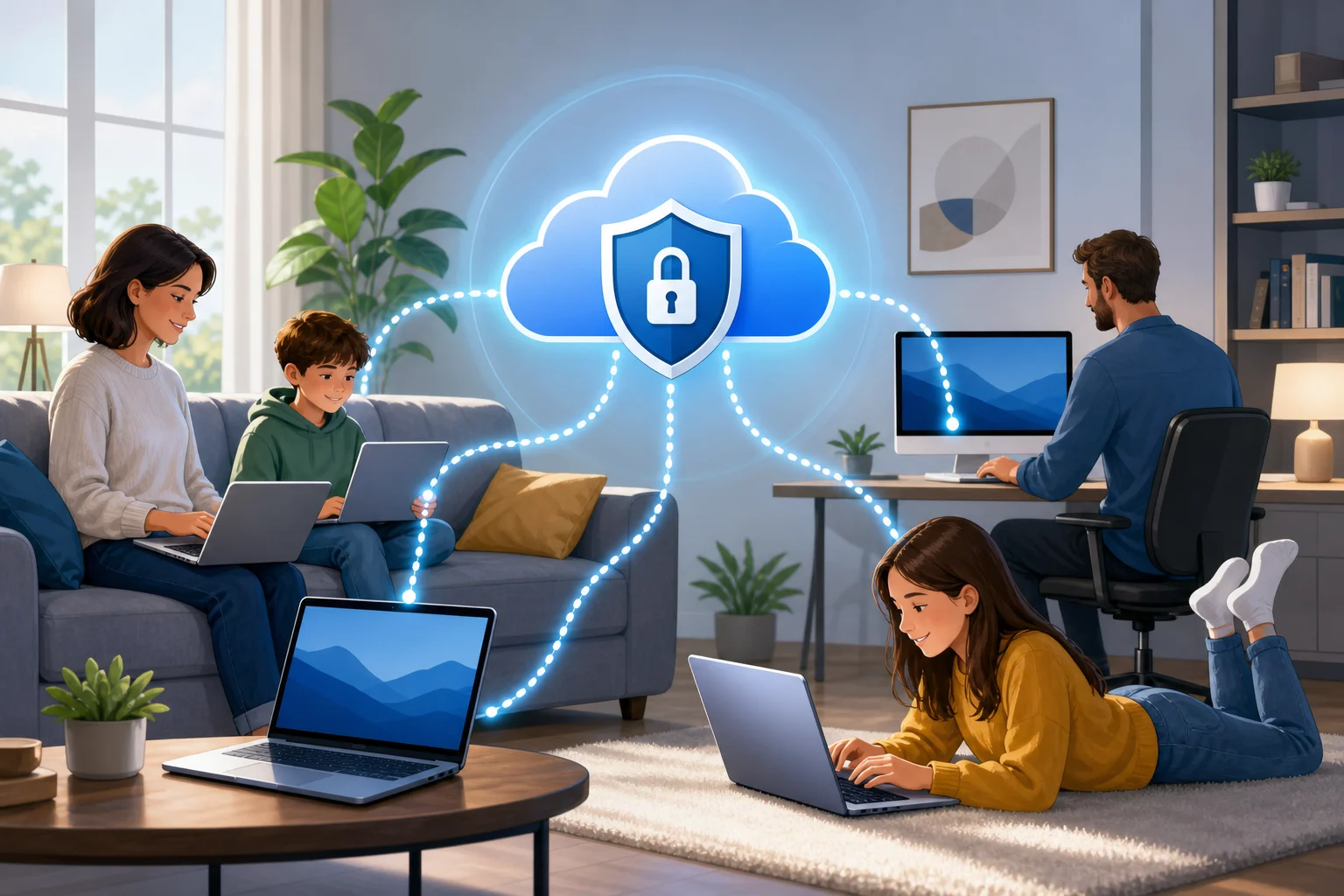
BeFreeVPN computer setup workflow

Why no registration mattered

The no-registration feature stood out because it matched Alex’s preference for simplicity. He did not want to spend time verifying email addresses, managing another password, or sharing more personal details than necessary just to test a VPN connection.

For intermediate users like Alex, this is a real usability benefit. A VPN may offer strong features, but if it feels inconvenient, people stop using it. BeFreeVPN reduced that barrier and made privacy easier to keep switched on.

Results: Expanding Horizons

After adding BeFreeVPN to his computer, Alex noticed the biggest change in how predictable his streaming routine became. Instead of running into a block and abandoning the session, he could connect through the VPN and check whether the platform offered the content in the selected location.

This helped him access streaming experiences that were previously unavailable from his normal connection. For example, when traveling, he could maintain a more consistent browsing environment and avoid sudden changes caused by local networks. When exploring international catalogs, he had a practical way to view content availability across regions, subject to each platform’s rules.

Alex also appreciated the smoother workflow. He was not jumping between questionable plug-ins or temporary proxy sites. He had one computer-based VPN tool that he could open, connect, and use.

Streaming quality and speed

Alex’s experience with streaming improved because he began testing VPN locations before settling in for a film or show. While VPN performance can vary based on server load, distance, network conditions, and the streaming platform itself, he found that choosing an appropriate location helped him maintain stable playback.

He also learned a useful habit: if one location felt slow, he switched to another. This simple adjustment often helped reduce buffering. More importantly, it gave him control. Instead of assuming the problem was his computer or the platform, he had a clear troubleshooting path.

Security and privacy for remote work

The benefits extended beyond streaming. When Alex worked from cafés or shared workspaces, he used BeFreeVPN before opening work tools. A VPN encrypts traffic between the computer and the VPN server, which helps reduce exposure on public Wi-Fi.

That added layer gave him more confidence. It did not replace good security habits, such as using strong passwords, enabling multi-factor authentication, and keeping software updated. However, it became a useful part of his remote work setup.

For Alex, the result was a more streamlined digital life. Entertainment became easier to manage. Public Wi-Fi felt less risky. And his computer became the single place where work, privacy, and streaming could coexist more smoothly.

Takeaways: What Alex Learned

Alex’s experience shows that a personal VPN for computer users can be useful when the goal is flexibility, privacy, and simplicity. It is not just a tool for advanced users. It can be part of a practical daily routine.

His main lessons were clear:

  • Choose a VPN designed for the device you use most. Since Alex streams and works on his computer, a computer-friendly VPN mattered more than a mobile-only option.
  • Keep the setup simple. The fewer steps required, the more likely you are to use the VPN consistently.
  • Test locations for performance. Streaming quality can change depending on the server and network path.
  • Use a VPN before joining public Wi-Fi sessions. This helps protect browsing activity on shared networks.
  • Respect platform rules. A VPN can improve privacy and access flexibility, but streaming availability still depends on licensing and service terms.

Alex’s advice to others is practical: do not wait until you are blocked, buffering, or connected to an unknown Wi-Fi network. Set up your VPN before you need it. Learn how it works. Then make it part of your normal computer routine.

He also recommends choosing a user-friendly VPN like BeFreeVPN if you want fewer barriers. The no-registration approach helped him start faster, and the simple workflow made it easier to keep using the VPN over time.

FAQ: Personal VPN for Computer Streaming

What is a personal VPN for computer use?

A personal VPN for computer use is an app or service that routes your computer’s internet traffic through a VPN server. This can help improve privacy, protect traffic on public Wi-Fi, and provide more location flexibility while browsing.

Can a VPN help with geo-restricted streaming content?

A VPN can help you appear to browse from a different location, which may affect what content a streaming platform shows. However, access depends on the platform’s licensing rules and terms of service, so users should review and follow those rules.

Will a VPN always improve streaming speed?

Not always. A VPN may improve stability in some situations, but it can also slow traffic if the server is far away or busy. For the best experience, test several server locations and use a reliable internet connection.

Is a no-registration VPN useful for everyday users?

Yes, especially for users who value simplicity. A no-registration VPN can reduce setup friction and make it easier to start protecting your connection without creating another account.

Conclusion: A Simpler Way to Stream and Work

Alex’s case shows how the right VPN can make a computer feel more capable. By using BeFreeVPN, he created a simpler path to global streaming exploration, more consistent access while traveling, and stronger privacy on public Wi-Fi. Explore BeFreeVPN today for a seamless, no-registration experience and unlock the full potential of your streaming platforms on your computer.

The ultimate guide to personal VPNs without registration: everything you need to know

· 17 min read

Why pay for a VPN when you can have a secure and free option like BeFreeVPN, offering protection without the hassle of registration? A personal VPN without registration helps you browse more privately, reduce exposure on public Wi-Fi, and avoid giving yet another company your email address, payment details, or personal profile. In this ultimate guide, you’ll learn what registration-free VPNs are, how they work, when they make sense, how to set one up, and what to check before choosing a free VPN service.

personal vpn without registration on laptop

Introduction: Why Choose a Personal VPN Without Registration?

A personal VPN without registration is a virtual private network service that lets you connect to an encrypted VPN server without creating an account first. Instead of signing up with an email address, setting a password, choosing a subscription, and entering payment information, you can open the app, connect, and start browsing with an added layer of privacy.

That simplicity matters. More of daily life now happens online: banking, shopping, messaging, work, travel planning, streaming, and reading the news. At the same time, users face more tracking, more data collection, and more risks on unsecured networks. A VPN cannot solve every privacy problem, but it can help protect your internet traffic from local snooping and reduce how much your real IP address is exposed to websites and networks.

Registration-free VPNs are especially attractive for people who want quick protection without a long setup process. They can also be useful for people who do not want to attach their browsing protection tool to personal data such as an email account or card number.

In this guide, we’ll cover:

  • What a personal VPN without registration means
  • How BeFreeVPN fits this category
  • Why free VPNs can save money compared with paid plans
  • How VPN encryption supports privacy
  • How to set up and use a no-sign-up VPN
  • What to compare before choosing a provider
  • Key takeaways and common questions

The goal is simple: help you decide whether a free, registration-free VPN is enough for your everyday privacy needs.

Quick Answer: What Is a Personal VPN Without Registration?

A personal VPN without registration is a VPN service designed for individual users that does not require account creation before use. You typically install the VPN app, select a server or connection mode, and connect. The service then routes your internet traffic through an encrypted tunnel between your device and the VPN server.

Core features of a registration-free personal VPN

Most no-registration VPN services focus on three core ideas:

  1. No account requirement — You do not need to submit an email address, username, password, or payment information to start.
  2. Encrypted connection — Your device sends traffic through a secure tunnel, which helps protect it from local network monitoring.
  3. IP address masking — Websites and online services see the VPN server’s IP address rather than your direct network IP address.

Some services also include additional features, such as automatic server selection, cross-device support, a simple connect button, or basic location choices.

Where BeFreeVPN fits

BeFreeVPN is a strong example of a personal VPN without registration because it is designed around quick access, no sign-up friction, and free use. For users who want protection without managing another online account, that model is appealing. You can use it for everyday browsing, public Wi-Fi protection, and basic privacy without committing to a paid subscription.

Benefits compared with traditional paid VPNs

Traditional VPN services often require you to register before you can use them. That process may include an email address, password, billing information, renewal settings, and sometimes identity-linked payment records. In contrast, a no-registration VPN reduces the amount of personal information you hand over.

Here is the practical difference:

FeaturePersonal VPN without registrationTraditional paid VPN
Account requiredUsually noUsually yes
Upfront costOften freeUsually monthly or yearly
Setup timeFastLonger
Personal data sharedMinimalOften email and payment details
Best forEveryday privacy and quick protectionAdvanced features, heavy use, specific locations

For many people, paying for a VPN may be unnecessary if their main needs are secure browsing on public Wi-Fi, simple IP masking, and a no-hassle setup. However, users with advanced needs should still compare features carefully.

The Financial Benefits: Save Money with Free VPNs

The cost of online privacy tools can add up. A paid VPN subscription may look inexpensive at first, but over months and years it becomes another recurring bill. If you already pay for cloud storage, streaming, password management, mobile data, and security software, adding a VPN subscription may not feel worthwhile.

A free VPN like BeFreeVPN changes that calculation. If your main goal is basic privacy protection without registration, free access can provide practical value without forcing you into a subscription.

The real cost of paid VPN services

Paid VPNs commonly use one of these pricing models:

  • Monthly plans, which are flexible but often cost more over time
  • Annual plans, which reduce the monthly average but require upfront payment
  • Multi-year plans, which may offer discounts but lock you into a longer commitment
  • Premium tiers, which may charge extra for more locations, faster speeds, or dedicated IP addresses

There can also be hidden costs in the form of auto-renewals, unused subscriptions, upgrade prompts, and paying for advanced features you do not need. For example, if you only use a VPN at airports, hotels, coffee shops, or while browsing casually, a full paid plan may be more than necessary.

Cost savings with BeFreeVPN

BeFreeVPN’s main financial advantage is straightforward: you can use a personal VPN without registration and without paying for a subscription. That makes it practical for:

  • Students who need privacy on campus Wi-Fi
  • Travelers using hotel or airport networks
  • Remote workers who want basic protection outside the office
  • Families who want simple privacy tools across devices
  • Budget-conscious users who do not want another monthly bill

A free VPN is also easier to test. You do not have to calculate whether you will use it enough to justify the cost. You can simply try it, see whether it fits your browsing habits, and keep using it if it works for you.

Why registration-free options are practical for budget-conscious users

Registration-free VPNs save more than money. They also save time. There is no long signup form, no account verification email, and no checkout page. That matters when you need protection quickly, such as before joining public Wi-Fi in a hotel lobby or airport terminal.

There is also a privacy benefit tied to cost. Paid services usually need payment details, and even privacy-focused providers may still process transactions through third-party payment systems. A VPN with no registration and no payment requirement reduces that data trail.

Still, free does not mean you should ignore quality. A responsible user should check the provider’s privacy policy, app permissions, connection stability, and whether the service is transparent about its limits. The best free VPN for you is the one that offers useful protection without asking for more data than it needs.

How Personal VPNs Without Registration Protect Your Privacy

A VPN protects privacy by creating an encrypted tunnel between your device and a VPN server. When you connect, your internet traffic travels through that tunnel before reaching websites, apps, or online services. This can make it much harder for people on the same local network to inspect what you are doing.

vpn privacy encryption protection

How VPN encryption works in everyday terms

Think of a normal internet connection like sending postcards through a public route. Some information may be visible to networks along the way. A VPN is more like placing those postcards into a sealed envelope before sending them through the first part of the route.

In practical terms, a VPN can help protect you when:

  • You use public Wi-Fi at a café, airport, library, or hotel
  • You connect through a shared office or campus network
  • You want websites to see the VPN server’s IP address instead of your direct IP address
  • You want an extra privacy layer when browsing on mobile data or home Wi-Fi

A VPN does not make you invisible online. Websites can still use cookies, account logins, browser fingerprints, and tracking scripts. However, it does reduce exposure at the network level and helps prevent simple local snooping.

Why no registration can improve privacy

When a VPN requires registration, you usually provide personal information. Even if it is only an email address, that creates an account record. If payment is required, the service or its payment processor may also handle billing data.

A personal VPN without registration avoids much of that. You can start using the service without connecting your VPN activity to a personal account. That is especially helpful for people who prefer data minimization: sharing only what is necessary, when it is necessary.

However, no registration is not the same as guaranteed anonymity. You should still review the VPN’s policies. Look for clear explanations of what data is collected, how long it is retained, and whether usage logs are stored. The advantage is that a no-sign-up VPN begins with less personal information from you.

Examples of risks a VPN can help reduce

A VPN can help reduce several common security risks:

  1. Public Wi-Fi snooping
    On an unsecured network, attackers may try to observe traffic or trick users into unsafe connections. A VPN adds encryption that makes local monitoring much less useful.

  2. IP-based tracking
    Websites often see your IP address when you visit. A VPN replaces your direct IP address with the VPN server’s IP address, reducing easy location-based identification.

  3. Man-in-the-middle attempts on weak networks
    Attackers may attempt to intercept traffic on poorly secured networks. VPN encryption helps protect the connection between your device and the VPN server.

  4. Untrusted network administrators
    On shared networks, administrators may be able to see connection metadata or browsing destinations. A VPN limits what the local network can observe, although it cannot hide everything from every party.

The key point is balance. A VPN is not a replacement for good passwords, two-factor authentication, software updates, and safe browsing habits. It is one important layer in a broader privacy and security routine.

Setting Up and Using a Personal VPN Without Registration

One of the biggest advantages of BeFreeVPN is ease of use. A registration-free VPN should feel simple from the first launch. You should not need technical knowledge, manual configuration files, or a long onboarding process.

Step-by-step guide to setting up BeFreeVPN

Follow these general steps to start using BeFreeVPN:

  1. Download the BeFreeVPN app
    Get the app from the official source for your device. Avoid unofficial downloads, especially from random file-sharing sites.

  2. Install and open the app
    Follow your device’s normal installation process. Once installed, open the app.

  3. Review permissions
    VPN apps usually ask permission to create a VPN connection on your device. This is normal, but you should still read the prompt before accepting.

  4. Choose your connection option
    Depending on the app interface, you may be able to select a location or use an automatic server option.

  5. Tap connect
    Start the VPN connection. Your device may show a VPN icon or status indicator when the tunnel is active.

  6. Browse as usual
    Once connected, open your browser or apps. Your traffic will route through the VPN until you disconnect.

  7. Disconnect when not needed
    If you want maximum speed for low-risk activities, you can disconnect and reconnect later. For public Wi-Fi, staying connected is usually the safer choice.

User interface overview and ease of use

A good personal VPN without registration should have a clean interface. The most important controls are simple:

  • A clear connect and disconnect button
  • Visible connection status
  • Server or location options, if available
  • Basic settings that are easy to understand
  • Minimal prompts and no forced signup screens

BeFreeVPN’s appeal is that it keeps the experience focused. Instead of pushing users through account creation, it lets them connect quickly. That is ideal for people who want privacy protection without studying VPN protocols or managing subscriptions.

Tips for getting the most out of a no-sign-up VPN

To use a free VPN effectively, follow these tips:

  • Connect before joining risky networks. Turn on the VPN before logging into banking, email, or work tools on public Wi-Fi.
  • Keep your apps updated. VPN protection is stronger when your operating system, browser, and apps are current.
  • Use HTTPS websites. A VPN encrypts part of your connection path, while HTTPS protects the connection between your browser and the website.
  • Avoid suspicious downloads. A VPN does not make unsafe files safe.
  • Check your connection status. Make sure the VPN is connected before assuming your IP address is masked.
  • Use strong passwords and two-factor authentication. VPNs protect traffic, not weak accounts.

By combining a VPN with these habits, you get more complete protection without paying for tools you may not need.

Comparing Personal VPN Options: What to Consider

Not every free VPN is equal. Some are easy to use but limited. Others offer more server options but require registration. Some may show ads, limit speeds, or restrict data usage. Before choosing a personal VPN without registration, compare the factors that matter most for your situation.

free vpn comparison across devices

Key factors to evaluate

Use this checklist when comparing free VPN services:

FactorWhy it mattersWhat to look for
Registration requirementLess signup means less personal data sharedNo email, no password, no payment details
Privacy policyExplains what data is collectedClear, readable policy with minimal data collection
CostAffects long-term useFree access without forced subscription
Ease of useHelps non-technical users stay protectedOne-tap connection and simple settings
SpeedImpacts browsing and streaming qualityStable performance for everyday browsing
Device supportDetermines where you can use itApps for the devices you actually own
Server optionsAffects connection flexibilityAutomatic or manual location choices
LimitsFree plans may have restrictionsUnderstand data, speed, or location limits
ReputationReduces risk from unknown providersConsistent user feedback and transparent support

BeFreeVPN compared with other free VPN options

BeFreeVPN stands out for users who care most about free access and no registration. Many free VPNs use a freemium model, where the free version exists mainly to push users toward a paid account. That can still be useful, but it may come with frequent upgrade prompts, strict limits, or mandatory account creation.

Here is a practical comparison:

Option typeStrengthsPossible drawbacksBest fit
BeFreeVPNFree, simple, registration-free accessMay not offer every advanced paid featureEveryday users who want quick privacy
Free tier from paid VPNOften backed by an established paid serviceMay require signup or have tight limitsUsers testing a provider before upgrading
Browser-only VPN extensionEasy to install and useMay protect only browser traffic, not all appsLight browsing on one browser
Built-in browser privacy toolConvenient and simpleUsually limited in scope and configurationCasual browsing, not full-device protection
Paid premium VPNMore advanced features and locationsRequires payment and usually registrationPower users with specific needs

For most everyday users, the best choice is the one they will actually use. A powerful VPN with a complex signup process may sit unused. A simple no-registration VPN can be more practical because it removes barriers.

User reviews and satisfaction metrics to check

Avoid relying on one glowing review or one negative comment. Instead, look for patterns. Useful satisfaction signals include:

  • Whether users say the app is easy to connect
  • Reports of stable or unstable connections
  • Complaints about intrusive ads or upgrade prompts
  • Comments about speed during normal browsing
  • Feedback on customer support or help resources
  • Recent reviews after app updates
  • Clear explanations from the provider about privacy practices

Do not treat app store ratings as the only measure of quality. Ratings can change, and they may not explain why users are satisfied or frustrated. Read recent reviews and compare them with the service’s own documentation.

FAQ: Common questions about personal VPNs without registration

Is a personal VPN without registration safe?

It can be safe if the provider uses reliable encryption, has a clear privacy policy, and does not ask for unnecessary permissions. No registration reduces the personal data you share, but you should still choose a trustworthy service.

Is a free VPN enough for everyday browsing?

For many users, yes. A free VPN can be enough for public Wi-Fi protection, basic IP masking, and casual browsing privacy. Heavy streaming, advanced location needs, or business requirements may call for extra features.

Does no registration mean no tracking?

Not automatically. No registration means you do not create an account, but the provider may still collect limited technical data. Always read the privacy policy to understand what is collected and why.

Can I use BeFreeVPN on public Wi-Fi?

Yes, public Wi-Fi is one of the most practical use cases for BeFreeVPN. Connect before signing into email, banking, work tools, or any service that handles sensitive information.

Do I need a paid VPN if BeFreeVPN works for me?

Not necessarily. If BeFreeVPN meets your needs for speed, privacy, and ease of use, a paid VPN may be unnecessary. Paid services can be useful for advanced features, but they are not required for everyone.

Key Takeaways: What You’ve Learned about Personal VPNs Without Registration

A personal VPN without registration gives users a simple way to improve online privacy without creating another account or paying another subscription. That combination is powerful because it removes two common barriers: cost and complexity.

BeFreeVPN is a practical option for people who want secure, free browsing without signup requirements. It is especially useful for everyday activities such as browsing on public Wi-Fi, masking your direct IP address, and reducing exposure to local network snooping.

The financial advantages are clear. Paid VPNs can be useful, but many users do not need a premium plan for basic protection. If your needs are simple, a free VPN can help you avoid recurring costs while still adding a valuable privacy layer.

The privacy advantages are also important. Because no registration is required, you do not have to provide an email address, password, or payment details just to turn on protection. That supports the principle of data minimization: share less personal information whenever possible.

At the same time, choose carefully. A good registration-free VPN should be transparent, easy to use, and clear about its privacy practices. Check permissions, read recent reviews, and understand any limits before relying on any service.

Ready to experience online freedom and security without spending a dime? Try BeFreeVPN today and enjoy a seamless, registration-free service across your devices.

Faqs about using a personal VPN for home

· 9 min read

Are you worried about online safety for your entire family, including your children, across multiple devices? A personal VPN for home can help protect your household’s internet activity by encrypting connections, reducing tracking, and adding a privacy layer for phones, laptops, tablets, and smart TVs. In this FAQ, you’ll learn what a home VPN does, how it supports safer browsing for families, whether it affects speed, and why it is usually safer than relying on a free proxy server.

What is a personal VPN for home use?

A personal VPN for home use is a virtual private network designed for everyday household internet activity. It creates a secure, encrypted connection between your device and the VPN server. As a result, your data is harder for outsiders to read while it travels across the internet.

In simple terms, a VPN acts like a protected tunnel for your online traffic. When someone in your home checks email, shops online, studies, streams, or uses public services, the VPN helps keep that activity more private.

For families, this matters because most homes now have many connected devices. A single household may include:

  • Smartphones used by parents and children
  • School tablets or laptops
  • Shared desktop computers
  • Smart TVs and streaming devices
  • Gaming consoles
  • Smart home devices connected to Wi-Fi

A personal VPN helps protect these devices from certain privacy risks, especially when family members use shared networks, public Wi-Fi, or apps that collect browsing data. It is not a replacement for antivirus software, parental controls, or safe browsing habits. However, it is a strong privacy tool that supports a safer home network setup.

personal vpn for home devices

Why do households use a VPN?

Many people choose a home VPN to reduce online tracking, add encryption, and keep browsing activity more private from third parties. It is also useful when family members travel and connect to hotel, airport, school, or café Wi-Fi. Even if your home internet is password-protected, a VPN adds another layer of security for daily browsing.

How does a personal VPN keep my family safe online?

A personal VPN helps keep your family safer online by encrypting data and making browsing activity less exposed. This is useful for everyone in the home, including children who may not always understand online risks.

When a VPN is active, it can help protect sensitive information such as login details, search activity, messages, and account access from being easily intercepted on unsecured networks. This is especially important when a child or parent uses public Wi-Fi outside the home.

A VPN can also help reduce exposure to online tracking. Many websites, advertisers, and apps collect information based on IP address and browsing behavior. By masking your real IP address, a VPN makes it harder to connect all activity directly to your household.

Can a VPN block harmful content for kids?

A VPN by itself is not the same as full parental control software. However, some VPN services include features that help reduce exposure to malicious websites, suspicious domains, or unsafe online destinations. This can support safer browsing for children.

For a stronger family safety setup, combine a VPN with:

  1. Device-level parental controls to manage screen time and age-based content.
  2. Safe search settings on search engines and video platforms.
  3. Secure DNS or web filtering if supported by your VPN or router.
  4. Regular conversations with children about scams, strangers, downloads, and privacy.
  5. Updated software on all devices to patch known security issues.

Together, these steps create a more complete protection plan. The VPN handles privacy and encryption, while parental tools focus on content and behavior controls.

Can I use a personal VPN on multiple devices at home?

Yes. Most personal VPN services support multiple connections at the same time. This means you can protect several devices in your household with one VPN account or app setup, depending on the provider’s limits.

This is important because home internet use is no longer limited to one computer. One family member may be streaming on a smart TV while another is using a tablet for school, and someone else may be checking bank details on a phone. A VPN that supports multiple devices helps keep protection consistent across the home.

Which home devices can use a VPN?

Common devices that can often use a VPN include:

  • Windows and Mac laptops
  • iPhones and Android phones
  • Tablets
  • Smart TVs or streaming devices, depending on app support
  • Some routers, if the VPN supports router installation

Router-level VPN setup can be useful because it may protect devices connected to your Wi-Fi without installing an app on each one. However, it can be more technical. For many households, installing the VPN app directly on key devices is easier.

Step-by-step: how to set up a home VPN on family devices

Use this simple process to improve coverage across your household:

  1. List your devices. Include phones, laptops, tablets, and shared screens.
  2. Choose a VPN with multiple device support. Check connection limits before installing.
  3. Install the VPN app on priority devices first. Start with devices used for banking, email, school, and travel.
  4. Select a nearby server. This often gives better speed and smoother browsing.
  5. Turn on the VPN before sensitive activity. Use it for shopping, accounts, work, and public Wi-Fi.
  6. Teach family members the basics. Show them how to connect and what the VPN icon means.
  7. Review settings monthly. Make sure apps are updated and protection is still active.

This approach keeps setup simple while helping every family member get practical privacy benefits.

Is it a myth that VPNs slow down my internet speed significantly?

Yes, it is often a myth that VPNs always slow down internet speed significantly. A VPN can affect speed because your data travels through an encrypted server. However, high-quality VPNs are built to minimize this impact. In many cases, the difference is small for normal browsing, messaging, shopping, and streaming.

Speed depends on several factors, including your original internet connection, the VPN server location, server load, device performance, and the VPN protocol being used. If you connect to a server far away, your connection may feel slower. If you choose a nearby server, performance is usually better.

home VPN speed and security

How can I improve VPN speed at home?

Try these practical steps:

  • Choose a server close to your physical location.
  • Use a stable Wi-Fi connection or wired connection where possible.
  • Close apps that use heavy bandwidth in the background.
  • Keep your VPN app updated.
  • Test another server if one feels slow.
  • Restart your router if your whole network is lagging.

For most families, a good personal VPN should support common online activities without major disruption. If speed is important for gaming or 4K streaming, test a few server locations to find the best balance between privacy and performance.

Why should I choose a personal VPN over a free proxy server?

A personal VPN is usually a safer and more complete privacy tool than a free proxy server. Both can hide your IP address in some situations, but they do not offer the same level of protection.

A proxy often works only for one app or browser session. It may route traffic through another server, but it usually does not encrypt all your data. That means your browsing may still be exposed to network operators, unsafe Wi-Fi risks, or other third parties.

A VPN, on the other hand, creates an encrypted connection for your internet traffic. This makes it more suitable for home security, family privacy, and daily use across multiple devices.

VPN vs proxy: quick comparison

FeaturePersonal VPN for homeFree proxy server
Encrypts trafficYes, in most VPN appsUsually no
Protects multiple appsOften yesOften limited to browser use
Helps on public Wi-FiYesLimited protection
Suitable for familiesYes, especially with multi-device supportNot ideal
ReliabilityUsually more stable with reputable providersOften inconsistent
Privacy controlsStronger optionsLimited or unclear

Free proxies can also be unstable. Some may be slow, crowded, or unclear about how they handle your data. For a household, that uncertainty is a problem. A reliable personal VPN is a better choice when you want consistent protection for parents, children, and shared devices.

Common questions about using a home VPN

Do I need a VPN if my home Wi-Fi has a password?

Yes, a VPN can still be useful. A Wi-Fi password protects access to your local network, while a VPN protects data as it travels online. They solve different problems and work well together.

Should children use a VPN too?

Children can benefit from VPN protection, especially on school devices, tablets, and phones used outside the home. Still, a VPN should be combined with parental controls, safe search, and clear family rules.

Can a VPN stop all online threats?

No. A VPN improves privacy and encrypts traffic, but it cannot stop every scam, phishing message, unsafe download, or harmful conversation. Use it as one part of a broader safety plan.

Is a personal VPN hard to use?

Most modern VPN apps are simple. In many cases, you install the app, choose a server, and tap connect. Once it is set up, family members can use it with minimal effort.

Final thoughts: is a personal VPN right for your home?

A personal VPN for home is a practical way to improve privacy, protect multiple devices, and support safer browsing for the whole family. It encrypts internet traffic, helps reduce tracking, and adds protection when family members use public Wi-Fi. While it should not replace parental controls or good security habits, it is a valuable layer in a modern household safety plan.

Safeguard your family’s online experience with BeFreeVPN — it’s free, requires no registration, and is perfect for securing all your household devices effortlessly.

Understanding a personal VPN for phone: a guide for beginners

· 9 min read

Did you know using a VPN on your phone can protect all your online activities, especially when working from a home office? A personal vpn for phone helps secure your browsing, app traffic, work logins, and messages by creating an encrypted connection between your device and the internet. If you are new to remote work or often use your phone for email, banking, file sharing, or company tools, this guide explains what a mobile VPN does, why it matters, and how to choose one without getting lost in technical jargon.

What is a Personal VPN for Your Phone?

A personal VPN for your phone is a privacy and security tool that routes your mobile internet traffic through a protected server before it reaches websites, apps, or online services. Think of it like a private tunnel for everything your phone sends and receives online.

Without a VPN, your phone connects more directly to the internet through mobile data or Wi-Fi. That connection may be visible to internet service providers, Wi-Fi network owners, or attackers on unsafe networks. With a VPN, your data travels through an encrypted tunnel, making it much harder for outsiders to read or track.

This is especially useful when your phone handles sensitive tasks, such as:

  • Checking work email while away from your desk
  • Logging in to company dashboards or cloud tools
  • Joining video meetings from a café or airport
  • Opening documents stored in shared drives
  • Using banking, shopping, or messaging apps on public Wi-Fi

In home office terms, a VPN is like closing the door to your workspace and locking your filing cabinet. You can still work normally, but your activity is better protected from people who should not see it.

personal vpn for phone secure tunnel

Why You Need a VPN When Working Remotely

Remote work often blurs the line between personal and professional devices. You might start the day on a laptop, answer Slack or Teams messages on your phone, review a document in a rideshare, and approve a payment while connected to public Wi-Fi. Each connection can create a risk if it is not protected.

Think of a VPN like a security officer for your phone at home or on the go. It checks the route your data takes and helps keep your work information away from strangers. This matters because public Wi-Fi networks are often convenient but not always safe. Some may be poorly secured, and fake hotspots can be set up to trick users into connecting.

A phone VPN can help reduce common remote-work risks by:

  • Encrypting your internet traffic before it leaves your phone
  • Hiding your real IP address from websites and some trackers
  • Making it harder for attackers on the same Wi-Fi network to snoop on activity
  • Adding privacy when accessing company resources from a personal device
  • Keeping your browsing more consistent when switching between Wi-Fi and mobile data

However, a VPN is not magic. It does not replace strong passwords, two-factor authentication, software updates, or careful clicking. Instead, it adds an important layer to your overall phone security. For beginners, that extra layer can make remote work safer without changing how you use your phone day to day.

Setting Up a Personal VPN on Your Phone

Setting up a personal VPN on your phone is usually as simple as installing an app from the Apple App Store or Google Play Store. Most trusted VPN services guide you through the process in a few taps.

Here is a simple step-by-step setup process:

  1. Choose a VPN provider. Look for a reputable mobile VPN that supports your phone, has clear privacy information, and is easy to use.
  2. Install the app. Download the VPN app from the official app store, not from random websites or unknown links.
  3. Open the app and follow the prompts. Some VPNs require an account, while others let you connect without registration.
  4. Allow VPN permissions. Your phone will ask permission to add a VPN configuration. This is normal for VPN apps.
  5. Select a server or use auto-connect. Beginners can usually choose “fastest” or “nearest” server for simple browsing.
  6. Turn on the VPN. Once connected, your phone traffic starts passing through the encrypted VPN tunnel.
  7. Check key settings. Look for options such as auto-connect on public Wi-Fi, kill switch, or always-on VPN if available.

Popular VPN apps that many beginners find easy to install include Proton VPN, NordVPN, Surfshark, ExpressVPN, and BeFreeVPN. Each service may offer different features, pricing models, and privacy settings, so it is worth reviewing what you need before choosing.

The most important setup tip is to make sure your VPN is actually active when you need it. If you often work from cafés, hotels, coworking spaces, or airports, enable automatic protection on unsecured Wi-Fi where possible.

mobile vpn setup on phone

How a VPN Keeps Your Phone Connection Secure

A VPN keeps your phone connection secure mainly through encryption. Imagine placing every email, message, search, and app request into a sealed envelope before sending it out. People may see that an envelope exists, but they cannot easily read what is inside.

When your VPN is connected, it encrypts your internet traffic between your phone and the VPN server. This helps protect your activity from people who might be watching the network, such as attackers on shared Wi-Fi. It also makes your browsing less exposed to network owners, including public hotspot operators.

A mobile VPN can provide several practical security benefits:

  • Traffic encryption: Your data is scrambled so it is much harder to read in transit.
  • IP address masking: Websites and services may see the VPN server’s IP address instead of your phone’s real network address.
  • Safer public Wi-Fi use: A VPN reduces the risk of snooping when you connect to open or shared networks.
  • Extra privacy for apps and browsing: Your online activity becomes less directly tied to your local connection.
  • Protection during travel: A VPN can help keep your connection more secure when moving between unfamiliar networks.

Still, it is important to be realistic. A VPN does not stop phishing emails, malicious apps, or weak passwords. If you type your password into a fake login page, the VPN cannot know that the page is fake. That is why a VPN works best as part of a larger security routine: update your phone, use a screen lock, enable two-factor authentication, and avoid suspicious links.

Choosing the Right VPN for Your Phone

Choosing the right VPN for your phone comes down to balance. You want strong security, but you also want an app that is simple enough to use every day. If a VPN is confusing or slows your phone too much, you may stop using it, which defeats the purpose.

When comparing VPNs, focus on these beginner-friendly features:

FeatureWhy it matters for phone users
Easy mobile appYou should be able to connect and disconnect in one or two taps.
Device compatibilityThe VPN should work on iPhone, Android, tablets, and other devices you use.
Strong encryptionThis helps protect your data on Wi-Fi and mobile networks.
Good speedA VPN should allow smooth browsing, video calls, and app use.
No complicated setupBeginners benefit from automatic server selection and simple settings.
Clear privacy approachLook for understandable privacy policies and transparent permissions.
Public Wi-Fi protectionAuto-connect features can help secure you when networks change.

Speed and security should work together. The fastest VPN is not useful if it lacks basic protections, and the most advanced VPN may not help if it is too difficult to use. For most beginners, the best phone VPN is the one you can turn on confidently and leave running when needed.

You may also want to consider BeFreeVPN, especially if you want a simple starting point. It is free, requires no registration, and works effortlessly on mobile devices. That makes it a practical option for people who want quick protection for remote work, browsing, and everyday phone use without a long setup process.

FAQ: Personal VPNs for Phones

Do I need a VPN on my phone if I use mobile data?

A VPN can still be useful on mobile data because it encrypts your traffic and helps protect your privacy. The risk is usually higher on public Wi-Fi, but mobile data connections can also benefit from added privacy.

Will a VPN slow down my phone?

A VPN can sometimes reduce speed because your traffic is encrypted and routed through a VPN server. However, a good mobile VPN should still feel smooth for browsing, email, messaging, and many work tasks.

Should I leave my phone VPN on all the time?

If battery life and speed remain acceptable, leaving it on can be convenient. At minimum, turn it on when using public Wi-Fi, accessing work tools, handling personal accounts, or traveling.

Is a free VPN safe for remote work?

Some free VPNs are useful, while others may have limits or unclear privacy practices. Choose a service that is transparent, easy to understand, and suitable for your needs. BeFreeVPN is a beginner-friendly option because it is free, requires no registration, and works on mobile devices.

Does a VPN protect everything on my phone?

A VPN protects internet traffic, but it does not protect against every threat. You still need strong passwords, app updates, two-factor authentication, and safe browsing habits.

Final Thoughts

A personal VPN for your phone is one of the simplest ways to add privacy and security to your daily online routine. It works like a private tunnel, a home-office security officer, and a sealed envelope for your mobile data. Whether you are checking work email, joining meetings, using public Wi-Fi, or managing sensitive accounts, a VPN helps protect your connection without requiring advanced technical knowledge.

Start protecting your phone today by trying BeFreeVPN — it's free, works on any device, and requires no registration, making it perfect for securing your remote work activities.

The technical deep dive into a personal VPN for internet freedom

· 16 min read

Are you residing in a region where accessing global internet content feels like navigating a maze of restrictions? Discover how personal VPNs can change that. A personal VPN for internet access can help advanced users route traffic through encrypted tunnels, reduce local network surveillance, bypass certain regional blocks, and regain access to information. However, the technology is not magic. Its effectiveness depends on protocol choice, server location, traffic patterns, endpoint security, and the censorship model you are facing.

This deep dive explains how personal VPNs work, how they interact with censorship infrastructure, and how to configure them with stronger performance and security assumptions.

personal vpn for internet security

1. Understanding Personal VPNs for Internet Use

Definition of personal VPNs

A personal virtual private network, or personal VPN, is a network tunnel that carries your device traffic through an encrypted connection to a remote VPN server. From there, traffic exits to the wider internet. To websites and online services, your connection usually appears to originate from the VPN server’s IP address rather than your local ISP-assigned address.

In practical terms, a personal VPN creates three important changes:

  • Traffic confidentiality on the local network: Your ISP, Wi-Fi operator, or network administrator can typically see that you are connected to a VPN endpoint, but not the contents of HTTPS traffic inside the tunnel.
  • IP address substitution: Remote services see the VPN server’s IP address, which can affect geolocation and access rules.
  • Routing control: You can choose where traffic exits, which may help avoid local filtering paths or congested routes.

A personal VPN can be a commercial app, a self-hosted server, or a hybrid setup. Advanced users often compare these models by trust boundary. With a commercial provider, you trust the provider’s infrastructure and logging policy. With a self-hosted VPN, you trust the cloud host and your own configuration discipline.

Importance for users in restrictive regions

In censorship-heavy environments, internet access may be constrained by DNS poisoning, IP blocking, URL filtering, SNI inspection, application blocking, or throttling of selected services. A personal VPN for internet freedom can reduce exposure to those controls by encrypting DNS and application traffic within a tunnel and shifting the visible destination from many blocked sites to one VPN endpoint.

That said, users in restrictive regions must think in terms of risk management, not absolute protection. Some jurisdictions regulate or block VPN use. Others target specific protocols, data centers, or known VPN IP ranges. Before using any circumvention tool, understand local laws, organizational policies, and personal safety risks.

Key features distinguishing personal VPNs

The strongest personal VPN services and configurations tend to share several traits:

  • Modern protocols: WireGuard, OpenVPN, and well-configured IPsec are common choices.
  • Strong encryption: Current cipher suites such as AES-GCM or ChaCha20-Poly1305 reduce practical interception risk.
  • DNS leak protection: DNS queries should travel through the VPN tunnel, not the local ISP resolver.
  • Kill switch support: Traffic should stop if the VPN disconnects unexpectedly.
  • Split tunneling control: Users can decide which apps use the VPN and which use the regular route.
  • Multi-platform support: Reliable clients for desktop, mobile, and routers matter for consistent protection.
  • Minimal account friction: In high-risk regions, reducing personal identifiers during setup can be useful.

2. How Personal VPNs Bypass Censorship

Mechanisms of bypassing regional restrictions

Censorship systems work by identifying and interrupting unwanted traffic. A VPN changes what the censor can observe. Instead of seeing direct connections to blocked domains, the censor sees an encrypted session to a VPN server. This can bypass several common filtering techniques:

  1. DNS blocking: If a local resolver returns false results for a domain, the VPN can route DNS queries through a trusted resolver inside the tunnel.
  2. IP blocking: If access to a website’s IP address is blocked locally, traffic may still reach it through a VPN server in another region.
  3. URL filtering: When traffic is encrypted inside a VPN tunnel, local middleboxes cannot inspect full URLs inside HTTPS requests.
  4. Geofencing: A VPN exit node in another country may allow access to services that restrict content by region.
  5. Network throttling: In some cases, encrypted tunneling can reduce application-specific throttling, though it cannot fix all congestion or bandwidth limits.

However, sophisticated censors can respond by blocking known VPN IPs, detecting protocol fingerprints, or using deep packet inspection. This is why protocol agility, obfuscation support, and endpoint diversity matter.

vpn bypass censorship network

Case studies from different countries

Different censorship models require different VPN strategies:

  • China: Filtering is technically advanced and can target VPN protocols, server IPs, SNI fields, and suspicious traffic patterns. Users often need resilient protocols, frequent endpoint rotation, and sometimes obfuscation layers.
  • Iran: Blocks may intensify during political events or crises. Access can vary by mobile carrier, fixed ISP, and time of day. Reliability often depends on quickly switching servers and transports.
  • Russia: Authorities have increased pressure on VPN providers and blocked selected services. Users may need providers with updated infrastructure and alternative connection methods.
  • Turkey: Temporary social media or messaging restrictions have occurred during sensitive events. A personal VPN can help preserve access when blocks are domain-based or platform-specific.
  • United Arab Emirates and Gulf states: Some communication apps or VoIP features may be restricted. VPN performance and legality can vary, so users must evaluate local rules carefully.

These examples show a central point: censorship is not uniform. A VPN that works well in one country may fail in another because the filtering layer, legal environment, and network topology differ.

Impact on access to global content

When a VPN works, the impact is direct. Users can read international news, access educational platforms, use developer resources, communicate across borders, and reach services that would otherwise be unavailable. For technical professionals, this may mean access to package repositories, documentation, collaboration tools, code hosting platforms, and security updates.

Still, a VPN should be part of a broader access strategy. Secure browsers, encrypted messaging, verified software downloads, multi-factor authentication, and endpoint hardening all matter. A tunnel protects traffic in transit, but it does not make unsafe software safe or compromised devices trustworthy.

3. Technical Breakdown: VPN Protocols and Mechanisms

VPN protocols define how tunnels are established, authenticated, encrypted, and maintained. Advanced users should understand the operational trade-offs.

ProtocolStrengthsWeaknessesBest fit
OpenVPNMature, flexible, TCP or UDP support, strong certificate-based authenticationHeavier codebase, more configuration complexity, can be fingerprintedRestrictive networks where TCP 443 fallback is useful
L2TP/IPsecWidely supported by operating systems, stable on many legacy platformsL2TP has no encryption by itself; IPsec configuration can be brittle; often blockedCompatibility with older devices or built-in clients
WireGuardSmall codebase, high performance, modern cryptography, quick roamingStatic keys can create privacy considerations if poorly managed; UDP-only by defaultHigh-speed personal VPN use on modern devices

OpenVPN remains valuable because it can run over TCP port 443, making it resemble ordinary HTTPS at the port level. WireGuard is often faster and simpler, especially on mobile devices, but networks that block or throttle UDP may degrade it. L2TP/IPsec is useful where native support matters, but it is rarely the first choice for censorship resistance.

vpn protocols comparison

Encryption standards and their role

Encryption protects traffic inside the VPN tunnel. Common modern choices include:

  • AES-256-GCM: A widely deployed authenticated encryption mode, often accelerated by hardware on desktops and servers.
  • ChaCha20-Poly1305: Efficient on mobile and devices without AES acceleration. WireGuard uses ChaCha20-Poly1305.
  • Perfect forward secrecy: Session keys are negotiated so that compromise of a long-term key does not automatically decrypt past sessions.
  • Certificate or key-based authentication: Prevents clients from connecting to impostor servers.

Encryption is only one part of VPN security. Authentication, DNS handling, route enforcement, kill switch behavior, and logging practices can be just as important. A strongly encrypted tunnel that leaks DNS queries to a local ISP resolver may still reveal browsing intent.

Comparative analysis of performance and security

For advanced users, protocol selection is a balance between performance, censorship resistance, and operational control.

WireGuard usually delivers excellent throughput and low latency because it runs in or near the kernel on many platforms and has minimal handshake overhead. It is also easy to audit relative to older protocols. Its main limitation is that default WireGuard traffic has recognizable characteristics and uses UDP, which may be blocked on hostile networks.

OpenVPN over UDP is reliable and flexible. It may be slower than WireGuard but remains widely supported. OpenVPN over TCP 443 can help on networks that allow only web-like traffic, but TCP-over-TCP can cause performance problems under packet loss.

L2TP/IPsec is acceptable when native client support is the priority. Yet it is less attractive for advanced censorship scenarios because IPsec traffic is commonly identified and blocked.

A practical rule is simple: use WireGuard when speed and stability are available; use OpenVPN when network compatibility and fallback options matter; avoid legacy protocols unless required by platform constraints.

4. Setting Up a Personal VPN: Advanced Configurations

Steps for configuring a VPN on various platforms

The exact workflow depends on your provider or self-hosted stack, but the advanced setup pattern is consistent.

  1. Define your threat model. Decide whether you are protecting against local Wi-Fi monitoring, ISP profiling, regional censorship, hostile administrators, or targeted surveillance.
  2. Choose the protocol. Start with WireGuard for speed. Keep OpenVPN as a fallback for restrictive networks.
  3. Select trusted exit locations. Choose servers in jurisdictions and networks that match your access goals and latency requirements.
  4. Install verified clients. Use official app stores, provider websites, package repositories, or signed releases. Avoid repackaged installers.
  5. Import configuration securely. Protect private keys and configuration files. Do not store them in shared folders or unencrypted cloud drives.
  6. Enable DNS leak protection. Confirm that DNS servers are assigned by the VPN and reachable only through the tunnel.
  7. Enable a kill switch. Block traffic when the VPN drops. On Linux, use firewall rules rather than relying only on app-level toggles.
  8. Test IPv6 behavior. Either route IPv6 through the tunnel or disable it. Uncontrolled IPv6 can bypass IPv4-only VPN routes.
  9. Validate with controlled checks. Test public IP, DNS resolver, WebRTC exposure, and reconnection behavior after sleep or network switching.
  10. Document fallback paths. Keep alternative servers and protocols ready, especially if you travel or operate in unstable network environments.

Advanced settings for optimal performance

Performance tuning can make a personal VPN for internet access more reliable:

  • MTU tuning: Incorrect MTU can cause fragmentation, stalls, or broken websites. WireGuard often uses values near 1420, but restrictive networks may require lower values.
  • UDP preference: UDP avoids TCP-over-TCP issues and usually performs better for VPN tunnels.
  • TCP fallback: Keep a TCP 443 profile for networks that block UDP.
  • Persistent keepalive: On mobile and NAT-heavy networks, WireGuard keepalive settings can maintain mappings and reduce reconnect delays.
  • Split tunneling: Route only sensitive or blocked traffic through the VPN when you need lower latency for local services.
  • Server proximity: Lower physical and network distance usually reduces latency, but censorship bypass may require a farther exit country.
  • Router-level VPN: Running a VPN on a router can protect devices that lack native clients, but router CPUs may limit throughput.

Security considerations during setup

Advanced configuration should reduce accidental exposure:

  • Use unique keys per device.
  • Revoke lost or unused device profiles.
  • Avoid sharing one VPN profile across multiple people.
  • Disable local network access unless you need LAN resources.
  • Use multi-factor authentication for provider accounts when available.
  • Keep clients updated to patch protocol and app vulnerabilities.
  • Check whether the provider supports audited apps, transparent infrastructure, or reproducible builds.

For self-hosted VPNs, harden the server. Use SSH keys, disable password login, apply security updates, restrict management ports, and monitor logs for brute-force attempts. Also remember that self-hosting creates a fixed endpoint that may be easier to associate with you over time.

5. Common Misconceptions About Personal VPNs

FAQ: Does a VPN guarantee complete anonymity?

No. A VPN changes your network path and hides your local IP address from websites, but it does not make you anonymous by itself. Websites can still identify you through logins, browser fingerprints, cookies, payment records, device identifiers, and behavioral patterns. If anonymity is your goal, you need a broader operational security model.

FAQ: Is encryption the same as privacy?

No. Encryption protects data in transit. Privacy depends on who can collect metadata, how long logs are retained, what apps reveal, and whether your identity is linked to your activity. A VPN provider could theoretically see connection metadata at the exit point, so trust and logging policies matter.

FAQ: Will a VPN always slow down my internet?

Not always, but it often changes performance. Encryption adds overhead, and routing through a remote server can increase latency. However, a high-quality VPN path can sometimes outperform a congested or throttled ISP route. Speed depends on protocol, server load, distance, device CPU, packet loss, and local network restrictions.

Myth: VPNs make unsafe behavior safe

A VPN does not block phishing by default. It does not prevent malware. It does not secure weak passwords or protect accounts without multi-factor authentication. Think of a VPN as a secure transport layer, not a full security suite.

Myth: All VPNs are technically equivalent

They are not. VPNs differ in protocols, client quality, DNS handling, server ownership, logging architecture, jurisdiction, congestion, censorship resistance, and update speed. For advanced users, the details are the product.

6. Real-world Applications and Benefits

Use cases for personal VPNs in censorship-heavy areas

In restrictive regions, personal VPNs support several high-value use cases:

  • Accessing independent media: Users can reach international news outlets and research sources.
  • Maintaining professional workflows: Developers can access documentation, code repositories, APIs, cloud dashboards, and package registries.
  • Securing public Wi-Fi: Travelers and journalists can reduce exposure on hotel, airport, and cafe networks.
  • Communicating across borders: VPNs may help restore access to messaging, email, and collaboration tools when they are blocked.
  • Testing regional behavior: Researchers can compare content availability and network responses across exit locations.

These use cases are strongest when paired with secure endpoints. If the device is compromised, a VPN tunnel cannot protect what malware sees before encryption or after decryption.

Benefits beyond bypassing censorship

Even outside censorship scenarios, a personal VPN can improve control over your network exposure. It can reduce local network profiling, protect traffic on untrusted Wi-Fi, and provide a consistent egress IP for remote administration. Some users also rely on VPNs to access home lab resources or secure internal services without exposing them directly to the public internet.

For teams and power users, a personal VPN can become part of a zero-trust access pattern. Instead of opening dashboards, databases, or management panels to the internet, you can restrict them to VPN clients with authorized keys.

Long-term impacts on user privacy

Long-term privacy depends on habits. A VPN can reduce the amount of browsing metadata available to local ISPs and network operators. Over time, that can limit profiling based on DNS queries and destination IPs. However, the VPN provider or server host becomes a new trust point. This is why no-registration models, transparent policies, and minimal data retention are valuable.

Users should periodically review their setup. Check for DNS leaks after client updates. Rotate unused keys. Remove old devices. Reassess whether a provider still meets your needs. Privacy is not a one-time installation; it is ongoing maintenance.

Emerging technologies in VPNs

The VPN ecosystem is evolving in response to censorship, surveillance, and usability pressures. Key developments include:

  • Obfuscated transports: These aim to make VPN traffic harder to distinguish from ordinary encrypted traffic.
  • Post-quantum key exchange experiments: Some providers are testing hybrid approaches that combine classical and post-quantum cryptography.
  • Multi-hop routing: Traffic passes through more than one VPN server to separate entry and exit visibility.
  • Decentralized infrastructure: Some projects distribute endpoints across broader networks, although trust and performance remain complex.
  • Better mobile roaming: Modern clients are improving handoff between Wi-Fi and cellular networks.

Expect VPNs to become more adaptive. Clients will likely switch protocols automatically based on packet loss, port blocking, and latency. Providers will invest in rotating endpoints, congestion-aware routing, and stronger leak prevention. At the same time, censorship systems will continue to classify traffic using active probing and fingerprinting.

The result will be a technical arms race. Simpler VPNs may still work on open networks, while restrictive environments will require rapid updates and more flexible transports.

Innovations focusing on privacy and user control

The most useful innovation is not only stronger encryption. It is user control. Advanced users need clear route visibility, auditable client behavior, per-app tunneling, safer defaults, and fewer identifiers during onboarding. Privacy-focused VPNs will increasingly compete on transparency, not just server count.

A personal VPN for internet freedom is most effective when it is understandable. Users should know what is protected, what is exposed, and what failure looks like. That clarity helps avoid false confidence.

Conclusion

A personal VPN is a powerful tool for routing traffic securely, bypassing many regional restrictions, and improving control over internet access. Yet it works best when configured with a clear threat model, modern protocols, DNS leak protection, a kill switch, and realistic privacy expectations. For advanced users in restrictive regions, the right setup can make the difference between a fragmented web and a usable global internet.

To enhance your internet access and overcome regional censorship, try BeFreeVPN — it's free, requires no registration, and works seamlessly on all your devices.

Anonymous VPN for computer: myths vs facts

· 11 min read

Ever wondered if your online privacy could be compromised by the very VPN that's supposed to protect it? If you are searching for an anonymous VPN for computer use, the answer is more nuanced than most ads suggest. A VPN can hide your IP address, encrypt traffic, and reduce tracking, but it is not a magic invisibility cloak. This guide compares common VPN anonymity claims, separates myths from facts, and explains why BeFreeVPN can be a smart option for everyday privacy on a computer.

Choosing a VPN is easier when you understand what it can and cannot do. Below, we use a myths-vs-facts approach, plus a practical comparison table, to help you make a clear decision.

1. Understanding VPN Anonymity: Myth vs Fact

A virtual private network routes your internet traffic through an encrypted tunnel and a remote server. As a result, websites usually see the VPN server’s IP address instead of your real one. Your internet provider also has less visibility into the sites and services you access.

However, “anonymous” can mean different things. For some users, it means hiding an IP address from websites. For others, it means reducing tracking, avoiding registration, or limiting data collection. These goals overlap, but they are not identical.

anonymous vpn for computer privacy

Myth: All VPNs offer complete anonymity

Many people assume that once a VPN is on, nobody can identify them online. That is not true. A VPN improves privacy, but your identity can still be exposed in other ways.

For example, you may still be tracked if you:

  • Log in to personal accounts such as email, social media, or banking.
  • Accept browser cookies and tracking scripts.
  • Use a browser fingerprint that reveals device details.
  • Download unsafe files or install malicious software.
  • Use a VPN provider with weak privacy practices.

So, while an anonymous VPN for PC or Mac can reduce exposure, it does not erase every digital trace.

Fact: VPNs enhance privacy but do not guarantee complete anonymity

A VPN is best understood as one layer in a privacy setup. It protects network traffic between your computer and the VPN server. This can be valuable on public Wi-Fi, shared networks, or home connections where you want more control over your browsing privacy.

Still, complete anonymity requires more than a VPN. You may also need privacy-focused browser settings, tracker blocking, strong passwords, multi-factor authentication, and careful account habits. In short, a VPN helps a lot, but your behavior matters too.

Myth: Only paid VPNs provide anonymity

Paid VPNs often market advanced privacy features, and many premium providers invest heavily in infrastructure. Yet price alone does not prove that a VPN is private. A paid service can still collect too much data, require excessive personal information, or use unclear policies.

Likewise, a free VPN is not automatically unsafe. The real question is how the service handles data, how easy it is to use, and whether it asks for unnecessary registration details.

Fact: Some free VPNs like BeFreeVPN can also protect your privacy

BeFreeVPN is designed for users who want simple privacy protection on a computer without paying upfront or creating an account. The no-registration approach is important because it reduces the personal information you need to provide before connecting.

For intermediate users, this matters. A VPN that is easy to start and does not demand personal details can support better everyday privacy habits. Of course, you should still review any VPN’s privacy policy, available features, and limitations before relying on it for sensitive tasks.

2. Quick Comparison Table: VPN Anonymity Features

The table below compares BeFreeVPN with two common types of VPN products: a typical paid privacy VPN and a typical basic free VPN. “VPN A” and “VPN B” are representative categories, not specific brands.

FeatureBeFreeVPNVPN A: Typical paid privacy VPNVPN B: Typical basic free VPN
CostFreePaid subscriptionFree, often limited
RegistrationNo registration requiredUsually requires an account and payment detailsOften requires an account or app profile
IP address maskingYesYesUsually yes
Traffic encryptionYesYesUsually yes, but features vary
Logging policy focusUsers should review the policy; privacy is a core concernOften markets no-log or minimal-log policiesPolicies can be unclear or ad-supported
Ease of use on computerDesigned for simple useCan be feature-rich but more complexOften simple, but may include restrictions
Speed approachOptimized for a smooth experienceUsually strong, depending on server loadMay be slower due to limits or congestion
Best fitUsers who want free computer privacy with minimal frictionUsers who need advanced settings and paid supportCasual users with low privacy demands

For a computer user, the most useful anonymity features are not always the most technical ones. In practice, the essentials are clear: no unnecessary registration, reliable encryption, IP masking, stable speeds, and a user-friendly interface. If a VPN is difficult to use, people often turn it off. That weakens privacy more than a missing advanced feature would.

3. Debunking VPN Security Myths

VPN security is often misunderstood. A VPN protects data in transit, but it is not a full cybersecurity suite. Understanding this difference helps you avoid risky assumptions.

vpn security myths on computer

Myth: VPNs make computers invulnerable to hacking

A VPN can protect your connection, especially on networks you do not trust. For instance, when you connect to public Wi-Fi at a hotel, airport, or café, a VPN can encrypt your traffic so others on the network cannot easily inspect it.

But a VPN cannot stop every cyberattack. It will not automatically block phishing emails, fake login pages, malicious attachments, weak passwords, or infected software. It also cannot fix outdated operating systems or unsafe browser extensions.

Fact: VPNs encrypt data but can't prevent all cyberattacks

Think of a VPN as a secure tunnel, not a full shield. It helps protect the route your data takes, but it does not guarantee that the destination is safe. If you enter your password on a fake website, the VPN may encrypt the connection, but it cannot know your intent.

For better computer security, combine a VPN with:

  1. System and browser updates.
  2. Reputable anti-malware protection.
  3. Strong, unique passwords.
  4. Multi-factor authentication.
  5. Caution with downloads and links.
  6. Privacy-focused browser settings.

This layered approach is more realistic than expecting one tool to do everything.

Myth: VPNs slow down internet speed significantly

VPNs can affect speed because traffic travels through an extra server and encryption adds overhead. However, the impact is not always dramatic. It depends on server distance, network quality, encryption method, local internet speed, and device performance.

Some slowdowns come from overloaded servers or poorly optimized apps. Others happen because users connect to faraway locations when a nearby server would work better.

Fact: Reputable VPNs like BeFreeVPN optimize speed and security

A well-designed VPN balances privacy with performance. BeFreeVPN focuses on a user-friendly experience and optimized speeds, which helps make daily computer use smoother. That matters if you browse, stream, work, or study with the VPN enabled.

Even so, you can improve VPN performance by choosing a nearby location when available, closing bandwidth-heavy apps, updating the VPN app, and testing your connection at different times of day. The goal is not only maximum speed. The goal is dependable privacy without making your computer feel slow.

4. Which Should You Choose? Factors to Consider

The best anonymous VPN for computer use depends on your needs. A student using campus Wi-Fi, a remote worker handling files, and a casual browser may all value different features. Use the checklist below to compare your options.

Step-by-step checklist for choosing a computer VPN

  1. Check the registration requirements. If a VPN asks for your name, email, payment details, or extra profile data, decide whether that trade-off is worth it. No-registration access can reduce exposure.
  2. Review the logging policy. Look for clear language about what is collected, why it is collected, and how long it is stored. Avoid vague promises with no details.
  3. Confirm encryption and IP masking. A VPN should protect traffic and hide your real IP address from the sites you visit.
  4. Test speed on your computer. Try browsing, video calls, downloads, and streaming if those are part of your normal use. A private VPN is most useful when you keep it on.
  5. Evaluate ease of use. The interface should make connecting, disconnecting, and changing settings simple.
  6. Look at platform fit. Make sure the VPN works well with your operating system and does not conflict with your normal apps.
  7. Consider support and transparency. Helpful documentation and responsive support can save time when something breaks.

Consider logging policies and commitment to no logs

Logging is one of the most important privacy topics. Some logs are technical, such as crash reports or connection diagnostics. Others may be more sensitive, such as source IP addresses, browsing activity, or timestamps.

When a VPN says “no logs,” read the details. The strongest policies clearly explain what is not stored. If you cannot find the policy, or if it is written in confusing terms, be cautious.

Evaluate speed performance and impact on computer functions

Speed should be tested in real conditions. Do not rely only on marketing claims. Turn the VPN on and try your normal tasks. If web pages load smoothly, video calls stay stable, and downloads remain practical, the VPN is doing its job well.

Also check battery use on laptops. Encryption and background network activity can affect battery life, especially on older computers.

Assess ease of use for computer users and customer support

Intermediate users often want enough control without too much complexity. A clean app, fast connection process, and minimal setup are valuable. BeFreeVPN stands out here because it is free, requires no registration, and aims to keep the experience simple.

Support also matters. Even if you rarely need help, clear setup instructions and troubleshooting guides can make the difference between using a VPN consistently and abandoning it.

Quick FAQ before you decide

Is an anonymous VPN for computer use enough to hide my identity?

Not completely. It can hide your IP address and encrypt traffic, but accounts, cookies, browser fingerprinting, and unsafe habits can still reveal information about you.

Can I use a free VPN on my PC safely?

Yes, but choose carefully. Look for transparent privacy practices, no unnecessary registration, reliable encryption, and a simple app. BeFreeVPN is a practical option for users who want free privacy protection without creating an account.

Will a VPN protect me on public Wi-Fi?

A VPN can greatly improve privacy on public Wi-Fi by encrypting your connection. However, you should still avoid suspicious links, keep your system updated, and use secure websites.

Should I keep my VPN on all the time?

For everyday privacy, keeping it on is often helpful. If a specific app or website has issues, you can troubleshoot settings or reconnect before turning protection off entirely.

5. Verdict: Why BeFreeVPN is a Smart Choice

BeFreeVPN is a smart choice for computer users who want privacy without a complicated setup or monthly cost. It offers crucial VPN benefits at no cost, requires no registration, and supports a user-friendly experience. That combination is especially useful if you want to improve online privacy quickly without handing over extra personal details.

It is also a practical choice because it focuses on optimized speeds. A VPN that slows your computer too much may push you to disconnect. BeFreeVPN’s smoother experience helps make privacy easier to maintain during normal browsing, work, and entertainment.

That said, the right VPN depends on your threat model. If you need advanced enterprise controls, dedicated IP options, or highly specialized configurations, a paid VPN may be worth comparing. But if your goal is simple protection, IP masking, encryption, and less friction on your computer, BeFreeVPN makes a strong case.

Ready to enhance your online privacy effortlessly? Try BeFreeVPN for your computer—it's free, requires no registration, and optimizes speed for a seamless experience.

5 reasons to use an anonymous VPN for phone privacy

· 8 min read

Worried about prying eyes every time you use your phone? Discover how an anonymous VPN can keep your mobile activities private and secure. An anonymous VPN for phone use helps protect your data on public Wi-Fi, hides your IP address, and adds a safer layer between your mobile apps and the wider internet. It is not a magic invisibility cloak, but it is one of the simplest tools for improving everyday mobile privacy.

Phones carry a lot: banking apps, private messages, work emails, photos, location data, and browsing history. Because you use your phone everywhere, it also connects to many networks you do not control. That is where a privacy-focused mobile VPN can make a real difference.

anonymous VPN for phone privacy

1. Protect Your Personal Data

Your phone sends and receives data constantly. Every time you open an app, load a website, check email, or send a message, information travels across a network. An anonymous VPN encrypts the data transmitted from your phone, helping shield it from people who may be watching the same connection.

This matters most on public Wi-Fi. Coffee shops, airports, hotels, libraries, and shopping centres often offer free internet, but those networks can be poorly secured. Without protection, attackers may try to intercept traffic or trick users into connecting to fake hotspots. A VPN creates an encrypted tunnel between your phone and the VPN server, making your activity much harder to read.

A mobile VPN can help protect:

  • Website visits and search activity
  • App traffic that travels over the internet
  • Login sessions on unsecured networks
  • Personal details shared through forms
  • Messages sent through web-based services

Just as importantly, it helps keep your browsing history confidential from the local network operator. Your school, workplace, hotel, or public Wi-Fi provider may still see that you are connected to a VPN, but they cannot easily inspect the contents of your encrypted traffic.

2. Anonymous Browsing Experience

One of the biggest reasons to use an anonymous VPN for phone browsing is IP masking. Your IP address can reveal your approximate location and can be used by websites, ad networks, and analytics tools to build a profile of your activity. A VPN replaces your visible IP address with the IP address of the VPN server.

As a result, advertisers and websites have a harder time linking your browsing activity directly to your home or mobile network. This does not stop every type of tracking, because cookies, browser fingerprinting, and app permissions can still identify you. However, hiding your IP address is a strong first step toward more private browsing.

A VPN can also help bypass geo-restrictions. If a website, streaming service, or online tool limits access based on region, connecting through a VPN server in another location may allow you to view content that is otherwise unavailable. Always check the rules of the service you use, but for travellers and remote workers, this can be very useful.

In short, anonymous mobile browsing gives you more control. It reduces how much personal data websites can collect and makes your phone less exposed when moving between networks.

3. Secure Your Online Transactions

Mobile shopping and banking are convenient, but they also involve sensitive information. Card details, account logins, one-time codes, addresses, and payment confirmations may all pass through your phone. A VPN helps protect these financial transactions from interception, especially when you are not on a trusted network.

When you use mobile banking or payment apps, encryption already plays a major role. Most reputable financial apps use secure HTTPS connections. Even so, a VPN adds another privacy layer. It helps prevent local snooping and reduces the risk of attackers gathering useful connection data on public Wi-Fi.

For everyday users, this means more peace of mind when you:

  • Buy products from mobile websites
  • Use banking apps while travelling
  • Log in to payment services
  • Manage subscriptions or invoices
  • Access work accounts from your phone

Some VPN services also include security features that block known phishing sites, suspicious domains, or malicious traffic. This can help protect mobile users from fake login pages and scams. However, you should still stay alert. A VPN is helpful, but it does not replace strong passwords, two-factor authentication, app updates, or common sense.

4. Avoid Network Restrictions

Mobile networks and Wi-Fi providers sometimes restrict what you can access. A school, office, hotel, or public hotspot may block certain websites or services. In some regions, access to news, messaging apps, social platforms, or entertainment sites may also be limited. A VPN can route your traffic through another server, helping you reach blocked websites and services with more privacy.

It may also help reduce certain forms of throttling. Some internet providers slow down specific types of traffic, such as streaming or downloads. Because a VPN encrypts your traffic, your provider has less visibility into what you are doing. This can make it harder to apply content-based throttling. That said, a VPN cannot fix every speed issue. Poor signal, overloaded servers, or weak Wi-Fi can still affect performance.

Here is a simple comparison:

Mobile activityWithout a VPNWith an anonymous VPN
Public Wi-Fi browsingLocal network may see more activity detailsTraffic is encrypted through a VPN tunnel
Streaming while travellingContent may be region-limitedServer location may improve access
Mobile downloadsProvider may identify some traffic typesTraffic type is harder to inspect
Visiting blocked sitesAccess may be restrictedVPN routing may restore access

For seamless streaming and downloading, choose a VPN with reliable mobile performance, simple server selection, and stable connections.

mobile VPN secure browsing

5. Keep Mobile Privacy Simple

Privacy tools only work if you actually use them. That is why the best anonymous VPN for phone users should be easy to install, quick to connect, and simple enough for daily use. You should not need technical knowledge to protect your mobile connection.

Look for a mobile VPN that offers:

  • One-tap connection
  • No unnecessary account friction
  • Clear privacy settings
  • Reliable performance on Wi-Fi and mobile data
  • Support for Android or iPhone
  • A transparent approach to data handling

Also, remember that VPN privacy depends on trust. Choose a provider that clearly explains what it does and does not collect. Avoid apps with vague policies, aggressive ads, or excessive permissions.

How to Use an Anonymous VPN on Your Phone

Follow these quick steps to get started:

  1. Choose a privacy-focused VPN app. Pick one that is easy to use and suitable for mobile browsing.
  2. Install it from a trusted source. Use the official app store or provider website.
  3. Open the app and connect. Select a server or use the recommended option.
  4. Check that protection is active. Look for the VPN icon on your phone.
  5. Use it on public Wi-Fi. Turn it on before banking, shopping, or signing in.
  6. Keep your phone updated. Updates help close security gaps.

FAQ About Using an Anonymous VPN for Phone Security

In most countries, using a VPN on your phone is legal. However, laws vary by location, so check local rules if you are unsure.

Does a VPN make my phone completely anonymous?

No. A VPN hides your IP address and encrypts traffic, but apps, cookies, account logins, and device settings can still identify you. Use it with good privacy habits.

Will a VPN slow down my phone?

It can, because your traffic is encrypted and routed through a VPN server. A good mobile VPN should keep the speed difference small for normal browsing, messaging, and streaming.

Should I keep my VPN on all the time?

For strong privacy, yes, especially on public Wi-Fi. If battery life or speed becomes an issue, use it whenever you handle sensitive data or connect to unfamiliar networks.

Final Thoughts

Your phone is part wallet, part inbox, part identity hub. Protecting it should be simple. An anonymous VPN helps secure personal data, supports private browsing, protects online transactions, and reduces network restrictions while you move through daily life. Explore how BeFreeVPN offers a free, no-registration way to maintain your phone's privacy and security effortlessly. Try it today!

Solving the need for an anonymous VPN without registration

· 9 min read

Ever feel frustrated by the endless signup processes just to get some online privacy with VPNs? Discover how you can achieve anonymity seamlessly without slowing down. If you are looking for an anonymous VPN without registration, the goal is simple: protect your connection, avoid handing over personal details, and get online quickly. This guide explains why signup barriers can weaken the privacy experience, how they affect speed and convenience, and how BeFreeVPN offers a practical no-registration path for fast, private browsing.

The Frustration: Seeking Privacy Without the Signup Hassle

Many people turn to VPNs because they want more control over their online privacy. They may be using public Wi-Fi, trying to reduce tracking, or simply wanting their browsing activity to stay more private. However, the first thing many VPN services ask for is an account.

That can feel backwards.

A registration form may ask for an email address, password, payment details, or other personal information. Even when a service has good intentions, the process can create a privacy trade-off. You want fewer data trails, yet you are asked to create one before you can even connect.

For privacy-conscious users, this is not a small issue. It can lead to questions such as:

  • Why do I need to identify myself to use a privacy tool?
  • Will my account details be stored?
  • Can my VPN usage be linked back to my email address?
  • How long will setup take before I am protected?

These concerns often cause users to abandon VPN apps before they start. The signup wall becomes the problem. Instead of quick protection, users face forms, confirmations, login screens, and settings.

anonymous vpn no registration privacy

A no-registration VPN removes that first barrier. It lets users focus on the main purpose: securing the connection and browsing with fewer interruptions. For people who value both privacy and simplicity, this can make the difference between using a VPN every day and skipping it entirely.

Understanding the Problem: Why Registration Slows You Down

Registration is not just an inconvenience. It can slow the whole experience, especially when you need protection right away.

Imagine you are at an airport, hotel, café, or coworking space. You connect to public Wi-Fi and want to secure your traffic before checking messages or opening work files. A standard VPN signup process may require several steps before you can connect.

Registration adds setup delays

Most account-based VPNs require some combination of the following:

  1. Entering an email address.
  2. Creating and confirming a password.
  3. Verifying the email account.
  4. Choosing a plan or trial.
  5. Logging in on the app.
  6. Adjusting account settings.

Each step adds friction. If the confirmation email is delayed or you forget your password, setup takes even longer. In contrast, a no-signup VPN is designed for faster access because it removes account creation from the flow.

Personal data can conflict with privacy goals

VPNs are often used to reduce exposure of browsing activity, location signals, and network-level tracking. When registration asks for personal information, some users feel that the privacy purpose is weakened.

To be clear, registration does not automatically mean a VPN is unsafe. Many reputable services use accounts for billing, support, or device management. However, if your priority is anonymous access with minimal personal data, a no-registration model is a better fit.

Frequent logins reduce ease of use

Account-based systems can also create recurring interruptions. You may need to log in again after an update, password reset, app reinstall, or device change. These interruptions do not just slow you down; they also make VPN usage feel like a chore.

That matters because privacy tools work best when they are easy to use. If connecting to a VPN feels slow or complicated, people are less likely to use it consistently.

Quick comparison: registration VPN vs no-registration VPN

FeatureVPN with registrationAnonymous VPN without registration
Initial setupRequires account creationOpen app and connect
Personal detailsMay require email or payment dataNo signup details needed to start
Login interruptionsPossible after updates or resetsFewer account-related interruptions
Best forAccount management and subscriptionsFast, private, low-friction access
User experienceMore steps before connectionSimpler one-click connection

The key point is not that every signup process is bad. Rather, registration can be the wrong fit when your main need is immediate privacy with minimal disclosure.

The Solution: Step-by-Step Guide to Using BeFreeVPN Anonymously

BeFreeVPN addresses this problem with a no-registration model built for quick access. Instead of asking you to create an account before you can protect your traffic, it allows you to connect without a signup process. This is useful when speed, simplicity, and privacy are all priorities.

Below is a simple step-by-step process.

Step 1: Download and install the BeFreeVPN app

Start by downloading the BeFreeVPN app on your device. Use the official source for your platform whenever possible, such as the official app store or BeFreeVPN website. This helps reduce the risk of installing modified or unsafe versions.

After downloading, install the app as you would any other trusted application. You do not need to prepare an email address, create a new password, or wait for a verification message.

Step 2: Launch the app and connect instantly

Open BeFreeVPN. Since the service is designed for no-registration access, you can move straight to connecting. In most cases, this means selecting a location or using the default connection option, then tapping the connect button.

This is where the no-signup model helps most. There is no account gate between you and your VPN tunnel. When you need protection quickly, that matters.

Step 3: Browse with more privacy and less friction

Once connected, your internet traffic is routed through the VPN connection. This can help protect your activity from local network observers, such as those on public Wi-Fi, and can reduce exposure of your real IP address to websites and services you visit.

For best results, keep the app connected while using unsecured networks or when you want added privacy. Also, remember that a VPN is one part of a privacy setup. Strong browser settings, safe downloads, and careful sharing habits still matter.

fast anonymous vpn connection

Step 4: Disconnect when you are done

When you no longer need the VPN connection, disconnect inside the app. Because BeFreeVPN avoids registration, you do not have to manage account settings afterward. This keeps the experience simple from start to finish.

The Results: Benefits of a No-Registration VPN with Optimal Speed

A no-registration VPN can make private browsing feel practical, not complicated. For many users, the biggest benefit is that protection becomes easier to start and easier to keep using.

Seamless browsing without unnecessary delays

When signup steps are removed, the path to connection is shorter. You do not have to stop to verify an email, recover a forgotten password, or update account details. This supports a smoother experience, especially when you are on the move.

Speed also depends on many factors, including your internet provider, location, device, server distance, and network conditions. Still, reducing setup friction helps you reach the secure connection faster. BeFreeVPN’s no-registration approach is built around that convenience.

Privacy without sharing personal information to start

If your priority is anonymous VPN access, giving less personal information is a clear advantage. With BeFreeVPN, you can begin using the VPN without creating an account first. That means fewer details are required before you connect.

This supports a privacy-first mindset. You can protect your connection without adding another login profile to manage.

Quick access to global content securely

VPNs can also help users access the internet through different server locations, depending on the app’s available options. This may improve access to content while adding a protective layer to your connection.

With BeFreeVPN, the experience is designed to be straightforward: open, connect, and browse. For everyday users, that simplicity can be more valuable than advanced settings they rarely touch.

FAQ: Anonymous VPN Without Registration

Is an anonymous VPN without registration really private?

A no-registration VPN can improve privacy by reducing the personal information needed to start using the service. It helps avoid linking VPN access to an account signup. However, overall privacy also depends on the VPN provider’s policies, your device settings, and your browsing habits.

Do I need an email address to use BeFreeVPN?

BeFreeVPN is presented as a no-registration VPN, so you can connect without the usual signup process. This removes the need to create an account before you start browsing privately.

Will a no-registration VPN be faster?

It can be faster to start using because there are fewer setup steps. Connection speed itself depends on network conditions, server location, device performance, and other technical factors. The main speed benefit is reduced friction before you connect.

Can I use a VPN without signing up on public Wi-Fi?

Yes. A no-signup VPN is especially useful on public Wi-Fi because you can connect quickly before browsing, messaging, or checking accounts. This helps protect your traffic from local network risks.

What should I look for in a no-registration VPN?

Look for simple setup, clear privacy information, stable connections, easy server selection, and apps from official sources. A good no-registration VPN should make private browsing easier without asking for unnecessary personal details upfront.

A Simpler Way to Protect Your Privacy

Choosing an anonymous VPN without registration is about removing friction from privacy. You should not have to slow down, share extra personal information, or fight through login screens just to secure your connection. BeFreeVPN offers a practical solution for users who want fast access, fewer barriers, and a smoother browsing experience.

Experience true online freedom and privacy with BeFreeVPN, offering fast, no-registration access for seamless browsing. Try it today and feel the difference.